md转html,便于打包进APP
就算以后安卓不兼容,APP不能用,自己做个离线网页也能用一辈子
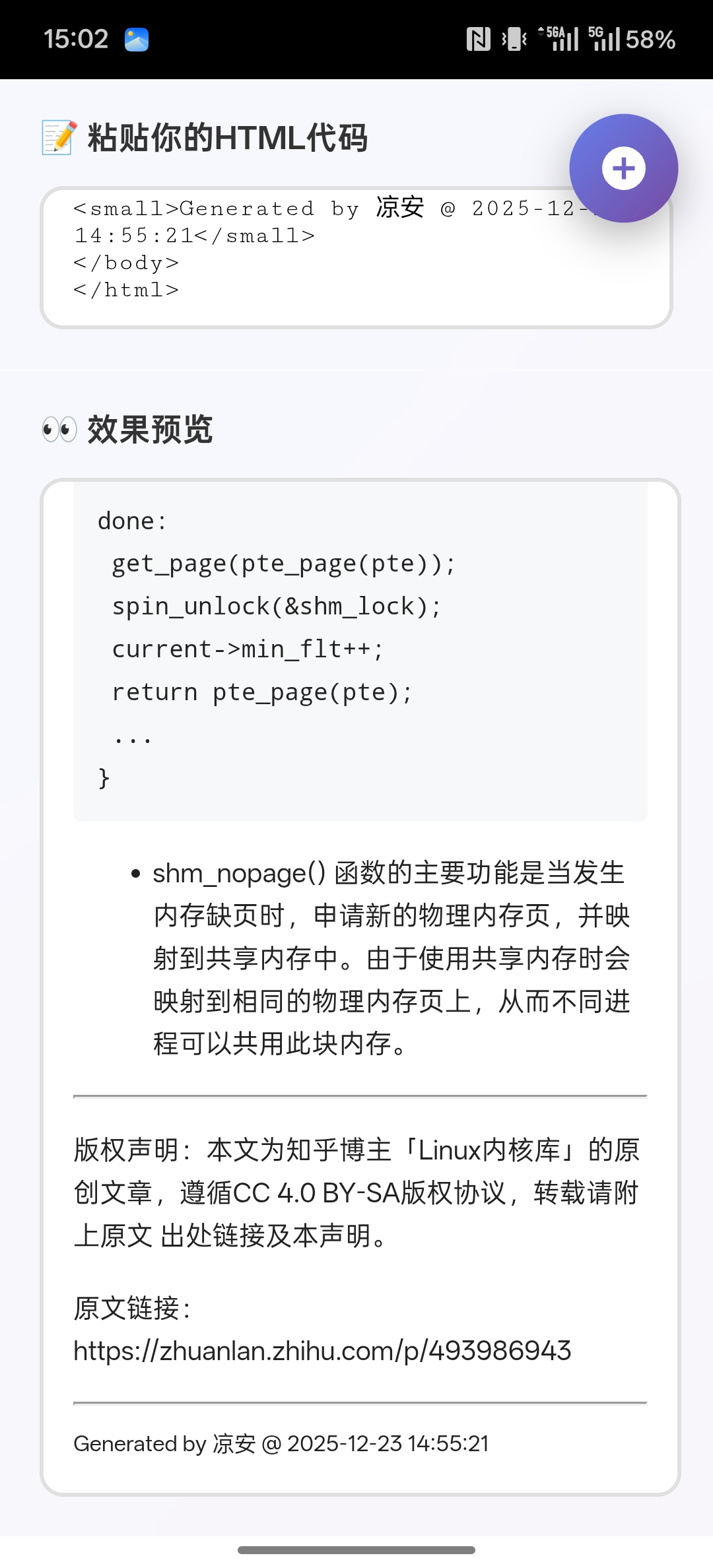
一
python
#!/usr/bin/env python3
# -*- coding: utf-8 -*-
"""
Termux 批量 md → 手机竖屏 html
"""

import os
import pathlib
import markdown
from datetime import datetime

# 1. 待遍历的 md 目录
SRC_DIR = "/storage/emulated/0/Android/LLS_2025/Xmind/测试/Linux内核文章"
# 2. 输出 html 的根目录
DST_DIR = "/storage/emulated/0/Android/LLS_2025/Xmind/测试/linux内核文章转换"

# 3. 极简手机竖屏 CSS
CSS = """<style>
body{margin:0;padding:1em;font-family:-apple-system,BlinkMacSystemFont,"Segoe UI",Roboto,"Helvetica Neue",Arial,"Noto Sans",sans-serif;line-height:1.6;font-size:15px;color:#222;background:#fff}
h1,h2,h3,h4,h5,h6{margin-top:1.2em;margin-bottom:.6em;font-weight:600}
pre{background:#f6f8fa;padding:.8em;border-radius:4px;overflow-x:auto}
code{background:#f6f8fa;padding:.2em .4em;border-radius:3px;font-size:90%}
blockquote{margin:0;padding-left:1em;border-left:4px solid #dfe2e5;color:#6a737d}
img{max-width:100%;height:auto}
table{border-collapse:collapse;width:100%}
th,td{border:1px solid #ddd;padding:.4em}
th{background:#f6f8fa}
</style>"""

def ensure_dir(p: pathlib.Path):
    p.mkdir(parents=True, exist_ok=True)

def md_to_html(md_text: str) -> str:
    """md -> 完整 html 字符串"""
    md = markdown.Markdown(extensions=["extra", "codehilite", "toc"])
    content = md.convert(md_text)
    title = md.Meta.get("title", [""])[0] if hasattr(md, "Meta") else ""
    if not title:
        # 取第一行#标题或文件名
        title = content.splitlines()[0].replace("<h1>", "").replace("</h1>", "").strip()
    html = f"""<!DOCTYPE html>
<html lang="zh-CN">
<head>
<meta charset="utf-8">
<meta name="viewport" content="width=device-width,initial-scale=1">
<title>{title}</title>
{CSS}
</head>
<body>
{content}
<hr>
<small>Generated by 凉安 @ {datetime.now().strftime("%Y-%m-%d %H:%M:%S")}</small>
</body>
</html>"""
    return html

def main():
    src_path = pathlib.Path(SRC_DIR).expanduser()
    dst_path = pathlib.Path(DST_DIR).expanduser()
    ensure_dir(dst_path)

    if not src_path.is_dir():
        print("❌ 源目录不存在:", src_path)
        return

    md_files = list(src_path.rglob("*.md"))
    if not md_files:
        print("⚠️  未找到任何 .md 文件")
        return

    for md_file in md_files:
        rel = md_file.relative_to(src_path).with_suffix(".html")
        out_file = dst_path / rel
        ensure_dir(out_file.parent)

        html = md_to_html(md_file.read_text(encoding="utf-8"))
        out_file.write_text(html, encoding="utf-8")
        print("✅", out_file)

    print(f"🎉 全部完成,共转换 {len(md_files)} 个文件 → {dst_path}")

if __name__ == "__main__":
    main()