1、下载
https://nginx.org/en/download.html https://nginx.org/en/download.html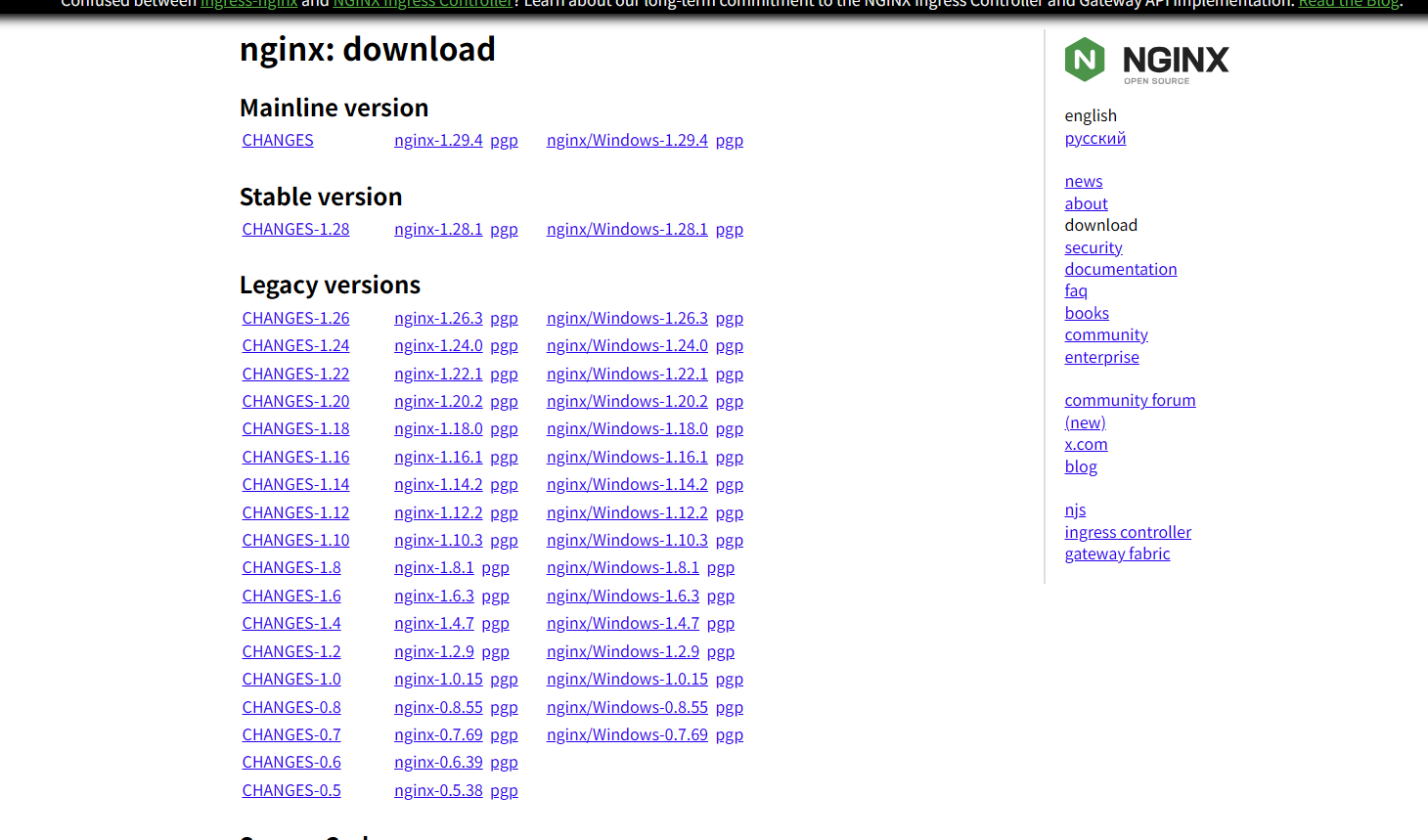
2、命令
start nginx --启动Nginx
nginx -s stop --停止Nginx
nginx -V --查看版本
nginx -s reload --重加载Nginx配置
nginx -t --验证Nginx配置
start nginx -s reload --重启Nginx
3、示例
3.1、静态文件服务器
nginx.conf 配置
# user  nobody;
worker_processes  1;

events {
    worker_connections  1024;
}

http {
    include       mime.types;
    default_type  application/octet-stream;

    sendfile        on;
    keepalive_timeout  65;

    server {
        listen       8088;
        server_name  localhost;

        location / {
            root   "C:/Program Files/PEER Group/PTO 8.6 SP2/avalonia-sample/src/AvaloniaSample/releases/windows-x64";
            index  index.html index.htm;
            autoindex on;
        }

        error_page   500 502 503 504  /50x.html;
        location = /50x.html {
            root   html;
        }
    }
}
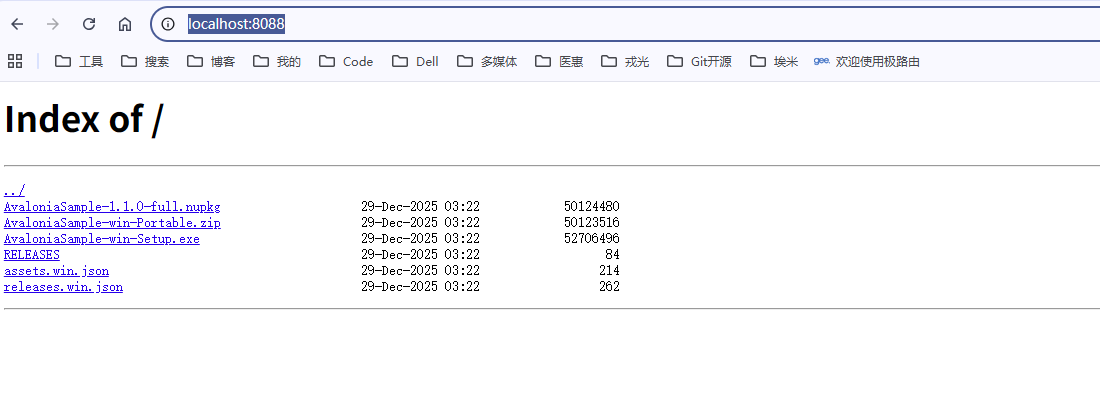
http://localhost:8088/ 查看静态文件