1. 环境安装
在创建开发机界面选择镜像为Cuda12.8-conda,并选择 GPU 为 50% A100。
节省算力小技巧,可以 10%gpu 情况安装环境,安装好后再改成 50%。
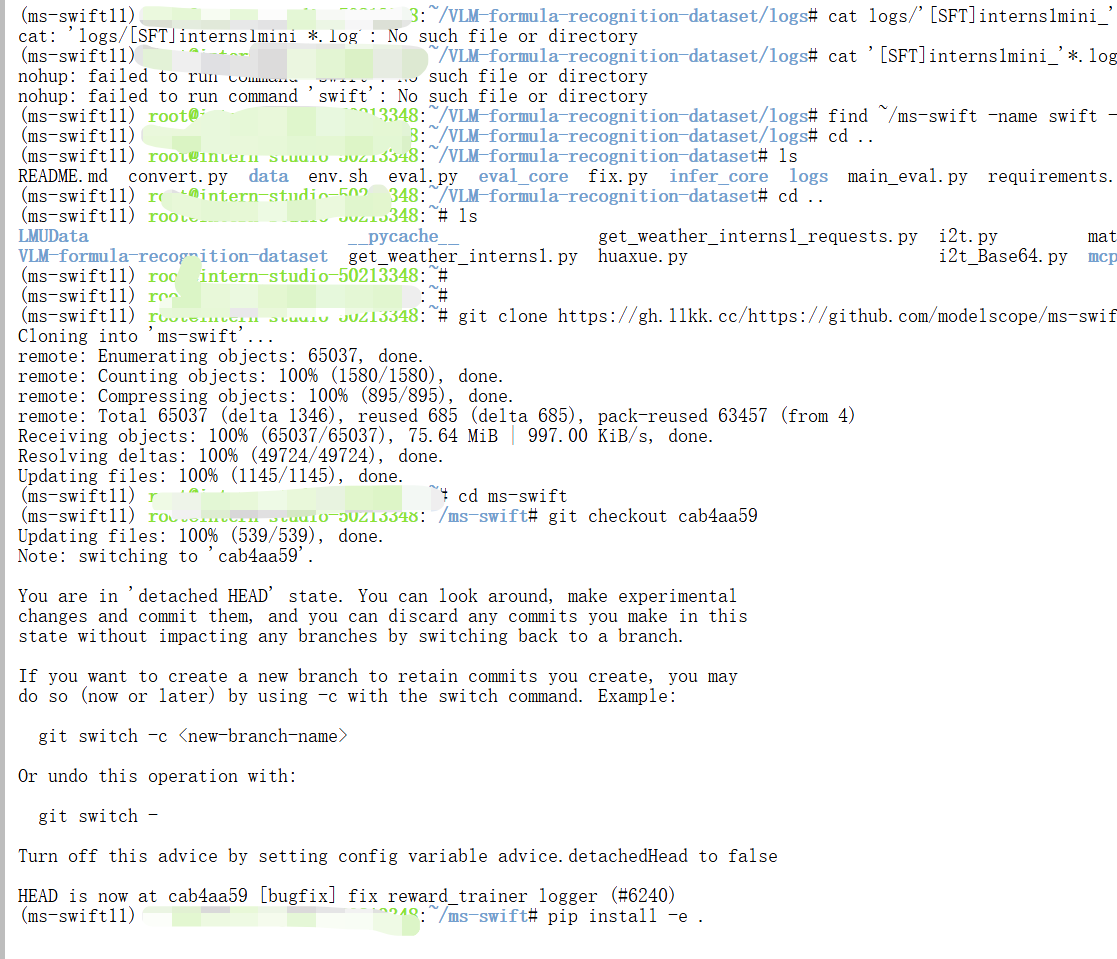
安装必要的包和ms-swift:
bash
conda create -n ms-swift11 python=3.10 -y
conda activate ms-swift11

cd /root

git clone https://gh.llkk.cc/https://github.com/fak111/VLM-formula-recognition-dataset.git
cd VLM-formula-recognition-dataset
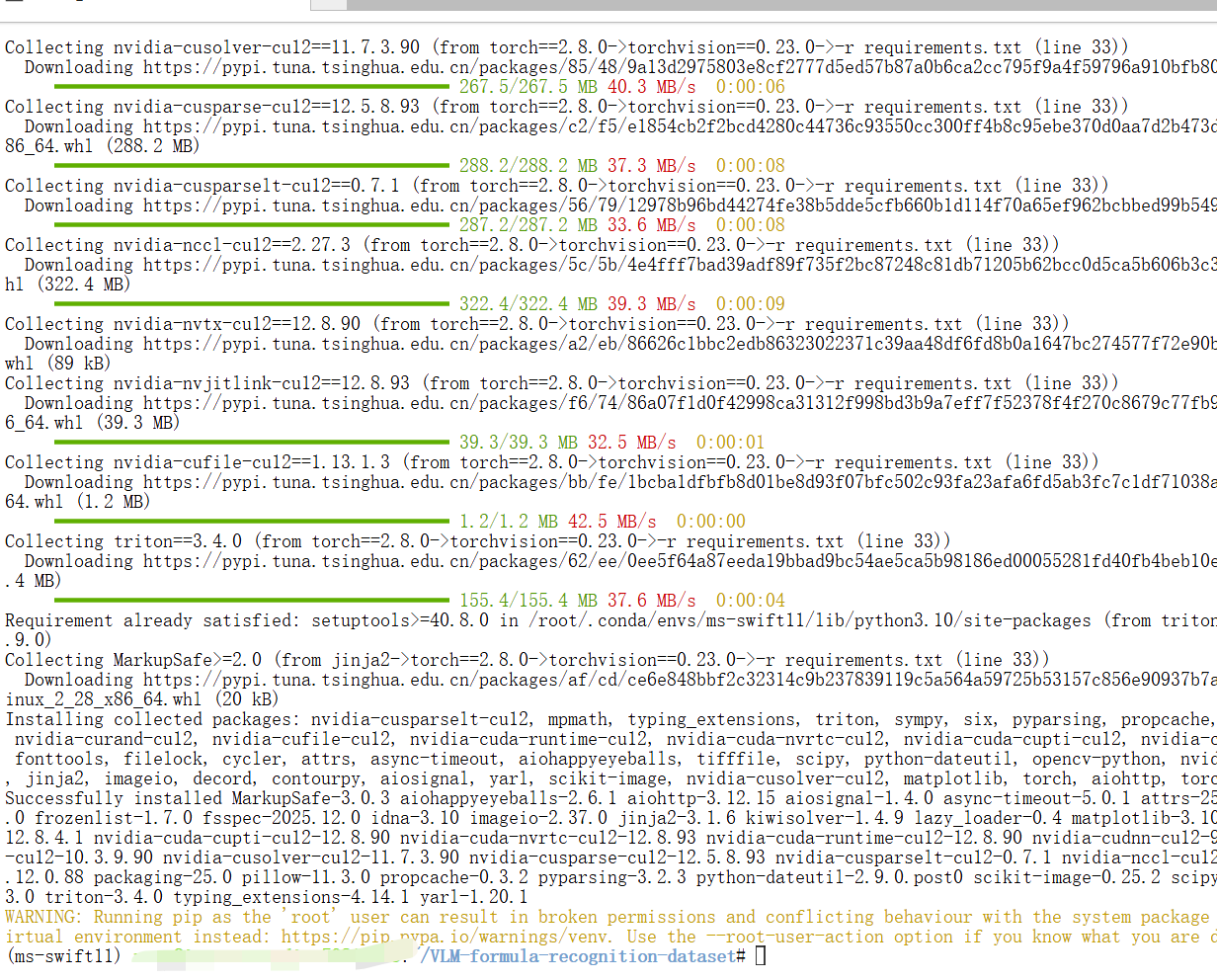
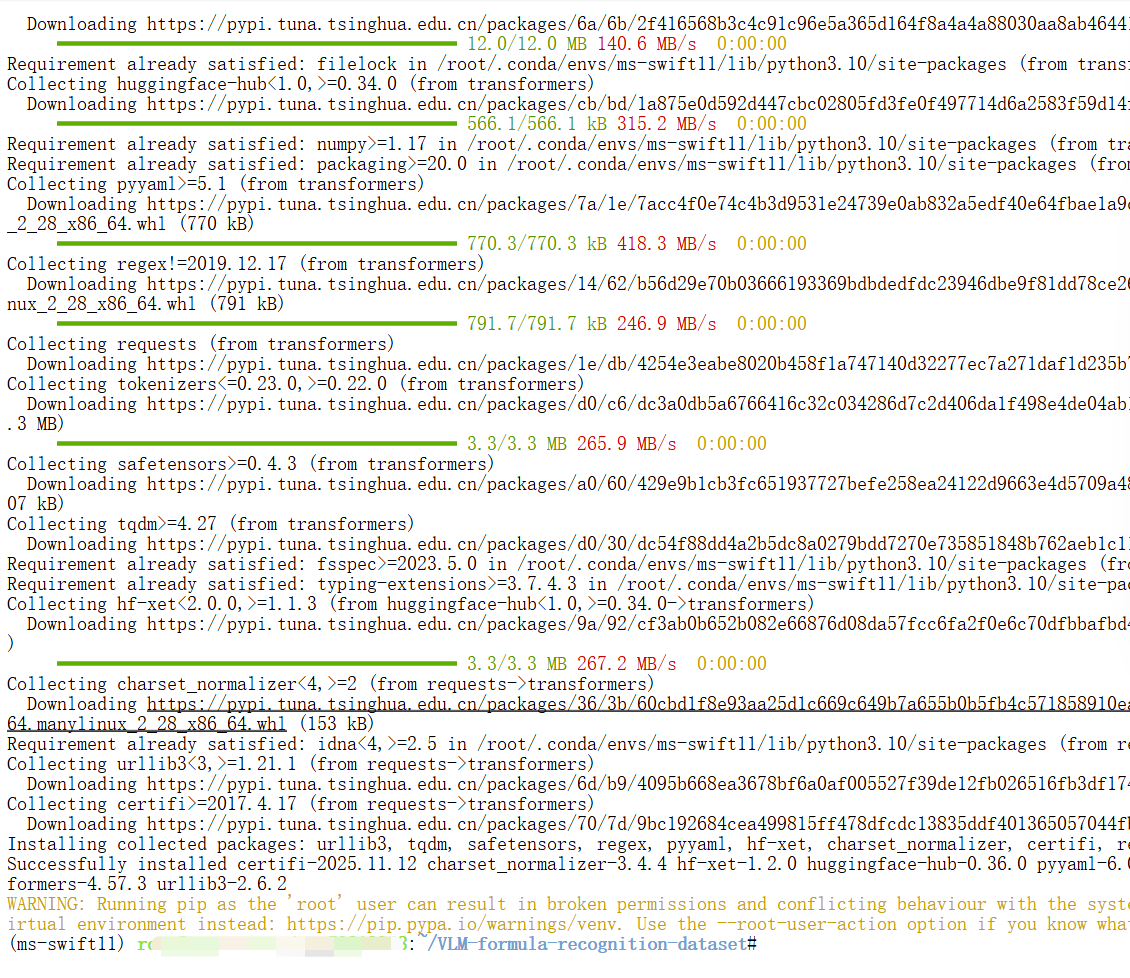
pip install -r requirements.txt
pip install transformers -U

git clone https://gh.llkk.cc/https://github.com/modelscope/ms-swift.git
cd ms-swift
git checkout cab4aa59
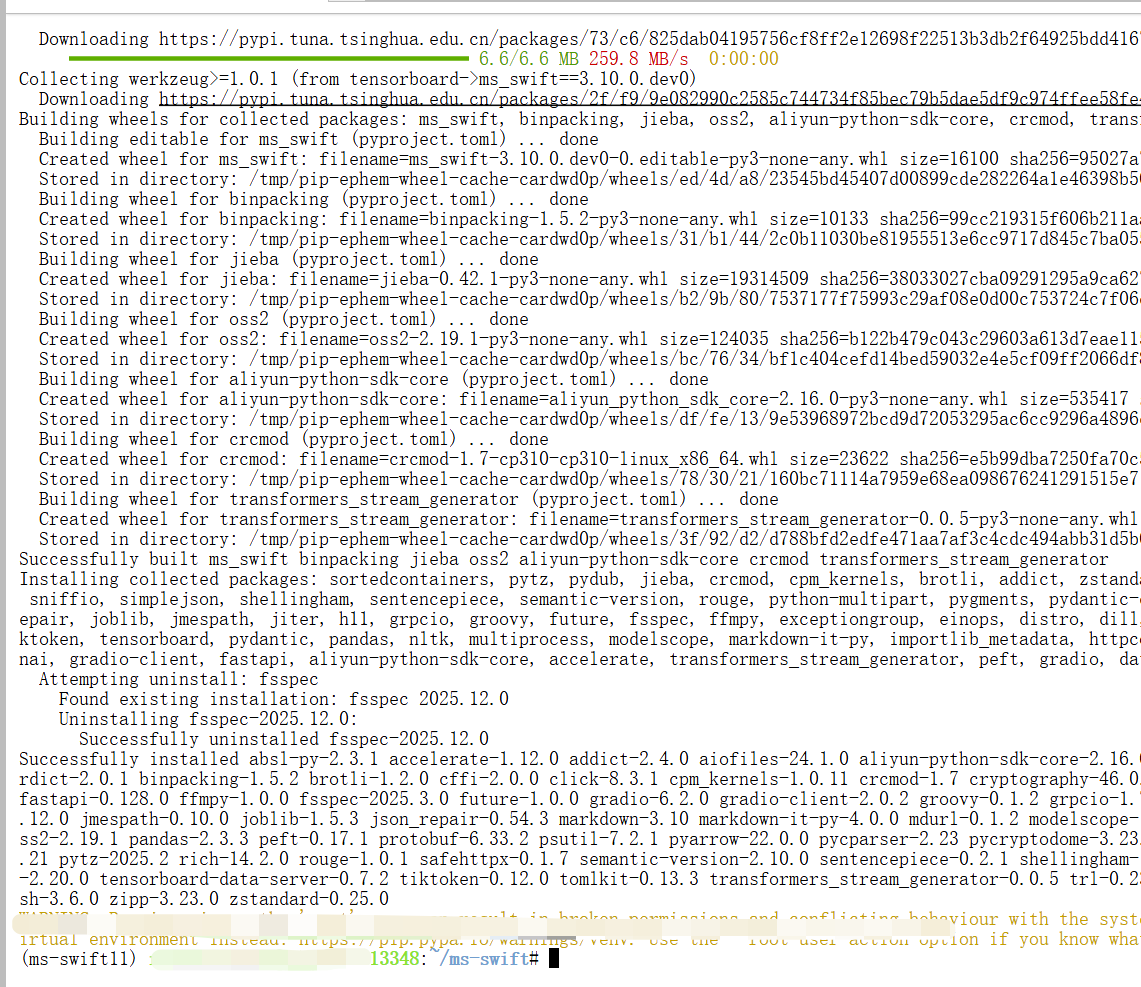
pip install -e .
pip install timm==1.0.9 msgspec==0.19.0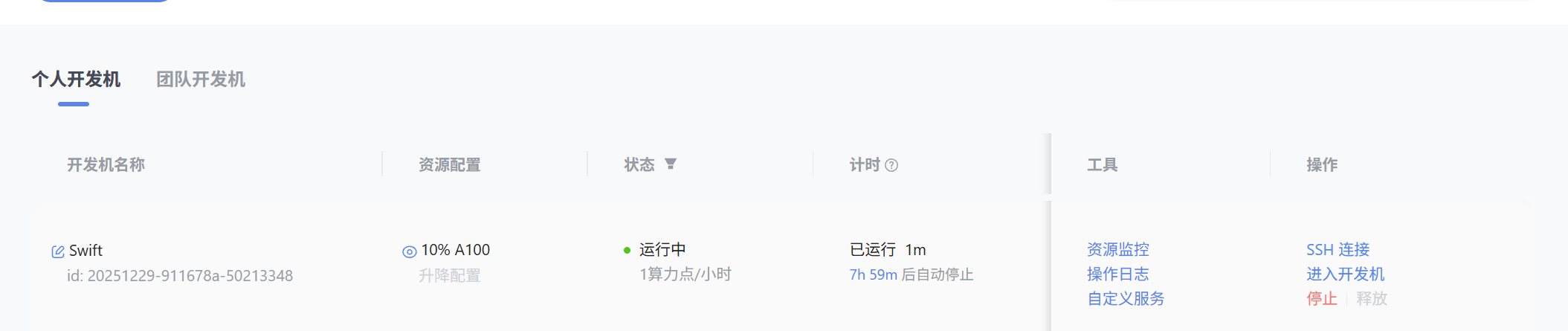
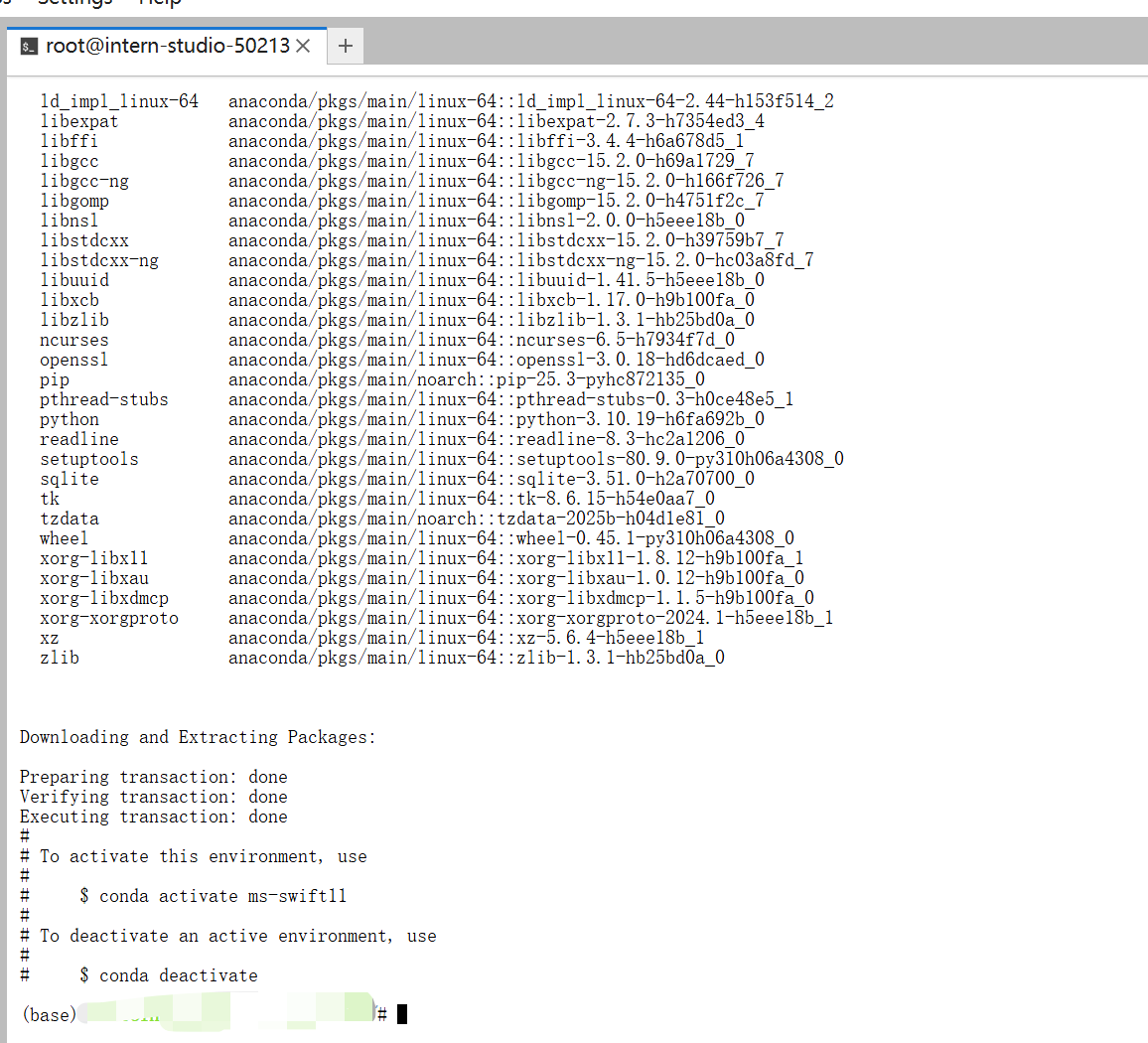
关闭开发机后,再修改配置开机激活环境。
2.Intern-S1-mini微调
本教程使用 Swift 框架进行模型微调。在 swift_config/ 目录下提供了一个训练脚本 interns1_mini_train.sh作为参考。
您可以根据自己的需求,调整脚本中的超参数,例如:
-
dataset数据集目录 (可自行进行探索制作数据集) -
learning_rate自调学习率 -
num_train_epochs自调训练轮数
配置完成后,执行训练脚本:
2.1启动微调训练
bash
cd /root/VLM-formula-recognition-dataset
bash swift_config/interns1_mini_train.sh
输入下面命令可以查看 log
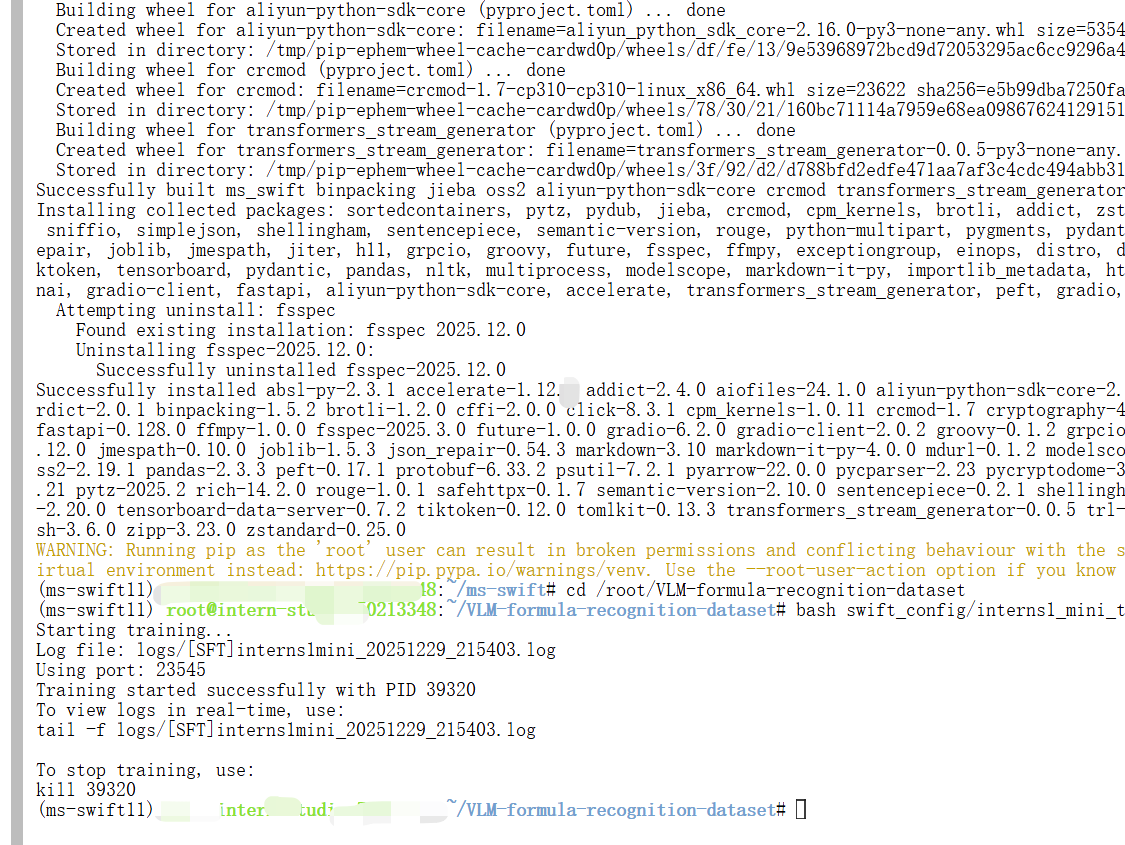

等微调运行完成后,将 lora 微调产生的部分权重和源权重进行合并。
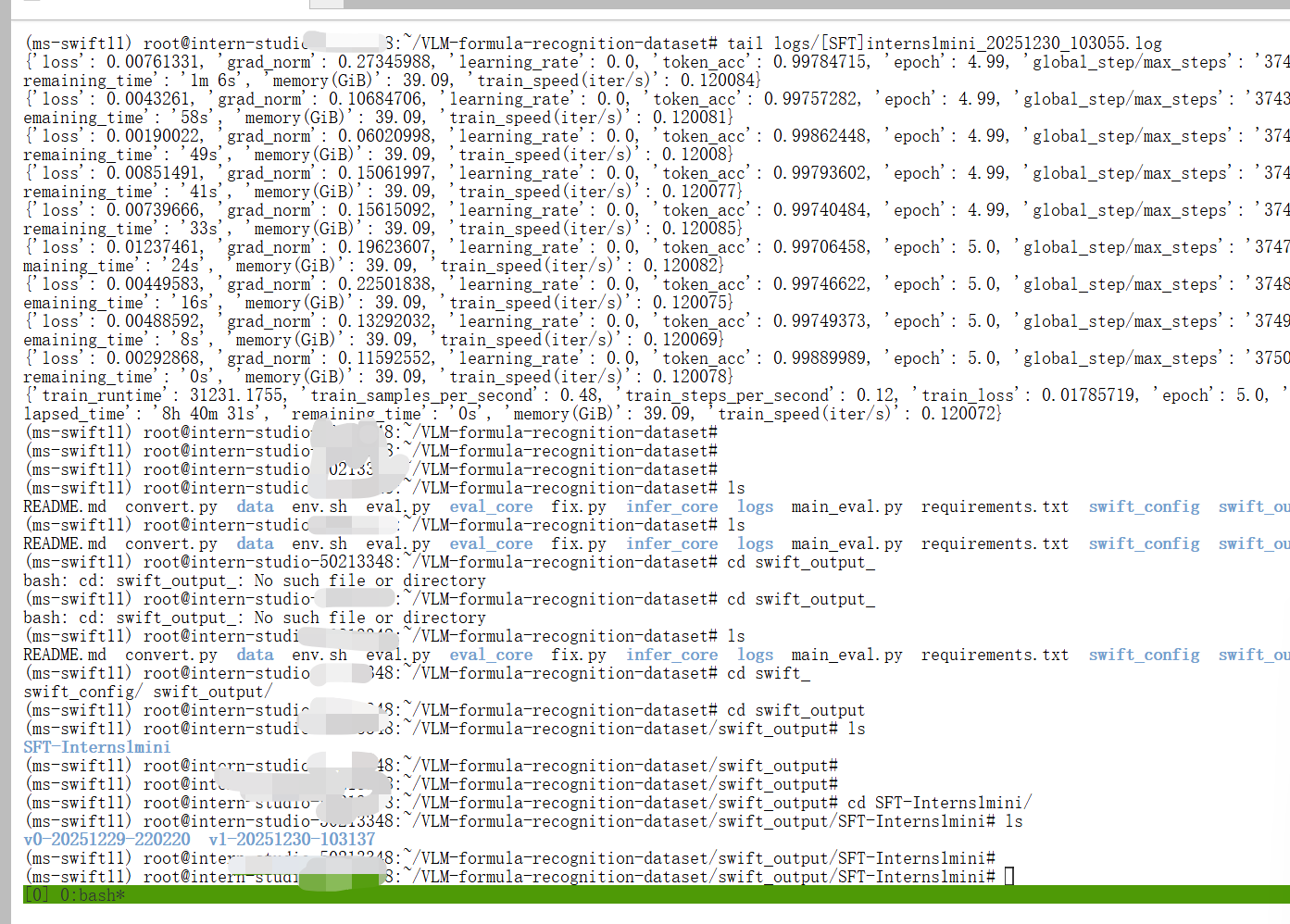
出现上面这种情况即为训练完成
2.2合并
bash
swift export --adapters 模型输出文件夹 --merge_lora True例如
bash
swift export --adapters /root/VLM-formula-recognition-dataset/swift_output/SFT-Interns1mini/v0-20251010-124124/checkpoint-3 --merge_lora True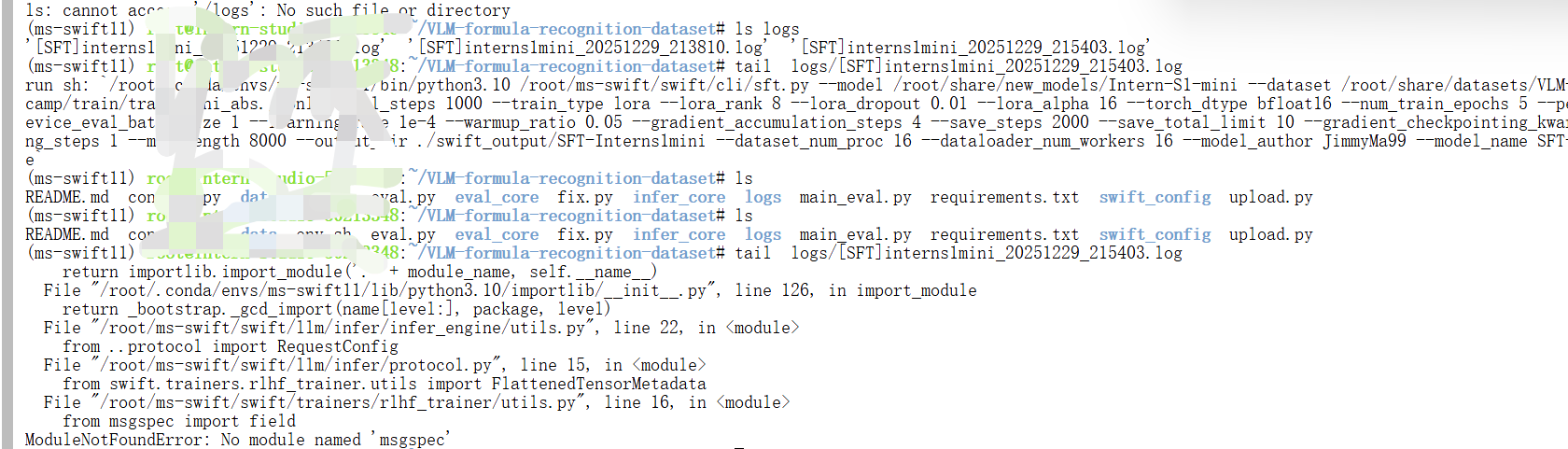

可以通过日志查看训练的进度。
注意:日志如果有错误,就得解决错误,直到出现进度条为k


2.3补全
intern-s1-mini 用swift 微调合并后,会有文件缺失,我们只需讲源权重目录下文件对应的补回来即可。
SRC="/root/share/new_models/Intern-S1-mini"
DST=" 填写你微调后的权重"
rsync -ah --ignore-existing --exclude='/proc' --exclude='proc' "$SRC"/ "$DST"/
bash
rsync -ah --ignore-existing --exclude='/proc' --exclude='proc' "/root/share/new_models/Intern-S1-mini"/ "/root/VLM-formula-recognition-dataset/swift_output/SFT-Interns1mini/v1-20251230-103137/checkpoint-3750-merged"/3.提交结果
3.1上传
运行upload.py 上传模型
bash
from modelscope.hub.api import HubApi
from modelscope.hub.constants import Licenses, ModelVisibility

# 配置基本信息
YOUR_ACCESS_TOKEN = 'ms-9fxx7e'#填写自己的 api token
api = HubApi()
api.login(YOUR_ACCESS_TOKEN)

# 取名字
owner_name = 'xx'    # ModelScope 的用户名,需根据自己情况修改
model_name = 'xx'    # 为模型库取个响亮优雅又好听的名字,需根据自己情况修改
model_id = f"{owner_name}/{model_name}"

#创建模型仓库
api.create_model(
     model_id,
     visibility=ModelVisibility.PUBLIC,
     license=Licenses.APACHE_V2,
     chinese_name=f"{owner_name}的 latex 分类"
    )

#上传模型到仓库
api.upload_folder(
    repo_id=f"{owner_name}/{model_name}",
    folder_path='xx',    # 微调后模型的文件夹名称
    commit_message='upload model folder to repo',    # 写上传信息
)
提交表单的 prompt 参考如下,这里也有优化空间,可自行探索最优 prompt:
python
"""请根据图片中的公式生成对应的 latex 公式文本,不要任何解释。

  输出格式要求:
  1. 必须使用 ```latex 代码块包裹
  2. 仅包含 LaTeX 代码,无任何文字说明
  3. 确保语法正确,下标用 {} 括起来

  输出案例:
  案例 1:
  ```latex
  \sum_{i=1}^{n} x_i = \mu
  ```

  案例 2:
  ```latex
  \begin{bmatrix}
  a & b \\
  c & d
  \end{bmatrix}
  ```
"""填写表单:https://aicarrier.feishu.cn/share/base/form/xxxxx,注意模型权重 id 写对如下图:
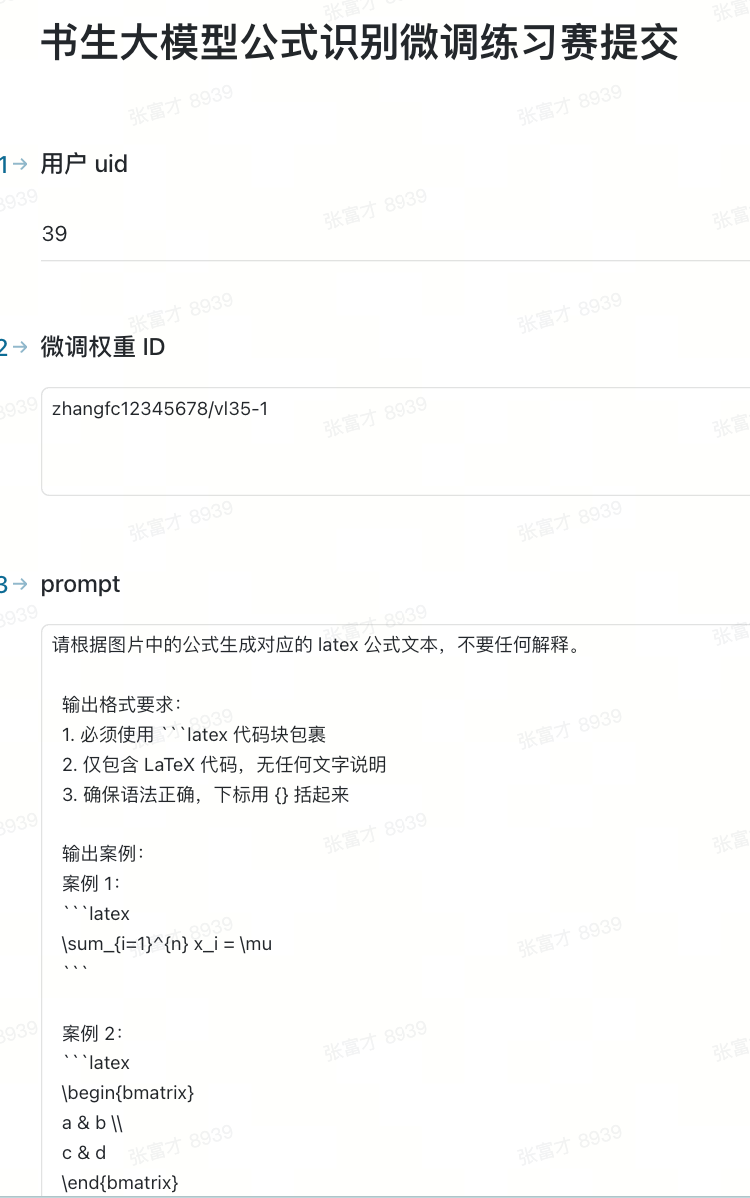
提交完成,等待后台半小时左右评测,最终获得成绩🎉🎉

