1.下载postgres
| 系统 | 版本 |
|---|---|
| CentOS 7 | rhel7 rpm |
| BC-Linux 7 | rhel7 rpm |
| CentOS 8 | rhel8 rpm |
| BC-Linux 8 | rhel8 rpm |
rhel8 rpm
https://download.postgresql.org/pub/repos/yum/14/redhat/rhel-8-x86_64/
rhel7 rpm
https://download.postgresql.org/pub/repos/yum/14/redhat/rhel-7-x86_64/
上边两个链接都是,根据linux版本自行选择下载,
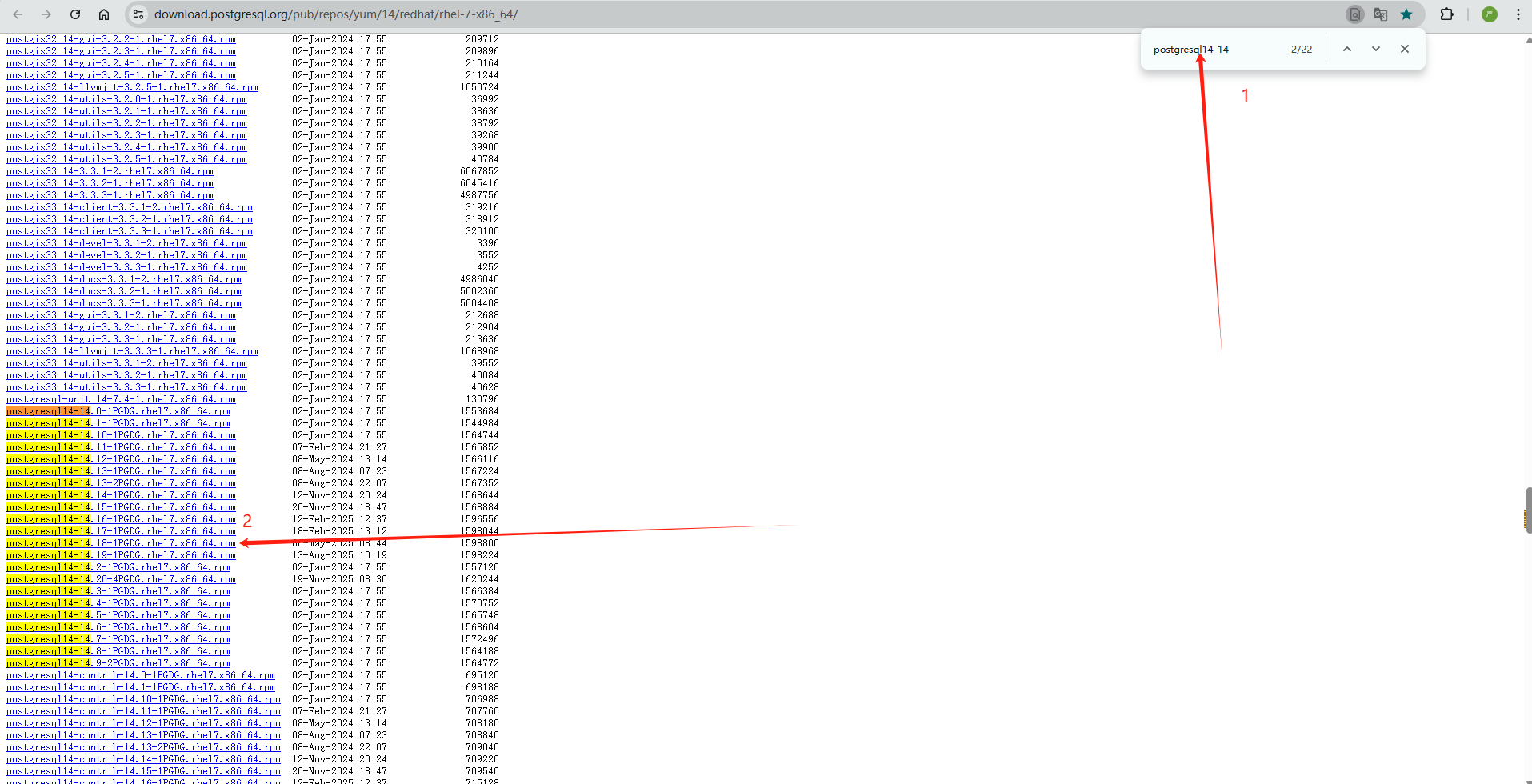
打开链接后Ctrl+F搜索"postgresql14-14",结果会出来一堆包(小版本不同),随便选一个下载,随后分别下载其他包,总共需要下载三个包如下:(小版本必须一致),
postgresql14-14*****
postgresql14-server-14*****
postgresql14-libs-14*****

2.准备安装
将三个包上传到离线服务器的同一个文件夹中,准备开始安装:
不检查依赖直接安装
rpm -ivh *.rpm --nodeps
初始化
/usr/pgsql-14/bin/postgresql-14-setup initdb
启动数据库
systemctl start postgresql-14
设置开机启动
systemctl enable postgresql-14
进入数据库
su - postgres
psql
#设置密码
ALTER USER postgres WITH PASSWORD 'cmdi@123';
然后退出数据库
#编辑配置文件
/var/lib/pgsql/14/data/pg_hba.conf
修改内容
把 IPv4 本地连接 改成(推荐)
host all all 127.0.0.1/32 md5
部署完成!!!!!!!!!!!