镜像源网址:
可以:
1.安装依赖:
pip install -U huggingface_hub
2.设置环境变量
(linux)
export HF_ENDPOINT=https://hf-mirror.com
(windows)
$env:HF_ENDPOINT = "https://hf-mirror.com"
3.下载模型指令(替换掉模型gpt和地址)
huggingface-cli download --resume-download gpt2 --local-dir gpt2
下载数据集指令
huggingface-cli download --repo-type dataset --resume-download wikitext --local-dir wikitext
详细操作见网址
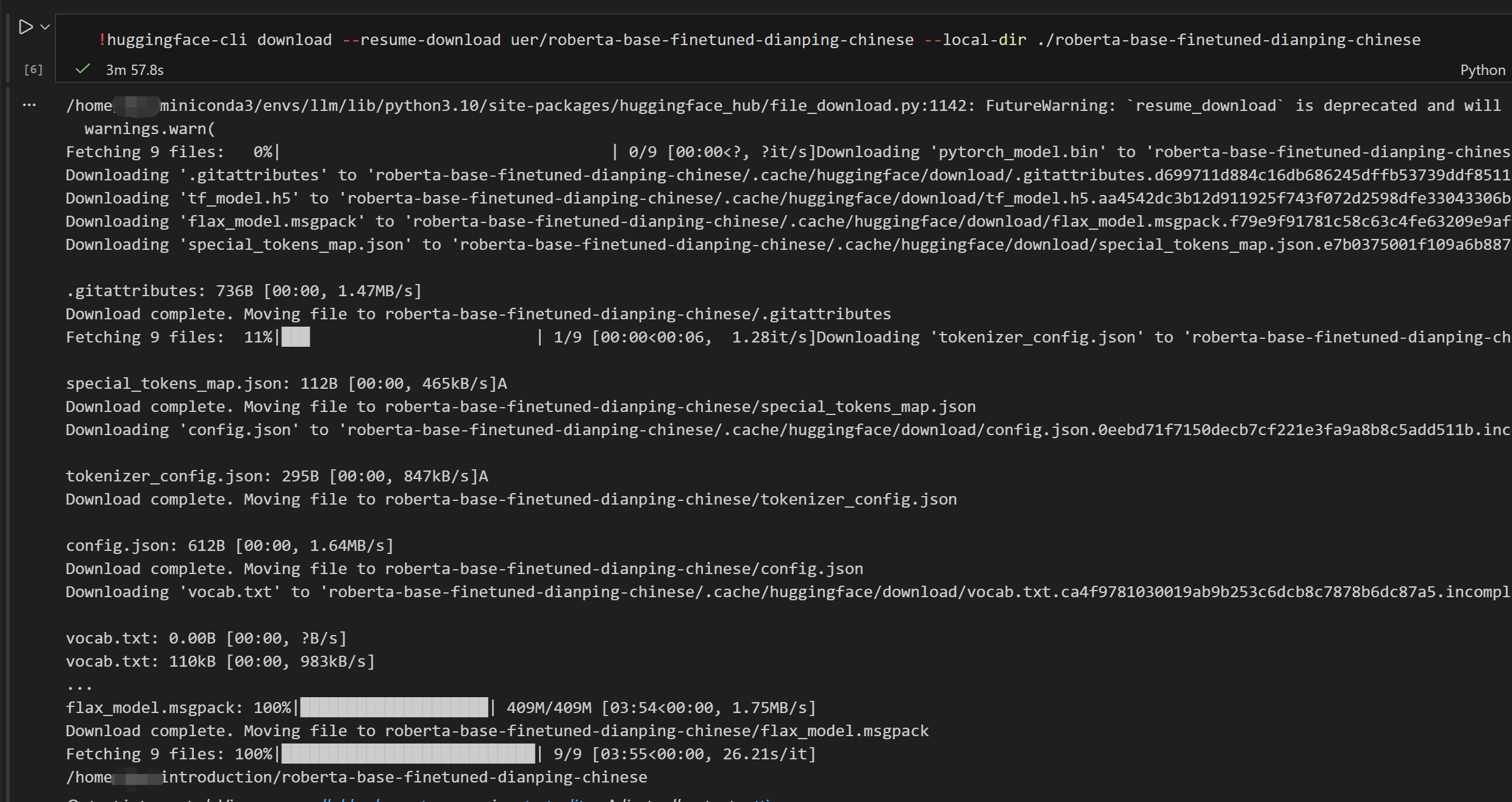
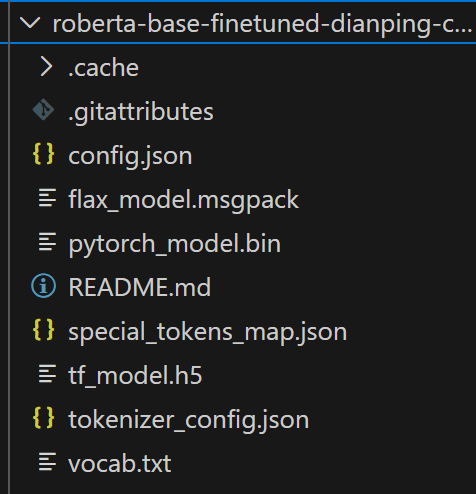
下载模型到本地之后,可以通过代码使用本地模型:
from transformers import AutoTokenizer, AutoModel

# 使用绝对路径或相对路径
local_model_path = "your_path"

# 或者如果代码文件在同一目录下,可以用相对路径
# local_model_path = "./roberta-base-finetuned-dianping-chinese"

# 加载模型和分词器
tokenizer = AutoTokenizer.from_pretrained(local_model_path)
model = AutoModel.from_pretrained(local_model_path)

print("✅ 模型加载成功!")
print(f"模型类型: {type(model)}")
print(f"分词器: {tokenizer}")
实操:
以下为jupyter nootbook三个cell
# Cell 1: 设置镜像
import os
os.environ['HF_ENDPOINT'] = 'https://hf-mirror.com'
print("镜像已设置为: https://hf-mirror.com")

# Cell 2: 下载模型(带进度显示)
!huggingface-cli download hfl/rbt3 --local-dir ./hfl_rbt3

# Cell 3: 验证下载完成
import glob
files = glob.glob("./hfl_rbt3/*")
print(f"下载了 {len(files)} 个文件:")
for f in files:
    print(f"  - {f}")