1. 简介
ChatClient 提供了与 AI 模型通信的 Fluent API,它支持同步和反应式(Reactive)编程模型。与 ChatModel、Message、ChatMemory 等原子 API 相比,使用 ChatClient 可以将与 LLM 及其他组件交互的复杂性隐藏在背后,因为基于 LLM 的应用程序通常要多个组件协同工作(例如,提示词模板、聊天记忆、LLM Model、输出解析器、RAG 组件:嵌入模型和存储),并且通常涉及多个交互,因此协调它们会让编码变得繁琐。当然使用 ChatModel 等原子 API 可以为应用程序带来更多的灵活性,成本就是您需要编写大量样板代码。
ChatClient 类似于应用程序开发中的服务层,它为应用程序直接提供 AI 服务,开发者可以使用 ChatClient Fluent API 快速完成一整套 AI 交互流程的组装。添加链接描述
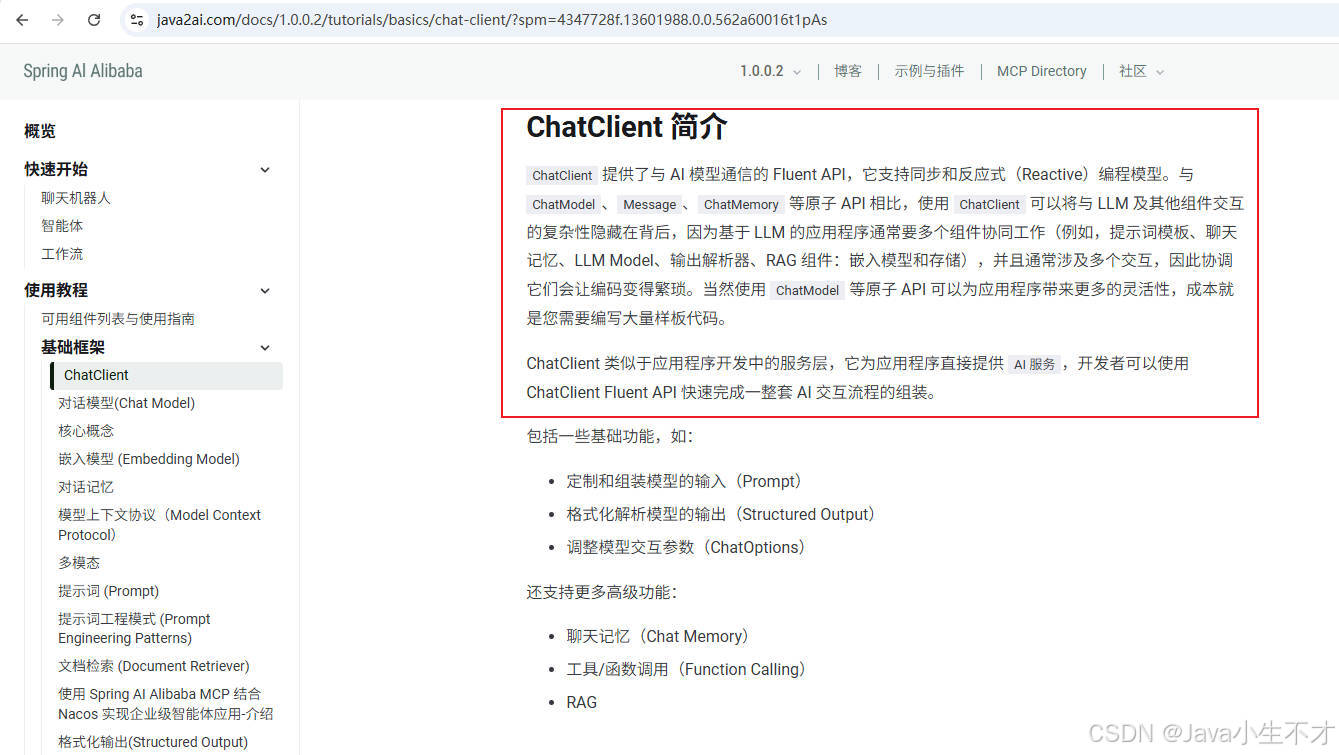
ChatClient是高级封装,基于ChatModel构建,适合快速构建标准化复杂AI服务,支持同步和流式交互,集成多种高级功能。
2.新建模块SAA-03ChatClientAndChatModel
pom文件如下
xml
<?xml version="1.0" encoding="UTF-8"?>
<project xmlns="http://maven.apache.org/POM/4.0.0"
         xmlns:xsi="http://www.w3.org/2001/XMLSchema-instance"
         xsi:schemaLocation="http://maven.apache.org/POM/4.0.0 http://maven.apache.org/xsd/maven-4.0.0.xsd">
    <modelVersion>4.0.0</modelVersion>
    <parent>
        <groupId>com.hf.hong</groupId>
        <artifactId>SpringAIAlibaba-v1</artifactId>
        <version>1.0-SNAPSHOT</version>
    </parent>

    <artifactId>SAA-03ChatClientAndChatModel</artifactId>

    <properties>
        <maven.compiler.source>21</maven.compiler.source>
        <maven.compiler.target>21</maven.compiler.target>
        <project.build.sourceEncoding>UTF-8</project.build.sourceEncoding>
    </properties>


    <dependencies>
        <dependency>
            <groupId>org.springframework.boot</groupId>
            <artifactId>spring-boot-starter-web</artifactId>
        </dependency>
        <!--spring-ai-alibaba dashscope-->
        <dependency>
            <groupId>com.alibaba.cloud.ai</groupId>
            <artifactId>spring-ai-alibaba-starter-dashscope</artifactId>
        </dependency>
        <!--lombok-->
        <dependency>
            <groupId>org.projectlombok</groupId>
            <artifactId>lombok</artifactId>
            <optional>true</optional>
        </dependency>
        <!--hutool-->
        <dependency>
            <groupId>cn.hutool</groupId>
            <artifactId>hutool-all</artifactId>
            <version>5.8.22</version>
        </dependency>
        <dependency>
            <groupId>org.springframework.boot</groupId>
            <artifactId>spring-boot-starter-test</artifactId>
            <scope>test</scope>
        </dependency>

    </dependencies>

    <build>
        <plugins>
            <plugin>
                <groupId>org.springframework.boot</groupId>
                <artifactId>spring-boot-maven-plugin</artifactId>
            </plugin>
            <plugin>
                <groupId>org.apache.maven.plugins</groupId>
                <artifactId>maven-compiler-plugin</artifactId>
                <version>3.11.0</version>
                <configuration>
                    <compilerArgs>
                        <arg>-parameters</arg>
                    </compilerArgs>
                    <source>21</source>
                    <target>21</target>
                </configuration>
            </plugin>
        </plugins>
    </build>

    <repositories>
        <repository>
            <id>spring-milestones</id>
            <name>Spring Milestones</name>
            <url>https://repo.spring.io/milestone</url>
            <snapshots>
                <enabled>false</enabled>
            </snapshots>
        </repository>
    </repositories>
</project>
3. 配置文件
bash
server.port=8003

#大模型对话中文乱码UTF8编码处理
server.servlet.encoding.enabled=true
server.servlet.encoding.force=true
server.servlet.encoding.charset=UTF-8

spring.application.name=SAA-03ChatClientAndChatModel

# ====SpringAIAlibaba Config=============
spring.ai.dashscope.api-key=${aliQwen-api}
4.编写ChatClientController
java
package com.hf.hong.controller;

import jakarta.annotation.Resource;
import org.springframework.ai.chat.client.ChatClient;
import org.springframework.web.bind.annotation.GetMapping;
import org.springframework.web.bind.annotation.RequestParam;
import org.springframework.web.bind.annotation.RestController;

@RestController
public class ChatClientController {
    @Resource
    private ChatClient chatClient;

    @GetMapping("/chatClient/dochat")
    public String doChat(@RequestParam(name = "msg",defaultValue = "10加8等于几") String msg)
    {
        String result = chatClient.prompt().user(msg).call().content();
        return result;
    }
}
启动报错
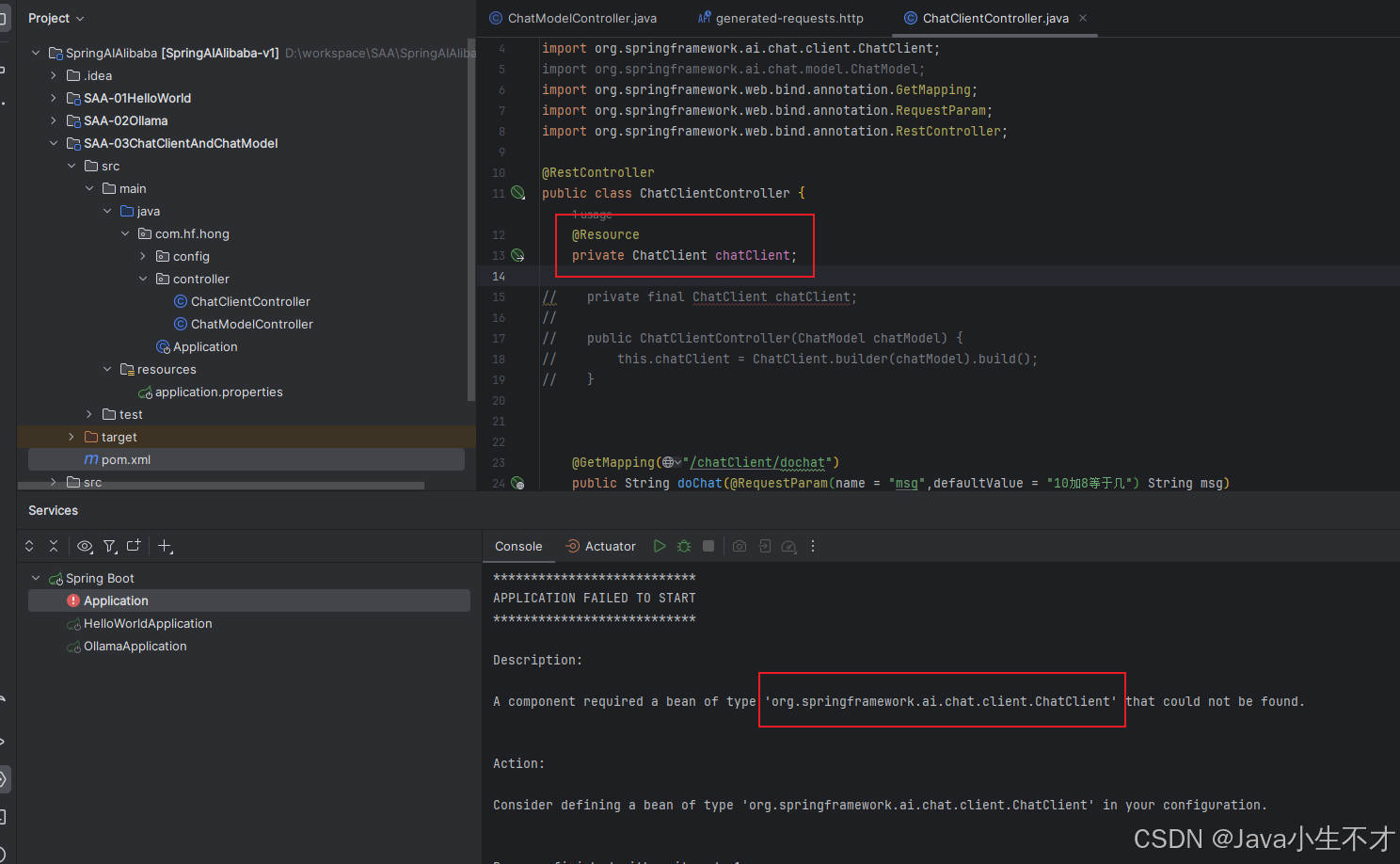
原因分析:ChatClient 不支持自动注入
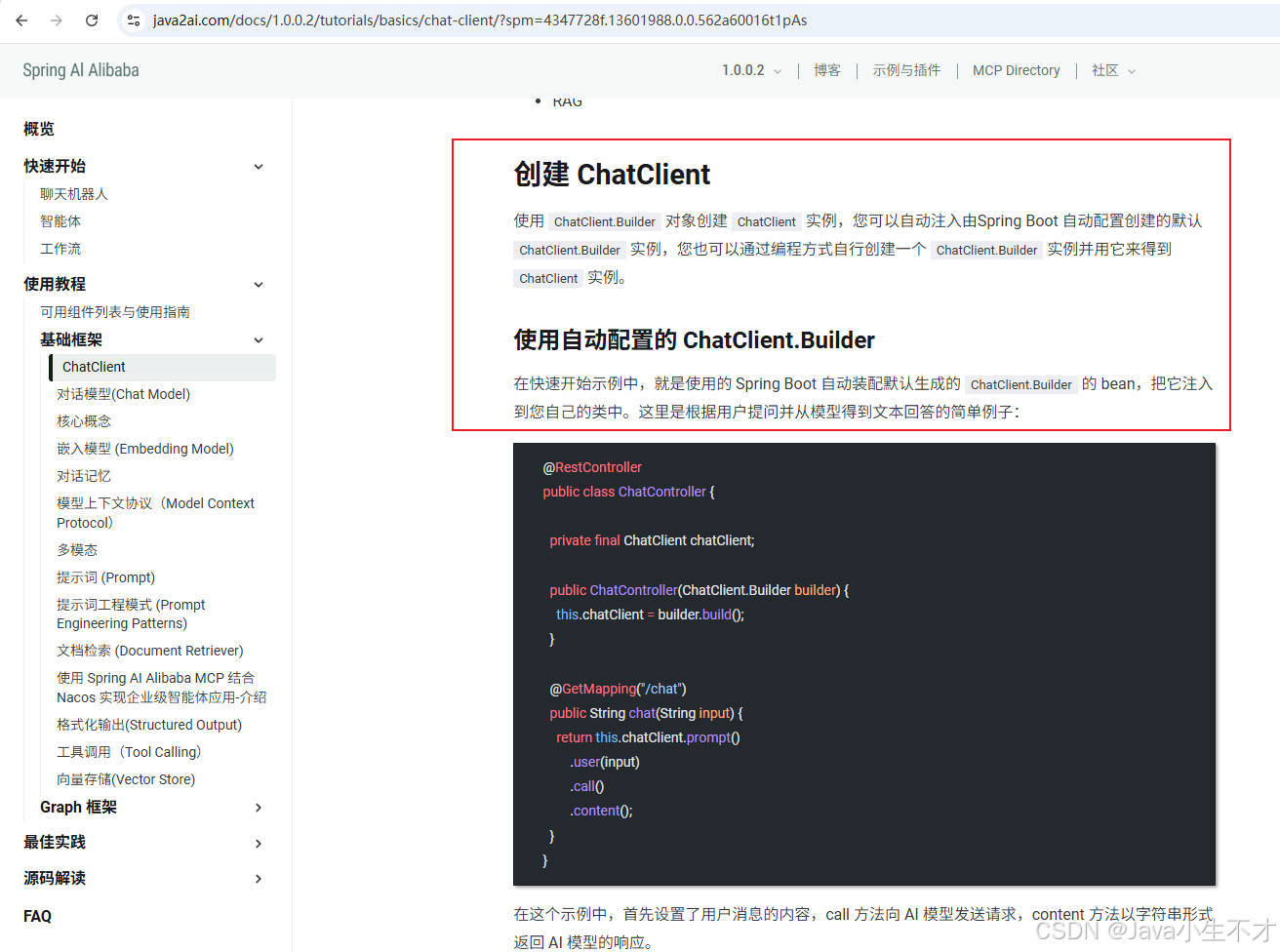
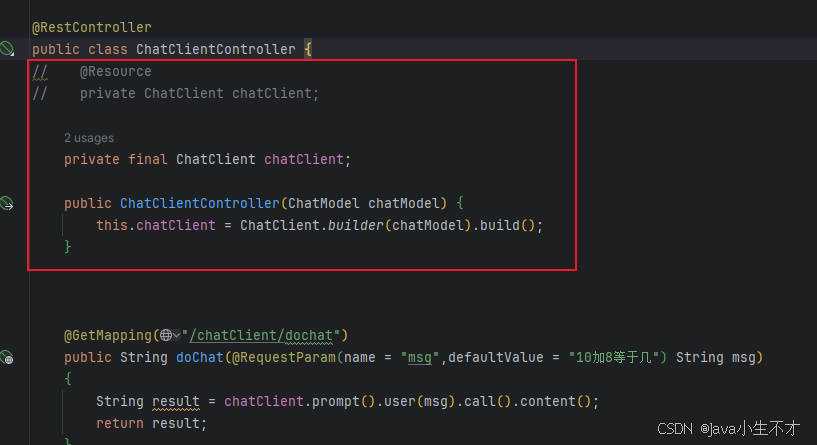
5. 解决方案
使用自动配置的 ChatClient.Builder添加链接描述
java
package com.hf.hong.controller;

import jakarta.annotation.Resource;
import org.springframework.ai.chat.client.ChatClient;
import org.springframework.ai.chat.model.ChatModel;
import org.springframework.web.bind.annotation.GetMapping;
import org.springframework.web.bind.annotation.RequestParam;
import org.springframework.web.bind.annotation.RestController;

@RestController
public class ChatClientController {
//    @Resource
//    private ChatClient chatClient;

    private final ChatClient chatClient;

    public ChatClientController(ChatModel chatModel) {
        this.chatClient = ChatClient.builder(chatModel).build();
    }


    @GetMapping("/chatClient/dochat")
    public String doChat(@RequestParam(name = "msg",defaultValue = "10加8等于几") String msg)
    {
        String result = chatClient.prompt().user(msg).call().content();
        return result;
    }
}
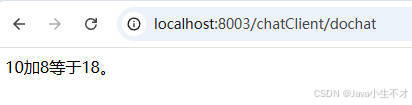
启动测试
6.与ChatModel对比
| 对比项 | ChatModel | ChatClient |
|---|---|---|
| 注入形式 | 自动注入 | 手动注入依赖于ChatModel |
| 调用方式 | 直接调用call()或stream() | 链式调用,支持同步和反应式(Reactive)编程模型 |
| 注入形式 | 自动注入 | 手动注入依赖于ChatModel |
| 结构化输出 | 需要手动解析响应文本 | 支持自动映射为java对象 |
| 适用场景 | 实现简单功能 | 复杂功能 |
| 功能扩展 | 偏弱 | 强,支持更多高级功能:聊天记忆(Chat Memory),工具/函数调用(Function Calling),RAG |
总结:
- 对话模型(ChatModel)是底层接口,直接与具体大语言模型交互, 提供call()和stream()方法,适合简单大模型交互场景
- ChatClient是高级封装,基于ChatModel构建,适合快速构建标准化复杂AI服务,支持同步和流式交互,集成多种高级功能。