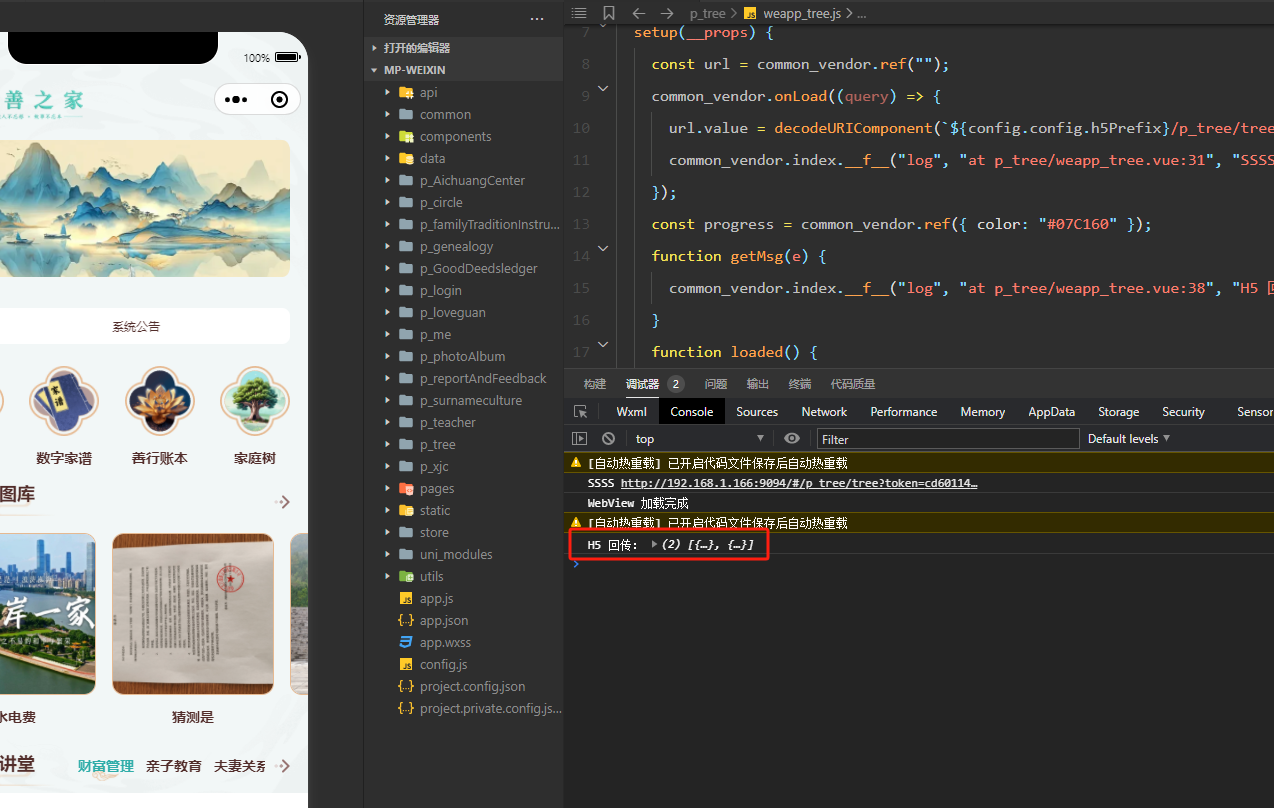
1.下载js https://res.wx.qq.com/open/js/jweixin-1.6.0.js
复制并重命名到
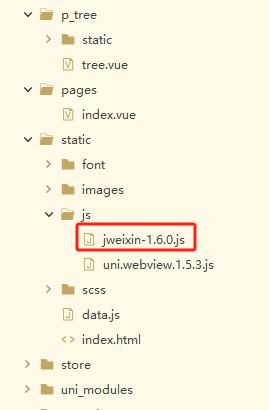
安装
npm install @dcloudio/uni-webview-js -save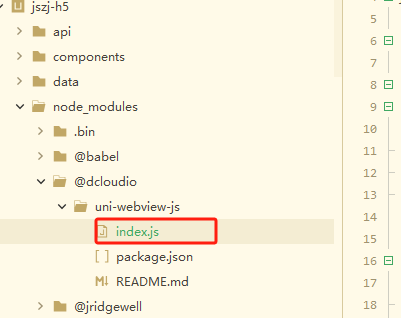
复制这个文件并重命名到
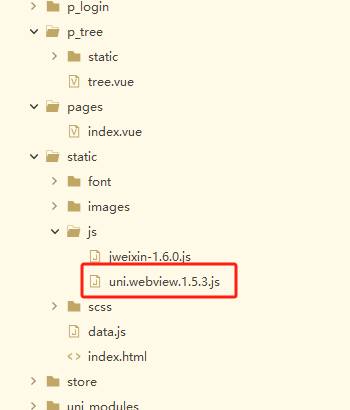
uni.webview.1.5.3.js 这个文件需要改动这三个地方
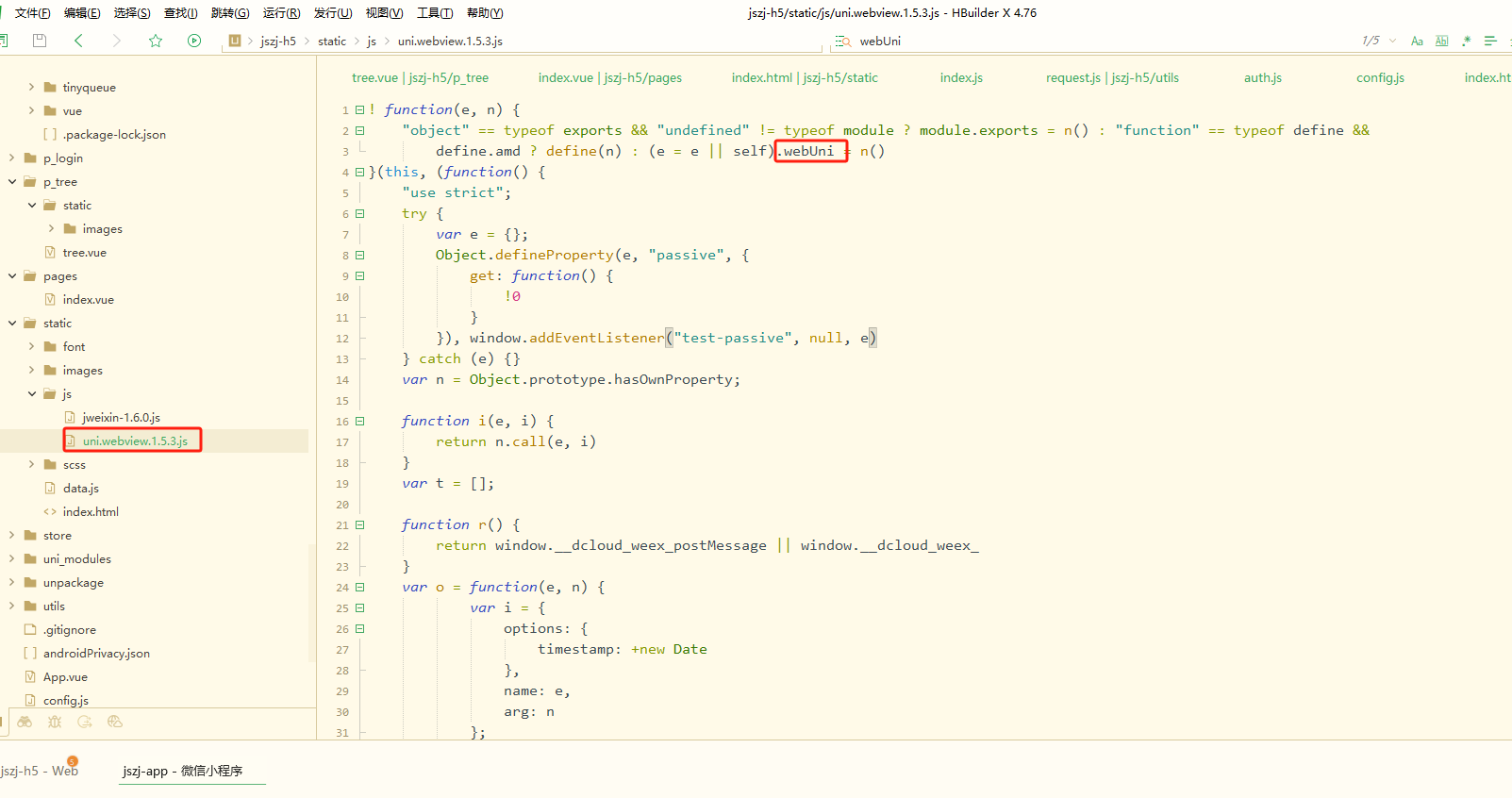
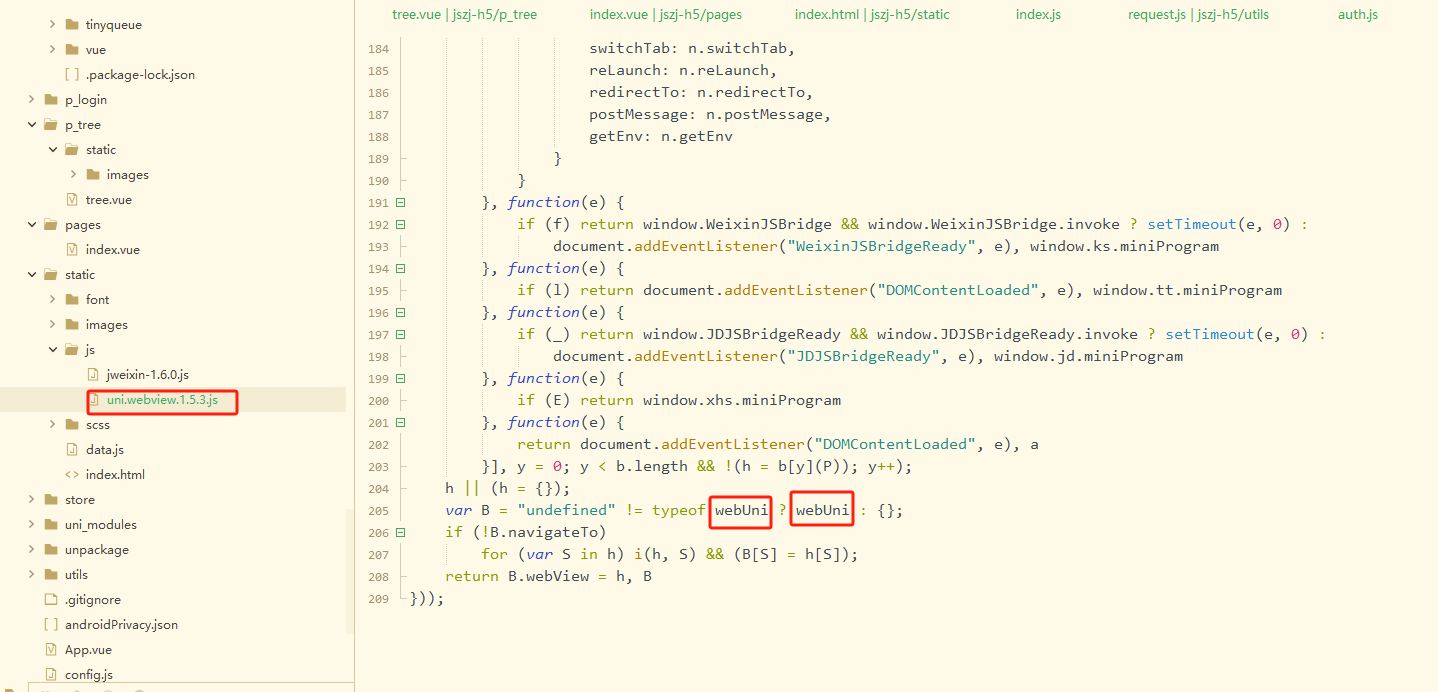
2.在h5项目的根目录下的 index.html 中引入刚才的两个js
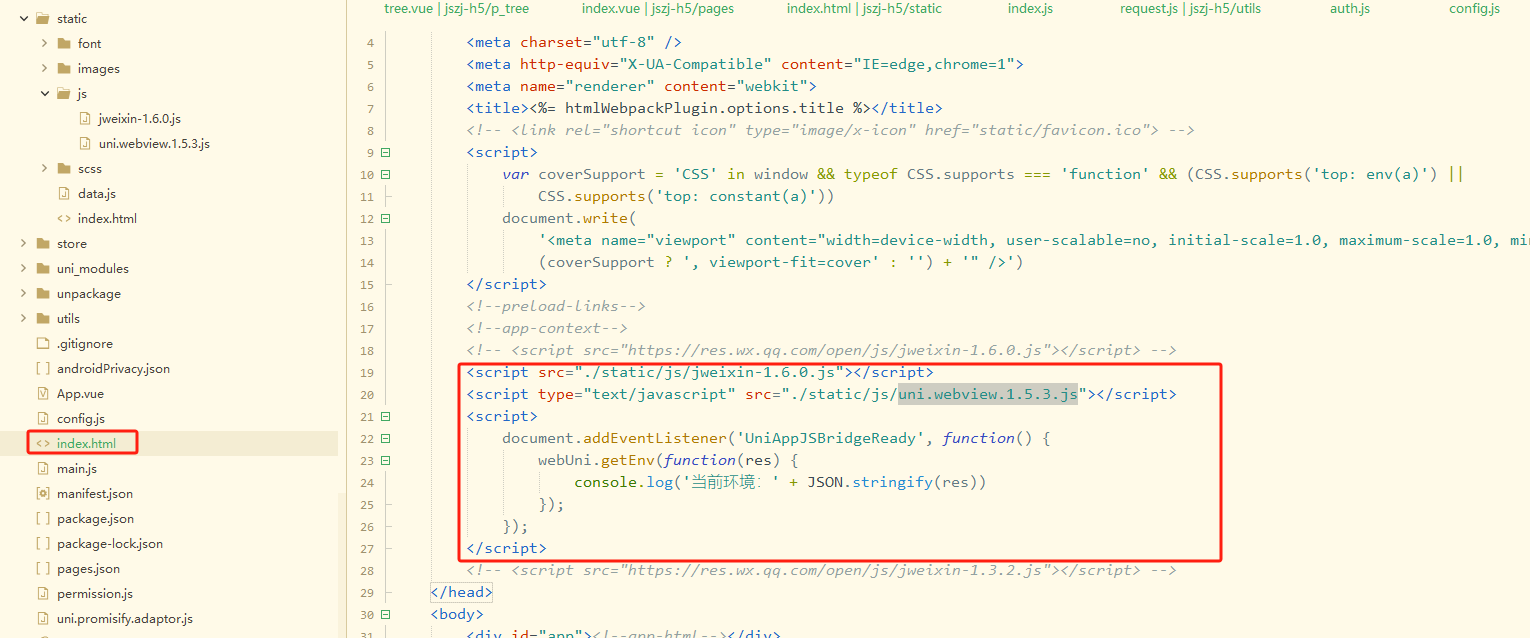
<script src="./static/js/jweixin-1.6.0.js"></script>
		<script type="text/javascript" src="./static/js/uni.webview.1.5.3.js"></script>
		<script>
			document.addEventListener('UniAppJSBridgeReady', function() {
				webUni.getEnv(function(res) {
					console.log('当前环境:' + JSON.stringify(res))
				});
			});
		</script>
3.在微信小程序uniapp项目中新建页面嵌入webview
<template>
	<view class="container">
	    <!-- 进度条颜色可自定义 -->
	    <web-view
	      :src="url"
	      :webview-styles="progress"
	      @message="getMsg"
	      @load="loaded"
	    ></web-view>
	  </view>
</template>

<script setup>
	import { onShow, onLoad } from '@dcloudio/uni-app';
	import { ref } from 'vue'
	import {
		getToken,
		getRefreshToken,
		setToken,
		removeToken
	} from '@/utils/auth.js'

	import config from '@/config.js'

	// 1. 直接给 H5 传参(走 queryString,兼容所有基础库)
	const url = ref('')

	onLoad((query) => {
	  url.value = decodeURIComponent(`${config.h5Prefix}/p_tree/tree?token=${getToken()}`)   // 带 token 的完整地址
	  //url.value ='http://www.baidu.com'
	  console.log('SSSS',url.value)
	})

	const progress = ref({ color: '#07C160' })

	// 2. 接收 H5 回传数据
	function getMsg(e) {
	  console.log('H5 回传:', e.detail.data)
	  //uni.showToast({ title: JSON.stringify(e.detail.data), icon: 'none' })
	}
	function loaded() {
	  console.log('WebView 加载完成')
	}
</script>

<style>
</style>
在h5页面这样发送消息
webUni.postMessage({
				data: {
					type: '1',
					path: '/p_me/settimg/xieyi?type=4',
				}
			});
4.在微信小程序开发工具打开web-view 调用webUni.postMessage,但是不会立即收到消息,等web-view页面退出时,才能收到消息