书籍:Matlab实用教程
工具:Matlab2021a
电脑信息:Intel® Xeon® CPU E5-2603 v3 @ 1.60GHz
系统类型:64位操作系统,基于X64的处理器 windows10 专业版
第4章 Matlab的符号计算计算的可视化和GUI设计
4.7 图形用户界面设计
4.7.1 可视化的界面环境
4.7.2 创建选单
cpp
>> guide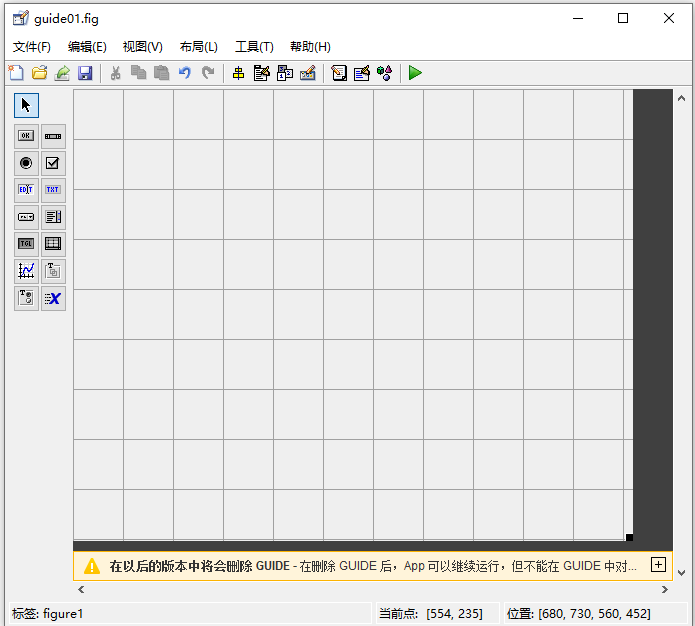
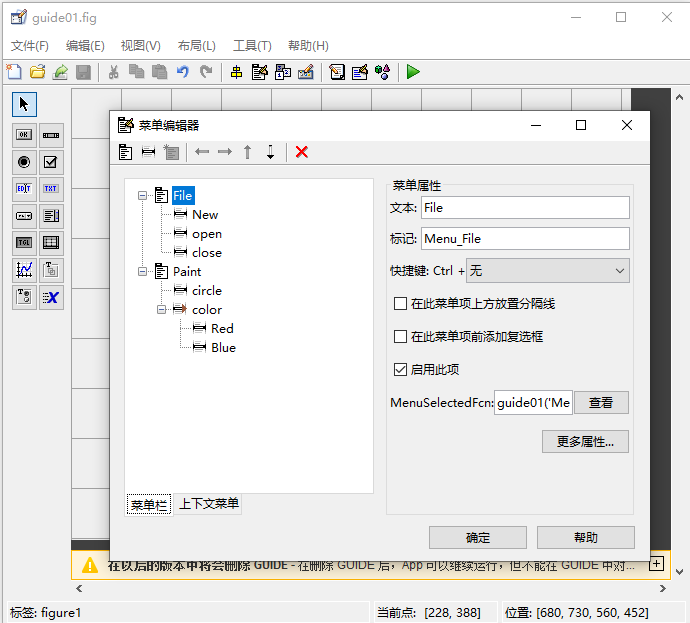
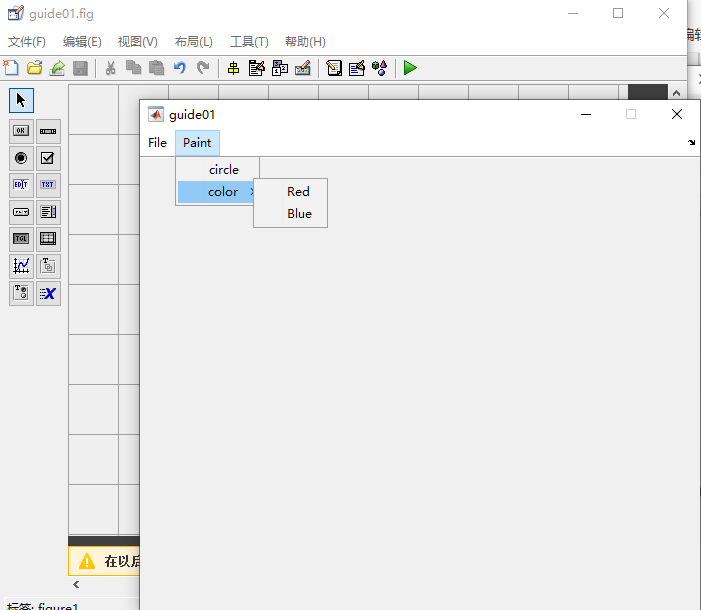
4.7.3 控件的使用
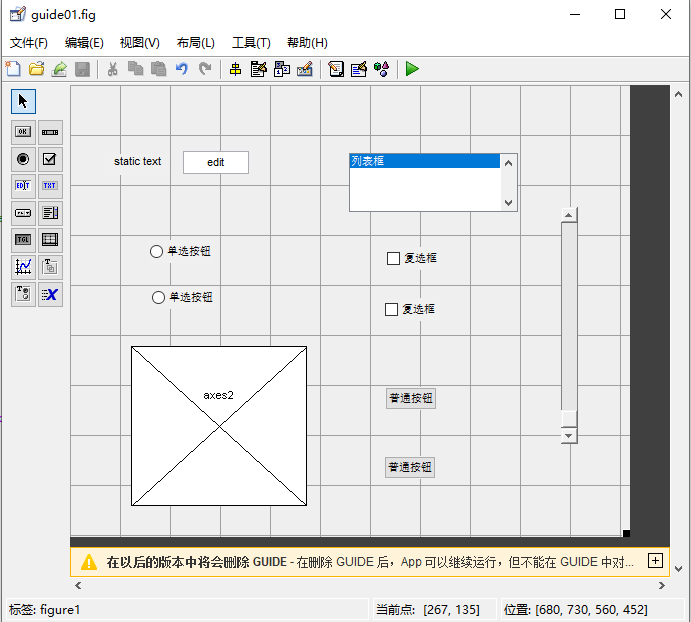
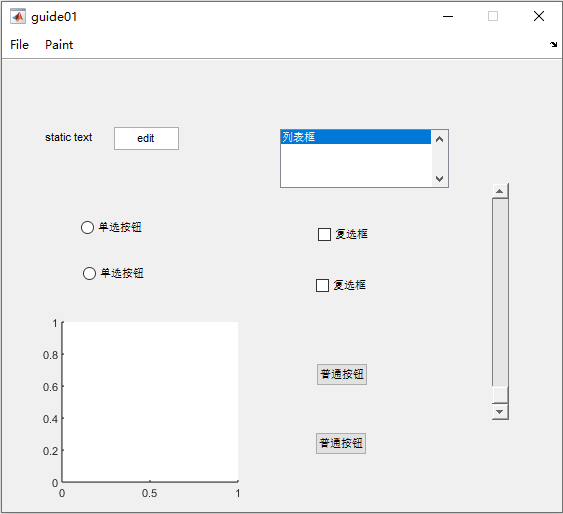
4.7.4 对象对齐工具、属性编辑器和对象浏览器
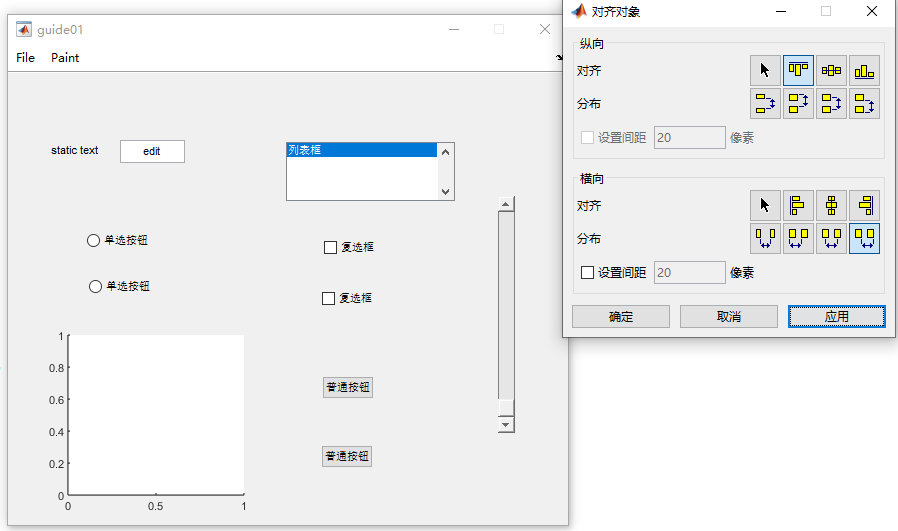
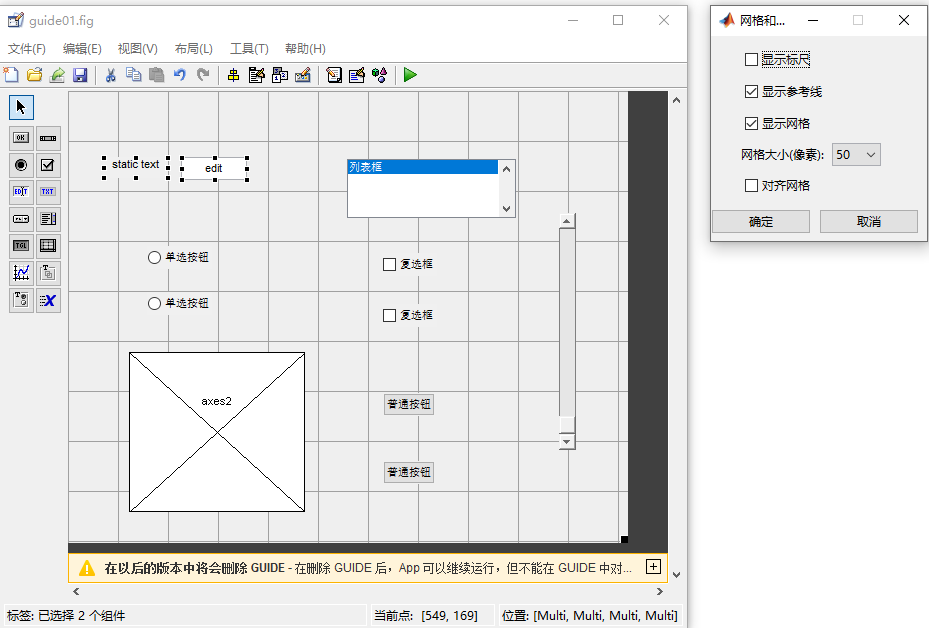
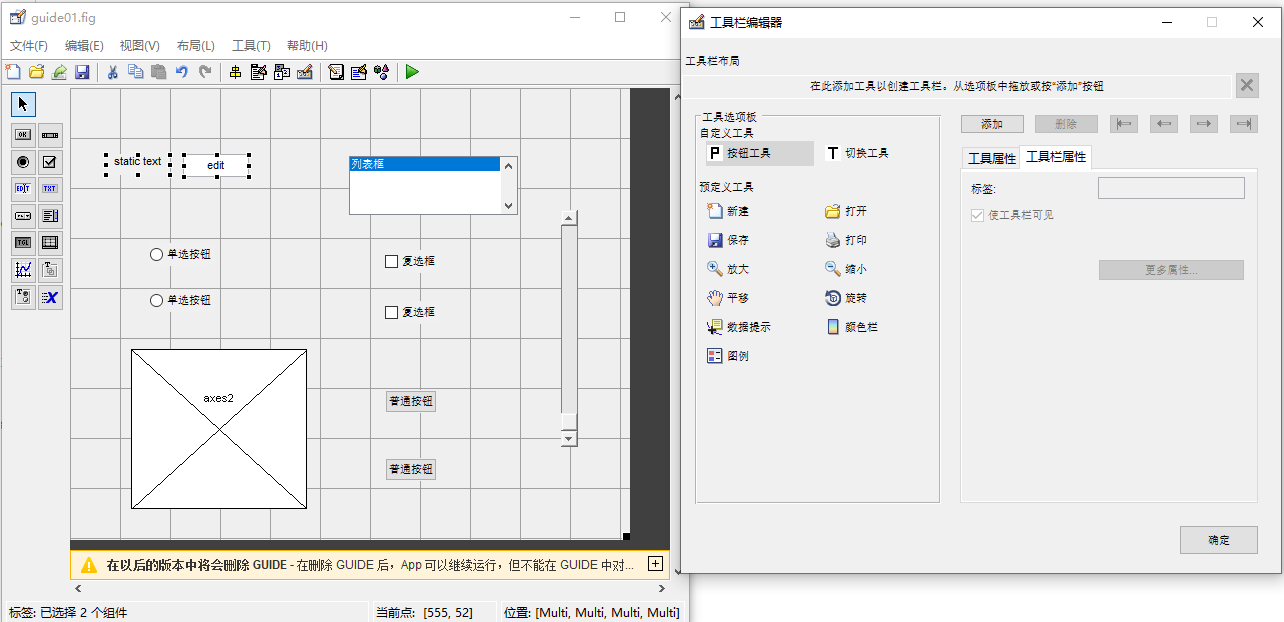
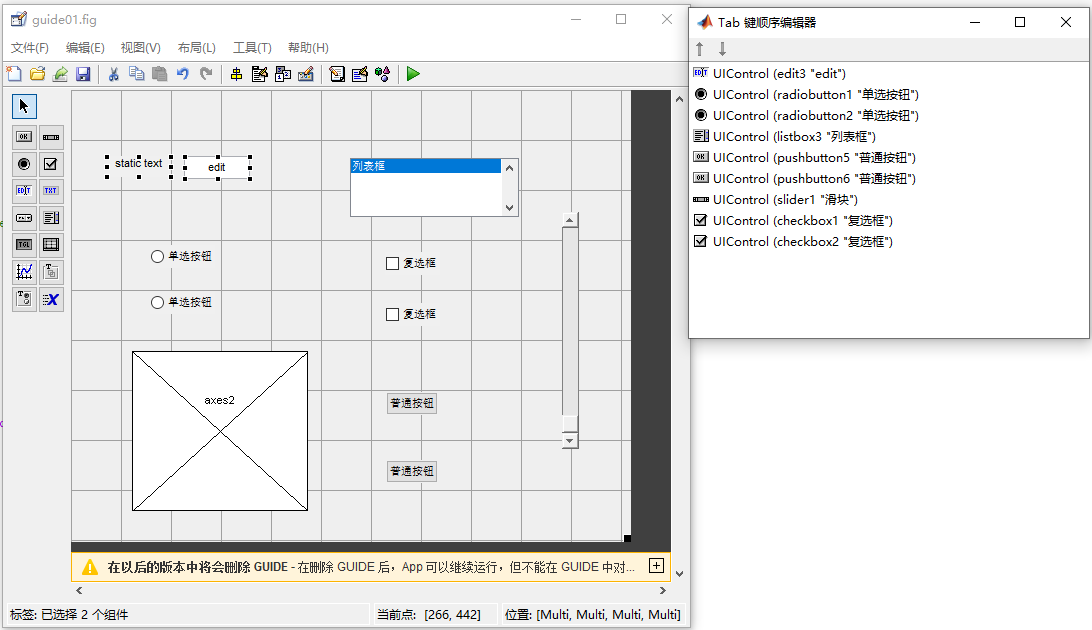
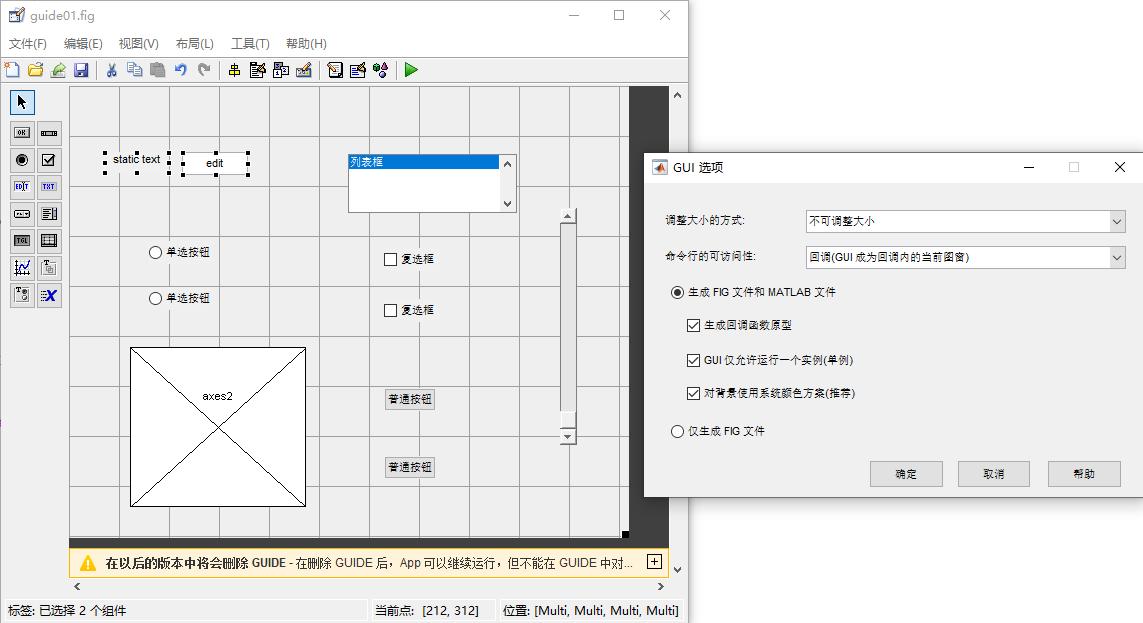
4.7.5 回调函数
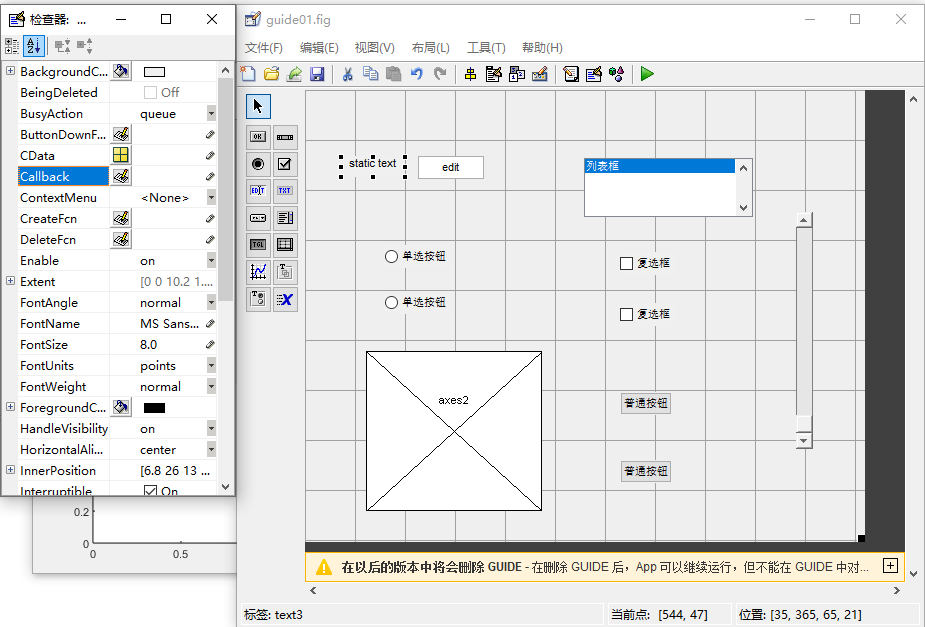
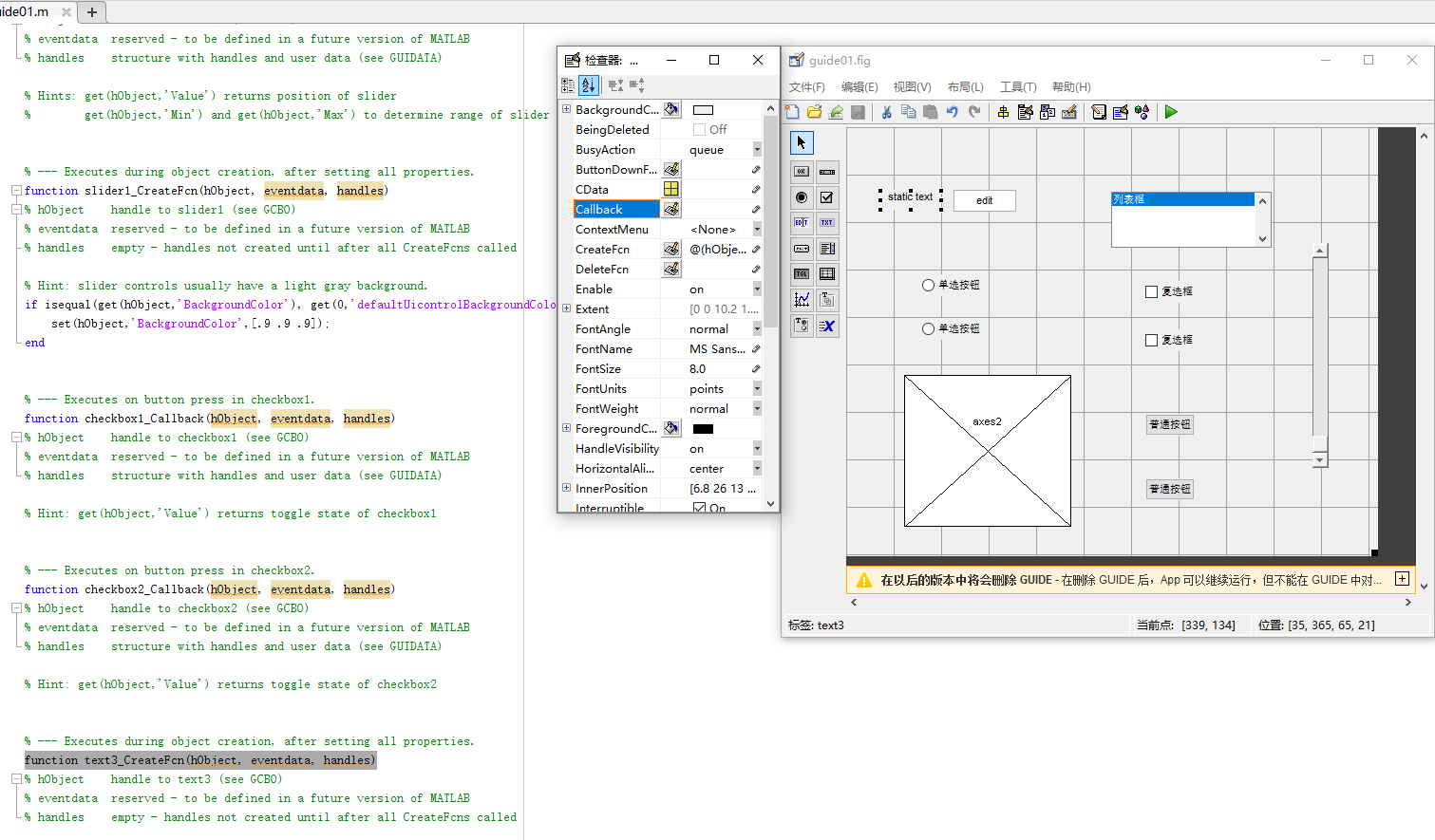
4.7.6 应用举例
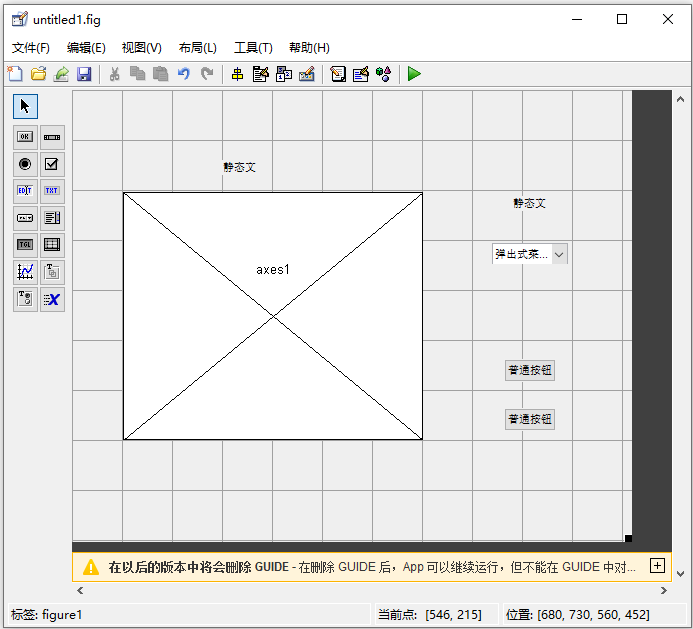
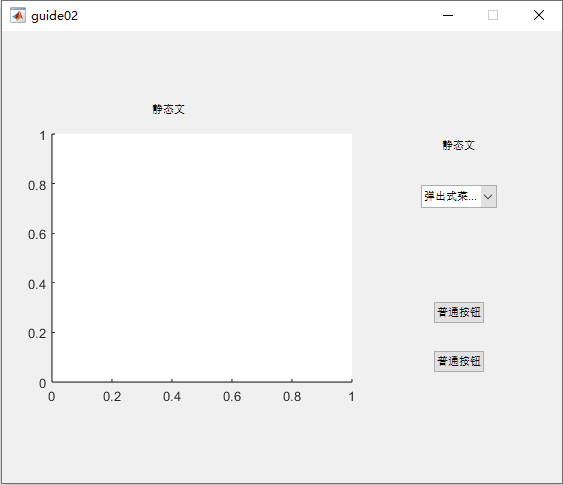
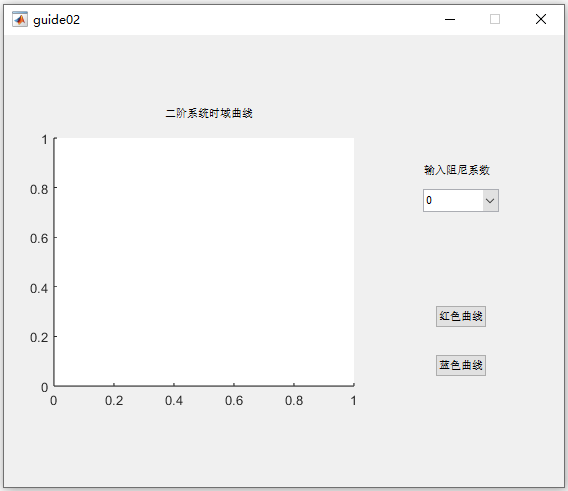
1、设计界面
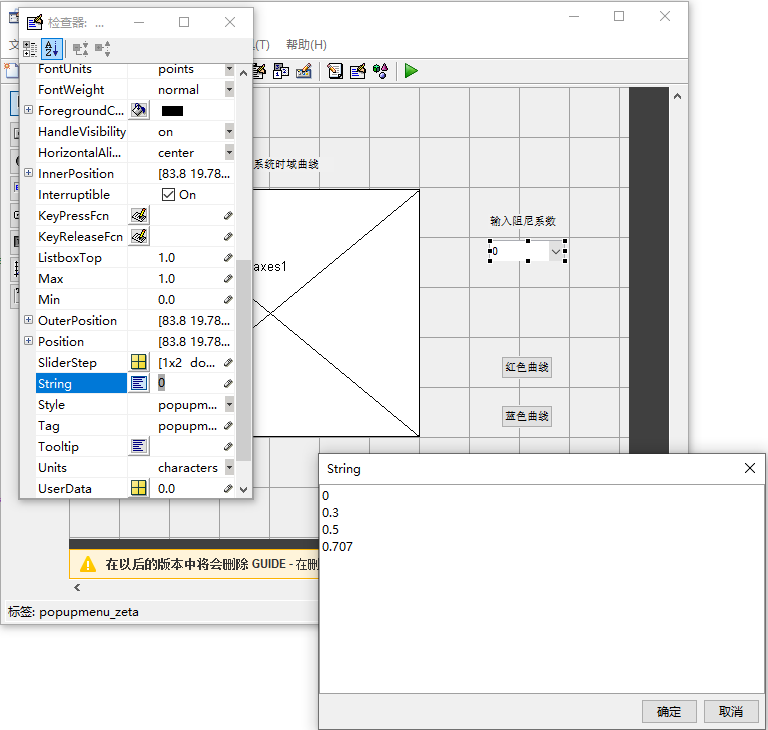
2、设置控件属性
3、回调函数
cpp
% --- Executes on selection change in popupmenu_zeta.
function popupmenu_zeta_Callback(hObject, eventdata, handles)
% hObject    handle to popupmenu_zeta (see GCBO)
% eventdata  reserved - to be defined in a future version of MATLAB
% handles    structure with handles and user data (see GUIDATA)

% Hints: contents = cellstr(get(hObject,'String')) returns popupmenu_zeta contents as cell array
%        contents{get(hObject,'Value')} returns selected item from popupmenu_zeta
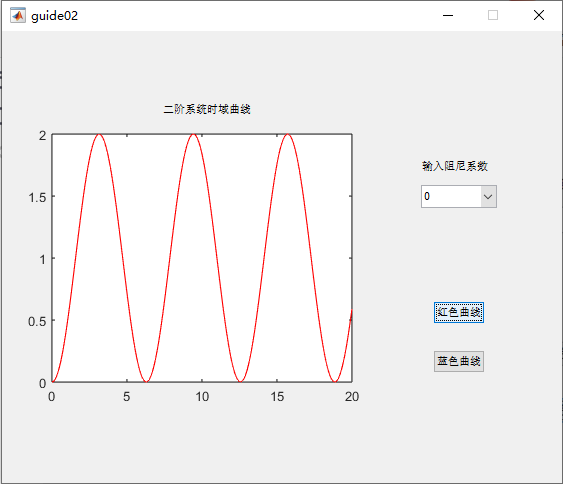
val=get(hObject,'value')
switch val
    case 1
        handles.data=0
    case 2
       handles.data=0.3
    case 3
       handles.data=0.5
    case 4
       handles.data=0.707
end
guidata(hObject,handles)

% --- Executes during object creation, after setting all properties.
function popupmenu_zeta_CreateFcn(hObject, eventdata, handles)
% hObject    handle to popupmenu_zeta (see GCBO)
% eventdata  reserved - to be defined in a future version of MATLAB
% handles    empty - handles not created until after all CreateFcns called

% Hint: popupmenu controls usually have a white background on Windows.
%       See ISPC and COMPUTER.
if ispc && isequal(get(hObject,'BackgroundColor'), get(0,'defaultUicontrolBackgroundColor'))
    set(hObject,'BackgroundColor','white');
end


% --- Executes on button press in pushbutton_red.
function pushbutton_red_Callback(hObject, eventdata, handles)
% hObject    handle to pushbutton_red (see GCBO)
% eventdata  reserved - to be defined in a future version of MATLAB
% handles    structure with handles and user data (see GUIDATA)
x=0:0.1:20;
zeta=handles.data
y=1-1/sqrt(1-zeta^2)*exp(-zeta*x).*sin(sqrt(1-zeta^2)*x+acos(zeta));
plot(x,y,'r')

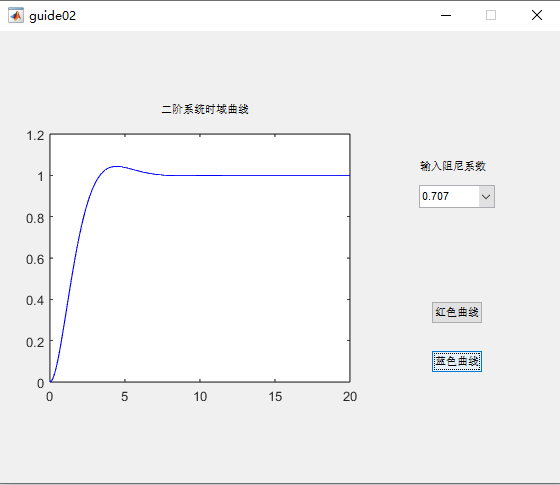
% --- Executes on button press in pushbutton_blue.
function pushbutton_blue_Callback(hObject, eventdata, handles)
% hObject    handle to pushbutton_blue (see GCBO)
% eventdata  reserved - to be defined in a future version of MATLAB
% handles    structure with handles and user data (see GUIDATA)
x=0:0.1:20;
zeta=handles.data
y=1-1/sqrt(1-zeta^2)*exp(-zeta*x).*sin(sqrt(1-zeta^2)*x+acos(zeta));
plot(x,y,'b')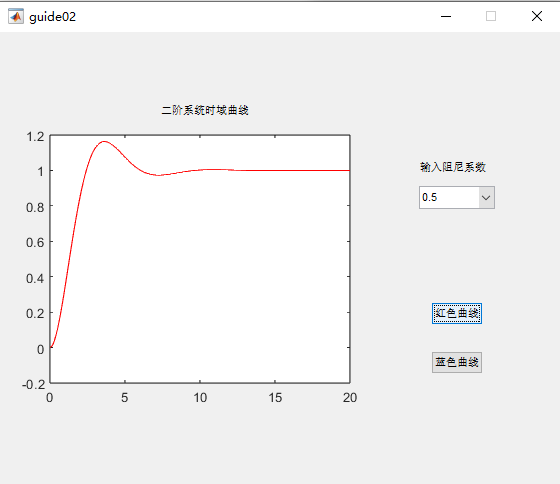
4.8 动画
4.8.1 以电影方式产生动画
cpp
n=20;
for i=1:n
x=0:0.1:i;
y=1-1/sqrt(1-0.3^2)*exp(-0.3*x).*sin(sqrt(1-0.3^2)*x+acos(0.3));
plot(x,y)
axis([0,20,0,1.5])
M(i)=getframe;
end
movie(M,3)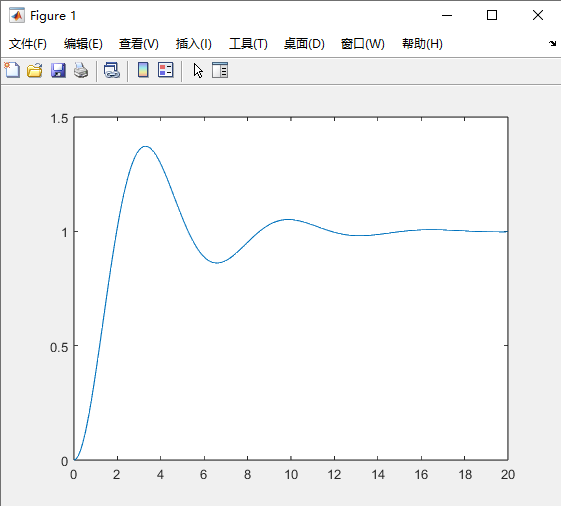
4.8.2 以对象方式产生动画
cpp
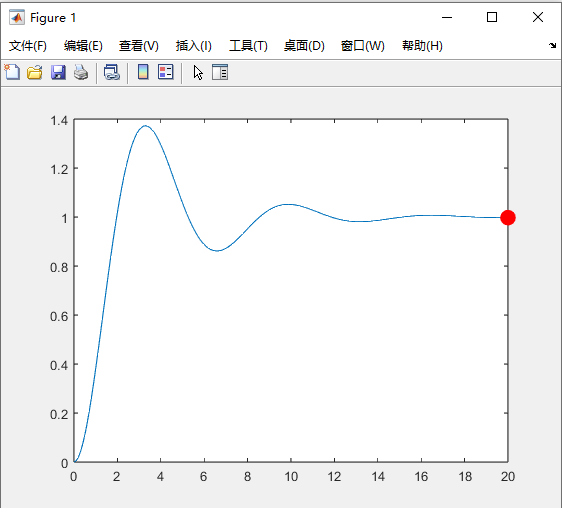
>> x=0:0.1:20;
y=1-1/sqrt(1-0.3^2)*exp(-0.3*x).*sin(sqrt(1-0.3^2)*x+acos(0.3));
plot(x,y)
h=line(0,0,'color','red','marker','.','markersize',40,'erasemode','xor')
for i=1:length(x)
	set(h,'xdata',x(i),'ydata',y(i));
	pause(0.005)
	drawnow
end
警告: EraseMode 属性不再受支持,而且在以后的版本中会出错。

h =

  Line - 属性:

              Color: [1 0 0]
          LineStyle: '-'
          LineWidth: 0.5000
             Marker: '.'
         MarkerSize: 40
    MarkerFaceColor: 'none'
              XData: 0
              YData: 0
              ZData: [1×0 double]

  显示 所有属性