摘 要
现代经济快节奏发展以及不断完善升级的信息化技术,让传统数据信息的管理升级为软件存储,归纳,集中处理数据信息的管理方式。本实验室考勤管理系统就是在这样的大环境下诞生,其可以帮助管理者在短时间内处理完毕庞大的数据信息,使用这种软件工具可以帮助管理人员提高事务处理效率,达到事半功倍的效果。此实验室考勤管理系统利用当下成熟完善的SSM框架,使用跨平台的可开发大型商业网站的Java语言,以及最受欢迎的RDBMS应用软件之一的Mysql数据库进行程序开发.实验室考勤管理系统的开发根据操作人员需要设计的界面简洁美观,在功能模块布局上跟同类型网站保持一致,程序在实现基本要求功能时,也为数据信息面临的安全问题提供了一些实用的解决方案。可以说该程序在帮助管理者高效率地处理工作事务的同时,也实现了数据信息的整体化,规范化与自动化。
关键词:实验室考勤管理系统;SSM框架;Mysql;自动化
Abstract
The fast-paced development of the modern economy and the continuous improvement and upgrading of information technology have allowed the management of traditional data information to be upgraded to software storage, induction, and centralized management of data information. This book lending system was born in such a large environment, which can help managers to process huge data information in a short time. Using this software tool can help managers improve transaction processing efficiency and achieve double the result with half the effort. This book lending system uses the current mature and perfect SSM framework, cross-platform Java language that can be used to develop large-scale commercial websites, and Mysql database, one of the most popular RDBMS application software, for program development. It realizes the functions of book basic data management, book borrowing and return, review of registered teacher information, and announcement information release. The development of the book lending system is designed to be simple and beautiful according to the needs of the operator. The layout of the function module is consistent with the same type of website. When the program realizes the basic requirements, it also provides some practical solutions for the security problems faced by the data information. . It can be said that this program not only helps managers efficiently handle work affairs, but also realizes the integration, standardization and automation of data information.
Key Words:Book borrowing system; SSM framework; Mysql; automation
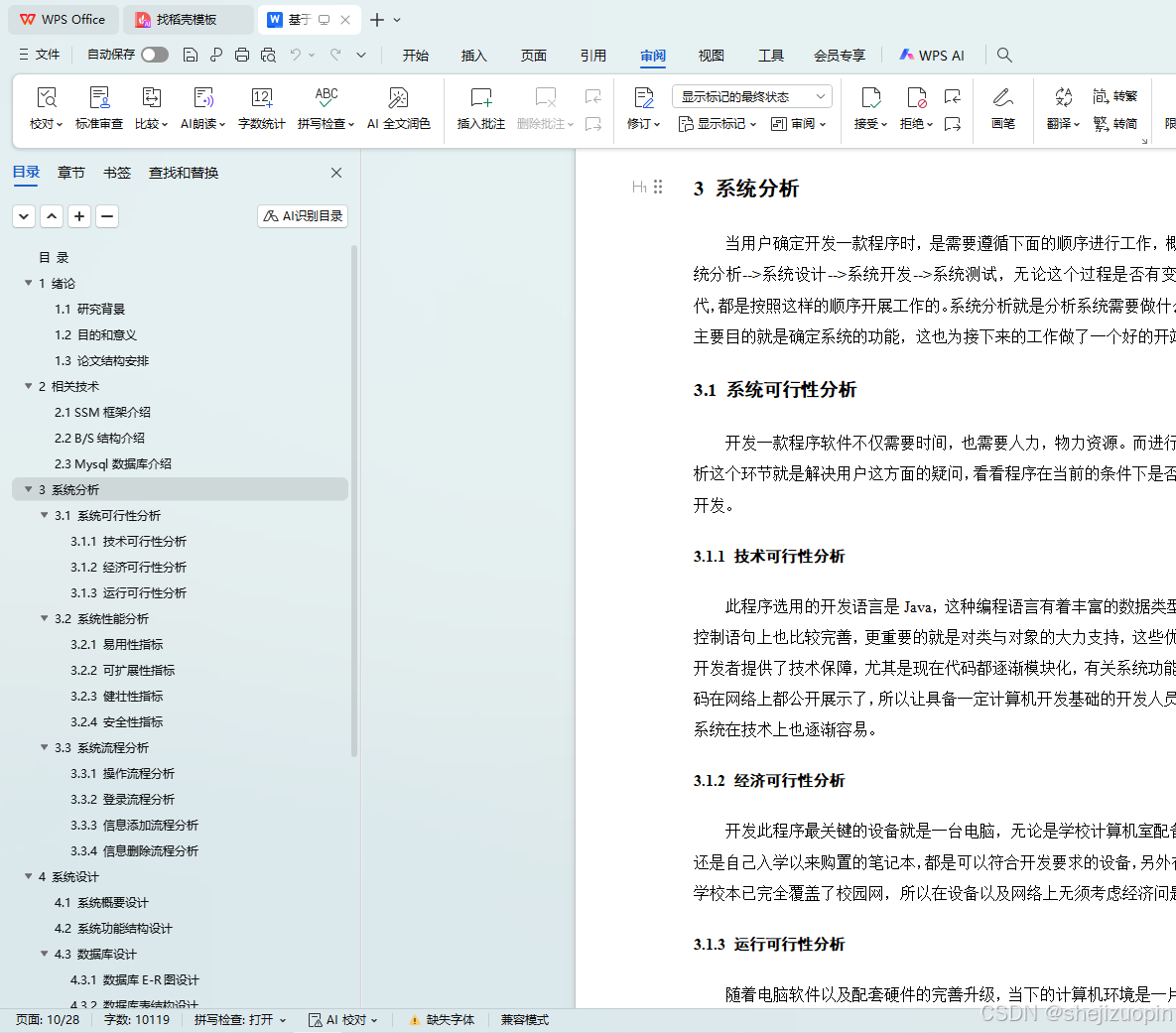
目 录
目 录 III
1 绪论 1
1.1 研究背景 1
1.2 目的和意义 1
1.3 论文结构安排 2
2 相关技术 3
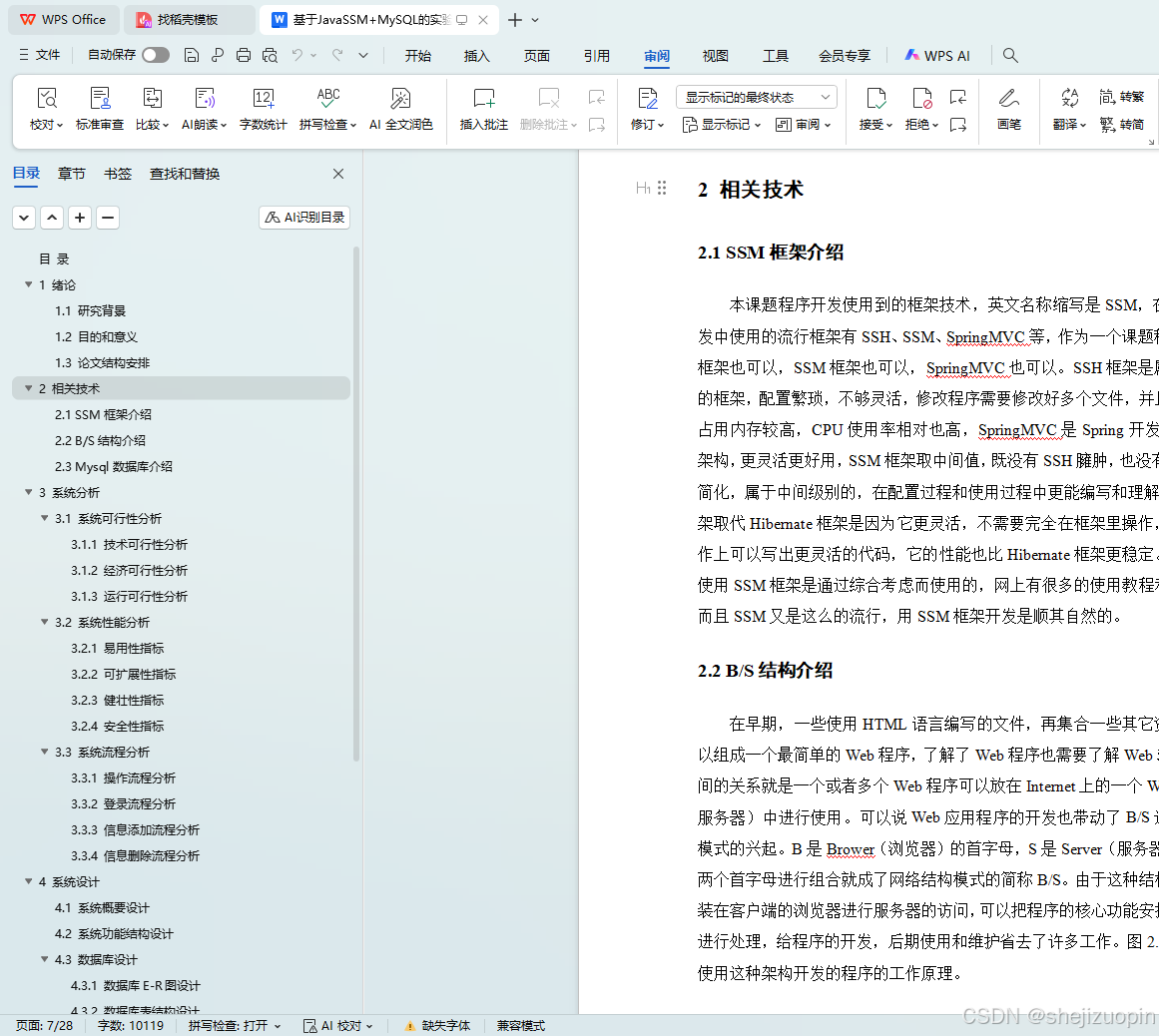
2.1 SSM框架介绍 3
2.2 B/S结构介绍 3
2.3 Mysql数据库介绍 4
3 系统分析 6
3.1 系统可行性分析 6
3.1.1 技术可行性分析 6
3.1.2 经济可行性分析 6
3.1.3 运行可行性分析 6
3.2 系统性能分析 7
3.2.1 易用性指标 7
3.2.2 可扩展性指标 7
3.2.3 健壮性指标 7
3.2.4 安全性指标 8
3.3 系统流程分析 8
3.3.1 操作流程分析 8
3.3.2 登录流程分析 9
3.3.3 信息添加流程分析 10
3.3.4 信息删除流程分析 11
4 系统设计 12
4.1 系统概要设计 12
4.2 系统功能结构设计 12
4.3 数据库设计 13
4.3.1 数据库E-R图设计 13
4.3.2 数据库表结构设计 14
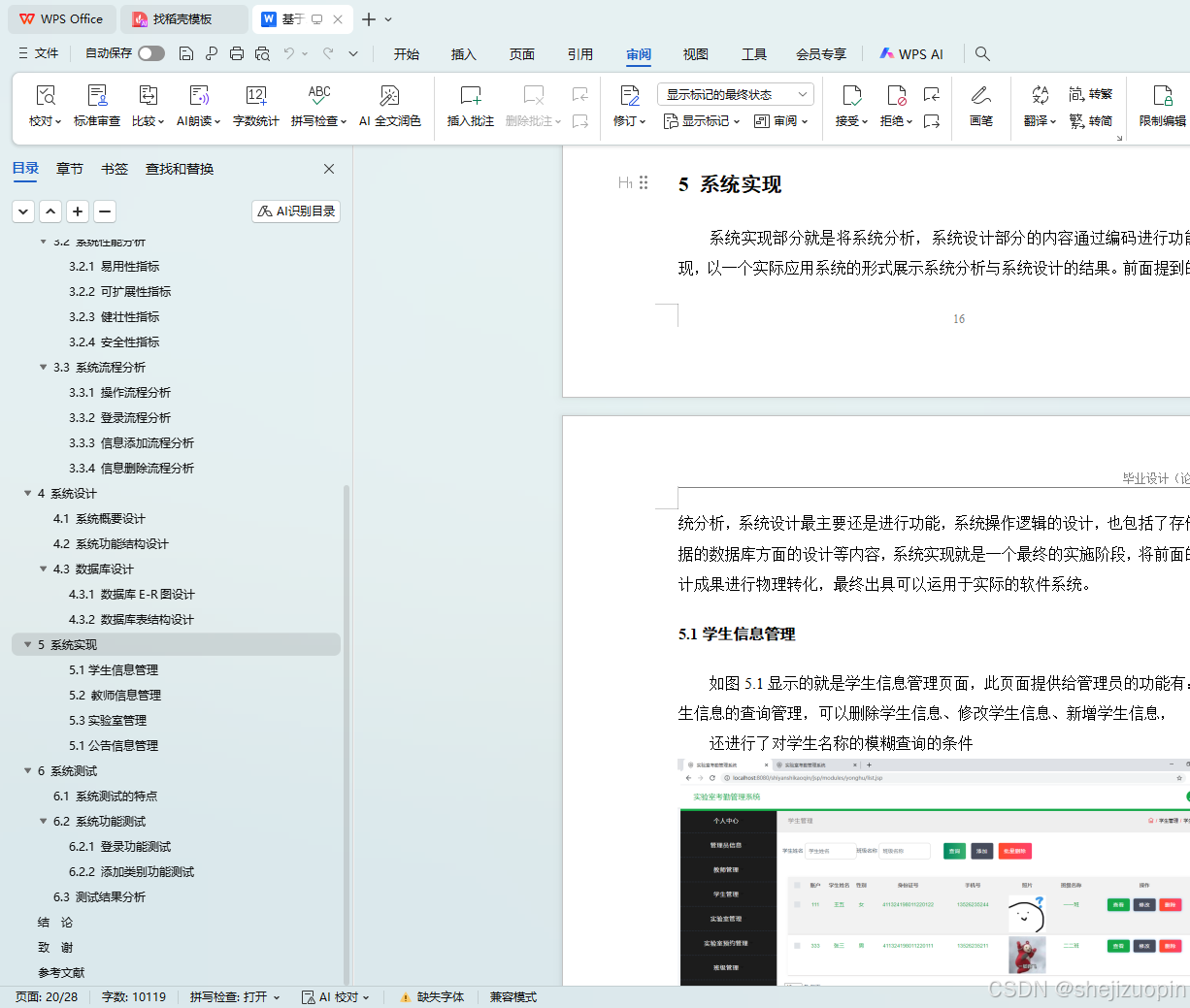
5 系统实现 17
5.1学生信息管理 17
5.2 教师信息管理 17
5.3实验室管理 18
5.1公告信息管理 19
6 系统测试 19
6.1 系统测试的特点 20
6.2 系统功能测试 20
6.2.1 登录功能测试 20
6.2.2 添加类别功能测试 20
6.3 测试结果分析 21
结 论 22
致 谢 23
参考文献 24
<%@ page language="java" contentType="text/html; charset=UTF-8"
    pageEncoding="UTF-8"%>
<!DOCTYPE html>
<html>

<head>
	<%@ include file="jsp/static/head.jsp"%>
</head>
<style>

</style>
<body>
	<!-- Pre Loader -->
	<div class="loading">
		<div class="spinner">
			<div class="double-bounce1"></div>
			<div class="double-bounce2"></div>
		</div>
	</div>
	<!--/Pre Loader -->
	<!-- Color Changer -->

	<!-- /Color Changer -->
	<div class="wrapper">
		<!-- Page Content -->
		<div id="content">
				<!-- Top Navigation -->
				<%@ include file="jsp/static/topNav.jsp"%>
				<!-- Menu -->
				<div class="container menu-nav">
					<nav class="navbar navbar-expand-lg lochana-bg text-white">
						<button class="navbar-toggler" type="button" data-toggle="collapse" data-target="#navbarSupportedContent"
						 aria-controls="navbarSupportedContent" aria-expanded="false" aria-label="Toggle navigation">
							<span class="ti-menu text-white"></span>
						</button>

						<div class="collapse navbar-collapse" id="navbarSupportedContent">
							<!-- <div class="z-navbar-nav-title">$template2.back.menu.title.text</div> -->
							<ul class="navbar-nav mr-auto" id="navUl">

							</ul>
						</div>
					</nav>
				</div>
				<!-- /Menu -->
				<!-- Breadcrumb -->
				<!-- Page Title -->
				<div class="container mt-0">
					<div class="row breadcrumb-bar">
						<div class="col-md-6">
							<h3 class="block-title">主页</h3>
						</div>
						<div class="col-md-6">
							<ol class="breadcrumb">
								<li class="breadcrumb-item">
									<a href="#">
										<span class="ti-home"></span>
									</a>
								</li>
							</ol>
						</div>
					</div>
				</div>

			<!-- /Breadcrumb -->
			<!-- Main Content -->
			<div class="container">
				<!-- Main Content -->
				<div class="row">
					<div class="col-md-12">
						<div class="widget-area-2 lochana-box-shadow min-h200" style="height: 700px;">
							<h3 class="widget-title"> </h3>
							<h1 align="center" style="margin-top: 250px;"><strong>欢迎使用xxx系统</strong></h1>
						</div>
					</div>
				</div>
			</div>
			<!-- /Main Content -->
			<!--Copy Rights-->
			<div class="container">
				<div class="d-sm-flex justify-content-center">
				  <span class="text-muted text-center d-block d-sm-inline-block"></span>
				</div>
			</div>
			<!-- /Copy Rights-->
		</div>
		<!-- /Page Content -->
	</div>
	<!-- Back to Top -->
	<a id="back-to-top" href="#" class="back-to-top">
			<span class="ti-angle-up"></span>
	</a>
	<!-- /Back to Top -->
	<%@ include file="jsp/static/foot.jsp"%>

	<script>
		<%@ include file="jsp/utils/menu.jsp"%>
		<%@ include file="jsp/static/setMenu.js"%>
		<%@ include file="jsp/utils/baseUrl.jsp"%>
		// 用户登出
        <%@ include file="jsp/static/logout.jsp"%>

		$(document).ready(function() {
		//我的后台,session信息转移
		if(window.localStorage.getItem("Token") != null && window.localStorage.getItem("Token") != 'null'){
			  if(window.sessionStorage.getItem("token") == null || window.sessionStorage.getItem("token") == 'null'){
				  window.sessionStorage.setItem("token",window.localStorage.getItem("Token"));
				  window.sessionStorage.setItem("role",window.localStorage.getItem("role"));
				  window.sessionStorage.setItem("accountTableName",window.localStorage.getItem("sessionTable"));
				  window.sessionStorage.setItem("username",window.localStorage.getItem("adminName"));
			  }
		  }
		  $('h1 strong').html('欢迎使用'+projectName)
		  $('.dropdown-menu h5').html(window.sessionStorage.getItem('username'))
		  $('.sidebar-header h3 a').html(projectName)
		  var token = window.sessionStorage.getItem("token");
		  if(token == "null" || token == null){
		  	alert("请登录后再操作");
		  	window.location.href = ("jsp/login.jsp");
		  }
			setMenu();
			<%@ include file="jsp/static/myInfo.js"%>
		});
	</script>
</body>

</html>