环境
windows10
.net framework4.8
rider2025.3
新建类库项目
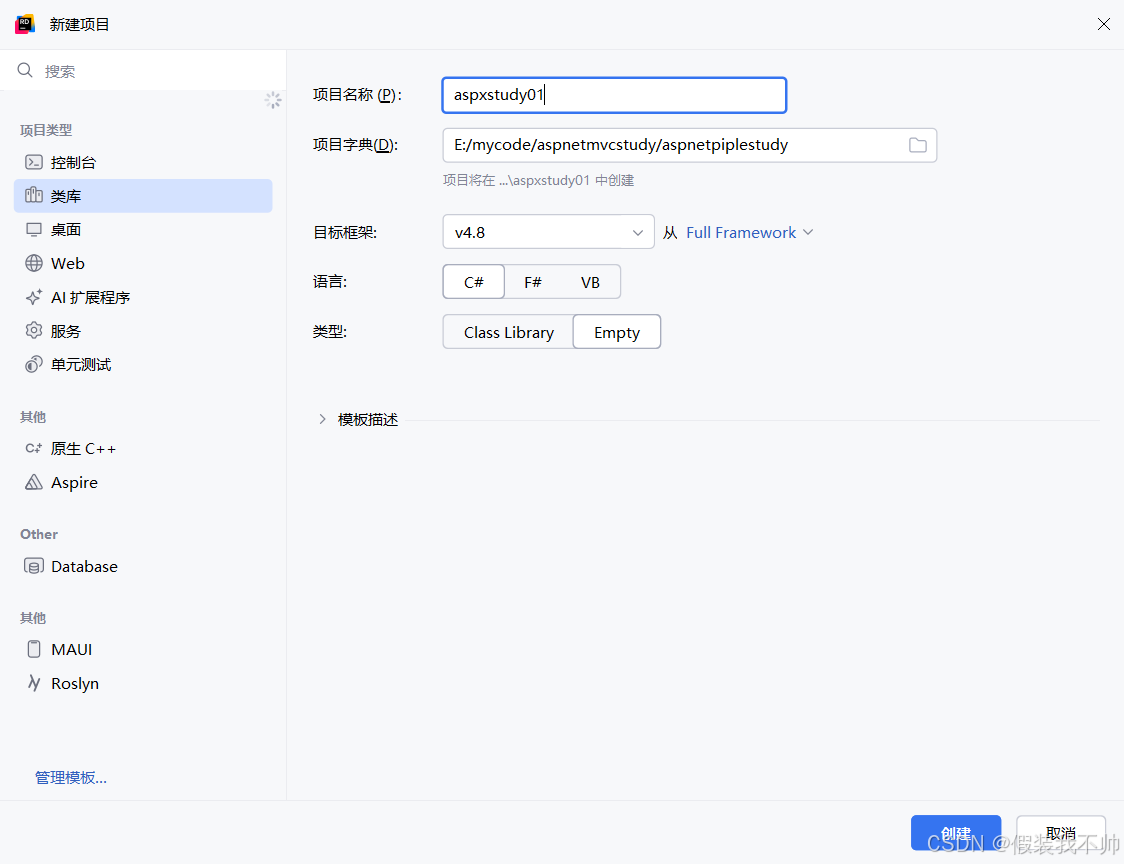
编辑aspxstudy01.csproj
添加 WebForms 项目类型 GUID
xml
<!--下面一行代码表示是web项目-->
<ProjectTypeGuids>{349c5851-65df-11da-9384-00065b846f21};{fae04ec0-301f-11d3-bf4b-00c04f79efbc}</ProjectTypeGuids>
验证目标框架:确保<TargetFrameworkVersion>节点指向有效的.NET Framework 版本
xml
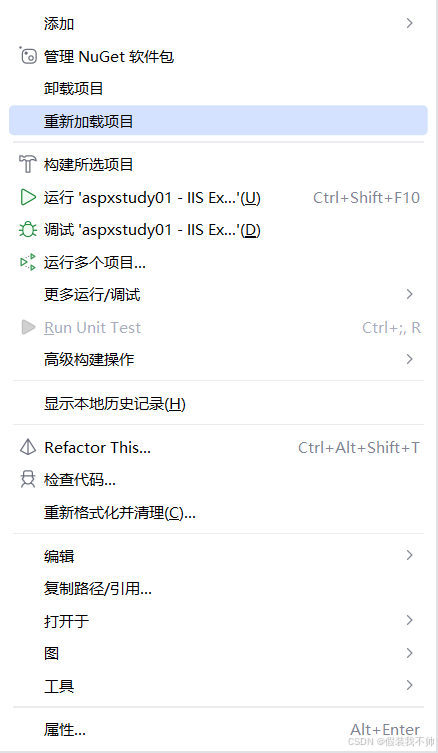
<TargetFrameworkVersion>v4.8</TargetFrameworkVersion>保存.csproj文件后,右键项目 → 选择「重新加载项目」
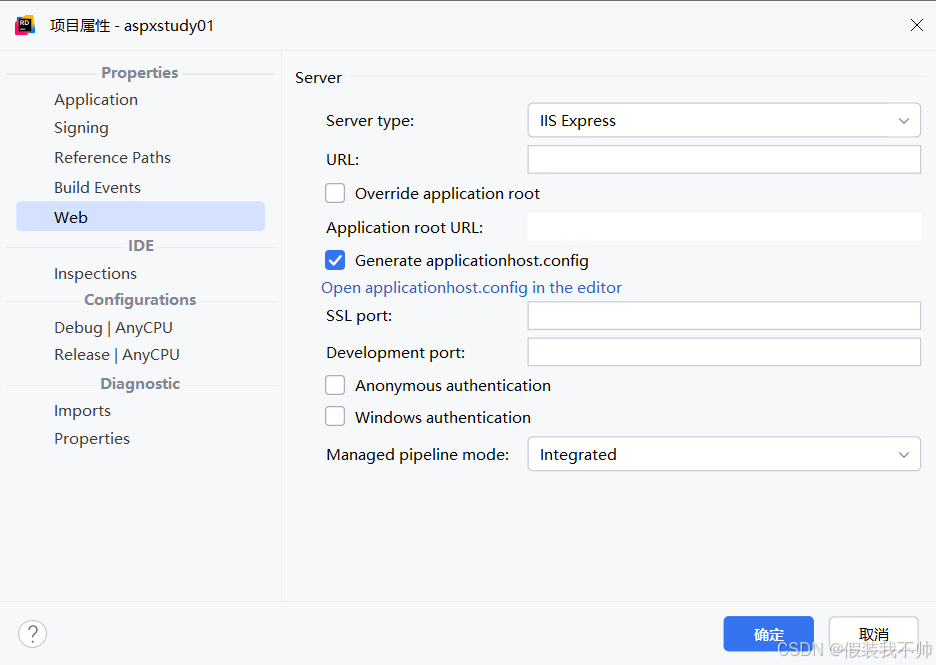
查看项目属性就可以看到多了个web属性
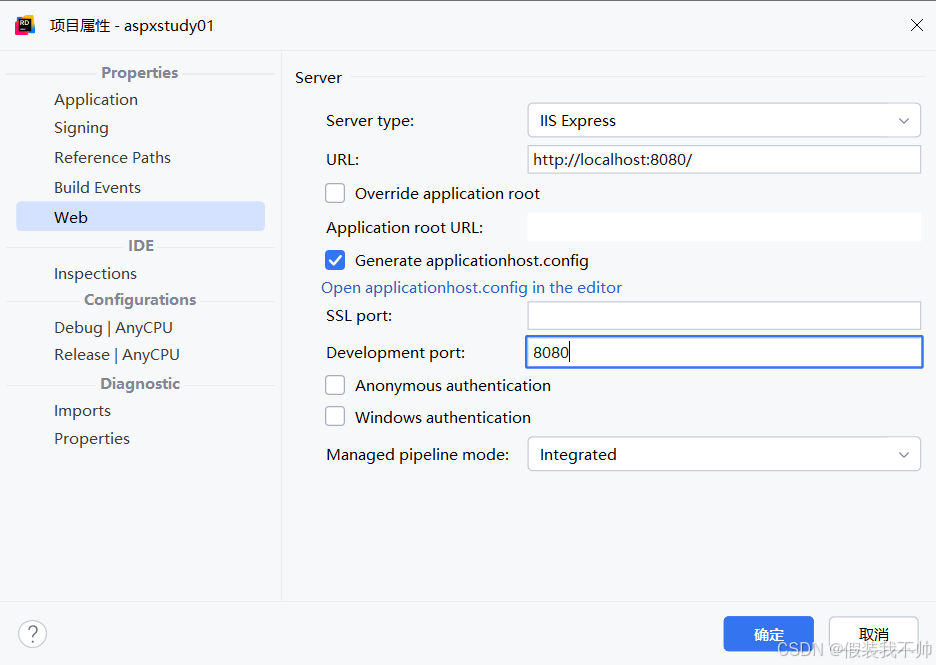
填写url和端口号
新建web.config
xml
<?xml version="1.0" encoding="utf-8"?>

<configuration>
    <system.web>
        <compilation debug="true" targetFramework="4.8" />
        <httpRuntime targetFramework="4.8" />
    </system.web>
    <system.webServer>

    </system.webServer>
</configuration>
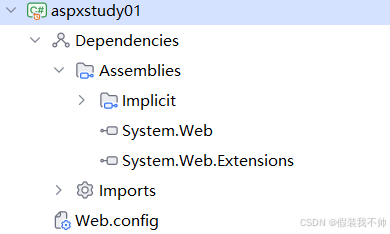
添加引用
添加对于web开发项目需要的dll
System.Web(WebForms 核心程序集,包含页面、服务器控件等核心类)。System.Web.Extensions(可选,支持 AJAX 等扩展功能)。
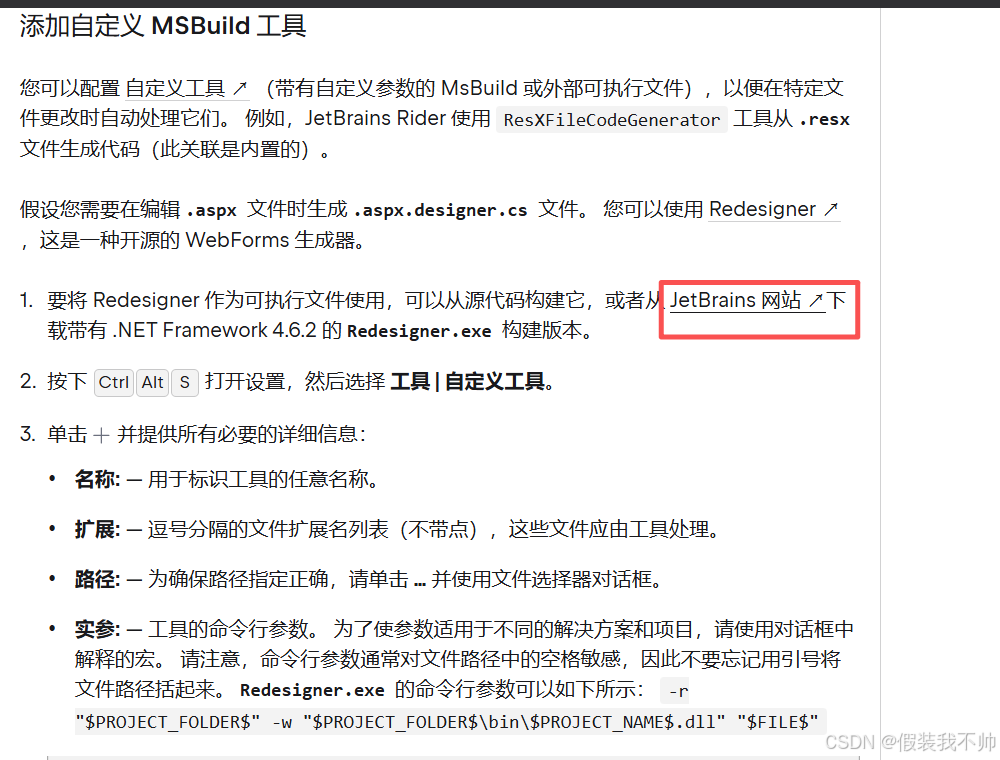
下载aspx设计生成工具
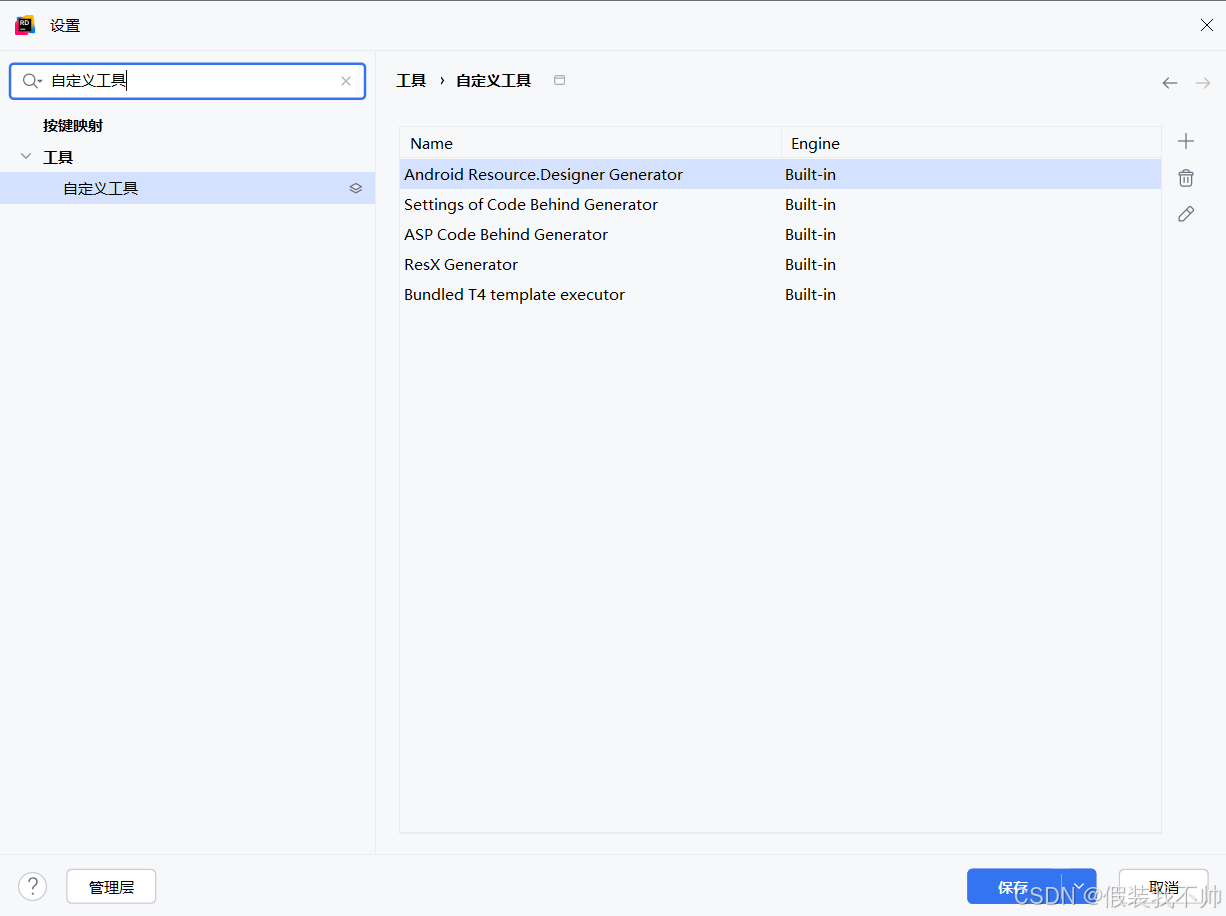
打开设置->工具->自定义工具
点击+新增工具,输入工具名称、路径和执行参数
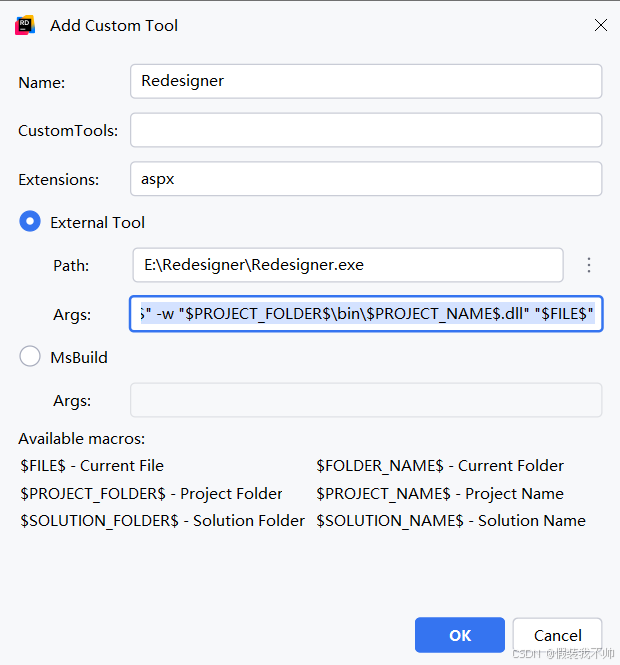
-r "$PROJECT_FOLDER$" -w "$PROJECT_FOLDER$\bin\$PROJECT_NAME$.dll" "$FILE$"
新建aspx
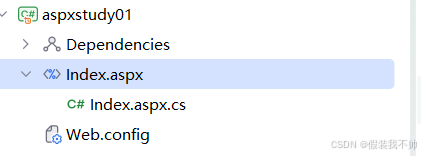
代码如下
html
<%@ Page Language="C#" CodeBehind="Index.aspx.cs" Inherits="aspxstudy01.Index" %>

<!DOCTYPE html PUBLIC "-//W3C//DTD XHTML 1.0 Transitional//EN" "http://www.w3.org/TR/xhtml1/DTD/xhtml1-transitional.dtd">

<html xmlns="http://www.w3.org/1999/xhtml">
<head runat="server">
    <title>Title</title>
</head>
<body>
<form id="HtmlForm" runat="server">
    <div>
        <asp:Button runat="server" ID="myBtn" Text="我是按钮"/>
    </div>
</form>
</body>
</html>
编译成功之后,点击index.aspx右键执行Redesigner
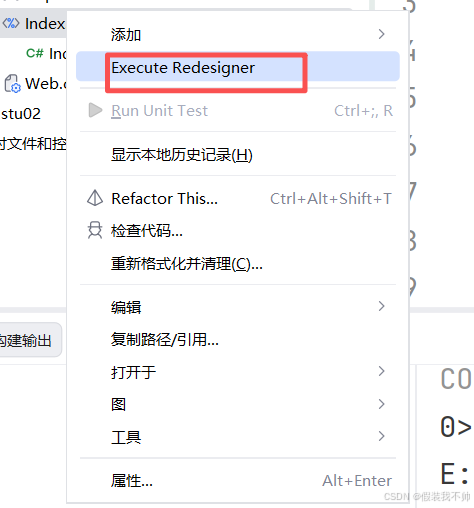
上面执行没有反应,所以手动执行
bash
cd E:\mycode\aspnetmvcstudy\aspnetpiplestudy
# E:\Redesigner\Redesigner.exe -w .\bin\Debug\aspxstudy01.dll -r aspxstudy01 .\aspxstudy01\Index.aspx
 E:\Redesigner\Redesigner.exe -w .\aspxstudy01\bin\Debug\aspxstudy01.dll -r aspxstudy01 .\aspxstudy01\Index.aspx
修改web.config
xml
<?xml version="1.0" encoding="utf-8"?>

<configuration>
    <system.web>
        <compilation debug="true" targetFramework="4.8" />
        <httpRuntime targetFramework="4.8" />
        <pages>
            <controls>
            </controls>
        </pages>
    </system.web>
    <system.webServer>

    </system.webServer>
</configuration>再次就行就可以生成Index.aspx.designer.cs,点击显示所有文件包含到项目中
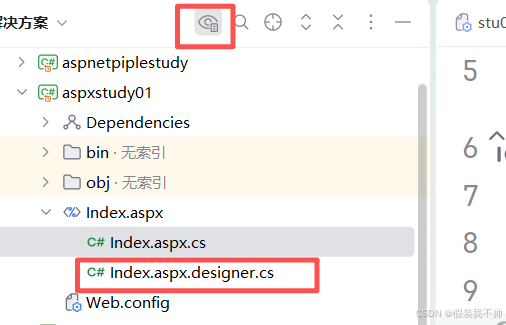
就可以使用aspx控件了
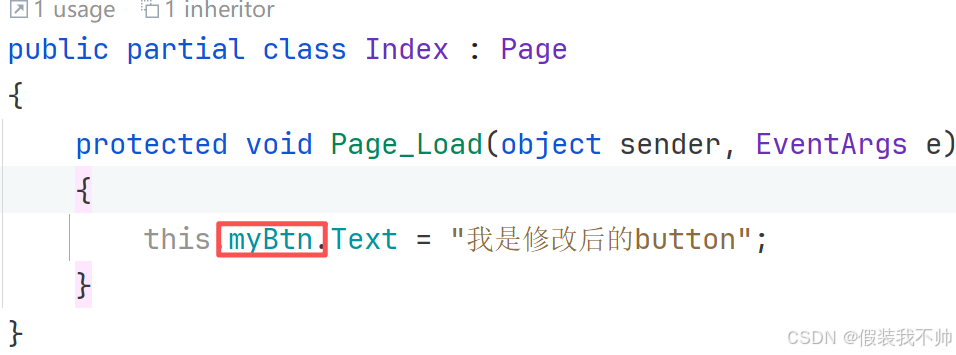
运行之后报错
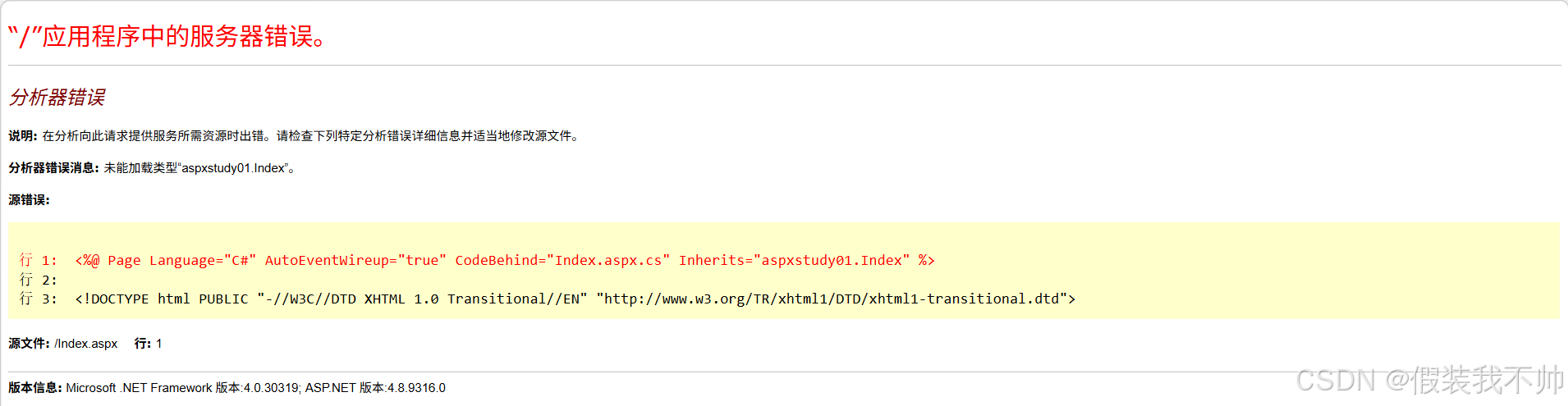
了解了一下dll需要在bin目录下,但是目前是在bin/Debug目录下,把生成的dll复制到bin
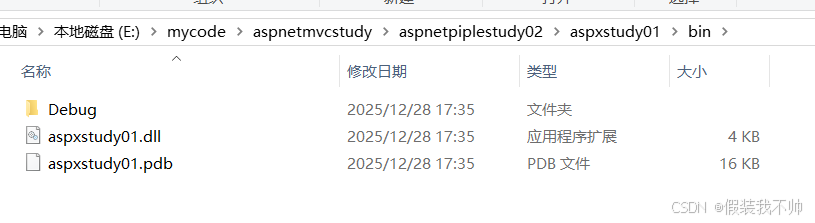
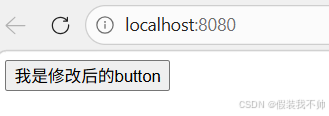
再次访问就可以了
需要将输出目录修改为bin目录,修改outputpath
xml
<OutputPath>bin\</OutputPath>使用工具也可以生成design.cs文件了,网站也可以访问了
参考
https://github.com/seanofw/Redesigner
https://www.jetbrains.com/zh-cn/help/rider/Configuring_Third-Party_Tools.html#add-a-custom-msbuild-tool