快捷键
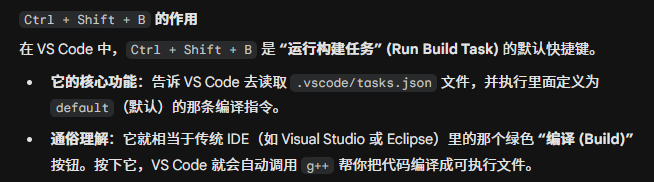
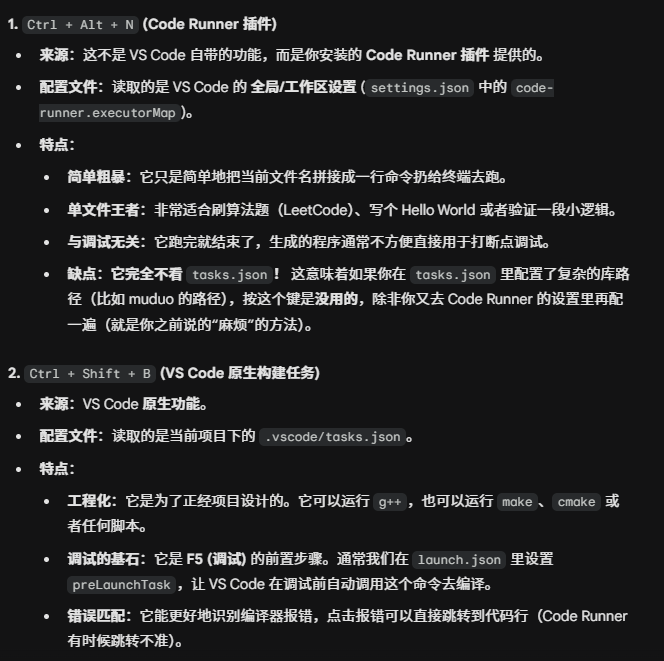
Ctrl + Shift + B
快捷键设置
按下 Ctrl + K,然后快速松开,紧接着按下 Ctrl + S。设置快捷键
配置文件
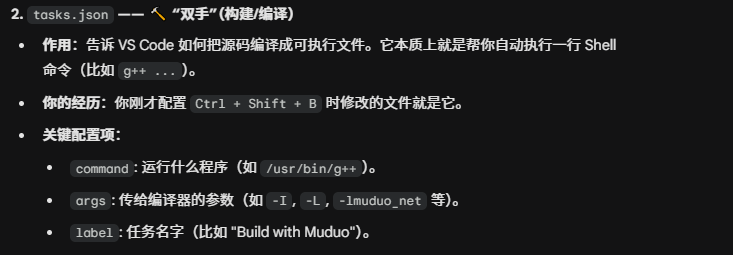
task.json
- 不存在时 Ctrl+Shift+b(可能会有快捷键冲突,参考快捷键设置),调出
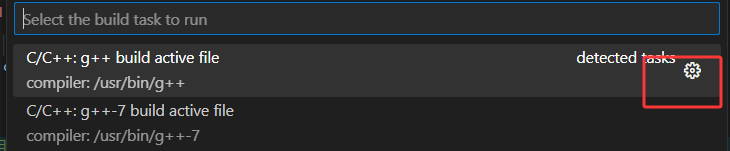
cpp
{
	"tasks": [
		{
			"type": "cppbuild",
			"label": "Build with Muduo",
			"command": "/usr/bin/g++",
			"args": [
				"-fdiagnostics-color=always",
				"-g",
				"${file}",
				"-o",
				"${fileDirname}/${fileBasenameNoExtension}",
				// --- 修改了下面这两行 (用绝对路径) ---
				"-I",
				"/home/yangpipi/muduo/build/release-install-cpp11/include",
				"-L",
				"/home/yangpipi/muduo/build/release-install-cpp11/lib",
				// ------------------------------------
				"-lmuduo_net",
				"-lmuduo_base",
				"-lpthread",
				"-std=c++11"
			],
			"options": {
				"cwd": "${fileDirname}"
			},
			"problemMatcher": [
				"$gcc"
			],
			"group": {
				"kind": "build",
				"isDefault": true // 这行让Ctrl+Shift+B直接运行,不再弹菜单
			},
			"detail": "编译 Muduo 服务器程序"
		},
	],
	"version": "2.0.0"
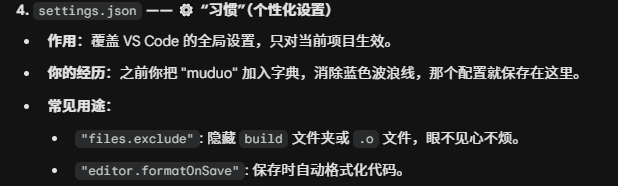
}settings.json
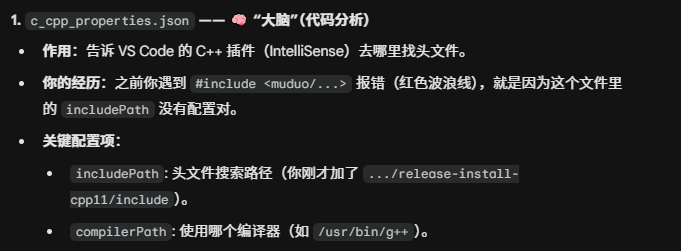
c_cpp_properties.json
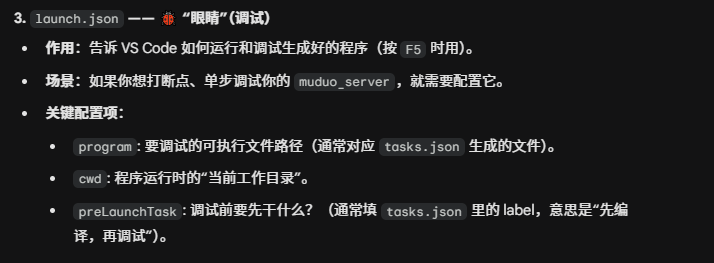
launch.json
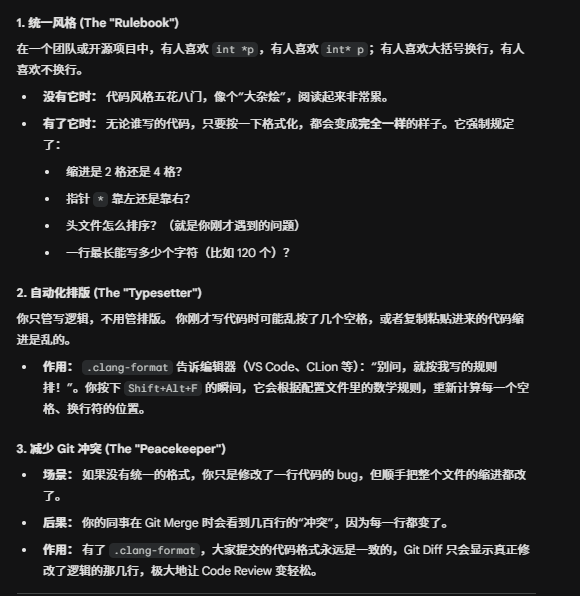
.clang-format
作用:
- 位置:放在项目根目录下
yaml
---
# 语言: C++
Language: Cpp

# 1. 基础风格:基于 Google,但我们会修改很多细节
BasedOnStyle: Google

# 2. 【核心解决】头文件排序与分组
# 开启排序
SortIncludes: true
# 关键设置:Regroup 会忽略你代码里的空行,强制把所有头文件抓取在一起重新分组
# 这解决了你刚才即使有空行也无法排序的问题
IncludeBlocks: Regroup

# 3. 缩进与对齐
# 缩进宽度:4个空格(Google默认是2,但4在很多IDE中更易读)
IndentWidth: 4
# Tab键宽度
TabWidth: 4
# 从不使用Tab字符,只用空格
UseTab: Never
# public/private/protected 缩进偏移(-4表示靠左对齐,不缩进)
AccessModifierOffset: -4
# 命名空间不缩进(大型项目中防止缩进过深)
NamespaceIndentation: None

# 4. 括号与换行风格
# 括号风格:Attach (Java/Google风格,左括号在行尾)
# 如果你喜欢左括号单独一行(Allman风格),改为: Allman
BreakBeforeBraces: Attach
# 每行最大字符数(120适合现代宽屏,80太老旧了)
ColumnLimit: 120

# 5. 指针与引用
# 指针/引用靠左:int* p (C++核心准则推荐)
# 如果你喜欢 int *p,改为: Right
PointerAlignment: Left

# 6. 垂直对齐(强迫症福音)
# 在开括号后对齐参数:
# void func(int a,
#           int b);
AlignAfterOpenBracket: Align
# 连续的赋值语句对齐(开启会让代码像表格一样整齐,但修改时改动行多)
# int a    = 1;
# int long = 2;
AlignConsecutiveAssignments: true
# 连续的声明对齐
# int    a = 1;
# double b = 2.0;
AlignConsecutiveDeclarations: true
# 连续的宏定义对齐
AlignConsecutiveMacros: true

# 7. 空格控制
# 操作符两侧加空格 (a + b)
SpaceBeforeAssignmentOperators: true
# 指针限定符 const 前加空格
SpaceAroundPointerQualifiers: Default
# // 注释前保留几个空格
SpacesBeforeTrailingComments: 2

# 8. 现代 C++ 特性支持
# 自动在 namespace 结束的大括号后添加注释 // namespace my_lib
FixNamespaceComments: true
# 允许短函数写在一行:int get() { return 0; }
AllowShortFunctionsOnASingleLine: Inline
# Lambda 表达式的格式化处理
LambdaBodyIndentation: Signature

# 9. 数组与初始化列表
# 初始化列表是否换行
Cpp11BracedListStyle: true
# 数组初始化对齐
AlignArrayOfStructures: Right

# 10. 排序优先级(重要!)
# 使得系统库 <iostream> 排在前面,用户库 "my_lib.h" 排在后面
IncludeCategories:
  - Regex:           '^<.*\.h>'
    Priority:        1
  - Regex:           '^<.*'
    Priority:        2
  - Regex:           '.*'
Priority: 3-
如何开启
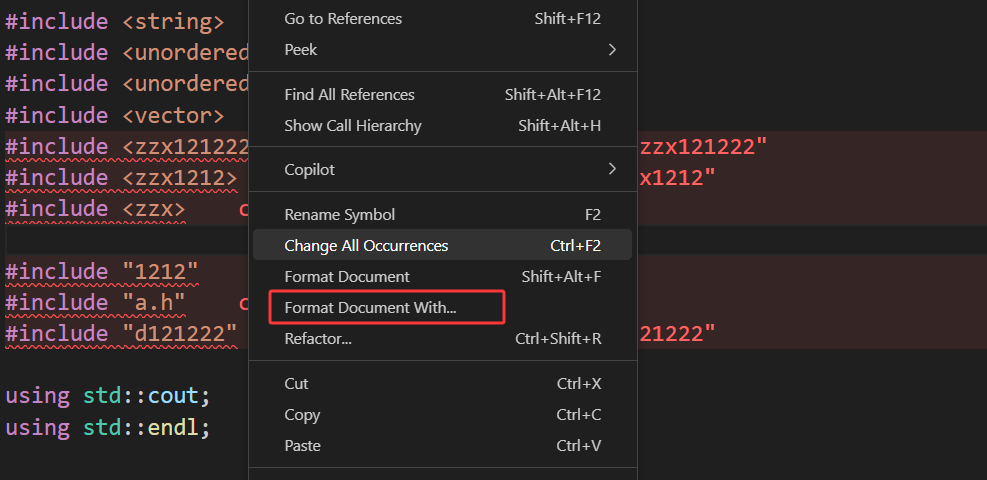
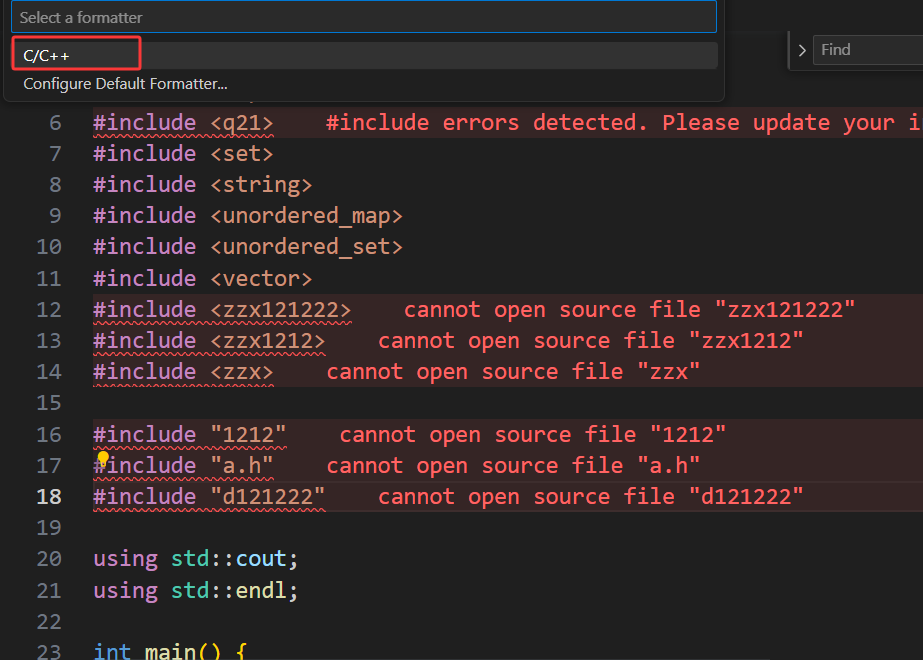
-
保存的同时,自动格式化
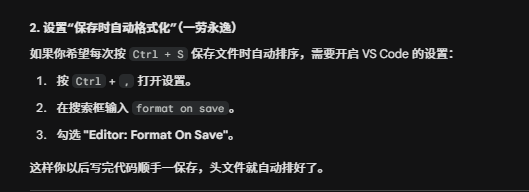
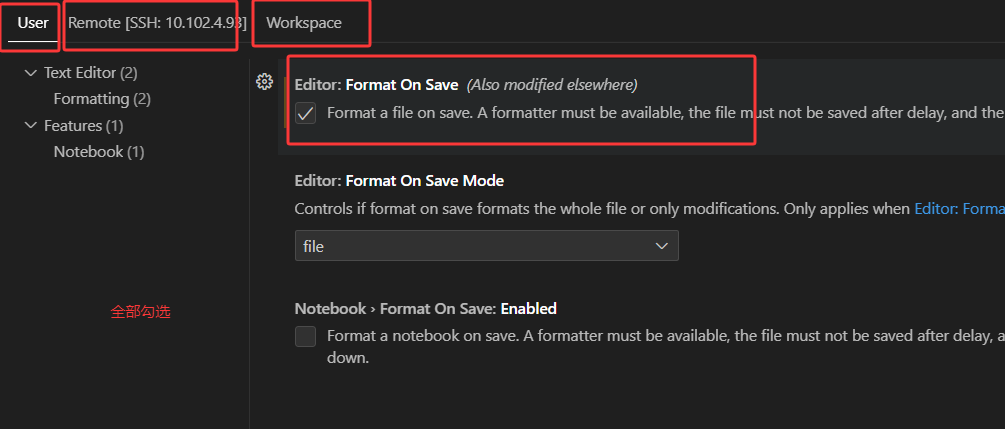
-
统一配置文件的位置
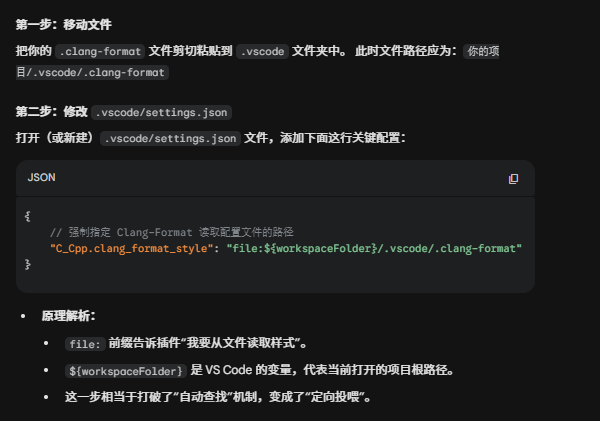
json
{
    // 强制指定 Clang-Format 读取配置文件的路径
    "C_Cpp.clang_format_style": "file:${workspaceFolder}/.vscode/.clang-format"
}