一、图书列表功能
1、 从数据库取出数据展示图书信息
BooksDao--->BooksDaoImpl
java
public class BooksDaoImpl extends BaseDao implements BooksDao {
  @Override
    public List<Books> queryBook() throws Exception {
        String sql = "select  id,title,author,isbn,stock,publish_date publishDate,category from books";
        return executeQuery(Books.class,sql);
    }

}
BooksService-->BooksServiceImpl
java
public class BooksServiceImpl implements BooksService {
 @Override
    public List<Books> findBook() throws Exception {
        return booksDao.queryBook();
    }

}
BooksServlet
java
package org.hlx.servlet.model;

import jakarta.servlet.ServletException;
import jakarta.servlet.annotation.WebServlet;
import jakarta.servlet.http.HttpServletRequest;
import jakarta.servlet.http.HttpServletResponse;
import lombok.extern.slf4j.Slf4j;
import org.hlx.dao.BooksDao;
import org.hlx.dao.impl.BooksDaoImpl;
import org.hlx.pojo.Books;
import org.hlx.service.BooksService;
import org.hlx.service.impl.BooksServiceImpl;
import org.hlx.servlet.base.CustomTemplateEngine;
import org.hlx.servlet.base.ModelServlet;

import java.io.IOException;
import java.util.List;

/**
 * @author : HLX
 * @ClassName :UserSevlet
 * @date : 2026/1/13 14:55
 * @Version :1.0
 * @Description: TODO
 * @modyified By :
 */
@Slf4j
@WebServlet("/booksServlet")
public class BooksServlet extends ModelServlet {

    private BooksService booksService = new BooksServiceImpl();

    /**
     * 1、查询书籍信息
     * @param req
     * @param resp
     * @throws ServletException
     * @throws IOException
     */
    public void list(HttpServletRequest req, HttpServletResponse resp) throws ServletException, IOException {
        CustomTemplateEngine engine = CustomTemplateEngine.getInstance(req);
        try {
            System.out.println("执行list方法...");
            // 查询书籍信息
            List<Books> books = booksService.findBook();
            // 将书籍信息保存到request域中
            req.setAttribute("books", books);
        } catch (Exception e) {
            throw new RuntimeException(e);
        }

        // 转发到list.html页面
        engine.processTemplate("list", req, resp);

    }

}
2、列表页面list.html
html
<!DOCTYPE html>
<!--引入thymeleaf包-->
<html lang="en" xmlns:th="http://www.thymeleaf.org">
<head>
    <meta charset="UTF-8">
    <title>图书列表</title>
    <base th:href="@{/}">
    <!-- 最新版本的 Bootstrap 核心 CSS 文件 -->
    <link rel="stylesheet" href="https://cdn.bootcdn.net/ajax/libs/twitter-bootstrap/3.4.1/css/bootstrap.min.css">

    <style>
        .table th{
            text-align: center;
        }

    </style>
</head>
<body>
<h2 class="text-center">欢迎来到图书列表!</h2>
<h2 class="text-center" th:if="${#lists.isEmpty(books)}">
    暂无图书信息!
</h2>
<div class="container">
    <table th:if="${not #lists.isEmpty(books)}" class="table table-bordered table-striped table-hover">
        <thead>
        <tr>
            <th>编号</th>
            <th>名称</th>
            <th>作者</th>
            <th>ISBN</th>
            <th>库存</th>
            <th>出版日期</th>
            <th>种类</th>
            <th colspan="2">操作</th>
        </tr>
        </thead>
        <tbody>
        <tr th:each="book:${books}">
            <td th:text="${book.id}"></td>
            <td th:text="${book.title}"></td>
            <td th:text="${book.author}"></td>
            <td th:text="${book.isbn}"></td>
            <td th:text="${book.stock}"></td>
            <td th:text="${book.publishDate}"></td>
            <td th:text="${book.category}"></td>
            <td><a class="btn btn-info btn-small" th:href="@{/booksServlet(method='update',id=${book.id})}">修改</a>
            </td>
            <td><a class="delBtn btn btn-danger btn-small"
                   th:href="@{/booksServlet(method='remove',id=${book.id})}">删除</a></td>
        </tr>
        </tbody>
    </table>
</div>

</body>
</html>
3、美化列表页面
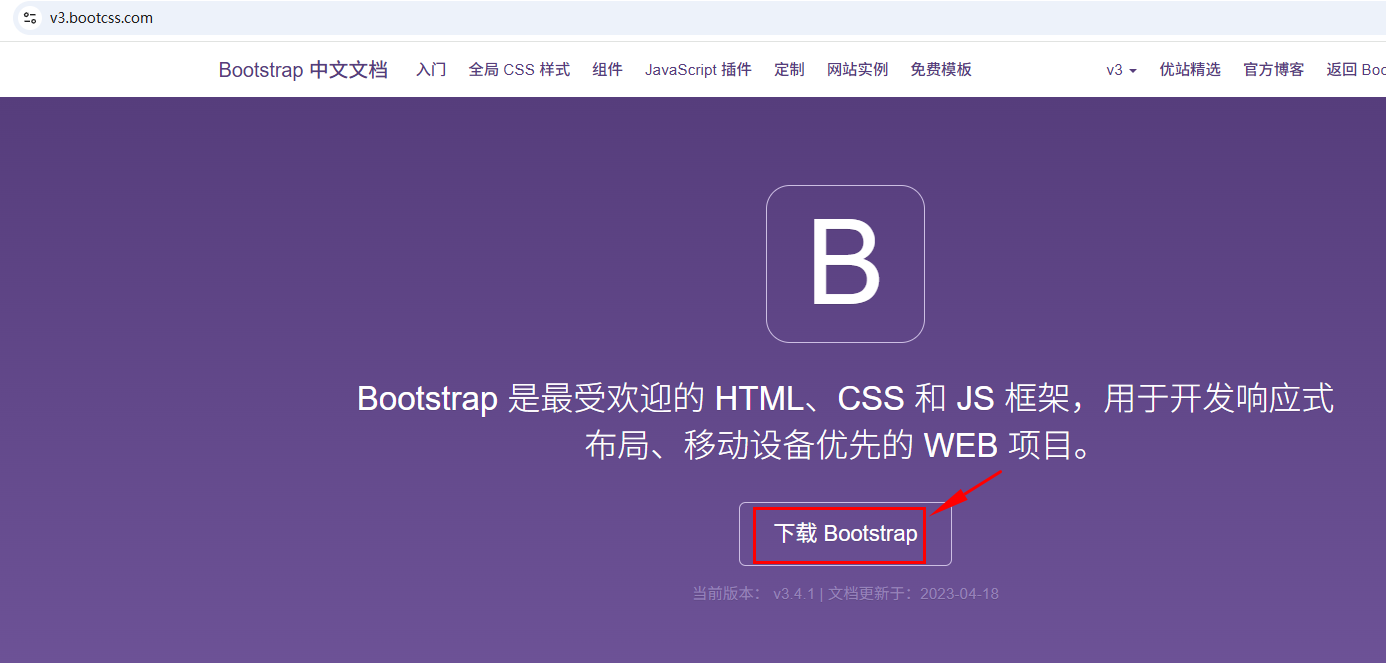
使用Bootstrap3框架引入,使得页面更加漂亮直观
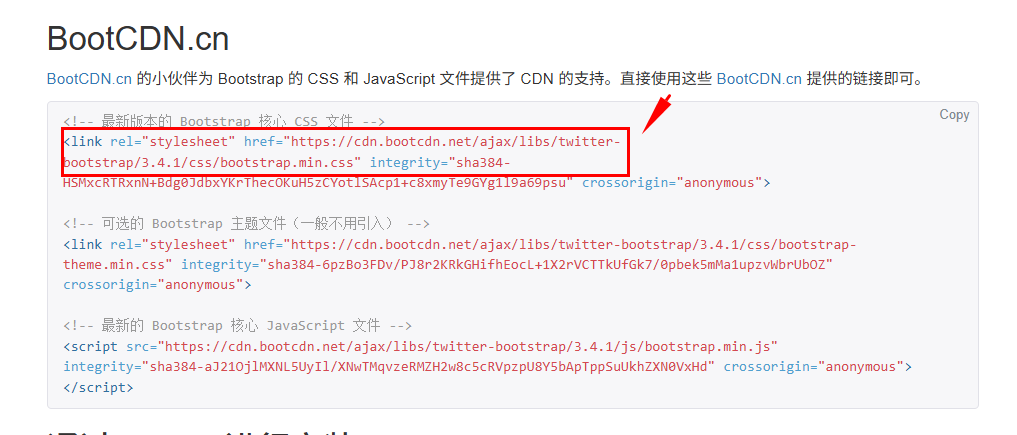
拷贝最新版本的Link链接
<!-- 最新版本的 Bootstrap 核心 CSS 文件 -->
<link rel="stylesheet" href="https://cdn.bootcdn.net/ajax/libs/twitter-bootstrap/3.4.1/css/bootstrap.min.css">
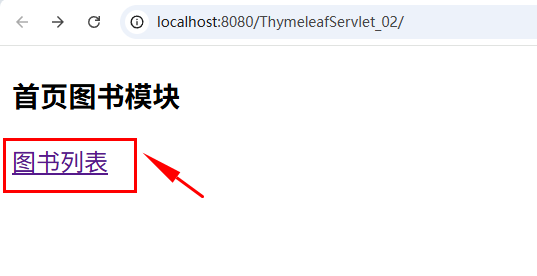
4、启动服务,运行如下:

二、删除图书功能
1、BooksServlet
java
@Slf4j
@WebServlet("/booksServlet")
public class BooksServlet extends ModelServlet {

    private BooksService booksService = new BooksServiceImpl();


    /**
     * 2、删除书籍信息
     * @param req
     * @param resp
     * @throws ServletException
     * @throws IOException
     */
    public void remove(HttpServletRequest req, HttpServletResponse resp) throws ServletException, IOException {
        CustomTemplateEngine engine = CustomTemplateEngine.getInstance(req);
        try {
            System.out.println("执行remove方法...");
            int id = Integer.parseInt(req.getParameter("id"));
            System.out.println("id=>>>" + id);
            // 删除书籍信息
            booksService.remove(id);
            // 重定向到list.html页面
            resp.sendRedirect( req.getContextPath()+"/booksServlet?method=list");
        } catch (Exception e) {
            e.printStackTrace();
        }
    }
}
2、列表页面list.html 添加Jquery3来提示删除对话框
html
    <!--     jquery库文件-->
    <script src="https://code.jquery.com/jquery-3.4.1.min.js"></script>


<script>
    // 删除按钮的点击事件
    $(".delBtn").click(function (e) {
        var flag= confirm("确定要删除吗?");
        // 如果用户点击取消,阻止表单提交
        if(!flag){
            e.preventDefault();
        }
    });
</script>
</body>3、启动服务,运行如下:
1)单击删除-》提示对话框
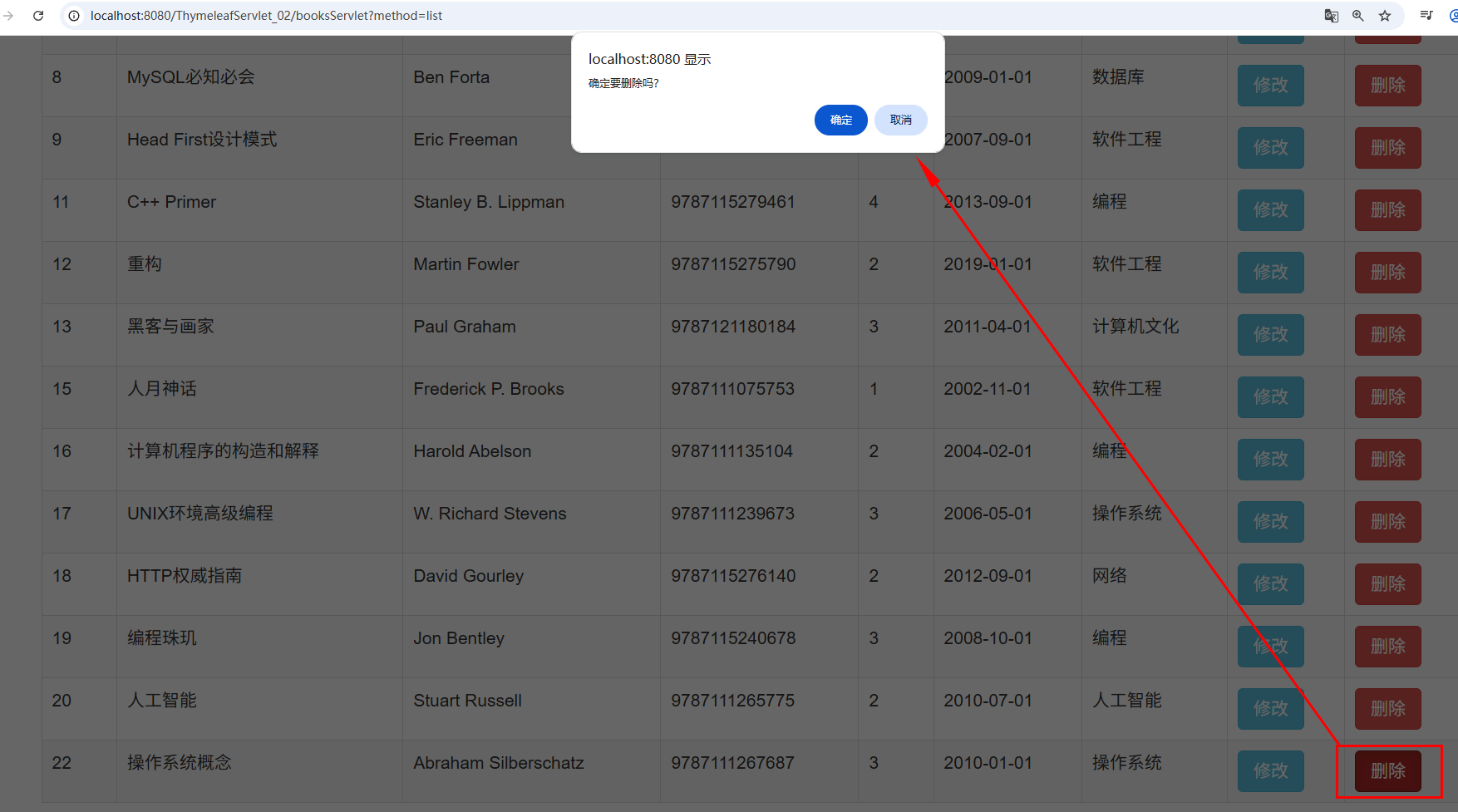
2)单击删除》删除数据
