一、背景
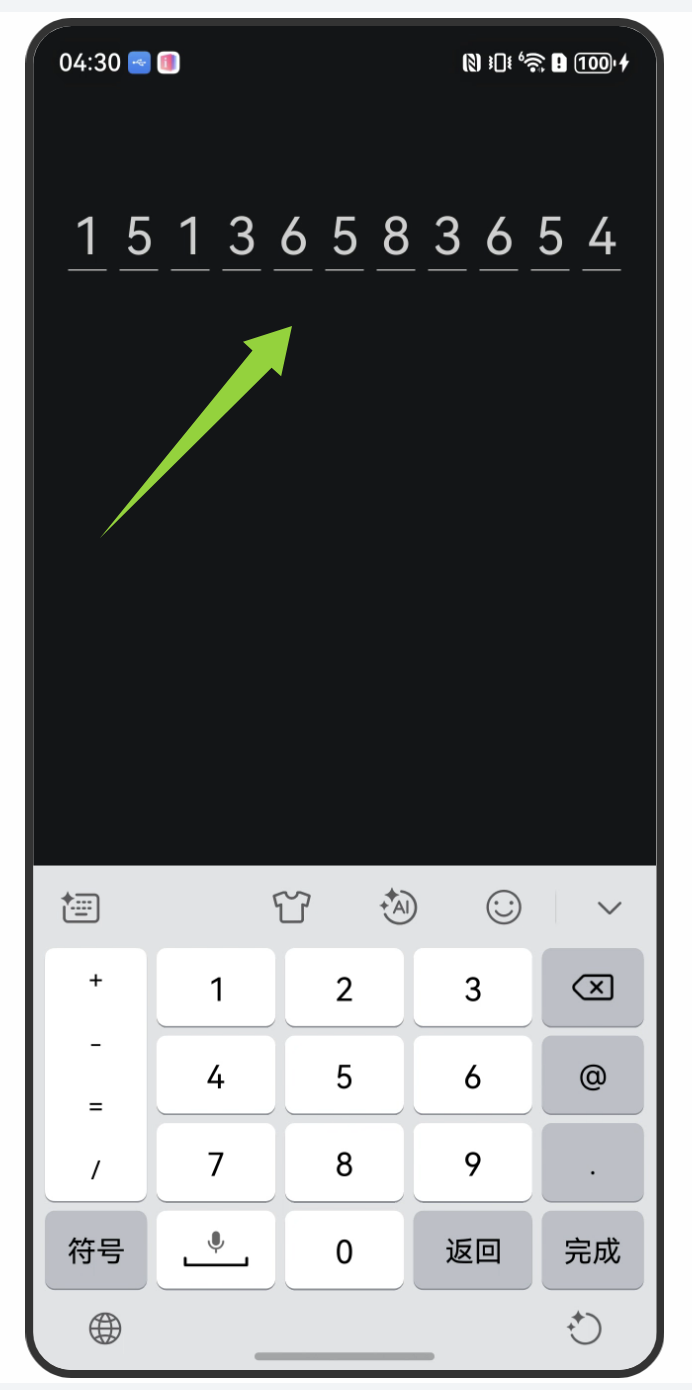
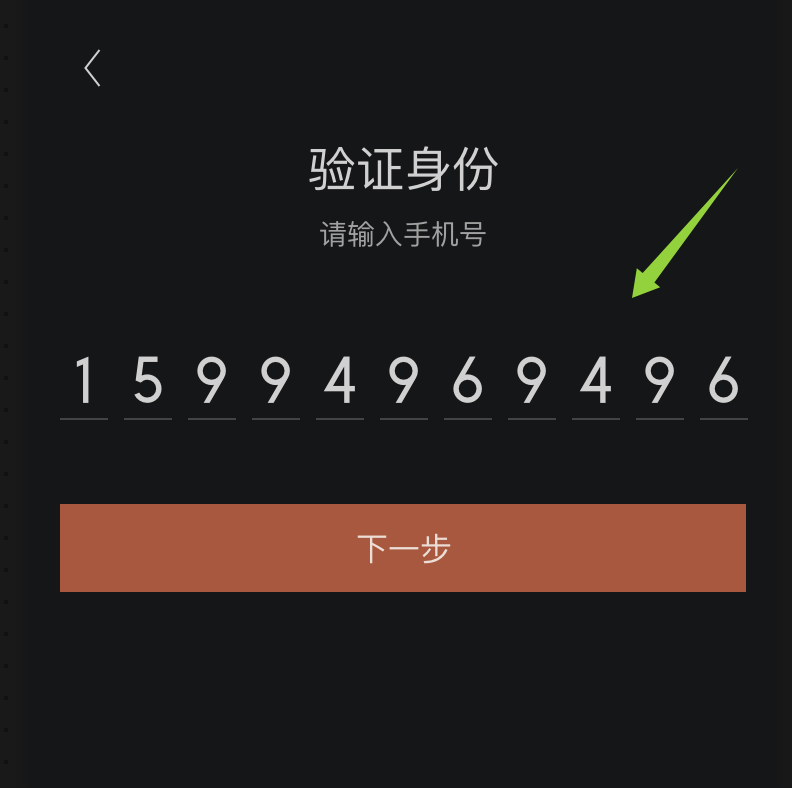
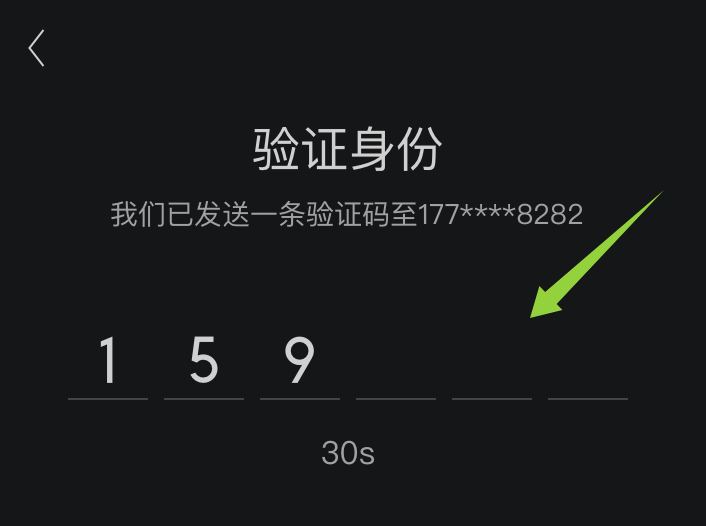
在开发鸿蒙登录/验证码页面时,需要实现「每个数字单独占一格、每格下方带下划线、输入框隐藏」的手机号或验证码输入效果。
最初我是打算用输入框TextInput+下划线Divider来实现这个效果的,但是无法实现「单格单字符+独立下划线」的视觉效果,最终采用以下的实现思路
需要实现的效果图:
二、实现思路
以11位手机号码为例:
1、UI视觉:通过ForEach循环渲染 11 个由Column包裹的 "Text+Divider" 组合,实现 单格数字+下划线的效果。
2、交互实现:隐藏的TextInput处理实际输入和数据绑定
3、点击控制:当点击输入数字时,通过focusControl将焦点传递给隐藏的TextInput,确保输入的连贯性
三、具体代码如下
以下代码可直接运行查看效果
TypeScript
@Entry
@ComponentV2
struct Index {
  @Local phoneNumber: string = ""
  private inputKey: string = "mobileFocus"
  controller: TextInputController = new TextInputController()

  build() {
    Column() {
      Stack({ alignContent: Alignment.Center }) {
        // 1. 交互层:隐藏的TextInput(处理输入逻辑)
        TextInput({ text: this.phoneNumber, controller: this.controller })
          .fontSize(16)
          .opacity(0)
          .type(InputType.Number)
          .height('auto')
          .key(this.inputKey)
          .textAlign(TextAlign.Center)
          .maxLength(11)
          .onChange((value) => {
            this.phoneNumber = value
          })
        //2. UI层:TextAndLine组件(渲染11个格子)
        TextAndLine({
          count: 11,
          chat: this.phoneNumber,
          textWidth: 20,
          dividerWidth: 24
        })

      }
      .margin({ top: 100 })
      .onClick(() => {
        focusControl.requestFocus(this.inputKey)
      })
    }
    .width('100%')
    .height('100%')
    .backgroundColor('#151617')
  }
}

@ComponentV2
export struct TextAndLine {
  @Param chat: string = ""
  @Param count: number = 11
  @Param textWidth: number = 20
  @Param dividerWidth: number = 24
  private dataArray: string[] = new Array(this.count).fill(null)

  build() {
    Row({ space: 8 }) {
      ForEach(this.dataArray, (value: string, index: number) => {
        Column() {
          Text(this.getValue(index))
            .width(this.textWidth)
            .height(44)
            .lineHeight(44)
            .fontColor('#CCFFFFFF')
            .fontSize(32)
            .textAlign(TextAlign.Center)
          Divider()
            .strokeWidth(1)
            .color('#99FFFFFF')
            .width(this.dividerWidth)
        }.justifyContent(FlexAlign.Center)
      })
    }
    .width('auto')
    .height(60)
    .backgroundColor('#FF151617')
  }

  getValue(index: number): string {
    if (this.chat.length > index) {
      return this.chat[index].toString()
    } else {
      return " "
    }
  }
}
四、实现效果