拉取镜像
docker pull registry.cn-hangzhou.aliyuncs.com/qiluo-images/dm8_single:dm8_20230808_rev197096_x86_rh6_64
dm8_20230808_rev197096_x86_rh6_64: Pulling from qiluo-images/dm8_single
b234f539f7a1: Pull complete
55172d420b43: Pull complete
5ba5bbeb6b91: Pull complete
43ae2841ad7a: Pull complete
f6c9c6de4190: Pull complete
0c31b1ac7f26: Pull complete
7935fbbf3750: Pull complete
9b7694d36286: Pull complete
02d556c7442d: Pull complete
c0ffcbed710d: Pull complete
1c3d4f922fc5: Pull complete
4324472a6e09: Pull complete
43c548ad57bf: Pull complete
63f317acd1e9: Pull complete
73a7432c1ccc: Pull complete
97b2cdfc978c: Pull complete
2470c8dc8f0c: Pull complete
Digest: sha256:af1b7e5f395d57624c2b676d335942f4802a7aec5123dbaa70afd2747cf66179
Status: Downloaded newer image for registry.cn-hangzhou.aliyuncs.com/qiluo-images/dm8_single:dm8_20230808_rev197096_x86_rh6_64
registry.cn-hangzhou.aliyuncs.com/qiluo-images/dm8_single:dm8_20230808_rev197096_x86_rh6_64
[root@Tseng ~]#
创建目录
[root@Tseng ~]# mkdir -p /data/dm8/data
[root@Tseng ~]# chmod -R 755 /data/dm8/data
[root@Tseng ~]# chown -R 1001:1001 /data/dm8/data
运行
docker run -d   -p 25236:5236   --restart=always   --name dm8   --privileged=true   -e PAGE_SIZE=16   -e UNICODE_FLAG=1   -e CASE_SENSITIVE=0   -e SYSDBA_PWD='Sdzj@Pass123'   -v /data/dm8/data:/opt/dmdbms/data   registry.cn-hangzhou.aliyuncs.com/qiluo-images/dm8_single:dm8_20230808_rev197096_x86_rh6_64

[root@Tseng dm8]# docker logs --tail 200 dm8
Script start.
file dm.key not found, use default license!
License will expire on 2026-02-11
Normal of FAST
Normal of DEFAULT
Normal of RECYCLE
Normal of KEEP
Normal of ROLL

 log file path: /opt/dmdbms/data/DAMENG/DAMENG01.log


 log file path: /opt/dmdbms/data/DAMENG/DAMENG02.log

write to dir [/opt/dmdbms/data/DAMENG].
create dm database success. 2026-01-28 16:07:32
initdb V8
db version: 0x7000c
Init DM success!
Start DmAPService...
[root@Tseng dm8]#
初始化密码
[root@Tseng dm8]# docker exec -it dm8 env LD_LIBRARY_PATH=/opt/dmdbms/bin /bin/bash
root@4326accc5df3:/# /opt/dmdbms/bin/disql SYSDBA/Tseng@Pass123
comm_inet_server_connect_port cannot get the address information, servername is Pass123, port is 5236.
[-70028]:Create SOCKET connection failure.
disql V8
username:SYSDBA
password:

Server[LOCALHOST:5236]:mode is normal, state is open
login used time : 4.620(ms)
SQL>
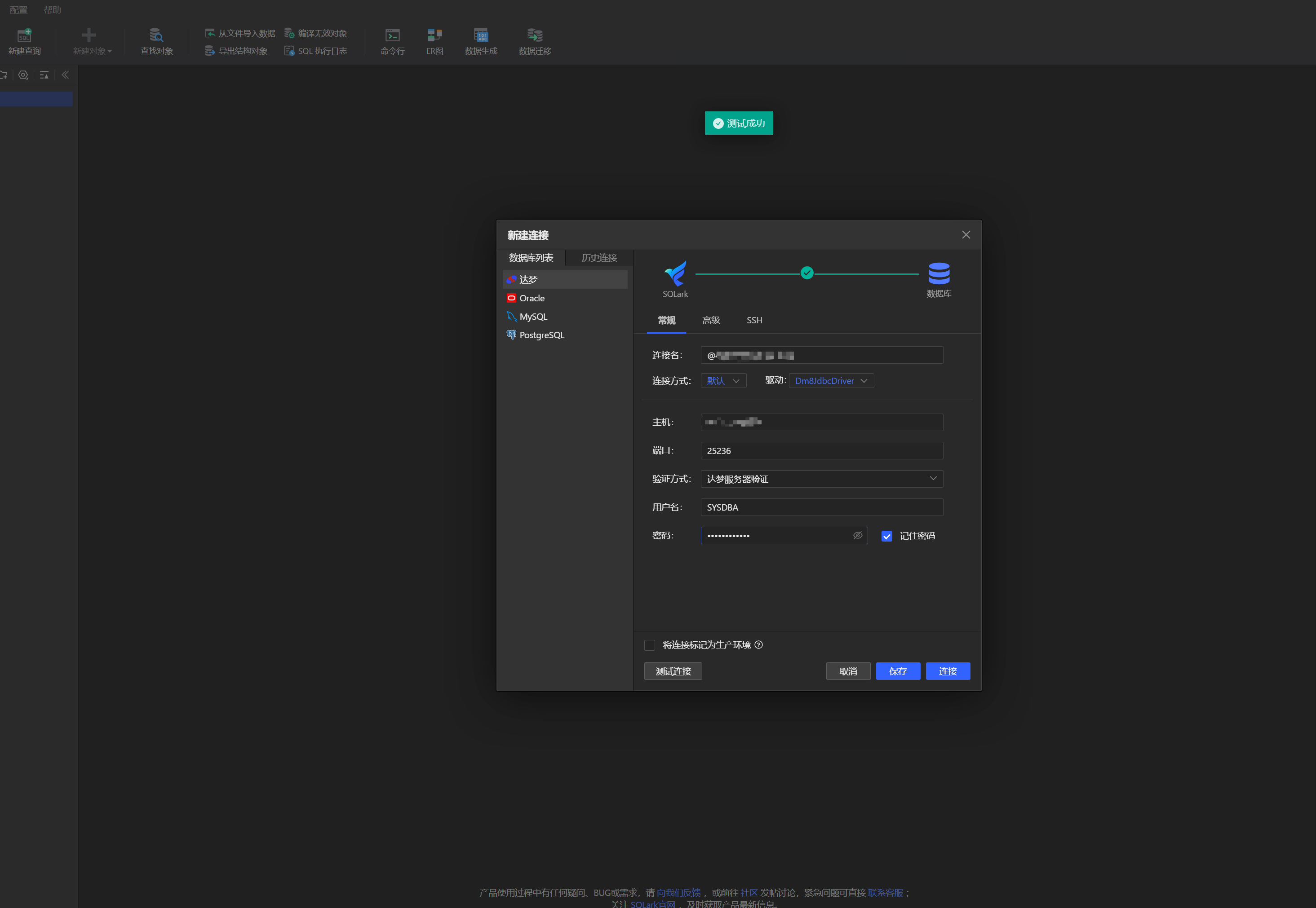
测试-工具 SQLark-百灵连接