由于我需要用到UE5.3.2,所以vs需要是2022版本,MSVC需要14.38版本
安装高斯泼建GitHub库
git clone https://github.com/graphdeco-inria/gaussian-splatting --recursive
SET DISTUTILS_USE_SDK=1 # Windows only
conda create -n gaussian_splatting python=3.10
激活
conda activate gaussian_splatting
call "C:\Program Files\Microsoft Visual Studio\2022\Community\VC\Auxiliary\Build\vcvars64.bat" -vcvars_ver=14.38
安装库
conda install -c anaconda vs2022_win-64
pip install torch==2.0.0+cu118 torchvision==0.15.0+cu118 torchaudio==2.0.0+cu118 -f https://download.pytorch.org/whl/torch_stable.html
set CUDA_HOME=C:\Program Files\NVIDIA GPU Computing Toolkit\CUDA\v11.8
set PATH=%CUDA_HOME%\bin;%PATH%
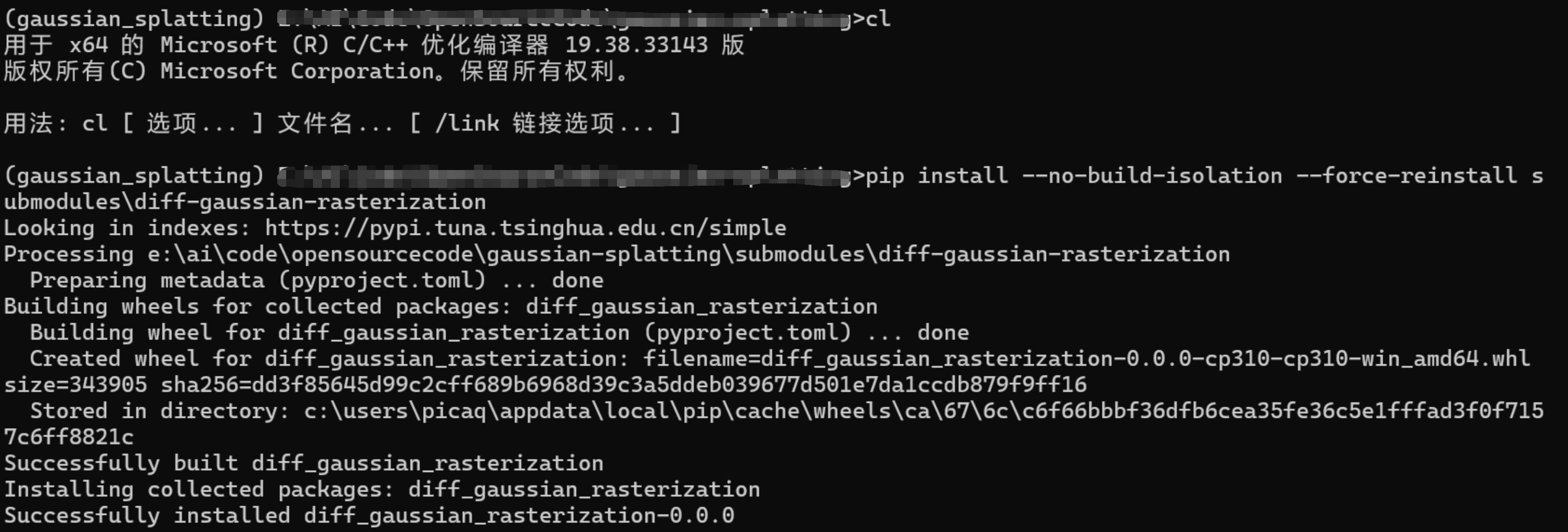
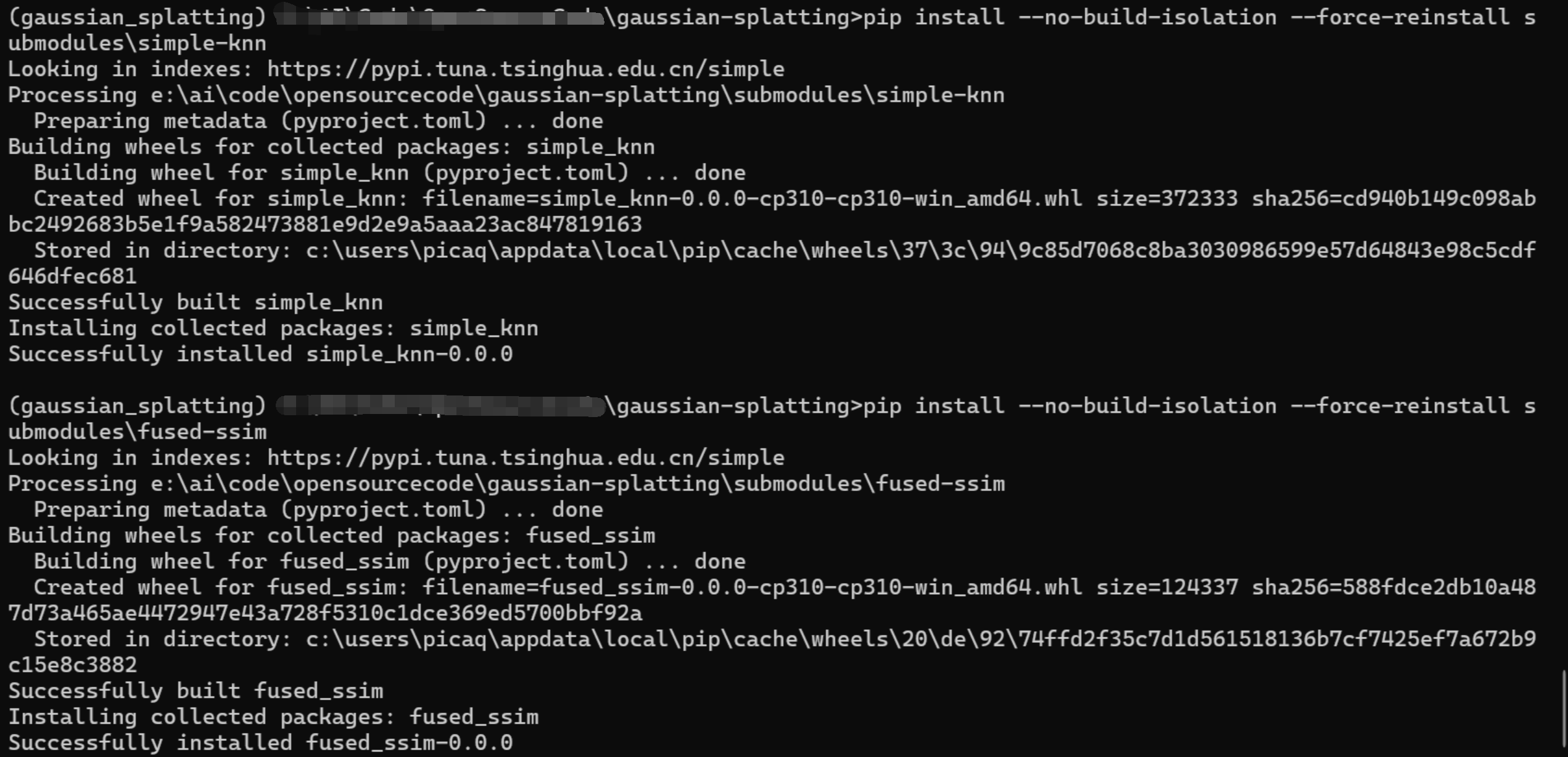
pip install --no-build-isolation --force-reinstall submodules\diff-gaussian-rasterization
pip install --no-build-isolation --force-reinstall submodules\simple-knn
pip install --no-build-isolation --force-reinstall submodules\fused-ssim
我的VS2022有两个版本MSVC的一个是14.42,一个是14.38 本项目需要14.38的库,正好UE5.3.2也是需要14.38
关于如何每次激活环境都是正确的MSVC版本
在D:\ProgramData\anaconda3\envs\gaussian_splatting\etc\conda\activate.d下创建zzz_force_old_msvc.bat
内容如下: @echo off call "C:\Program Files\Microsoft Visual
Studio\2022\Community\VC\Auxiliary\Build\vcvars64.bat"
-vcvars_ver=14.38 echo. echo User Config Successfully forced MSVC version to 14.38 for Gaussian Splatting echo.
其他要安装的库
pip install opencv-python
pip uninstall -y numpy
conda install numpy=1.23.5 --force-reinstall
数据集
https://repo-sam.inria.fr/fungraph/3d-gaussian-splatting/datasets/input/tandt_db.zip
数据集放到\gaussian-splatting\data
训练
python train.py -s data/tandt/train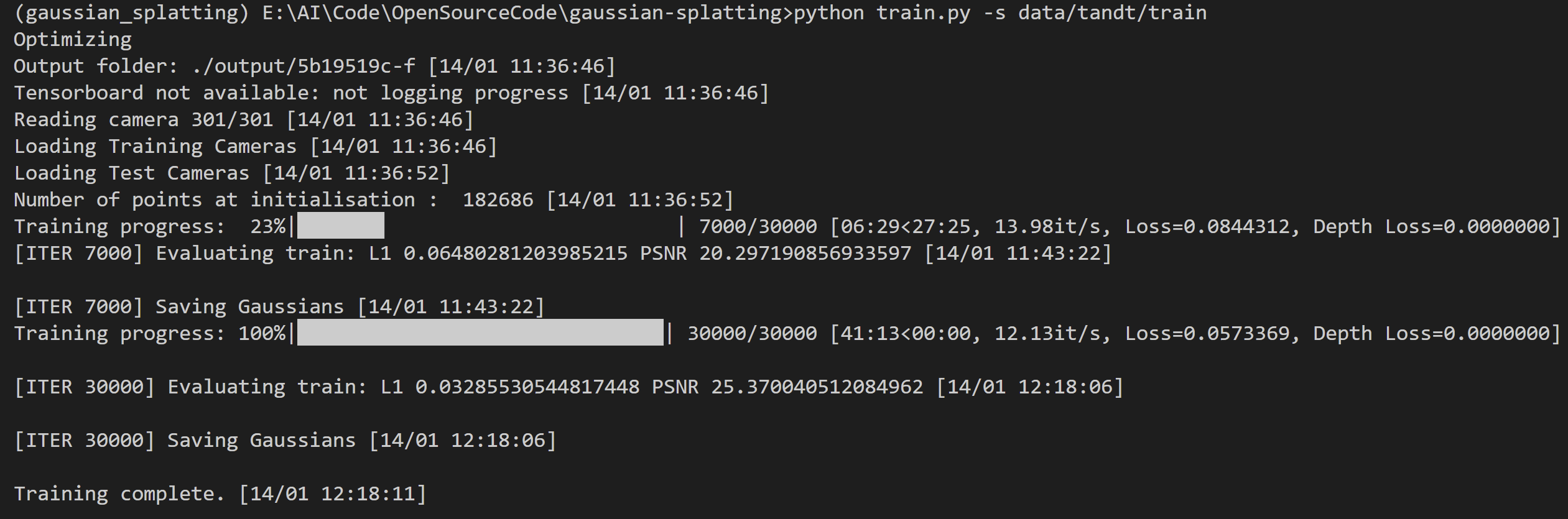
可视化
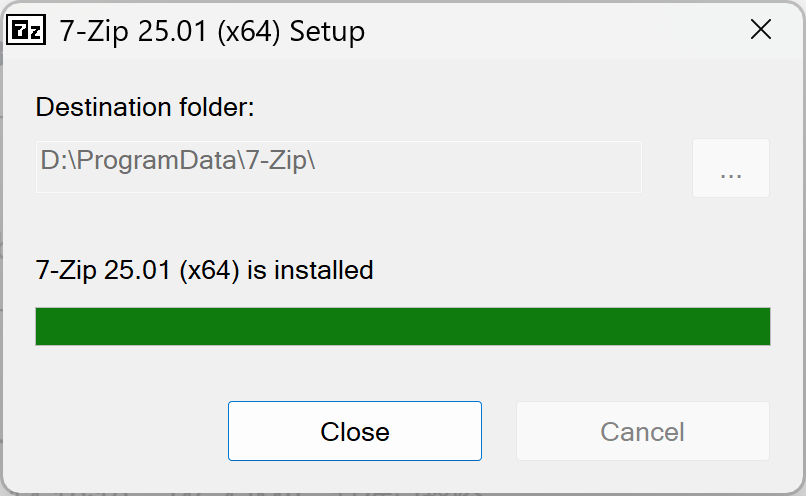
安装https://www.7-zip.org/download.html,并将安装路径D:\\ProgramData\\7-Zip添加到环境变量
cd SIBR_viewers
cmake -Bbuild .
cmake --build build --target install --config RelWithDebInfo
报错
The CUDA Toolkit v11.8 directory '' does not exist.
说明 MSBuild 的 CUDA 11.8.targets 并没有拿到 CUDA_PATH
设置
set CUDA_PATH=C:\Program Files\NVIDIA GPU Computing Toolkit\CUDA\v11.8依然报错,error STL1002: Unexpected compiler version, expected CUDA 12.4 or newer.这是因为 MSVC 14.42 的标准库(STL)强制要求 CUDA 12.4+,而我用的是 CUDA 11.8,所以编译必定报错。
mkdir build
cd build
cmake .. -G "Visual Studio 17 2022" -T version=14.38
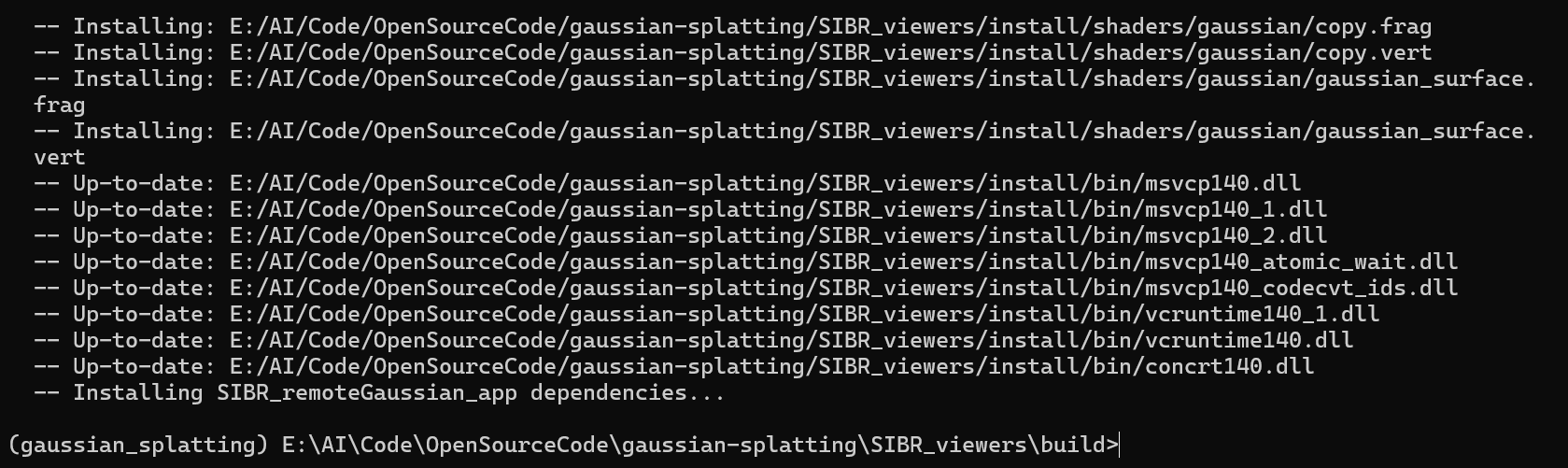
cmake --build . --target install --config RelWithDebInfo
完成
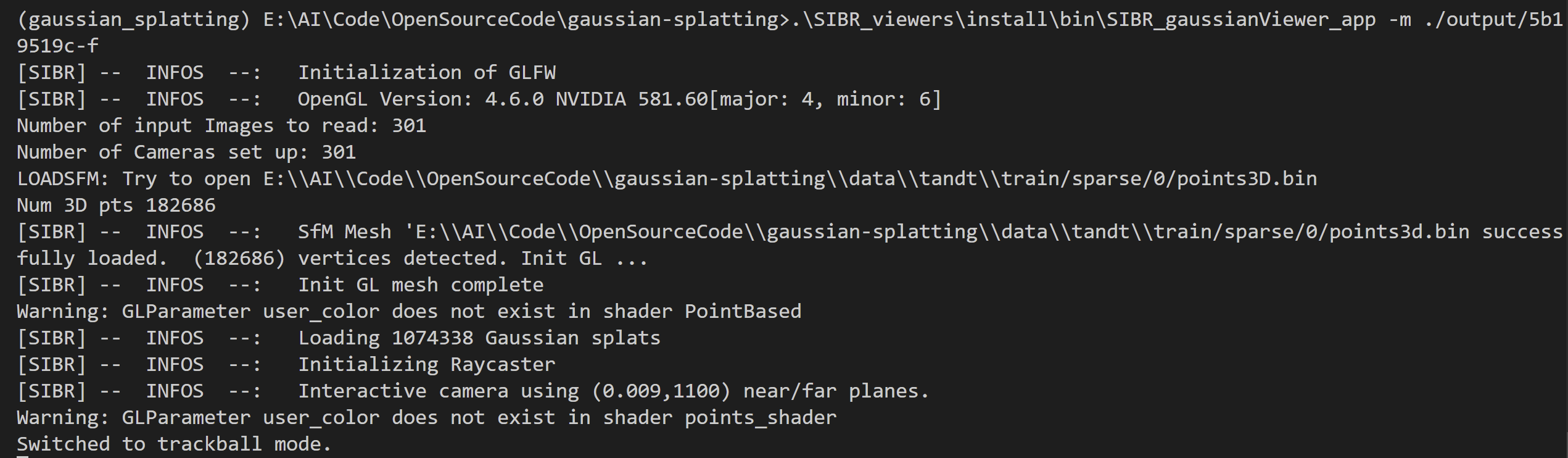
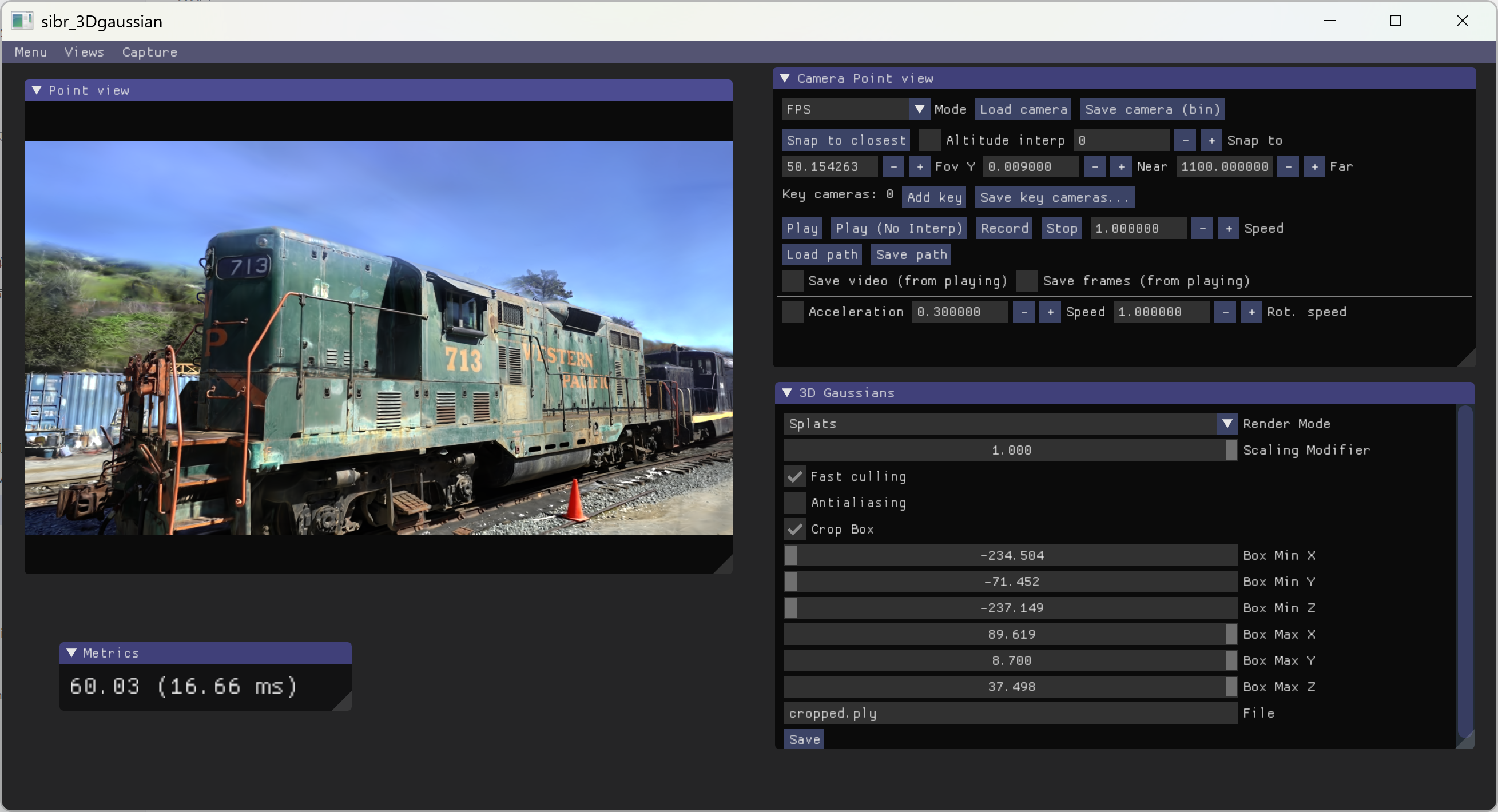
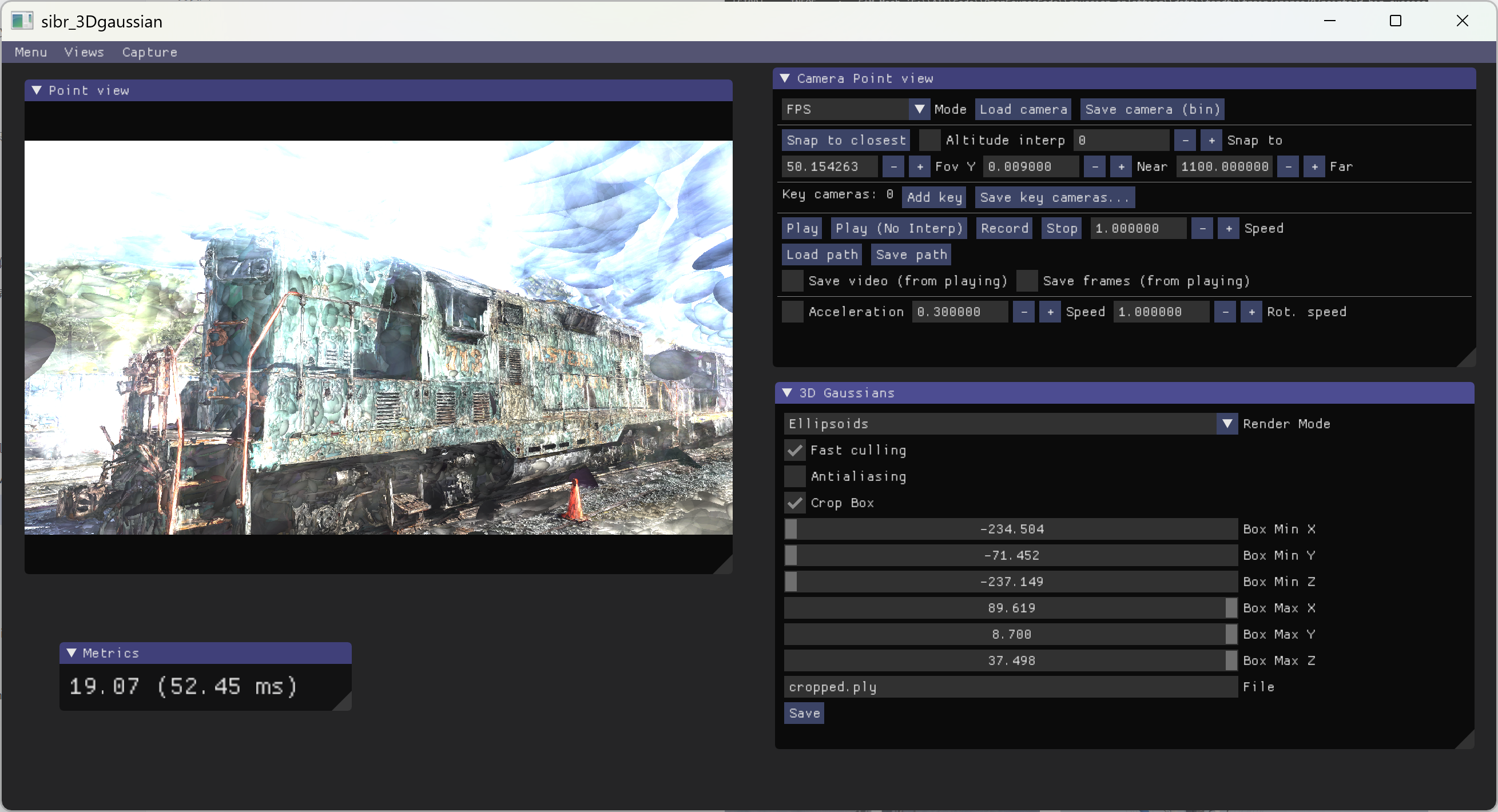
.\SIBR_viewers\install\bin\SIBR_gaussianViewer_app -m ./output/5b19519c-f