示例:
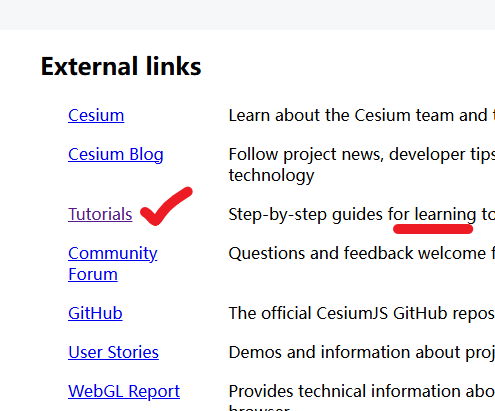
网址:
https://cesium.com/learn/cesiumjs-learn/cesiumjs-creating-entities/
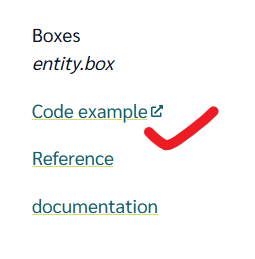
缺少:
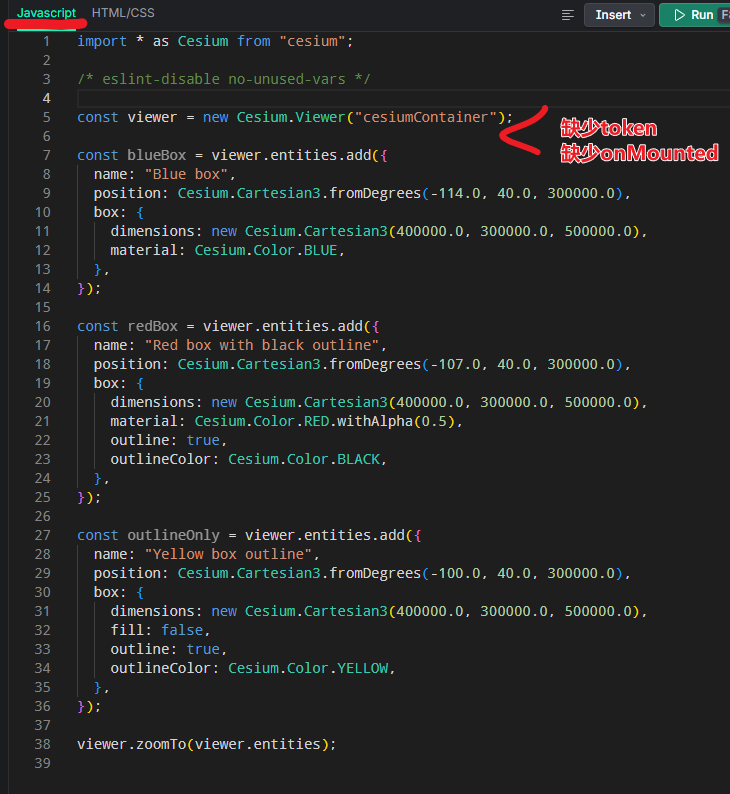
正确的代码:
<template>
  <div id="cesiumContainer" ref="cesiumContainer"></div>
</template>

<script setup>

import * as Cesium from 'cesium'
import '../Widgets/widgets.css' //这是src下面的widgets.css文件
import { onMounted } from 'vue'

Cesium.Ion.defaultAccessToken = "*****";
window.CESIUM_BASE_URL = '/'  //这是根目录下的四个文件夹

/* eslint-disable no-unused-vars */

onMounted(() => {

const viewer = new Cesium.Viewer("cesiumContainer");

viewer.entities.add({
  name: "Blue box",
  position: Cesium.Cartesian3.fromDegrees(-114.0, 40.0, 300000.0),
  box: {
    dimensions: new Cesium.Cartesian3(400000.0, 300000.0, 500000.0),
    material: Cesium.Color.BLUE,
  },
});

viewer.entities.add({
  name: "Red box with black outline",
  position: Cesium.Cartesian3.fromDegrees(-107.0, 40.0, 300000.0),
  box: {
    dimensions: new Cesium.Cartesian3(400000.0, 300000.0, 500000.0),
    material: Cesium.Color.RED.withAlpha(0.5),
    outline: true,
    outlineColor: Cesium.Color.BLACK,
  },
});

 viewer.entities.add({
  name: "Yellow box outline",
  position: Cesium.Cartesian3.fromDegrees(-100.0, 40.0, 300000.0),
  box: {
    dimensions: new Cesium.Cartesian3(400000.0, 300000.0, 500000.0),
    fill: false,
    outline: true,
    outlineColor: Cesium.Color.YELLOW,
  },
});

viewer.zoomTo(viewer.entities);

})


</script>


<!-- Add "scoped" attribute to limit CSS to this component only -->
<style scoped>
* {
  margin: 0;
  padding: 0
}

#cesiumContainer {
  width: 100%;
  height: 100vh;
}
</style>
展示: