在当今追求高效开发的移动端领域,Kotlin Multiplatform (KMP) 已成为一套不可忽视的"代码共享"解决方案。 它允许我们在 iOS、Android、JS、Desktop 等多个平台之间共享业务逻辑,同时保留与原生 UI 和 API 的无缝交互能力。网络请求作为任何现代应用的命脉, 自然是 KMP 中最需要优先实现共享的核心模块之一。
本文将带你从零到一,深入探索如何在 KMP 项目中,利用 JetBrains 官方出品的网络库 Ktor,构建一个优雅、可维护且高性能的跨平台网络层。 我们将覆盖从项目配置、 核心机制 expect/actual 的应用,到为 Android、iOS、JS 各平台提供最佳引擎适配的全过程。
该项目案例的开源地址 :https://gitcode.com/qq8864/kuiklytest
一、为什么选择 Ktor?
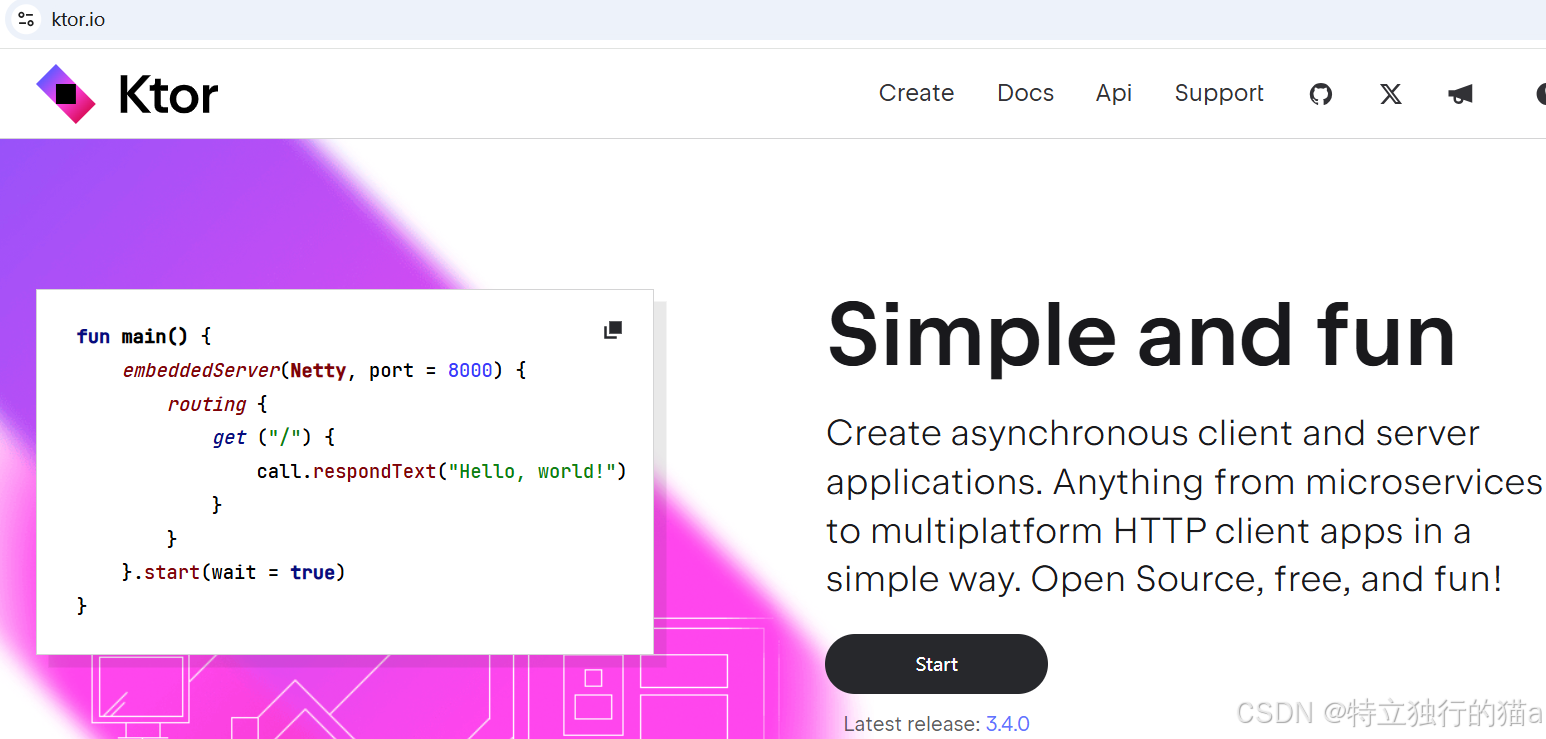
在现代网络编程中,Ktor是一个高性能且易于使用的框架,它提供了对异步编程、WebSockets、HTTP客户端和服务器等特性的原生支持。Ktor是使用Kotlin语言编写的,充分利用了Kotlin的协程特性来简化异步编程。
ktor官网 :https://ktor.io/
ktor网络库的github仓 :https://github.com/ktorio/ktor
在 KMP 的世界里,选择一个原生支持多平台的网络库至关重要。 Ktor (Kotlin HTTP Client) 无疑是最佳选择,原因如下:
- 官方出品,原生支持:由 JetBrains 亲自打造,为 Kotlin 而生,与 Kotlin 协程无缝集成,完美契合 KMP 的开发哲学。
- 轻量且可扩展:Ktor 遵循"插件化"设计。核心库非常小,你可以按需安装 Logging(日志)、ContentNegotiation(内容协商/JSON解析)、HttpTimeout(超时)等功能插件。
- 平台引擎适配:Ktor 的一大亮点是其可插拔的引擎(Engine) 机制。 它允许我们在共享代码中编写统一的网络请求逻辑, 同时在不同平台上使用该平台最高效的底层实现( 如 Android 的 OkHttp,iOS 的 URLSession/NSURLSession, JS 的 fetch API)。
二、KMP 的核心魔法:expect 与 actual
在深入 Ktor 之前,我们必须理解 KMP 实现平台差异化的核心机制:expect 和 actual 关键字。
你可以将其理解为一种编译时多态:
- expect (期望):在 commonMain(共享代码源集)中,我们使用 expect 关键字来声明一个契约。这可以是一个类、一个对象、一个函数或一个属性。 它像一个抽象的" 插座" , 告诉编译器: " 我期望在最终的平台代码中, 有人会提供这个功能的具体实现。 "
- actual (实际):在平台特定的源集(如 androidMain, iosMain, jsMain)中,我们使用 actual 关键字来提供这个契约的具体实现。它就像一个针对特定平台的"插头",会被编译器在编译该平台时自动" 插入" 到 expect 定义的"插座"中。
这个机制让我们的共享代码可以依赖于一个抽象的接口, 而将具体的、 依赖于平台 SDK 的实现细节隔离在各自的平台模块中。
三、实战:构建跨平台的 HttpClient
我们的目标是创建一个 HttpClientFactory 对象,它在任何平台都能被调用,但内部会根据当前平台自动使用最佳的网络引擎。
第 1 步:在 commonMain 中定义期望 (expect)
首先,在 commonMain 中定义我们的"插座"。文件: src/commonMain/kotlin/com/example/myapp/base/HttpClientFactory.kt
kotlin
package com.example.myapp.base

import io.ktor.client.*

// 定义一个期望的工厂对象
expect object HttpClientFactory {
    fun create(): HttpClient
}
这行代码非常简洁,它只做了一件事:承诺在未来的某个地方, 会有一个名为 HttpClientFactory 的对象,并且它有一个返回 HttpClient 的 create 方法。
第 2 步:配置 Gradle 依赖 (build.gradle.kts)
接下来,我们需要为 Ktor 核心库以及各个平台的引擎添加依赖。
bash
// build.gradle.kts

kotlin {
    // 1. 定义你的编译目标
    androidTarget("android")
    iosX64("ios")
    js(IR) { browser() }

    sourceSets {
        // 2. 在 commonMain 中添加核心依赖
        val commonMain by getting {
            dependencies {
                // Ktor 核心库
                implementation("io.ktor:ktor-client-core:2.3.9")
                // Ktor 内容协商插件
                implementation("io.ktor:ktor-client-content-negotiation:2.3.9")
                // Kotlinx Serialization 用于 JSON 解析
                implementation("io.ktor:ktor-serialization-kotlinx-json:2.3.9")
                // Ktor 日志插件
                implementation("io.ktor:ktor-client-logging:2.3.9")
            }
        }

        // 3. 在 androidMain 中添加 Android 引擎 (OkHttp)
        val androidMain by getting {
            dependencies {
                implementation("io.ktor:ktor-client-okhttp:2.3.9")
            }
        }

        // 4. 在 iosMain 中添加 iOS 引擎 (Darwin)
        val iosMain by getting {
            dependencies {
                implementation("io.ktor:ktor-client-darwin:2.3.9")
            }
        }

        // 5. 在 jsMain 中添加 JS 引擎 (Js)
        val jsMain by getting {
            dependencies {
                implementation("io.ktor:ktor-client-js:2.3.9")
            }
        }
    }
}
注意:请确保所有 io.ktor:* 依赖的版本号保持完全一致,以避免版本冲突。
第 3 步:在各平台提供实际 (actual) 实现
现在,我们来为每个平台制作专属的"插头" 。
Android 实现 (androidMain) 文件: src/androidMain/kotlin/com/example/myapp/base/HttpClientFactory.kt
kotlin
package com.example.kuiklytest.base

import io.ktor.client.HttpClient

// 定义一个期望的工厂对象

import io.ktor.client.*
import io.ktor.client.engine.okhttp.OkHttp // 导入 Android 平台的引擎
import io.ktor.client.plugins.HttpTimeout
import io.ktor.client.plugins.contentnegotiation.*
import io.ktor.client.plugins.logging.*
import io.ktor.serialization.kotlinx.json.*
import kotlinx.serialization.json.Json

// `actual` 关键字表示这是对 `expect` 的具体实现
actual object HttpClientFactory {
    actual fun create(): HttpClient {
        return HttpClient(OkHttp) { // 使用 OkHttp 引擎
            // 所有通用的插件配置都放在这里
            install(Logging) {
                level = LogLevel.ALL
            }
            install(ContentNegotiation) {
                json(Json {
                    prettyPrint = true
                    isLenient = true
                    ignoreUnknownKeys = true
                })
            }
            install(HttpTimeout) {
                requestTimeoutMillis = 15000
                connectTimeoutMillis = 15000
            }
        }
    }
}
iOS 实现 (iosMain) 文件: src/iosMain/kotlin/com/example/myapp/base/HttpClientFactory.kt
kotlin
package com.example.kuiklytest.base

import io.ktor.client.*
import io.ktor.client.engine.darwin.Darwin // 导入 iOS 平台的引擎
import io.ktor.client.plugins.HttpTimeout
import io.ktor.client.plugins.contentnegotiation.*
import io.ktor.client.plugins.logging.*
import io.ktor.serialization.kotlinx.json.*
import kotlinx.serialization.json.Json

// iOS 平台的 `actual` 实现
actual object HttpClientFactory {
    actual fun create(): HttpClient {
        return HttpClient(Darwin) { // 使用 Darwin 引擎
            // 这里的配置和 Android 的完全一样,可以考虑抽取成一个通用函数
            install(Logging) {
                level = LogLevel.ALL
            }
            install(ContentNegotiation) {
                json(Json {
                    prettyPrint = true
                    isLenient = true
                    ignoreUnknownKeys = true
                })
            }
            install(HttpTimeout) {
                requestTimeoutMillis = 15000
                connectTimeoutMillis = 15000
            }
        }
    }
}
JavaScript 实现 (jsMain) 文件: src/jsMain/kotlin/com/example/myapp/base/HttpClientFactory.kt
kotlin
package com.example.kuiklytest.base

import io.ktor.client.*
// 1. 导入 JS 平台的引擎
import io.ktor.client.engine.js.*
import io.ktor.client.plugins.HttpTimeout
import io.ktor.client.plugins.contentnegotiation.*
import io.ktor.client.plugins.logging.*
import io.ktor.serialization.kotlinx.json.*
import kotlinx.serialization.json.Json

// JS 平台的 `actual` 实现
actual object HttpClientFactory {
    actual fun create(): HttpClient {
        // 2. 在构造函数中传入 Js 引擎
        return HttpClient(Js) {
            // 所有通用的插件配置都和 Android/iOS 完全一样
            install(Logging) {
                level = LogLevel.ALL
            }
            install(ContentNegotiation) {
                json(Json {
                    prettyPrint = true
                    isLenient = true
                    ignoreUnknownKeys = true
                })
            }
            install(HttpTimeout) {
                requestTimeoutMillis = 15000
                connectTimeoutMillis = 15000
            }

            // 3. JS 引擎特有的配置 (可选)
            engine {
                // 例如,可以配置 fetch API 的凭证策略
                // cors.credentials = true
            }
        }
    }
}
第 4 步:抽取通用配置,拒绝重复代码 (DRY)
你会发现,所有平台的 HttpClient 配置(如日志、JSON、超时)都是重复的。 我们可以利用 Kotlin 的扩展函数,在 commonMain 中创建一个通用配置函数。
文件: src/commonMain/kotlin/com/example/myapp/base/HttpClientFactory.kt
kotlin
// ... (expect object 定义之后)

import io.ktor.client.plugins.HttpTimeout
import io.ktor.client.plugins.contentnegotiation.*
import io.ktor.client.plugins.logging.*
import io.ktor.serialization.kotlinx.json.*
import kotlinx.serialization.json.Json

// 定义一个 internal 的通用配置函数
internal fun HttpClientConfig<*>.applyCommonConfig() {
    // 安装日志插件
    install(Logging) {
        level = LogLevel.ALL // 打印所有日志,便于调试
    }
    // 安装内容协商插件,用于自动序列化/反序列化 JSON
    install(ContentNegotiation) {
        json(Json {
            prettyPrint = true      // 格式化输出 JSON
            isLenient = true        // 宽松模式
            ignoreUnknownKeys = true // 忽略 JSON 中未知字段
        })
    }
    // 安装超时插件
    install(HttpTimeout) {
        requestTimeoutMillis = 15000
        connectTimeoutMillis = 15000
    }
}
现在,我们的 actual 实现可以变得极其简洁:
kotlin
// 例如,在 androidMain 中
actual object HttpClientFactory {
    actual fun create(): HttpClient {
        return HttpClient(OkHttp) {
            applyCommonConfig() // 一行代码,搞定所有通用配置!
        }
    }
}
四、在共享代码中使用
我们已经搭建好了跨平台的网络客户端,现在来看看如何在共享代码中消费 API。假设我们需要获取一个轮播图数据列表。
- 定义数据模型 (Data Class)
首先,在 commonMain 中定义与 API 响应对应的 Kotlin 数据类,并使用 @Serializable 注解标记它们。 文件: src/commonMain/kotlin/com/example/myapp/common/types/Models.kt
kotlin
import kotlinx.serialization.Serializable

@Serializable
data class ApiResponse<T>(
    val code: Int,
    val message: String,
    val data: T
)

@Serializable
data class SwiperItem(
    val id: String,
    val imageUrl: String,
    val title: String
)- 封装 API 调用
创建一个专门的 Api 类来封装所有与特定功能相关的网络请求。这是一种良好的实践, 能让代码结构更清晰。 文件:src/commonMain/kotlin/com/example/myapp/common/api/SwiperApi.kt
kotlin
package com.example.myapp.common.api

import com.example.myapp.base.HttpClientFactory
import com.example.myapp.common.types.ApiResponse
import com.example.myapp.common.types.SwiperItem
import io.ktor.client.call.*
import io.ktor.client.request.*

class SwiperApi {

    // 通过我们创建的工厂来获取 HttpClient 实例
    private val httpClient = HttpClientFactory.create()
    private val baseUrl = "https://api.example.com" // 你的 API 基地址

    /**
     * 获取轮播图数据。
     * 这是一个挂起函数 (suspend fun),必须在协程中调用。
     */
    suspend fun getSwiperData(): ApiResponse<List<SwiperItem>> {
        // 使用 Ktor 发起 GET 请求
        val response = httpClient.get("$baseUrl/swiperdata")

        // Ktor 会根据 Content-Type 和 ContentNegotiation 配置,
        // 自动将响应体 JSON 解析为你指定的泛型类型。
        return response.body()
    }
}- 在 ViewModel 或 Repository 中调用
最后,在业务逻辑层(如 ViewModel)中,注入并调用 SwiperApi。
kotlin
class HomeViewModel(private val swiperApi: SwiperApi) : ViewModel() {

    fun loadData() {
        viewModelScope.launch { // 在 ViewModel 的协程作用域中启动一个新协程
            try {
                val swiperResponse = swiperApi.getSwiperData()
                if (swiperResponse.code == 0) {
                    // 更新 UI 状态为成功
                    _uiState.value = HomeUiState.Success(swiperResponse.data)
                } else {
                    // 更新 UI 状态为失败
                    _uiState.value = HomeUiState.Error(swiperResponse.message)
                }
            } catch (e: Exception) {
                // 处理网络异常或解析异常
                _uiState.value = HomeUiState.Error("网络错误: ${e.message}")
            }
        }
    }
}
编译器会像施展魔法一样,在编译时自动将 HttpClientFactory.create() 替换为对应平台的正确实现。
总结
通过 expect/actual 机制与 Ktor 的引擎适配能力,我们成功构建了一个真正意义上的跨平台网络层。 这套实践不仅让我们的代码库保持了极高的共享率和简洁性, 还确保了在每个平台上都能发挥出最佳的原生性能。 从定义数据模型,到封装 API,再到在 ViewModel 中调用,整个流程都在 commonMain 中完成,实现了 100% 的逻辑共享。这正是 KMP 开发的魅力所在。掌握它,你便掌握了开启 KMP 高效开发大门的钥匙。
参考链接
https://cloud.tencent.com/developer/article/2425085