Flutter-OH 插件适配 HarmonyOS 实战:以屏幕方向控制为例
前言
随着 HarmonyOS 生态的快速发展,越来越多的 Flutter 开发者希望将自己的插件适配到 HarmonyOS 平台。本文将以 flutter_orientation 插件为例,详细介绍如何将 Android 平台的 Flutter 插件适配到 HarmonyOS,帮助开发者快速掌握适配技巧。
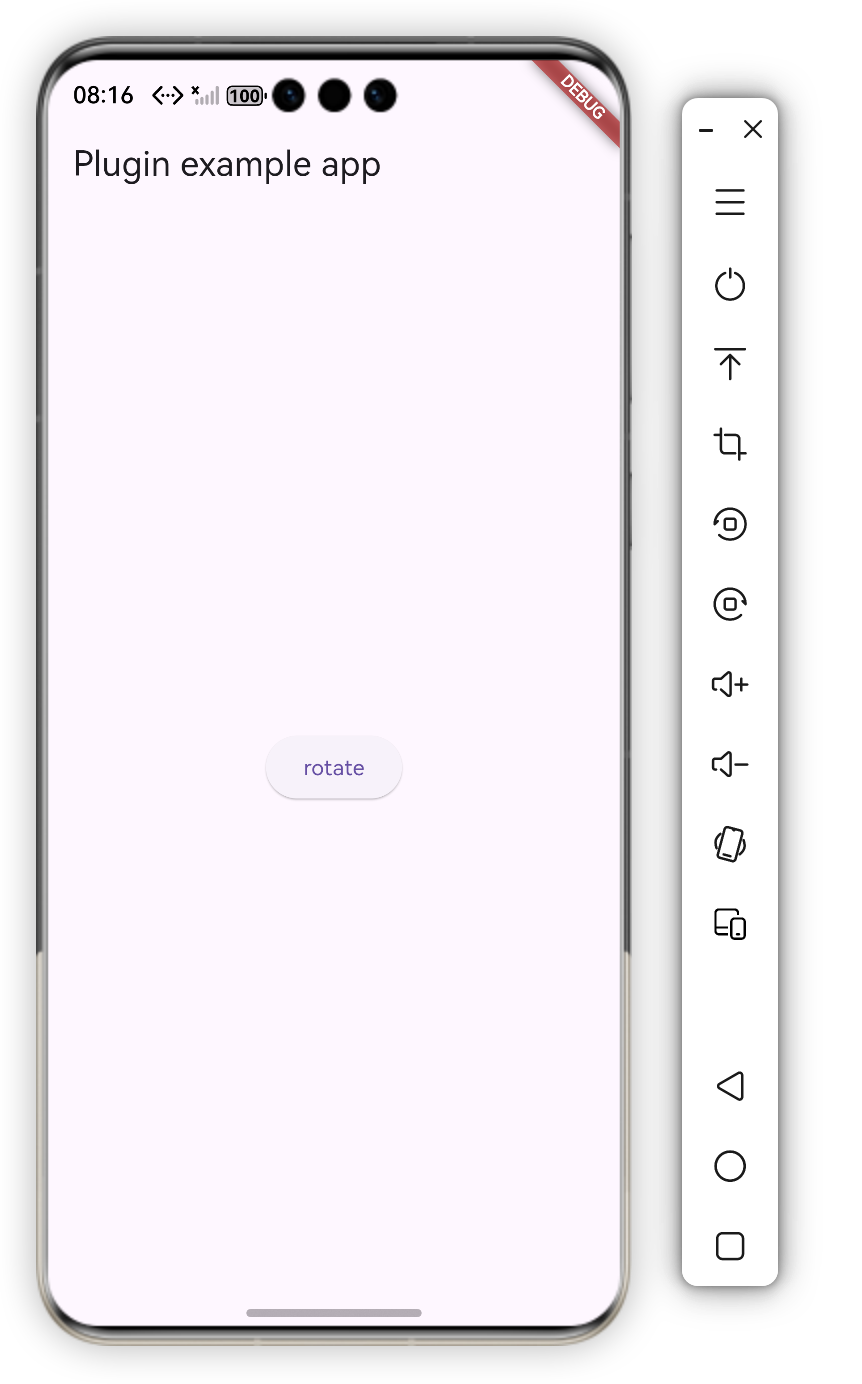
效果
一、背景介绍
flutter_orientation 是一个用于控制设备屏幕方向的 Flutter 插件,支持 Android、iOS 和 HarmonyOS 平台。本文重点介绍如何参考 Android 实现,完成 HarmonyOS 平台的适配工作。
插件功能
- 设置设备屏幕方向(竖屏、横屏、倒置竖屏、倒置横屏)
- 跨平台统一的 API 接口
- 支持动态切换屏幕方向
二、HarmonyOS Flutter 插件架构
2.1 插件生命周期
HarmonyOS Flutter 插件需要实现以下接口:
FlutterPlugin: 插件基础接口,管理插件与 Flutter Engine 的绑定MethodCallHandler: 处理方法调用AbilityAware: 获取 UIAbility 生命周期(类似 Android 的 ActivityAware)
2.2 关键接口说明
typescript
// 插件基础接口
interface FlutterPlugin {
  onAttachedToEngine(binding: FlutterPluginBinding): void;
  onDetachedFromEngine(binding: FlutterPluginBinding): void;
}

// 方法调用处理接口
interface MethodCallHandler {
  onMethodCall(call: MethodCall, result: MethodResult): void;
}

// Ability 生命周期接口
interface AbilityAware {
  onAttachedToAbility(binding: AbilityPluginBinding): void;
  onDetachedFromAbility(): void;
}
三、Android vs HarmonyOS 实现对比
3.1 架构对比
| 特性 | Android | HarmonyOS |
|---|---|---|
| 生命周期接口 | ActivityAware |
AbilityAware |
| 上下文对象 | Activity |
UIAbility |
| 窗口管理 | Activity.setRequestedOrientation() |
Window.setPreferredOrientation() |
| 编程语言 | Java/Kotlin | TypeScript (ETS) |
3.2 代码结构对比
Android 实现
java
public class FlutterOrientationPlugin implements
    FlutterPlugin, MethodCallHandler, ActivityAware {

    private MethodChannel channel;
    private Activity activity;

    @Override
    public void onAttachedToActivity(ActivityPluginBinding binding) {
        activity = binding.getActivity();
    }

    @Override
    public void onMethodCall(MethodCall call, Result result) {
        if (call.method.equals("setOrientation")) {
            String orientation = (String) call.arguments;
            // 设置屏幕方向
            activity.setRequestedOrientation(getOrientation(orientation));
        }
    }
}
HarmonyOS 实现
typescript
export default class FlutterOrientationPlugin implements
    FlutterPlugin, MethodCallHandler, AbilityAware {

    private channel: MethodChannel | null = null;
    private ability: UIAbility | null = null;

    onAttachedToAbility(binding: AbilityPluginBinding): void {
        this.ability = binding.getAbility();
    }

    onMethodCall(call: MethodCall, result: MethodResult): void {
        if (call.method == "setOrientation") {
            this.setOrientation(call, result);
        }
    }
}
四、核心实现详解
4.1 完整的 HarmonyOS 实现
typescript
import {
  FlutterPlugin,
  FlutterPluginBinding,
  MethodCall,
  MethodCallHandler,
  MethodChannel,
  MethodResult,
  AbilityAware,
  AbilityPluginBinding,
} from '@ohos/flutter_ohos';
import { window } from '@kit.ArkUI';
import { UIAbility } from '@kit.AbilityKit';

export default class FlutterOrientationPlugin
    implements FlutterPlugin, MethodCallHandler, AbilityAware {

  private channel: MethodChannel | null = null;
  private ability: UIAbility | null = null;

  getUniqueClassName(): string {
    return "FlutterOrientationPlugin"
  }

  // 1. 绑定到 Flutter Engine
  onAttachedToEngine(binding: FlutterPluginBinding): void {
    this.channel = new MethodChannel(
      binding.getBinaryMessenger(),
      "chavesgu/orientation"
    );
    this.channel.setMethodCallHandler(this);
  }

  // 2. 解绑 Flutter Engine
  onDetachedFromEngine(binding: FlutterPluginBinding): void {
    if (this.channel != null) {
      this.channel.setMethodCallHandler(null);
    }
  }

  // 3. 绑定到 UIAbility(关键步骤)
  onAttachedToAbility(binding: AbilityPluginBinding): void {
    this.ability = binding.getAbility();
  }

  // 4. 解绑 UIAbility
  onDetachedFromAbility(): void {
    this.ability = null;
  }

  // 5. 处理方法调用
  onMethodCall(call: MethodCall, result: MethodResult): void {
    if (call.method == "setOrientation") {
      this.setOrientation(call, result);
    } else {
      result.notImplemented();
    }
  }

  // 6. 设置屏幕方向的核心方法
  private setOrientation(call: MethodCall, result: MethodResult): void {
    const orientation = call.args as string;
    let targetOrientation: window.Orientation;

    // 方向映射:Flutter -> HarmonyOS
    if (orientation === "DeviceOrientation.portraitUp") {
      targetOrientation = window.Orientation.PORTRAIT;
    } else if (orientation === "DeviceOrientation.portraitDown") {
      targetOrientation = window.Orientation.PORTRAIT_INVERTED;
    } else if (orientation === "DeviceOrientation.landscapeLeft") {
      targetOrientation = window.Orientation.LANDSCAPE_INVERTED;
    } else if (orientation === "DeviceOrientation.landscapeRight") {
      targetOrientation = window.Orientation.LANDSCAPE;
    } else {
      targetOrientation = window.Orientation.UNSPECIFIED;
    }

    // 检查 ability 是否可用
    if (!this.ability) {
      result.error("NO_ABILITY", "Ability is null", null);
      return;
    }

    // 获取窗口并设置方向
    window.getLastWindow(this.ability.context).then((windowClass) => {
      windowClass.setPreferredOrientation(targetOrientation).then(() => {
        result.success(null);
      }).catch((err: Error) => {
        result.error(
          "SET_ORIENTATION_ERROR",
          `Failed to set orientation: ${err.message}`,
          null
        );
      });
    }).catch((err: Error) => {
      result.error(
        "GET_WINDOW_ERROR",
        `Failed to get window: ${err.message}`,
        null
      );
    });
  }
}
4.2 关键实现点解析
1. 实现 AbilityAware 接口
这是 HarmonyOS 适配的关键步骤。与 Android 的 ActivityAware 类似,AbilityAware 接口允许插件获取 UIAbility 实例,从而访问窗口和上下文信息。
typescript
onAttachedToAbility(binding: AbilityPluginBinding): void {
  this.ability = binding.getAbility();
}
2. 方向映射关系
Flutter 的方向枚举需要映射到 HarmonyOS 的窗口方向:
| Flutter 方向 | HarmonyOS 方向 |
|---|---|
DeviceOrientation.portraitUp |
window.Orientation.PORTRAIT |
DeviceOrientation.portraitDown |
window.Orientation.PORTRAIT_INVERTED |
DeviceOrientation.landscapeLeft |
window.Orientation.LANDSCAPE_INVERTED |
DeviceOrientation.landscapeRight |
window.Orientation.LANDSCAPE |
注意 :landscapeLeft 对应 LANDSCAPE_INVERTED,landscapeRight 对应 LANDSCAPE,这与 Android 的实现保持一致。
3. 获取窗口实例
HarmonyOS 需要通过 window.getLastWindow() 获取窗口实例,然后调用 setPreferredOrientation() 设置方向:
typescript
window.getLastWindow(this.ability.context).then((windowClass) => {
  windowClass.setPreferredOrientation(targetOrientation);
});
4. 错误处理
完善的错误处理机制确保插件在各种情况下都能正常工作:
- 检查
ability是否为 null - 捕获窗口获取和方向设置的异常
- 返回详细的错误信息
五、适配步骤总结
5.1 适配 Checklist
- 实现
FlutterPlugin接口 - 实现
MethodCallHandler接口 - 实现
AbilityAware接口(如需要访问窗口/上下文) - 创建
MethodChannel并设置处理器 - 在
onAttachedToAbility中保存UIAbility引用 - 实现方法调用处理逻辑
- 映射 Flutter 枚举到 HarmonyOS 枚举
- 添加错误处理
- 在
pubspec.yaml中注册插件
5.2 pubspec.yaml 配置
确保在 pubspec.yaml 中正确配置 HarmonyOS 平台:
yaml
flutter:
  plugin:
    platforms:
      android:
        package: com.chavesgu.flutter_orientation
        pluginClass: FlutterOrientationPlugin
      ios:
        pluginClass: FlutterOrientationPlugin
      ohos:
        pluginClass: FlutterOrientationPlugin
六、常见问题与解决方案
6.1 问题:无法获取窗口实例
原因 :ability 为 null 或未正确绑定。
解决方案:
- 确保实现了
AbilityAware接口 - 在
onAttachedToAbility中正确保存ability引用 - 在调用窗口 API 前检查
ability是否为 null
6.2 问题:方向设置不生效
原因:方向映射错误或窗口获取失败。
解决方案:
- 检查方向映射是否正确
- 确认
window.getLastWindow()调用成功 - 查看错误日志定位具体问题
6.3 问题:插件未注册
原因 :pubspec.yaml 配置错误或插件类名不匹配。
解决方案:
- 检查
pubspec.yaml中的pluginClass是否与实现类名一致 - 确保
getUniqueClassName()返回正确的类名
七、最佳实践
7.1 代码组织
- 将核心逻辑封装为私有方法,提高代码可读性
- 使用 TypeScript 的类型系统增强代码安全性
- 添加详细的注释说明关键步骤
7.2 错误处理
- 始终检查必要对象是否为 null
- 使用 Promise 的 catch 处理异步错误
- 返回有意义的错误码和错误信息
7.3 性能优化
- 避免在
onMethodCall中执行耗时操作 - 使用异步方法处理窗口操作
- 及时清理资源,避免内存泄漏
八、总结
通过本文的介绍,我们了解了如何将 Android 平台的 Flutter 插件适配到 HarmonyOS。主要步骤包括:
- 理解架构差异:掌握 Android 和 HarmonyOS 在插件架构上的差异
- 实现生命周期接口 :正确实现
FlutterPlugin、MethodCallHandler和AbilityAware - 映射平台 API:将 Android 的 API 映射到对应的 HarmonyOS API
- 处理异步操作:使用 Promise 处理窗口相关的异步操作
- 完善错误处理:添加完善的错误处理机制
希望本文能够帮助更多开发者快速完成 Flutter 插件到 HarmonyOS 的适配工作,共同推动 HarmonyOS 生态的发展。