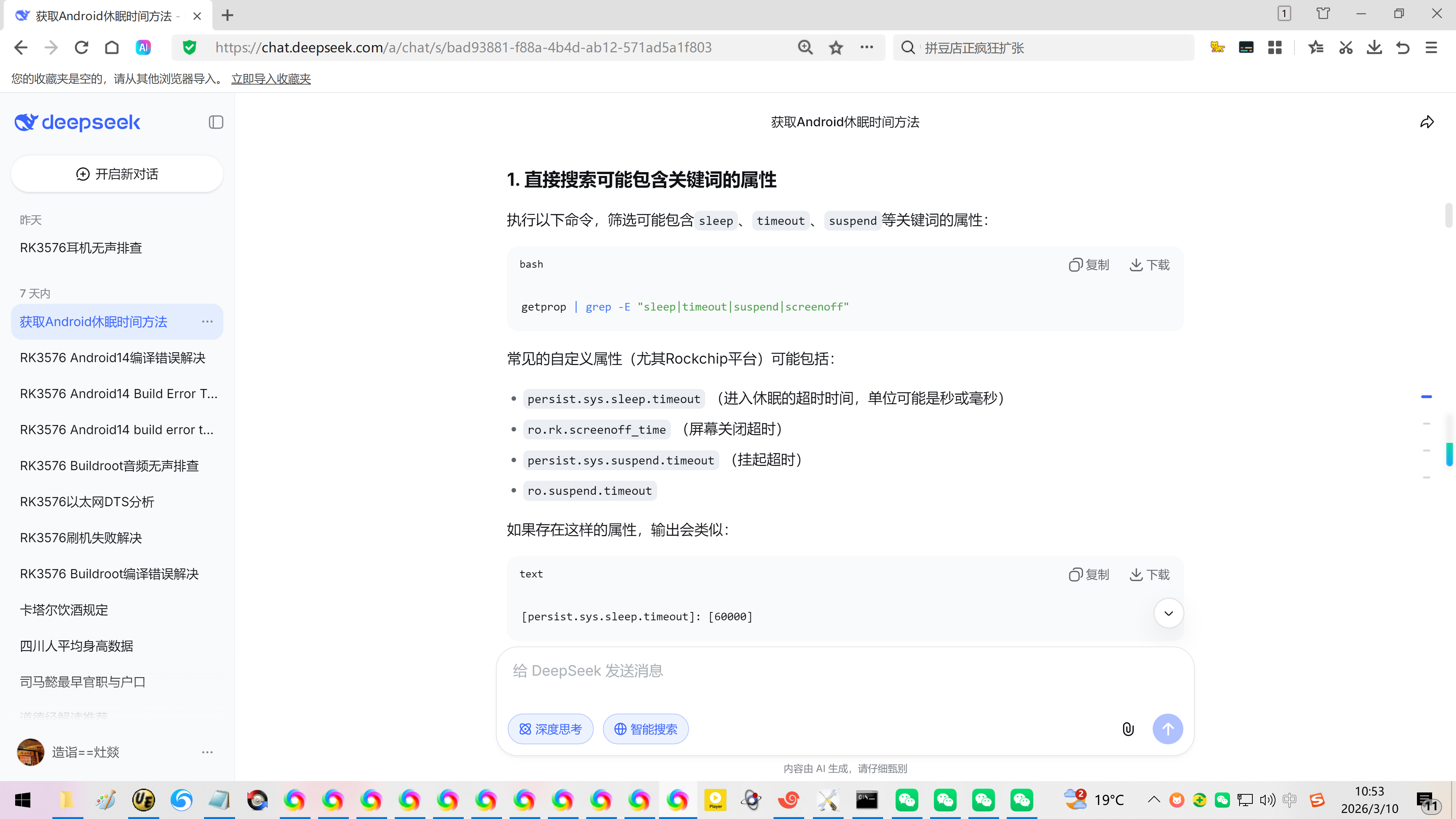
console:/ # getprop | grep -E "sleep|timeout|suspend|screenoff"
ro.rk.screenoff_time\]: \[60000
【不同命令获取的休眠时间不同步!】
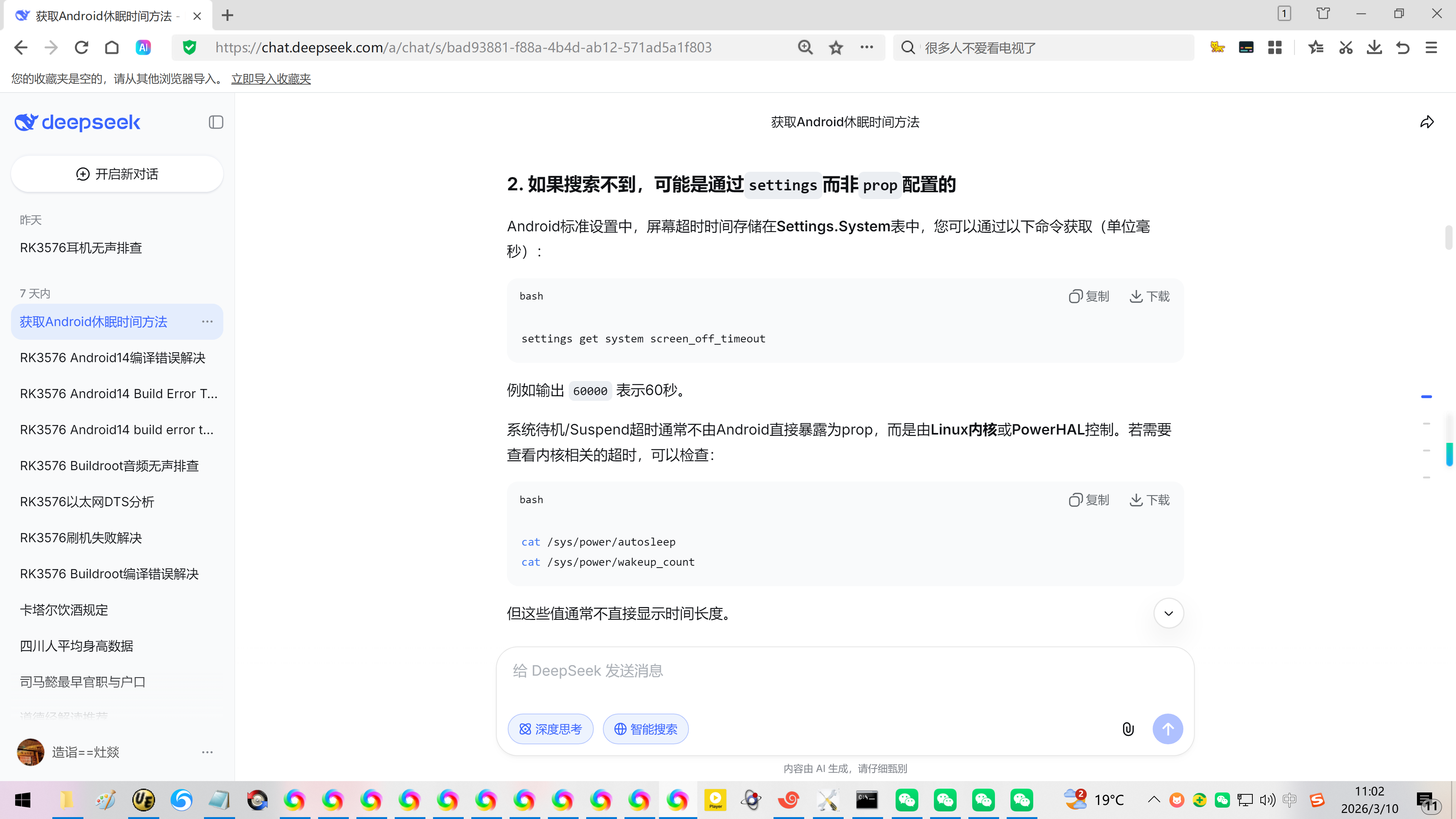
console:/ # settings get system screen_off_timeout
3600000
设置为1小时(3600000毫秒)
settings put system screen_off_timeout 3600000
【屏幕解锁】
input keyevent 82
20260310在瑞芯微原厂RK3576的Android14查看系统休眠时间
2026/3/10 10:40
缘起:瑞芯微原厂RK3576的Android14刷机之后,一分钟就熄屏了。重启/再次开机还有屏幕锁定。
非常不方便于调试!
首先要看现在的息屏时间设置为多少?
使用乐晓电子的KickPi的K7开发板。
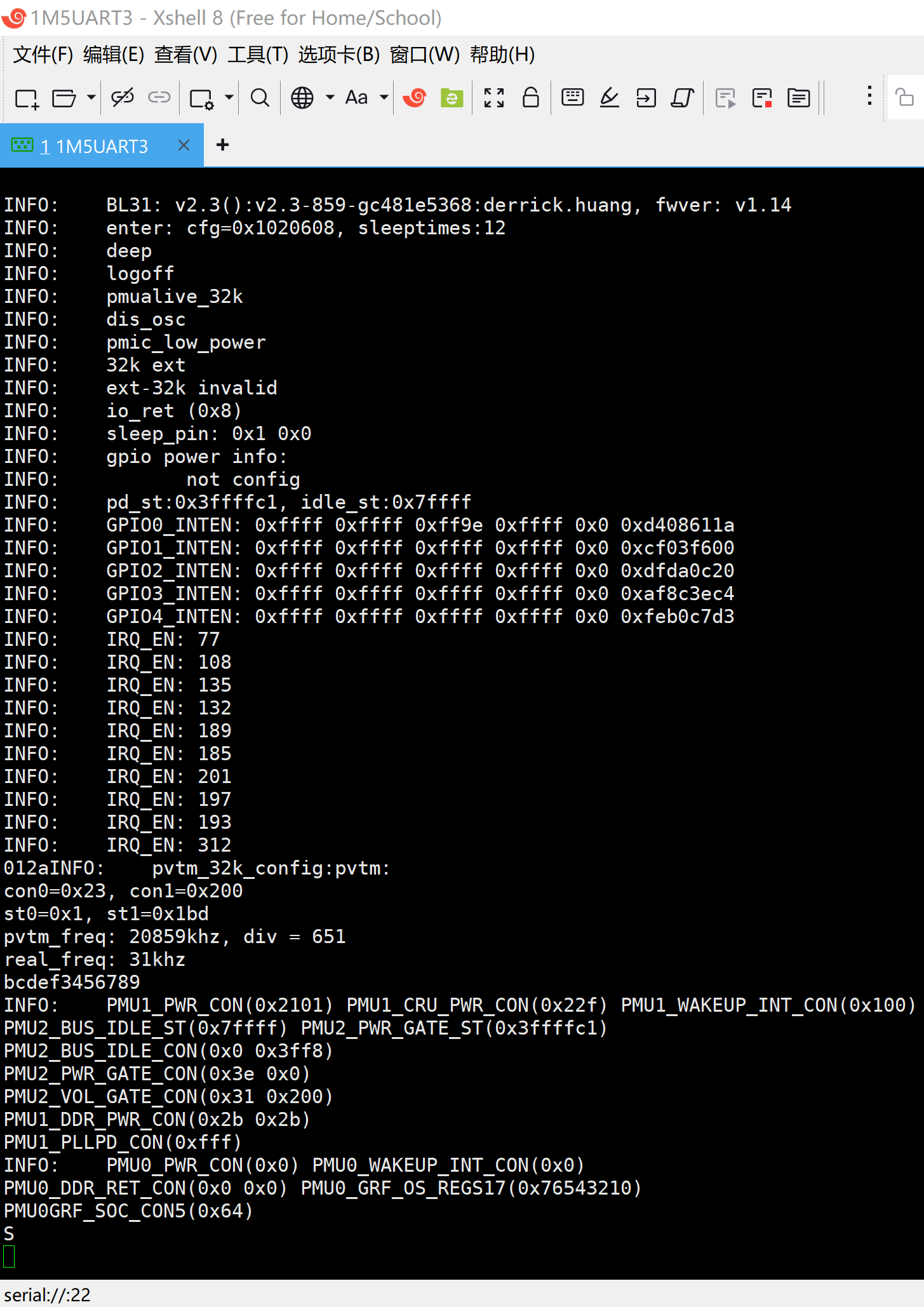
INFO: BL31: v2.3():v2.3-859-gc481e5368:derrick.huang, fwver: v1.14
INFO: enter: cfg=0x1020608, sleeptimes:12
INFO: deep
INFO: logoff
INFO: pmualive_32k
INFO: dis_osc
INFO: pmic_low_power
INFO: 32k ext
INFO: ext-32k invalid
INFO: io_ret (0x8)
INFO: sleep_pin: 0x1 0x0
INFO: gpio power info:
INFO: not config
INFO: pd_st:0x3ffffc1, idle_st:0x7ffff
INFO: GPIO0_INTEN: 0xffff 0xffff 0xff9e 0xffff 0x0 0xd408611a
INFO: GPIO1_INTEN: 0xffff 0xffff 0xffff 0xffff 0x0 0xcf03f600
INFO: GPIO2_INTEN: 0xffff 0xffff 0xffff 0xffff 0x0 0xdfda0c20
INFO: GPIO3_INTEN: 0xffff 0xffff 0xffff 0xffff 0x0 0xaf8c3ec4
INFO: GPIO4_INTEN: 0xffff 0xffff 0xffff 0xffff 0x0 0xfeb0c7d3
INFO: IRQ_EN: 77
INFO: IRQ_EN: 108
INFO: IRQ_EN: 135
INFO: IRQ_EN: 132
INFO: IRQ_EN: 189
INFO: IRQ_EN: 185
INFO: IRQ_EN: 201
INFO: IRQ_EN: 197
INFO: IRQ_EN: 193
INFO: IRQ_EN: 312
012aINFO: pvtm_32k_config:pvtm:
con0=0x23, con1=0x200
st0=0x1, st1=0x1bd
pvtm_freq: 20859khz, div = 651
real_freq: 31khz
bcdef3456789
INFO: PMU1_PWR_CON(0x2101) PMU1_CRU_PWR_CON(0x22f) PMU1_WAKEUP_INT_CON(0x100)
PMU2_BUS_IDLE_ST(0x7ffff) PMU2_PWR_GATE_ST(0x3ffffc1)
PMU2_BUS_IDLE_CON(0x0 0x3ff8)
PMU2_PWR_GATE_CON(0x3e 0x0)
PMU2_VOL_GATE_CON(0x31 0x200)
PMU1_DDR_PWR_CON(0x2b 0x2b)
PMU1_PLLPD_CON(0xfff)
INFO: PMU0_PWR_CON(0x0) PMU0_WAKEUP_INT_CON(0x0)
PMU0_DDR_RET_CON(0x0 0x0) PMU0_GRF_OS_REGS17(0x76543210)
PMU0GRF_SOC_CON5(0x64)
S
console:/ #
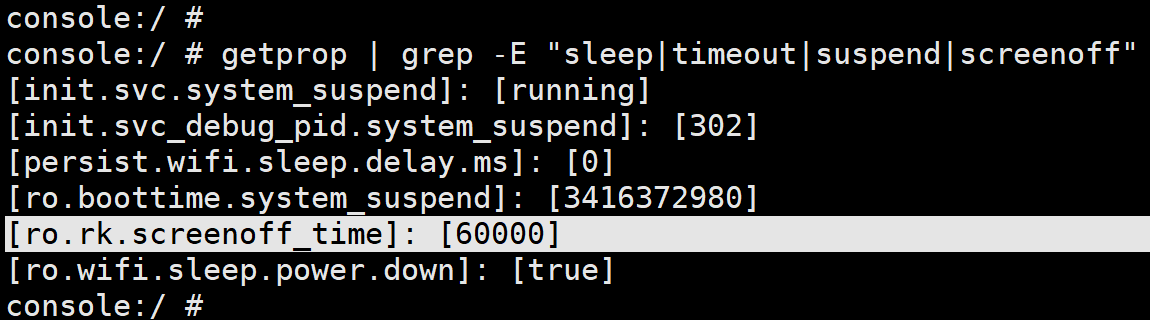
console:/ # getprop | grep -E "sleep|timeout|suspend|screenoff"
init.svc.system_suspend\]: \[running
init.svc_debug_pid.system_suspend\]: \[302
persist.wifi.sleep.delay.ms\]: \[0
ro.boottime.system_suspend\]: \[3416372980
ro.rk.screenoff_time\]: \[60000
ro.wifi.sleep.power.down\]: \[true
console:/ #
console:/ #
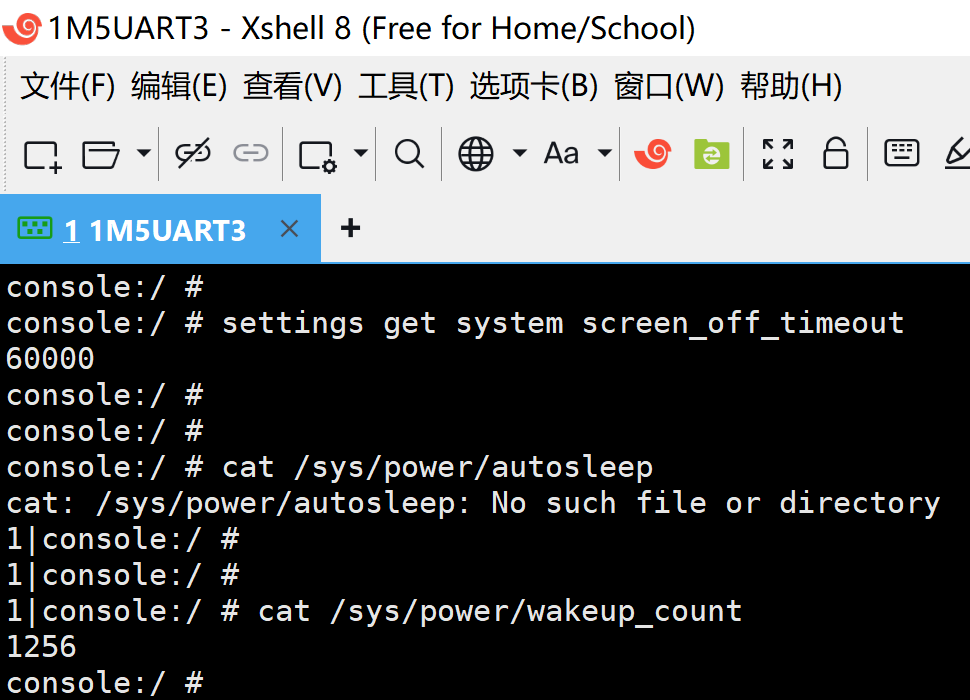
console:/ # settings get system screen_off_timeout
60000
console:/ #
console:/ #
console:/ # cat /sys/power/autosleep
cat: /sys/power/autosleep: No such file or directory
1|console:/ #
1|console:/ #
1|console:/ # cat /sys/power/wakeup_count
1256
console:/ #
【临时】配置 一个小时禁止休眠:
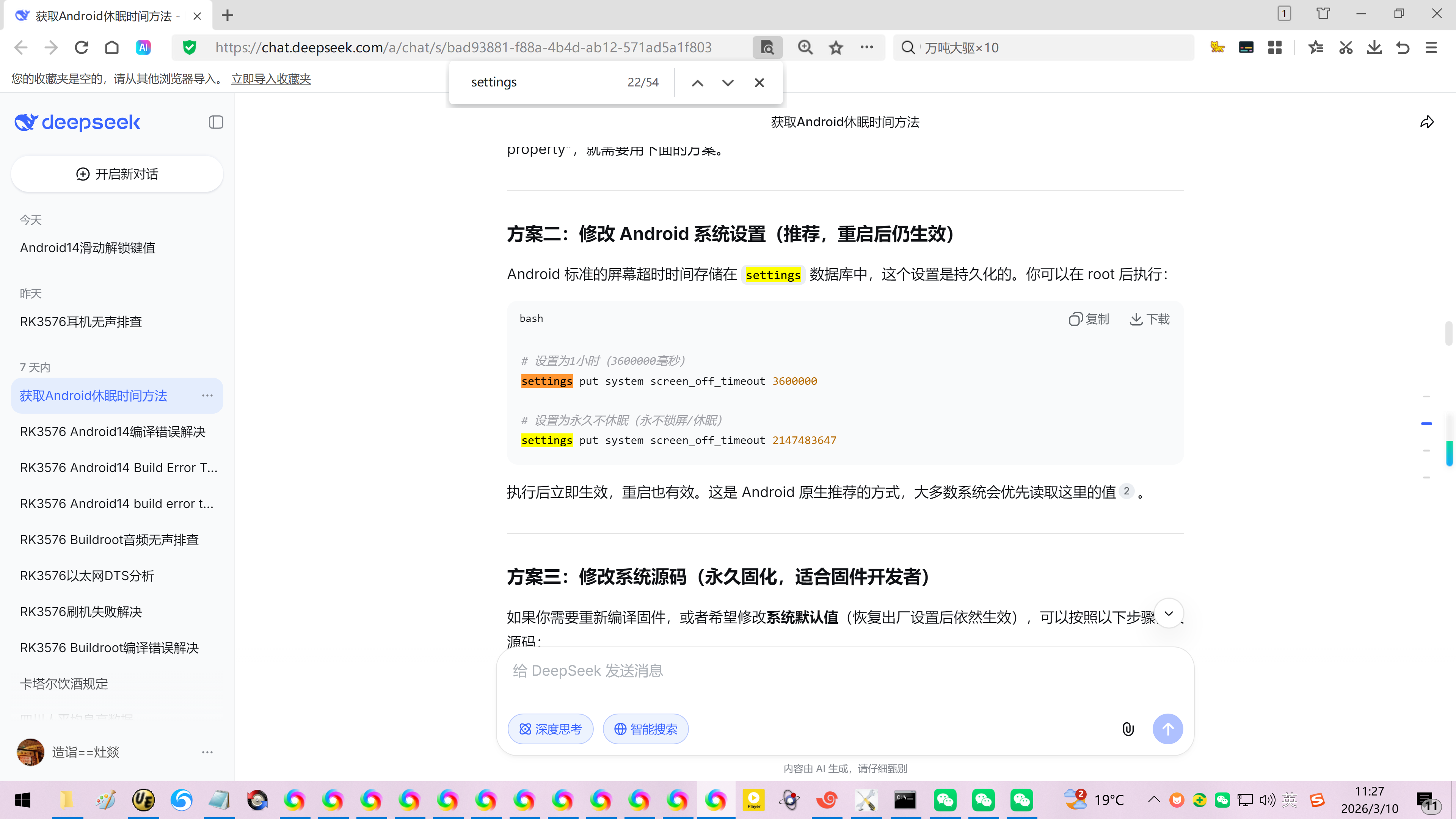
方案二:修改 Android 系统设置(推荐,重启后仍生效)
Android 标准的屏幕超时时间存储在 settings 数据库中,这个设置是持久化的。你可以在 root 后执行:
bash
设置为1小时(3600000毫秒)
settings put system screen_off_timeout 3600000
设置为永久不休眠(永不锁屏/休眠)
settings put system screen_off_timeout 2147483647
执行后立即生效,重启也有效。这是 Android 原生推荐的方式,大多数系统会优先读取这里的值。
console:/ #
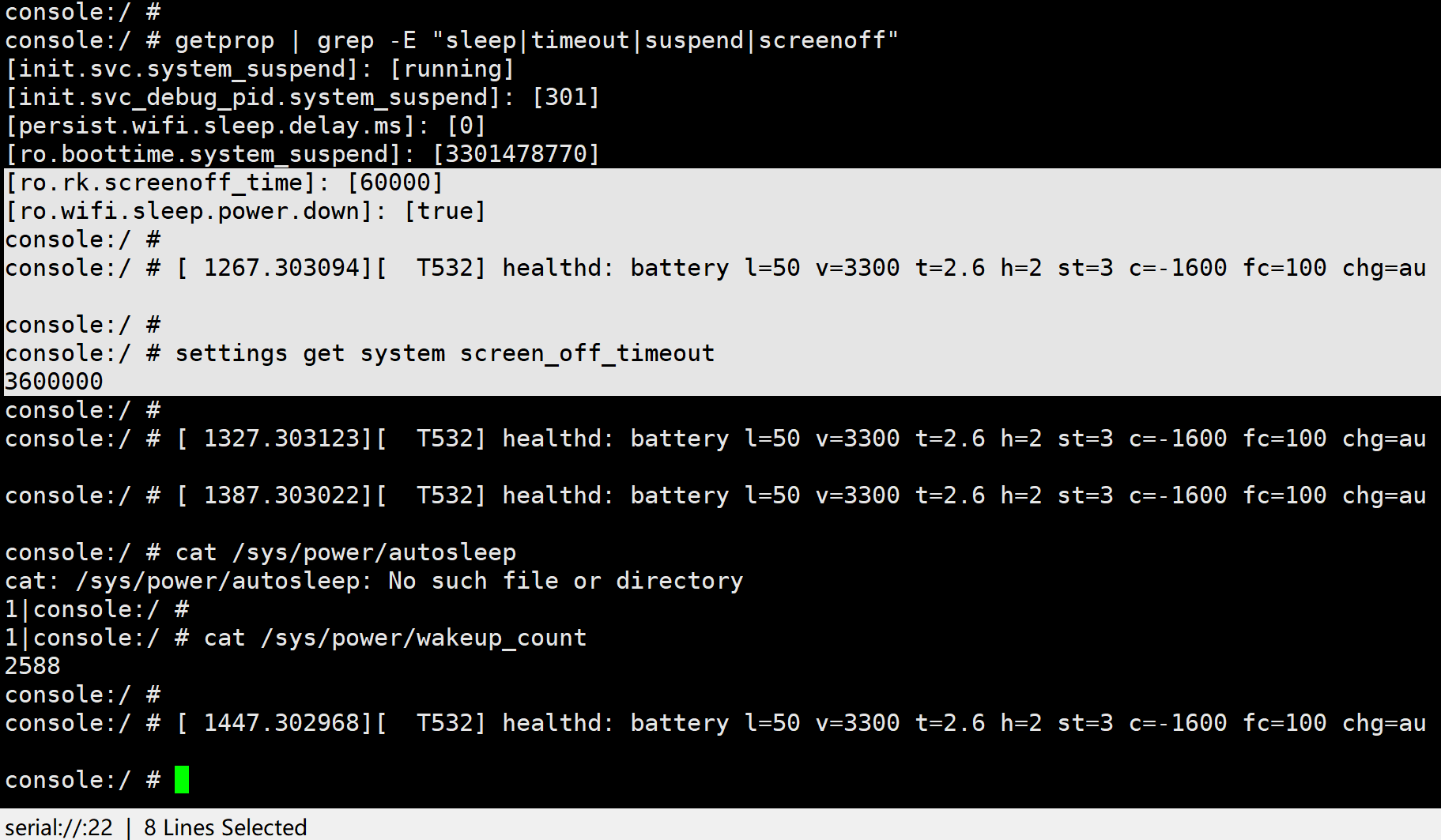
console:/ # getprop | grep -E "sleep|timeout|suspend|screenoff"
init.svc.system_suspend\]: \[running
init.svc_debug_pid.system_suspend\]: \[301
persist.wifi.sleep.delay.ms\]: \[0
ro.boottime.system_suspend\]: \[3301478770
ro.rk.screenoff_time\]: \[60000
ro.wifi.sleep.power.down\]: \[true
console:/ #
console:/ # 1267.303094 T532 healthd: battery l=50 v=3300 t=2.6 h=2 st=3 c=-1600 fc=100 chg=au
console:/ #
console:/ # settings get system screen_off_timeout
3600000
console:/ #
console:/ # 1327.303123 T532 healthd: battery l=50 v=3300 t=2.6 h=2 st=3 c=-1600 fc=100 chg=au
console:/ # 1387.303022 T532 healthd: battery l=50 v=3300 t=2.6 h=2 st=3 c=-1600 fc=100 chg=au
console:/ # cat /sys/power/autosleep
cat: /sys/power/autosleep: No such file or directory
1|console:/ #
1|console:/ # cat /sys/power/wakeup_count
2588
console:/ #
参考资料:
https://blog.csdn.net/u010164190/article/details/50551105
Android input keyevent命令
adb shell input keyevent 4 //模拟返回键(BACK) adb shell input keyevent 82 //模拟菜单键(MENU)
$adb shell input keyevent 3 //模拟主页键(HOME)