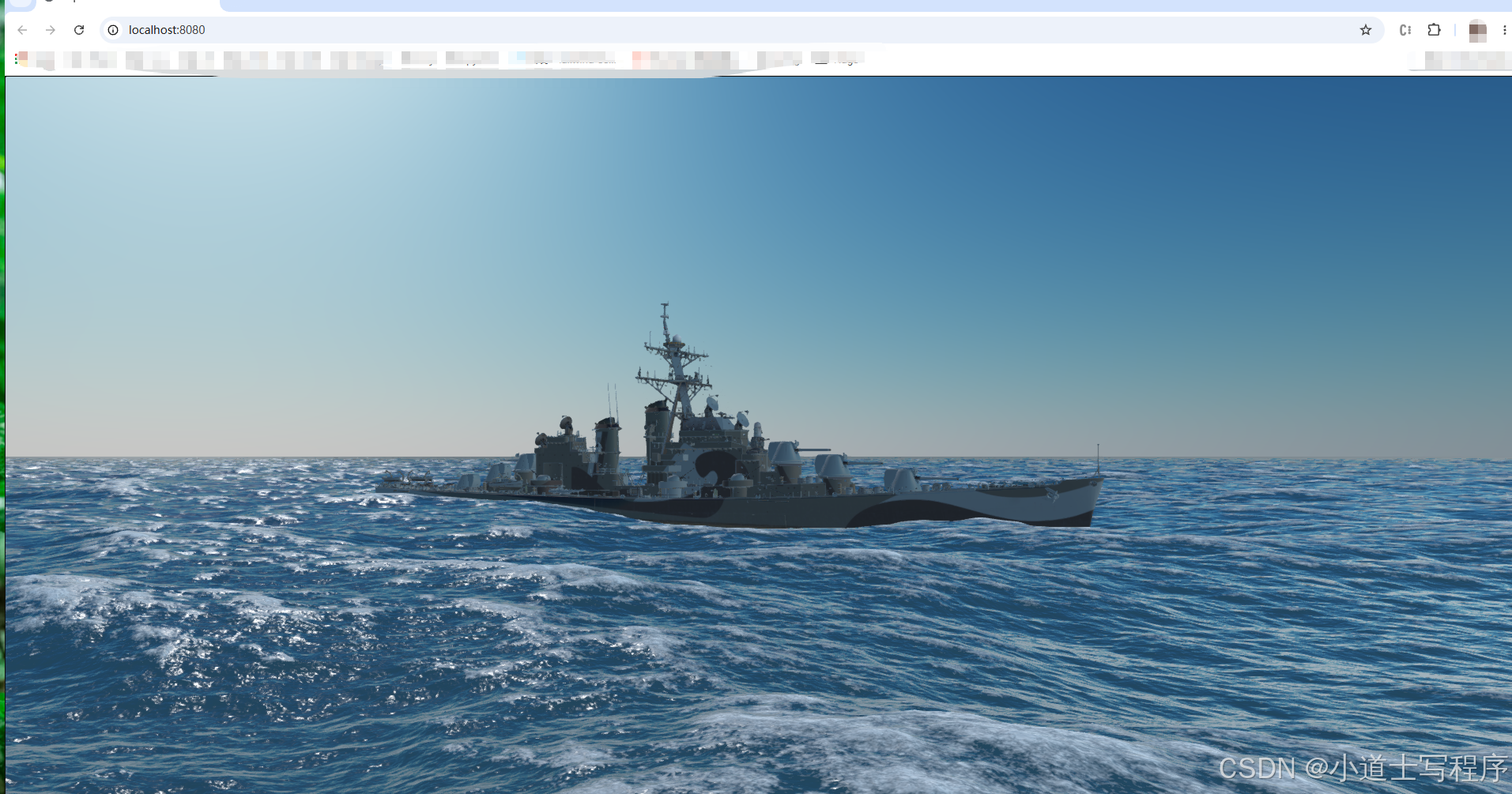
换成军舰后的图片
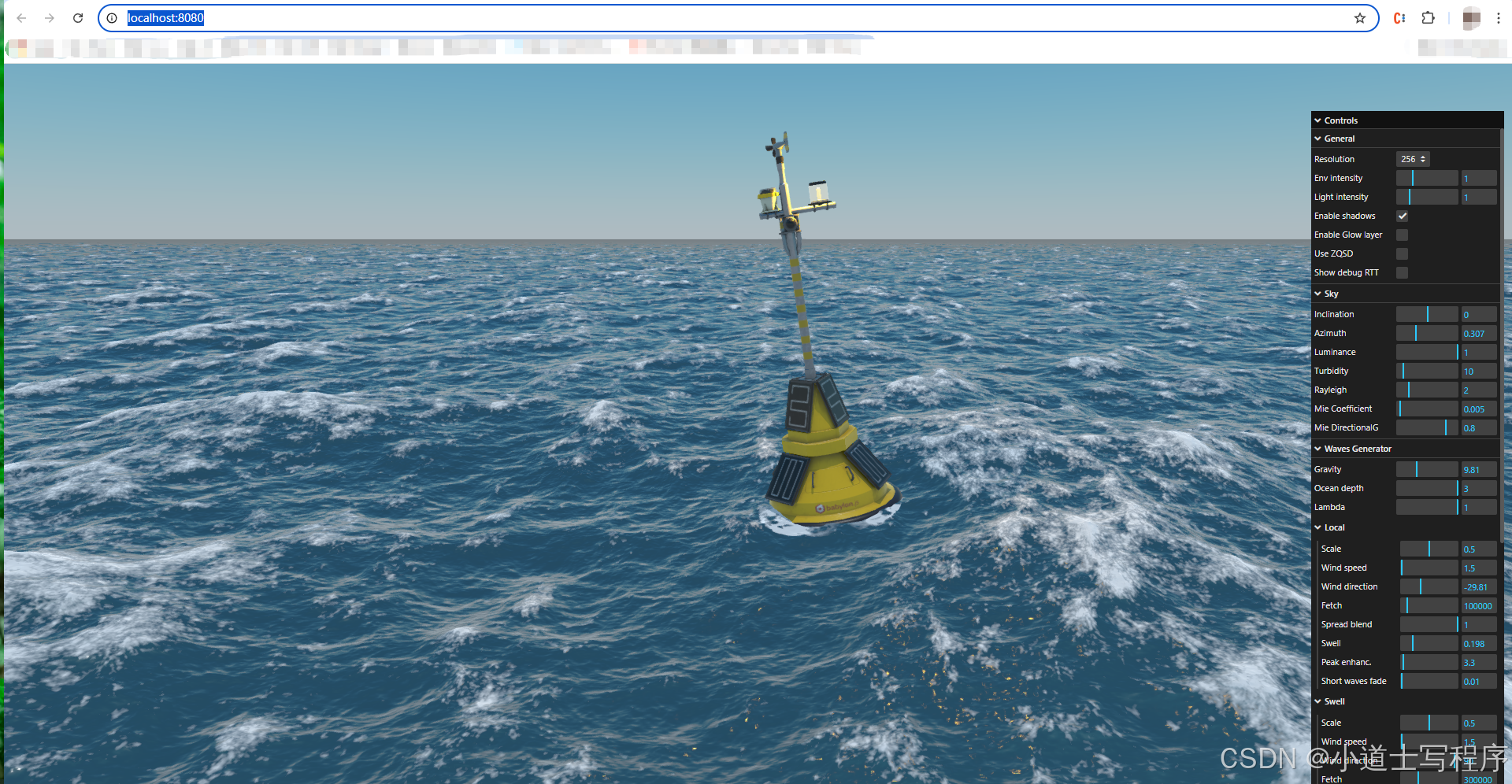
源码运行后效果
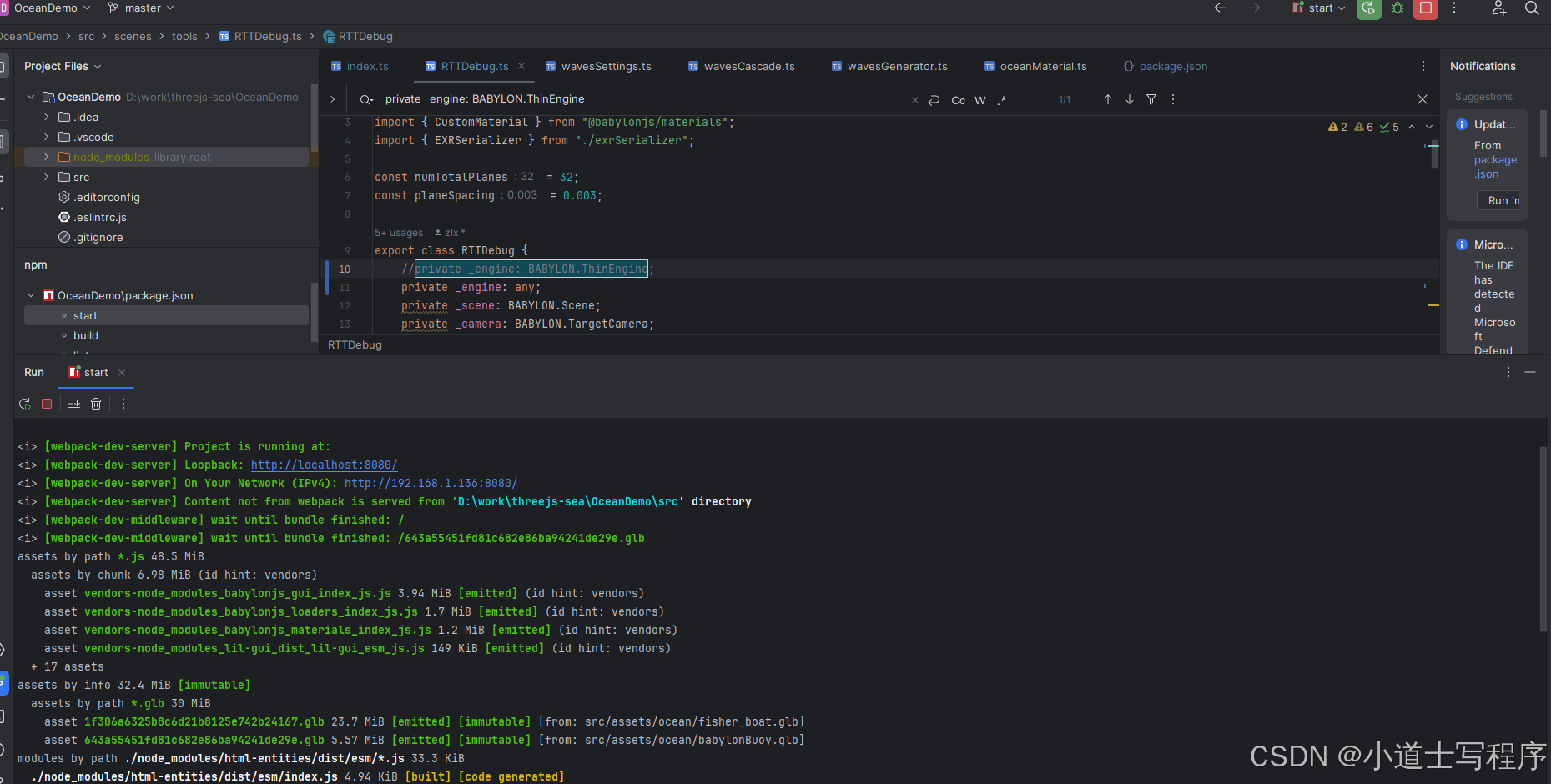
最后代码正常启动
Babylon.js WebGPU Ocean Demo 本地运行踩坑全记录
环境
- Chrome 145
- Babylon.js 6.26.0
- Windows 10
问题一:depth24unorm-stencil8 类型错误
报错:
TS2322: Type '"depth24unorm-stencil8"' is not assignable to type 'GPUFeatureName'原因: 该特性已从 WebGPU 规范移除。
修复: 直接删除这一行。
问题二:requestAdapterInfo is not a function
报错:
TypeError: this._adapter.requestAdapterInfo is not a function原因: Chrome 新版将 requestAdapterInfo() 改为 adapter.info 属性,Babylon.js 6.x 内部还在调用旧 API。
修复: 在 index.ts 最顶部加 polyfill:
typescript
if (typeof navigator !== "undefined" && navigator.gpu) {
    const origRequestAdapter = navigator.gpu.requestAdapter.bind(navigator.gpu);
    (navigator.gpu as any).requestAdapter = async (options?: GPURequestAdapterOptions) => {
        const adapter = await origRequestAdapter(options);
        if (adapter && typeof (adapter as any).requestAdapterInfo !== "function") {
            (adapter as any).requestAdapterInfo = async () => {
                return (adapter as any).info ?? {};
            };
        }
        return adapter;
    };
}
```

---

### 问题三:`onResizeObservable` 类型错误

**报错:**
```
TS2339: Property 'onResizeObservable' does not exist on type 'ThinEngine'
原因: onResizeObservable 在 Engine 上,不在 ThinEngine 上。
修复: RTTDebug.ts 两处修改:
typescript
// 1. 私有变量类型改为 any
private _engine: any;

// 2. 第178行加可选链
(this._engine as any).onResizeObservable?.add(this._resize.bind(this));
```

---

### 问题四:`WebGPUEngine` 与 `Engine` 类型不兼容

**报错:**
```
TS2740: Type 'WebGPUEngine' is missing the following properties from type 'Engine'
修复: index.ts 里 engine 类型直接用 any:
typescript
let engine: any;最终完整 index.ts
typescript
import * as BABYLON from "@babylonjs/core";
import { WebGPUEngine } from "@babylonjs/core/Engines/webgpuEngine";
import { Engine } from "@babylonjs/core/Engines/engine";
import { getSceneModuleWithName } from "./createScene";

// 修复 Chrome 新版移除了 requestAdapterInfo
if (typeof navigator !== "undefined" && navigator.gpu) {
    const origRequestAdapter = navigator.gpu.requestAdapter.bind(navigator.gpu);
    (navigator.gpu as any).requestAdapter = async (options?: GPURequestAdapterOptions) => {
        const adapter = await origRequestAdapter(options);
        if (adapter && typeof (adapter as any).requestAdapterInfo !== "function") {
            (adapter as any).requestAdapterInfo = async () => {
                return (adapter as any).info ?? {};
            };
        }
        return adapter;
    };
}

const getModuleToLoad = (): string | undefined => location.search.split("scene=")[1];

export const babylonInit = async (): Promise<void> => {
    const moduleName = getModuleToLoad();
    const createSceneModule = await getSceneModuleWithName(moduleName);

    (window as any).BABYLON = BABYLON;

    await Promise.all(createSceneModule.preTasks || []);
    const canvas = document.getElementById("renderCanvas") as HTMLCanvasElement;

    let engine: any;
    const webgpuSupported = await WebGPUEngine.IsSupportedAsync;

    if (webgpuSupported) {
        const webgpuEngine = new WebGPUEngine(canvas, {
            deviceDescriptor: {
                requiredFeatures: [
                    "depth-clip-control",
                    "depth32float-stencil8",
                    "texture-compression-bc",
                    "texture-compression-etc2",
                    "texture-compression-astc",
                    "indirect-first-instance",
                ],
            },
        });
        await webgpuEngine.initAsync();
        engine = webgpuEngine;
    } else {
        engine = new Engine(canvas, true);
    }

    (window as any).engine = engine;

    const scene = await createSceneModule.createScene(engine, canvas);
    (window as any).scene = scene;

    engine.runRenderLoop(function () {
        scene.render();
    });

    window.addEventListener("resize", function () {
        engine.resize();
    });
};

babylonInit().then(() => {});
package.json 依赖版本
json
"dependencies": {
    "@babylonjs/core": "6.26.0",
    "@babylonjs/gui": "6.26.0",
    "@babylonjs/inspector": "6.26.0",
    "@babylonjs/loaders": "6.26.0",
    "@babylonjs/materials": "6.26.0",
    "lil-gui": "0.16.0"
}
注意去掉
^,防止自动升级到不兼容版本。
修正后源码:https://download.csdn.net/download/zhanglixin999/92736547