目前系统已经有:
- OCR识题
- AI解析
- RAG知识库
- 错题本
- 学习报告
- 学习建议
- 学生管理
- 知识图谱
再添加一个功能 学习路径推荐(Learning Path) 。
功能效果
进入新标签:
学习路径系统会根据:
知识图谱
↓
错误率
↓
知识点依赖关系
↓
生成学习路线
例如:
erlang
一元一次方程   错误率 60%
↓
推荐练习
↓
一次函数
↓
二元一次方程
前端展示这样:
erlang
学习路线

1️⃣ 一元一次方程(基础)
   错误率:60%
   推荐练习:10题

2️⃣ 一次函数
   错误率:35%
   推荐练习:5题

3️⃣ 二元一次方程
   错误率:20%
   推荐复习
后端实现
新增文件:
bash
backend/app/learning_path_service.py代码:
python
from sqlalchemy.orm import Session
from app.models import StudentKnowledgeStat

def generate_learning_path(db: Session, student_id: int):

    rows = (
        db.query(StudentKnowledgeStat)
        .filter(StudentKnowledgeStat.student_id == student_id)
        .all()
    )

    items = []

    for row in rows:

        if row.total_count == 0:
            continue

        wrong_rate = row.wrong_count / row.total_count

        items.append({
            "knowledge_name": row.knowledge_name,
            "total": row.total_count,
            "wrong": row.wrong_count,
            "wrong_rate": round(wrong_rate * 100, 2)
        })

    # 按错误率排序
    items.sort(key=lambda x: x["wrong_rate"], reverse=True)

    path = []

    for item in items:

        if item["wrong_rate"] > 50:
            suggestion = "重点训练(推荐10题)"

        elif item["wrong_rate"] > 20:
            suggestion = "强化练习(推荐5题)"

        else:
            suggestion = "保持复习"

        path.append({
            "knowledge_name": item["knowledge_name"],
            "wrong_rate": item["wrong_rate"],
            "suggestion": suggestion
        })

    return path
修改 main.py
添加 import:
javascript
from app.learning_path_service import generate_learning_path新增接口:
python
@app.get("/api/learning-path")
def get_learning_path(
    student_id: int = Query(1),
    db: Session = Depends(get_db),
):

    try:

        path = generate_learning_path(db, student_id)

        return {
            "student_id": student_id,
            "path": path
        }

    except Exception as e:
        raise HTTPException(status_code=500, detail=str(e))
前端 API
修改:
bash
frontend/src/api/math.ts新增:
typescript
export interface LearningPathItem {
  knowledge_name: string
  wrong_rate: number
  suggestion: string
}

export function getLearningPath(student_id: number) {
  return request.get('/api/learning-path', {
    params: { student_id },
  })
}
Tab新增
修改:
bash
src/components/TabNav.vue新增:
css
{ label: '学习路径', value: 'path' },类型修改
arduino
activeTab: 'solve' | 'history' | 'wrong' | 'report' | 'suggestion' | 'graph' | 'path'App.vue
新增状态:
csharp
const learningPath = ref<any[]>([])
const pathLoading = ref(false)
新增方法:
typescript
const loadLearningPath = async () => {

  pathLoading.value = true

  try {

    const { data } = await getLearningPath(currentStudentId.value)

    learningPath.value = data.path

  } catch (error:any) {

    console.error(error)

  } finally {

    pathLoading.value = false
  }
}
修改:
handleTabChange新增:
csharp
else if (tab === 'path') {
  await loadLearningPath()
}
UI展示
在 App.vue template 新增:
ini
<template v-else-if="activeTab === 'path'">

  <div v-if="pathLoading" class="empty">
    学习路径生成中...
  </div>

  <div v-else class="report-panel">

    <div class="result-card">

      <h2>AI学习路径</h2>

      <div
        v-for="(item,index) in learningPath"
        :key="index"
        class="path-item"
      >

        <div class="path-header">

          <strong>{{ index+1 }}. {{ item.knowledge_name }}</strong>

          <span class="weak-rate">
            错误率 {{ item.wrong_rate }}%
          </span>

        </div>

        <div class="path-suggestion">
          {{ item.suggestion }}
        </div>

      </div>

    </div>

  </div>

</template>
样式
在 App.vue 添加:
css
.path-item{
padding:16px 0;
border-bottom:1px solid #eee;
}

.path-header{
display:flex;
justify-content:space-between;
margin-bottom:8px;
}

.path-suggestion{
color:#666;
font-size:14px;
}
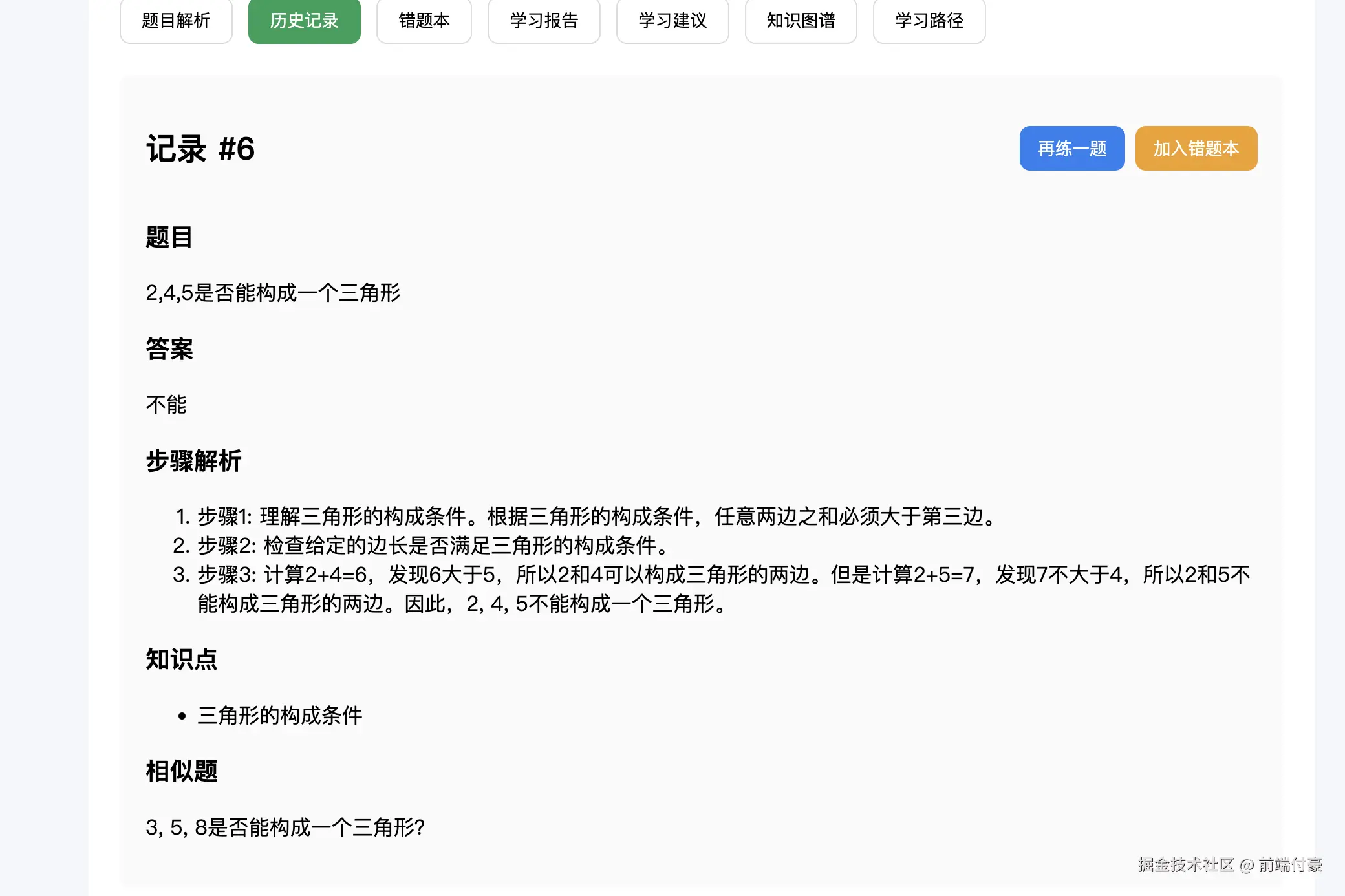
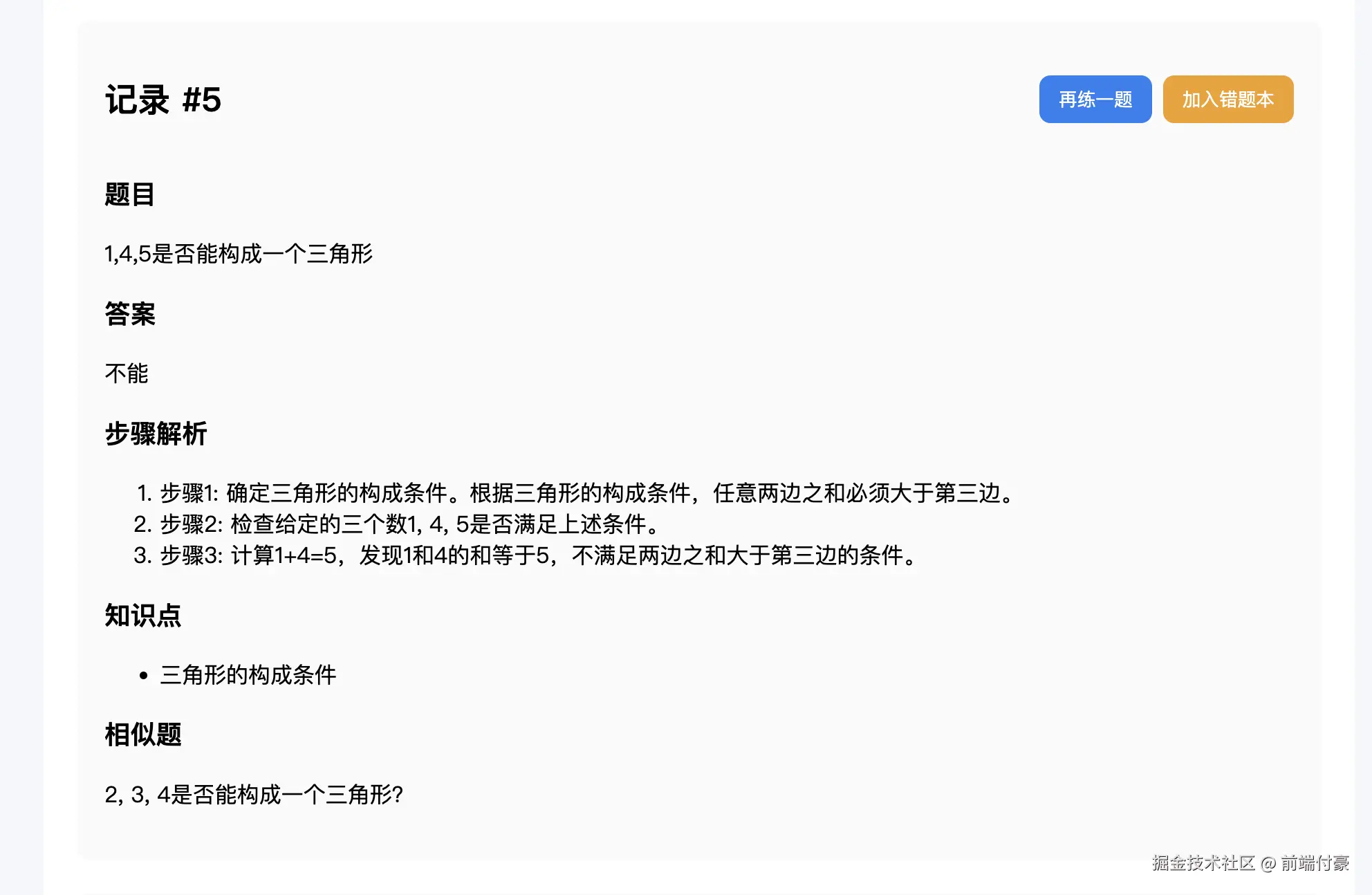
此处尝试了三个是否能构成三角形的问题
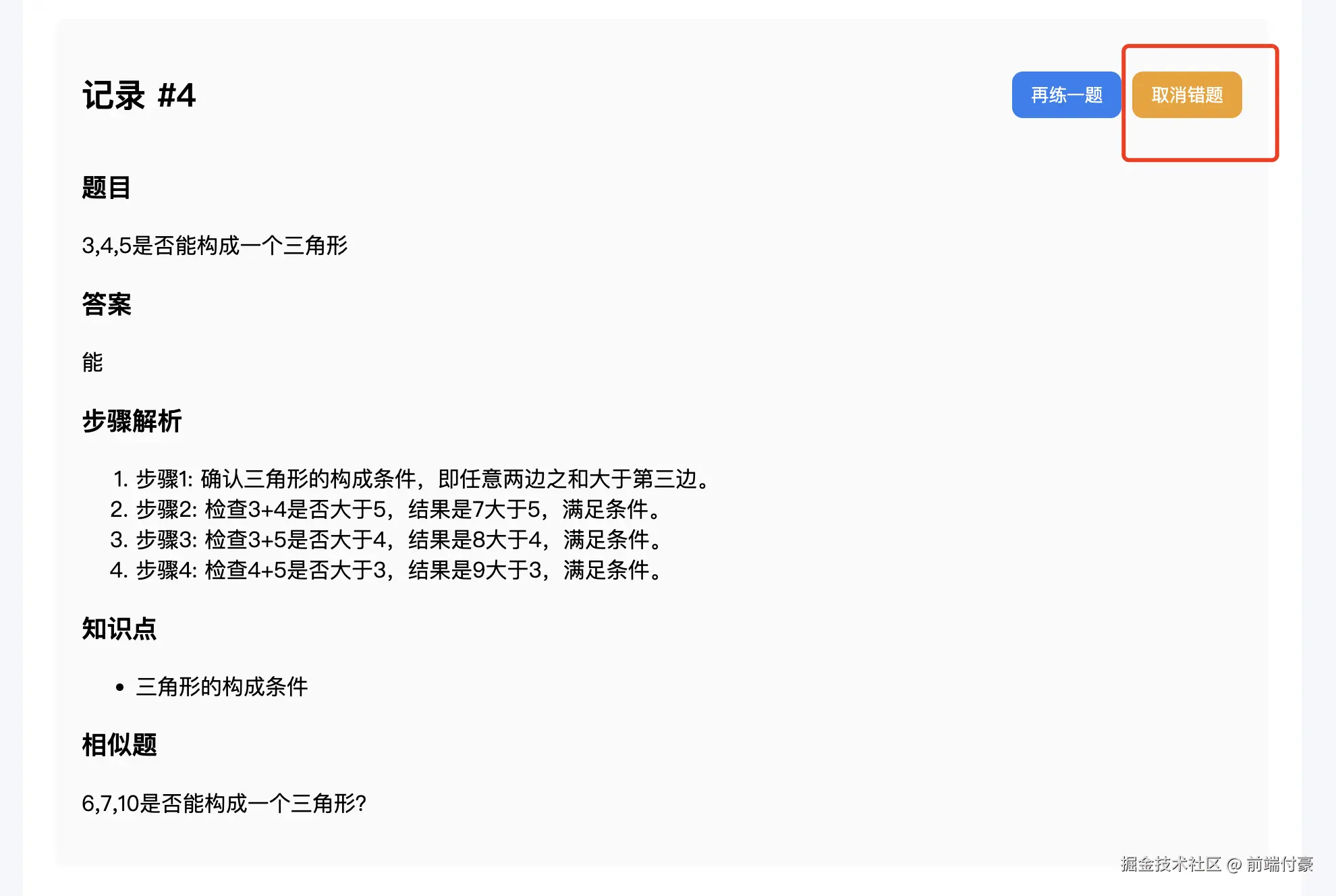
其中一个加入了错题
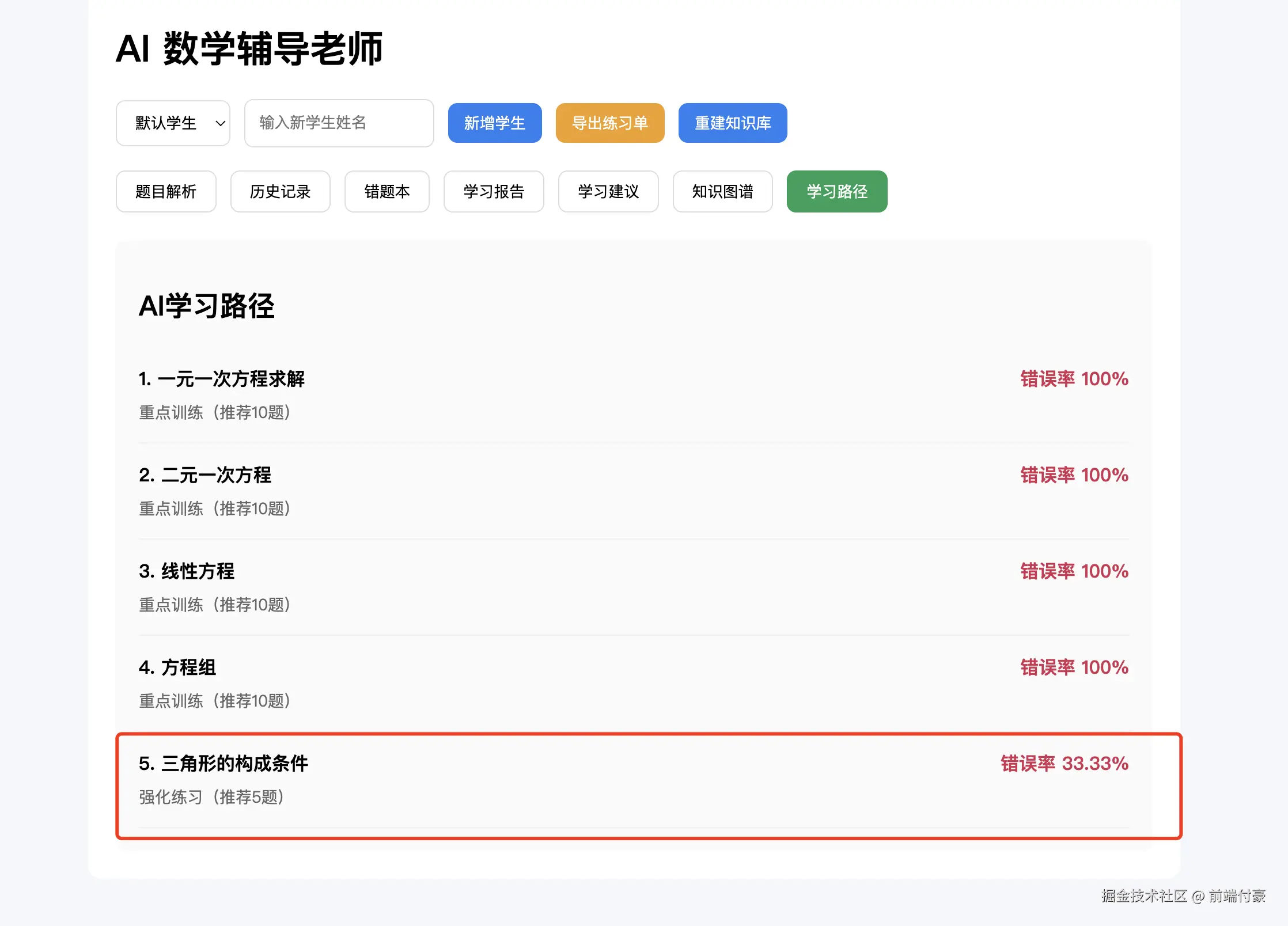
此处建议和其他 是不一样的 nice !