写好了脚本,复制下面的内容,保存为 E:\test\resolve_links.py,然后运行:
python
"""
跳转链接批量解析工具
"""

import os
os.environ['TEMP'] = 'C:\\temp'
os.environ['TMP'] = 'C:\\temp'

import pandas as pd
from selenium import webdriver
from selenium.webdriver.chrome.options import Options
from selenium.webdriver.chrome.service import Service
from webdriver_manager.chrome import ChromeDriverManager
import time

print("="*50)
print("跳转链接批量解析工具")
print("="*50)

input_file = r'E:\test\奥数.xlsx'
print(f"\n读取文件: {input_file}")

df = pd.read_excel(input_file)
b_col = df.iloc[:, 1].dropna().tolist()
print(f"共有 {len(b_col)} 个链接需要处理")

chrome_options = Options()
chrome_options.add_argument('--headless')
chrome_options.add_argument('--disable-gpu')

print("\n正在启动浏览器...")

service = Service(ChromeDriverManager().install())
driver = webdriver.Chrome(service=service, options=chrome_options)
print("浏览器启动成功!\n")

results = []

for i, url in enumerate(b_col):
    try:
        driver.get(url)
        time.sleep(2)
        final_url = driver.current_url
        results.append(final_url)
        print(f"[{i+1:3d}/{len(b_col)}] {final_url}")
    except Exception as e:
        results.append(f"ERROR: {str(e)[:80]}")
        print(f"[{i+1:3d}/{len(b_col)}] 错误")

driver.quit()

output_df = pd.DataFrame({'原始链接': b_col, '最终地址': results})
output_df.to_excel(r'E:\test\out.xlsx', index=False)

print(f"\n完成!结果已保存到 E:\\test\\out.xlsx")
运行前需要:
安装 Python: https://www.python.org/downloads/
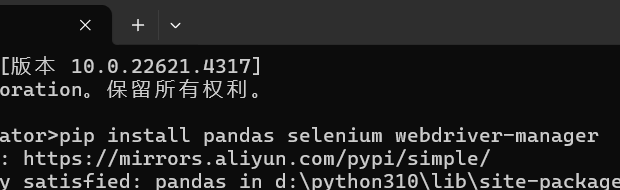
安装依赖:pip install pandas selenium webdriver-manager
确保有 Chrome 浏览器
然后运行:python E:\test\resolve_links.py
