前期安装
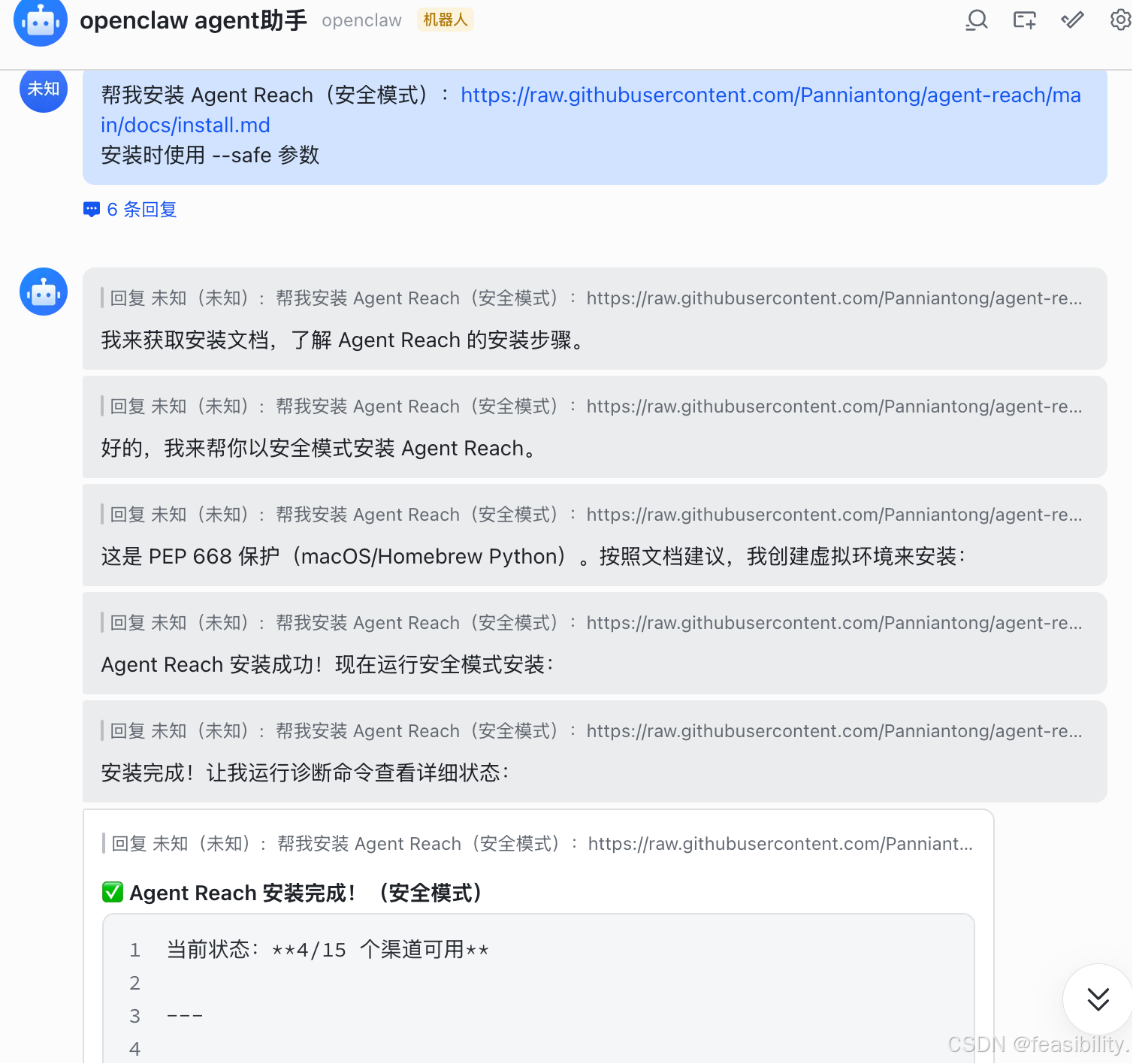
可以告诉它:"帮我安装 Agent Reach(安全模式):https://raw.githubusercontent.com/Panniantong/agent-reach/main/docs/install.md 安装时使用 --safe 参数" 或 "帮我安装 Agent Reach:https://raw.githubusercontent.com/Panniantong/agent-reach/main/docs/install.md"
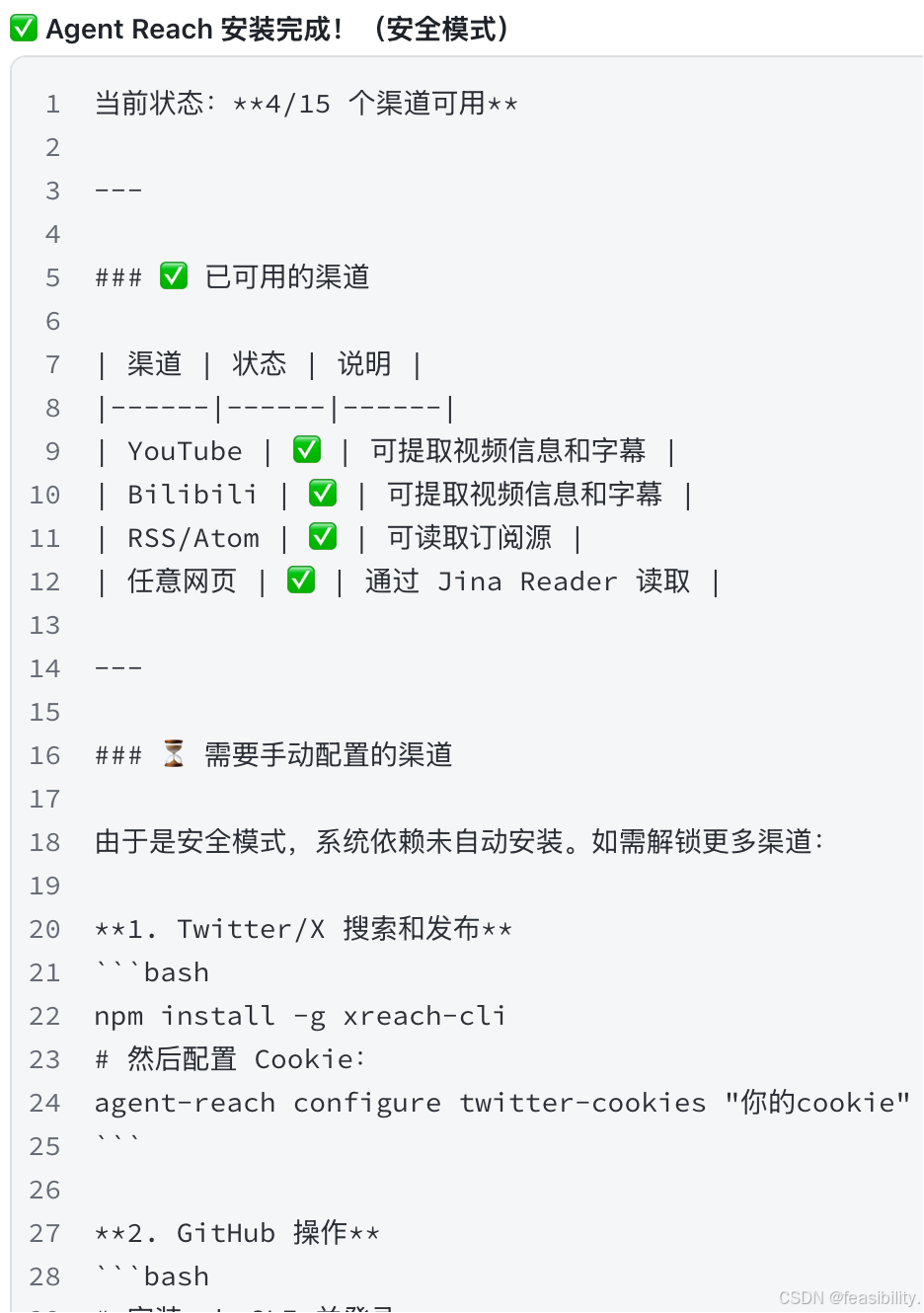
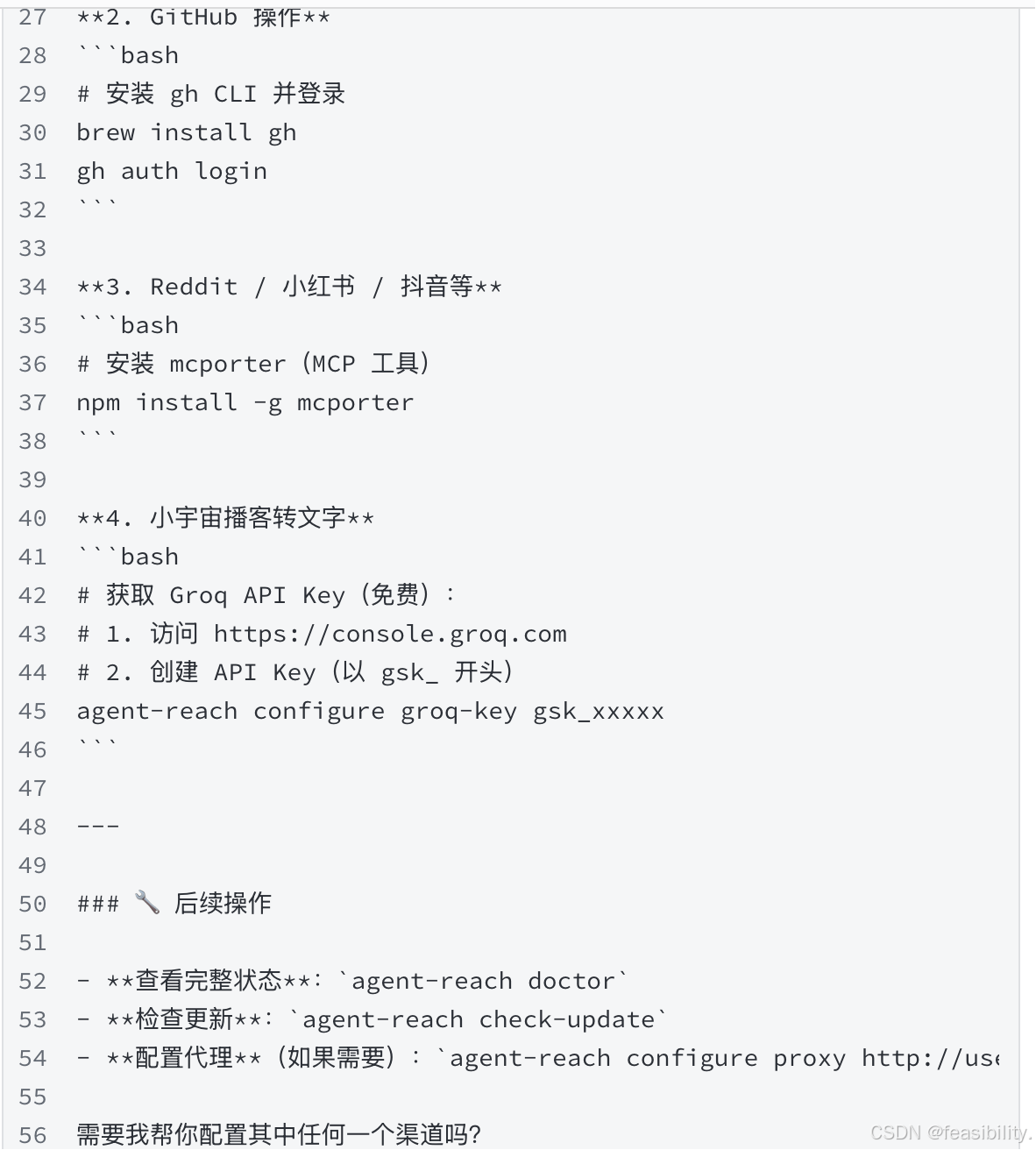
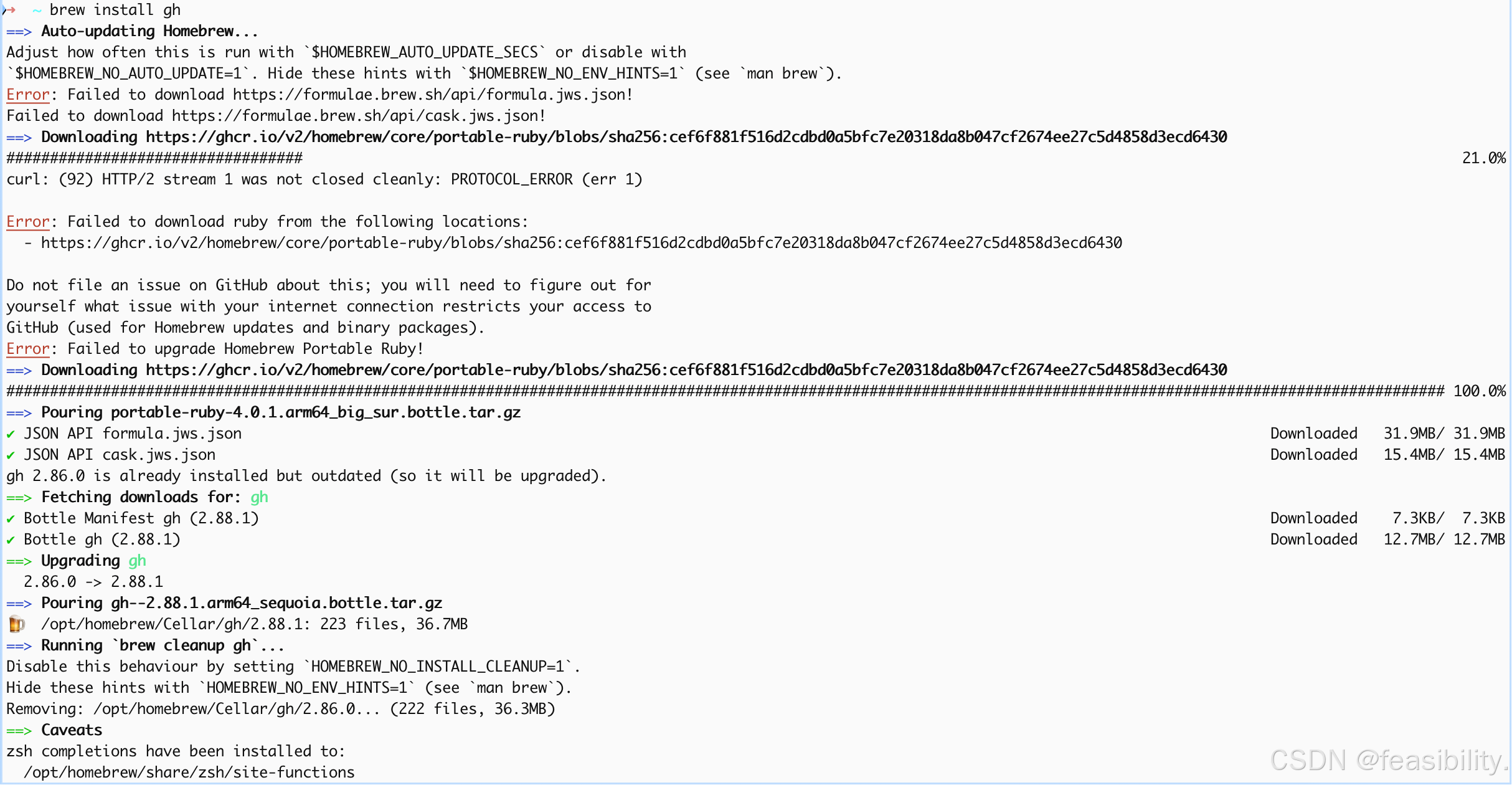
执行brew install gh安装GitHub CLI工具,中间出现网络问题不过homebrew重试下载了
执行npm install -g xreach-cli和npm install -g mcporter安装
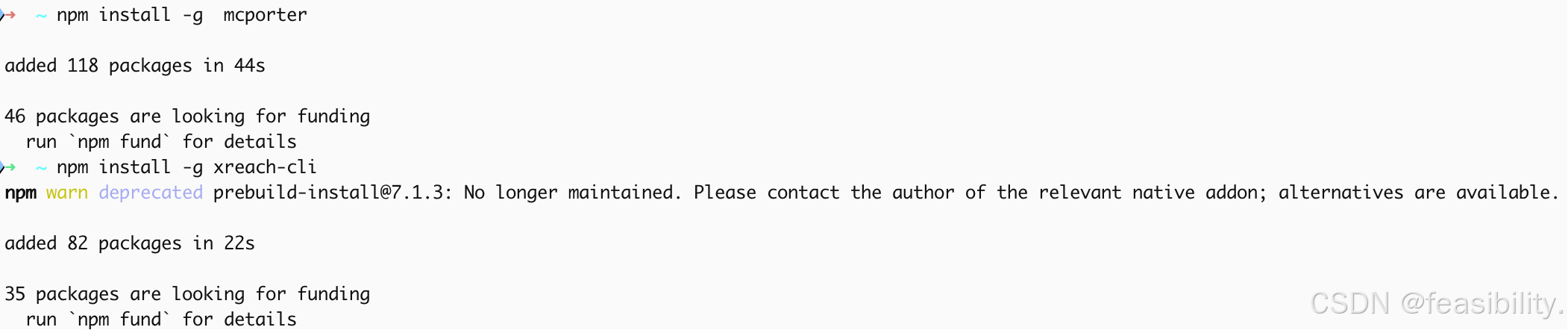
找不到agent-reach命令是因为 Agent Reach 得安装在python环境中,对于虚拟环境需要激活后安装使用,开始自己手动安装
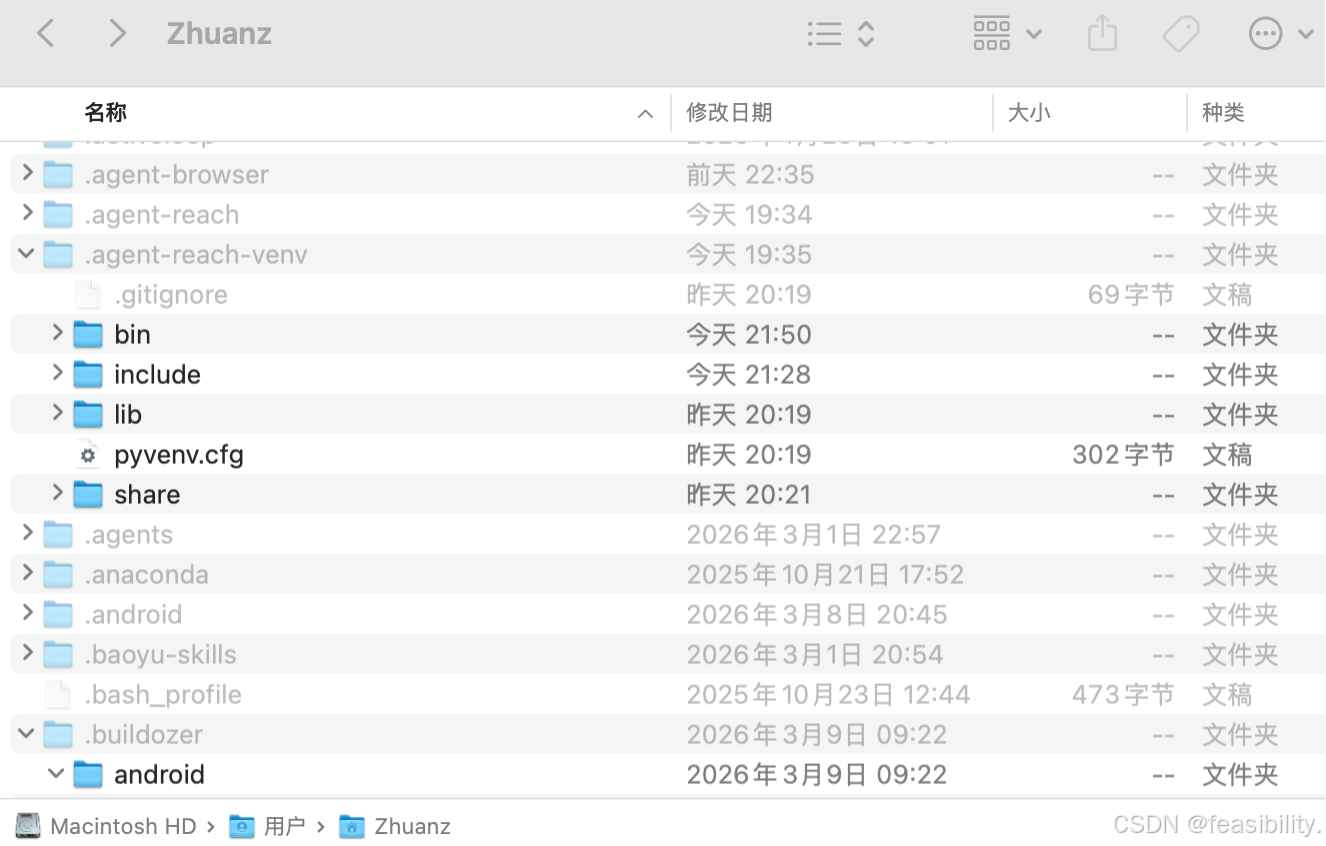
手动安装
Agent Reach项目.agent-reach-venv通常在你的用户目录下,如果ai没创建或想手动安装就自己创建并python虚拟环境如python3 -m venv ~/.agent-reach-venv等方法(python3有效的前提是已经安装python),执行source ~/.agent-reach-venv/bin/activate激活,注意以实际路径为准,激活后执行pip install https://github.com/Panniantong/agent-reach/archive/main.zip安装agent-reach及其依赖项
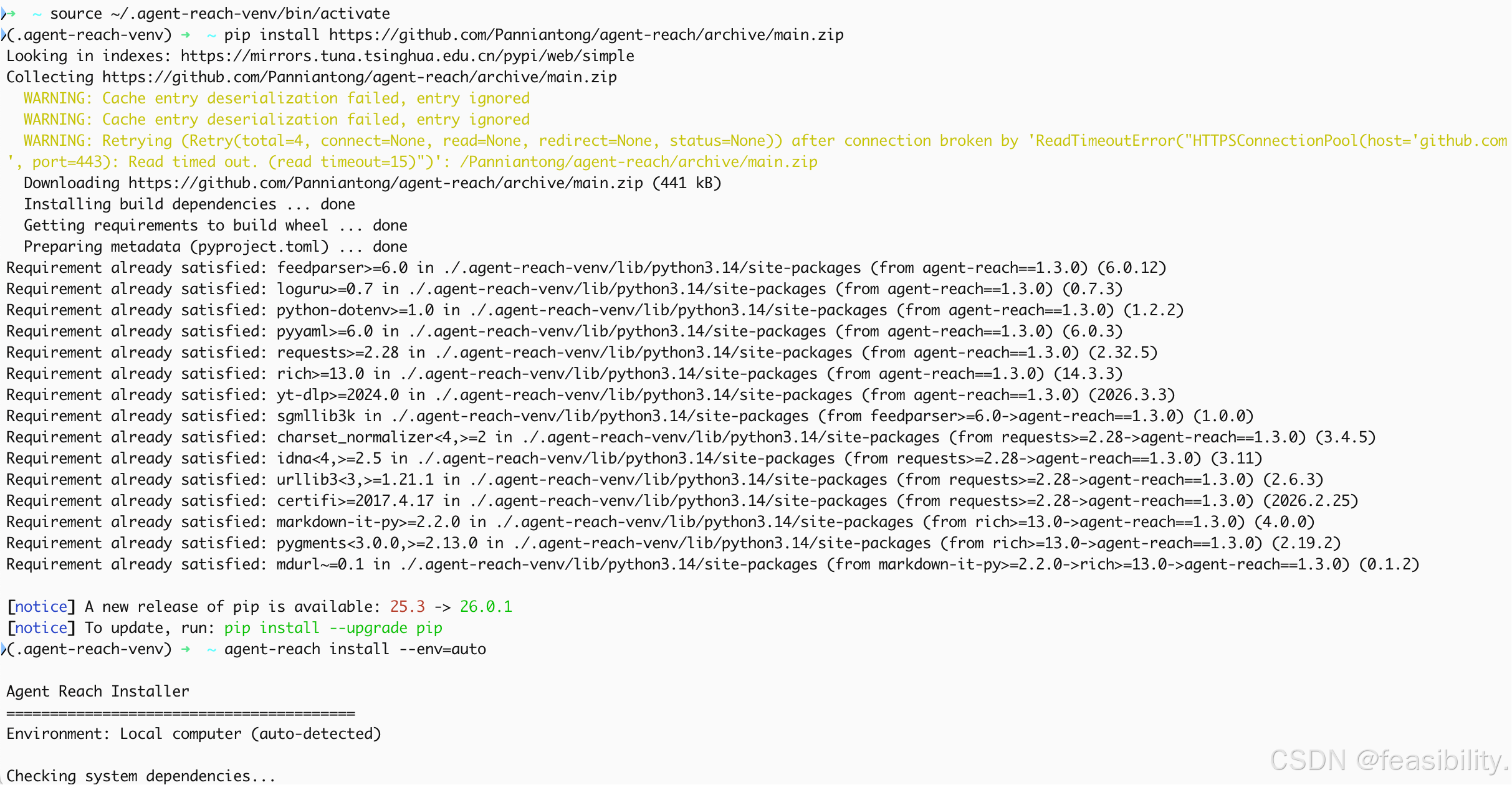
执行agent-reach install --env=auto自动安装ai未安装的工具(所以前面的npm和brew安装工具其实可以在这一步自动完成~),这里error是网络问题
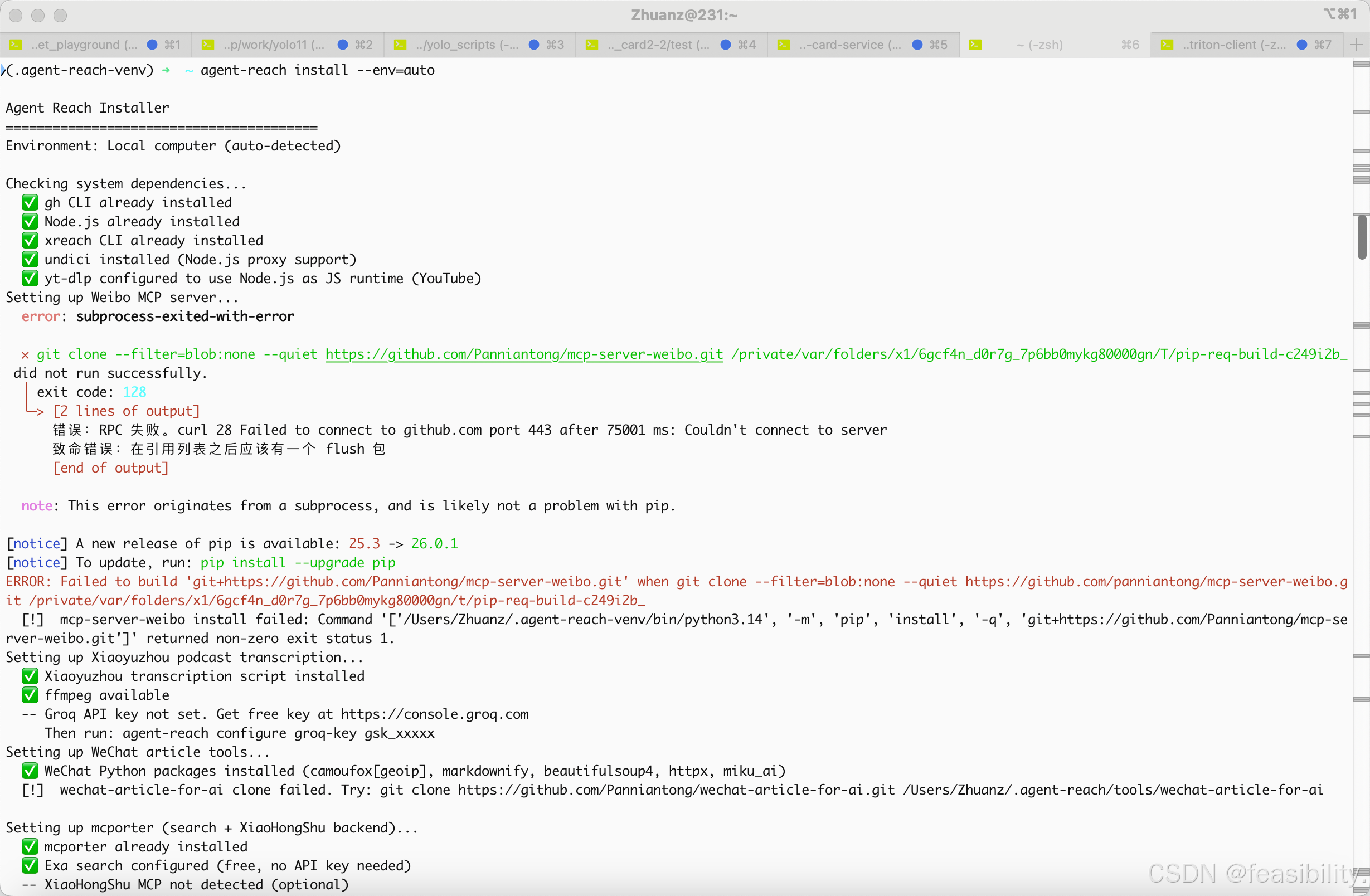
!是提示未配置或安装失败
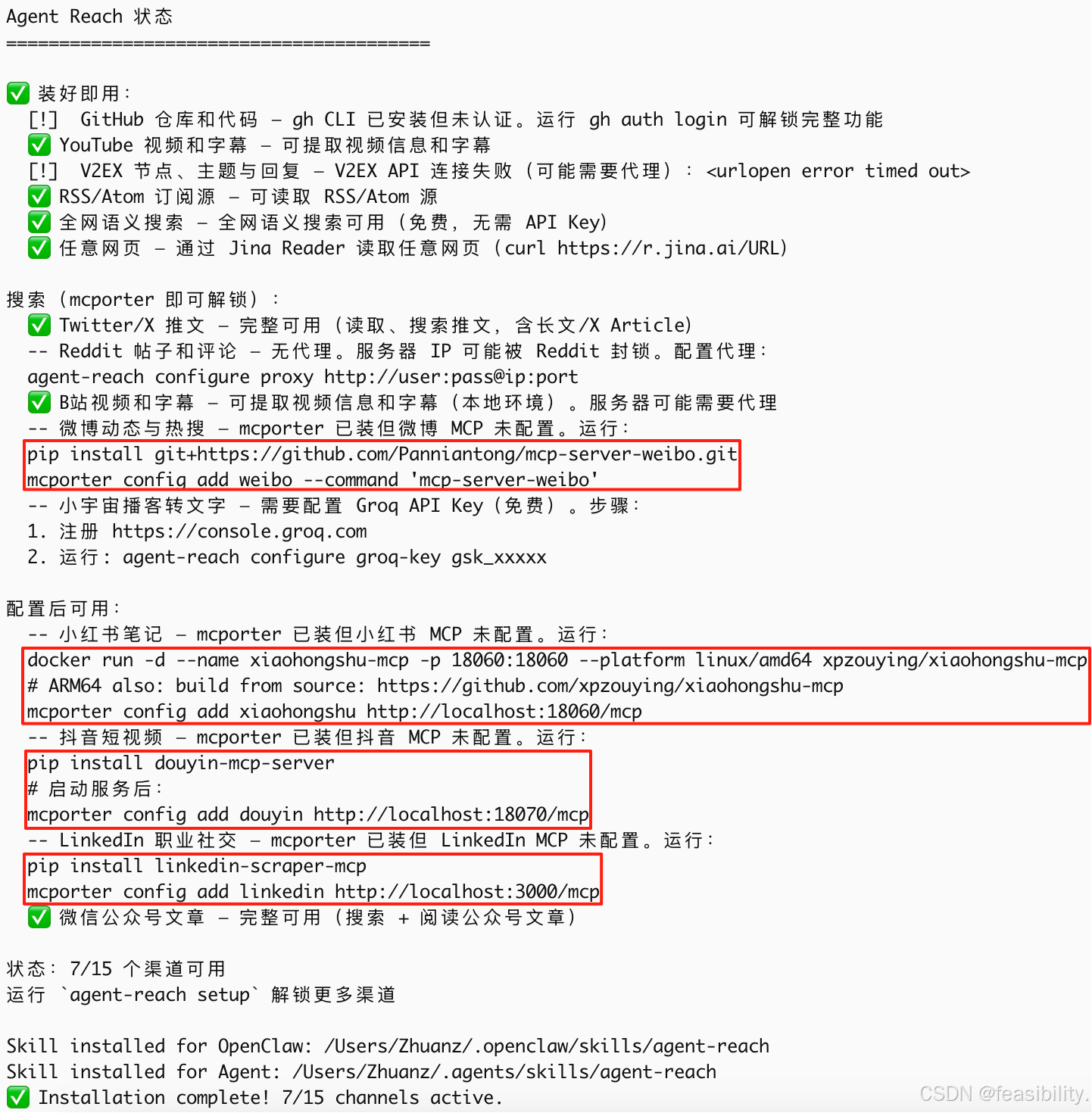
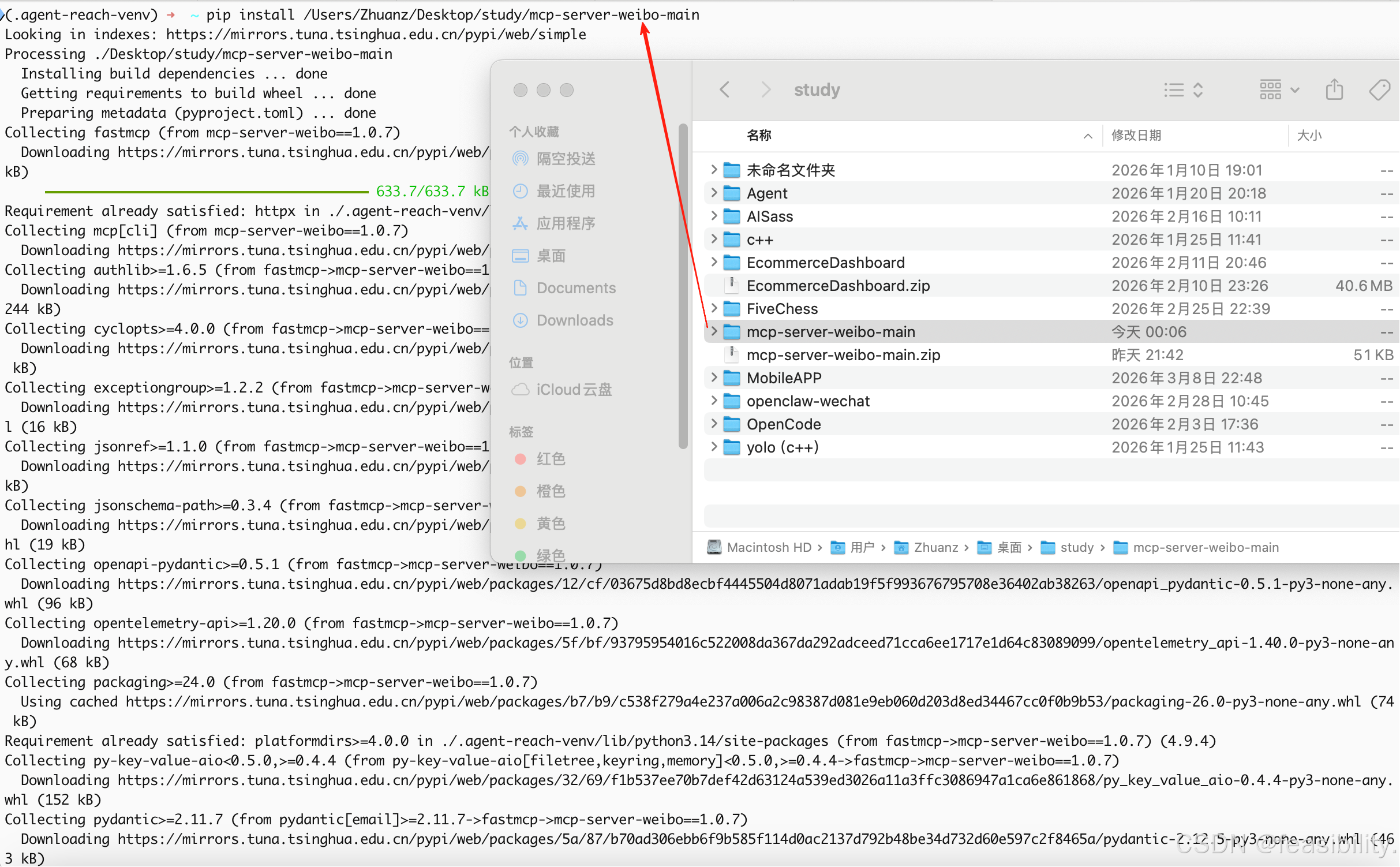
可执行重新执行前面下面或执行pip install git+https://github.com/Panniantong/mcp-server-weibo.git安装weibo的mcp,这里因为执行两个命令没成功走DL所以手动下载压缩包zip,解压到你认为合适的位置比如/Users/Zhuanz/Desktop/study
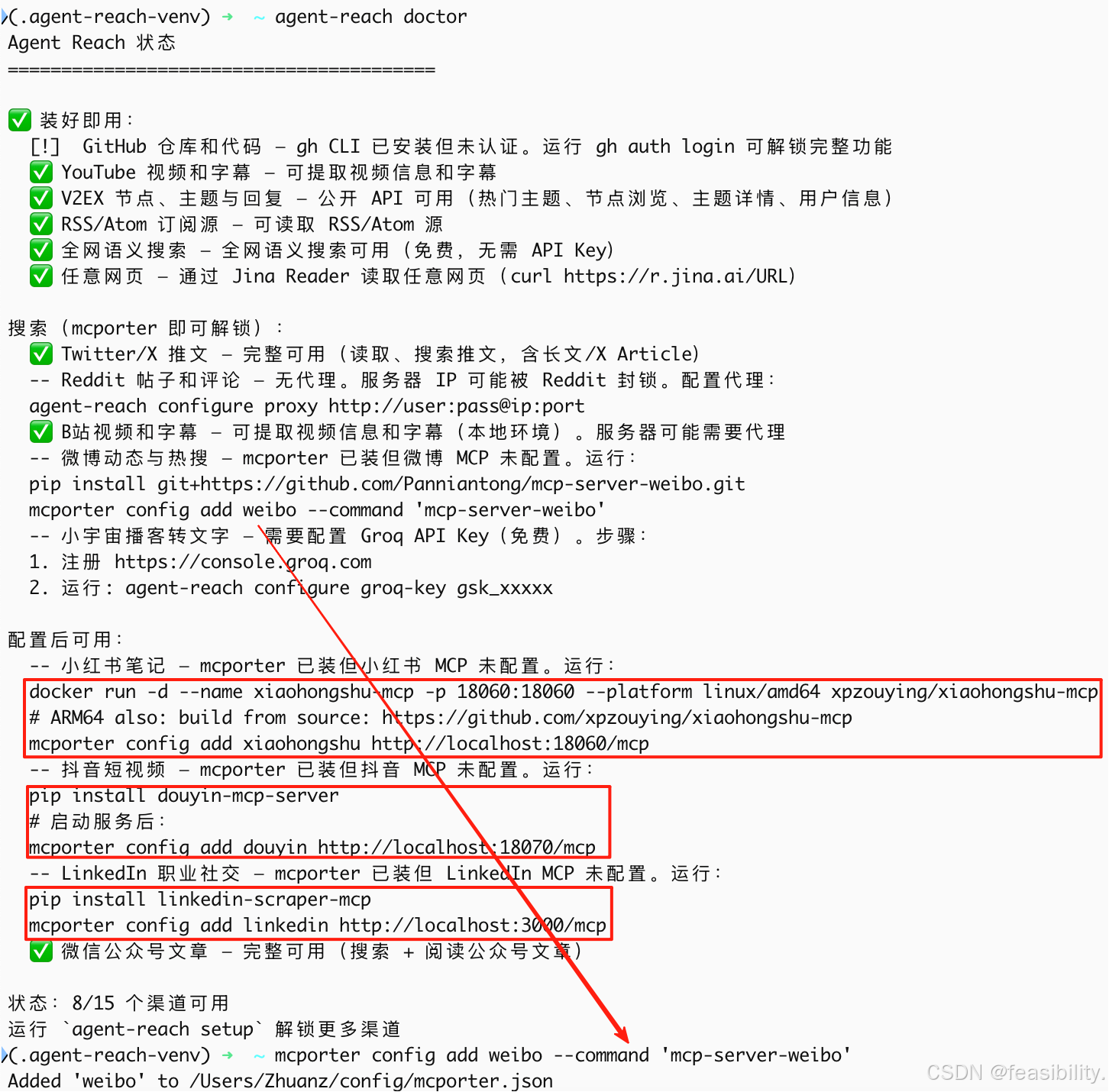
也可以执行agent-reach doctor看工具状态,可以看到部分工具未配置,weibo的mcp未添加到mcporter这个mcp cli工具中,剩下三个工具没安装,那么先执行mcporter config add weibo --command 'mcp-server-weibo'
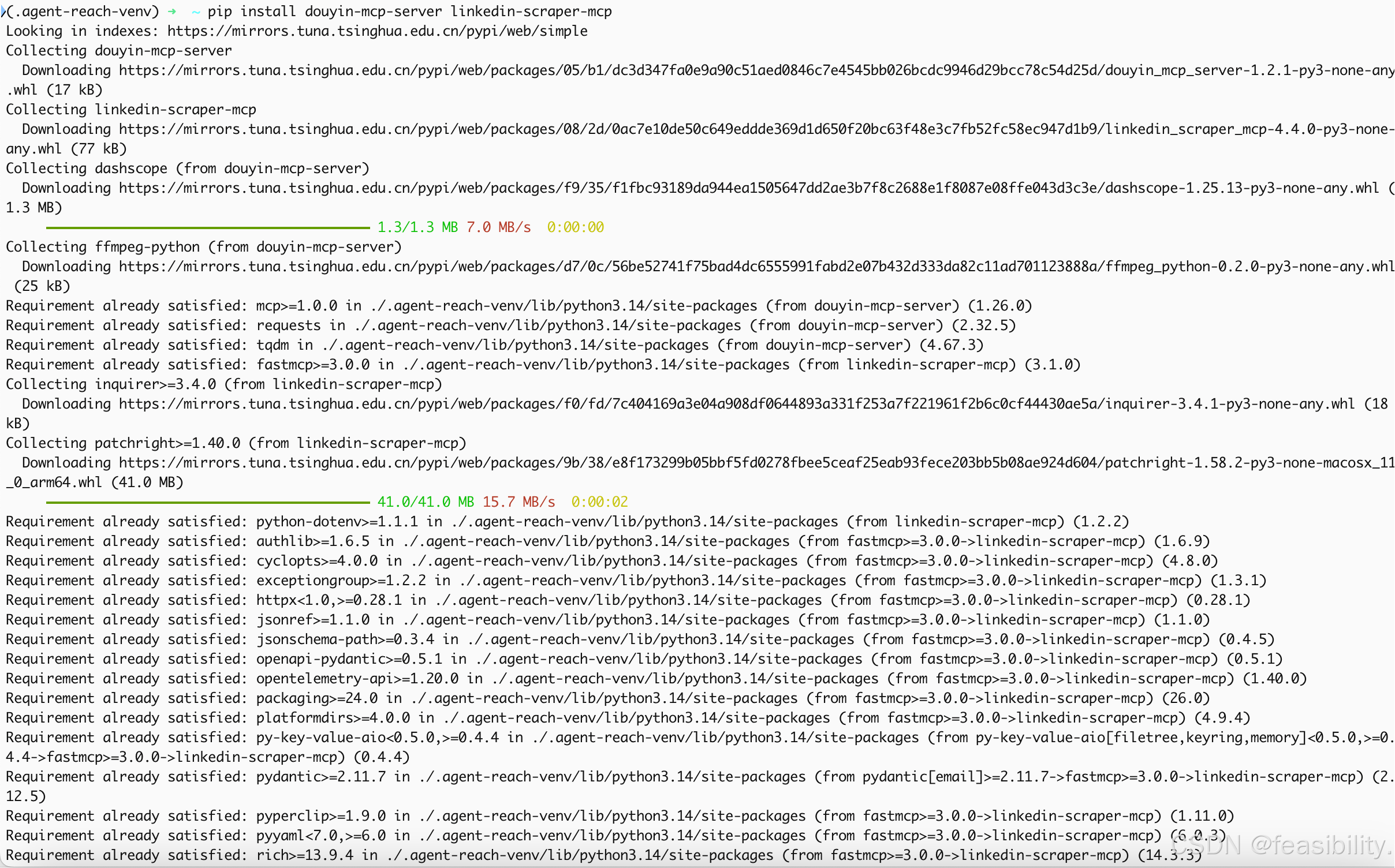
执行pip install douyin-mcp-server linkedin-scraper-mcp安装DouYin的mcp和职业社交mcp库
执行mcporter config add douyin http://localhost:18070/mcp和mcporter config add linkedin http://localhost:3000/mcp将DouYin的mcp和 linkedin mcp添加到mcporter中

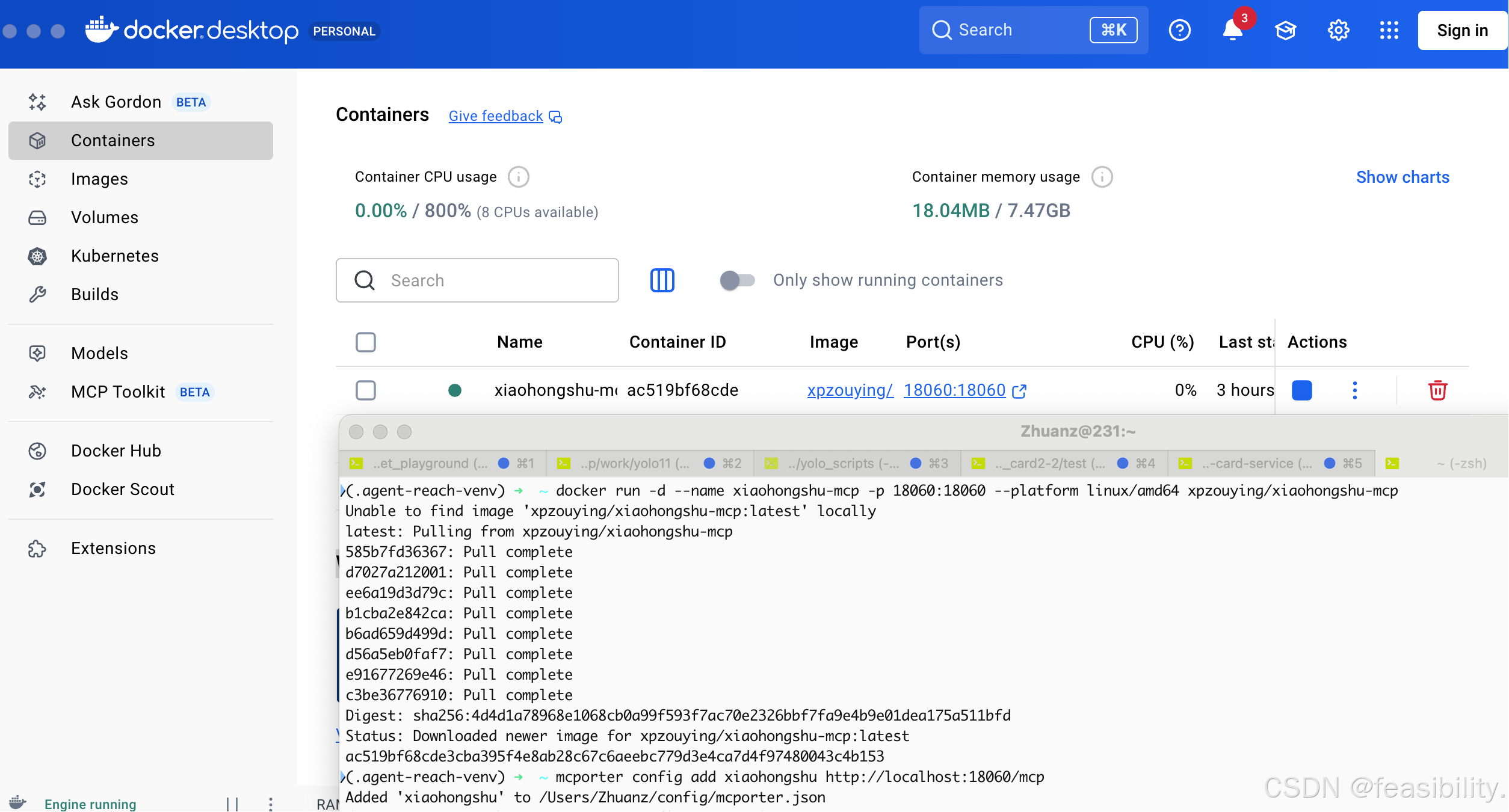
先启动之前安装过的docker(没有的话需自行下载安装),再执行docker run -d --name xiaohongshu-mcp -p 18060:18060 --platform linux/amd64 xpzouying/xiaohongshu-mcp拉取小红书mcp镜像,执行mcporter config add xiaohongshu http://localhost:18060/mcp将小红书mcp添加到mcporter中
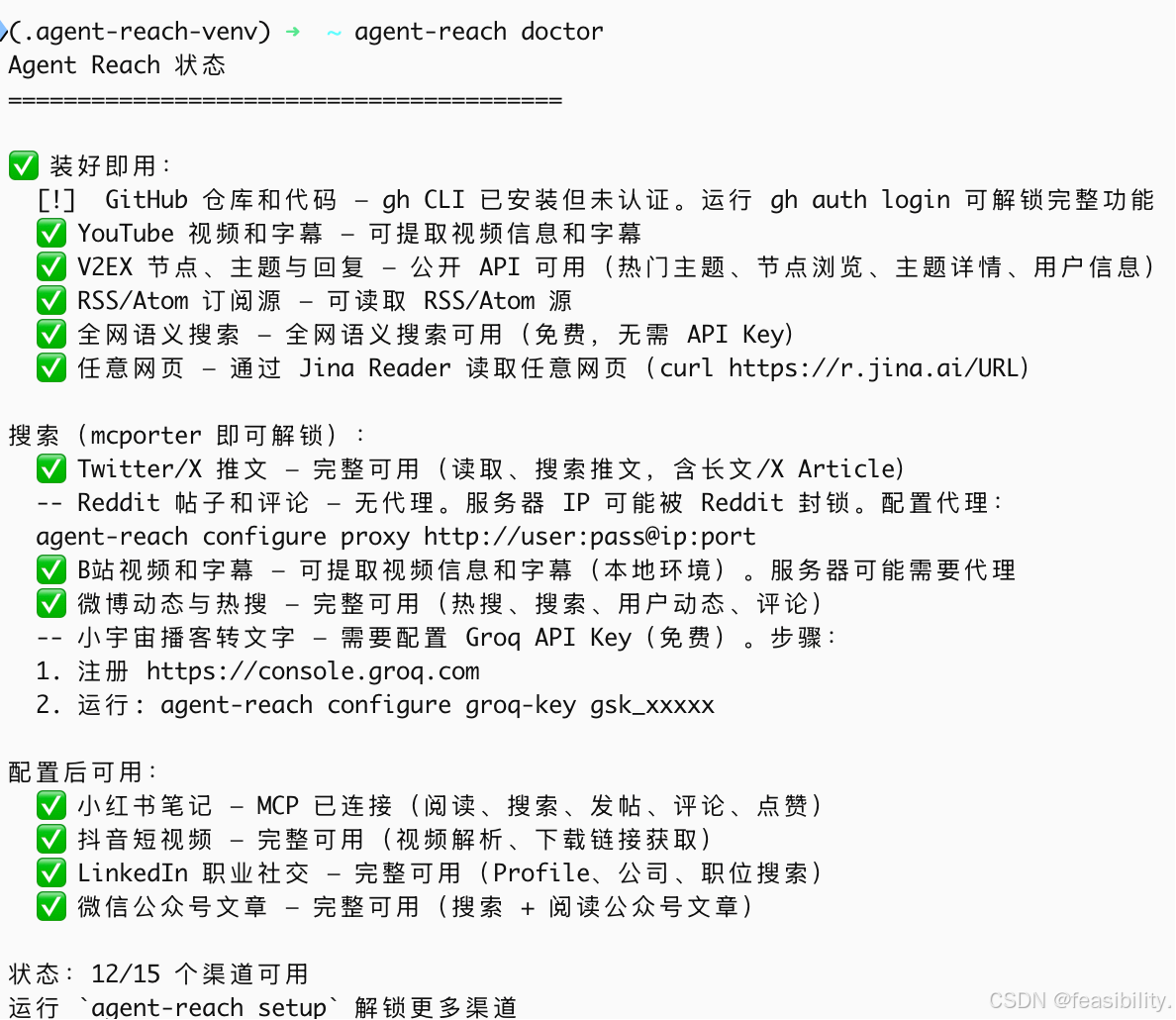
执行agent-reach doctor查看工具状态,只剩三个需配置和认证,注意V2EX很可能得开DL才能用
science 上网
打开下图软件,点击设置,查看端口号,这个软件默认是7897,执行
bash
agent-reach configure proxy http://127.0.0.1:7897进行配置,连接成功,如果有认证按如下配置
bash
agent-reach configure proxy http://user:pass@ip:port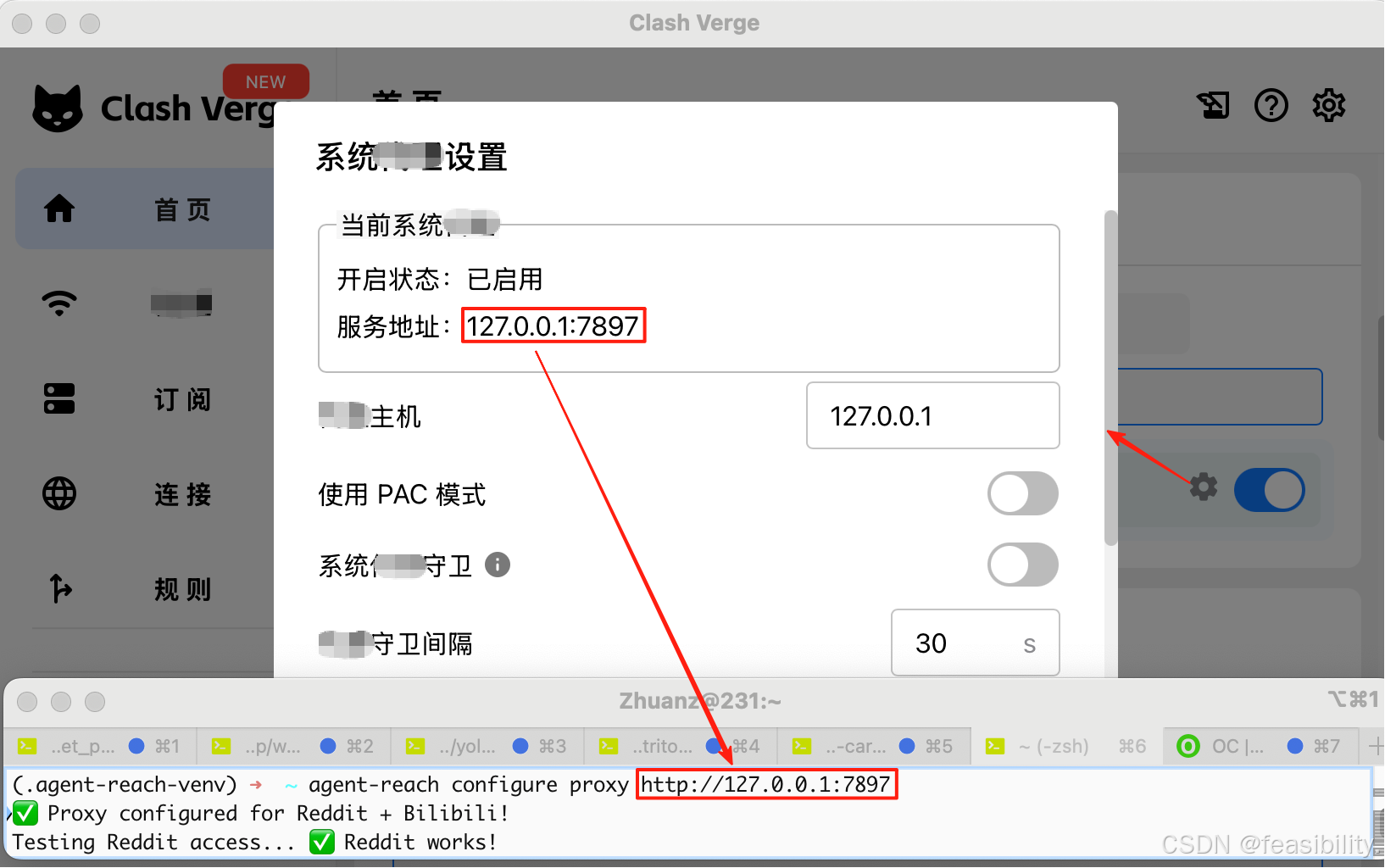
配置与使用
访问GitHub、Reddit、X、YouTube、Bili、wei bo、小红书、douyin、领英
因平台内容限制,访问其他平台的方法见gzh(AI全链汇)的文章《Agent-Reach赋能OpenClaw成为信息管家:实现GitHub/X/b站/小红书等九大平台信息获取(含手动安装)》点击可了解详情
访问gzh
让ai访问找一篇高质量gzh文章
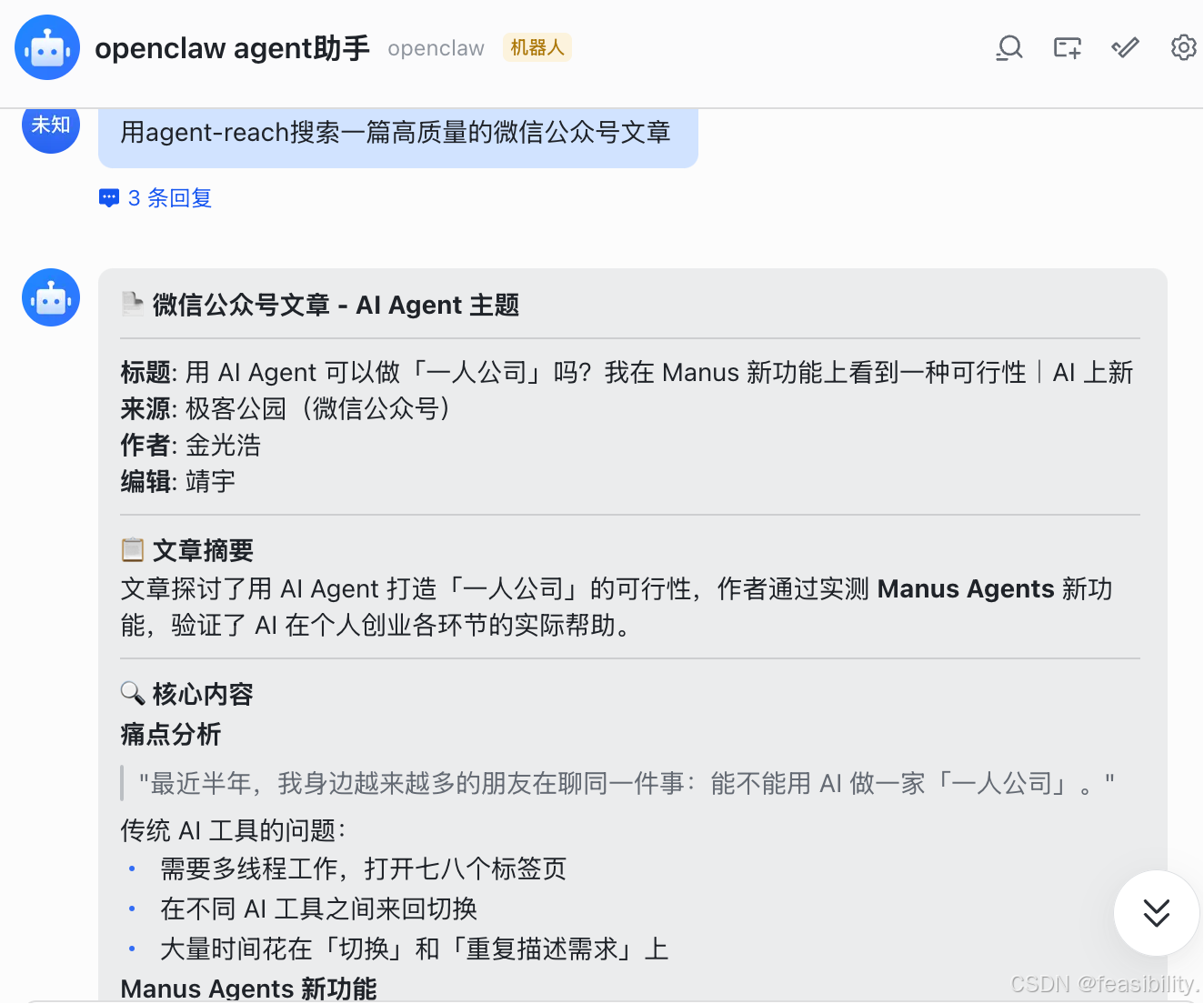
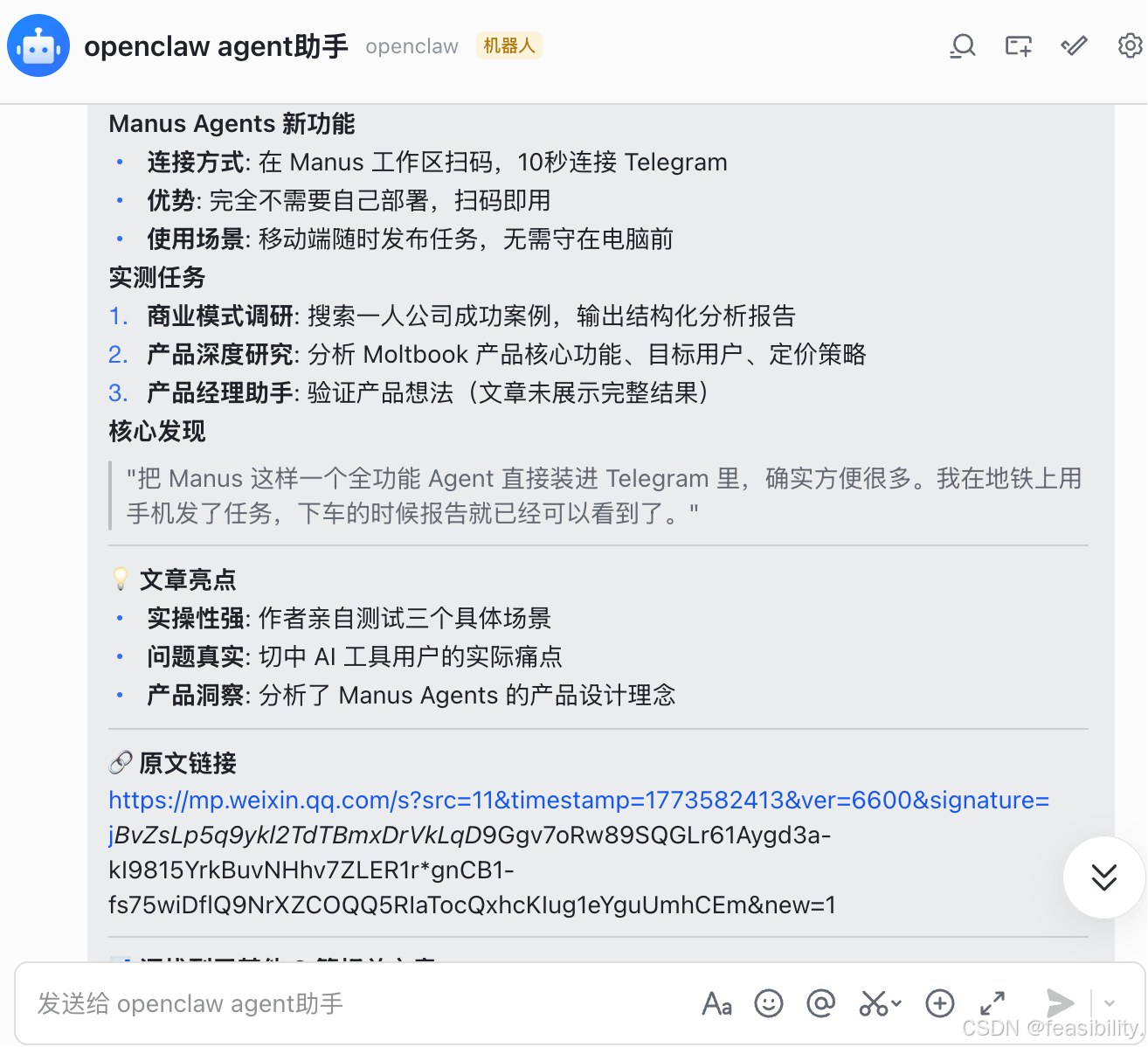
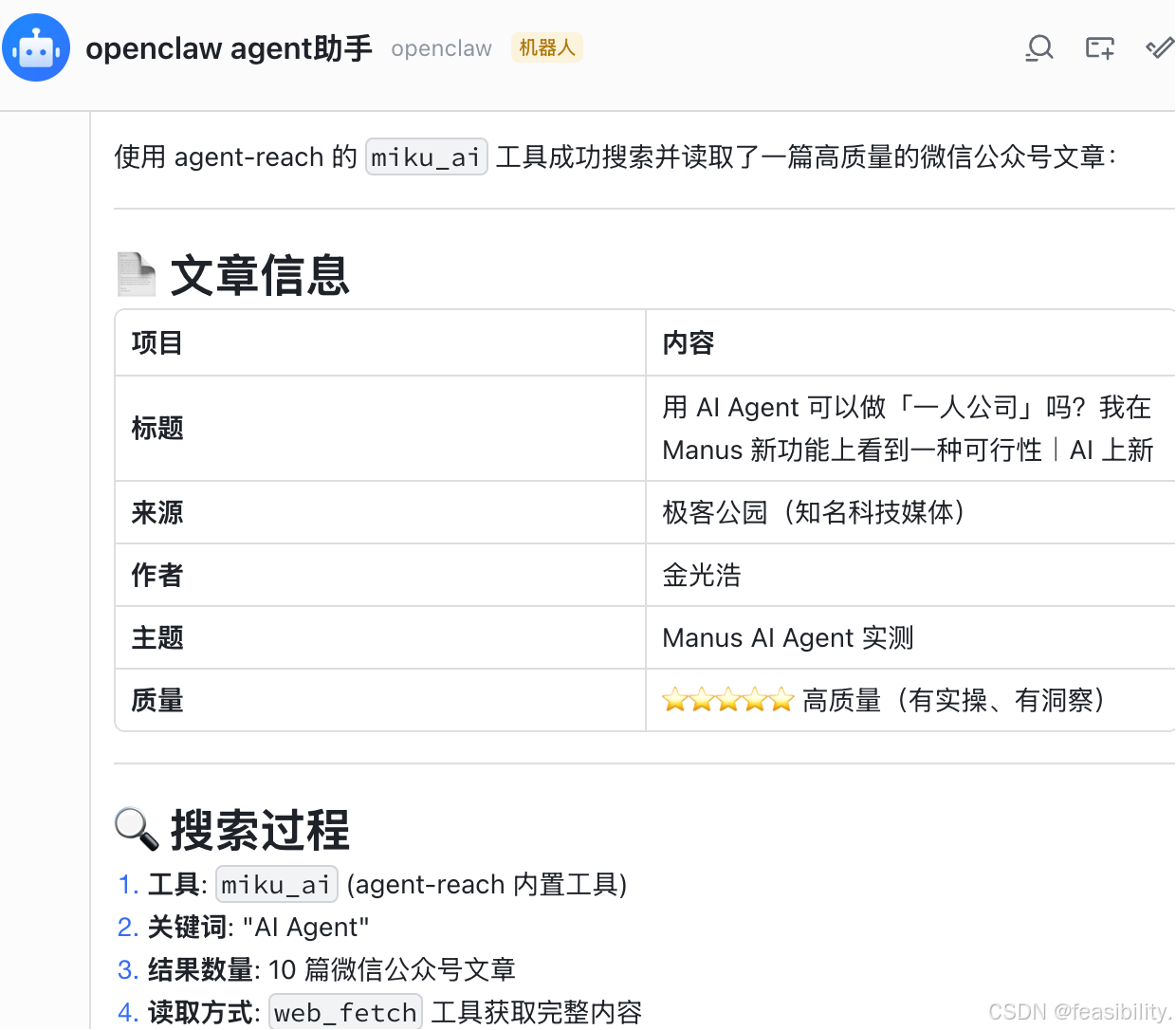
打开网页链接验证,基本没有问题

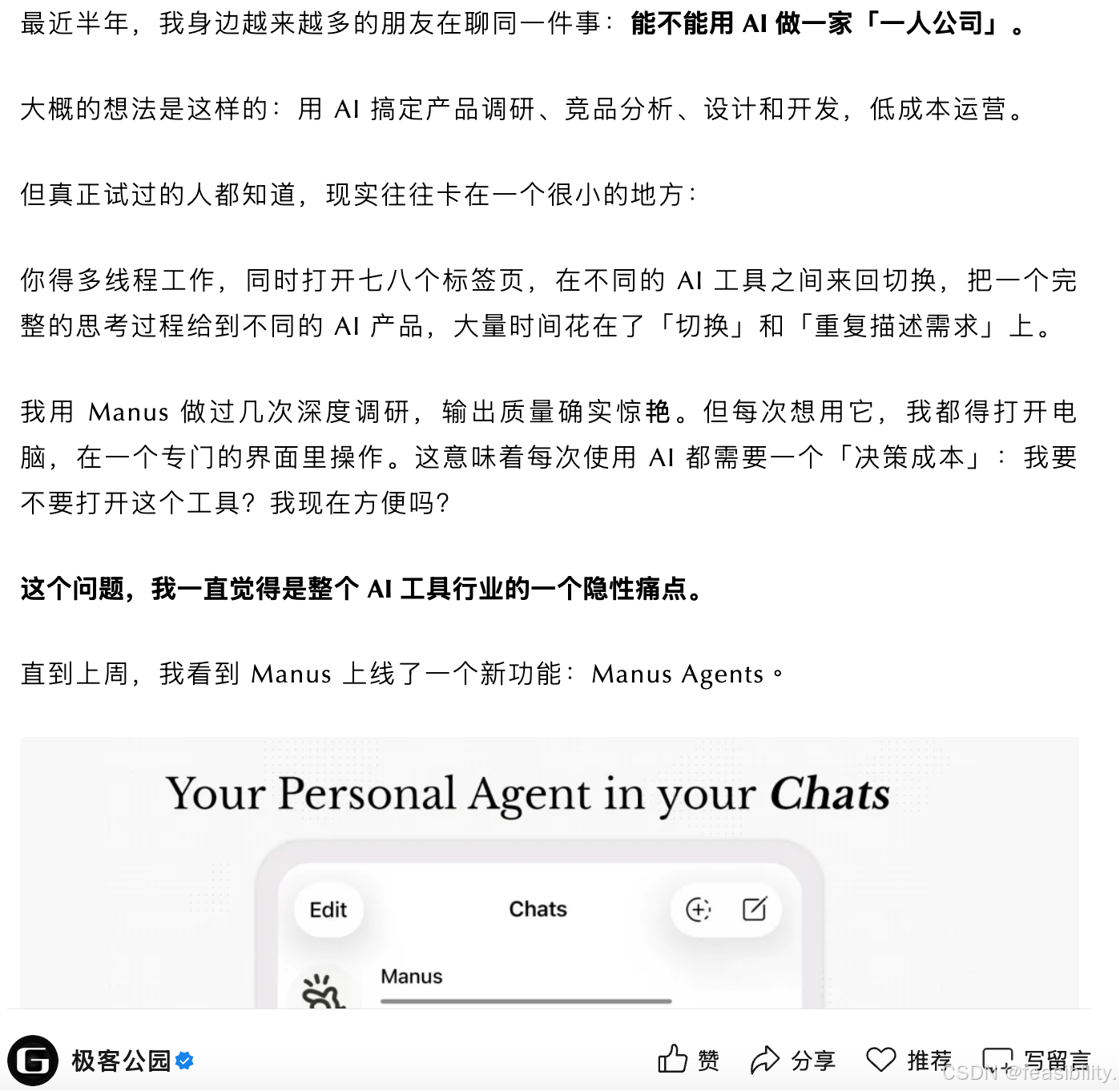
至此,本文已实现openclaw访问GitHub、Reddit、X、YouTube、Bili、wei bo、小红书、douyin、领英和gzh十大平台并获取信息以及部分互动
注:本文仅供参考学习交流,不得用于违法犯罪活动
创作不易,禁止抄袭,转载请附上原文链接及标题