在 AI Agent Builder 里,我们可以创建一个 workflow 的工具从而达到调用 workflow 的目的。我们是不是也可以在 workflow 里调用 AI Agent Builder 里所创建的 Agent 呢?答案是肯定的。下面我们来用一个简单的例子来进行展示。
创建一个 agent
我们创建的一个 agent 的名字叫做 generate_audio_product_json。它是用来解析我们的输入,并提区我们所需要的信息。它的创建非常融, 我们甚至不需要使用任何的工具。
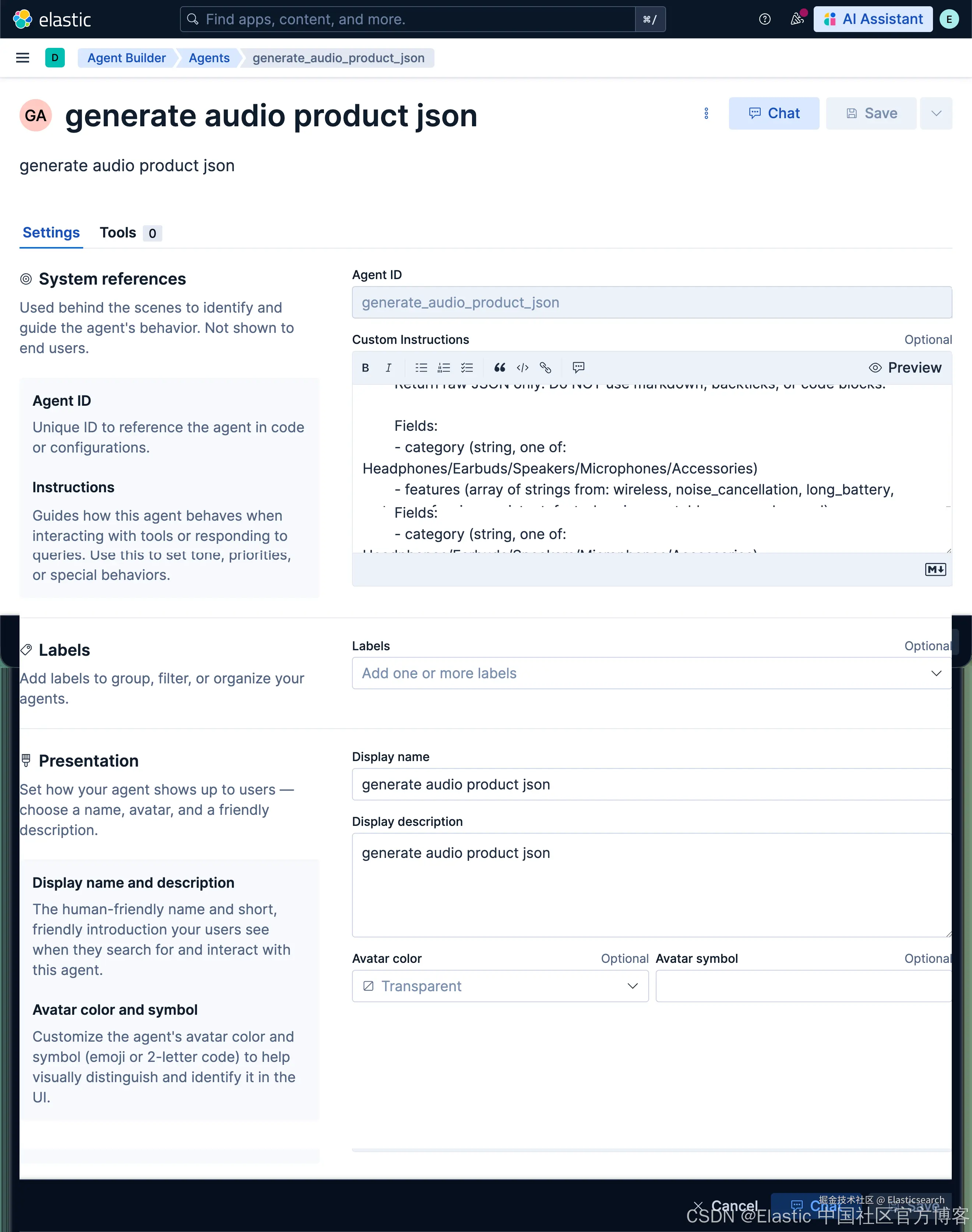
Custom Instructions:
less
`1. Extract audio product information from this description.
2. Return raw JSON only. Do NOT use markdown, backticks, or code blocks.
3. Extract audio product information from this description.
4. Return raw JSON only. Do NOT use markdown, backticks, or code blocks.
6. Fields:
7. - category (string, one of: Headphones/Earbuds/Speakers/Microphones/Accessories)
8. - features (array of strings from: wireless, noise_cancellation, long_battery, waterproof, voice_assistant, fast_charging, portable, surround_sound)
9. - use_case (string, one of: Travel/Office/Home/Fitness/Gaming/Studio)`AI写代码我使用一个简单的例子来进行展示:
rust
`Premium wireless Bluetooth headphones with active noise cancellation, 30-hour battery life, and premium leather ear cushions. Perfect for travel and office use.`AI写代码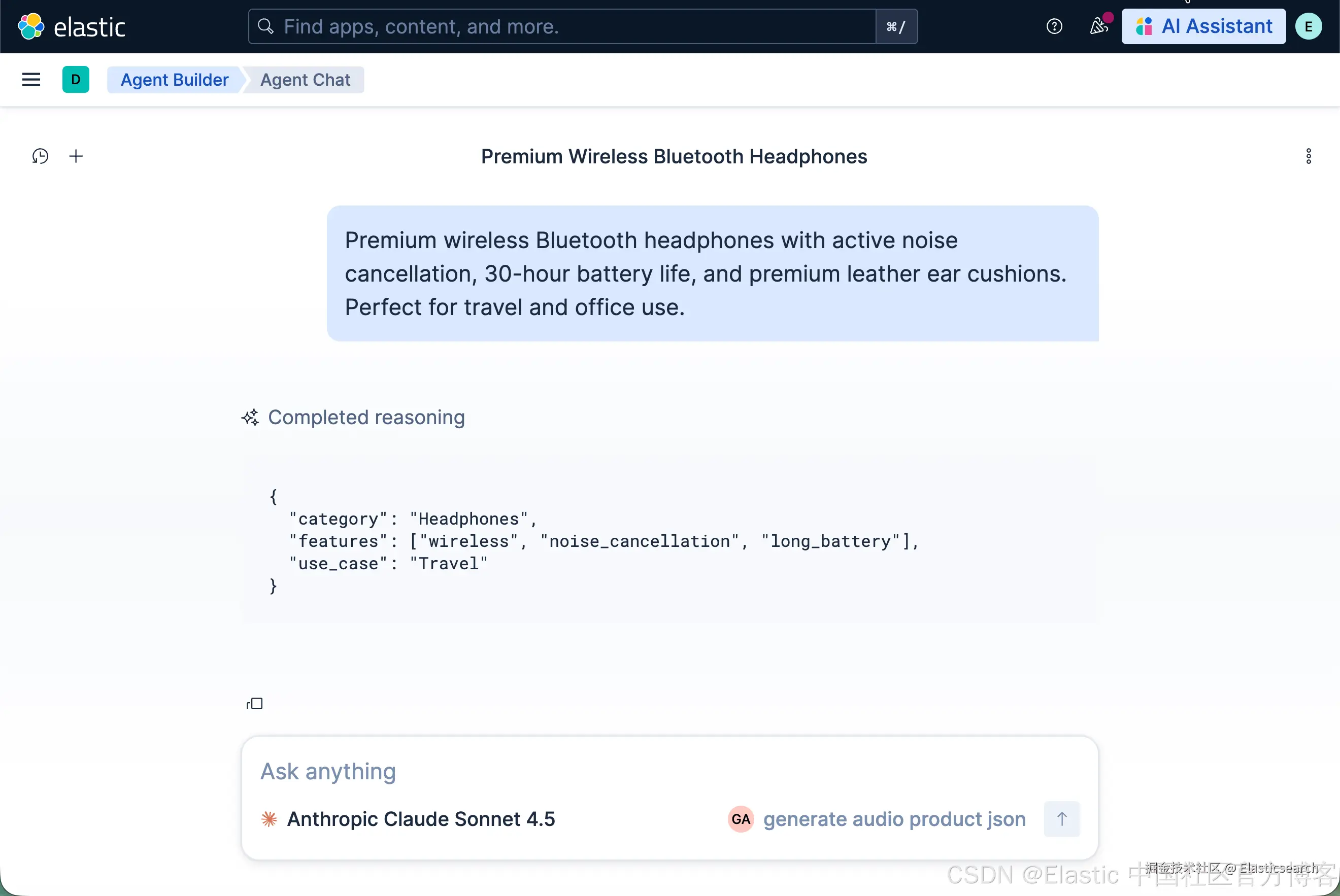
创建一个 workflow 并调用 agent
我们在 workflow 里创建一个如下的 workflow:
yaml
`
1. version: "1"
2. name: invoke_audio_product_agent
3. description: Extract structured product data using an AI agent
4. enabled: true
6. triggers:
7. - type: manual
9. inputs:
10. - name: product_info
11. type: string
12. required: true
13. description: product descriptions
15. steps:
16. # Step 1: Log input (optional but recommended)
17. - name: log_input
18. type: console
19. with:
20. message: "Incoming product info: {{ inputs.product_info }}"
22. # Step 2: Invoke your agent
23. - name: generate_product_json
24. type: ai.agent
25. with:
26. agent_id: "generate_audio_product_json"
27. message: |
28. Extract structured product data from the following input.
30. Input:
31. {{ inputs.product_info }}
33. Return ONLY valid JSON.
35. # Step 3: Print the result
36. - name: print_result
37. type: console
38. with:
39. message: "{{ steps.generate_product_json.output }}"
`AI写代码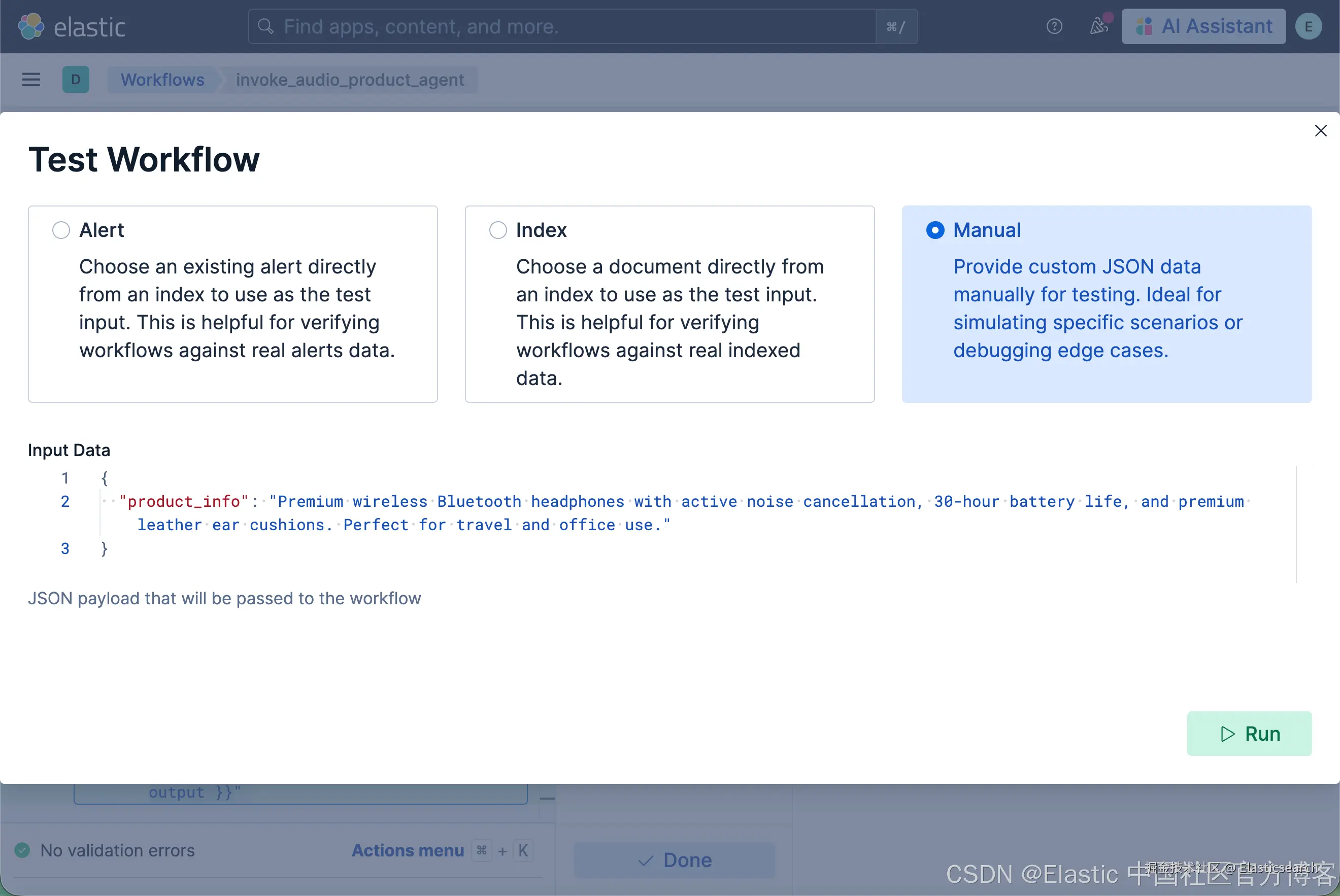
rust
`Premium wireless Bluetooth headphones with active noise cancellation, 30-hour battery life, and premium leather ear cushions. Perfect for travel and office use.`AI写代码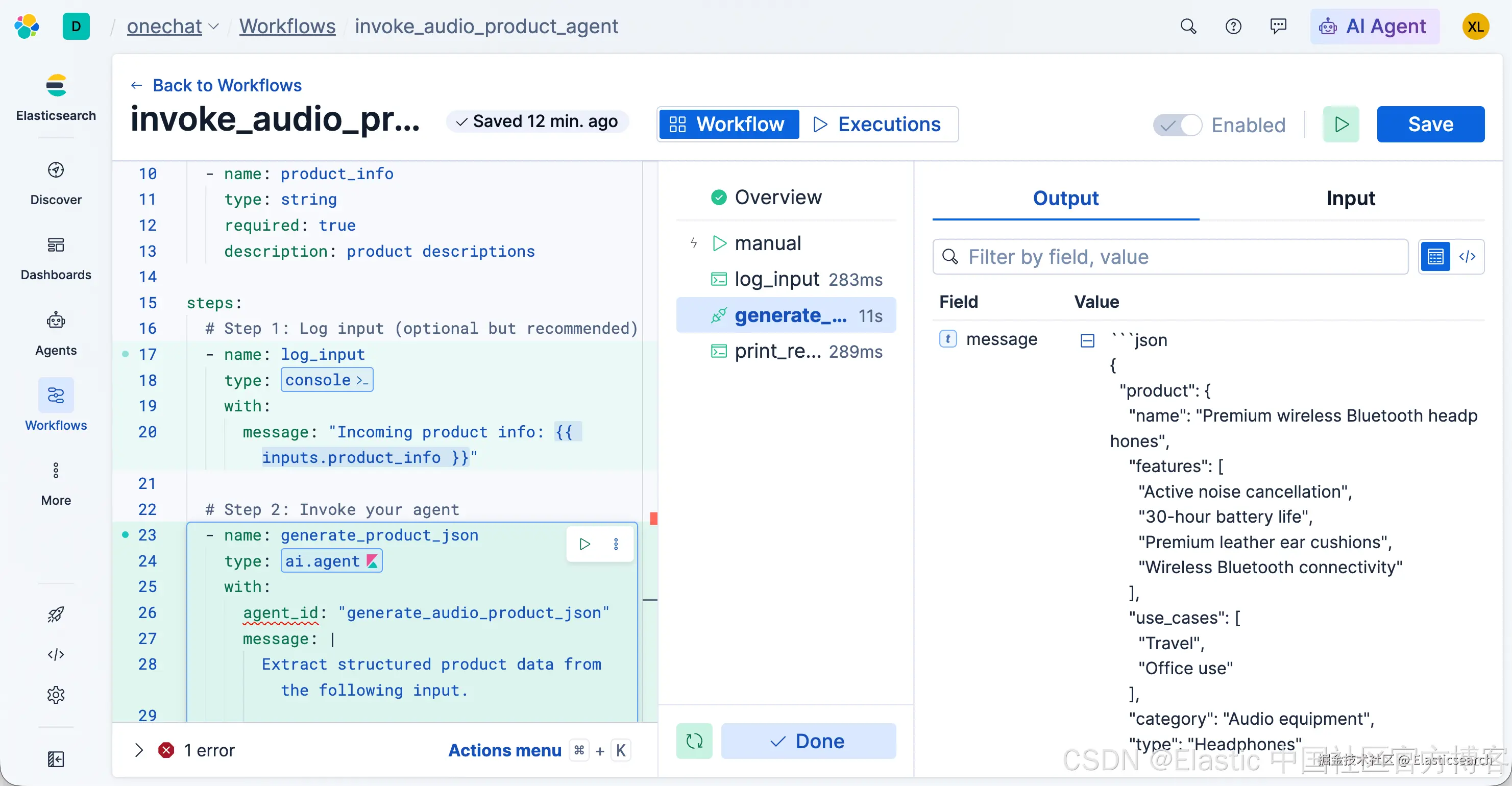
祝大家学习愉快!