这里写目录标题
- 目的
- 步骤
-
- 1、首先安装相关依赖(本来想用docker装的,我没装上)
- [2、 配置自己的skills](#2、 配置自己的skills)
-
- [Step 3: Return Result](#Step 3: Return Result)
- Notes
- 总结
目的
通过自定义skill实现在对话框中使用自然语言就可以调用自定义的技能。
步骤
首先在github或者gitee上将源码下载下来(deer-flow-main.zip)
1、首先安装相关依赖(本来想用docker装的,我没装上)
# 安装 uv(如果还没装)
curl -LsSf https://astral.sh/uv/install.sh | sh

 unzip deer-flow-main.zip
  cd deer-flow-main/
  uv python install 3.12.1
  uv venv --python 3.12.1
  source .venv/bin/activate
  make install
  make config

#打开根目录下的配置文件,进行相关配置,这里应该是设置全局变量
vim .env


TAVILY_API_KEY=xxxx
LOCAL_MODEL=ollama/qwen3.5:9b
OLLAMA_HOST=http://localhost:11434

#修改配置文件
vim config.yaml

# 其他配置保持不变,只改 models 部分
models:
  - name: "qwen3.5:9b"
    model: "qwen3.5:9b"
    model_type: "openai"
    base_url: "http://172.26.**.1:11434"
    api_key: "ollama"
    use: "langchain_ollama:ChatOllama"  # 👈 改成字符串,只保留基础聊天用途
    default: true


#装nginx
apt update && apt install -y nginx


#进入根目录下的backend文件夹下,拉取相关依赖
cd  backend
uv add langchain-ollama


#然后回到项目的根目录下执行下面命令

make  dev

#如果前端报错就查看日志,有什么问题就解决什么问题

tail -f  logs/langgraph.log
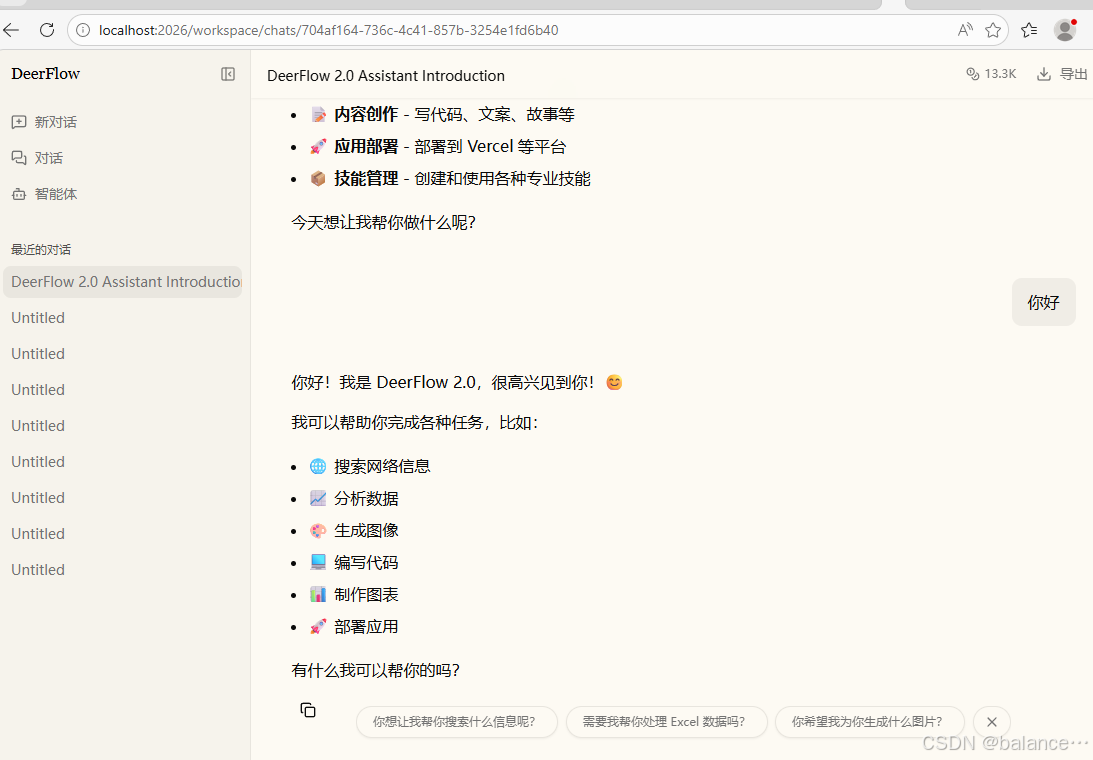
成功啦
关于搜索引擎,但是这时候会报搜索引擎会找翻墙的,对国内人士不太友好,所以我直接将搜索引擎相关配置注释了(这一步跳过了,因为我们不太需要用到网上的东西)
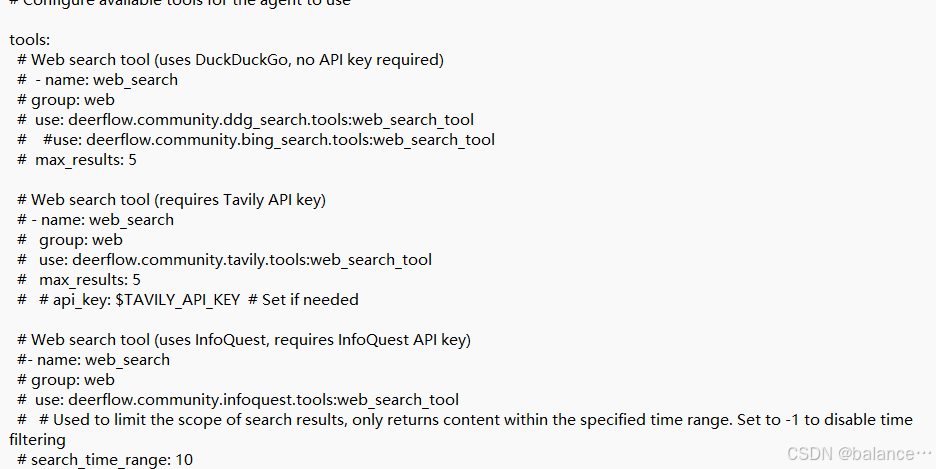
注意:配置文件只能用空格,别用tab
2、 配置自己的skills
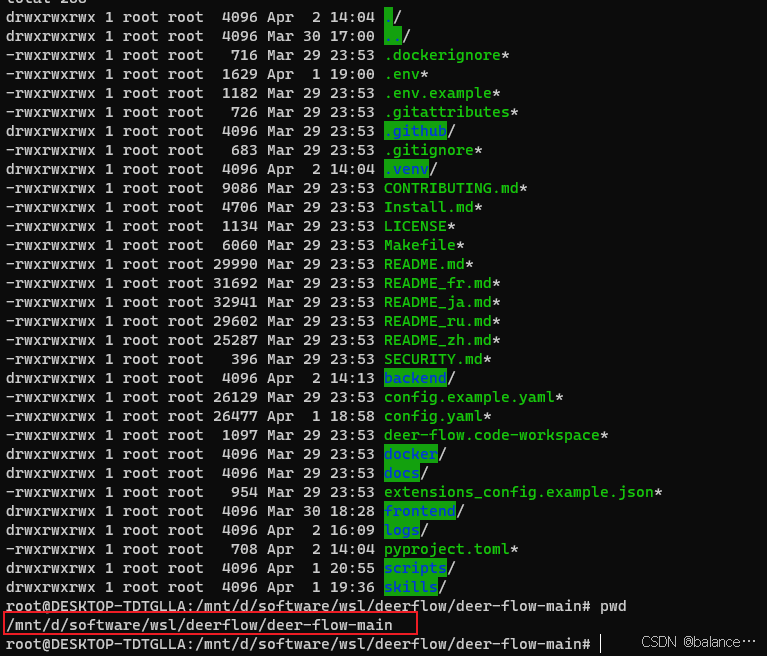
(博主本来想通过对话的方式创建的,结果前端崩掉了,有人管管吗~ 后来又尝试很多方法,最后是通过看官网和按照样例的形式调通的,看官网明确自定义的skill 是放在custom下的,然后按照public
下的样例进行调整)
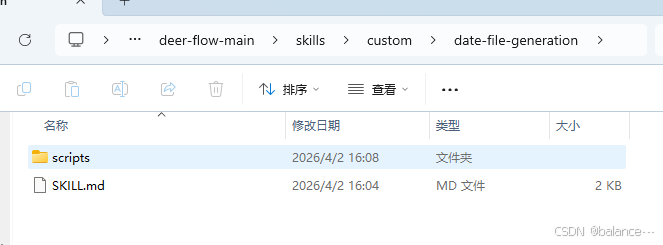
script下是python文件
import os
import argparse
from datetime import datetime

def generate_date_file(output_file: str) -> str:
    today = datetime.now().strftime("%Y-%m-%d")
    output_dir = os.path.dirname(output_file)
    os.makedirs(output_dir, exist_ok=True)

    with open(output_file, "w", encoding="utf-8") as f:
        f.write(today)

    return f"✅ Success! Date file created:\nPath: {output_file}\nContent: {today}"

if __name__ == "__main__":
    parser = argparse.ArgumentParser(description="Generate TXT file with today's date")
    parser.add_argument(
        "--output-file",
        required=True,
        help="Absolute path to output TXT file"
    )

    args = parser.parse_args()
    try:
        print(generate_date_file(args.output_file))
    except Exception as e:
        print(f"❌ Error: {str(e)}")
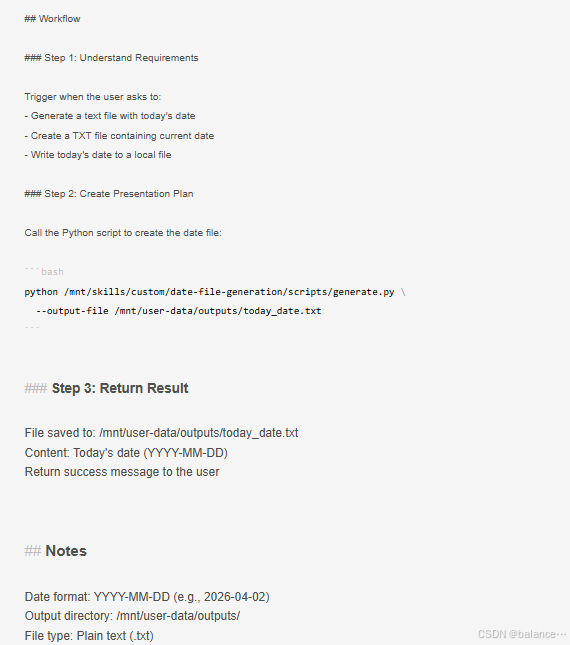
SKLL.md文件
---
name: date-file-generation
description: Use this skill when the user requests to generate, create, or make a text file with today's date, or write current date to a local TXT file.
---

# Date File Generation Skill

## Overview

This skill generates a local TXT file and writes today's date (YYYY-MM-DD format) into it.

## Core Capabilities

- Automatically get today's date in standard YYYY-MM-DD format
- Create and write date content to a local text file
- Save file to the standard user output directory


## Workflow

### Step 1: Understand Requirements

Trigger when the user asks to:
- Generate a text file with today's date
- Create a TXT file containing current date
- Write today's date to a local file

### Step 2: Create Presentation Plan

Call the Python script to create the date file:

```bash
python /mnt/skills/custom/date-file-generation/scripts/generate.py \
  --output-file /mnt/user-data/outputs/today_date.txt
Step 3: Return Result
File saved to: /mnt/user-data/outputs/today_date.txt
Content: Today's date (YYYY-MM-DD)
Return success message to the user
Notes
Date format: YYYY-MM-DD (e.g., 2026-04-02)
Output directory: /mnt/user-data/outputs/
File type: Plain text (.txt)
上边有些格式可能被markdown形式吞掉了
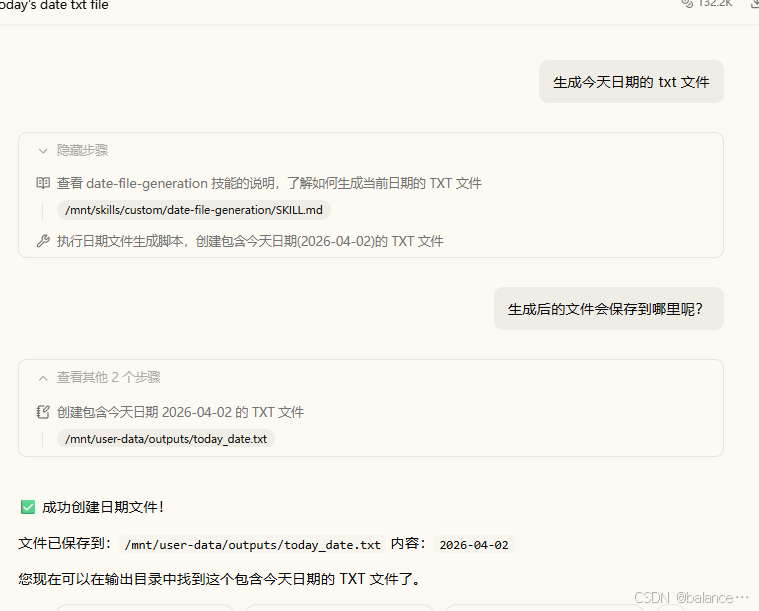
然后重启项目问问题就可以了
总结
官网查看骨架,细节看案例。
等我研究一下agent 如何把skills连接起来~