前言
在使用 ComfyUI 时,很多用户会遇到安装插件(比如 ReActor)后,程序直接崩溃,报错如下:
text
Critical nanobind error: refusing to add duplicate key "SOXR_FLOAT32_I" to enumeration "soxr.soxr_ext.soxr_datatype_t"
Aborted
看起来好像是库丢失或环境出错,但实际上是 C++ 扩展库版本冲突 引起的。本文将详细解析原因,并教你排查与修复。
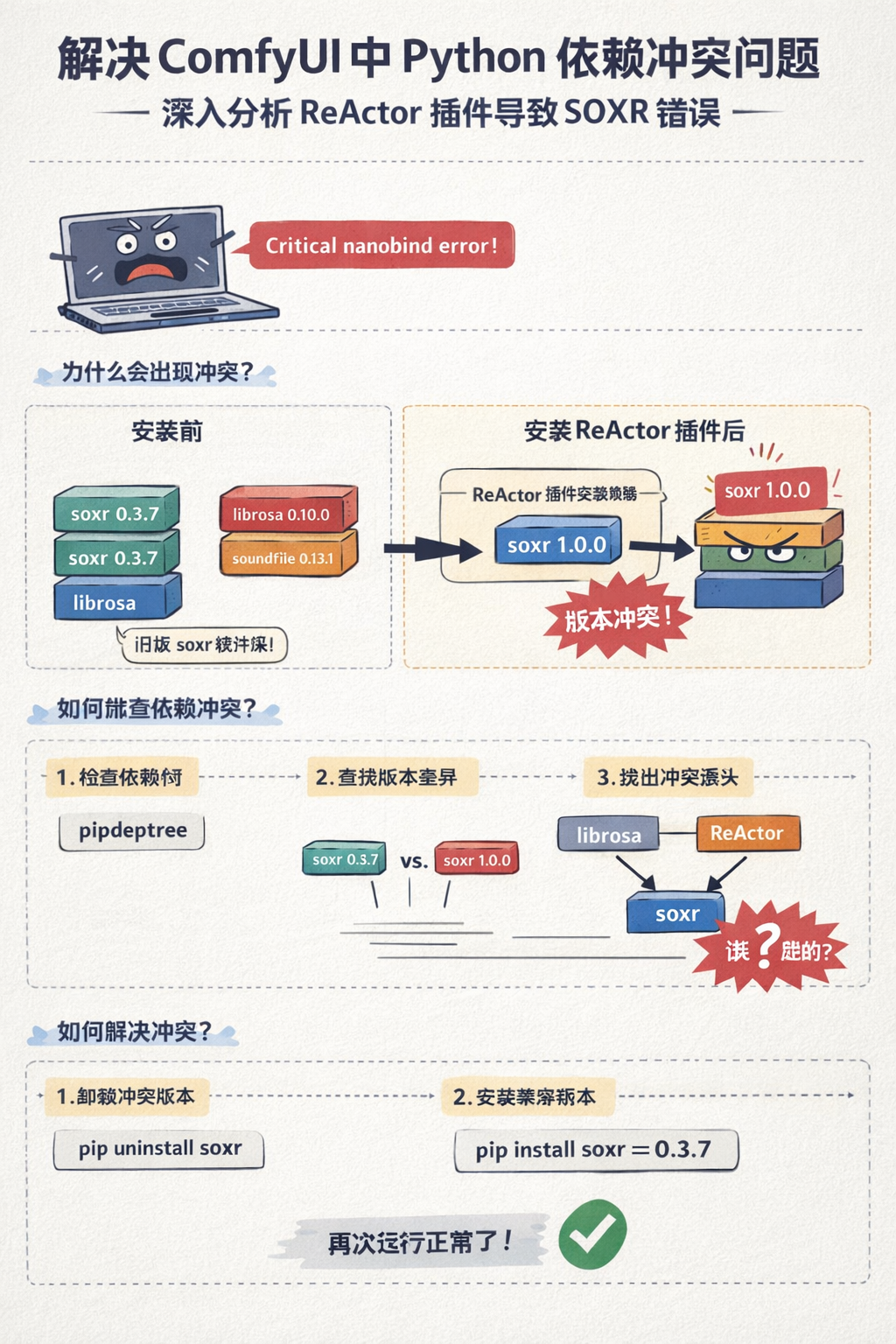
1️⃣ 问题原因
-
ComfyUI 自带音频库
ComfyUI 自身环境里已经有:
soxr==0.3.7librosa==0.10.0soundfile==0.13.1
这些都是官方兼容版本,运行正常。
-
插件安装时升级依赖
插件(例如 ReActor)在安装或首次运行时,会要求安装同样的库:
textsoxr>=0.3.2 librosa>=0.10.0pip 默认会升级到 最新版本(soxr 1.0.0),覆盖原有版本。
-
C++ 扩展不兼容
ComfyUI 的 C++ 扩展(nanobind 绑定 soxr)只兼容官方测试版本(0.3.7)。
当加载了升级后的 soxr 1.0.0 时,枚举重复 → nanobind 报错 → 程序直接 Aborted。
2️⃣ 原理示意图
安装插件前:
┌───────────────┐
│ ComfyUI Env   │
│               │
│ soxr 0.3.7    │
│ librosa 0.10  │
│ soundfile     │
└───────┬───────┘
        │ 加载 C++ 扩展
        ▼
   nanobind 正常加载 → 程序运行正常

安装插件后:
┌───────────────┐
│ ComfyUI Env   │
│               │
│ soxr 1.0.0    │ ← pip 升级覆盖
│ librosa 0.10  │
│ soundfile     │
└───────┬───────┘
        │ 加载 C++ 扩展
        ▼
nanobind 检测重复枚举 → 报错 Aborted
🔑 核心就是:同一个 pip 库被插件升级了,而 C++ 扩展没适配。
3️⃣ 如何排查
- 查看安装的版本
bash
pip list | grep -E 'soxr|librosa|soundfile'- 查看依赖树
bash
pip install pipdeptree -q
pipdeptree | grep -A5 soxr-
对比 ComfyUI 官方推荐版本
- soxr==0.3.7
- librosa==0.10.1
- soundfile 最新即可
-
发现不匹配 → 冲突
- 升级的版本可能和 C++ 扩展不兼容
- nanobind 报错
4️⃣ 修复方法
在 conda / virtualenv 环境里:
bash
# 卸掉冲突版本
pip uninstall soxr -y

# 安装官方兼容版本
pip install soxr==0.3.7 --no-cache-dir- 如果需要,可以同时升级 librosa:
bash
pip install librosa==0.10.1- 重启 ComfyUI → Nanobind 错误消失
✅ 核心:保持 C++ 扩展和 pip 库版本一致。
5️⃣ 总结
-
ComfyUI 的插件安装过程会升级共享 pip 库
-
最新版本库可能 和 C++ 扩展不兼容 → nanobind 报错
-
排查逻辑:
- 查看报错类型(Python 异常 / C++ 扩展异常)
- 列出依赖版本 (
pip list/pipdeptree) - 对比官方兼容版本 → 卸掉冲突版本重新安装
-
以后安装新插件前,建议先 锁定 C++ 依赖版本,避免 nanobind 崩溃。