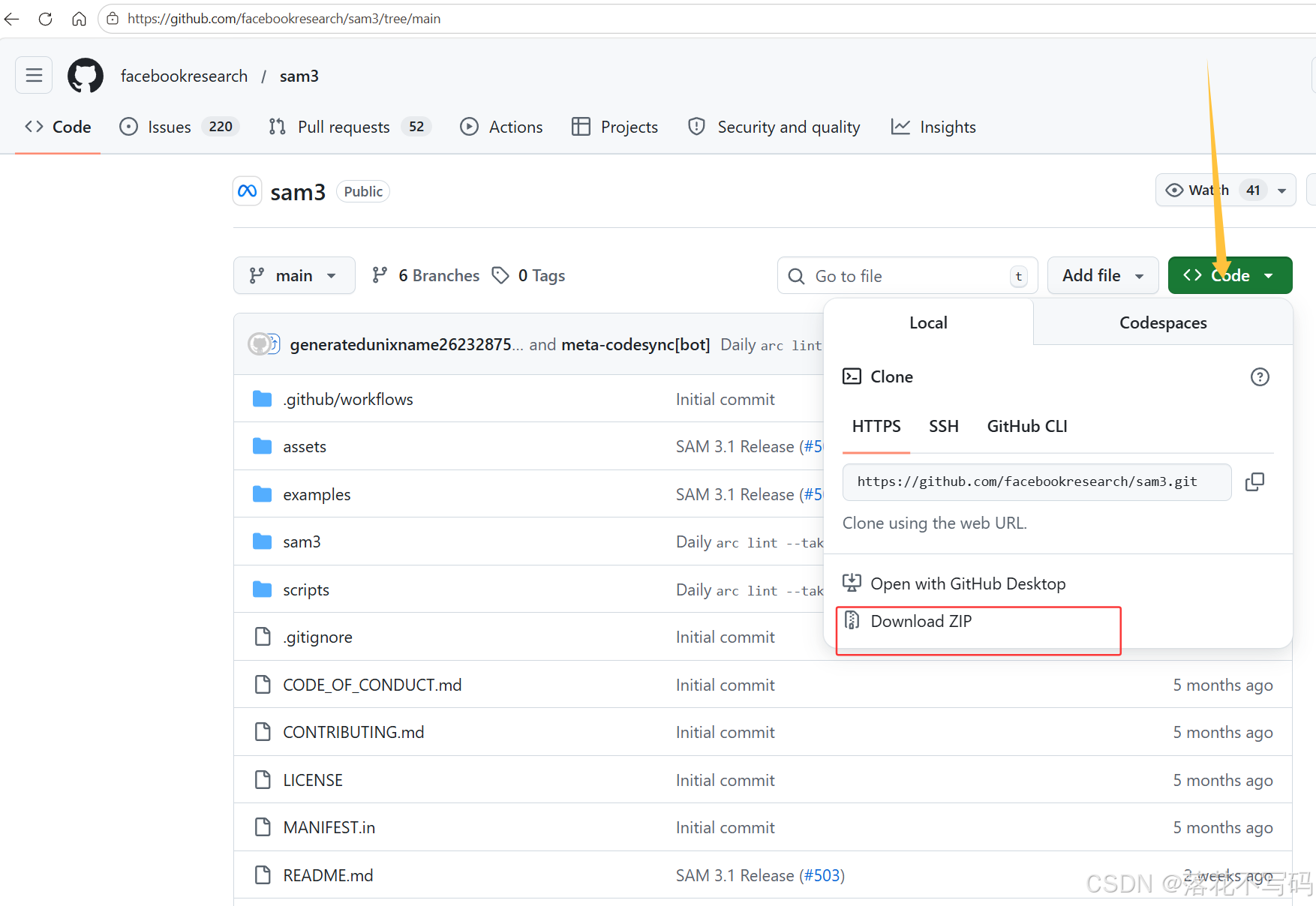
官网地址:https://github.com/facebookresearch/sam3/tree/main
下载:
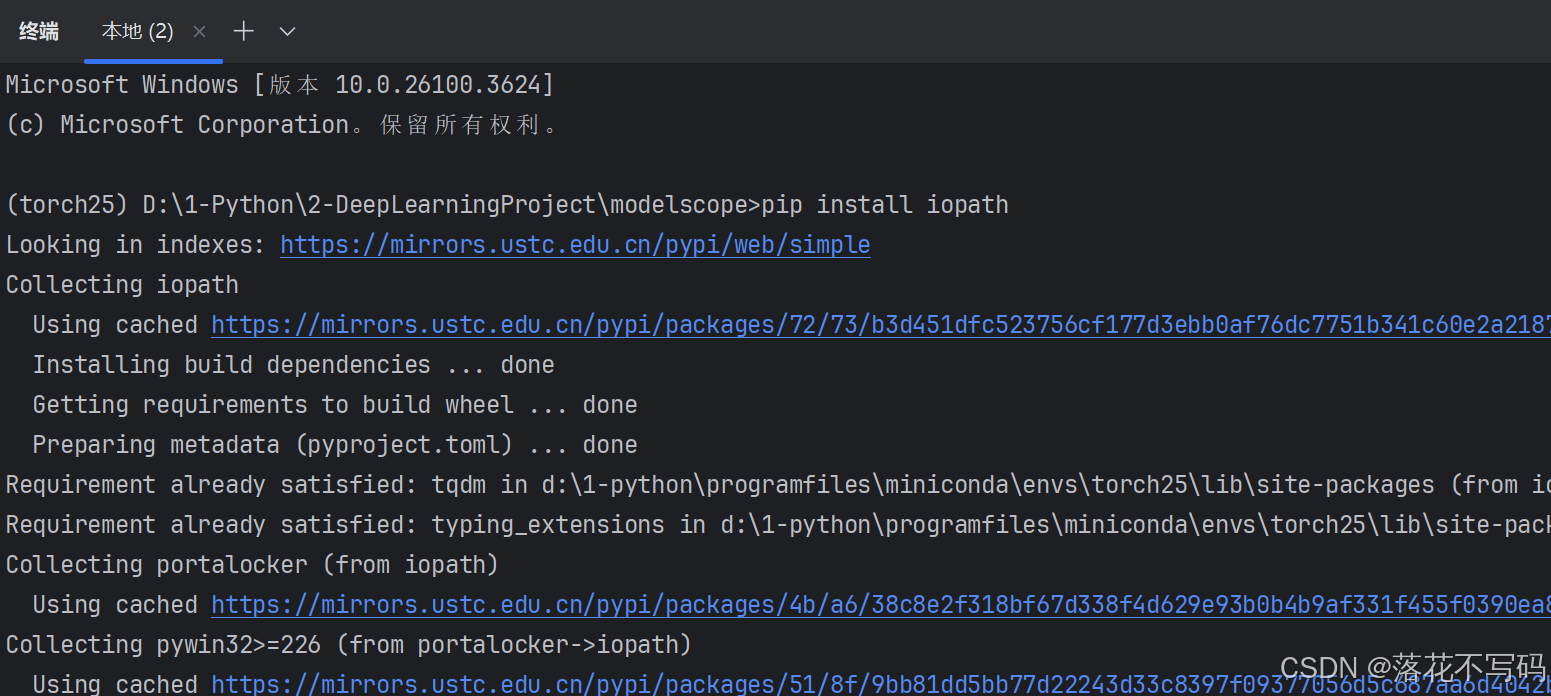
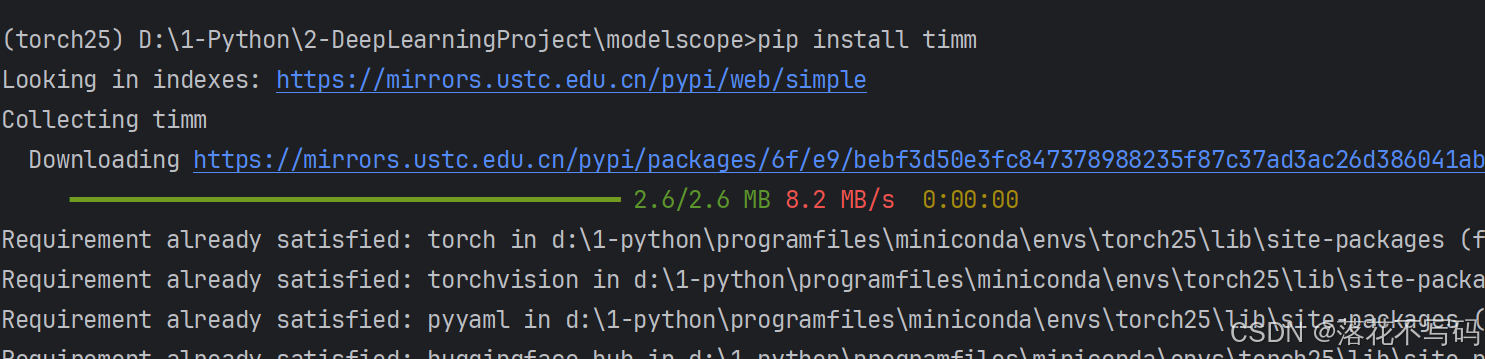
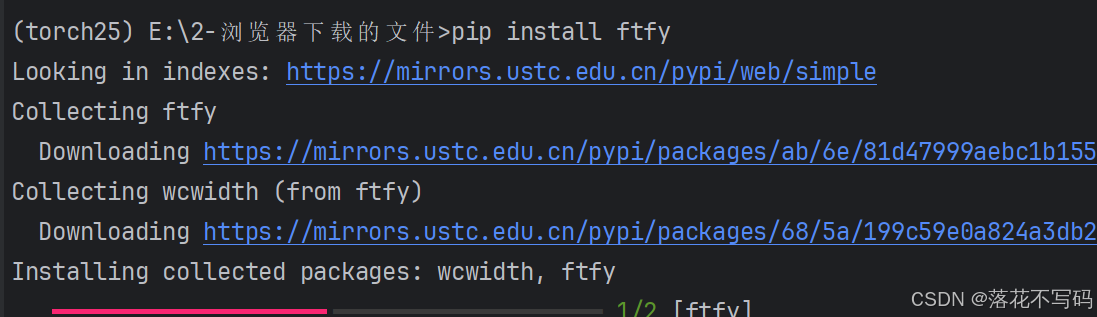
安装python版本为3.11,我使用 torch 版本是 2.5.0,torch 安装可以参考往期教程,之后安装基础库就行,缺什么安装什么
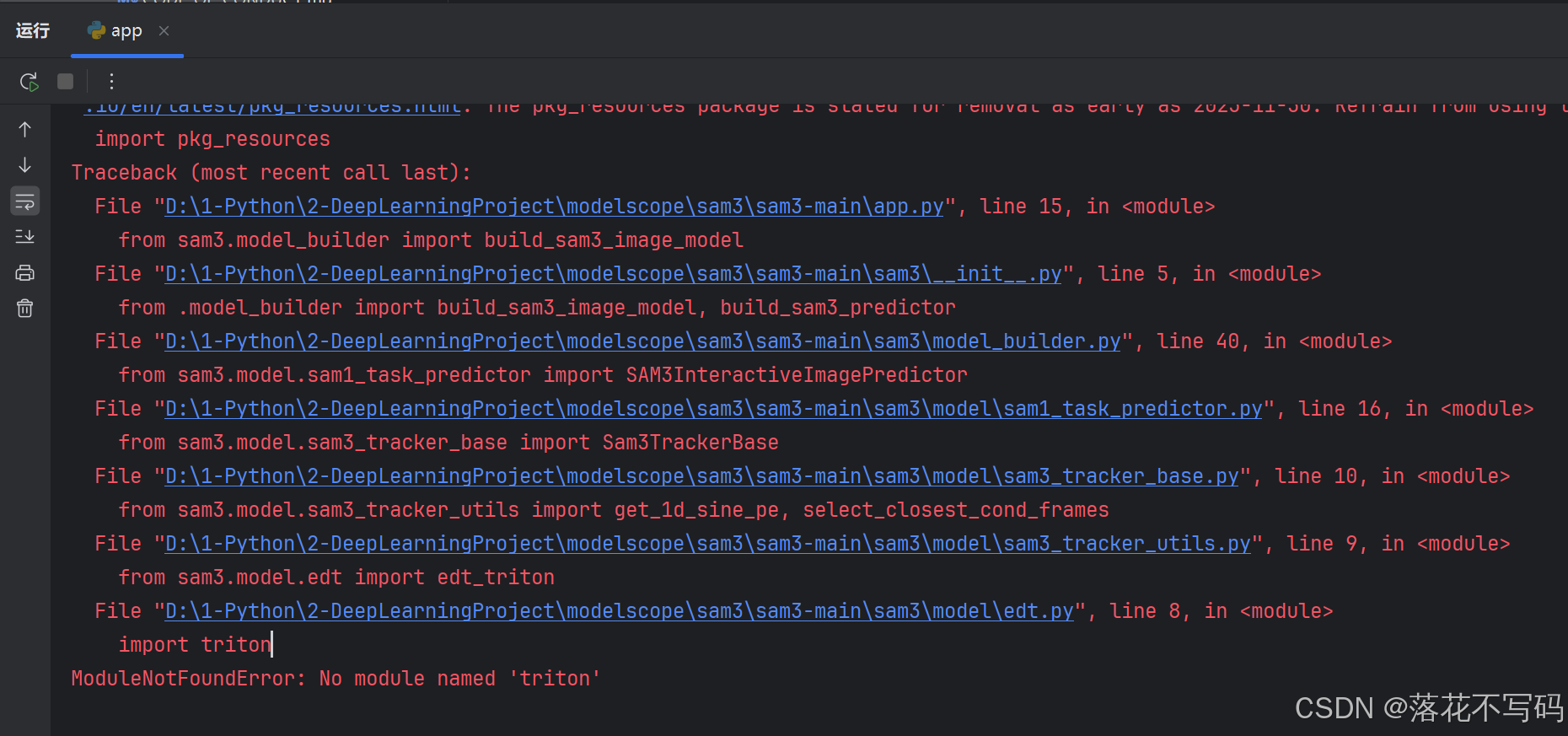
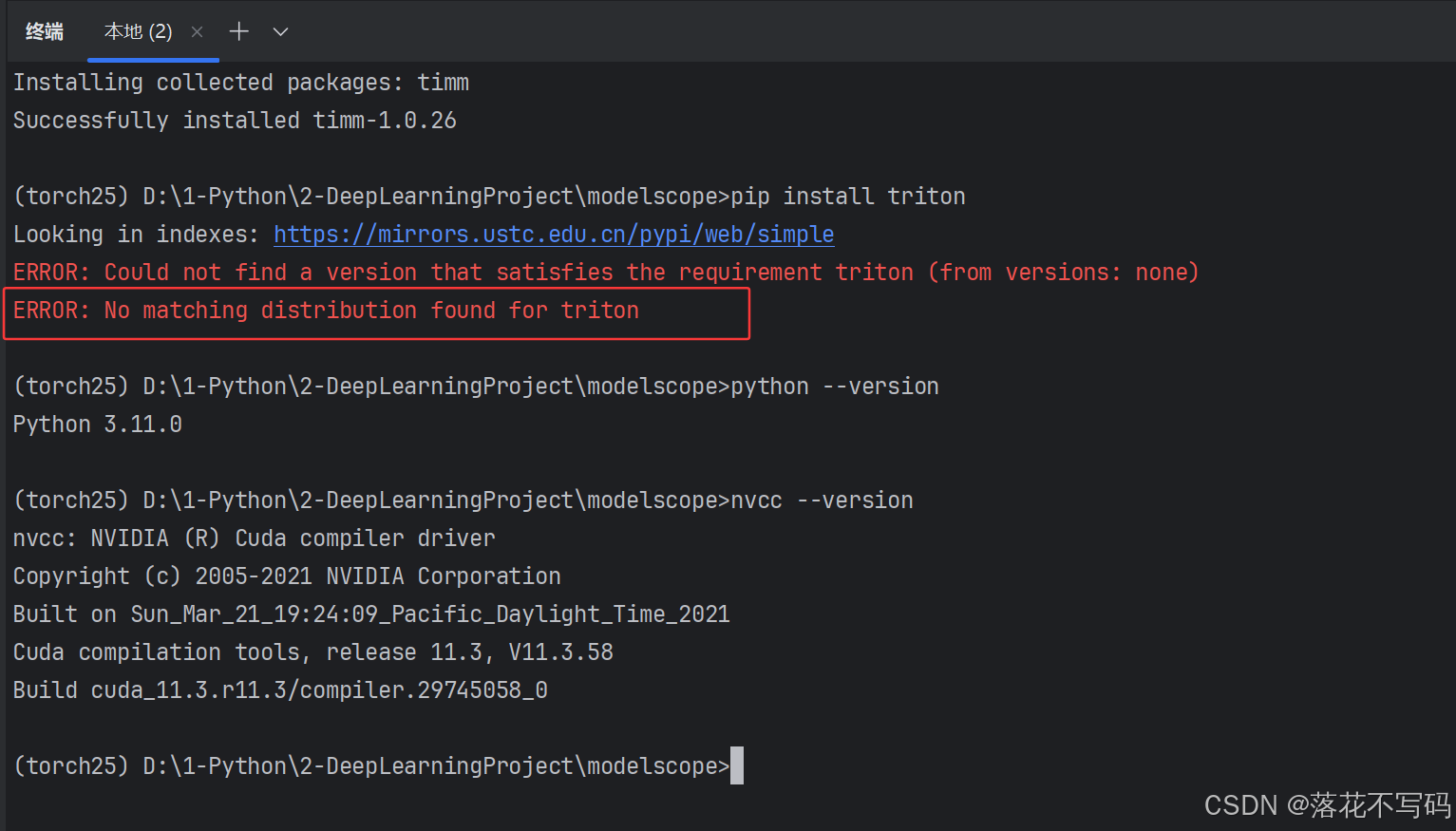
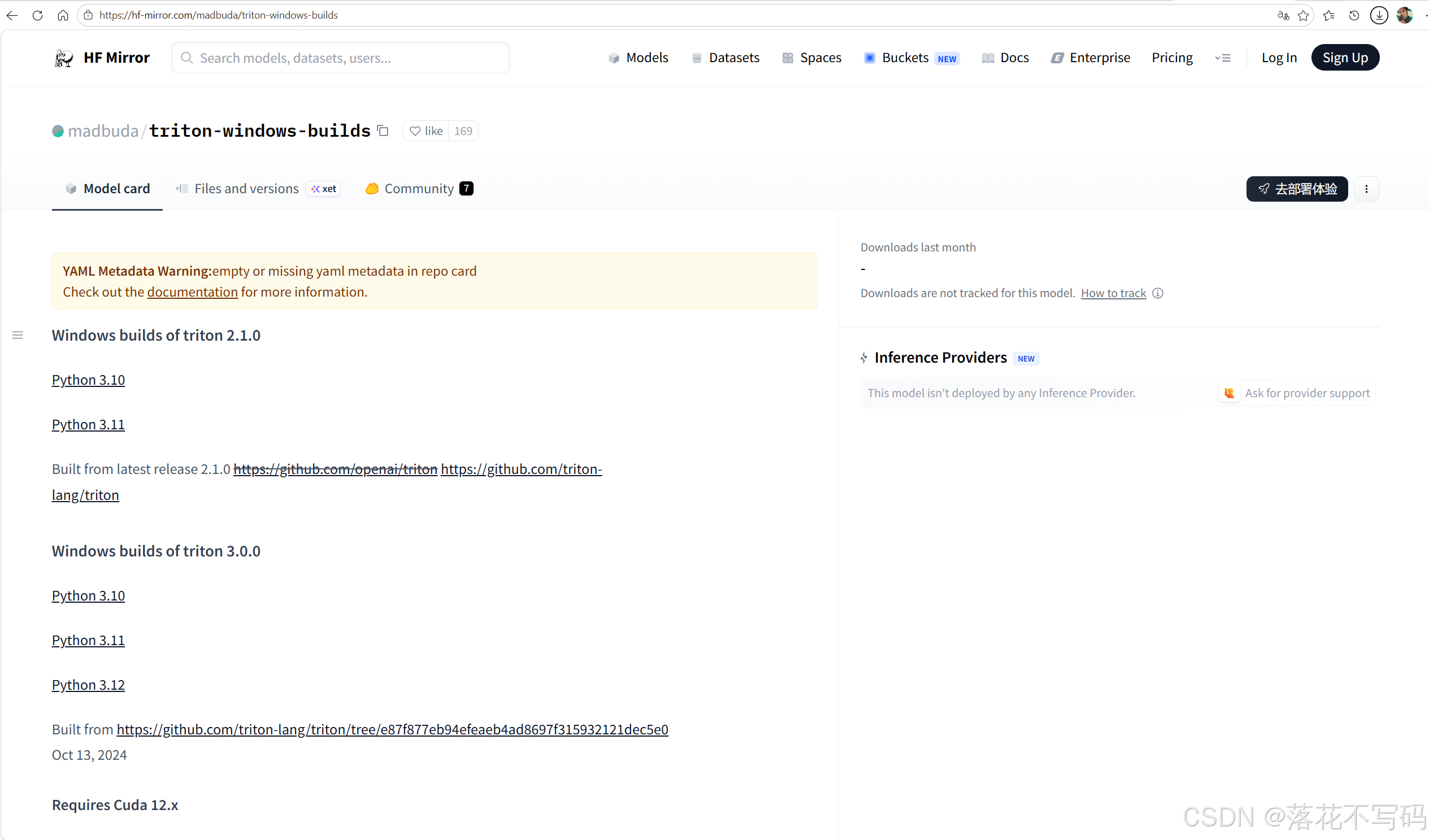
下载对应的 .whl 文件
https://hf-mirror.com/madbuda/triton-windows-builds
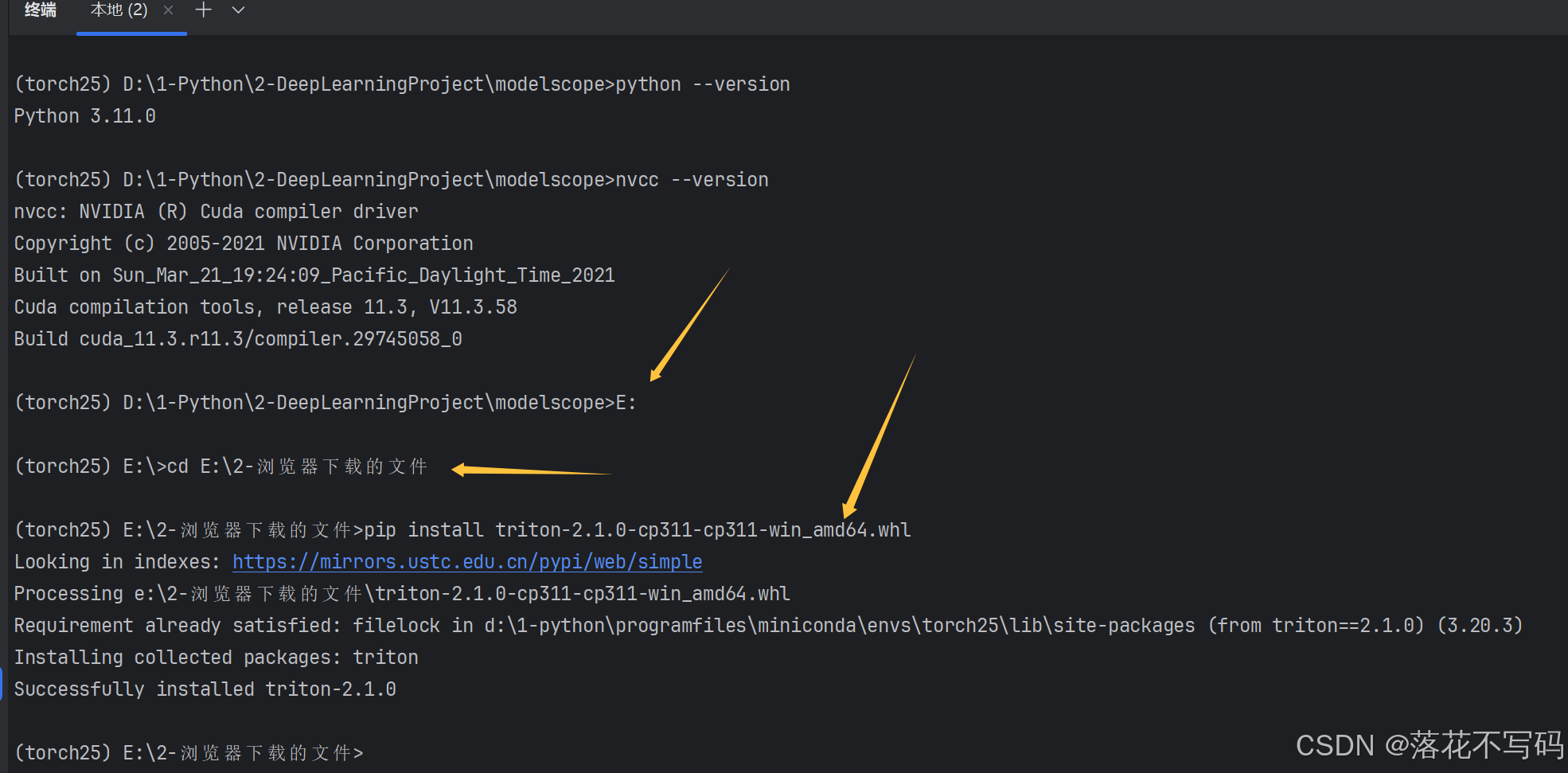
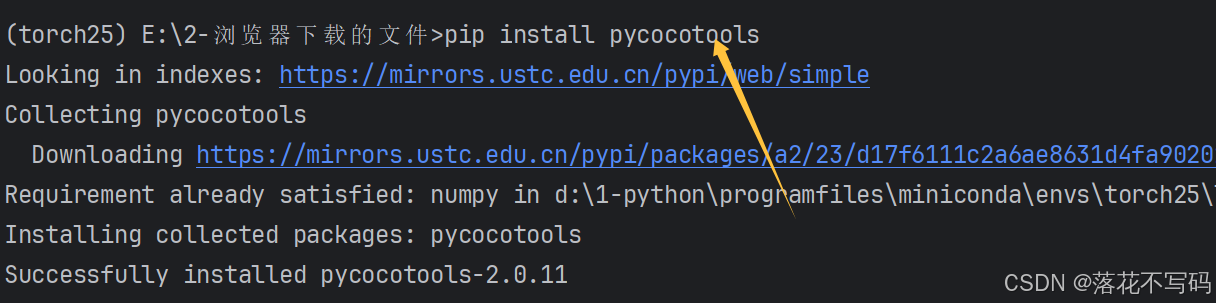
切换下载文件的路径,直接安装
运行效果
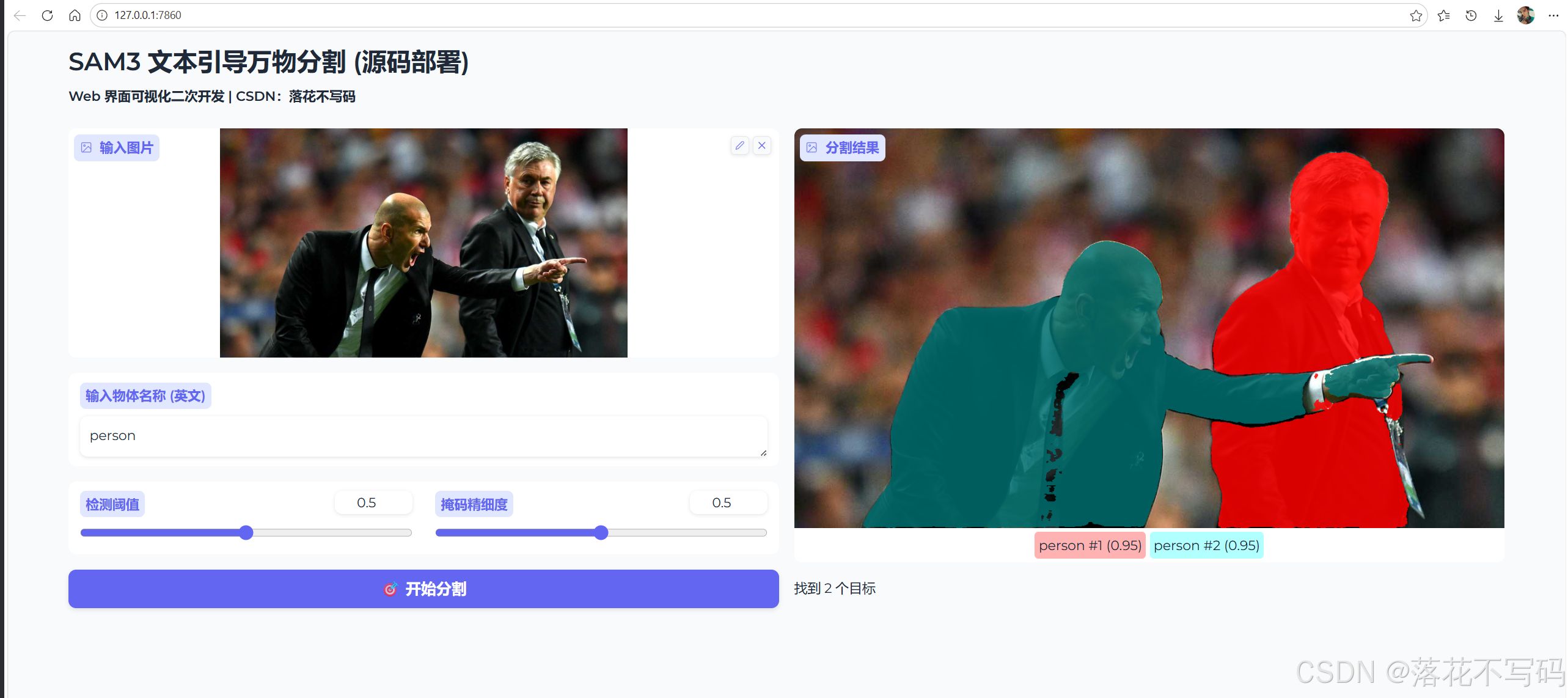
app完整代码如下:
python
# -*- coding: utf-8 -*-
"""
@Auth :落花不写码
@File :app.py
@Motto :学习新思想,争做新青年
"""

import os
import sys
import torch
import numpy as np
import gradio as gr
from PIL import Image
import warnings

from sam3.model_builder import build_sam3_image_model
from sam3.model.sam3_image_processor import Sam3Processor

# ================= 路径 =================
REPO_PATH = r"D:\1-Python\2-DeepLearningProject\modelscope\sam3\sam3-main"
CHECKPOINT_PATH = r"E:\2-浏览器下载的文件\sam3.pt"

if REPO_PATH not in sys.path:
    sys.path.append(REPO_PATH)

warnings.filterwarnings("ignore")
os.environ['MODELSCOPE_DISABLE_AST'] = '1'
device = "cuda" if torch.cuda.is_available() else "cpu"

print(f"正在加载模型...")
model = build_sam3_image_model(checkpoint_path=CHECKPOINT_PATH).to(device)
processor = Sam3Processor(model)


def segment_with_sam3(image: Image.Image, text: str, threshold: float, mask_threshold: float):

    if image is None:
        return None, "请先上传图片。"
    if not text.strip():
        return (image, []), "请输入文本描述。"

    try:
        with torch.inference_mode(), torch.autocast(device_type=device, dtype=torch.bfloat16):
            inference_state = processor.set_image(image)
            output = processor.set_text_prompt(
                state=inference_state,
                prompt=text.strip()
            )

        masks = output.get("masks")
        scores = output.get("scores")

        if masks is None or len(scores) == 0:
            return (image, []), f"未识别到 '{text}'"

        annotations = []
        for i, (mask, score) in enumerate(zip(masks, scores)):
            if score < threshold:
                continue

            mask_np = mask.squeeze().cpu().numpy().astype(np.float32)
            label = f"{text} #{i+1} ({score:.2f})"
            annotations.append((mask_np, label))

        return (image, annotations), f"找到 {len(annotations)} 个目标"

    except Exception as e:
        import traceback
        traceback.print_exc()
        return (image, []), f"报错: {str(e)}"


with gr.Blocks(
        theme=gr.themes.Soft(),
        title="SAM3 模型"
) as demo:
    gr.Markdown("""
    # SAM3 文本引导万物分割 (源码部署)
    **Web 界面可视化二次开发 | CSDN:落花不写码**
    """)

    with gr.Row():
        with gr.Column():
            img_in = gr.Image(label="输入图片", type="pil")
            prompt = gr.Textbox(label="输入物体名称 (英文)", placeholder="例如: person, dog, car...")
            with gr.Row():
                t_slider = gr.Slider(0, 1, value=0.5, label="检测阈值")
                m_slider = gr.Slider(0, 1, value=0.5, label="掩码精细度")
            btn = gr.Button("开始分割", variant="primary")

        with gr.Column():
            img_out = gr.AnnotatedImage(label="分割结果")
            info = gr.Markdown(value="等待任务...")

    btn.click(
        fn=segment_with_sam3,
        inputs=[img_in, prompt, t_slider, m_slider],
        outputs=[img_out, info]
    )

if __name__ == "__main__":
    demo.launch()
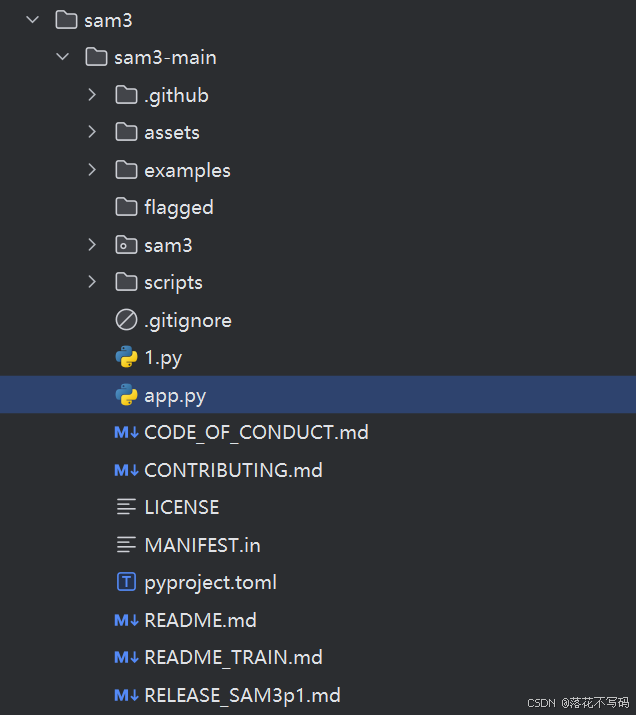
目录结构: