Vmvare 虚拟机安装 Linux CentOS 7 操作系统 安装 Docker 1Panel Redis Mysql
1、Vmvare 创建虚拟机
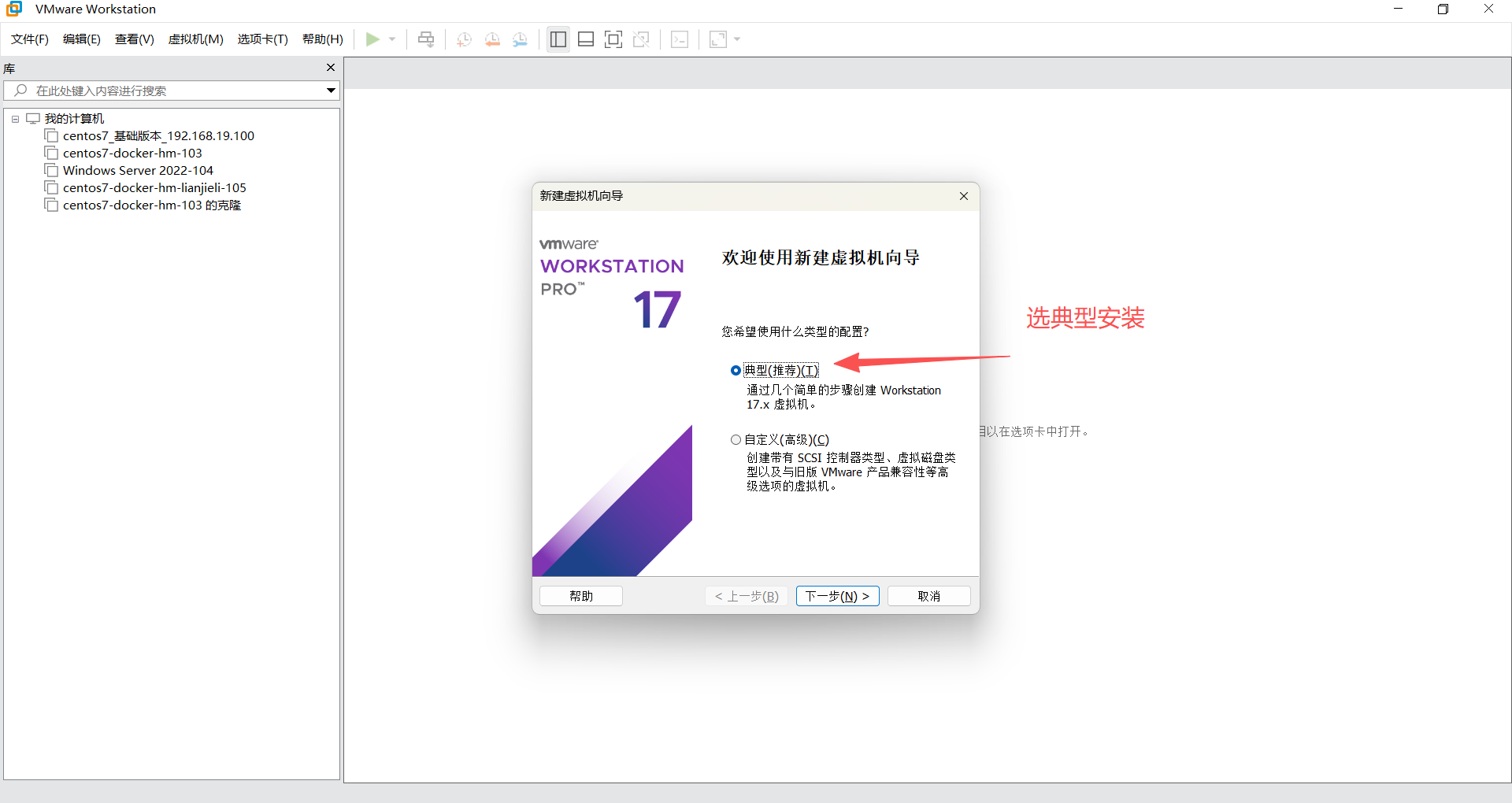
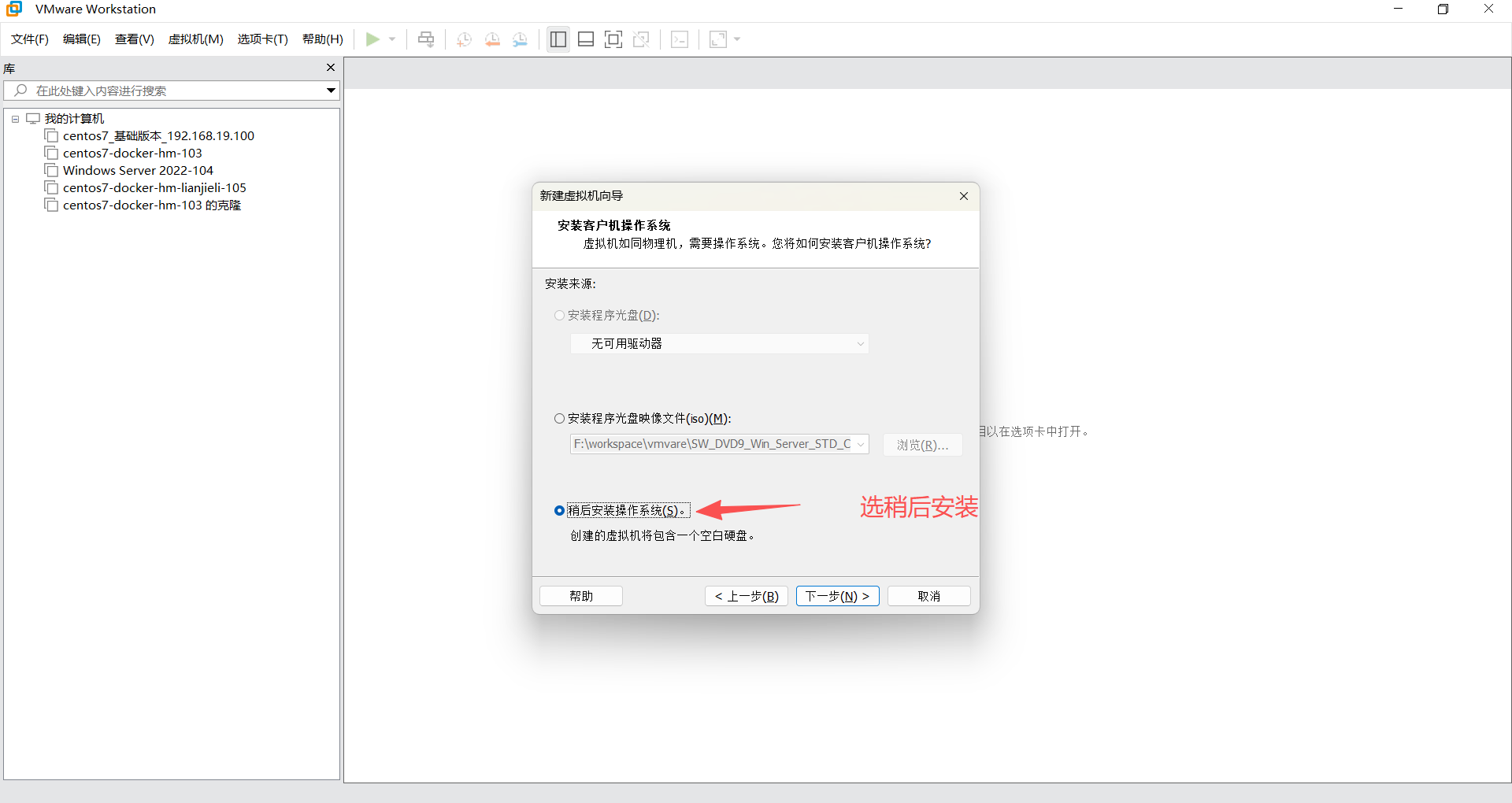
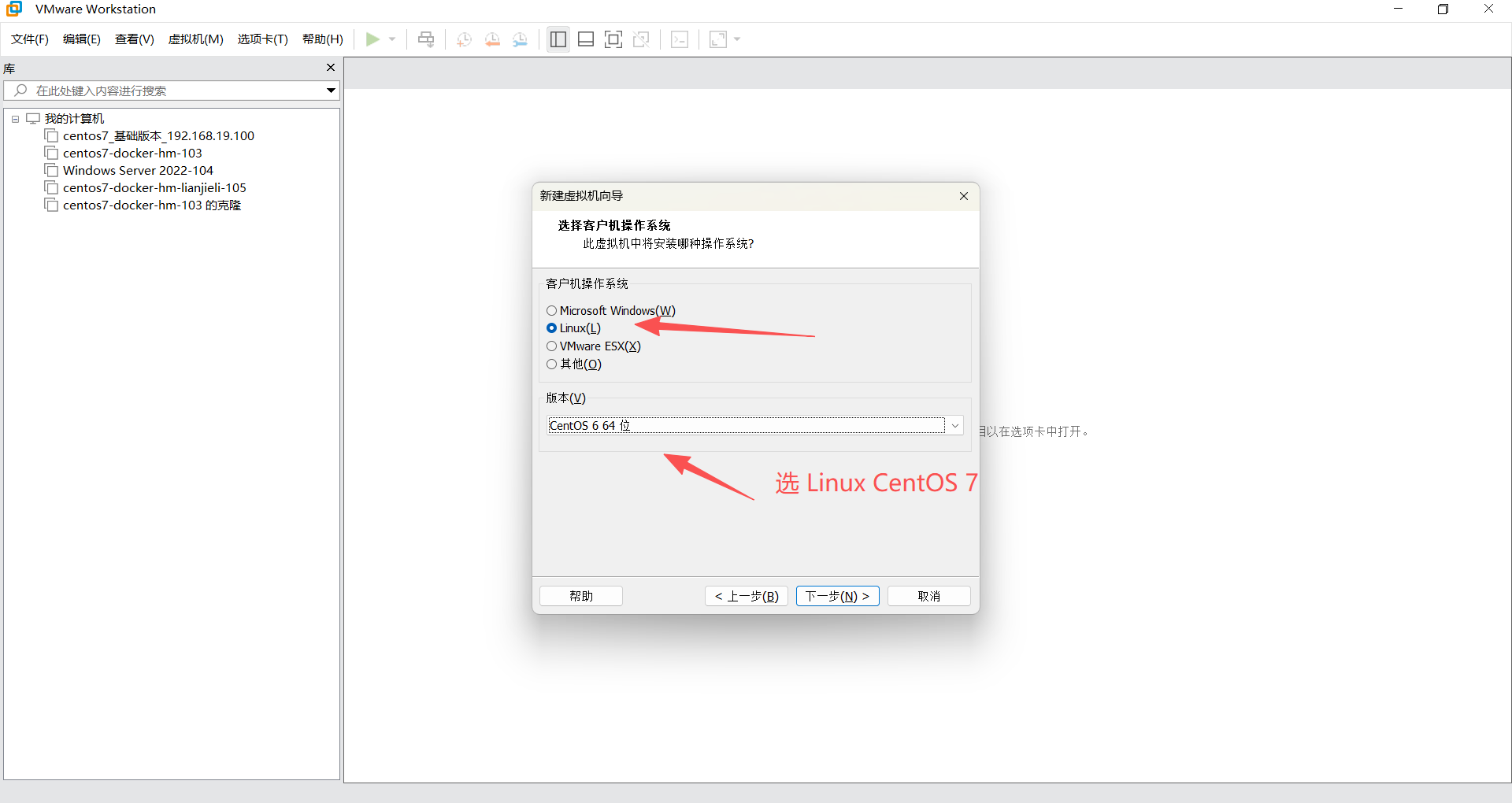
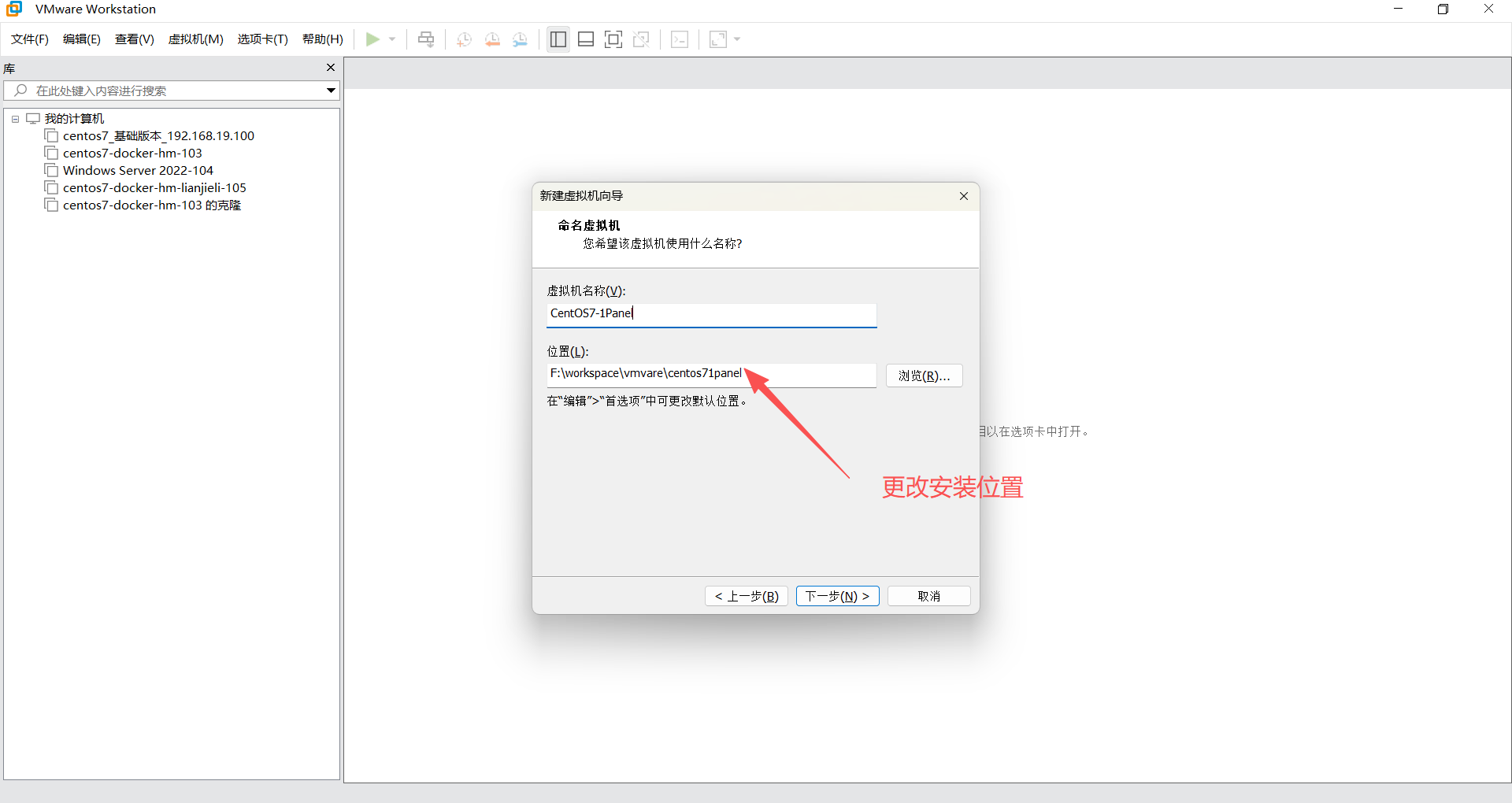
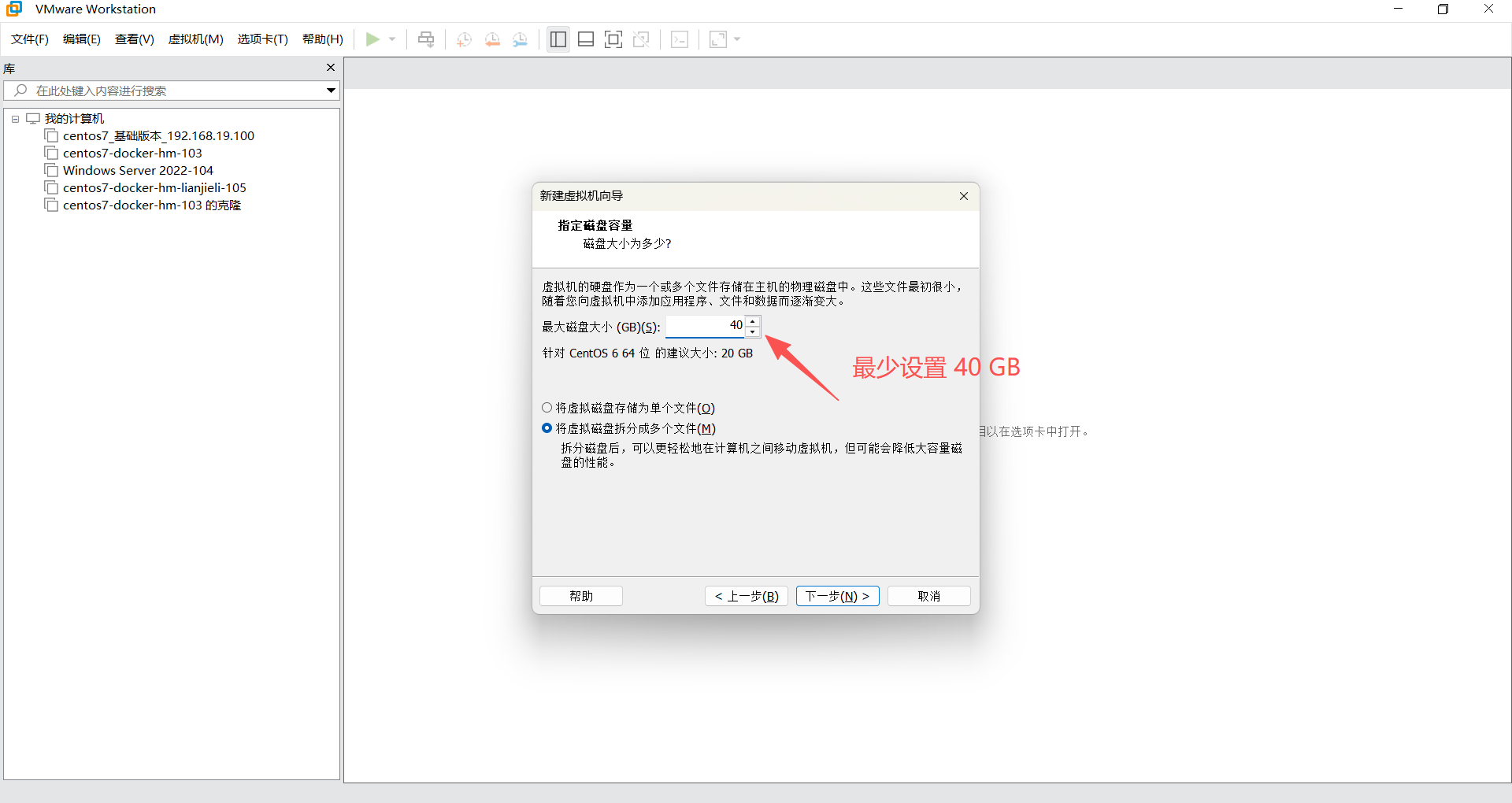
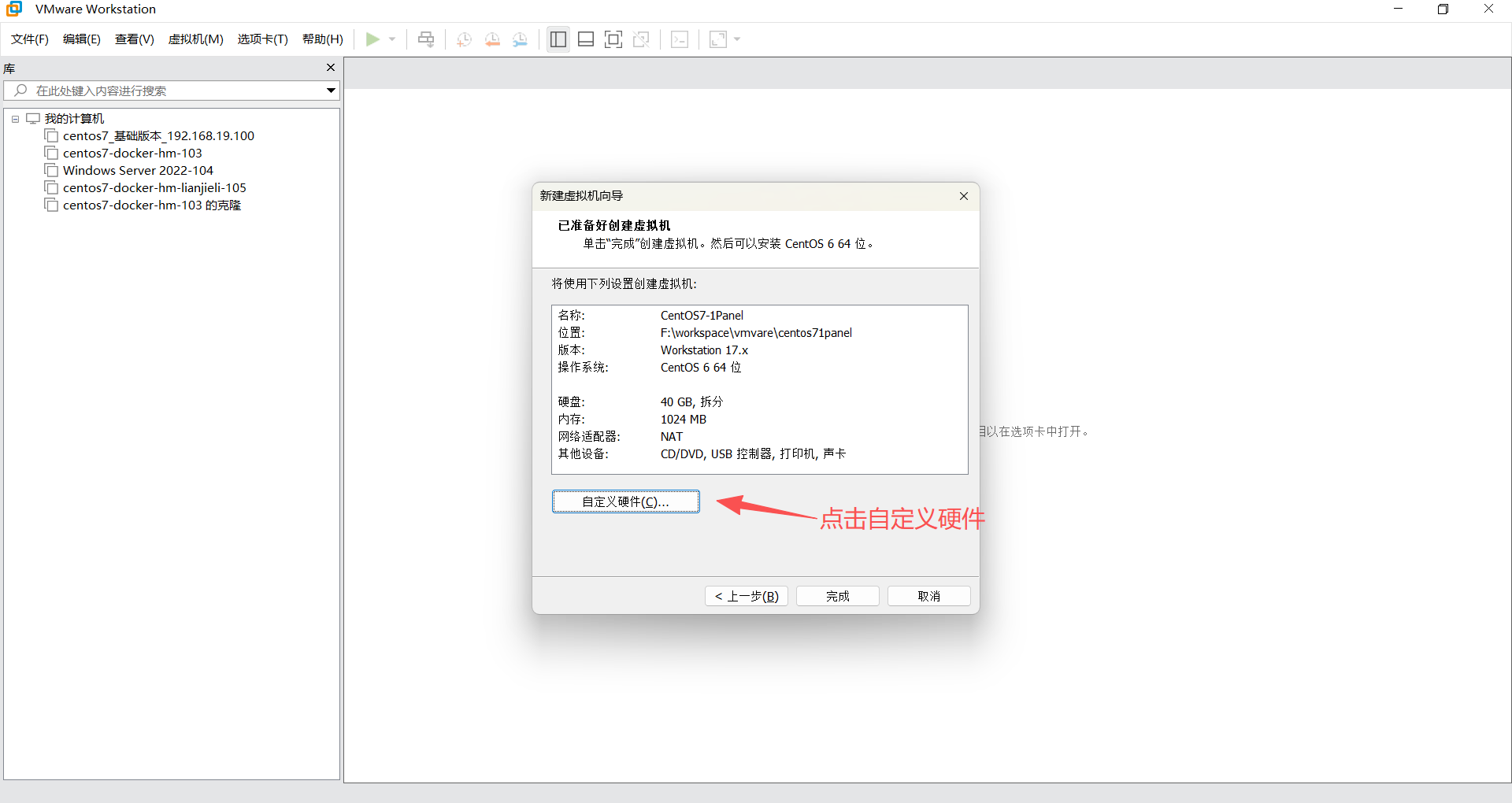
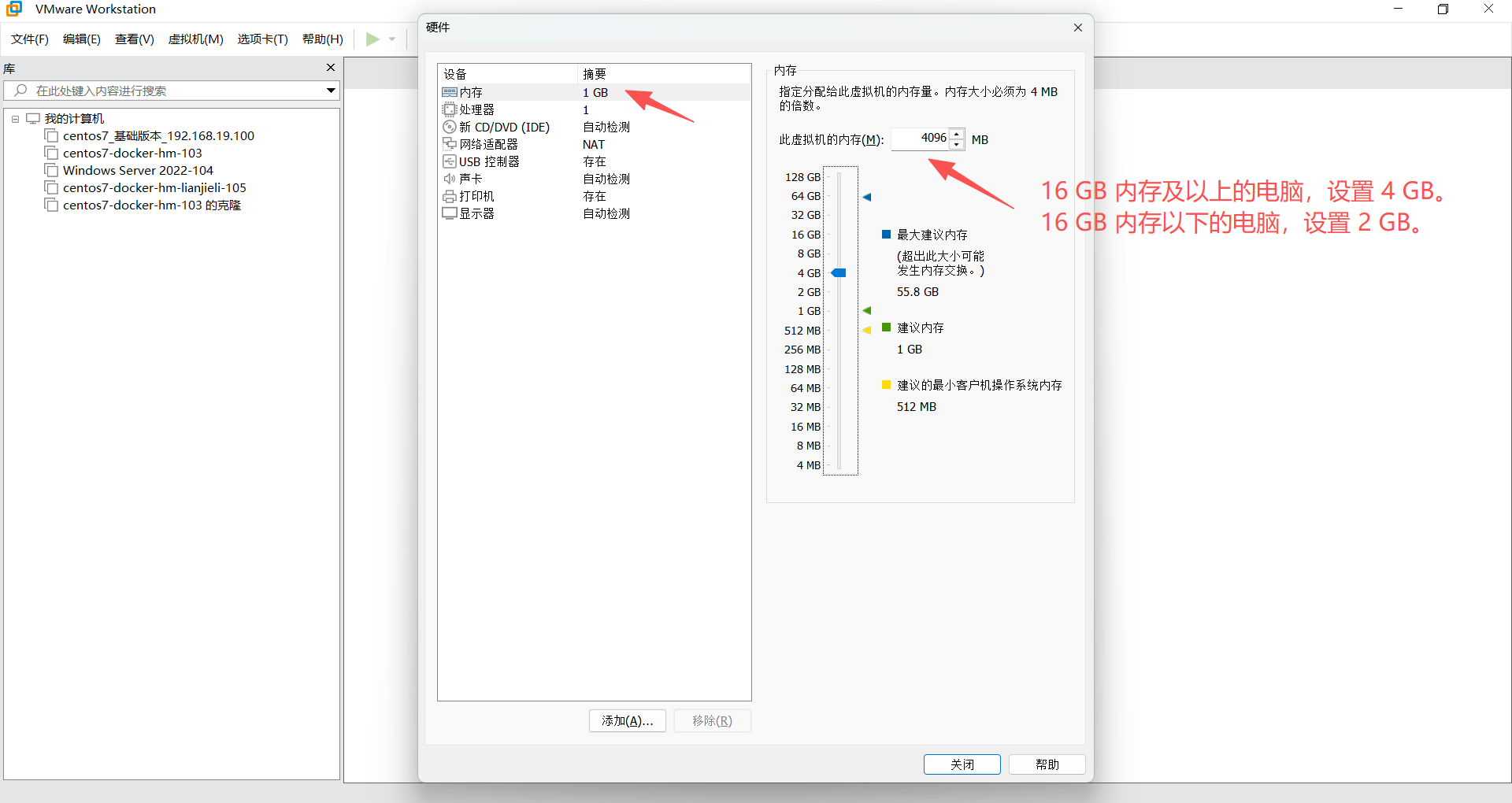
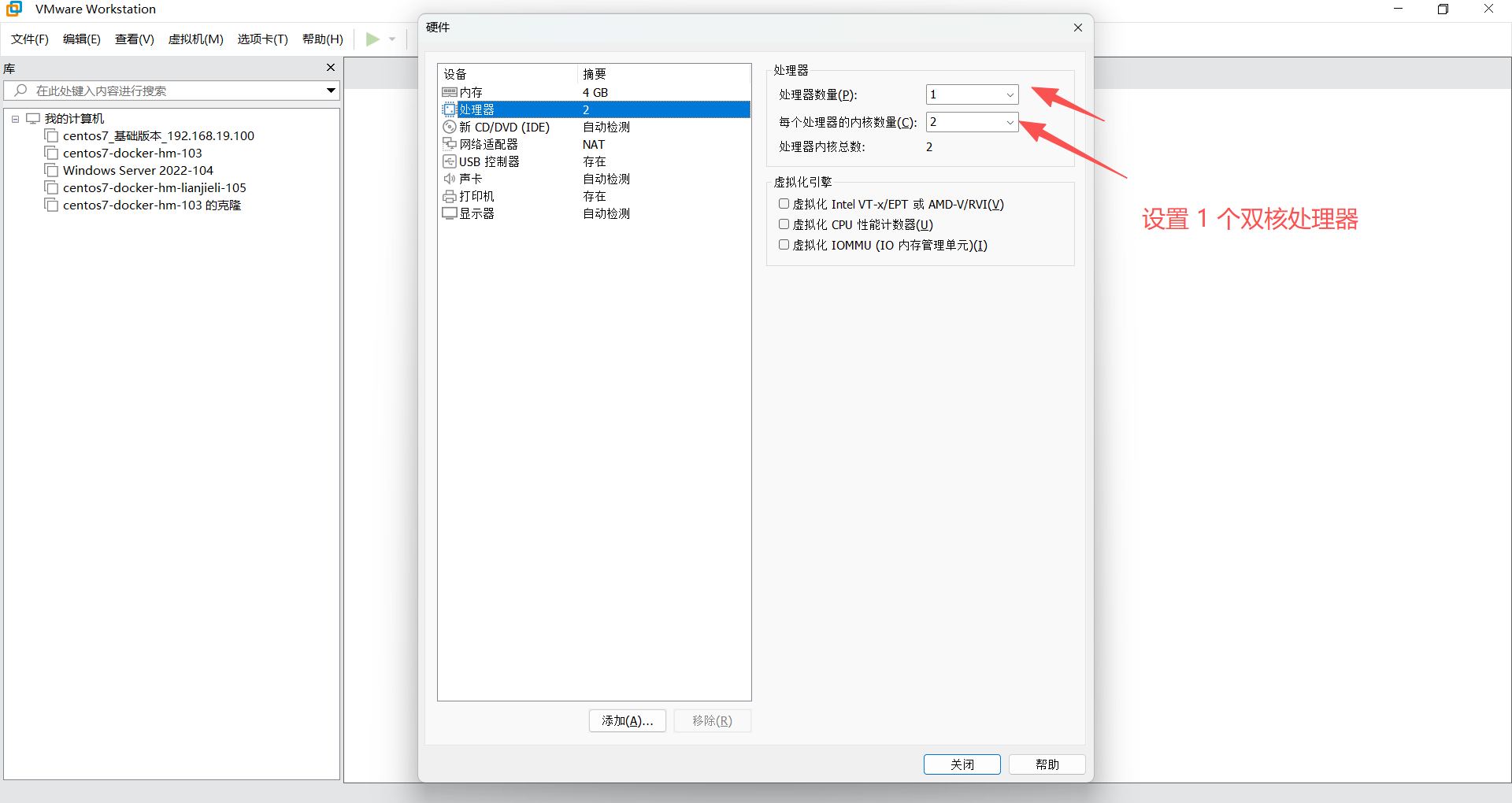
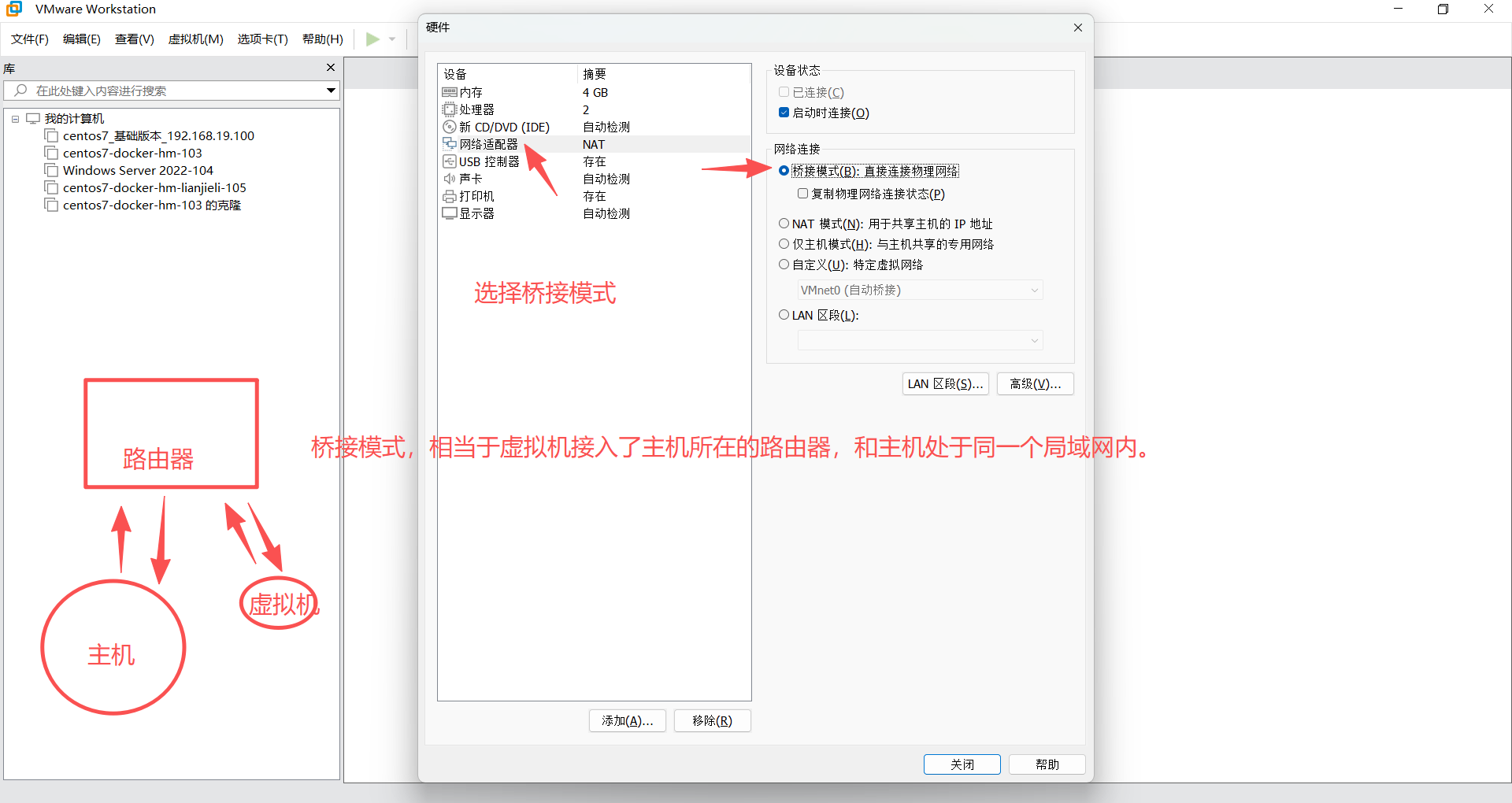
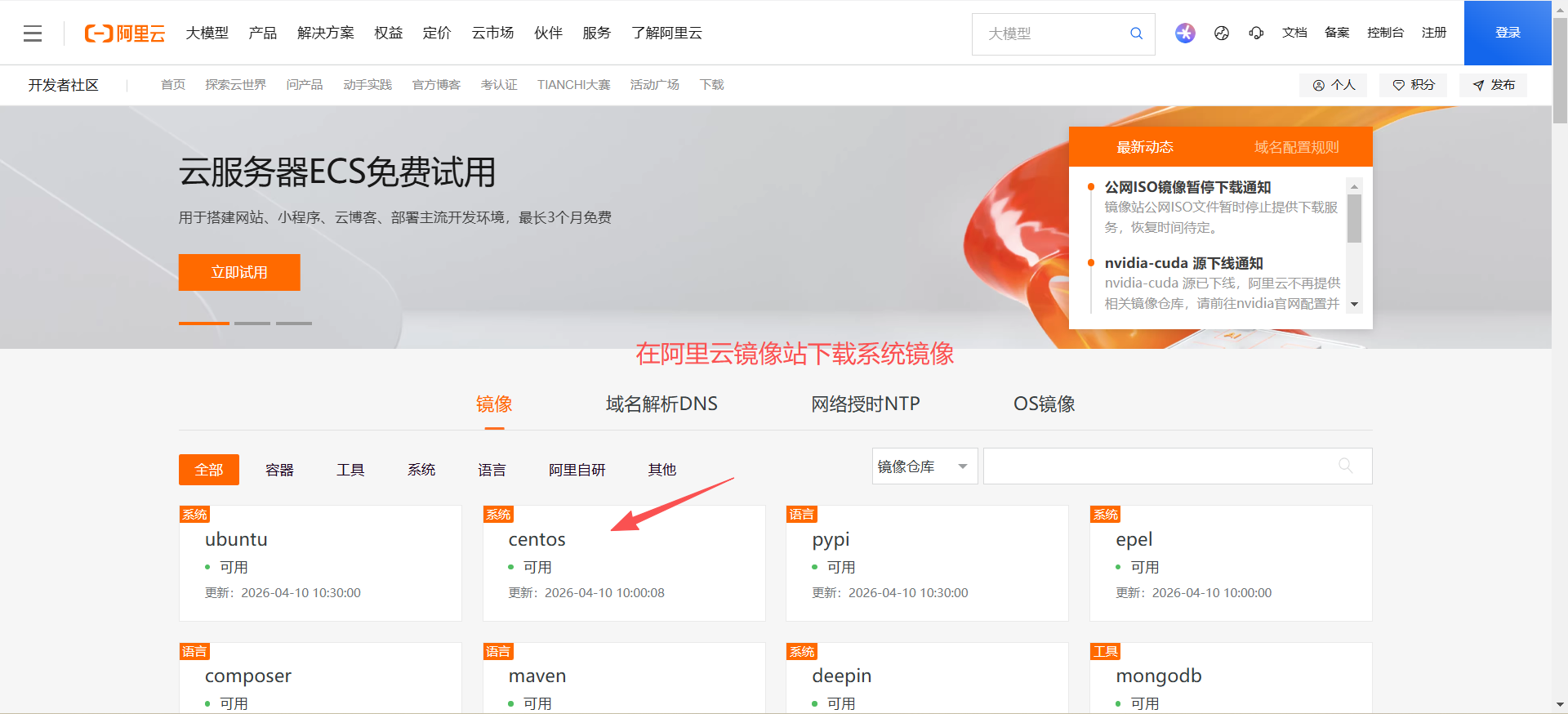
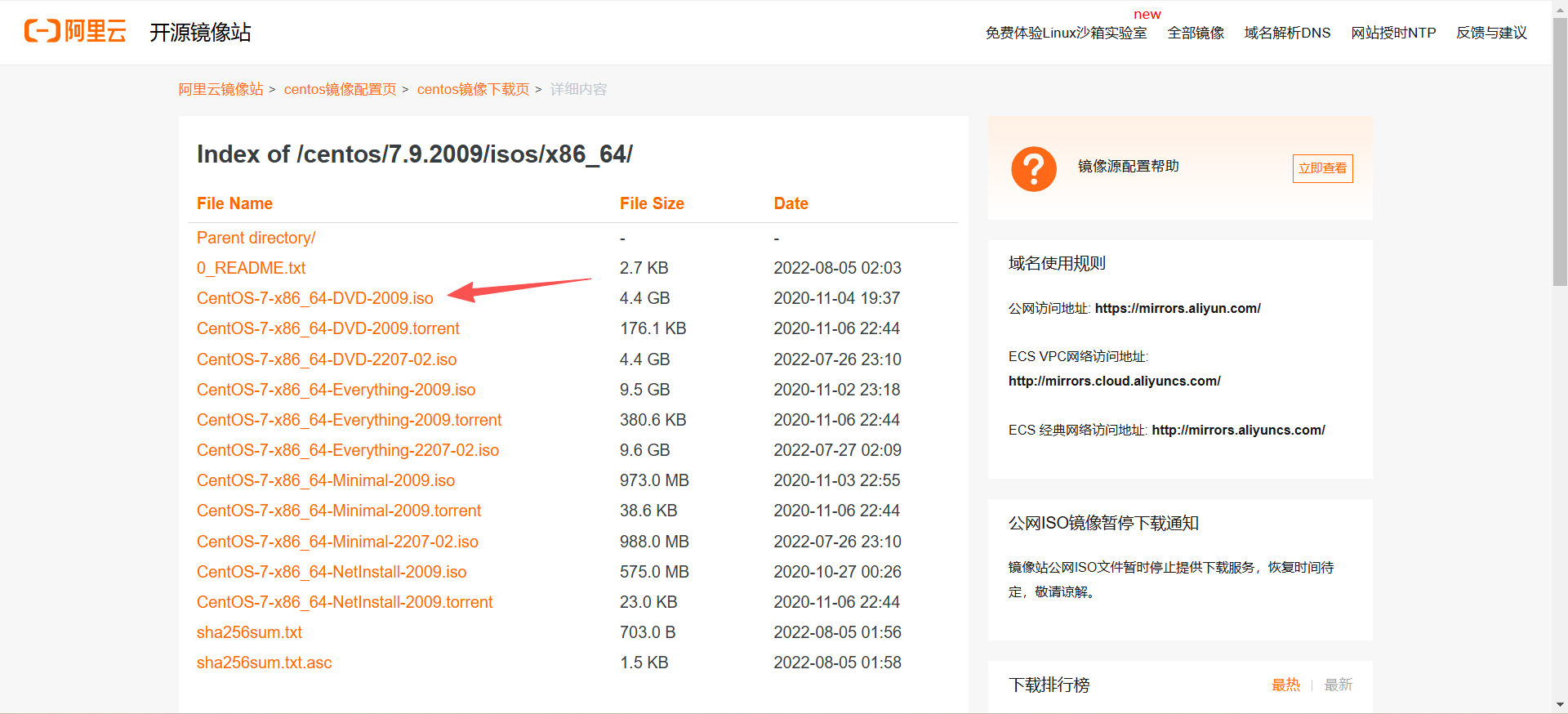
2、安装 CentOS 7
https://developer.aliyun.com/mirror/?spm=a2c6h.25603864.0.0.39273b95mrpC7v
https://mirrors.aliyun.com/centos/7.9.2009/isos/x86_64/?spm=a2c6h.25603864.0.0.4a1c18f8why5cb
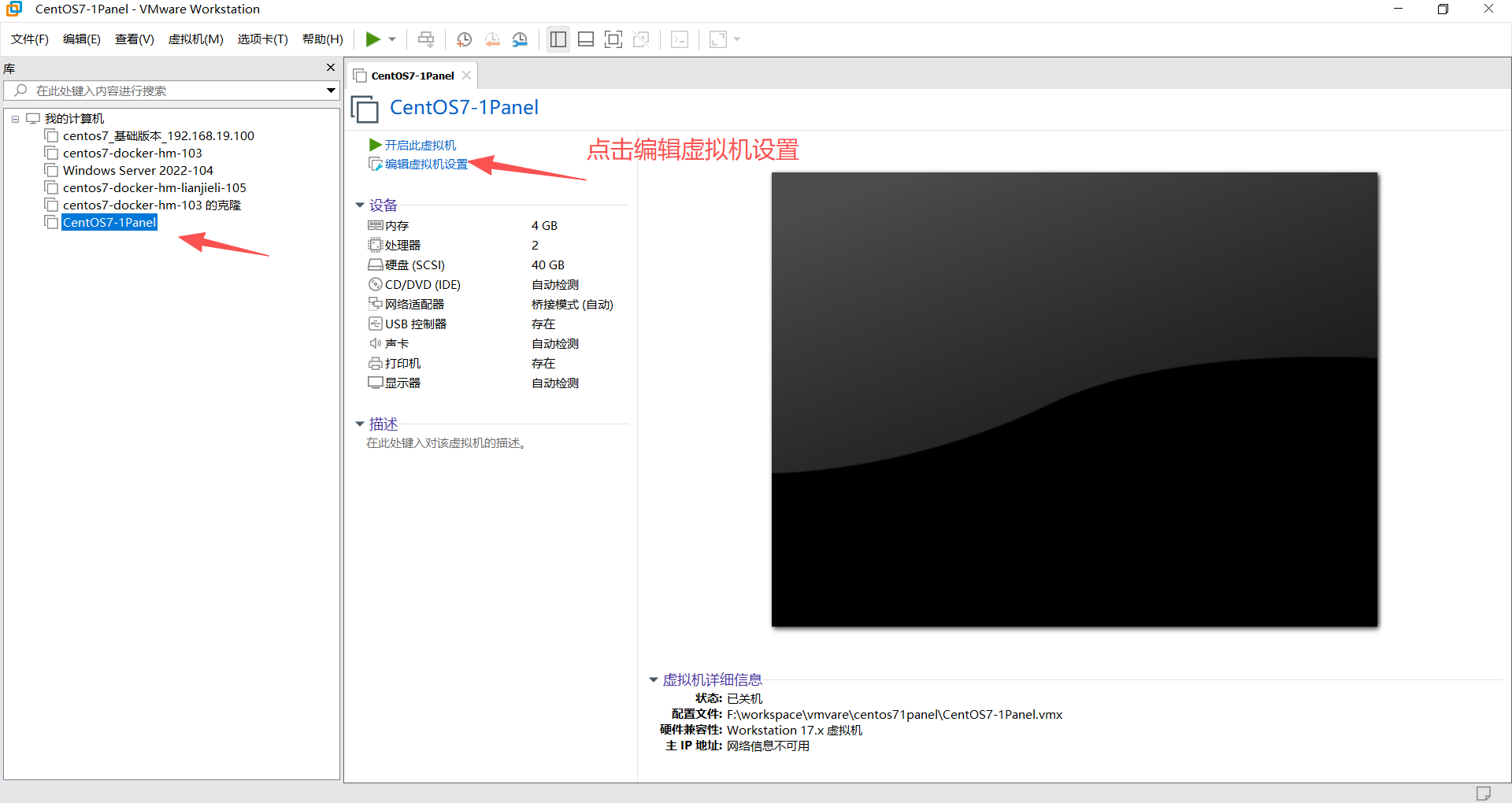
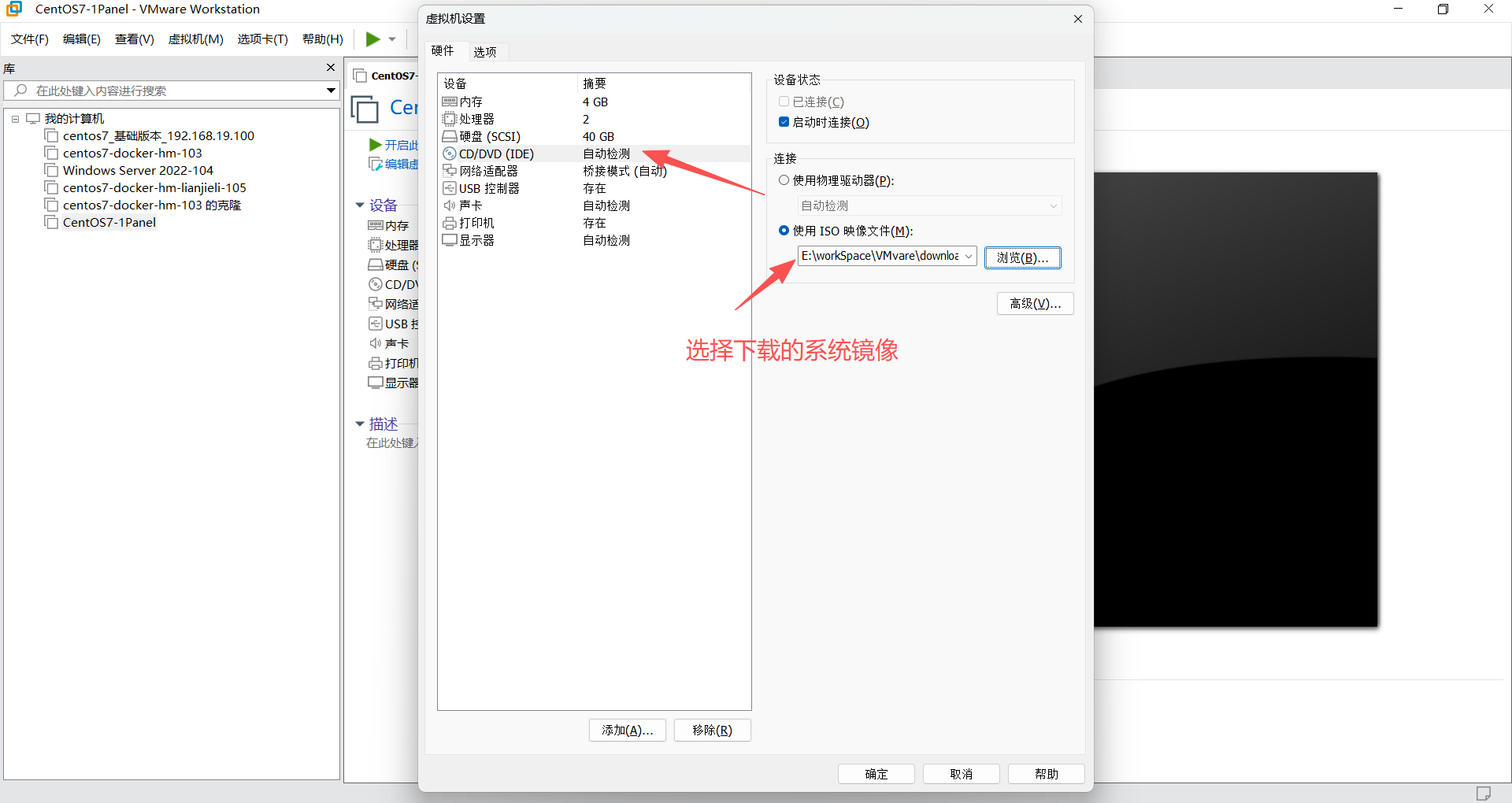
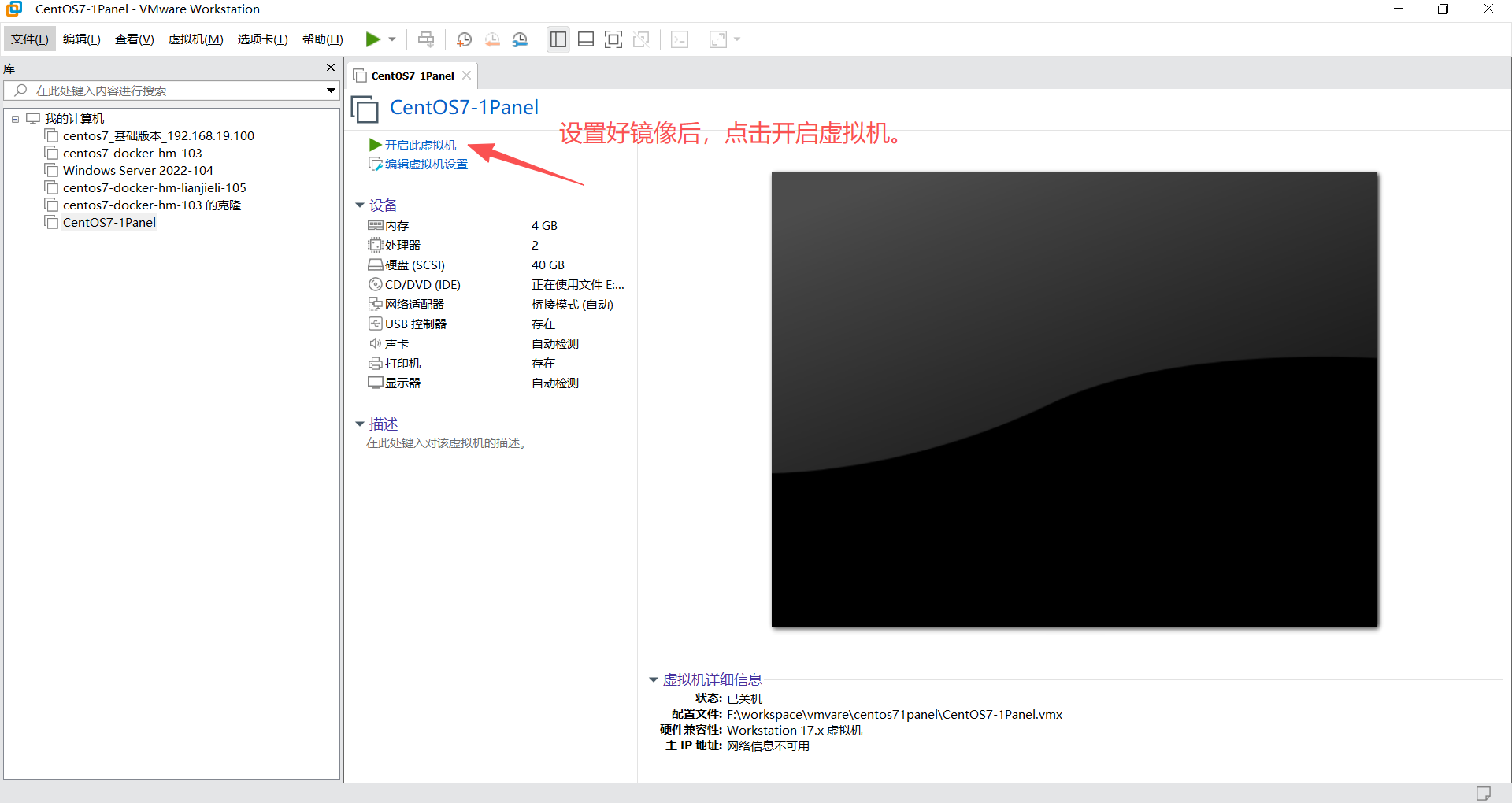
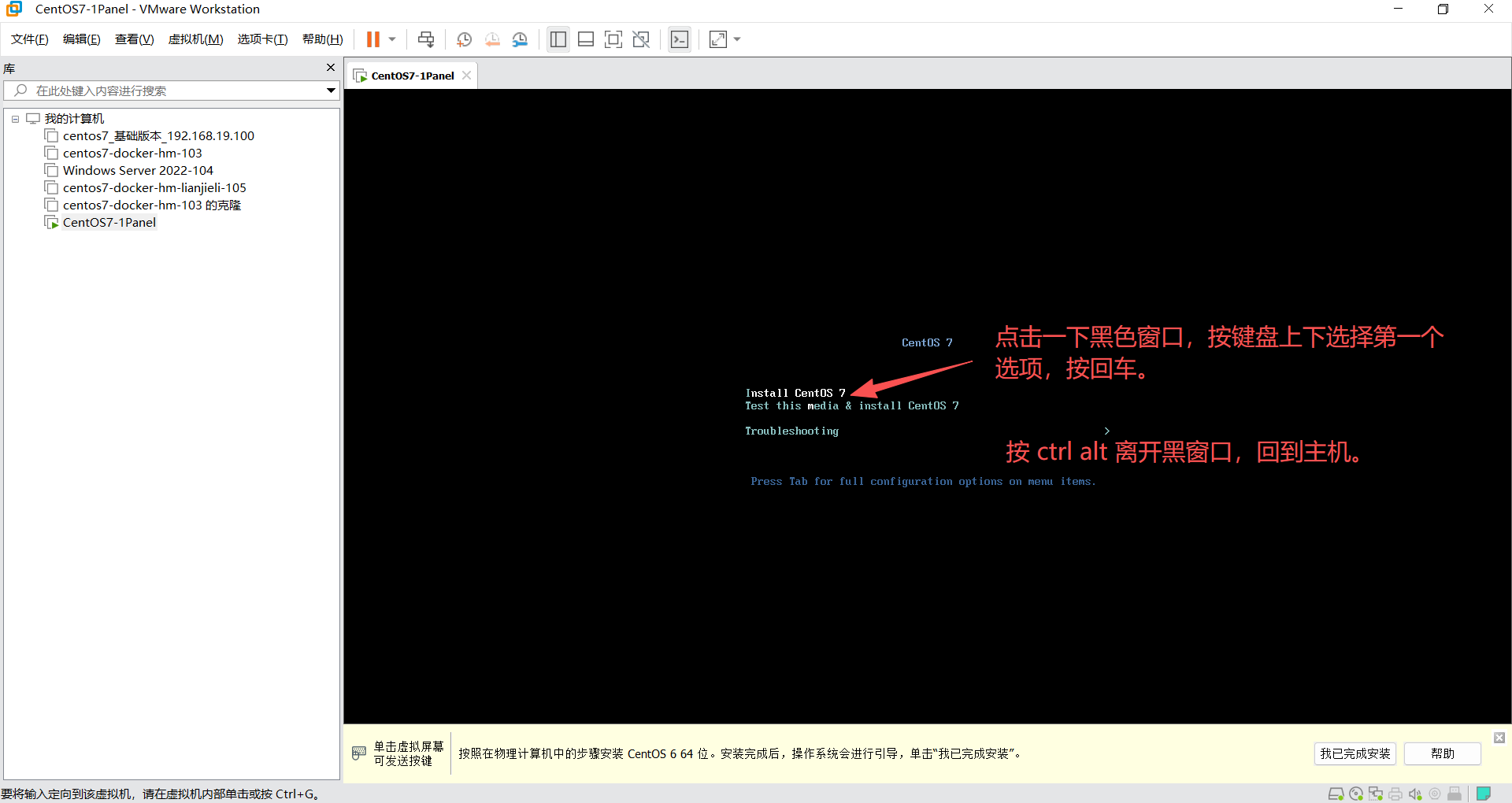
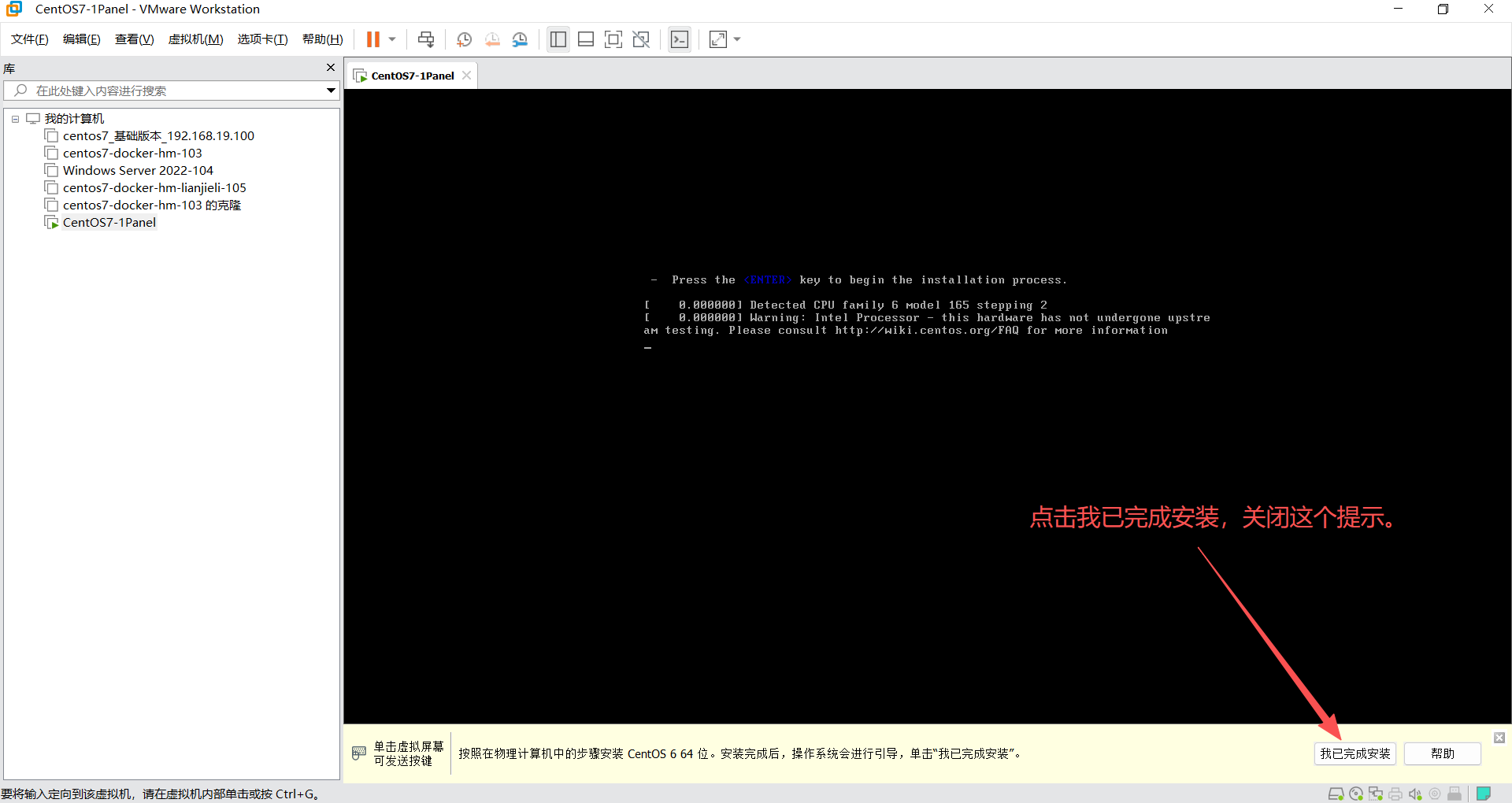
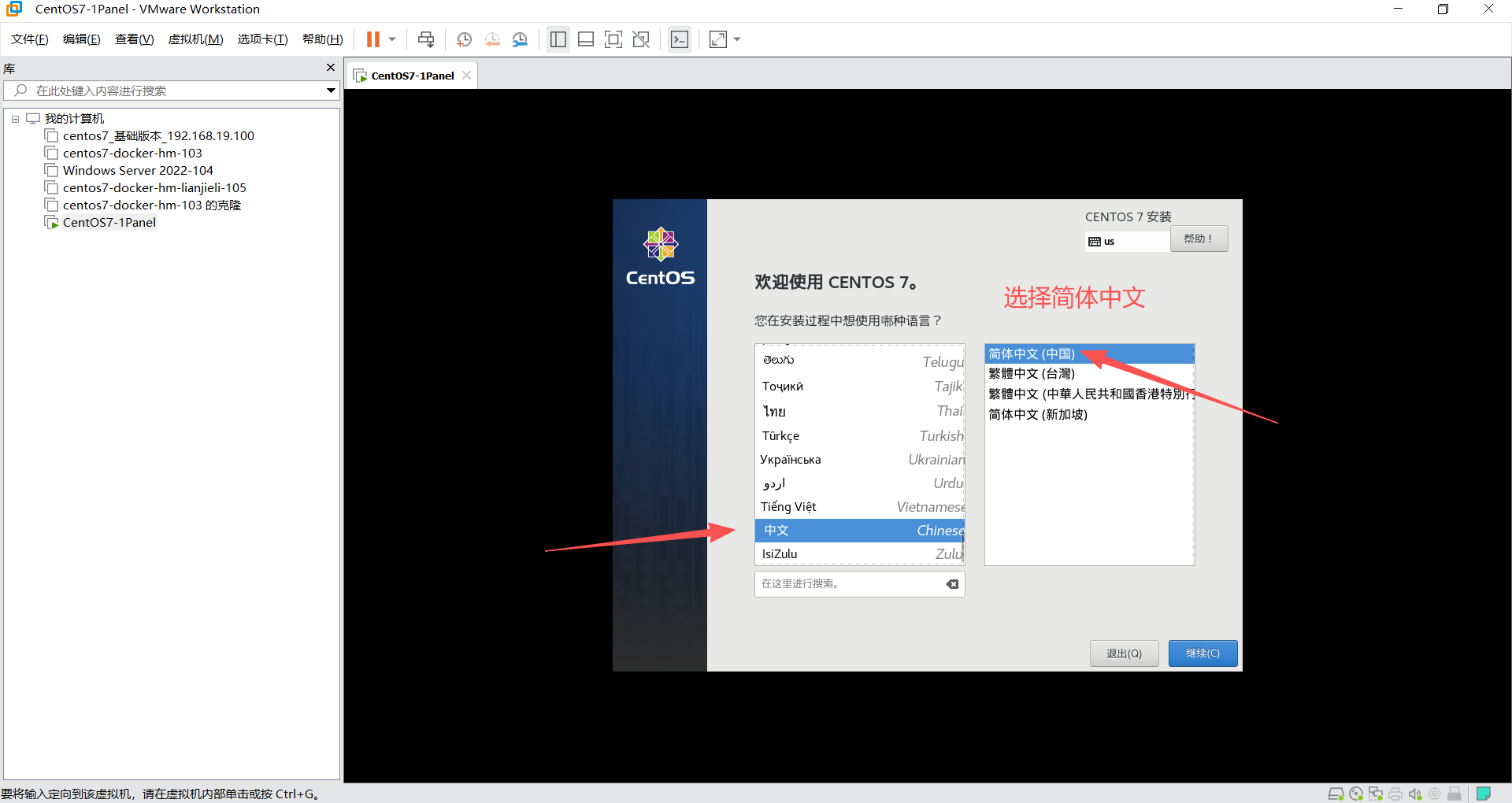
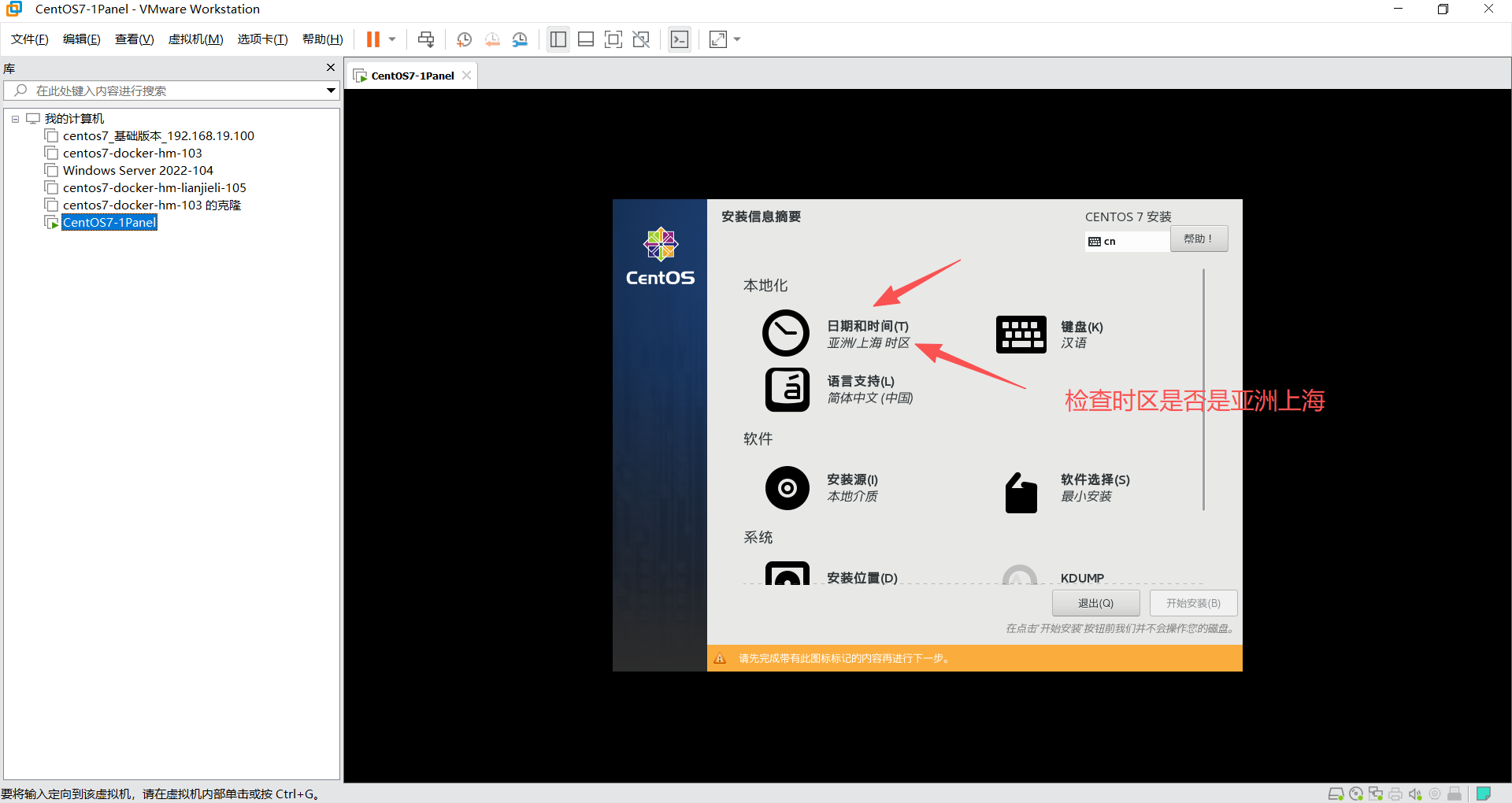
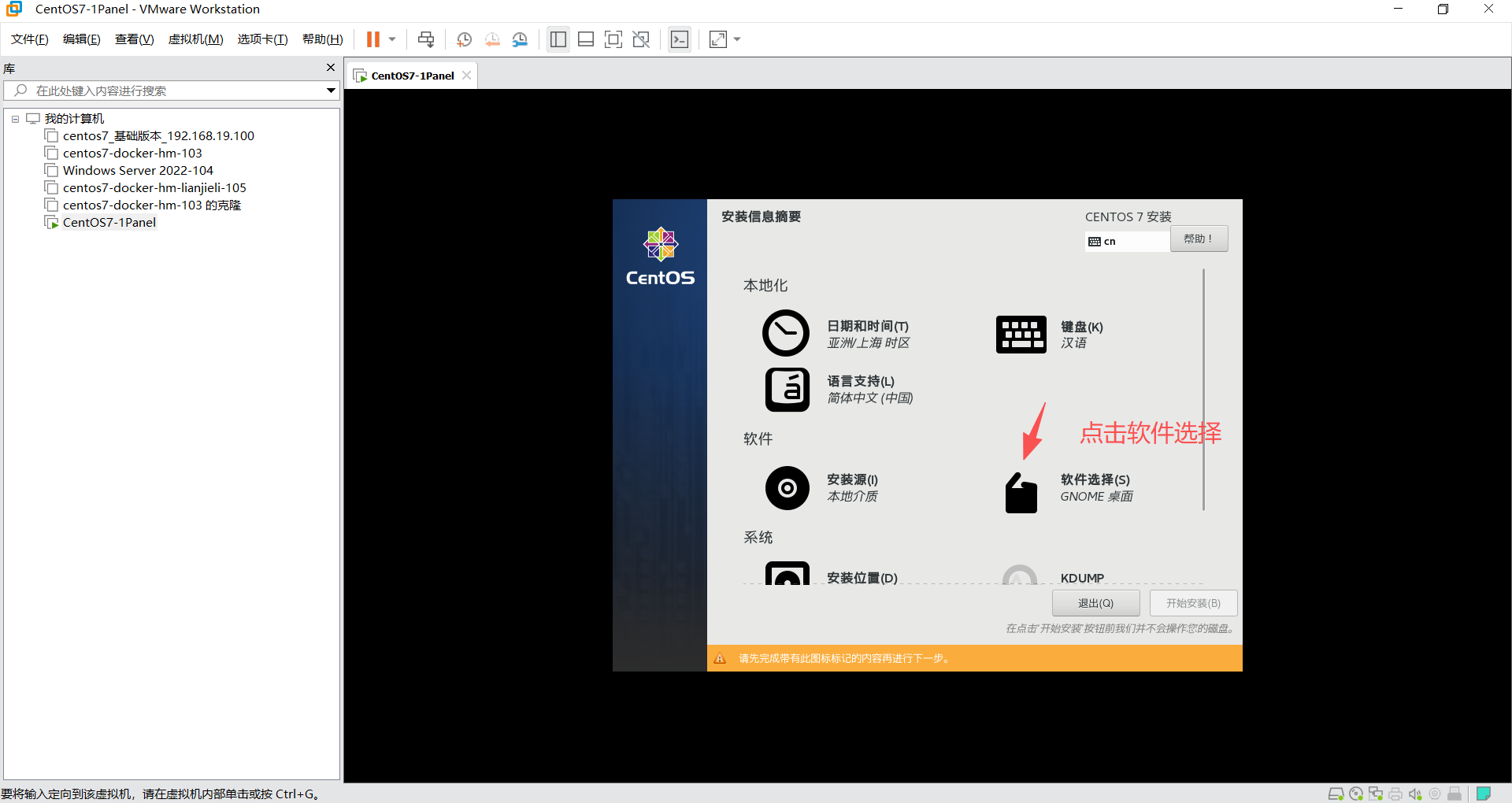
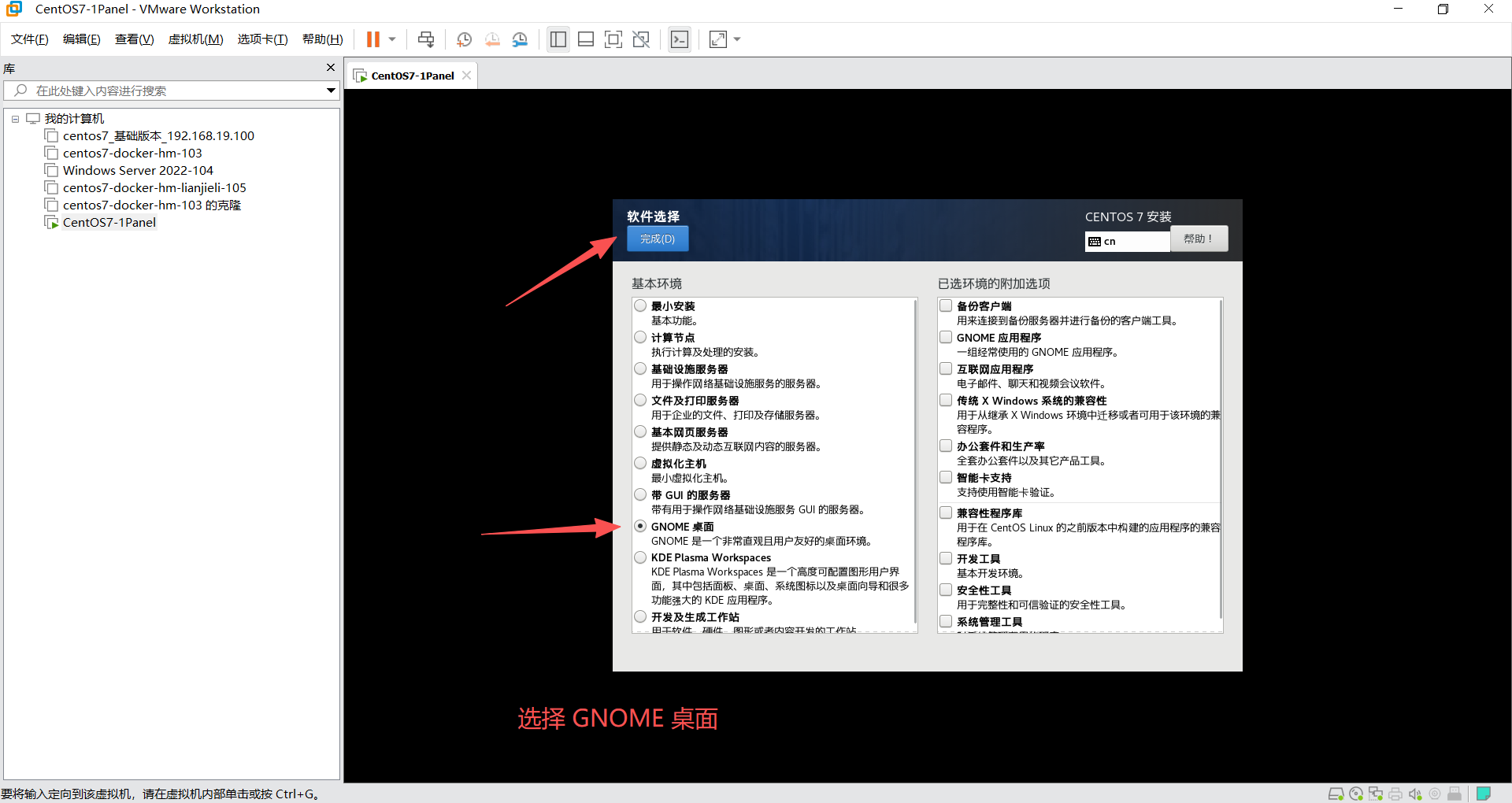
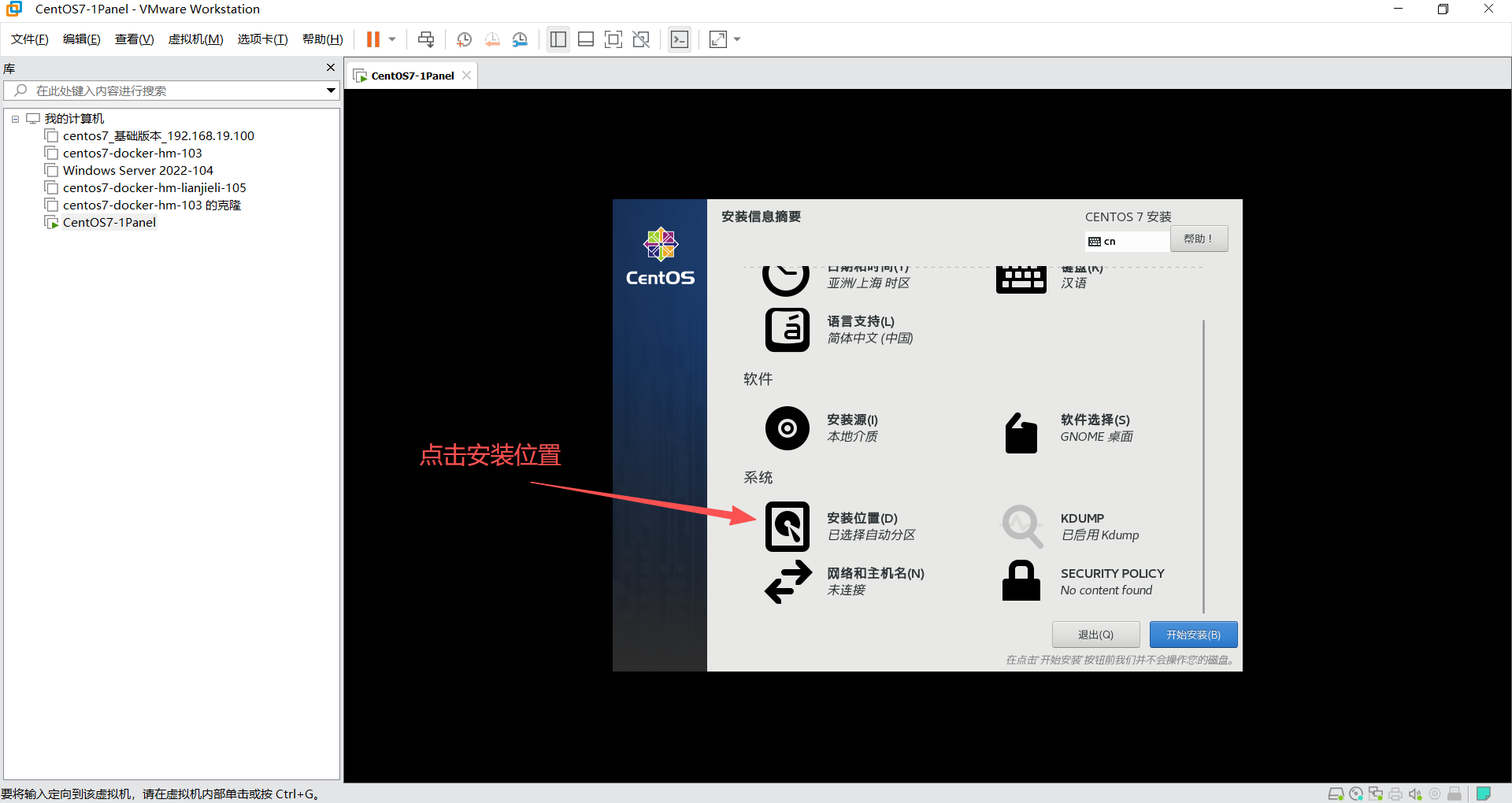
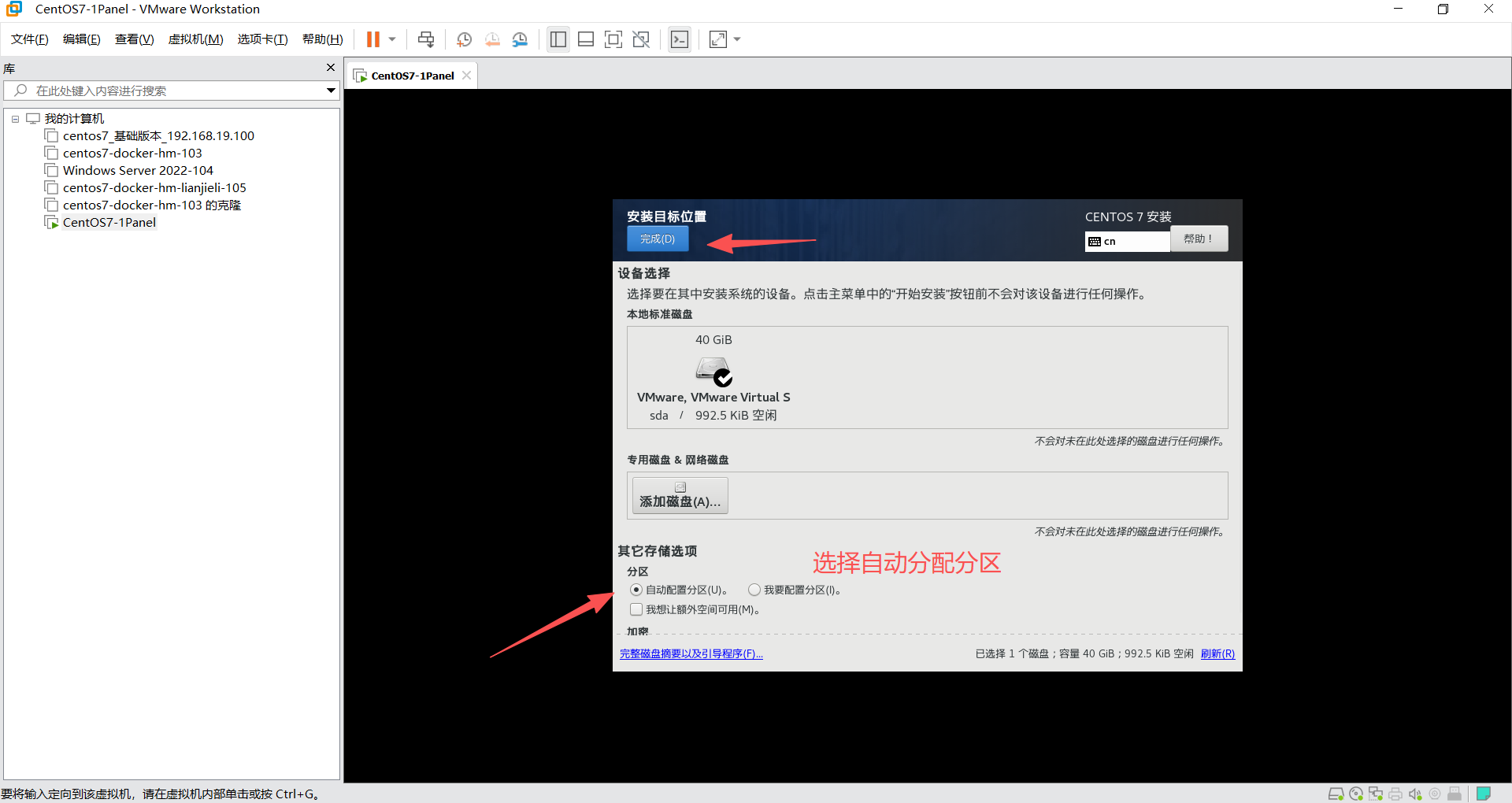
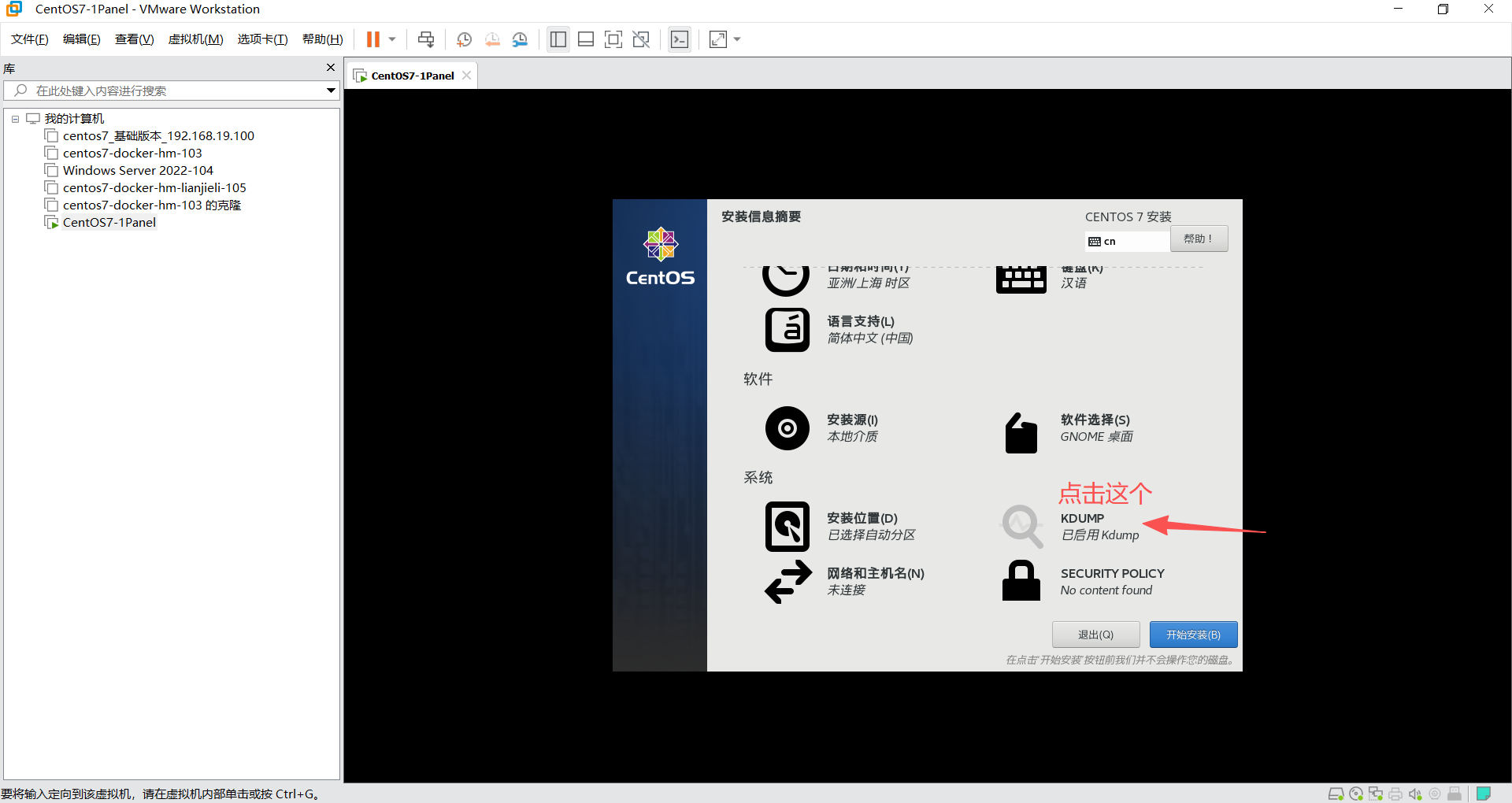
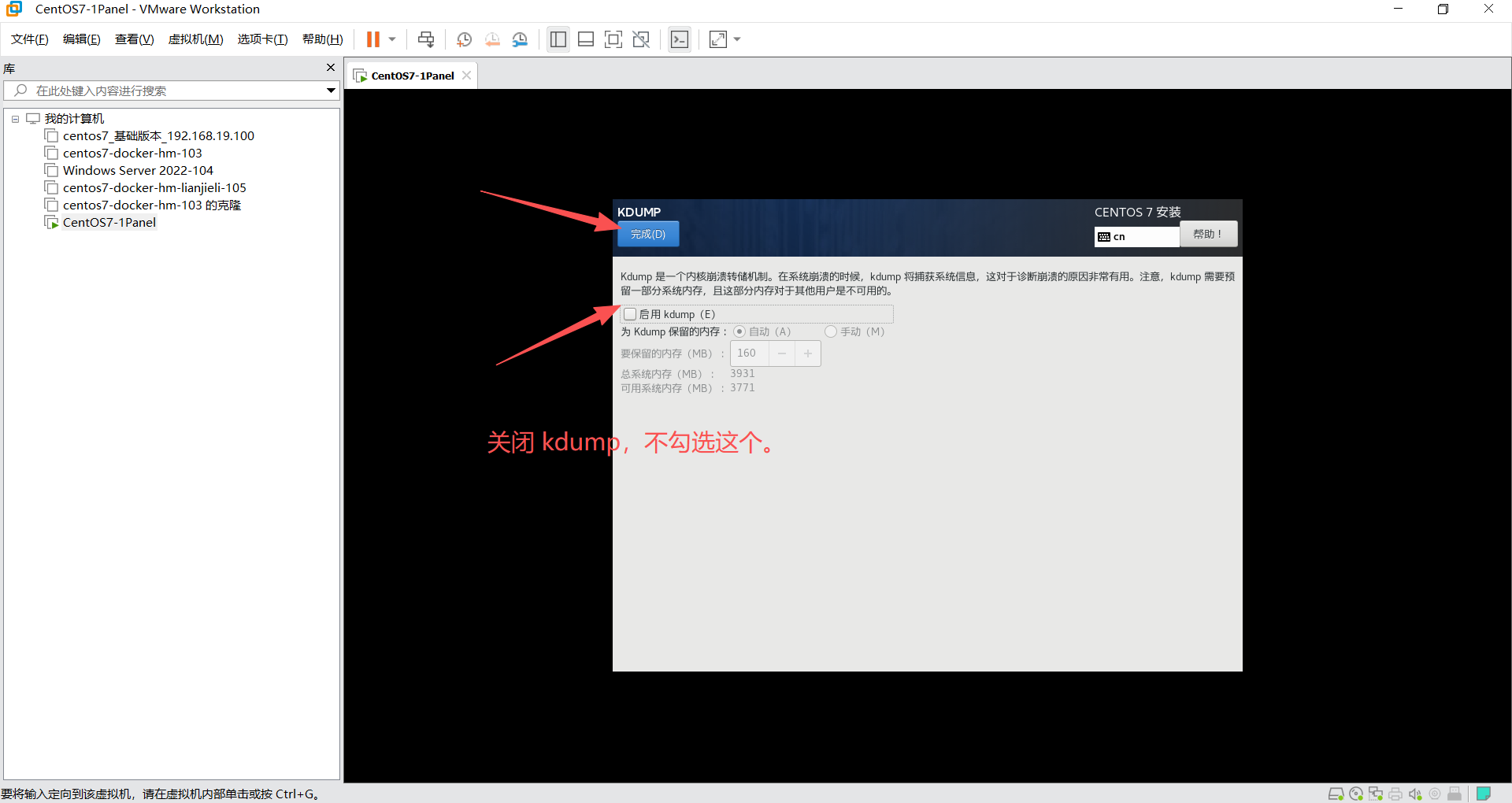
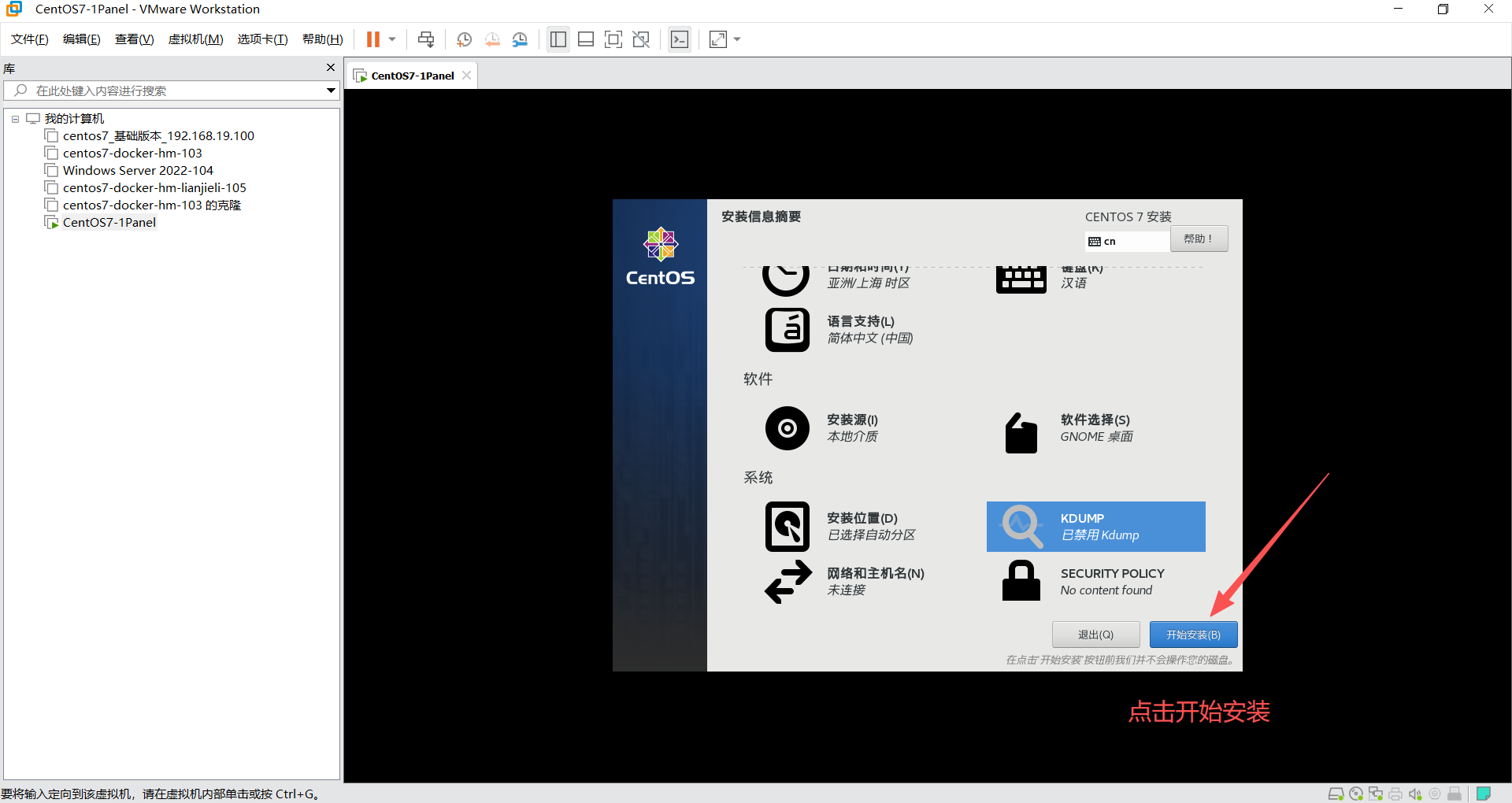
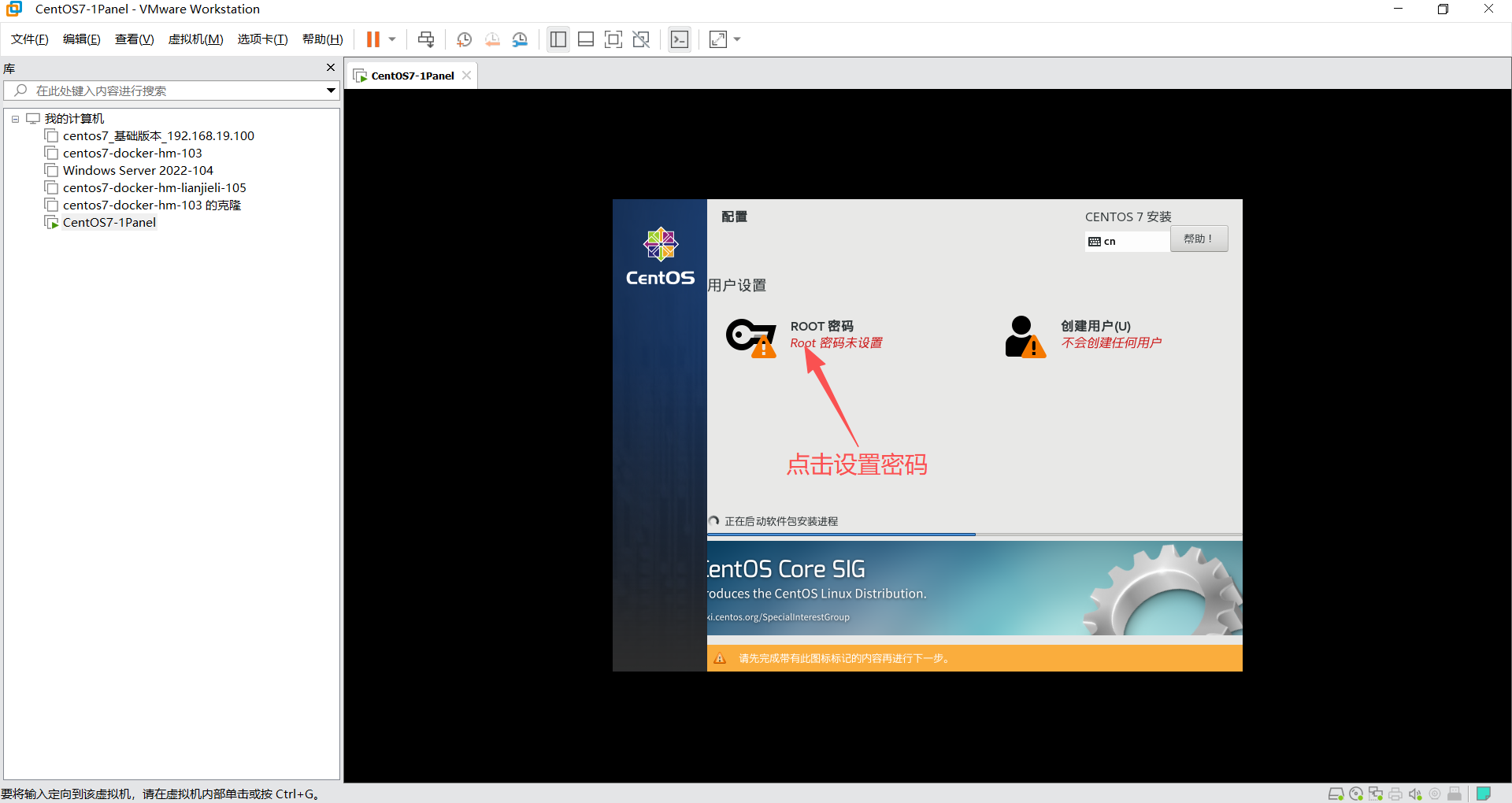
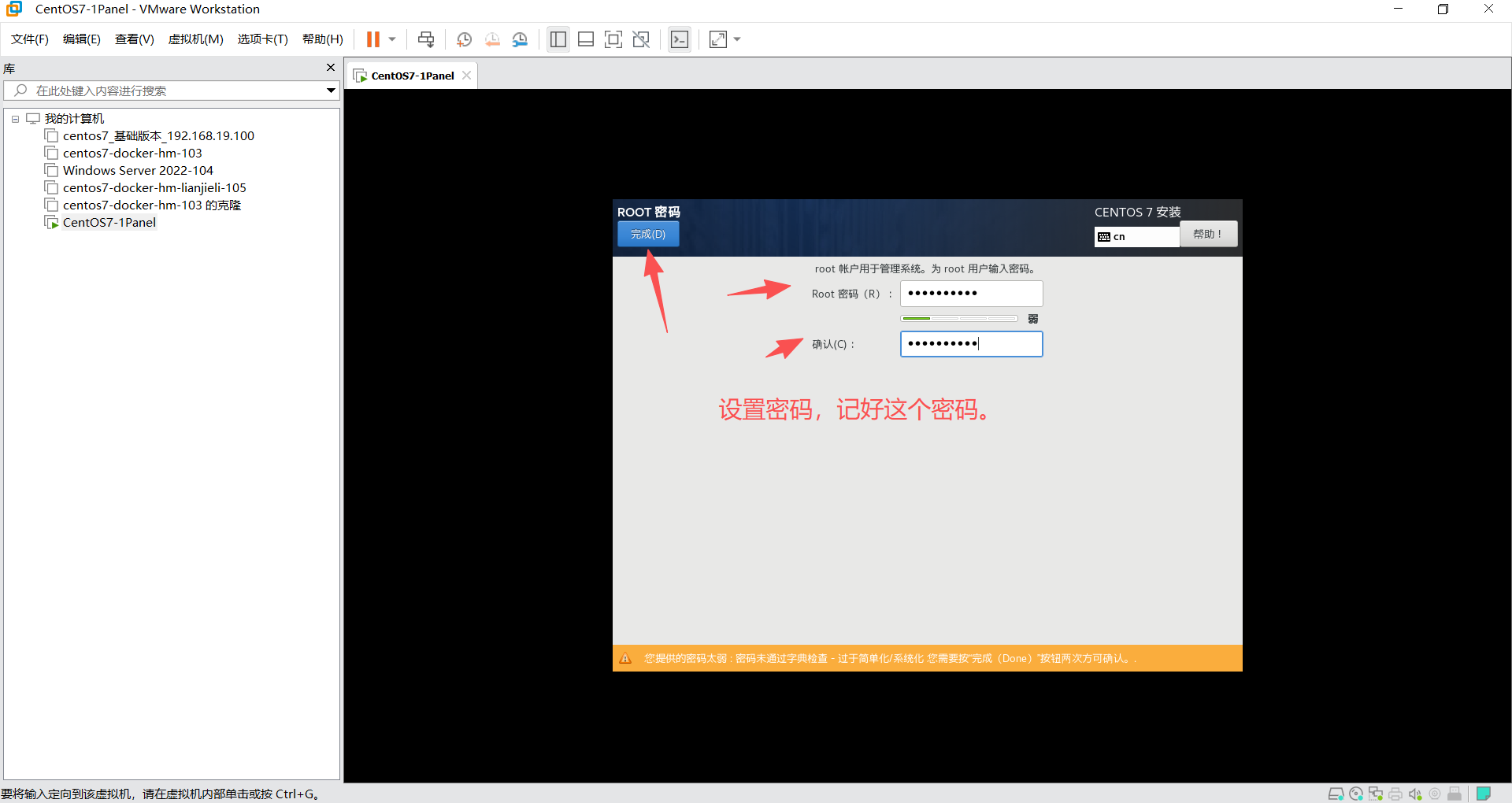
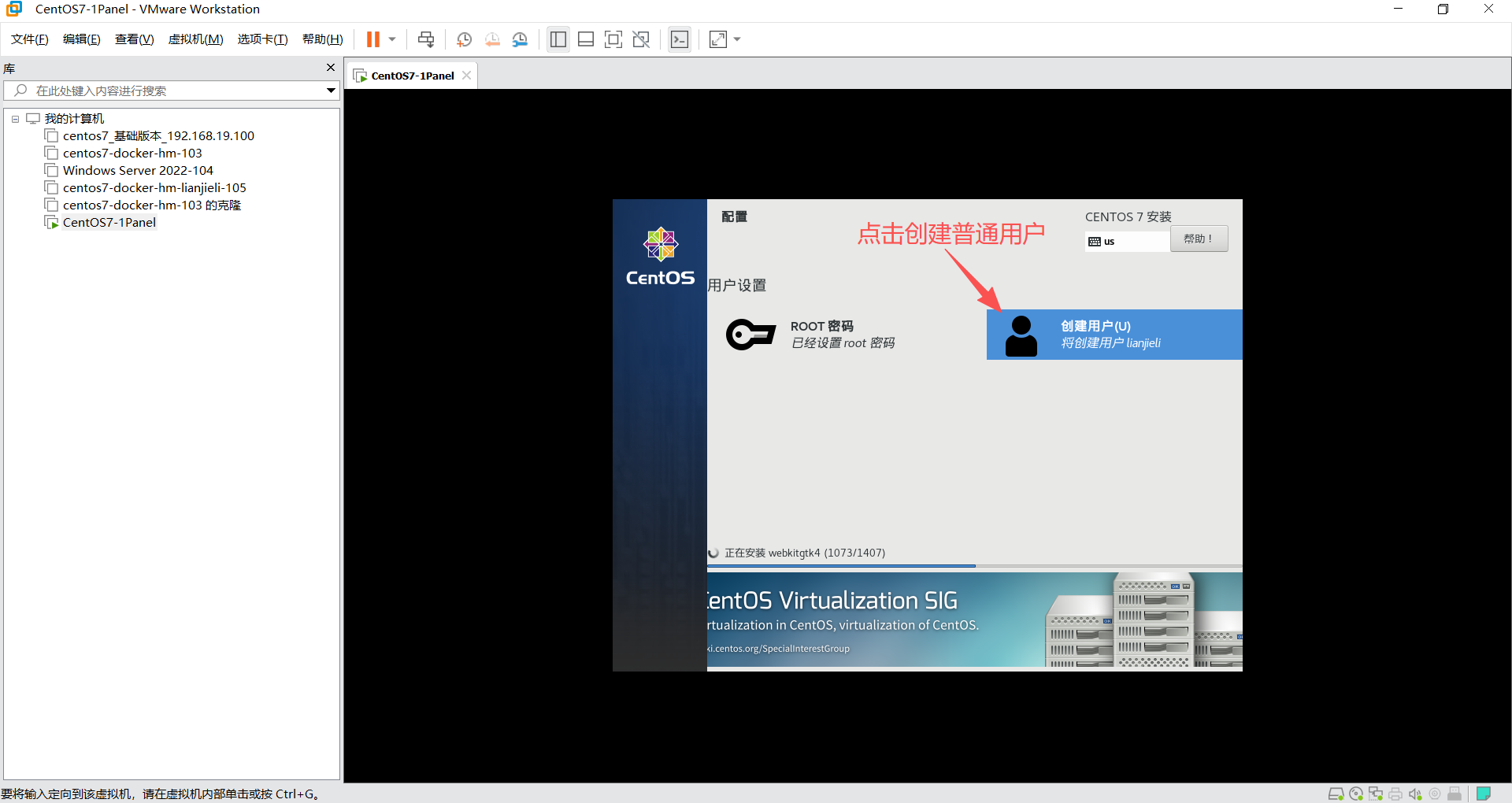
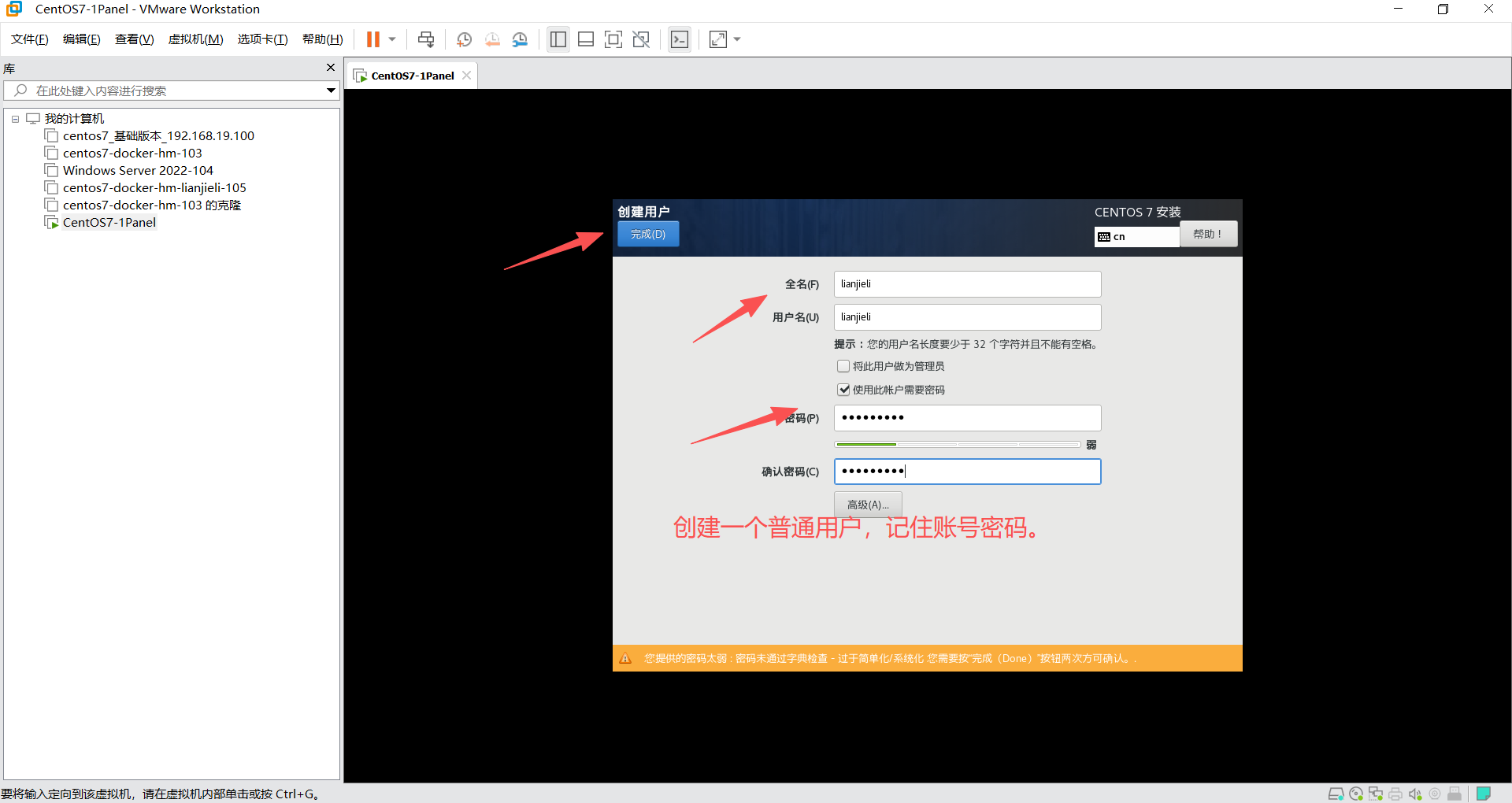
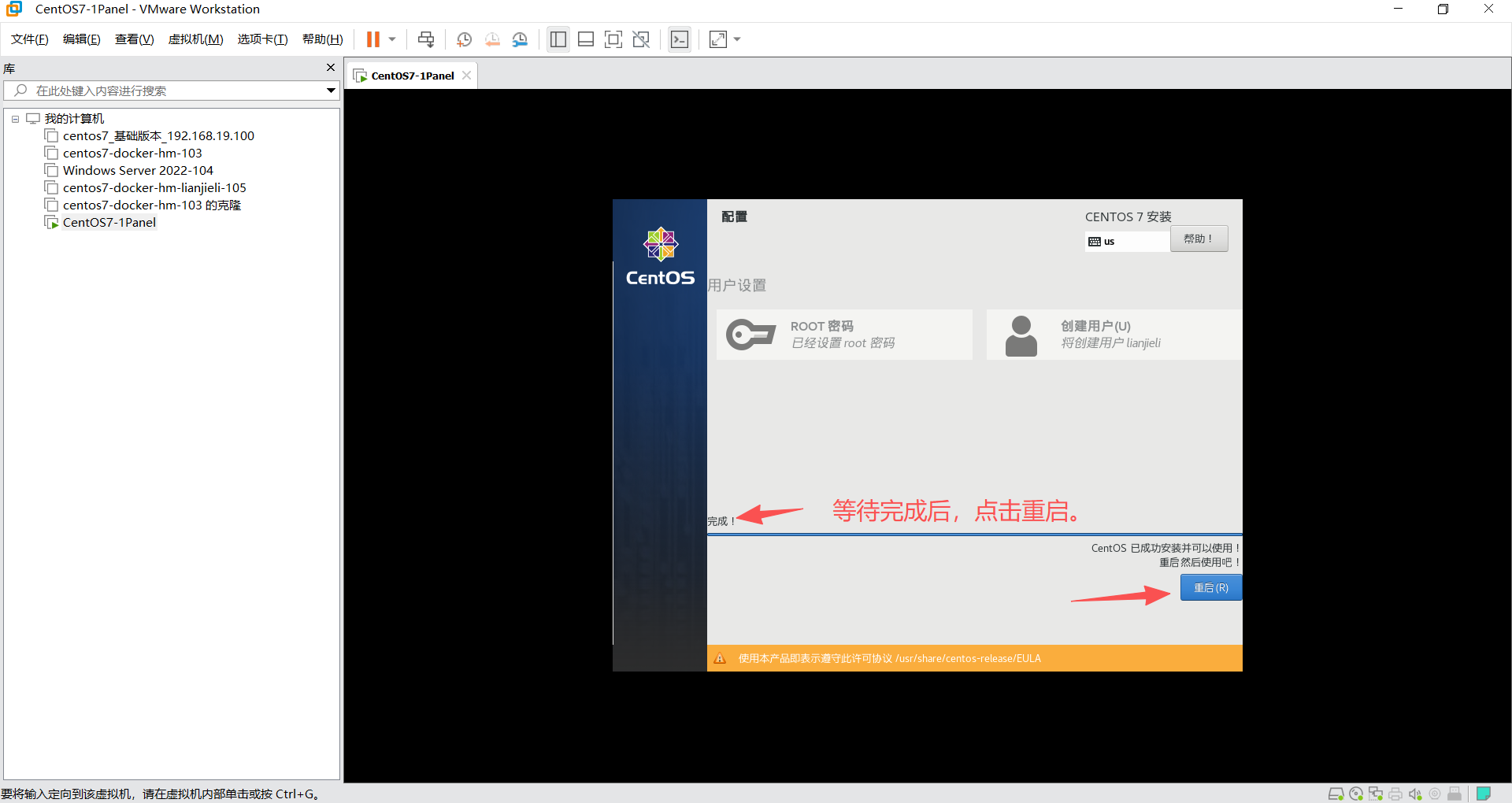
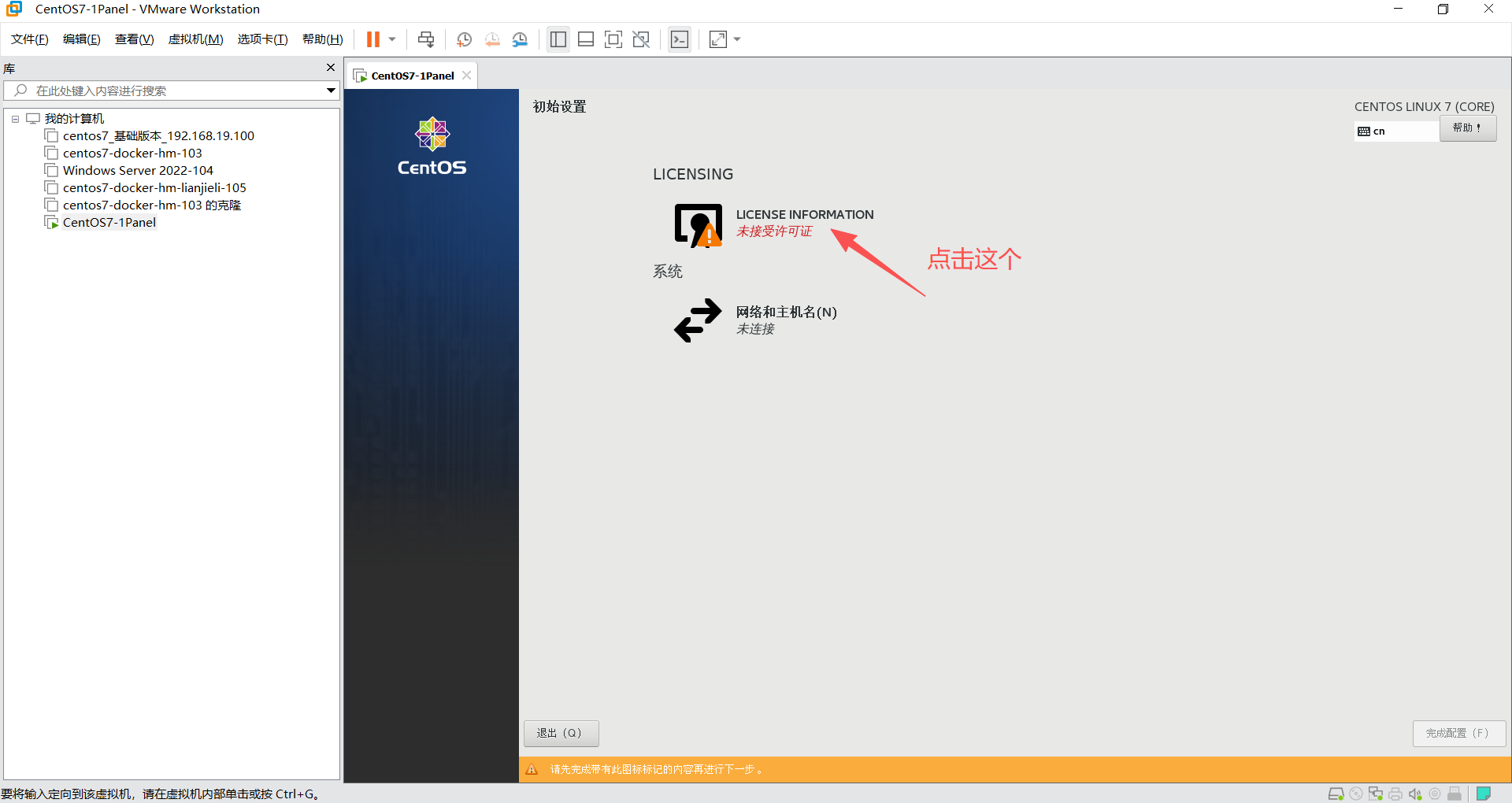
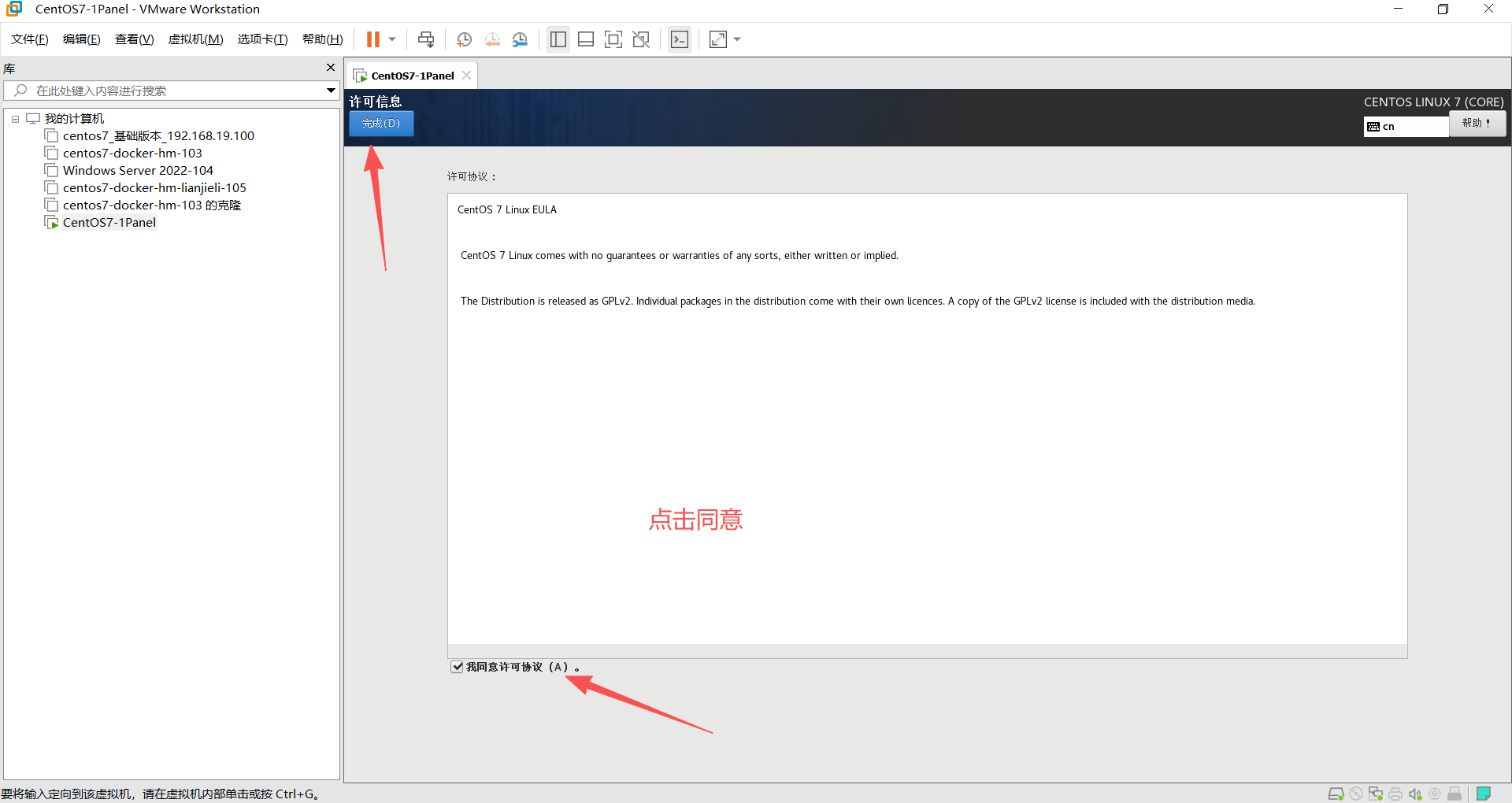
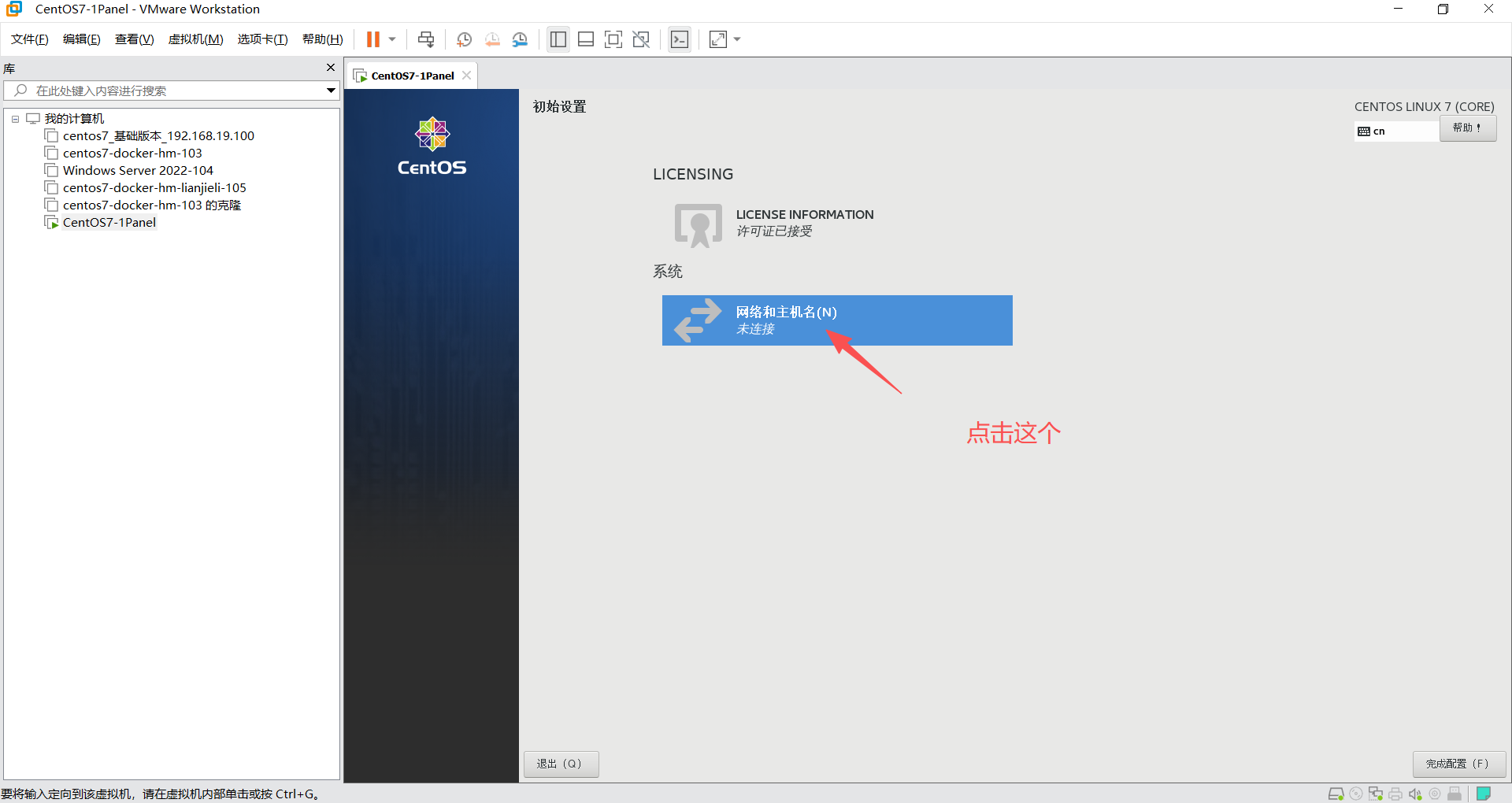
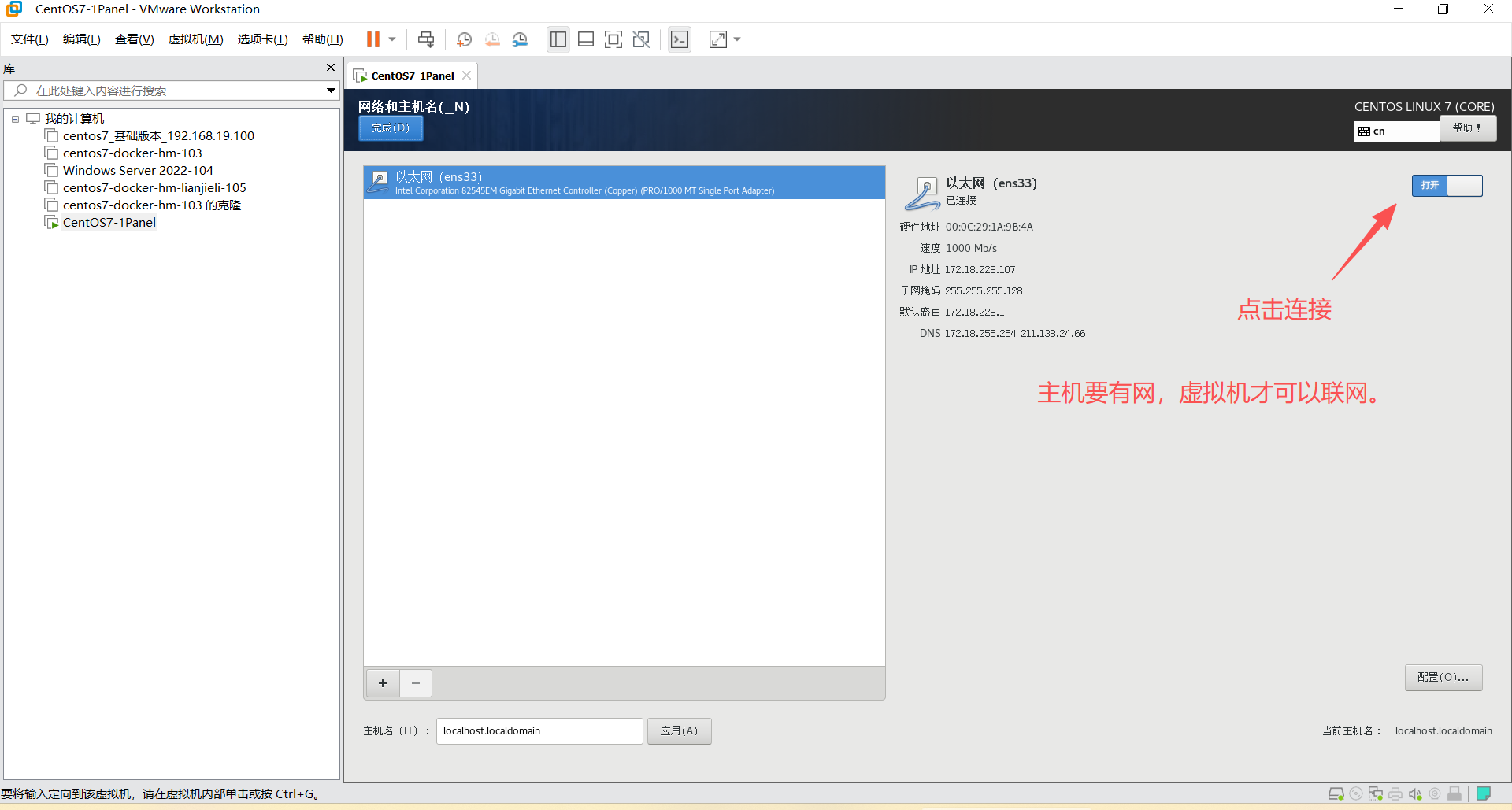
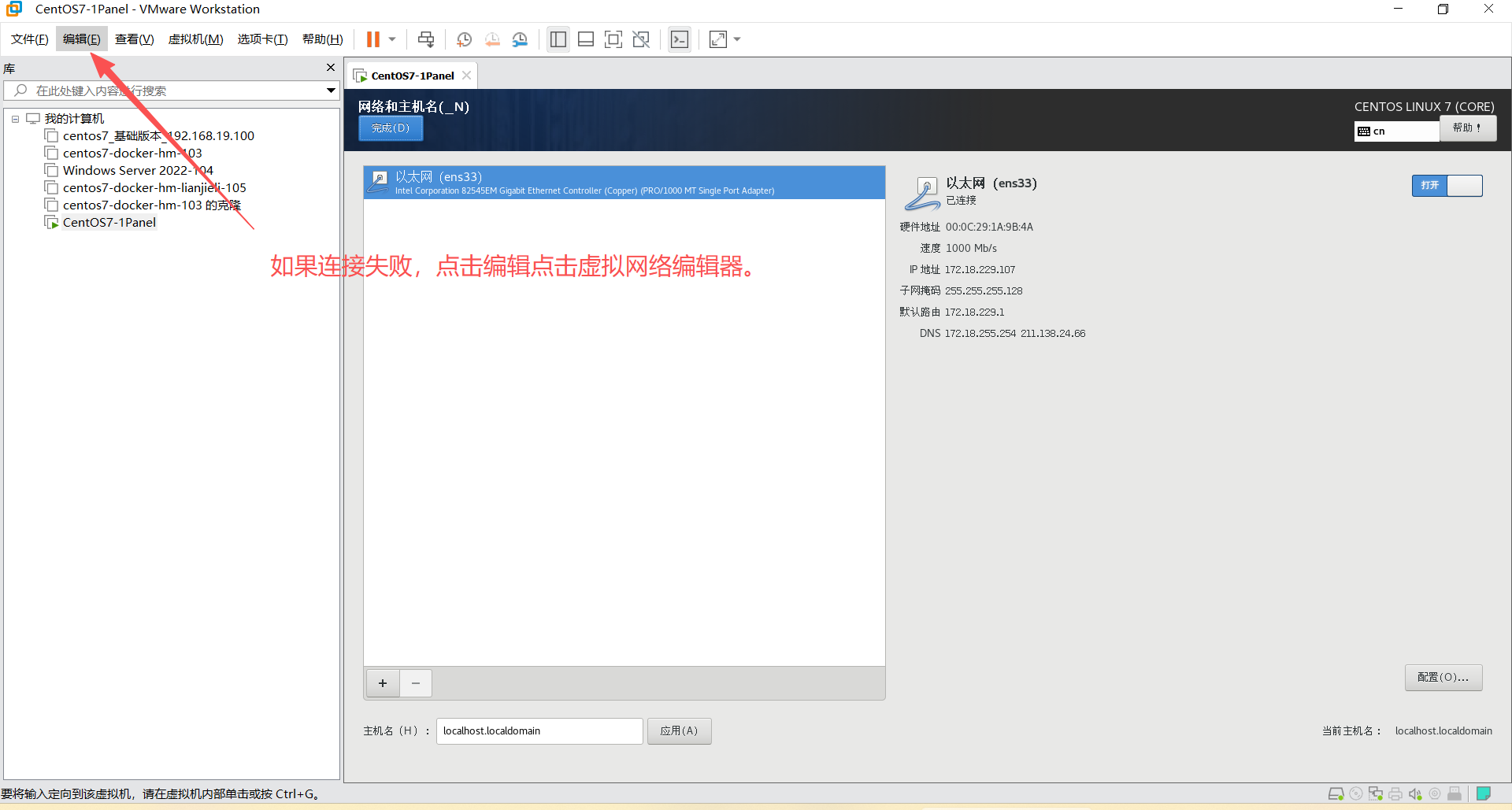
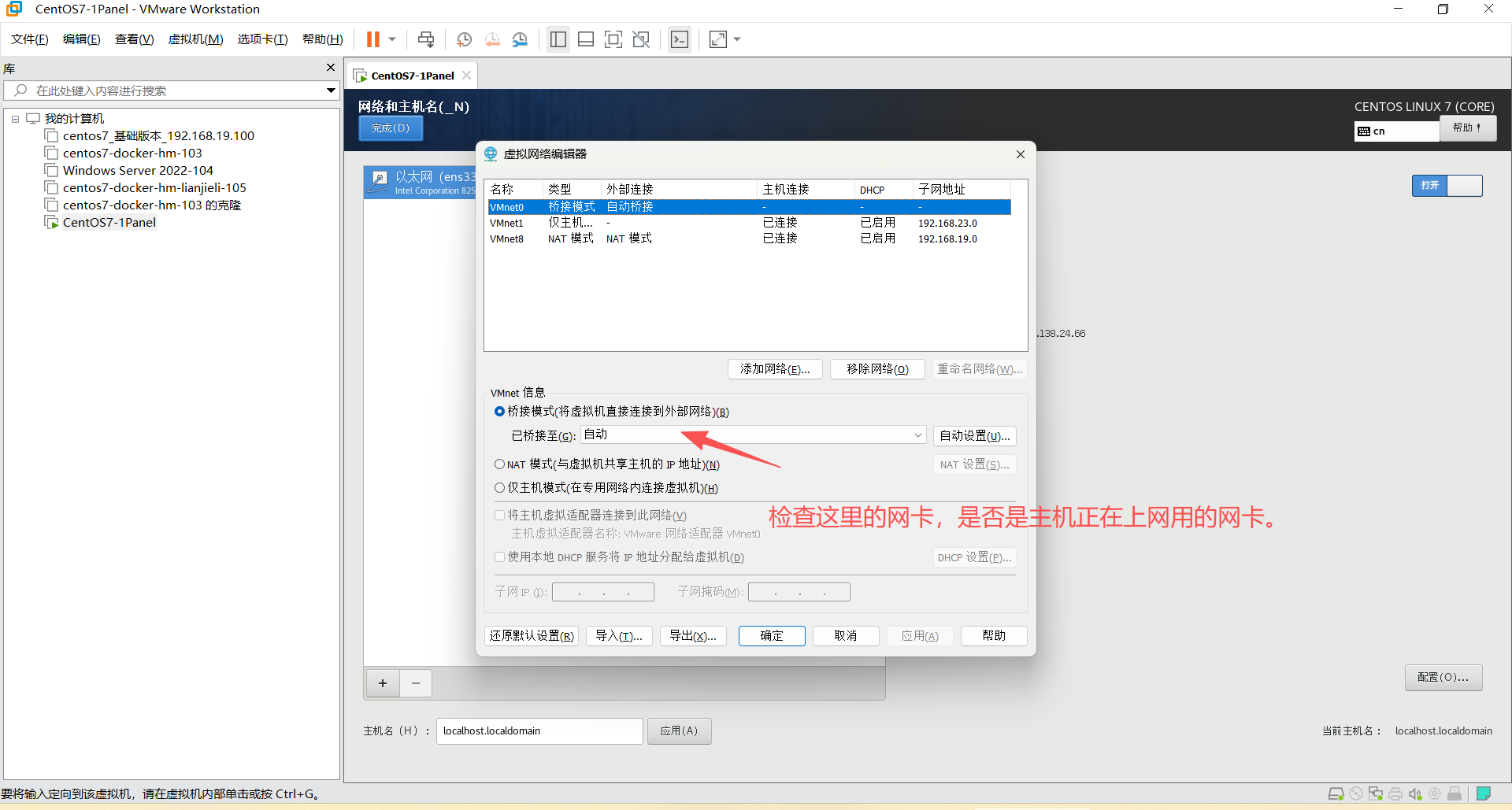
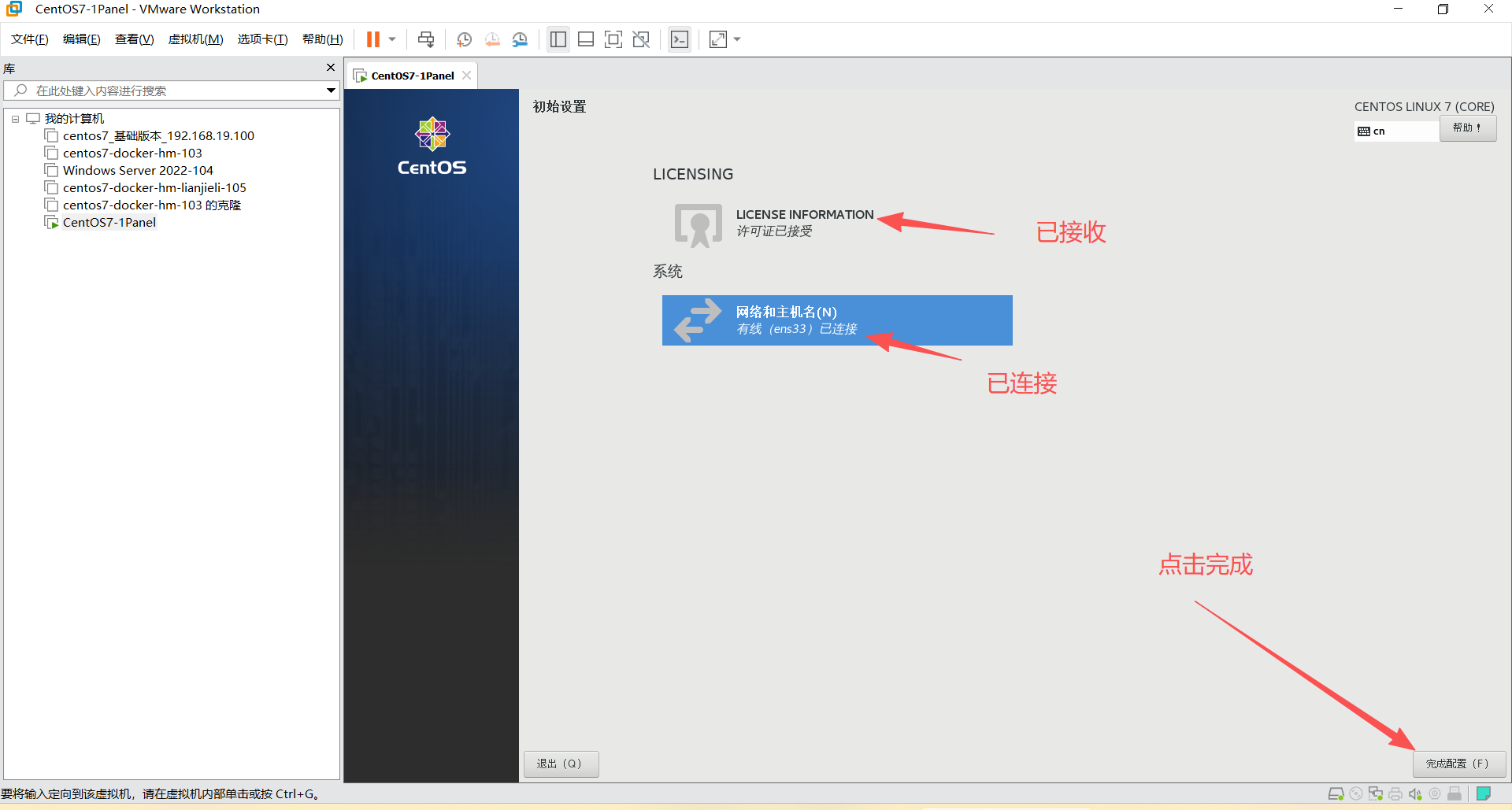
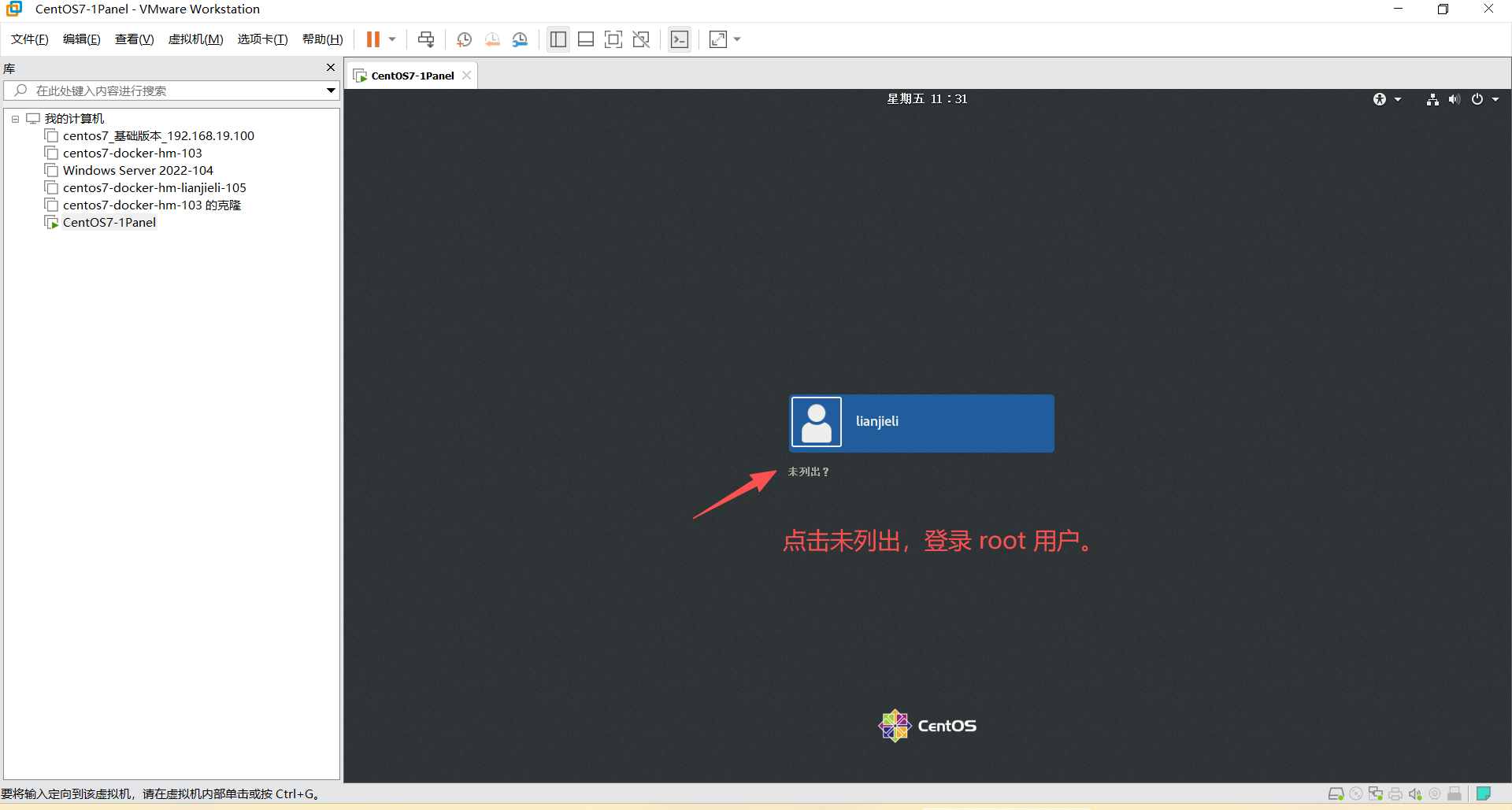
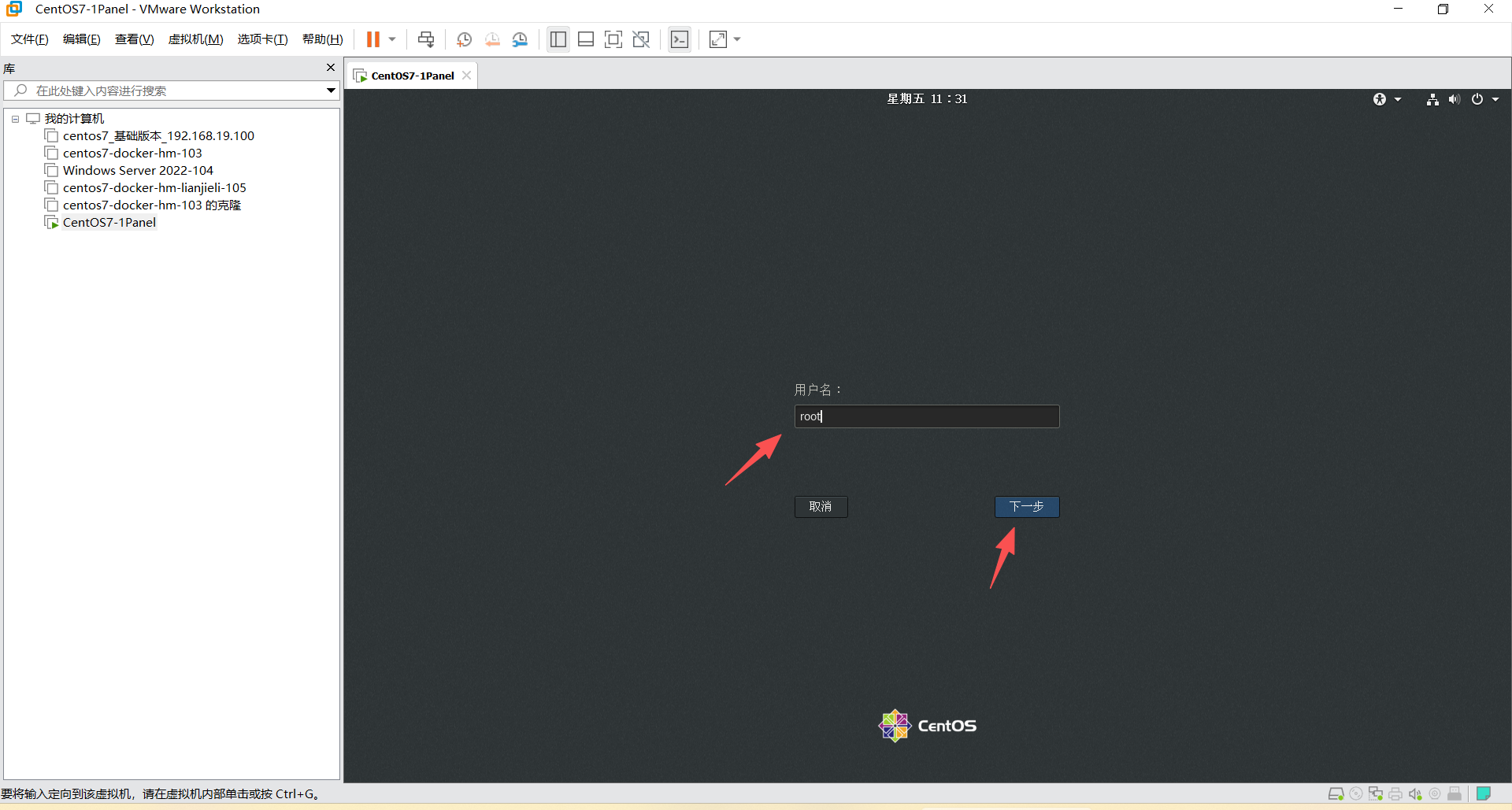
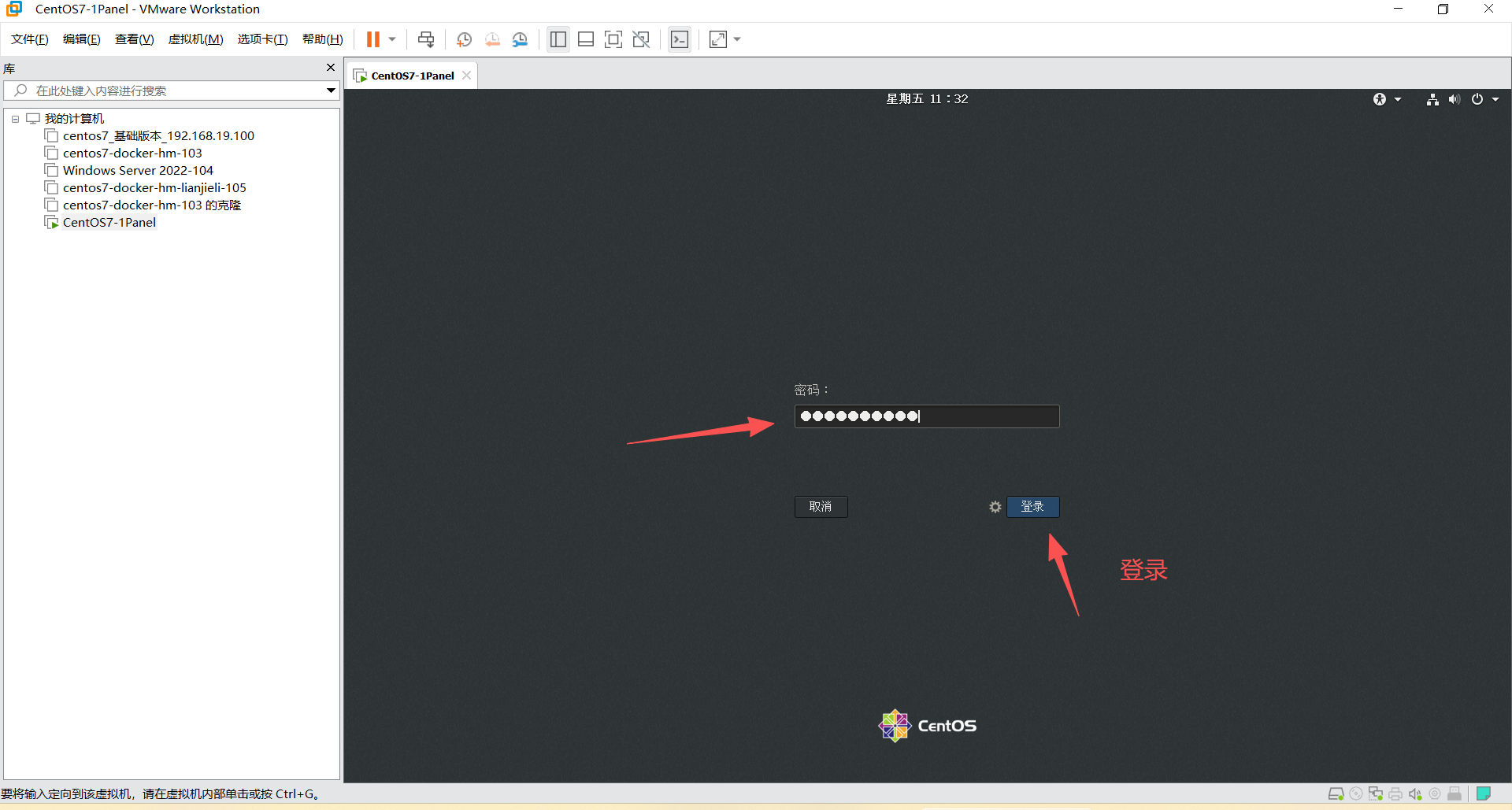
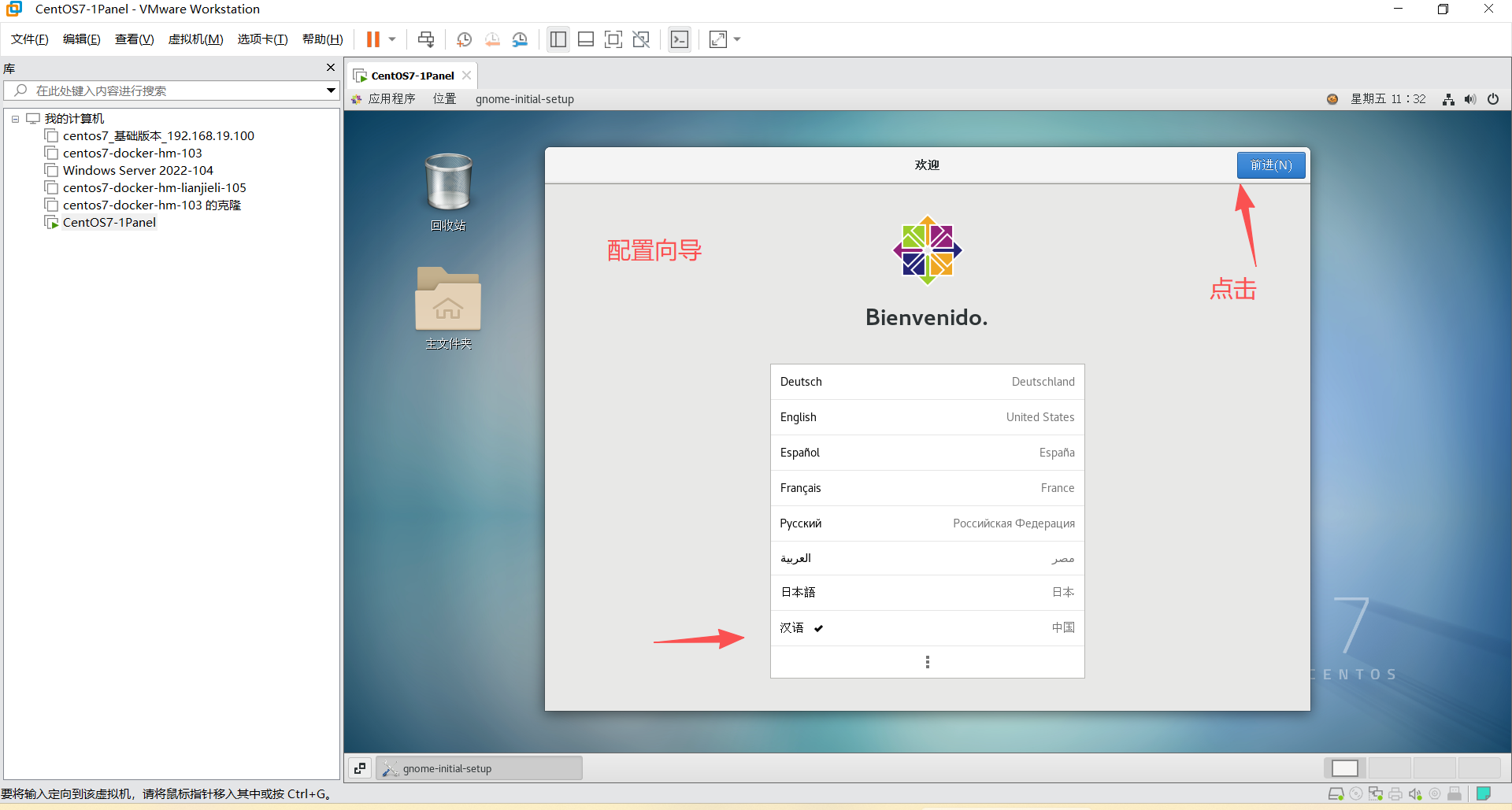
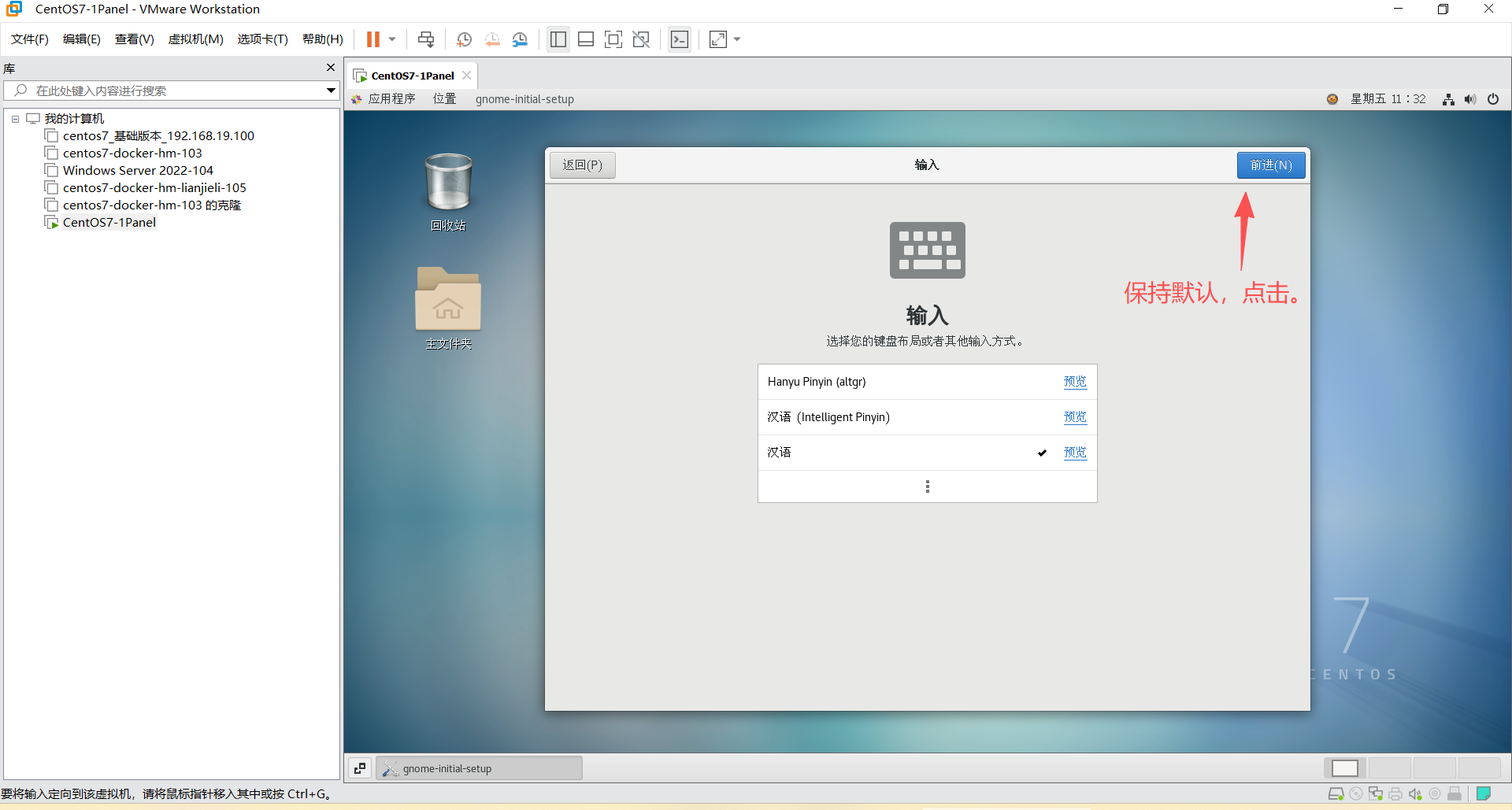
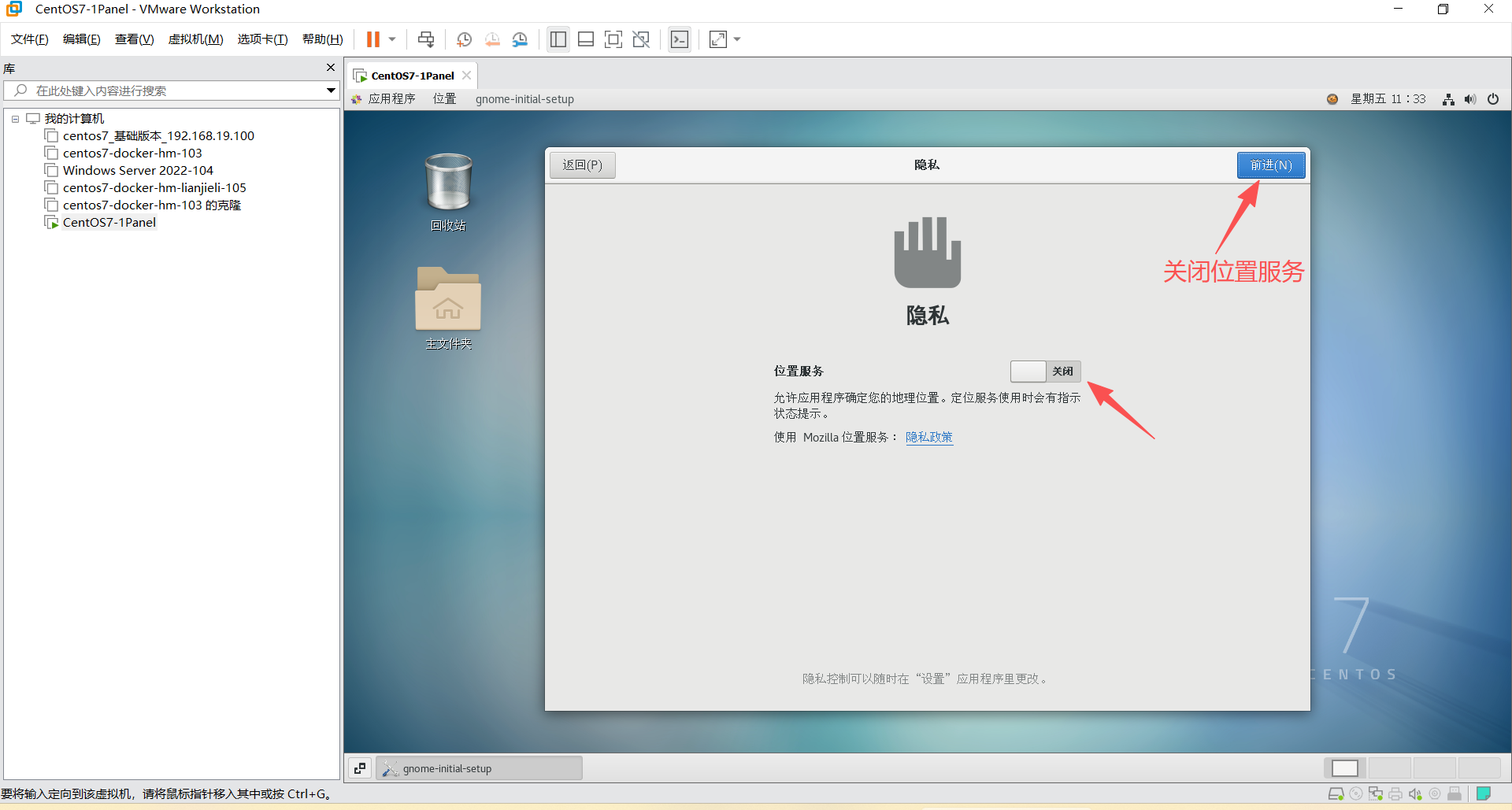
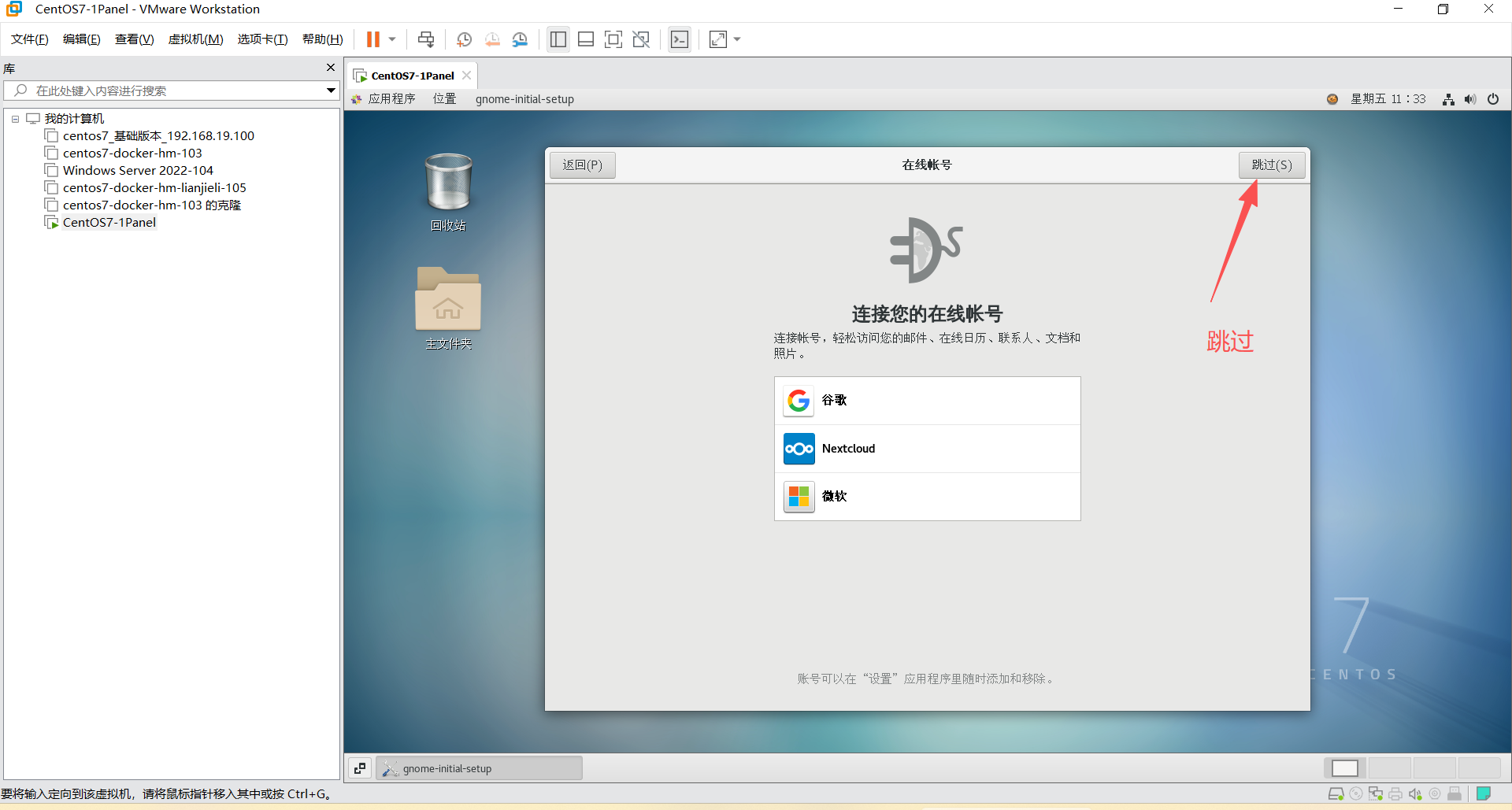
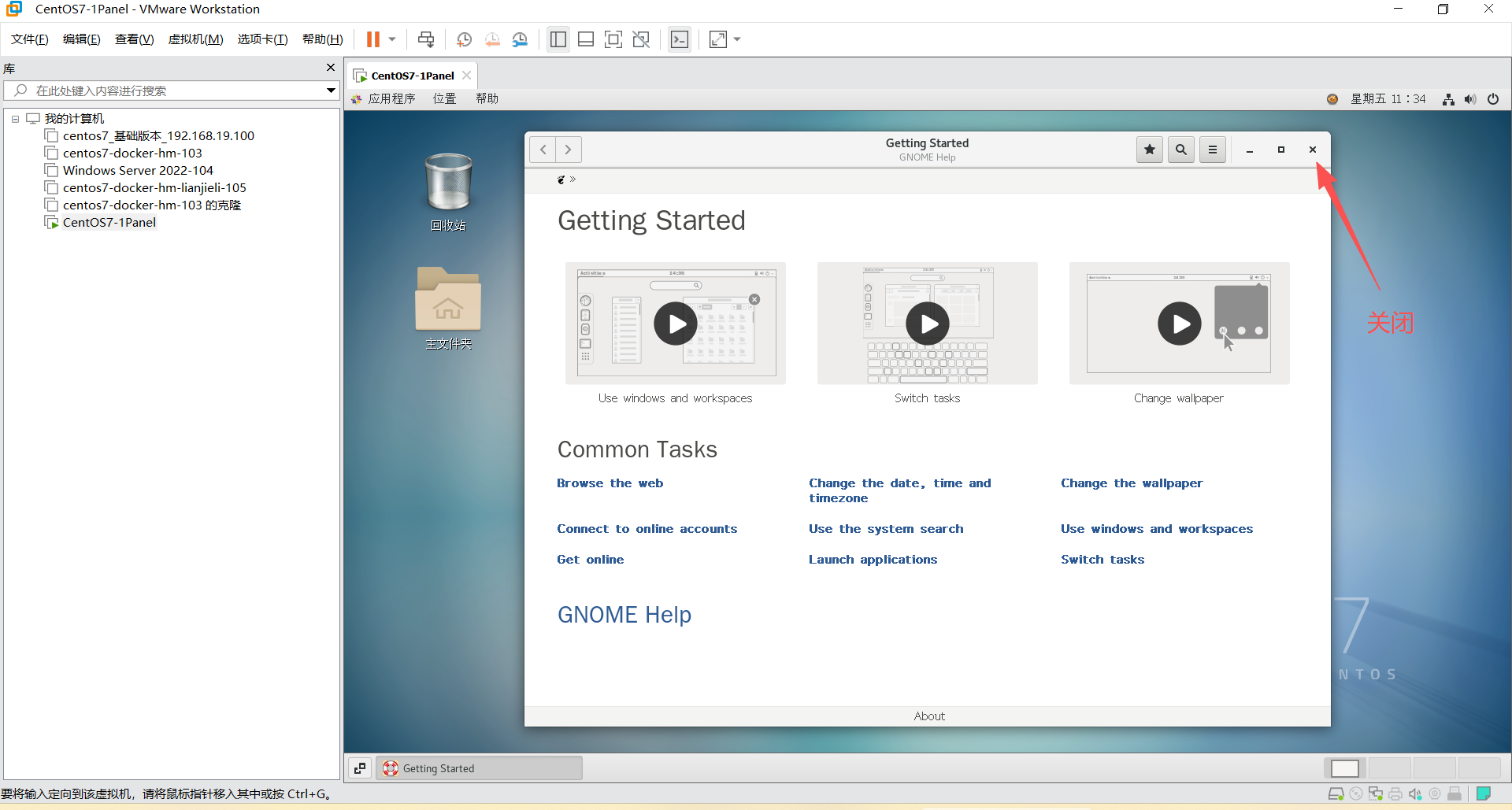
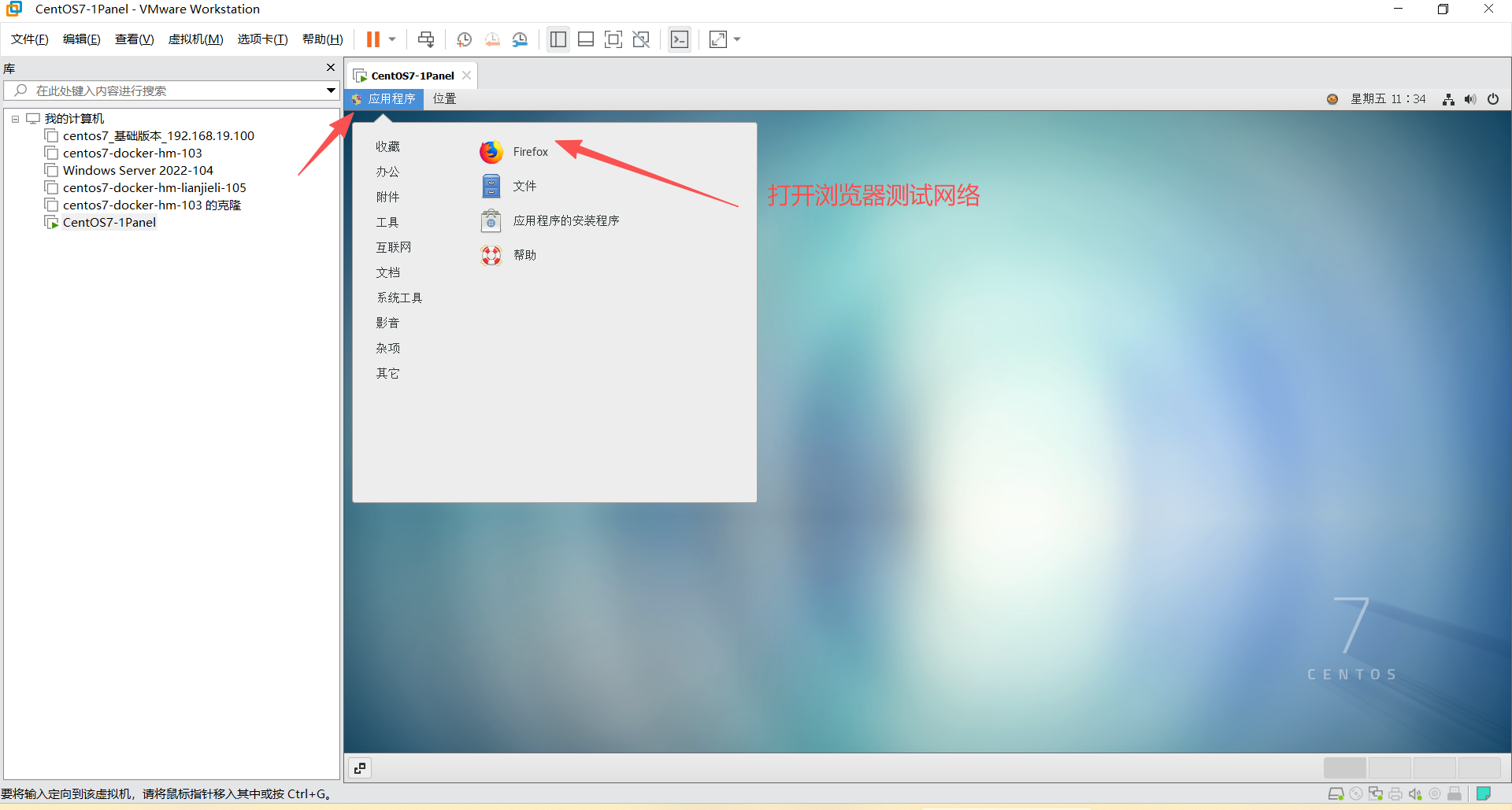


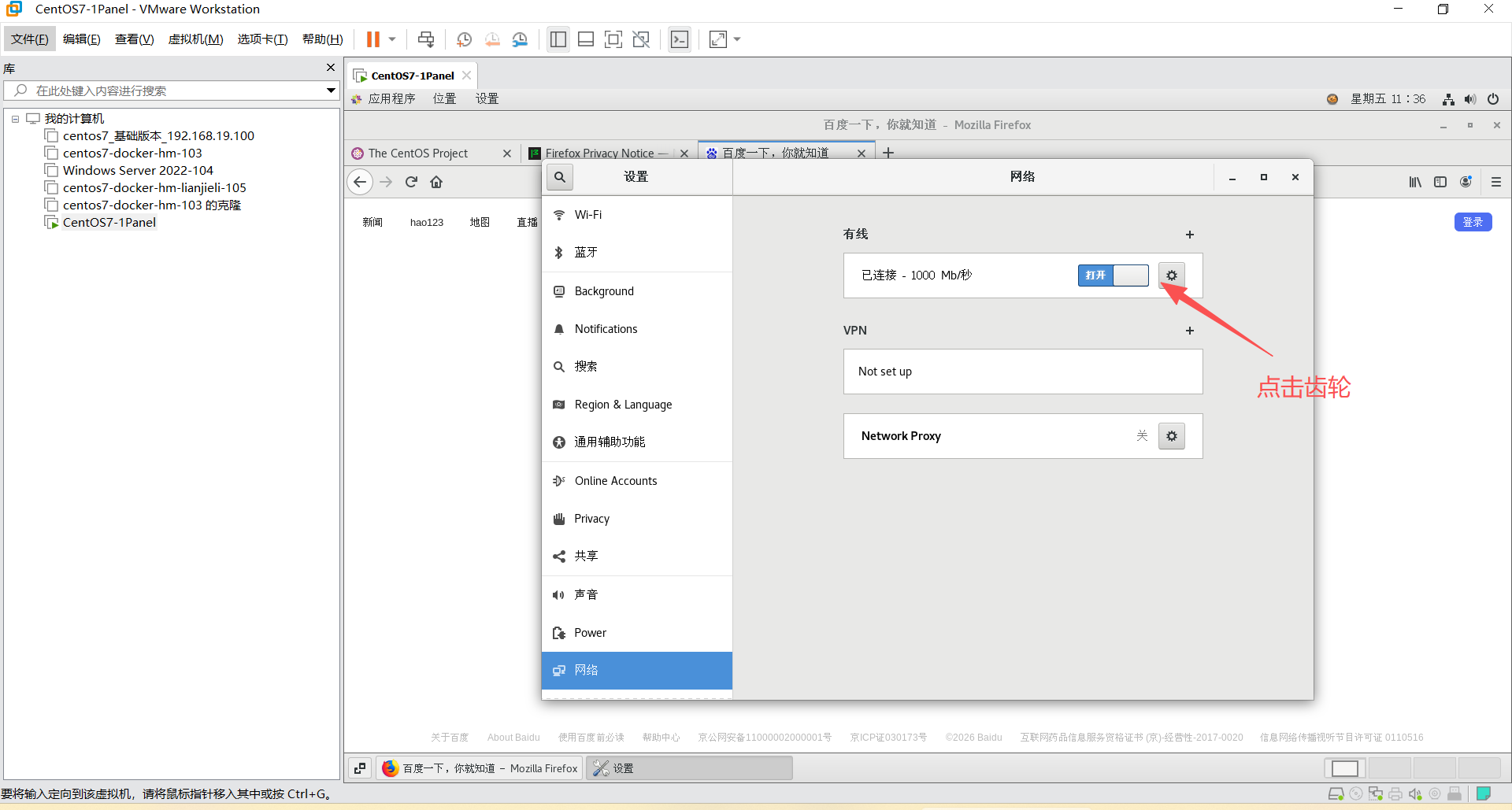
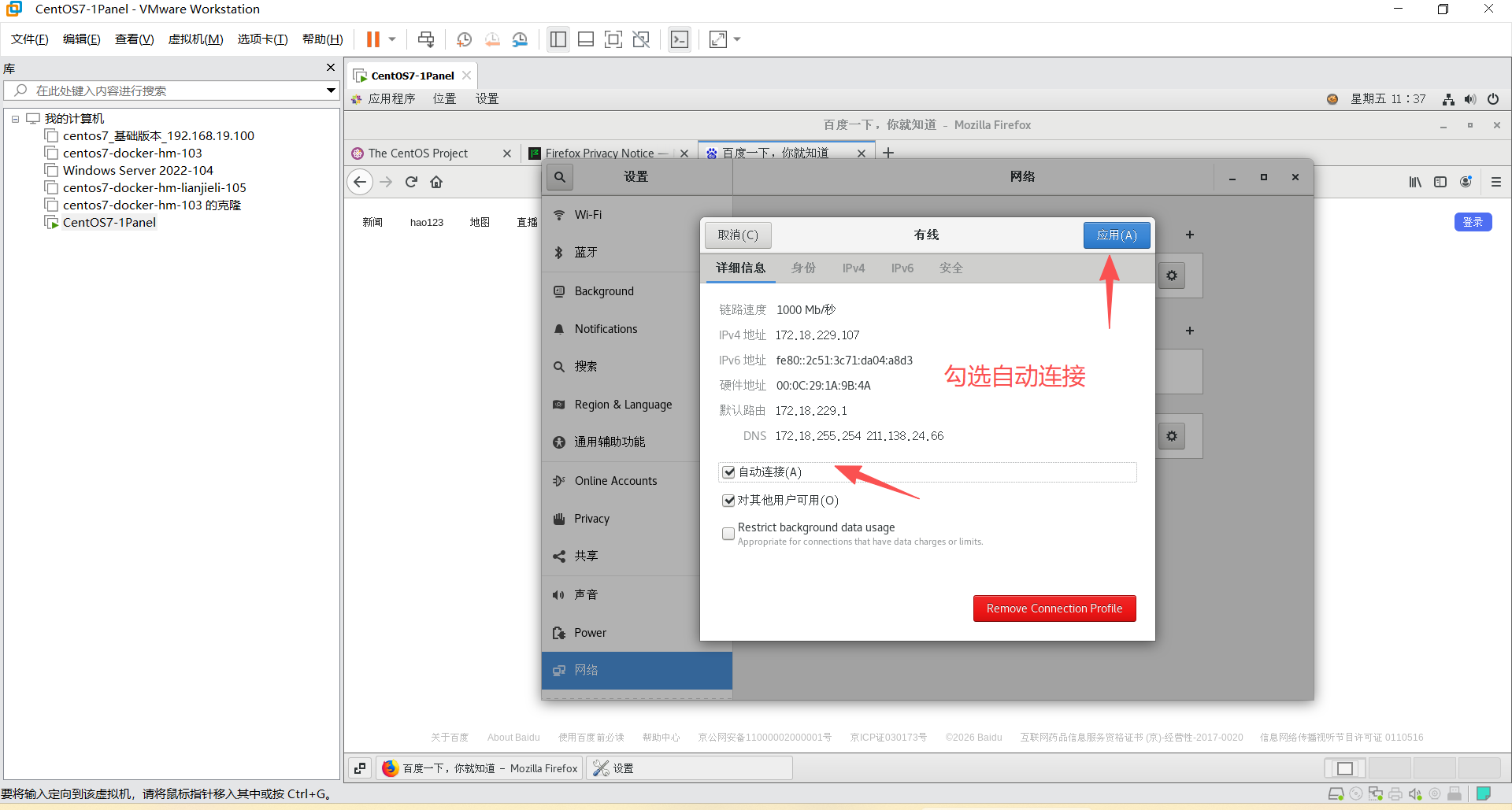
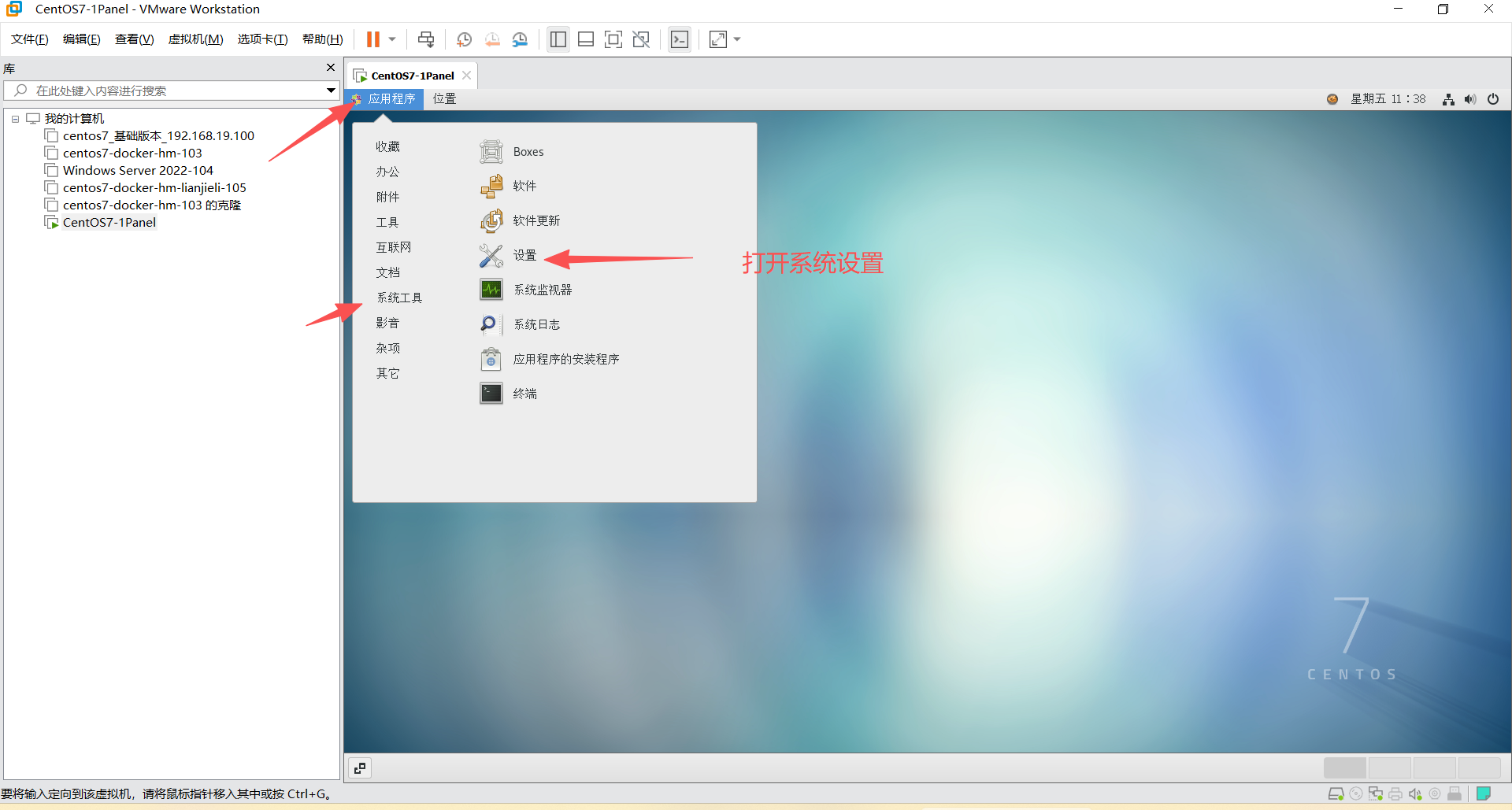
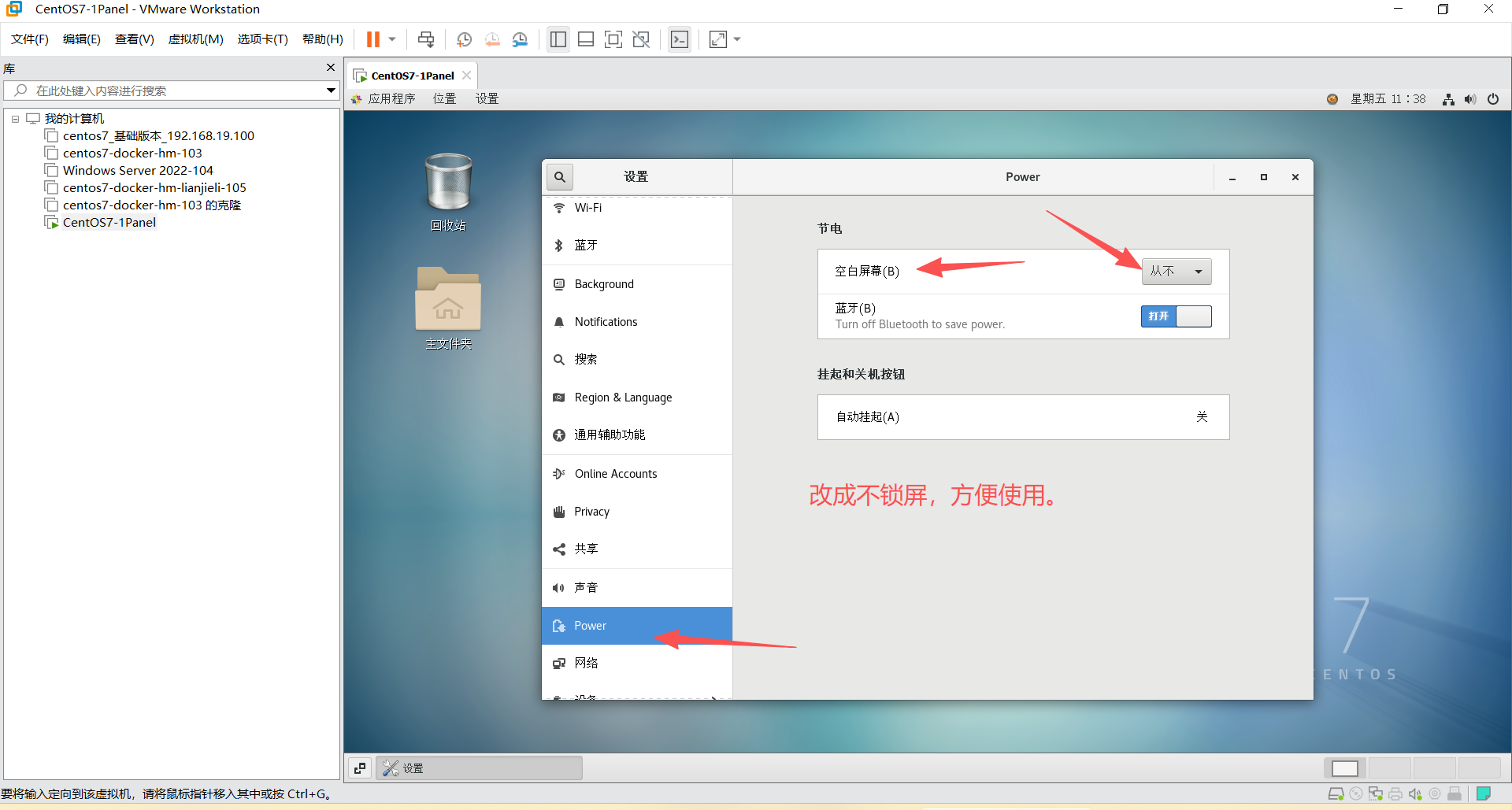
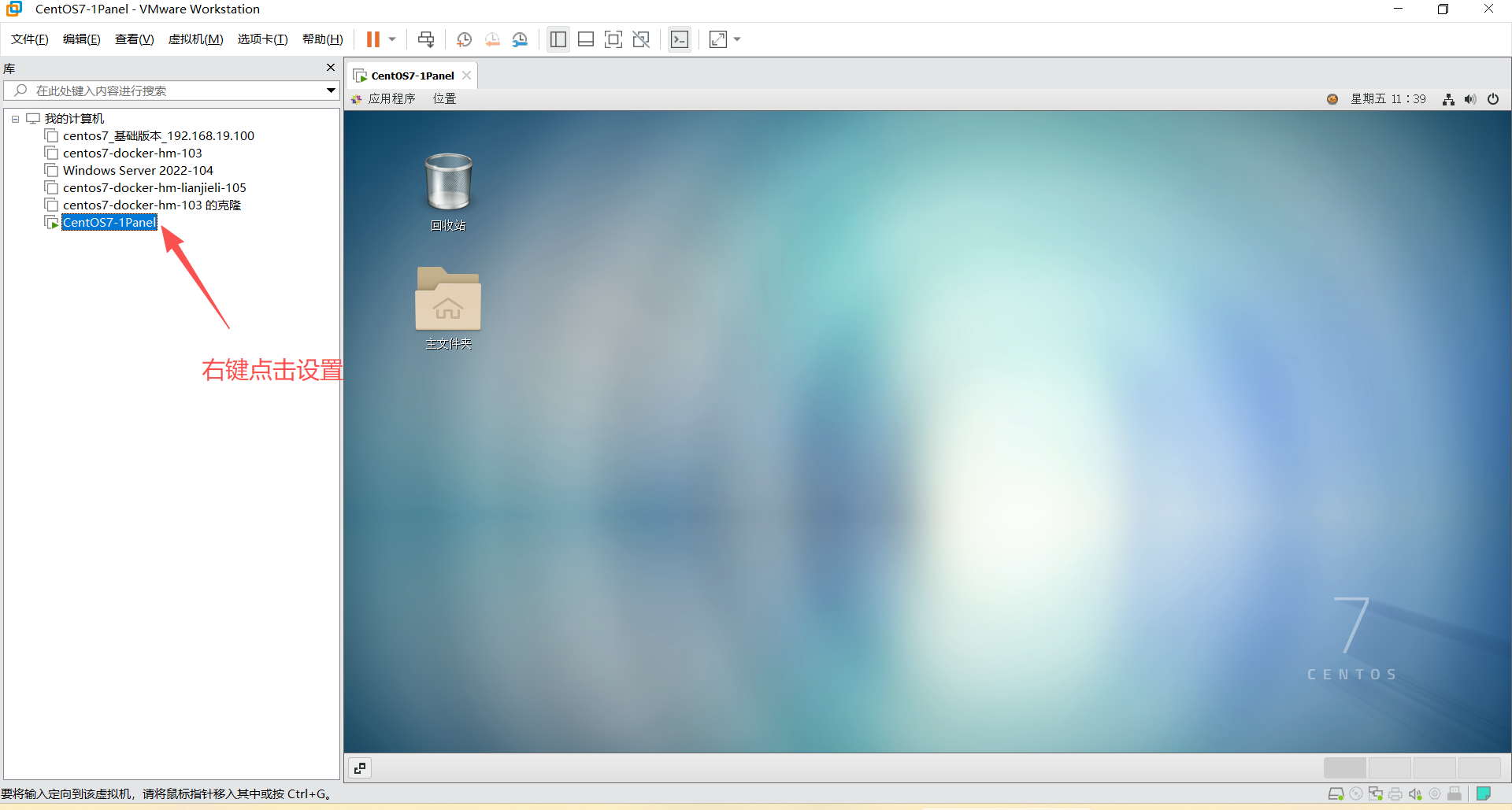
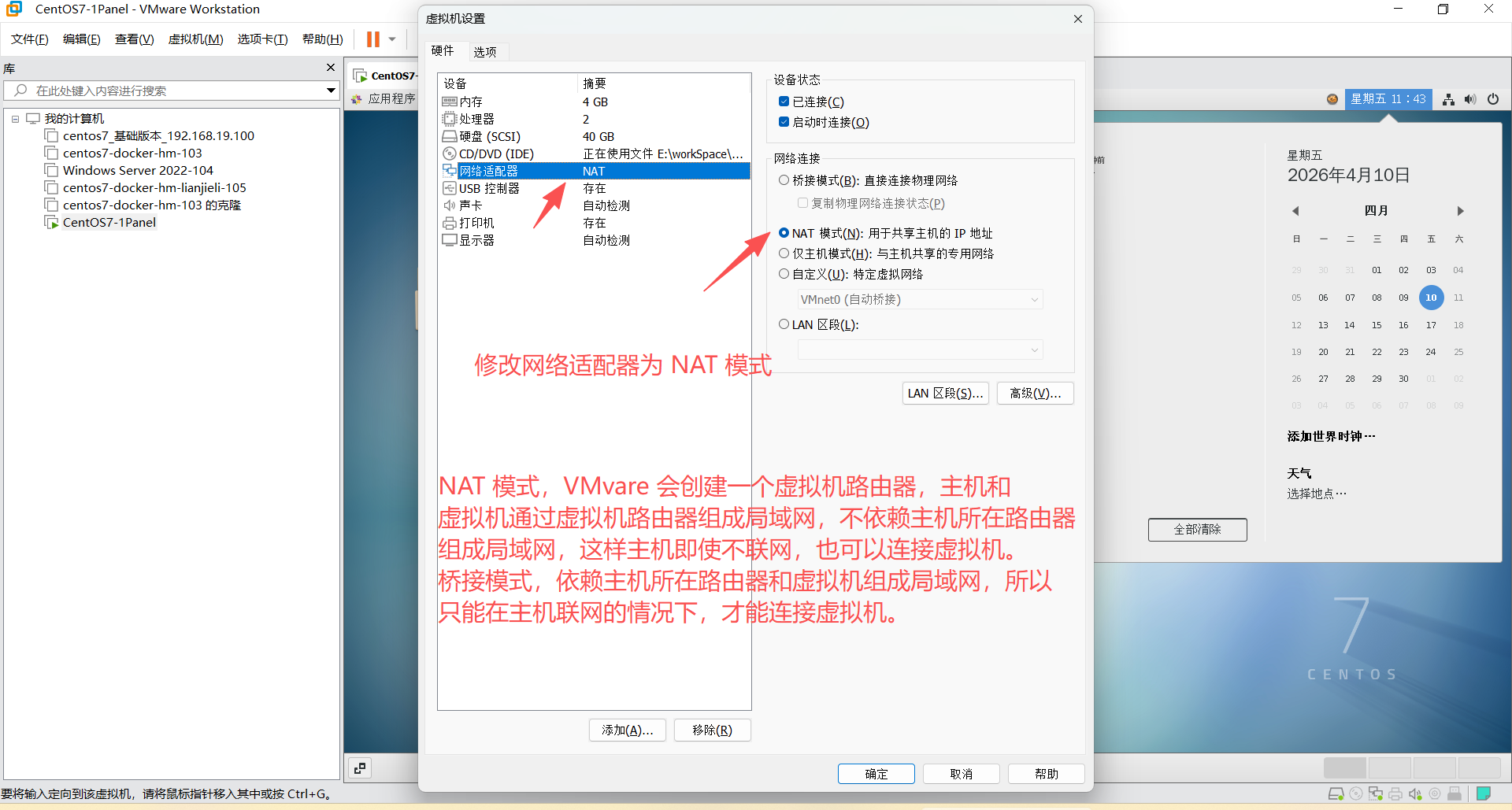
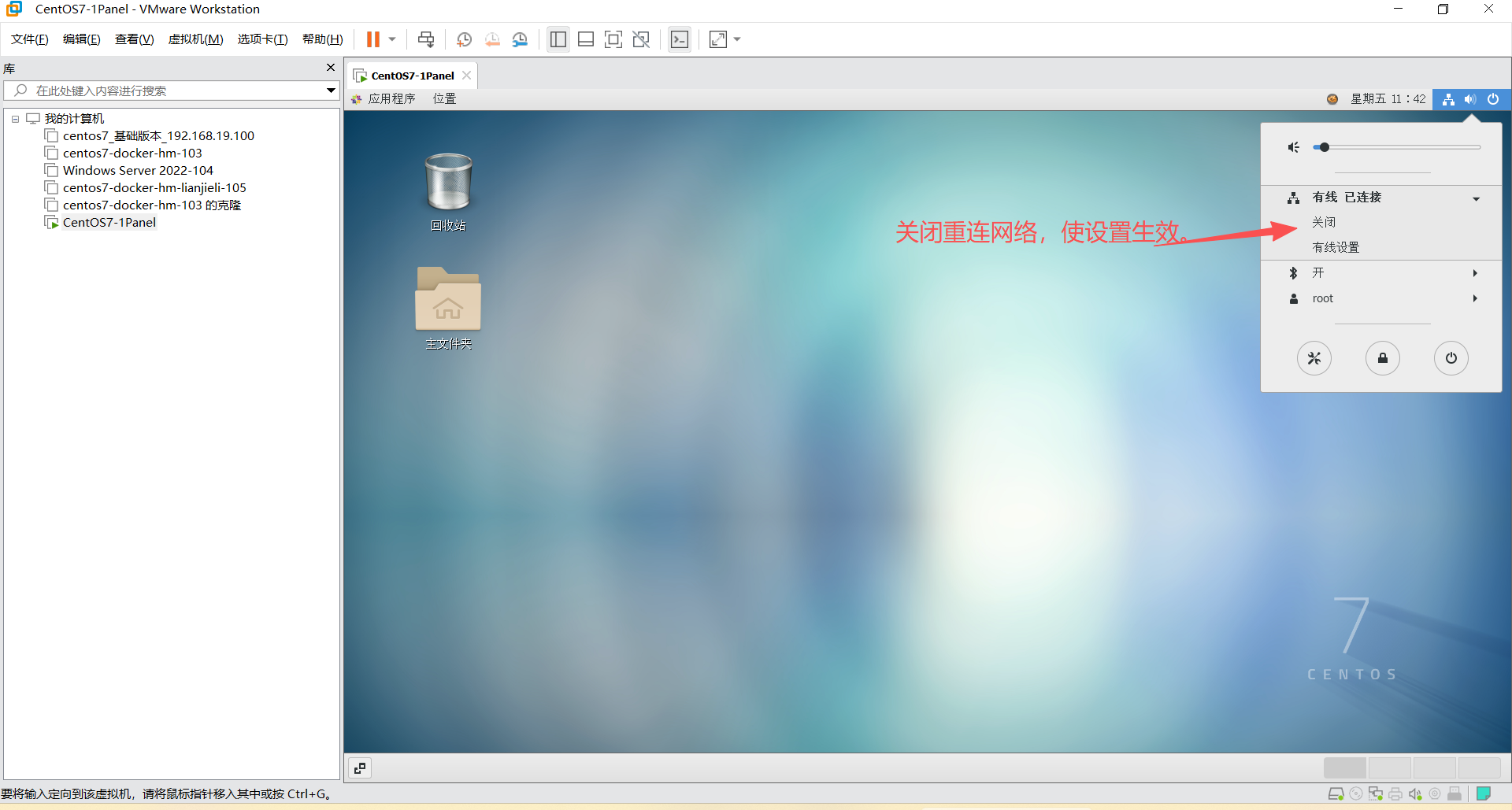
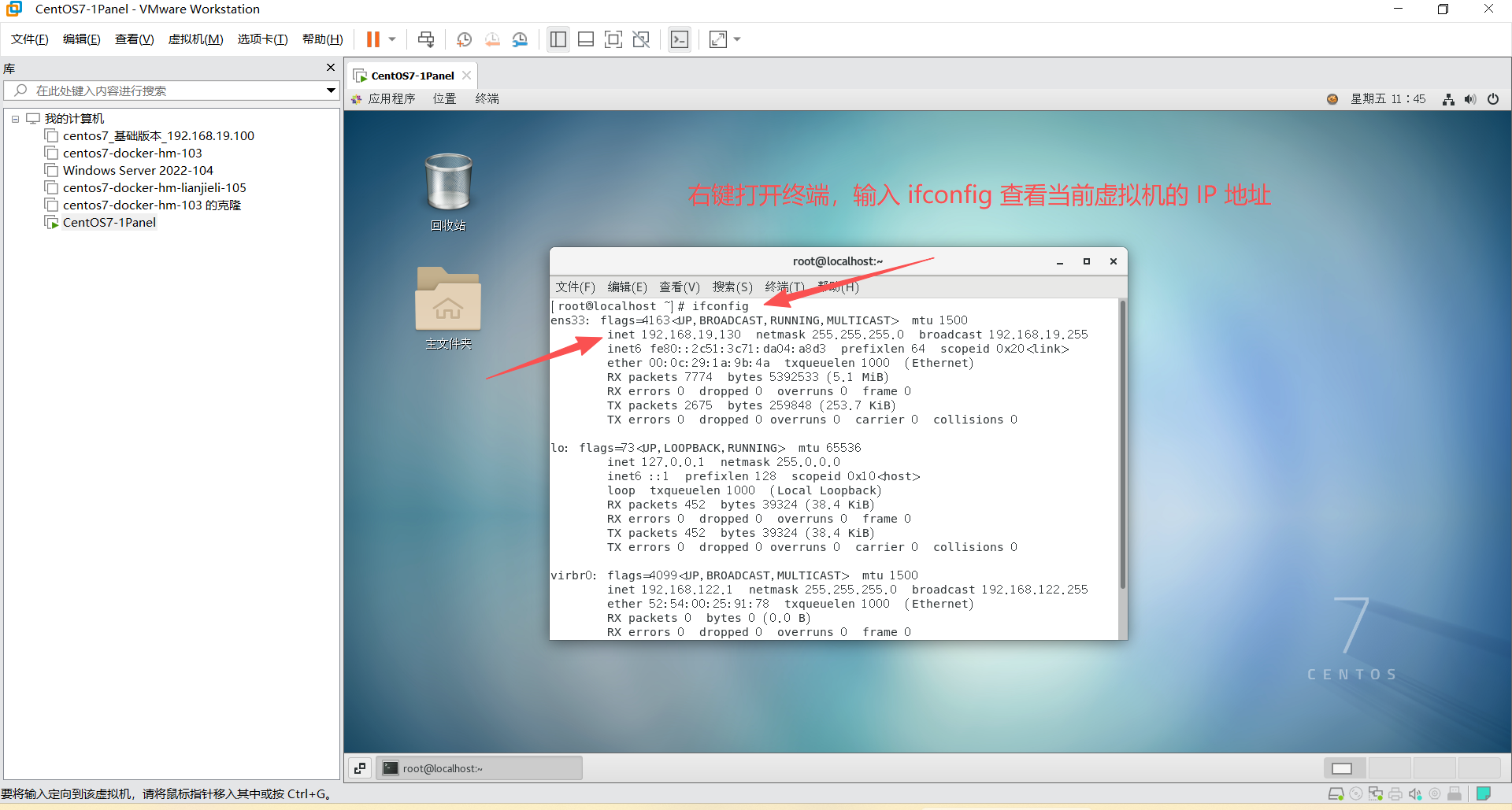
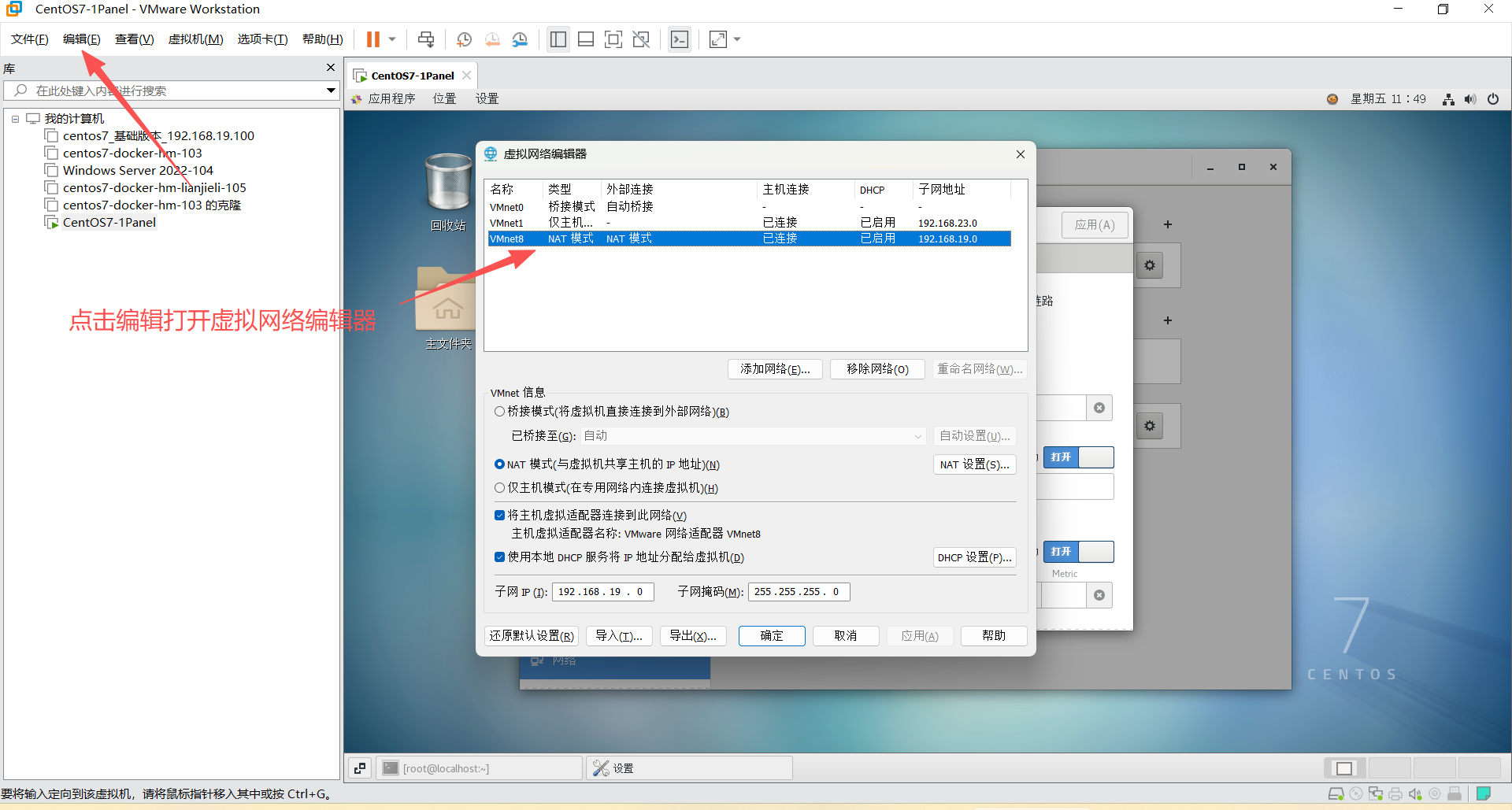
3、设置静态 IP 地址
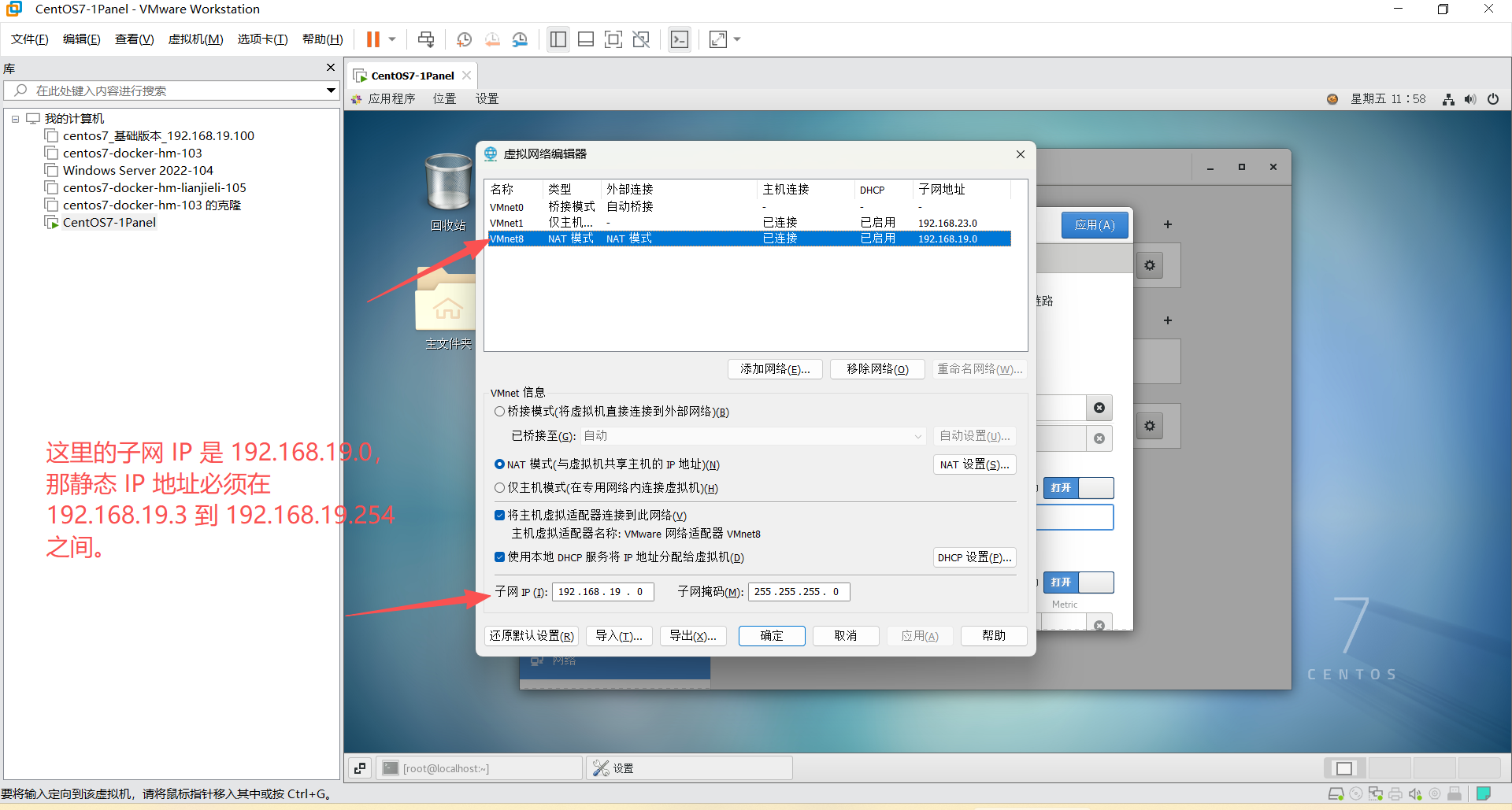
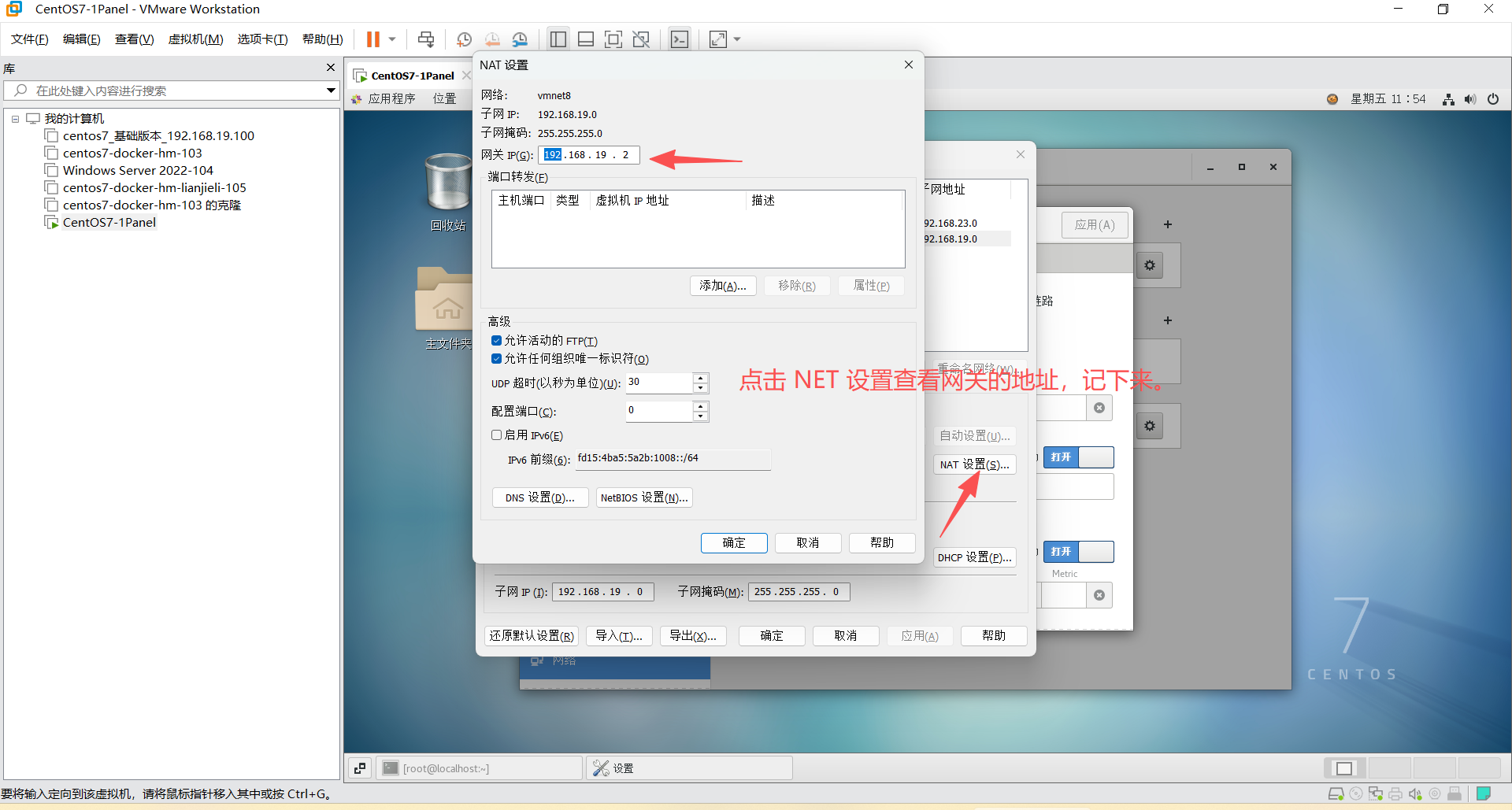
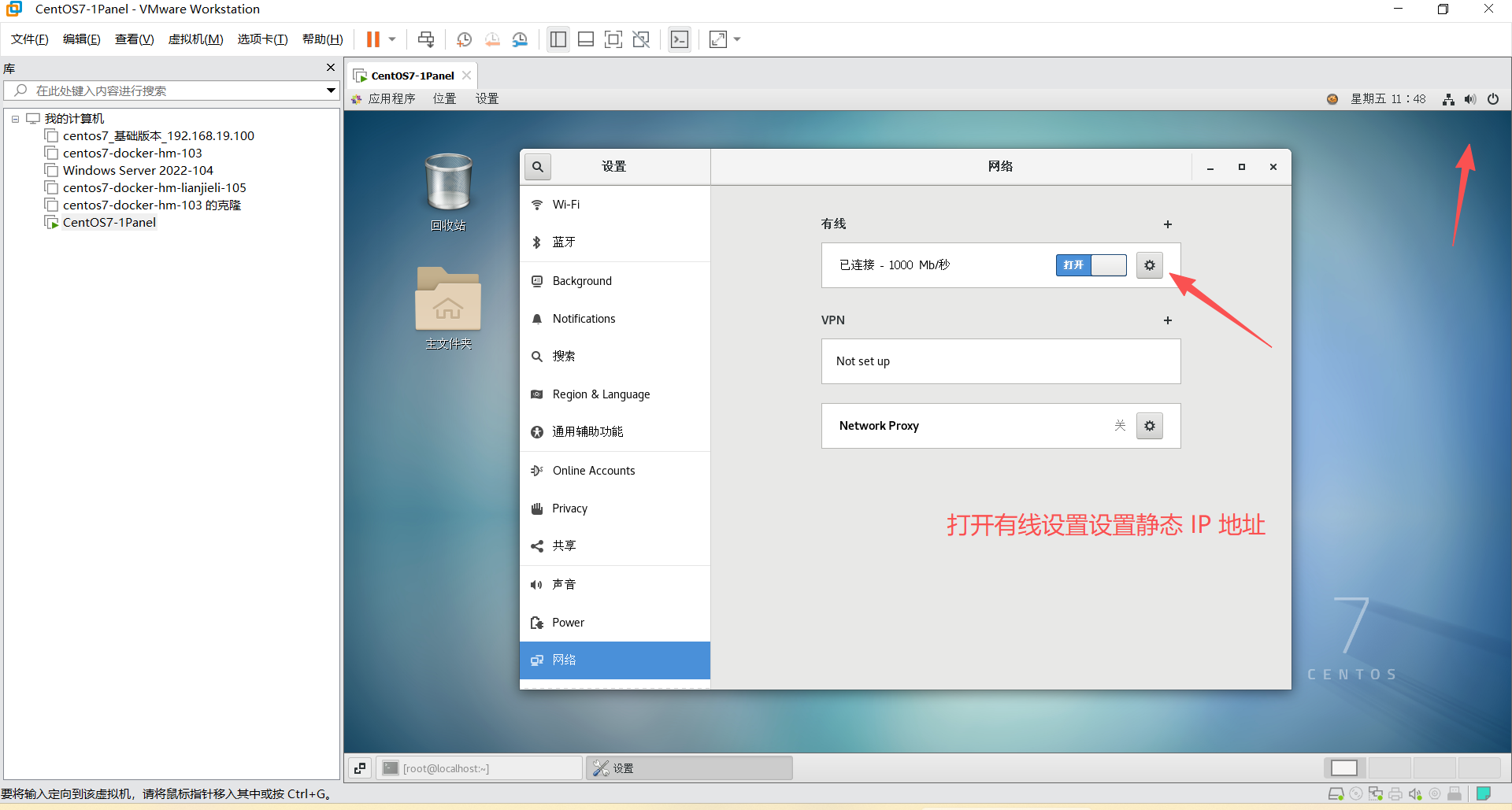
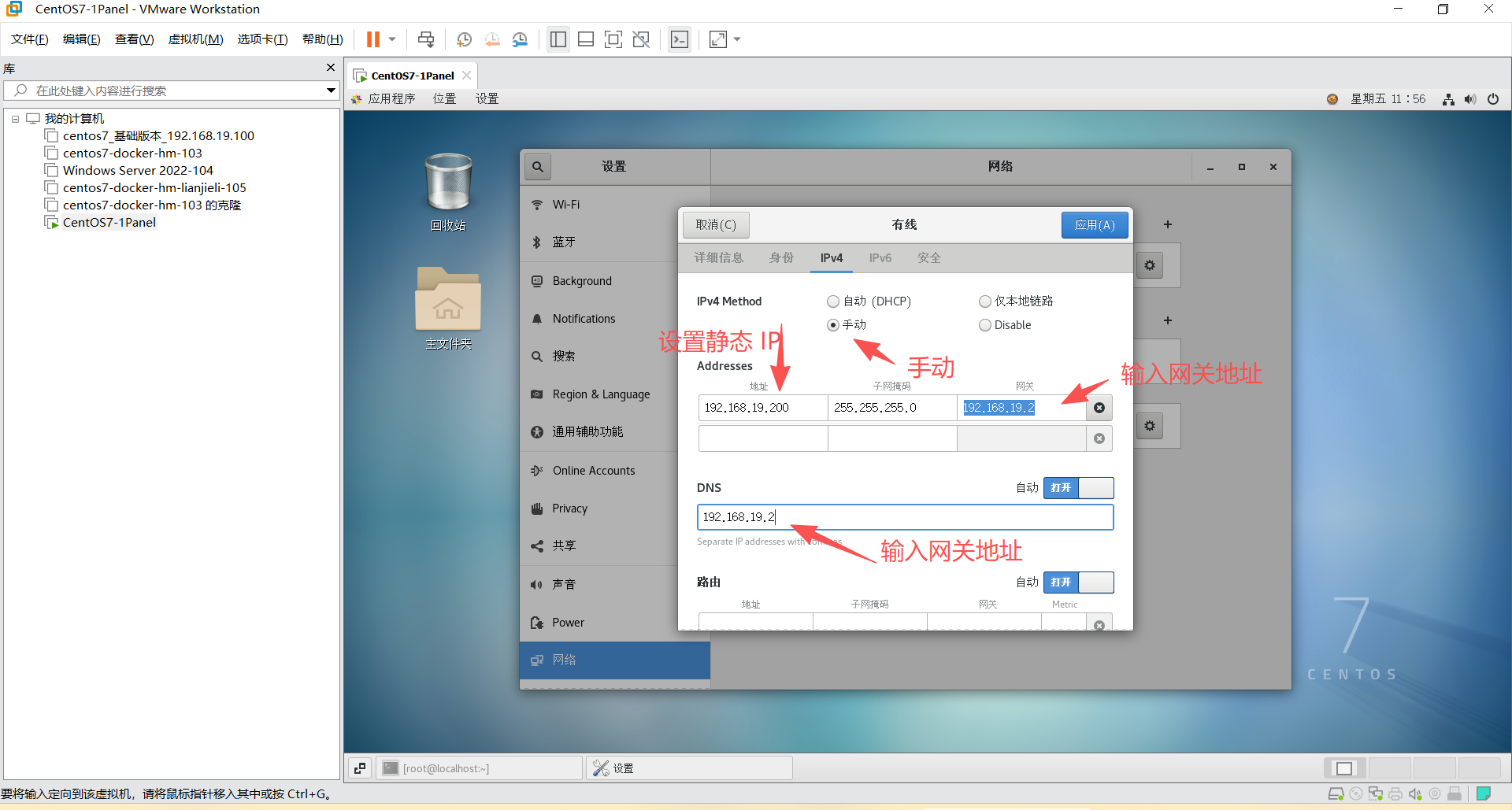
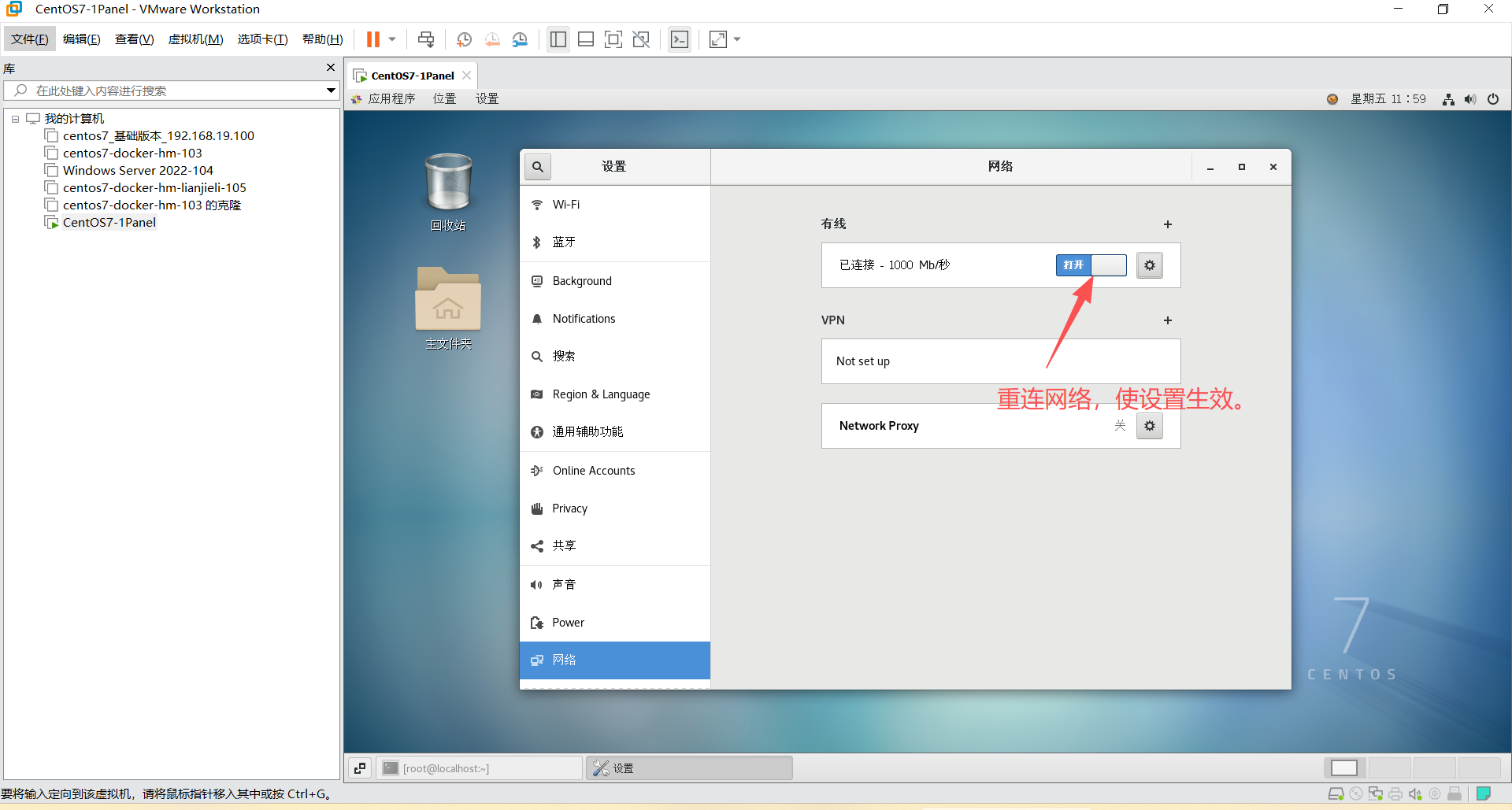
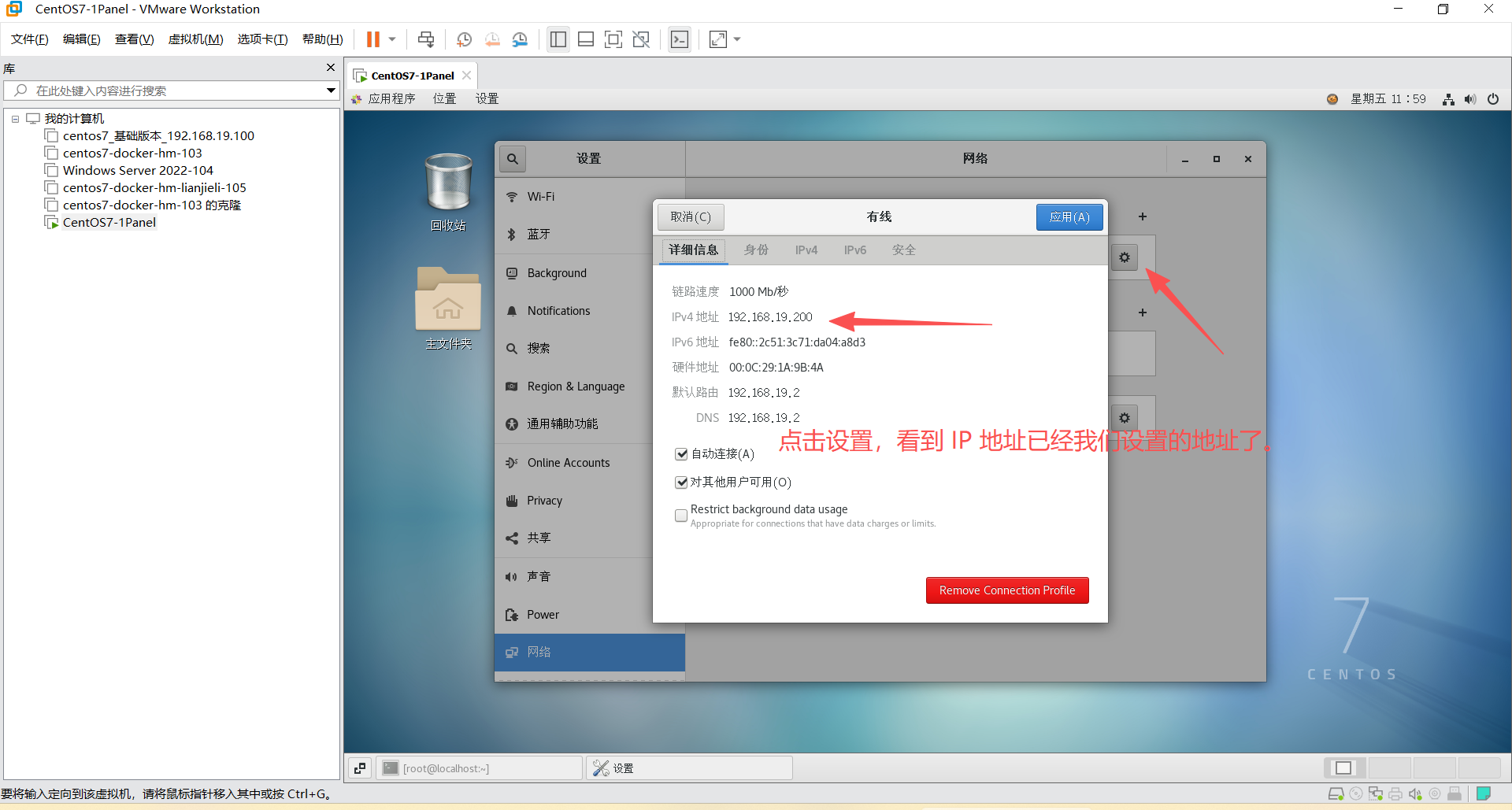
shell
hostnamectl set-hostname server01 --static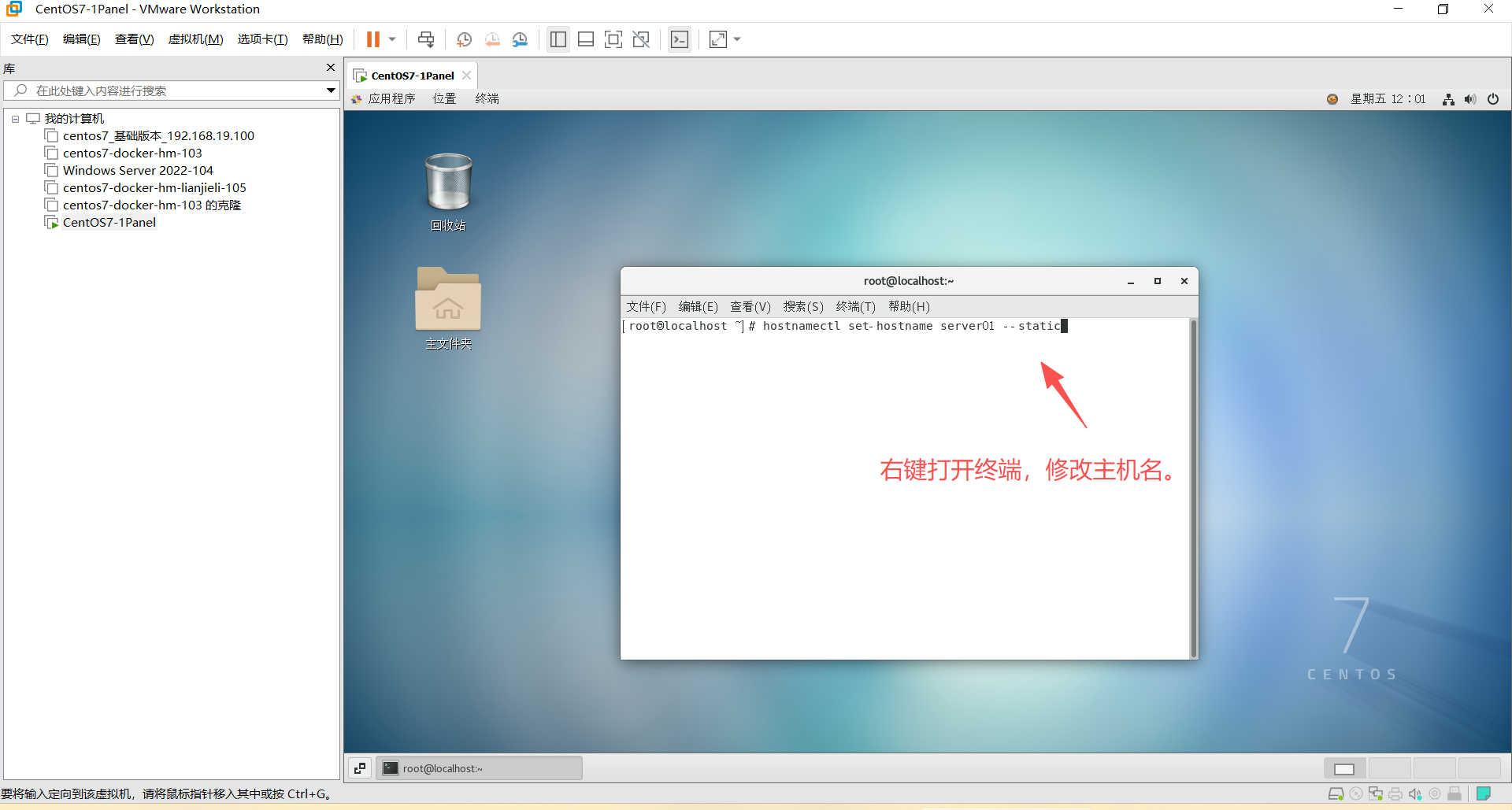
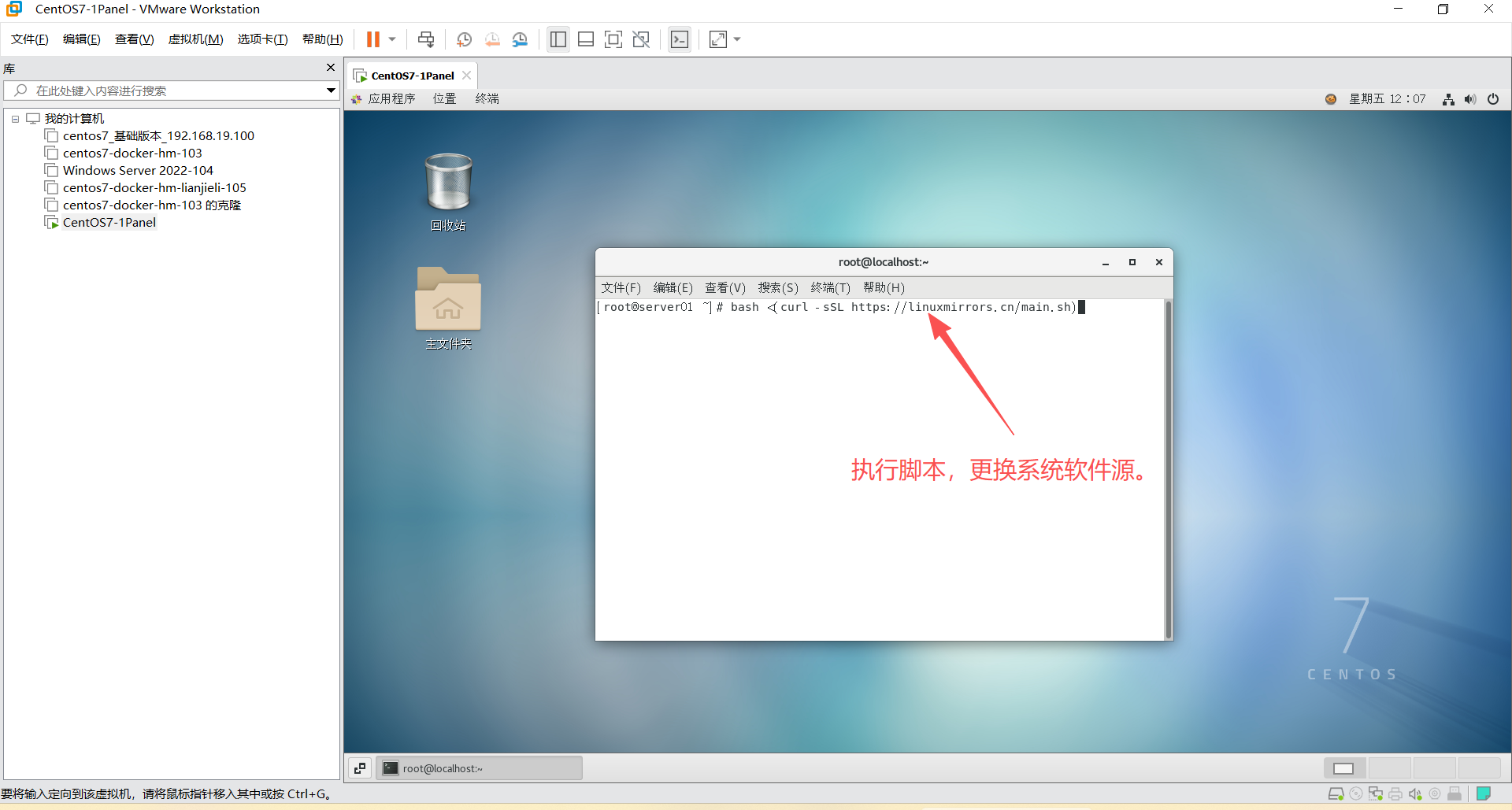
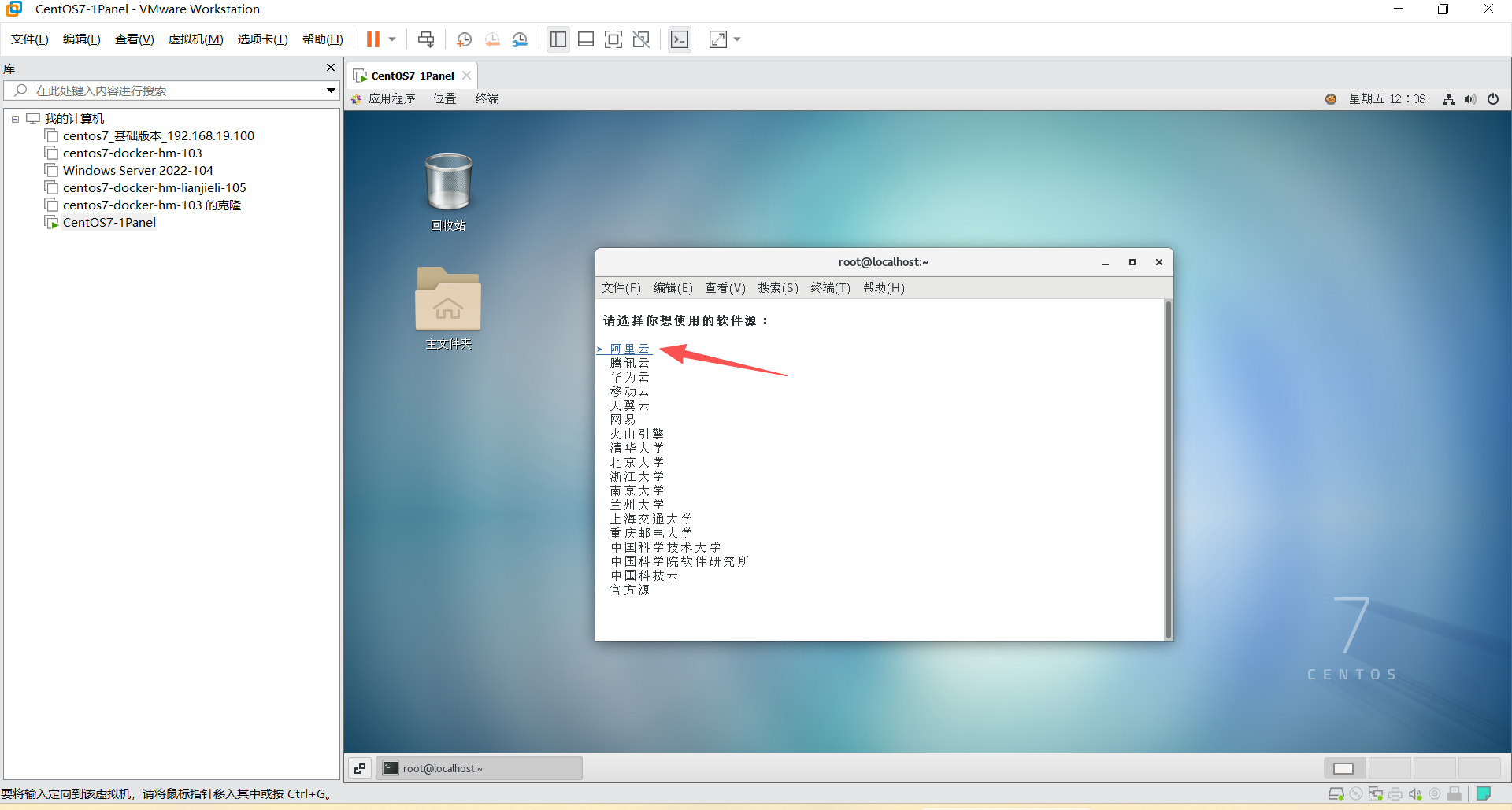
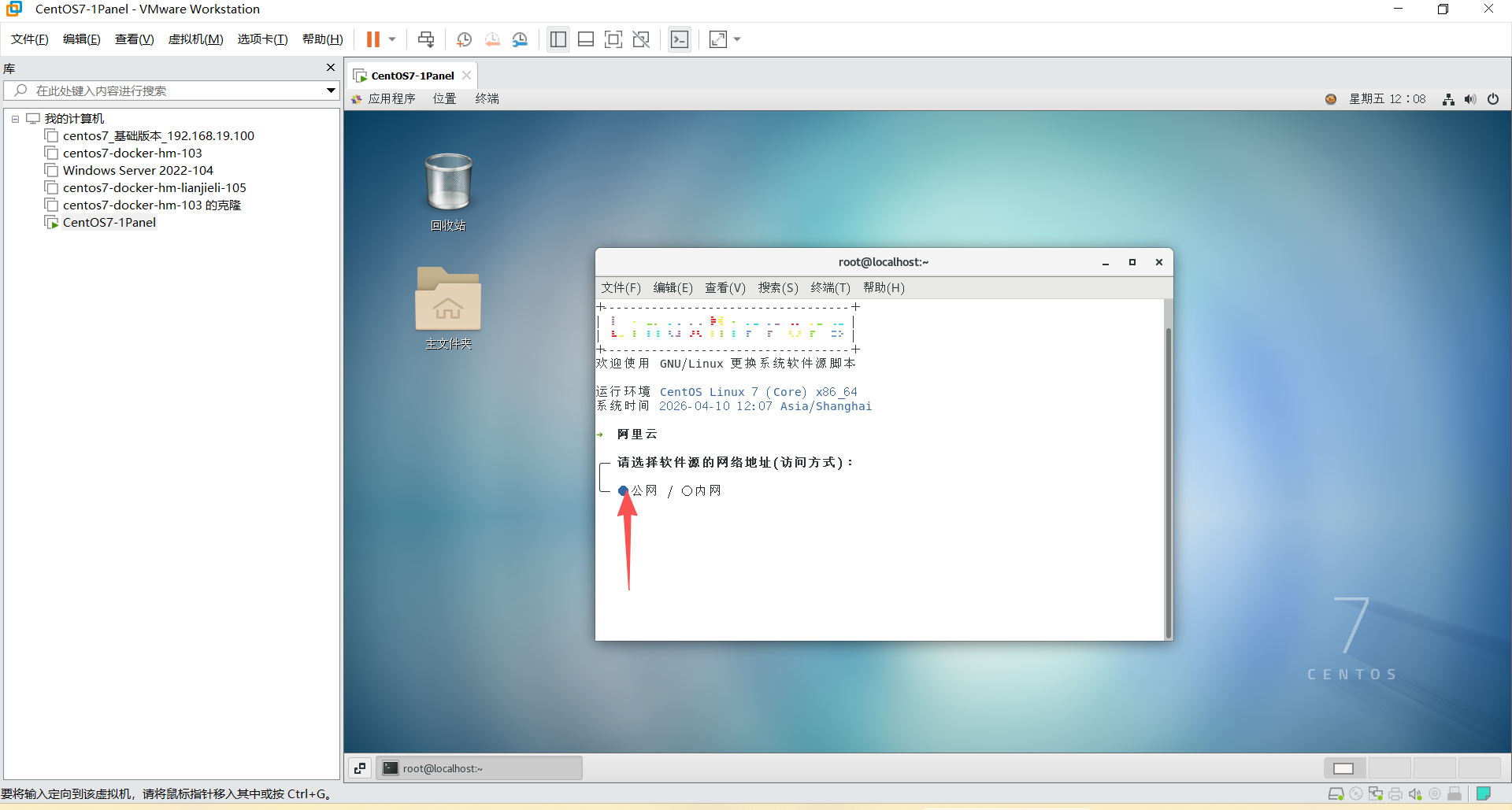
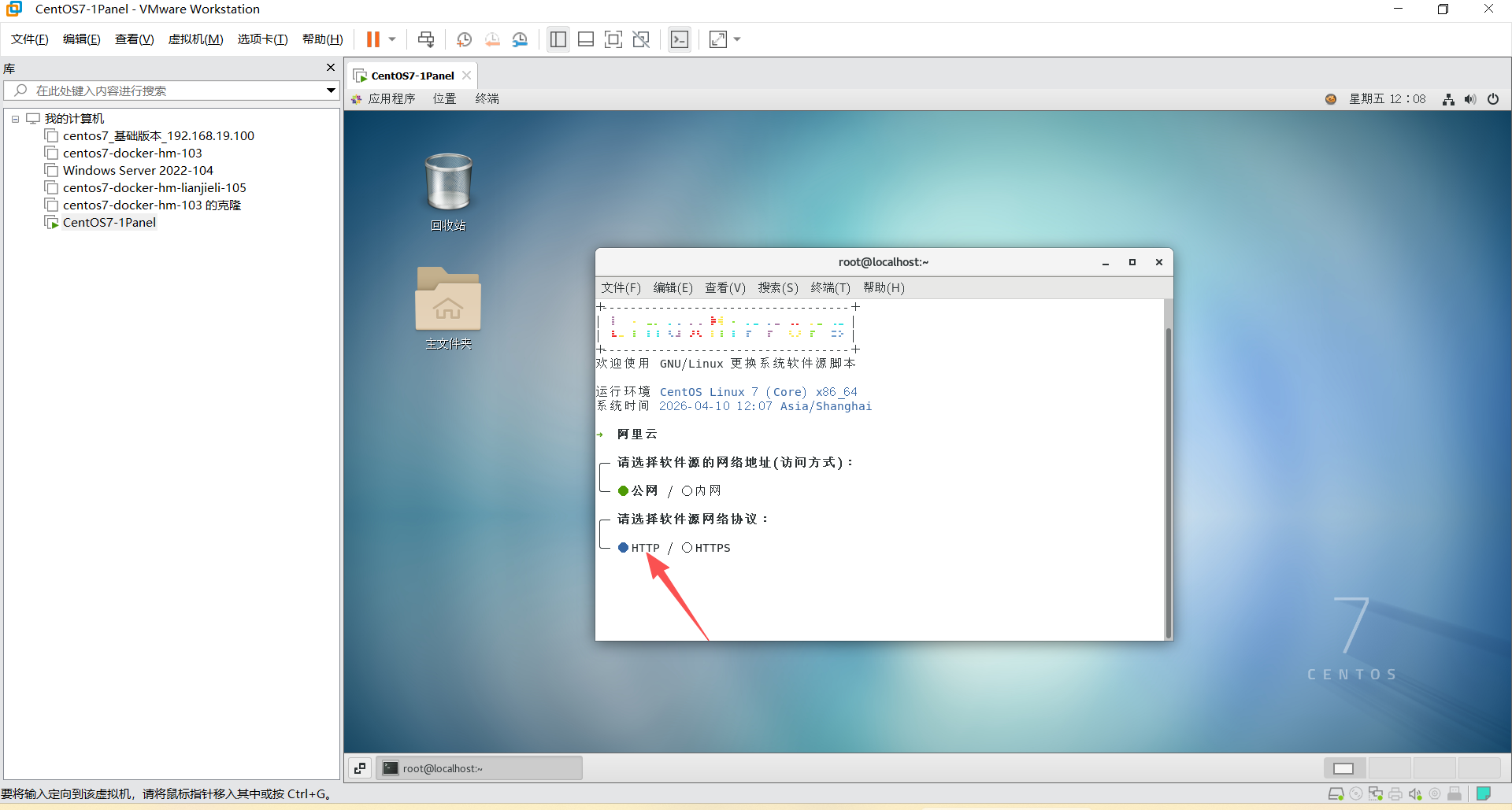
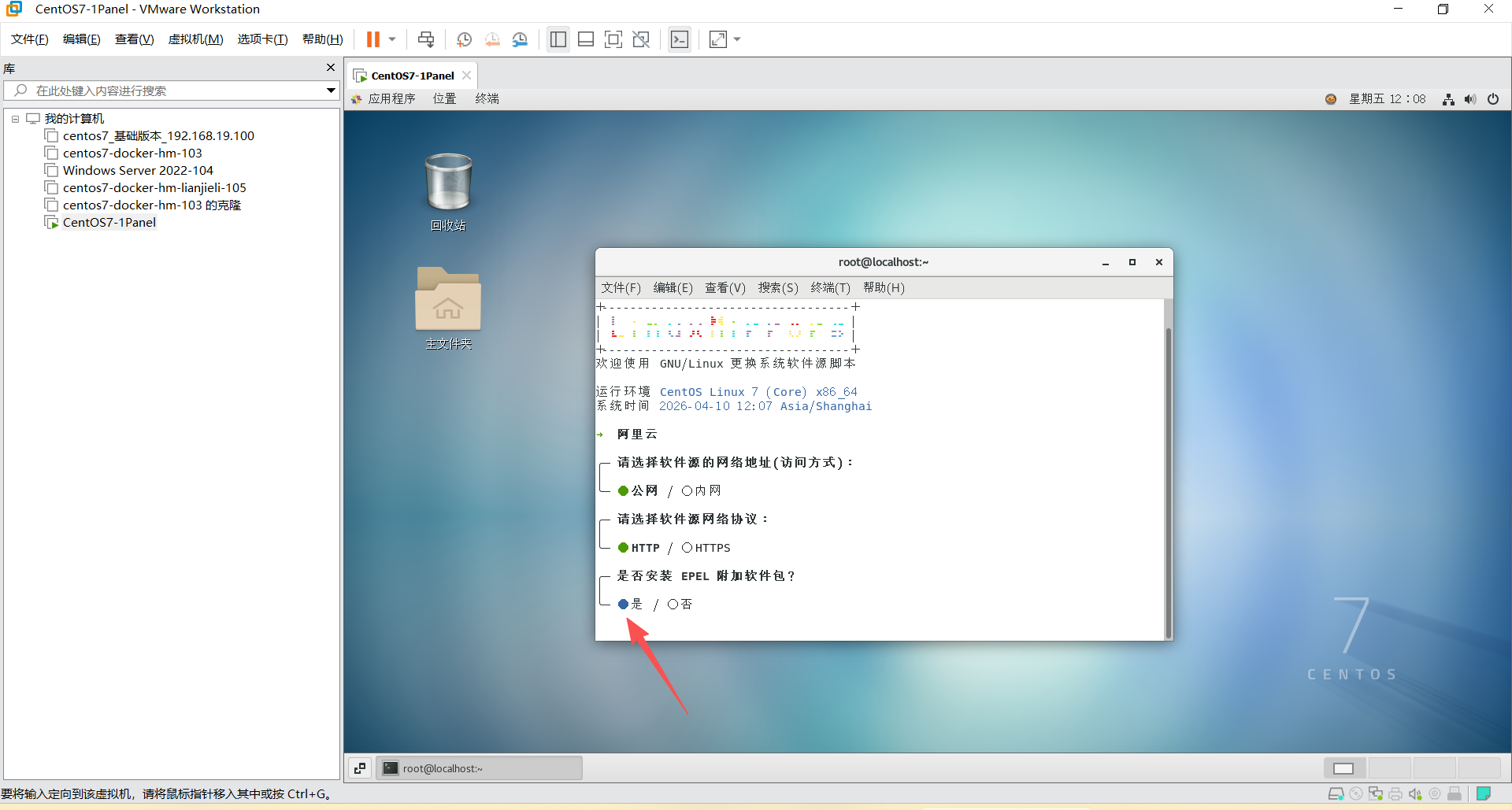
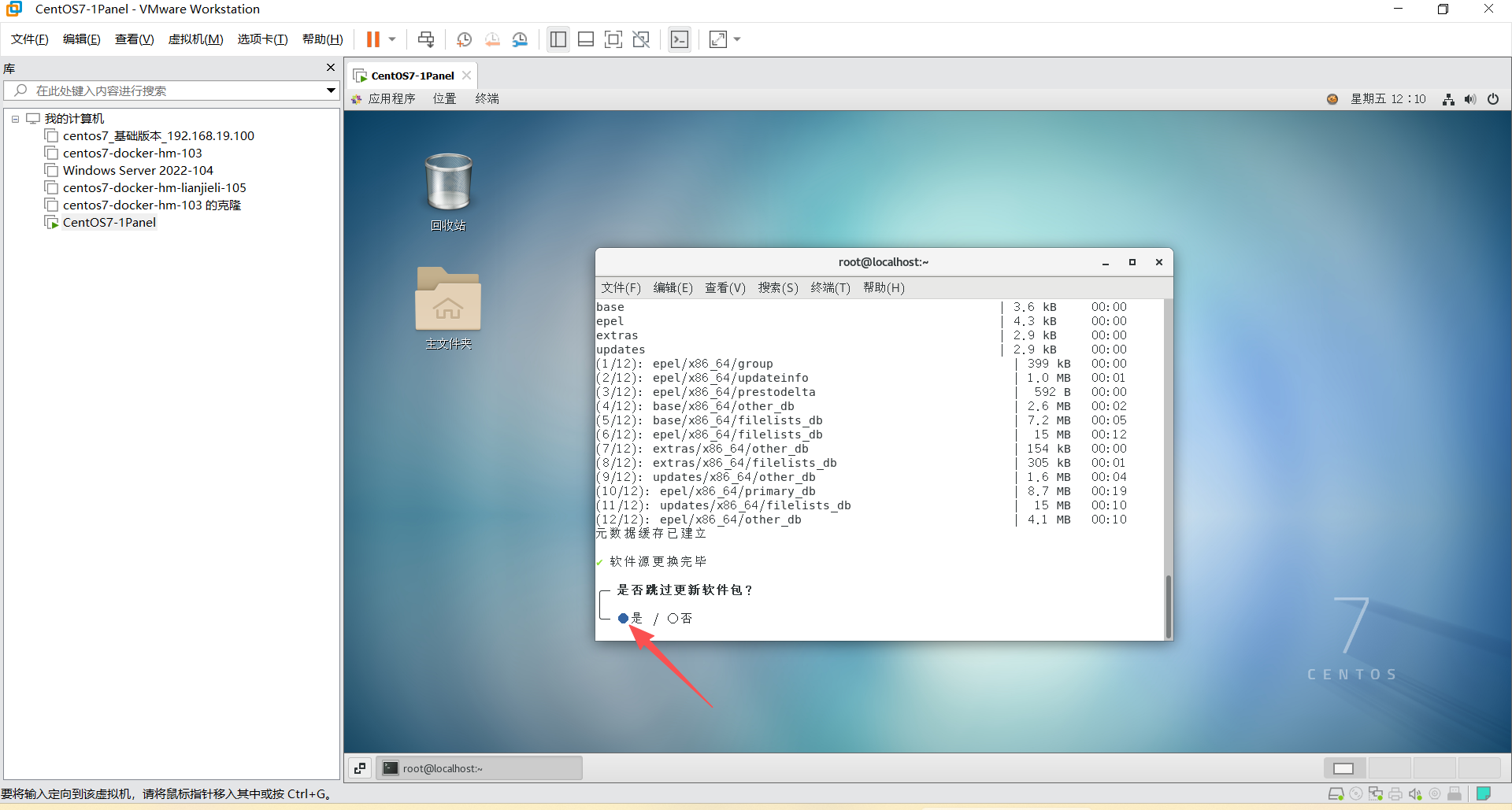
4、更换系统软件源
shell
# GNU/Linux 更换系统软件源
bash <(curl -sSL https://linuxmirrors.cn/main.sh)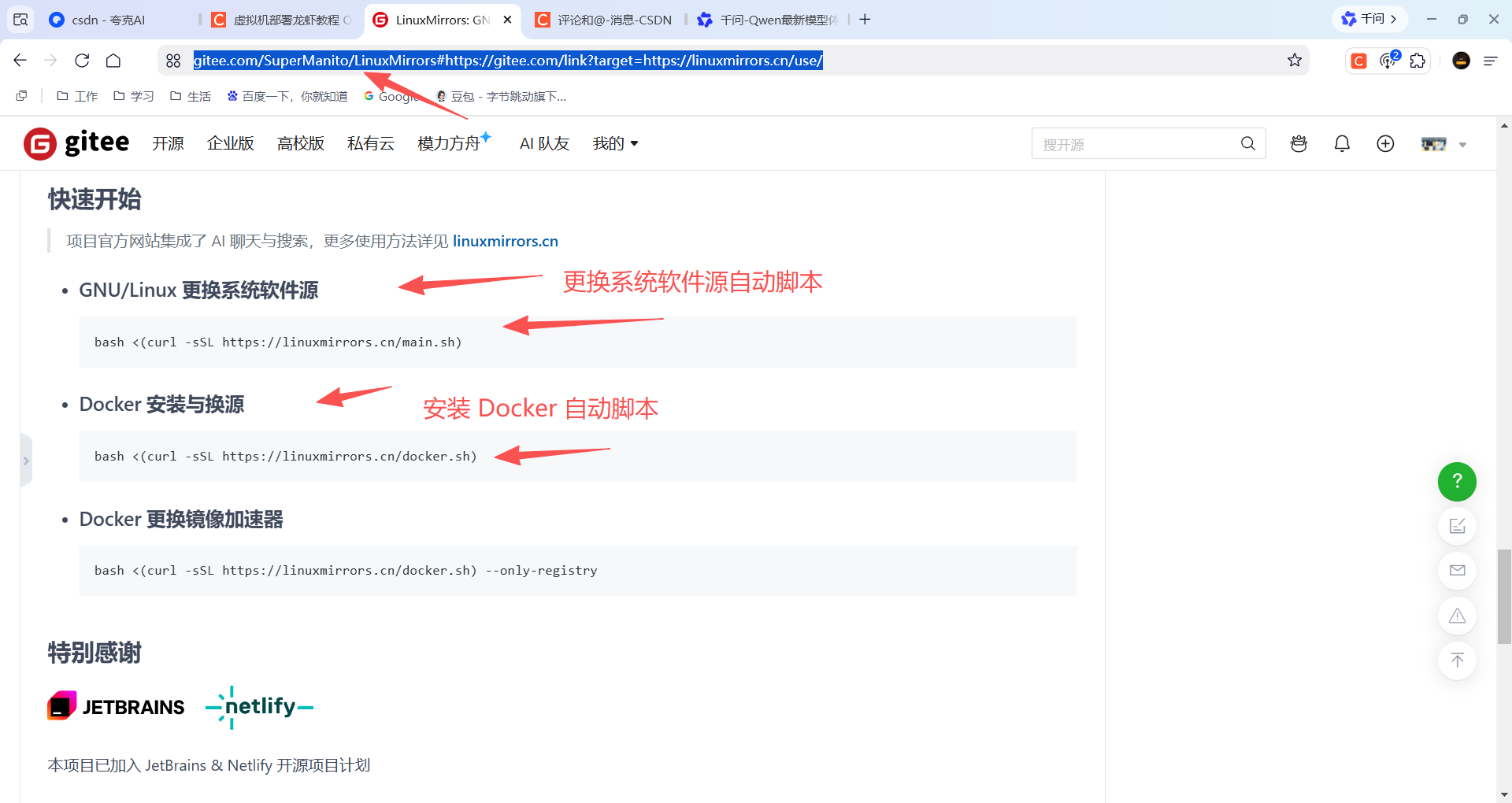
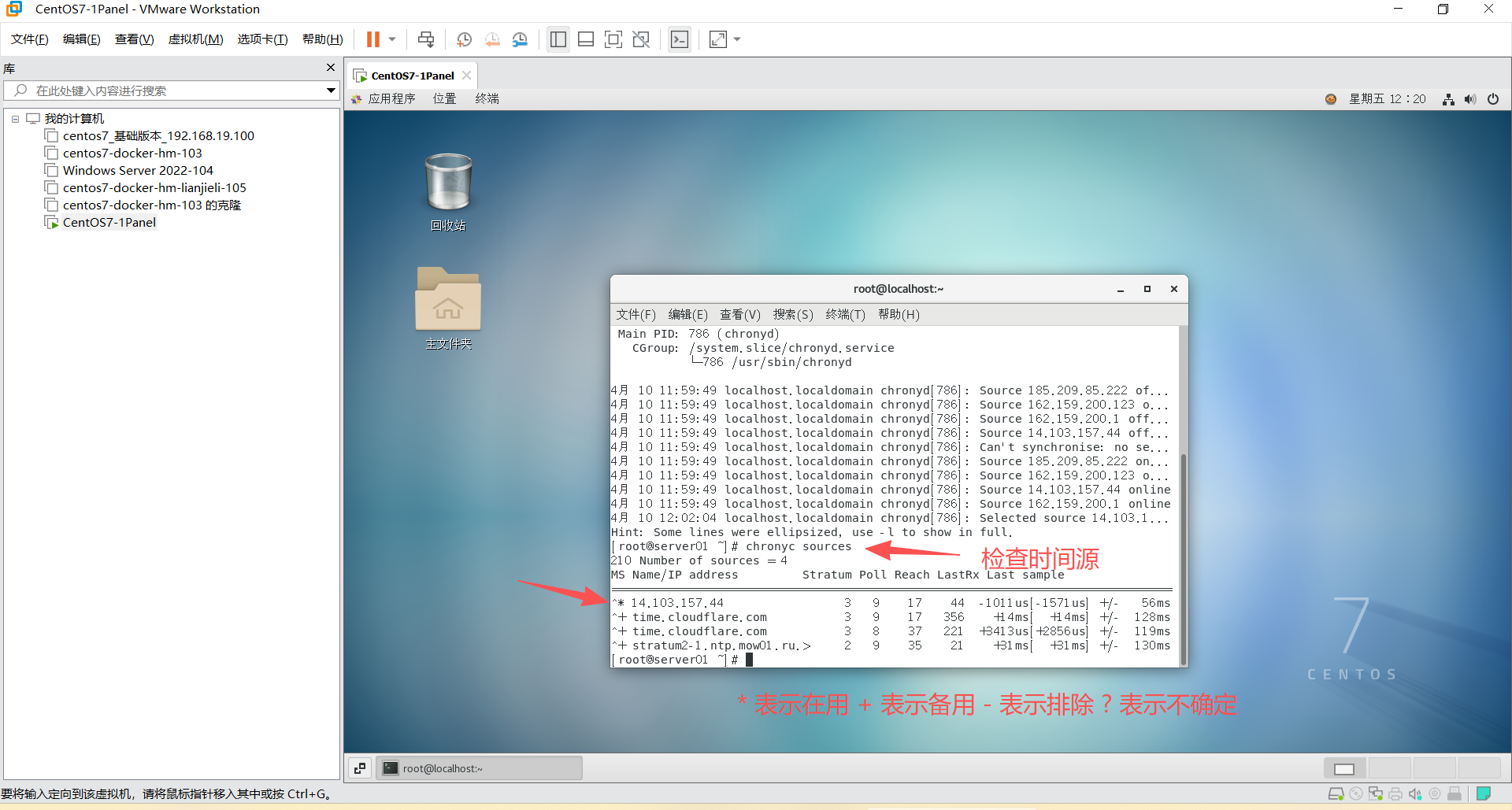
5、安装时间同步工具
shell
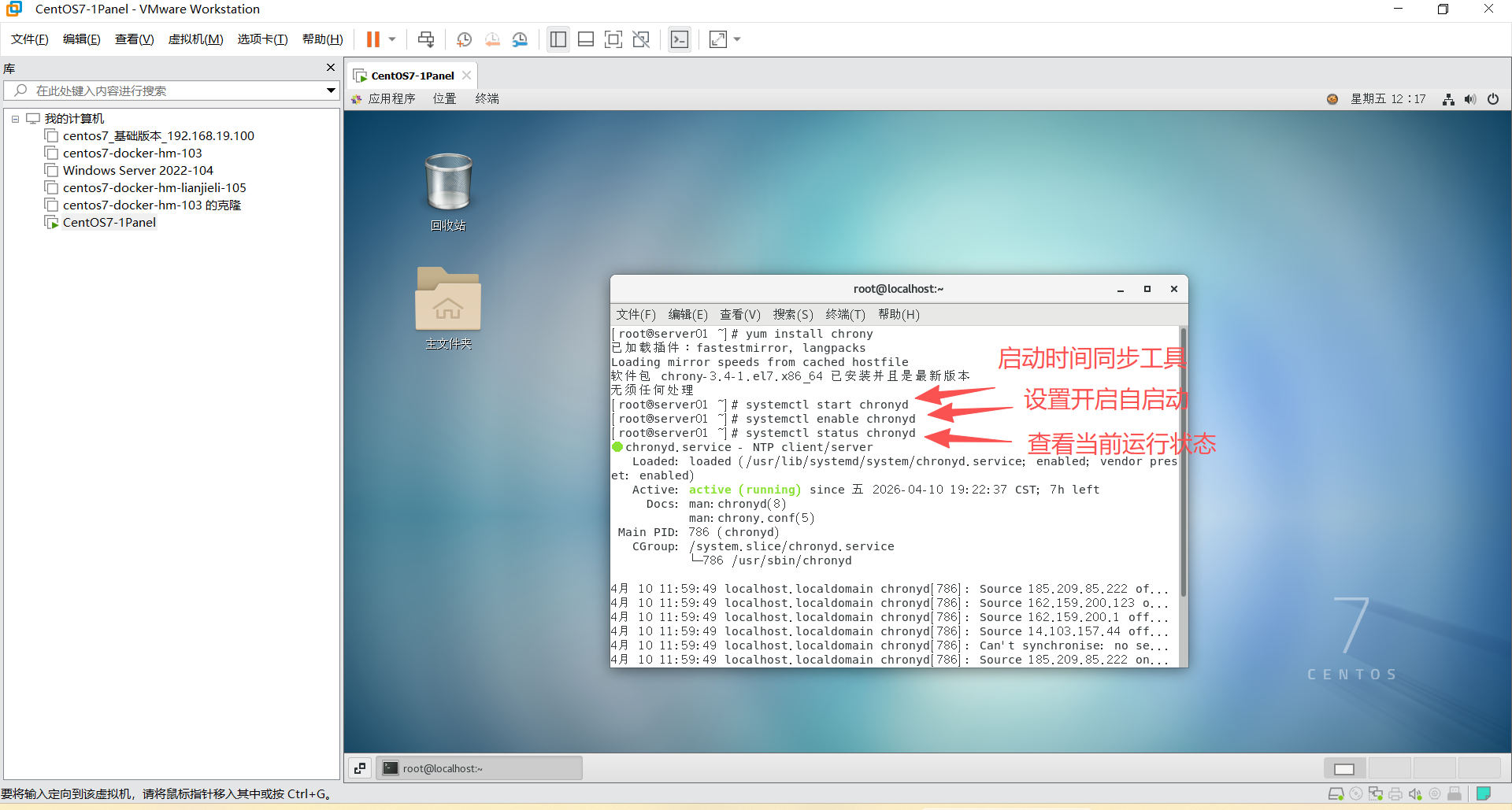
yum install chrony #安装
systemctl start chronyd #启动
systemctl enable chronyd #开机自启动
systemctl status chronyd #查看状态
chronyc sources #查看时间源服务地址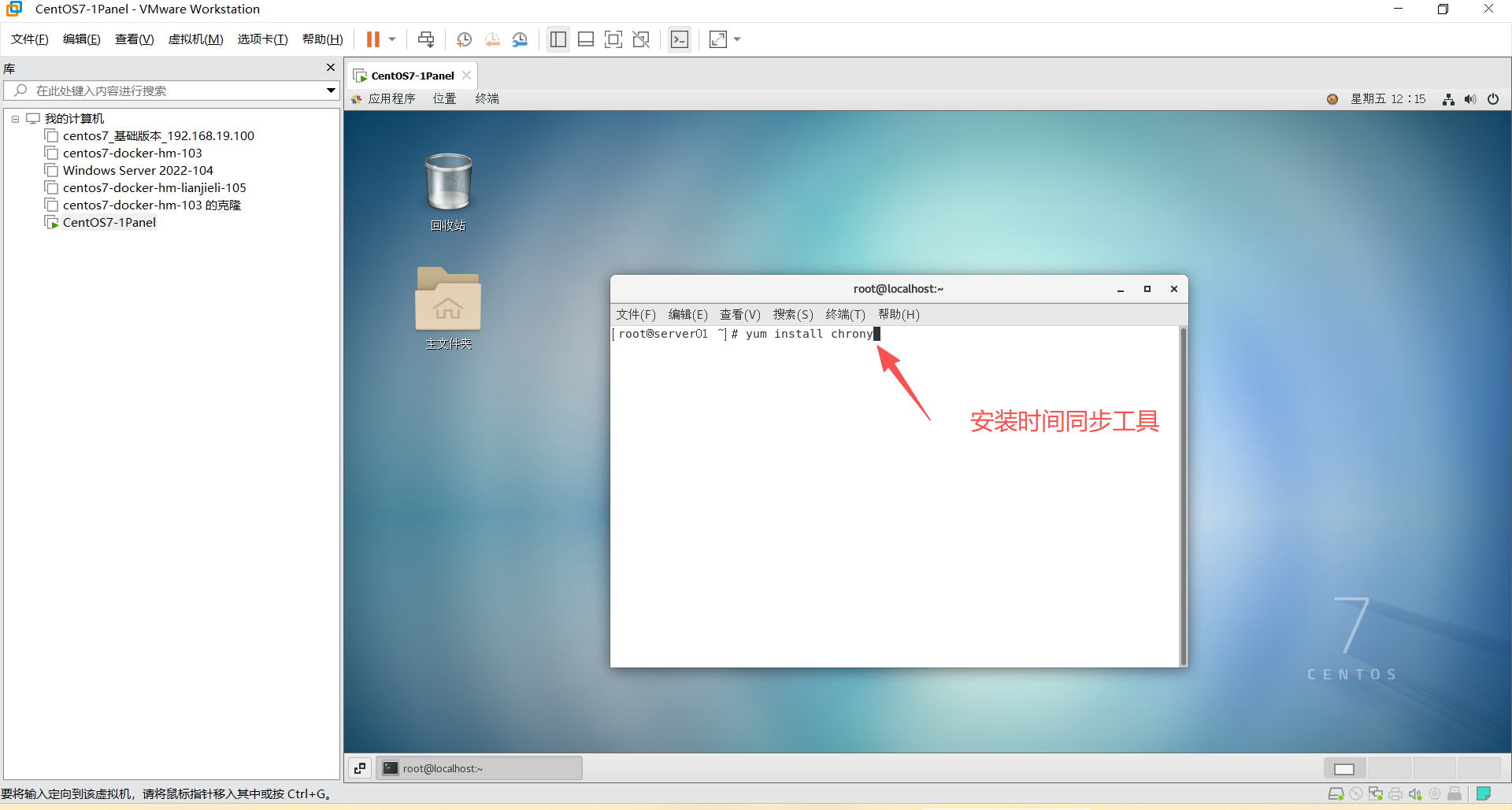
6、关闭防火墙和 SELinux
shell
systemctl stop firewalld #关闭防火墙
systemctl disable firewalld #禁止开机启动
shell
vim /etc/selinux/config #编辑这个文件
# 修改 SELINUX=disabled
reboot # 重启服务
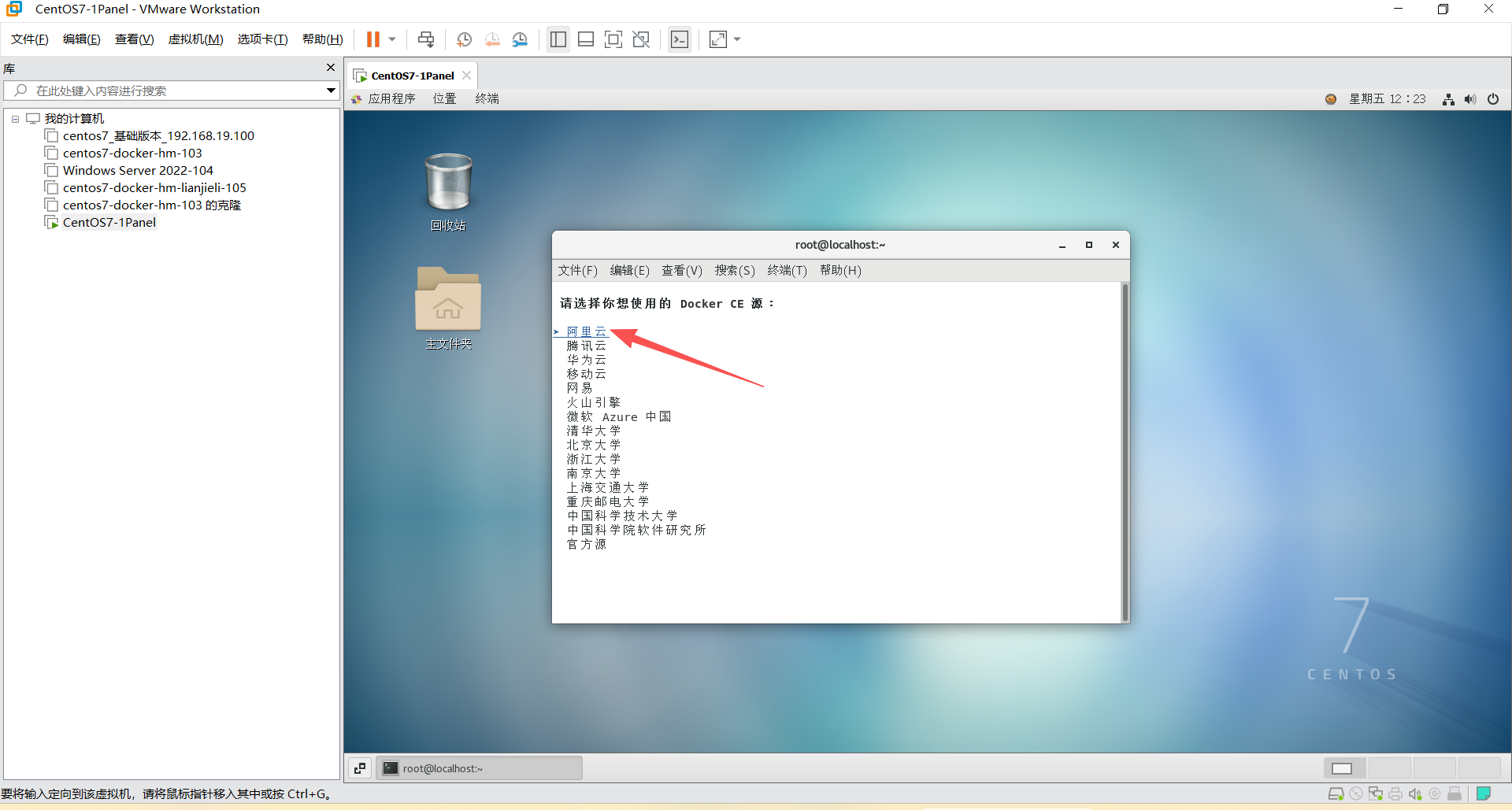
6、安装 Docker
shell
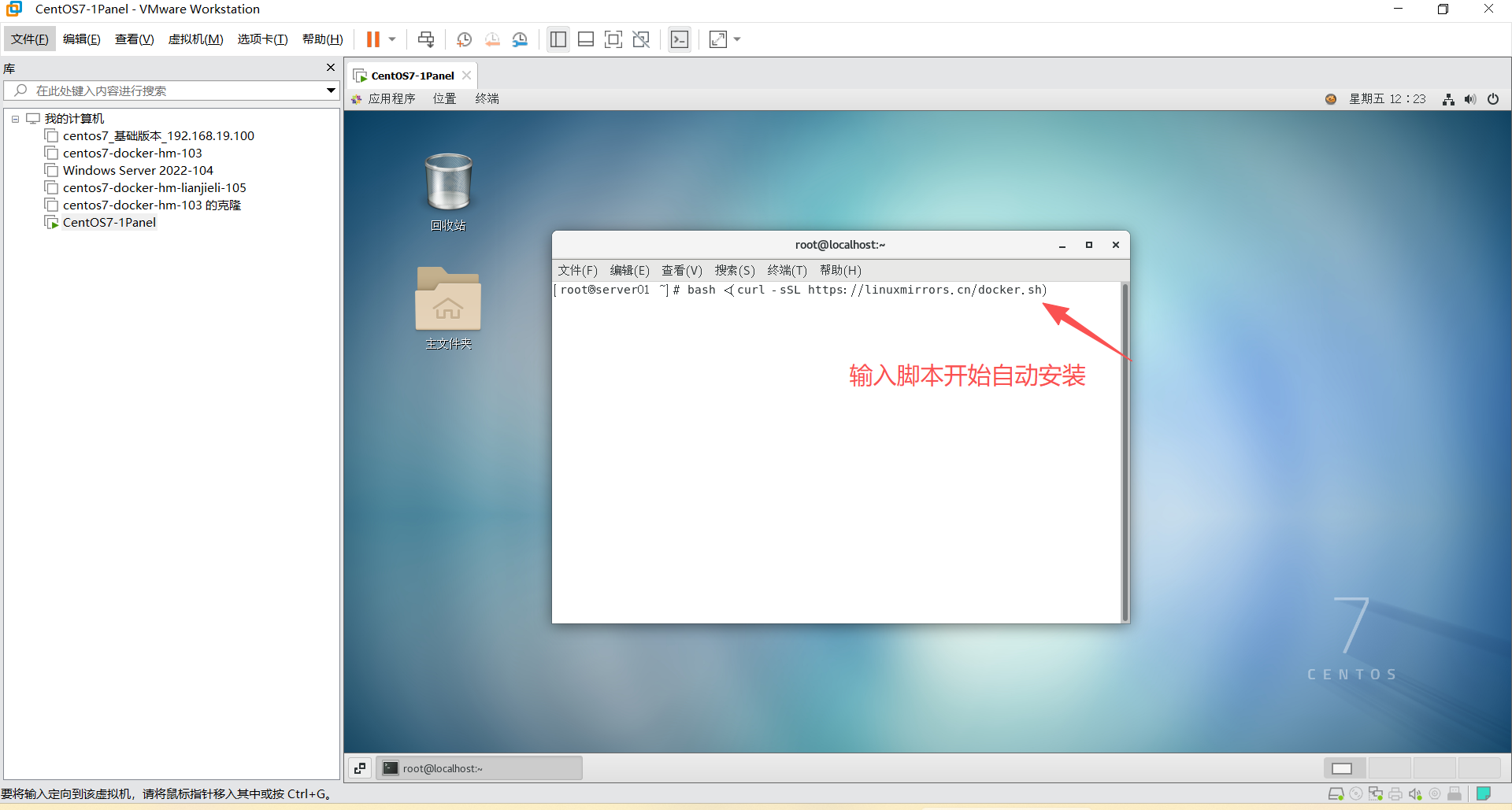
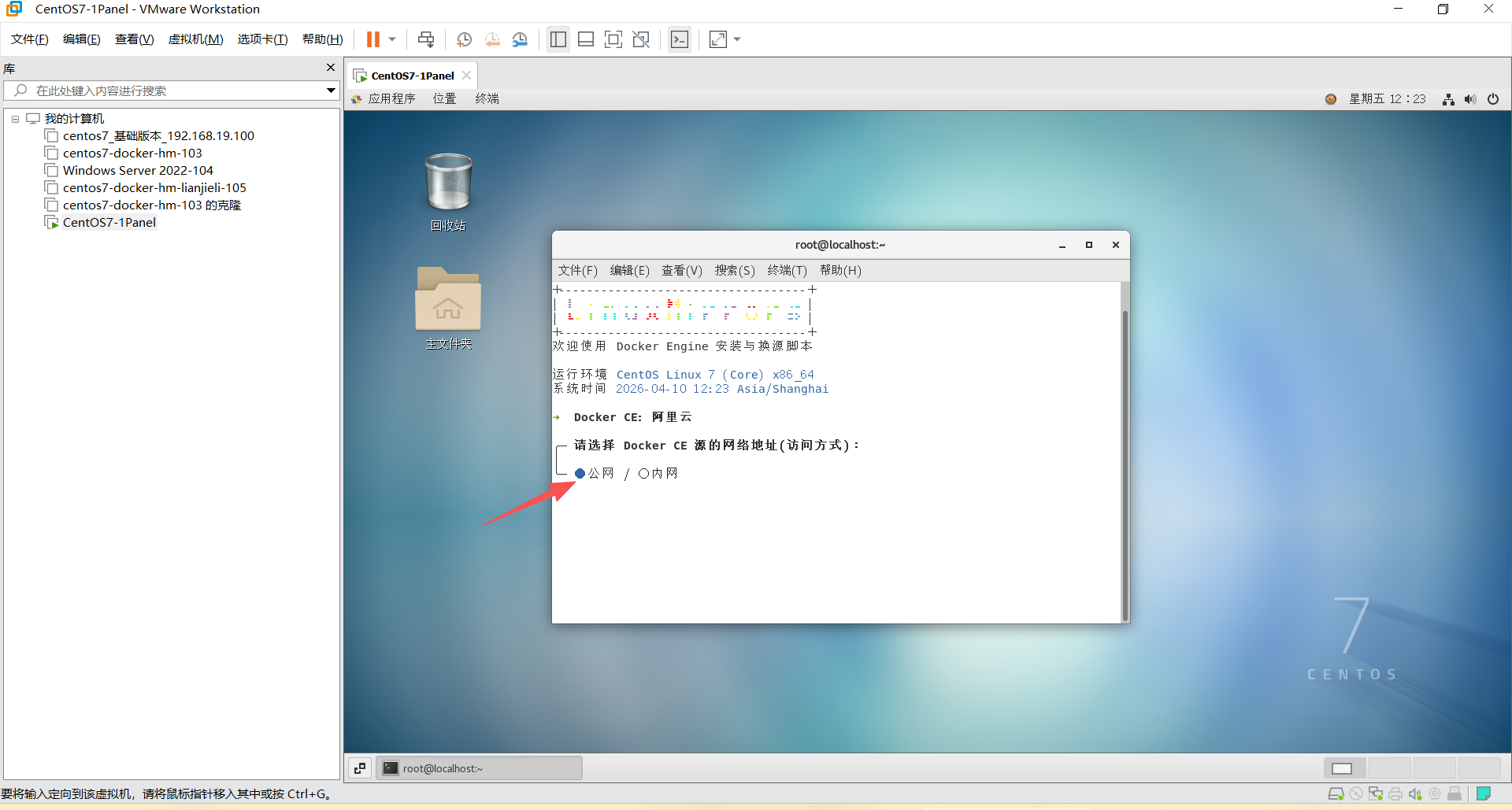
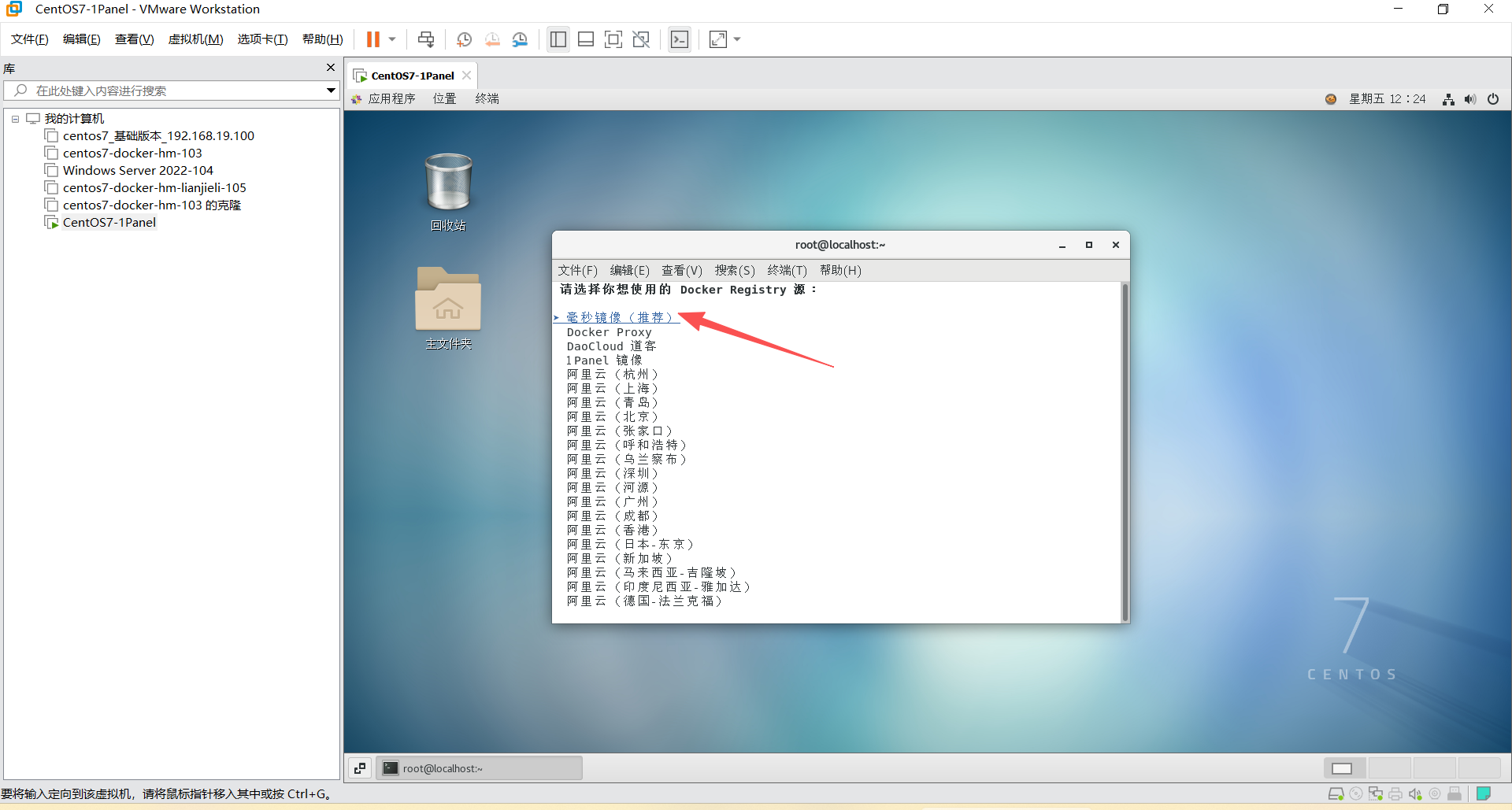
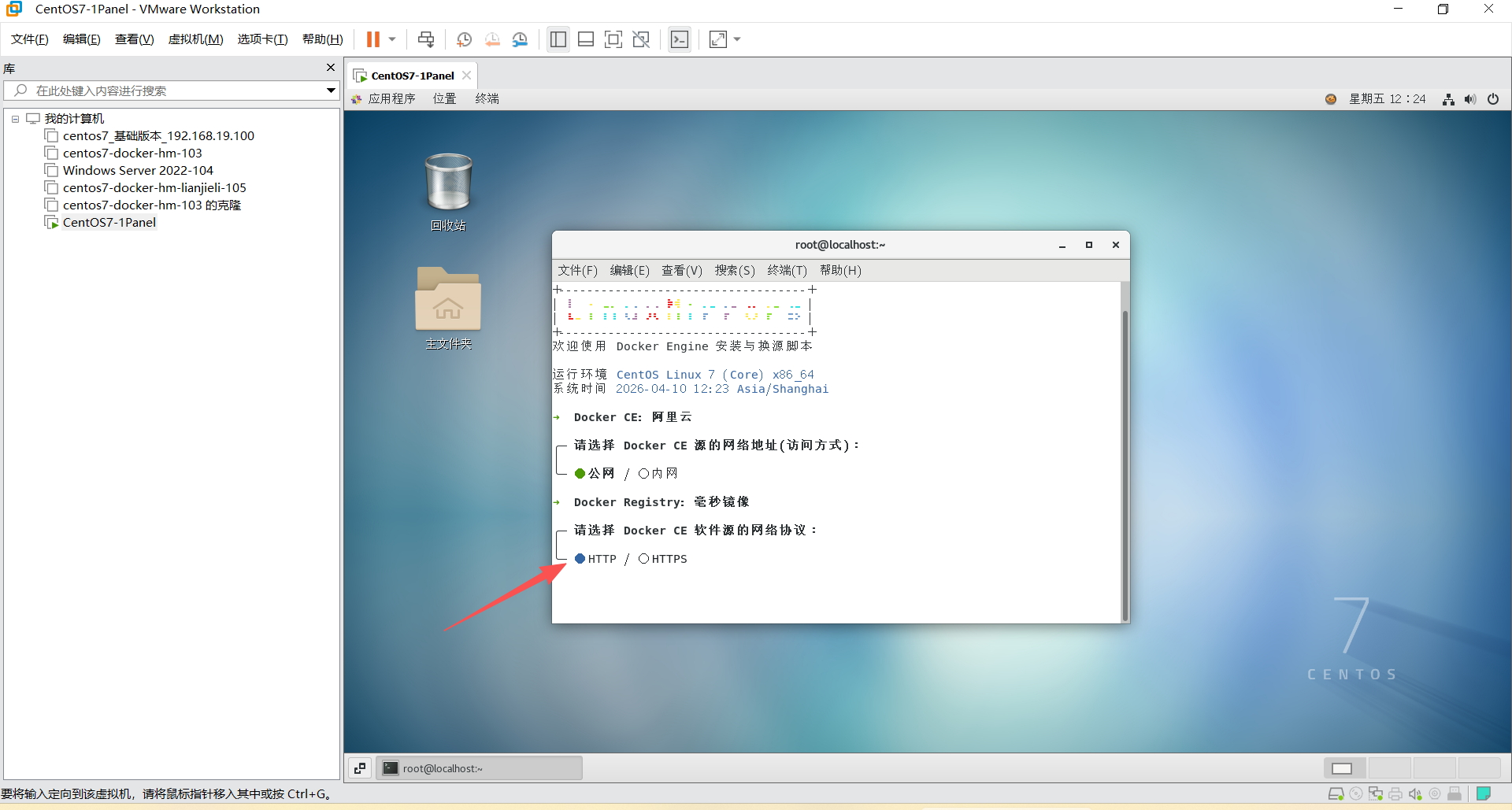
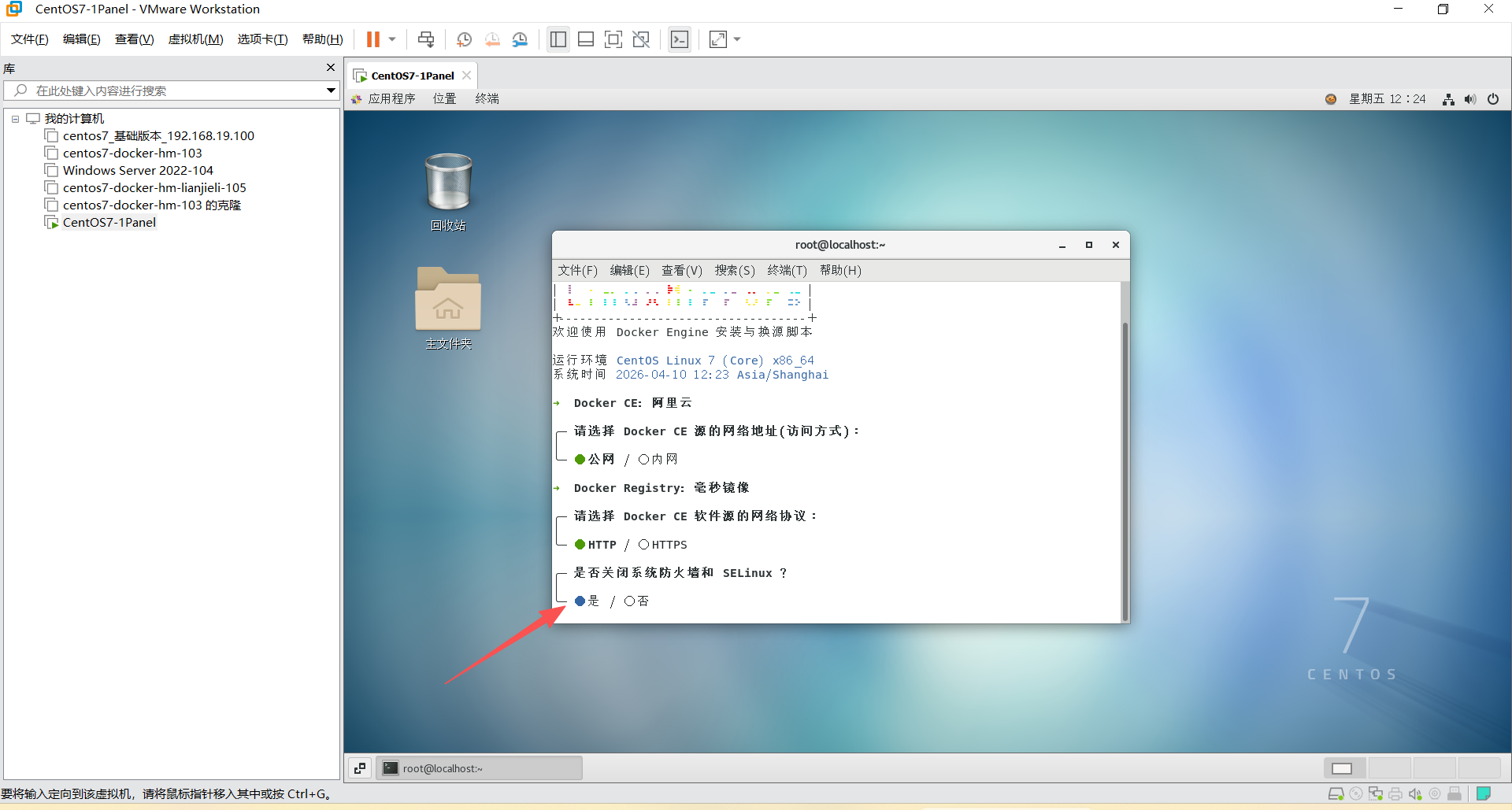
# Docker 安装与换源
bash <(curl -sSL https://linuxmirrors.cn/docker.sh)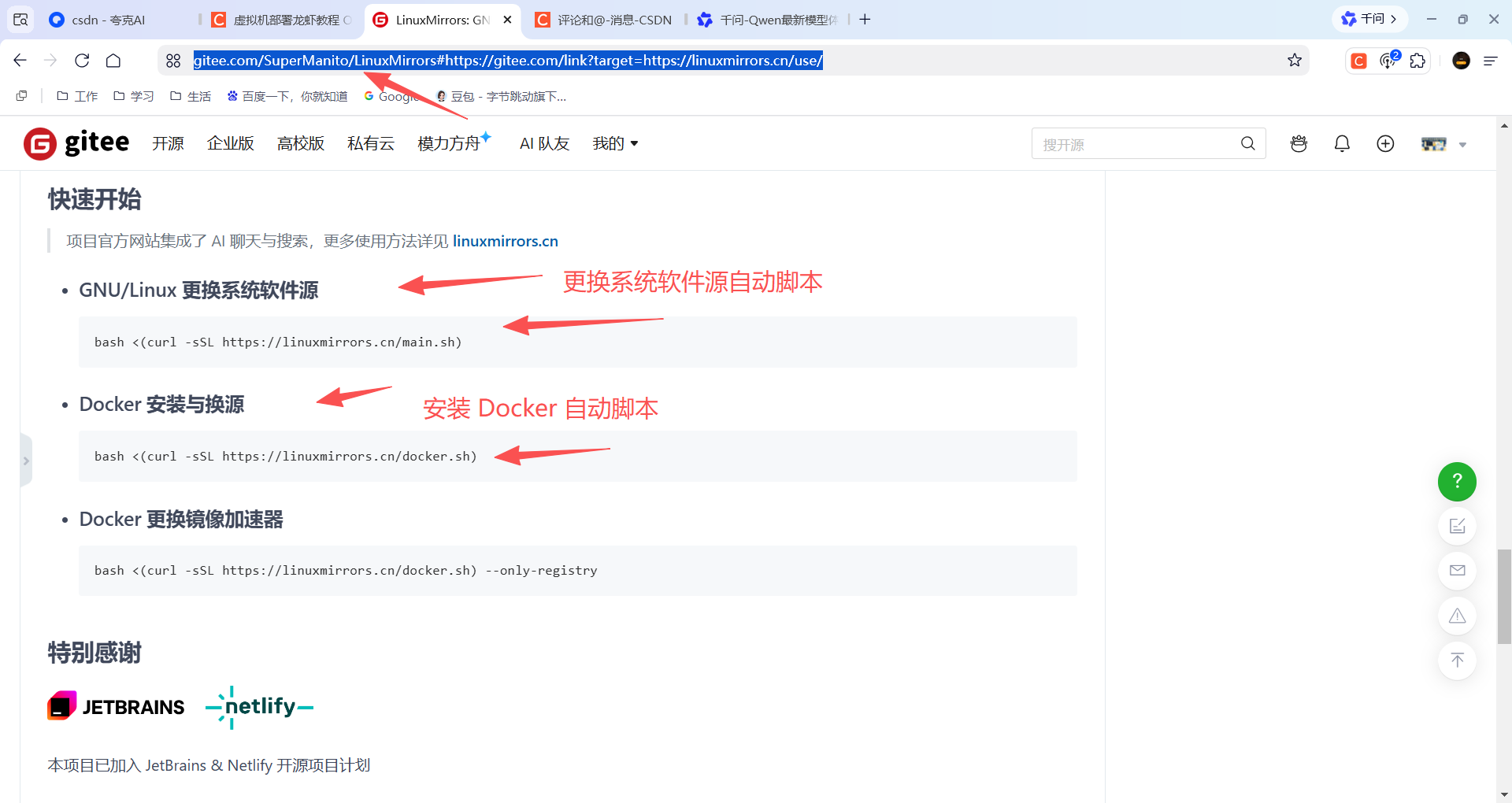
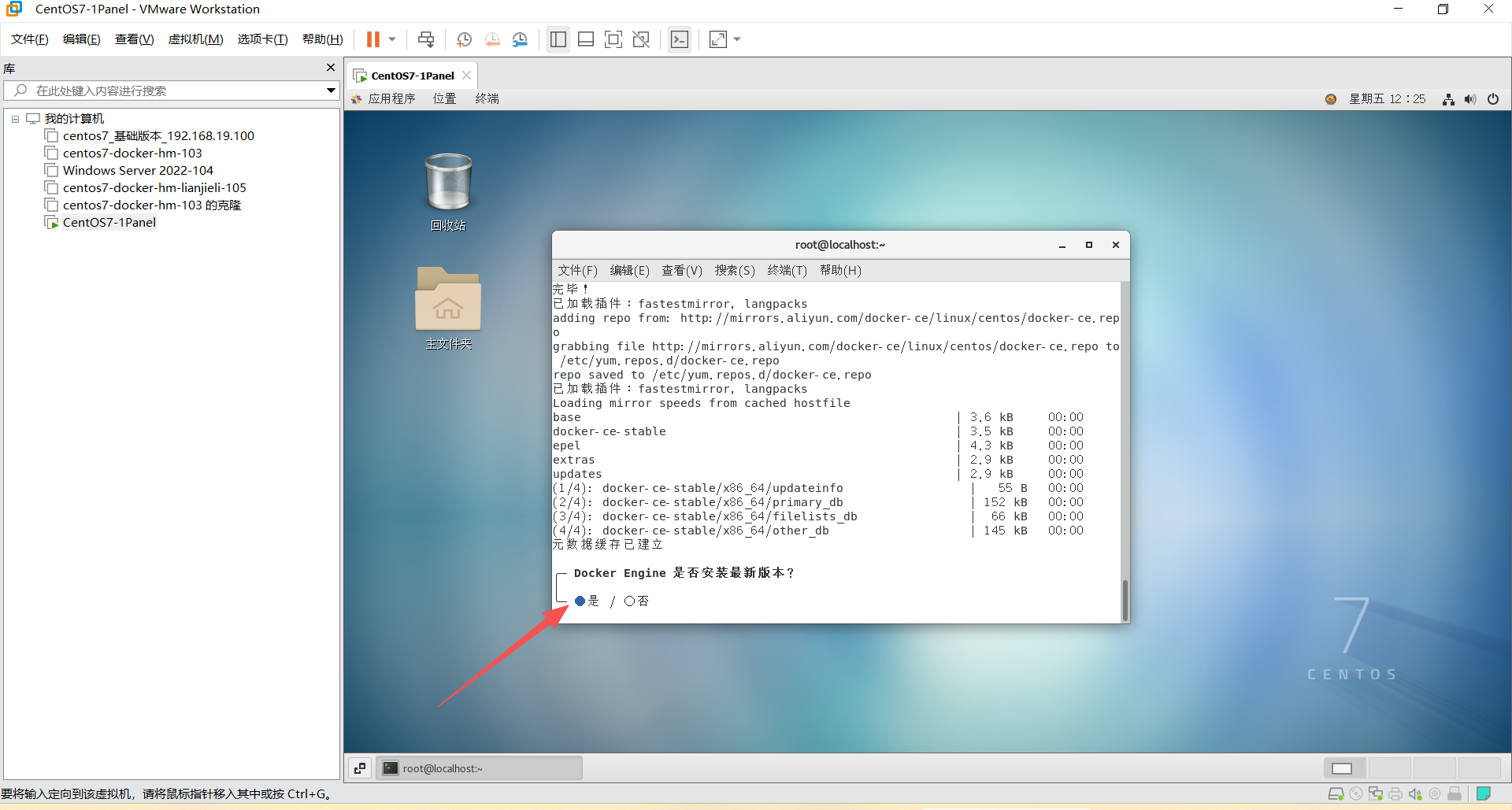
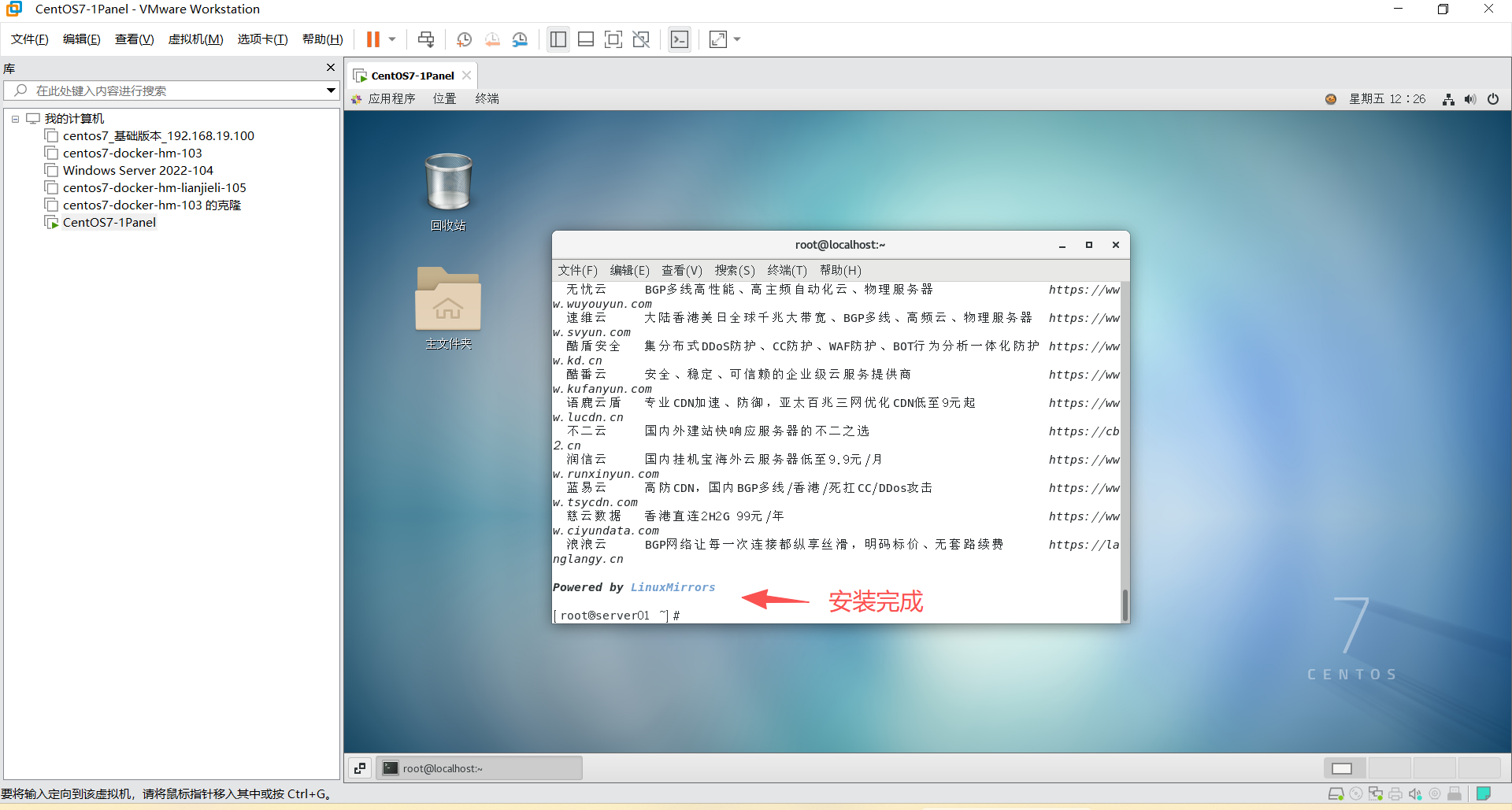
7、安装 1Panel 管理面板
https://1panel.cn/docs/v2/installation/online_installation/#1
shell
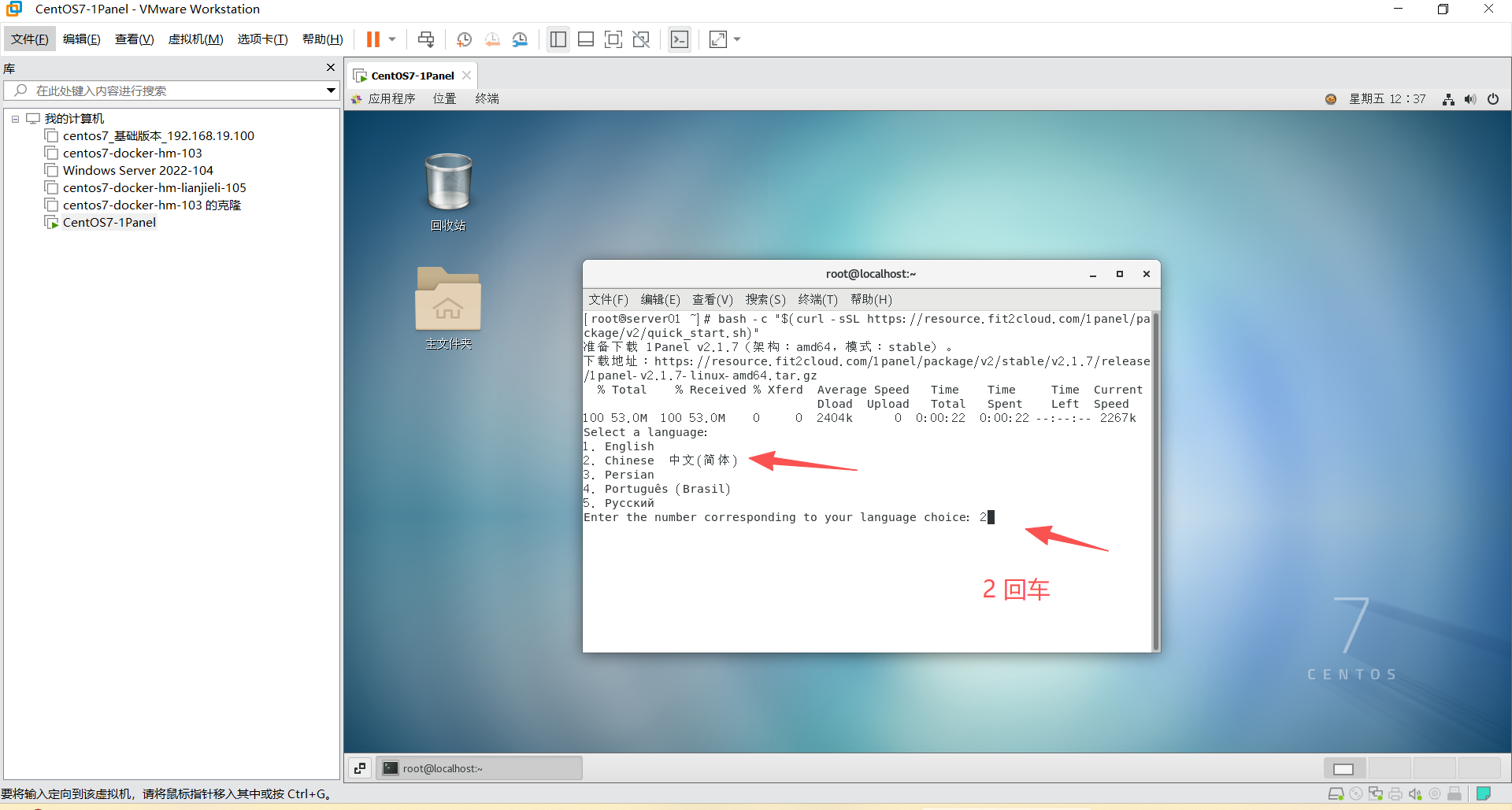
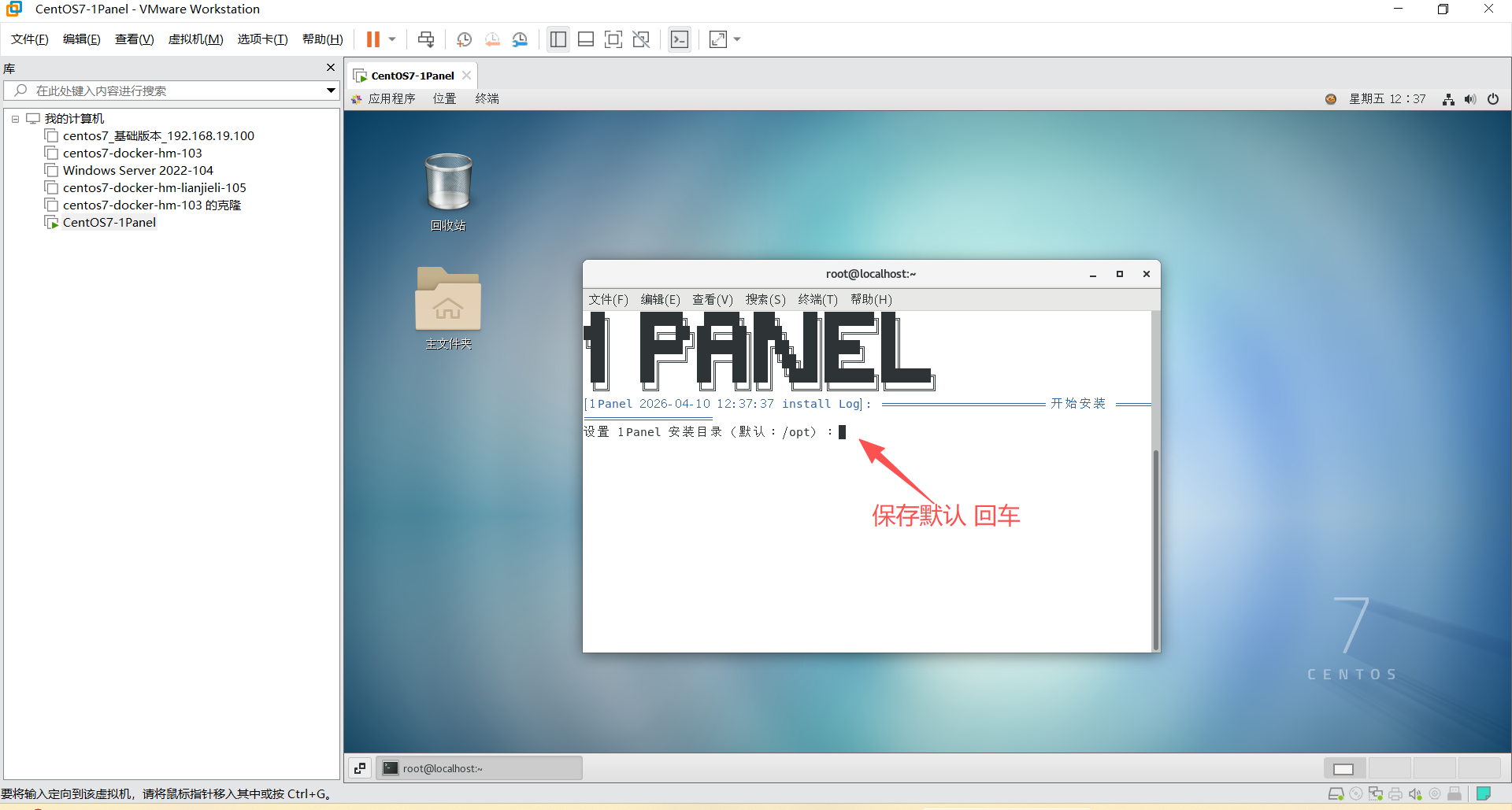
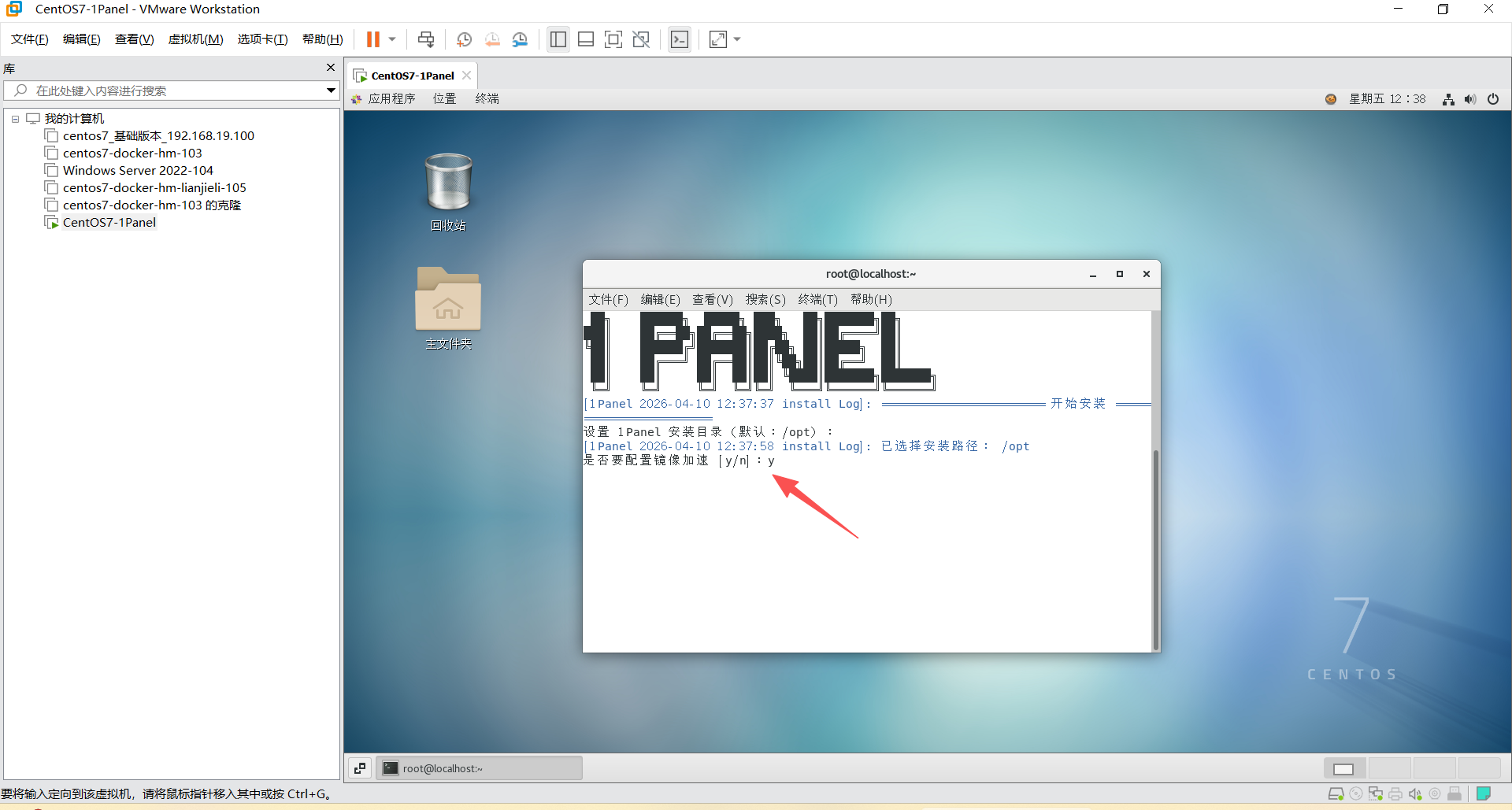
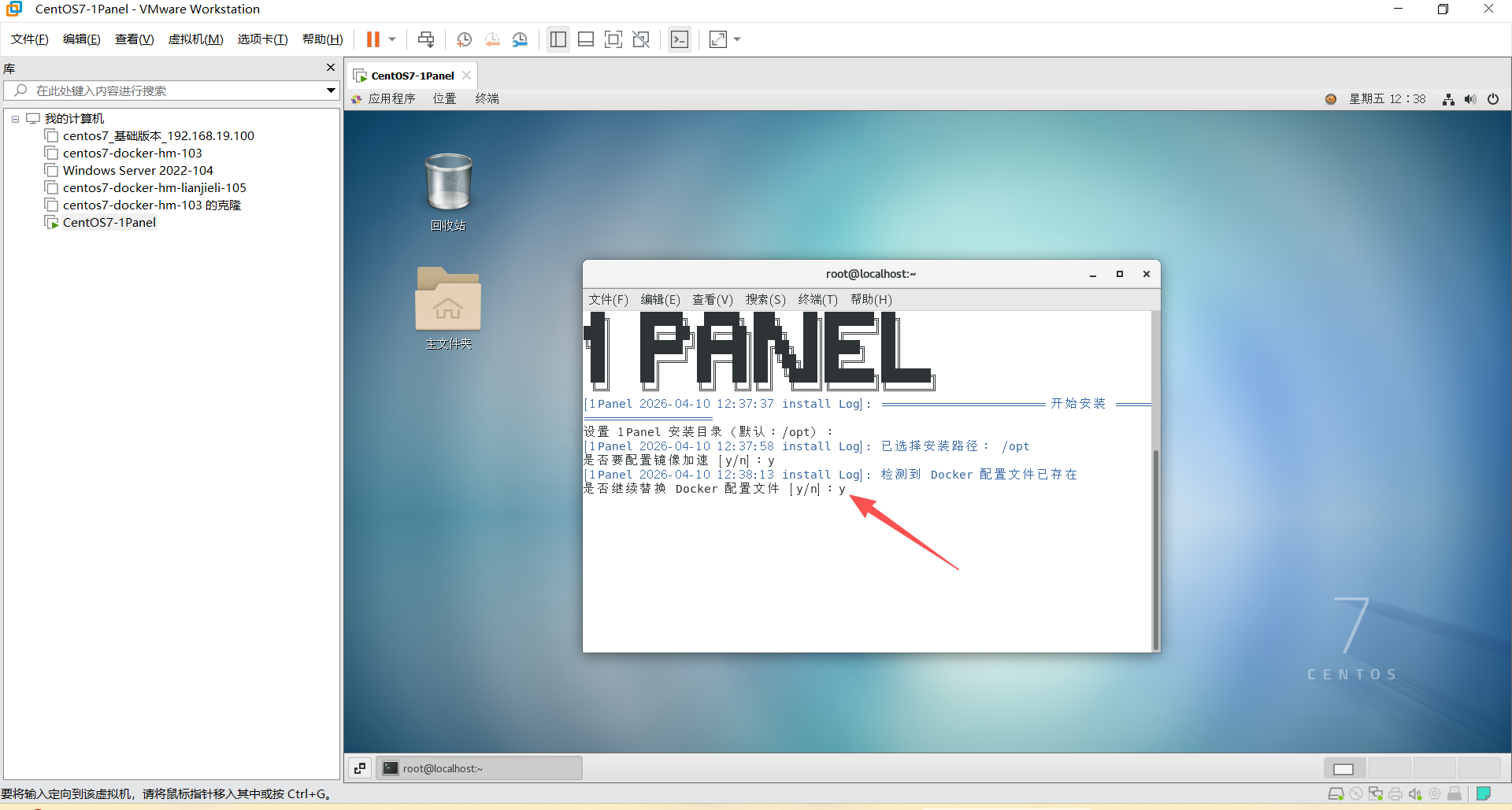
bash -c "$(curl -sSL https://resource.fit2cloud.com/1panel/package/v2/quick_start.sh)"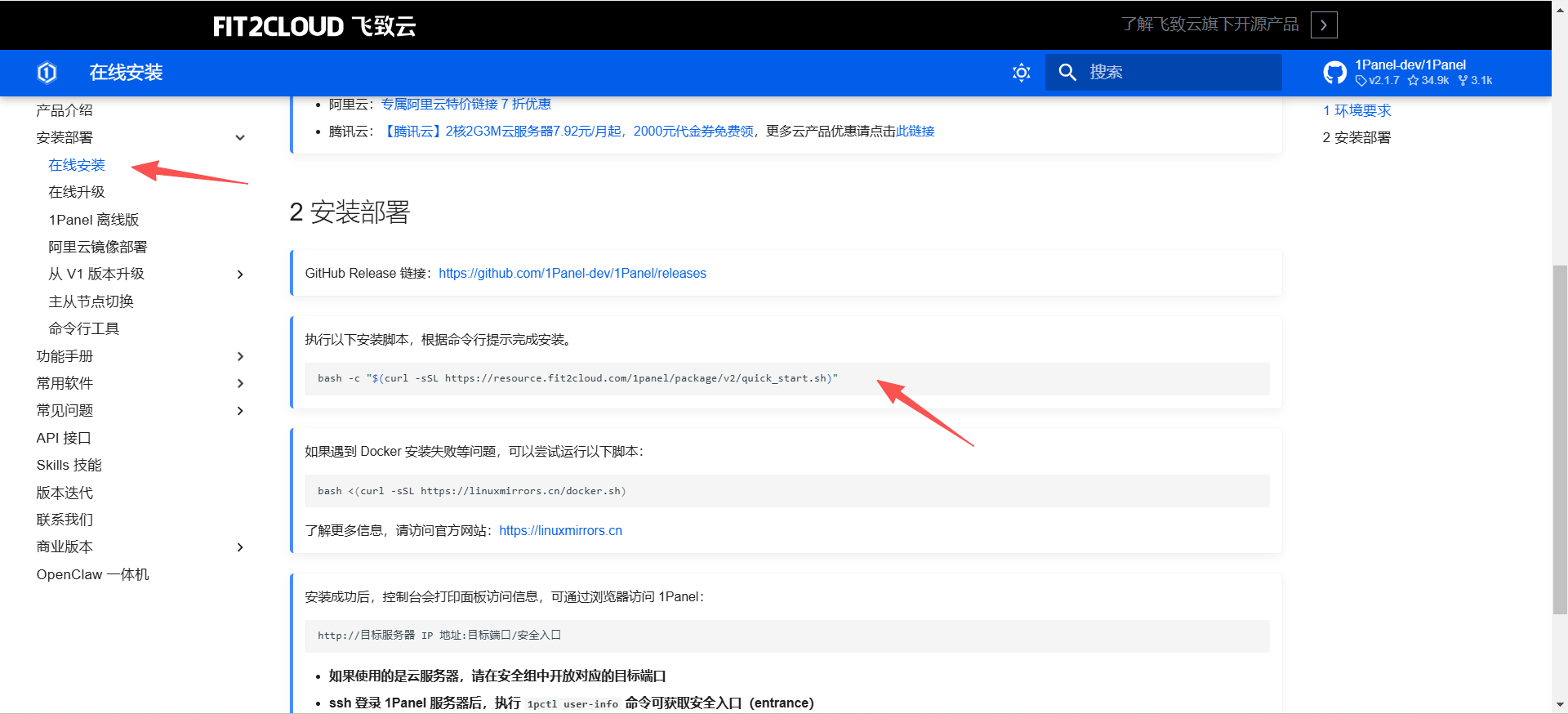
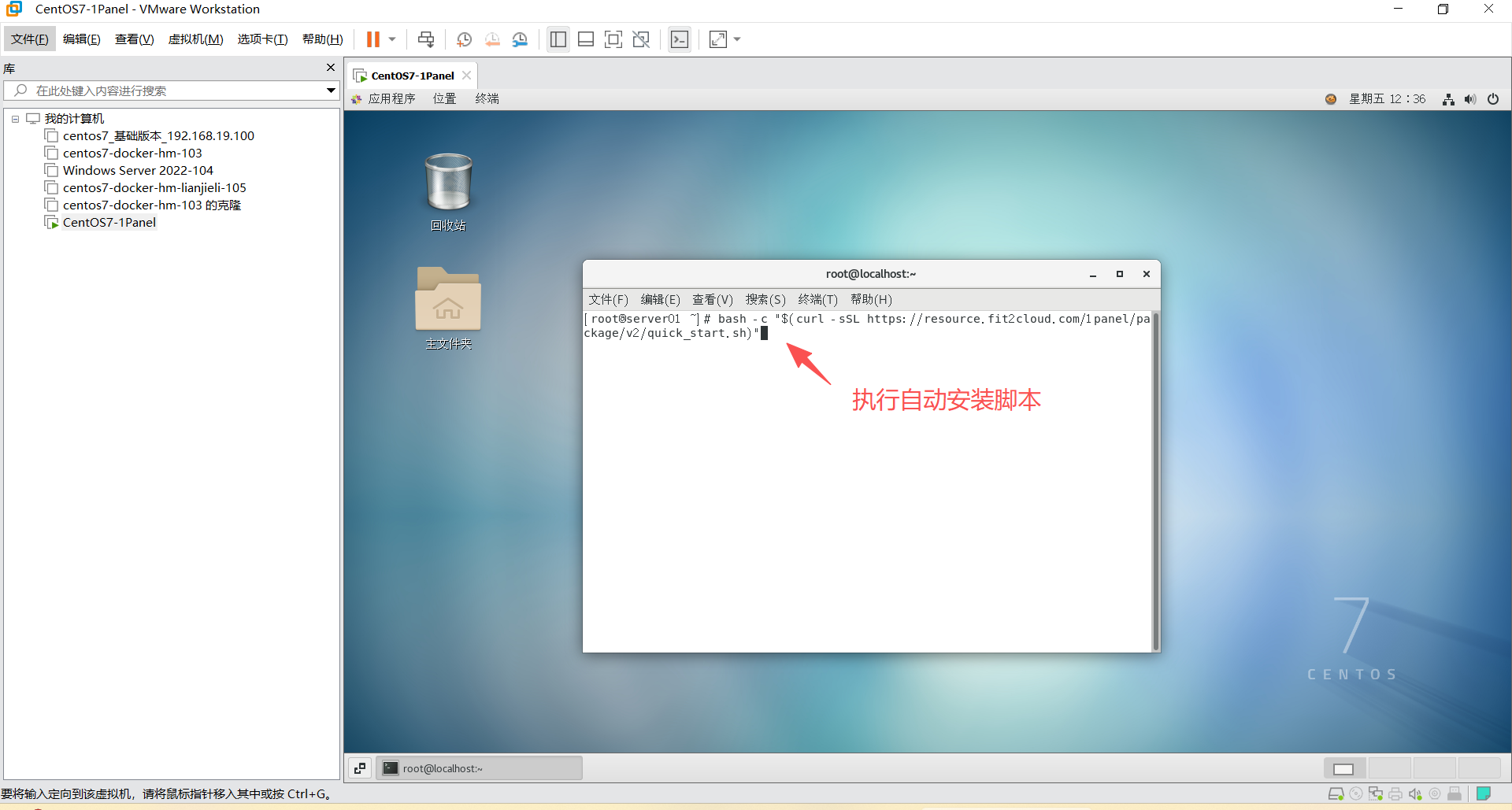
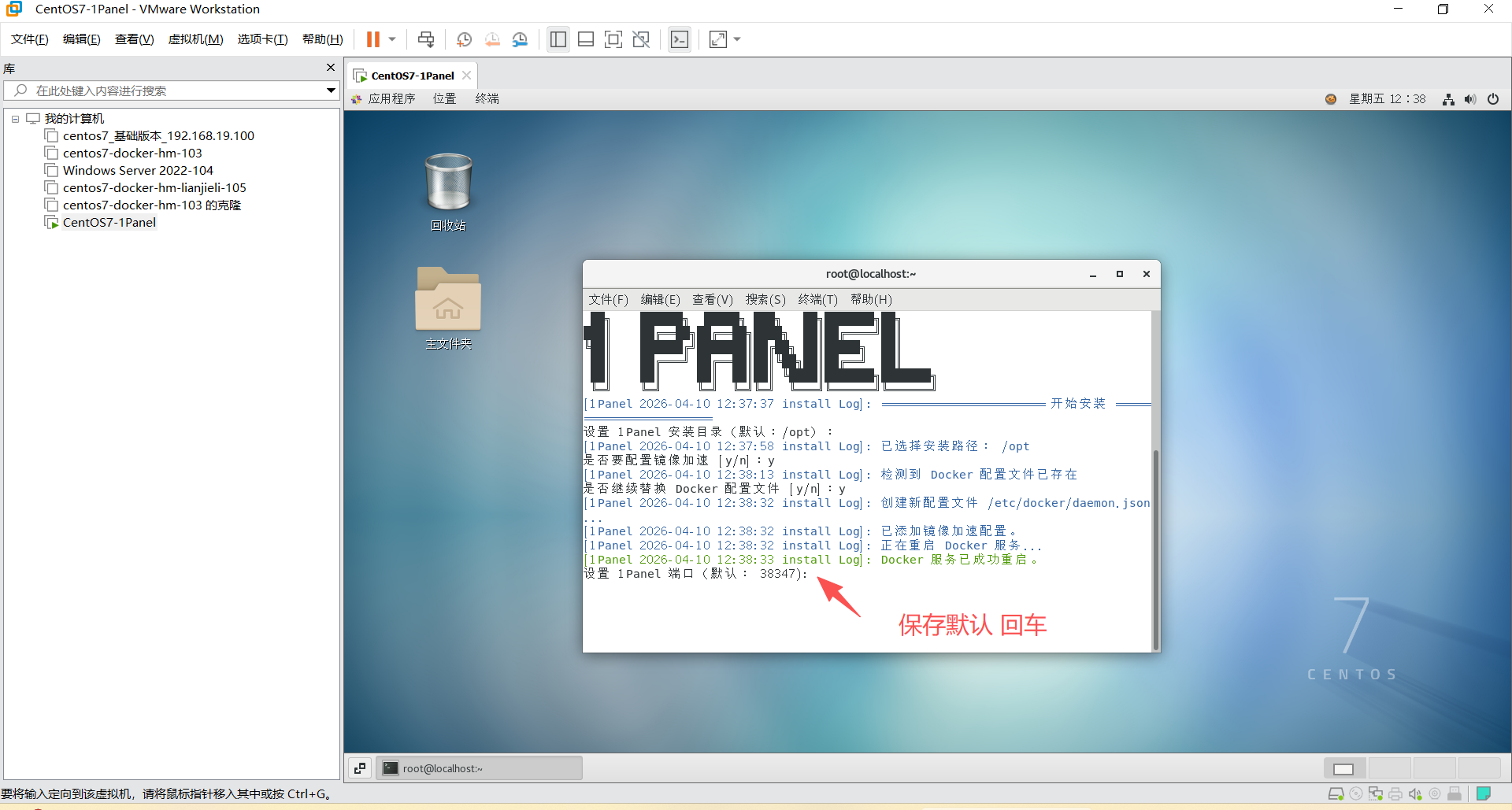
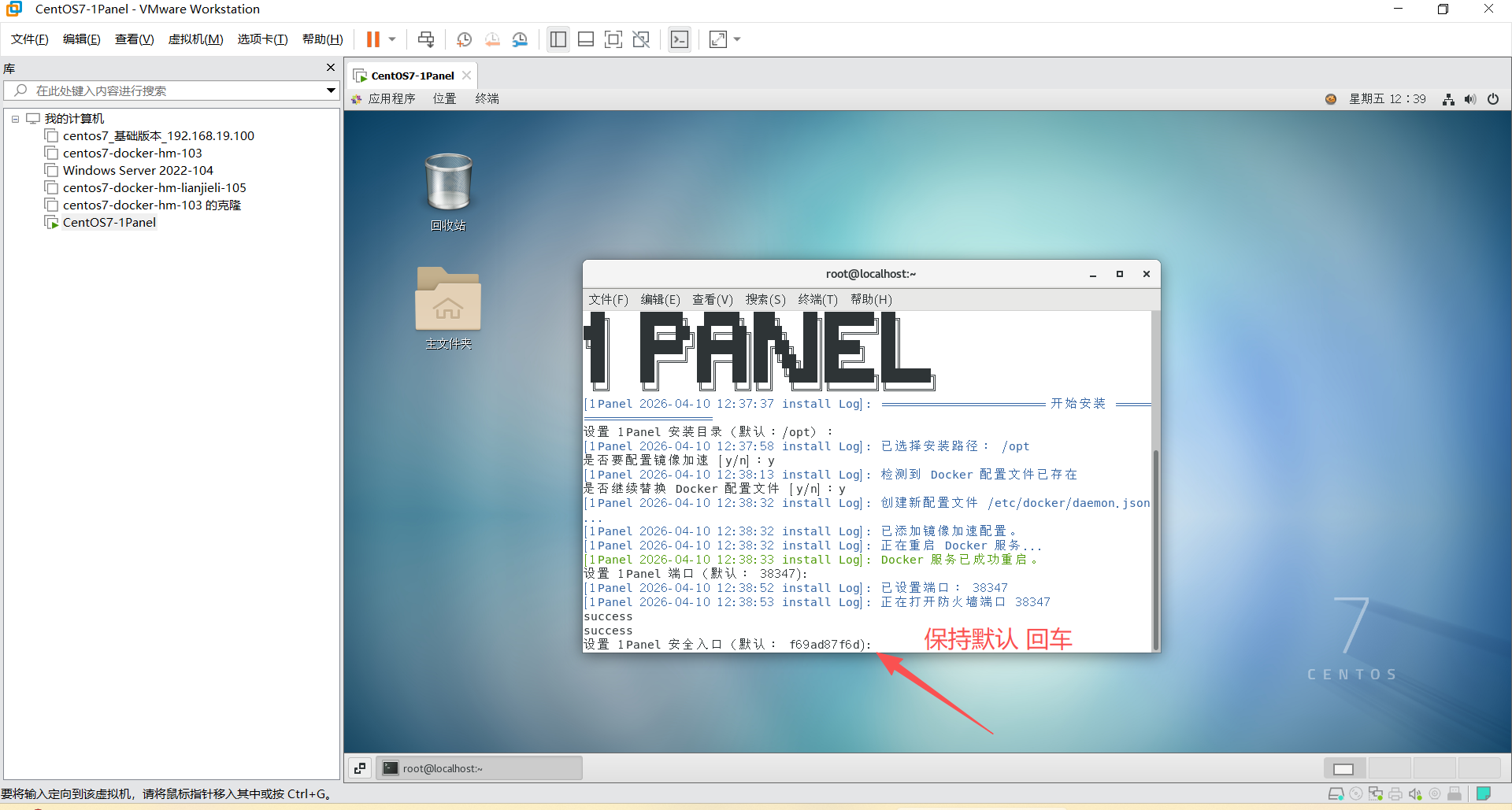
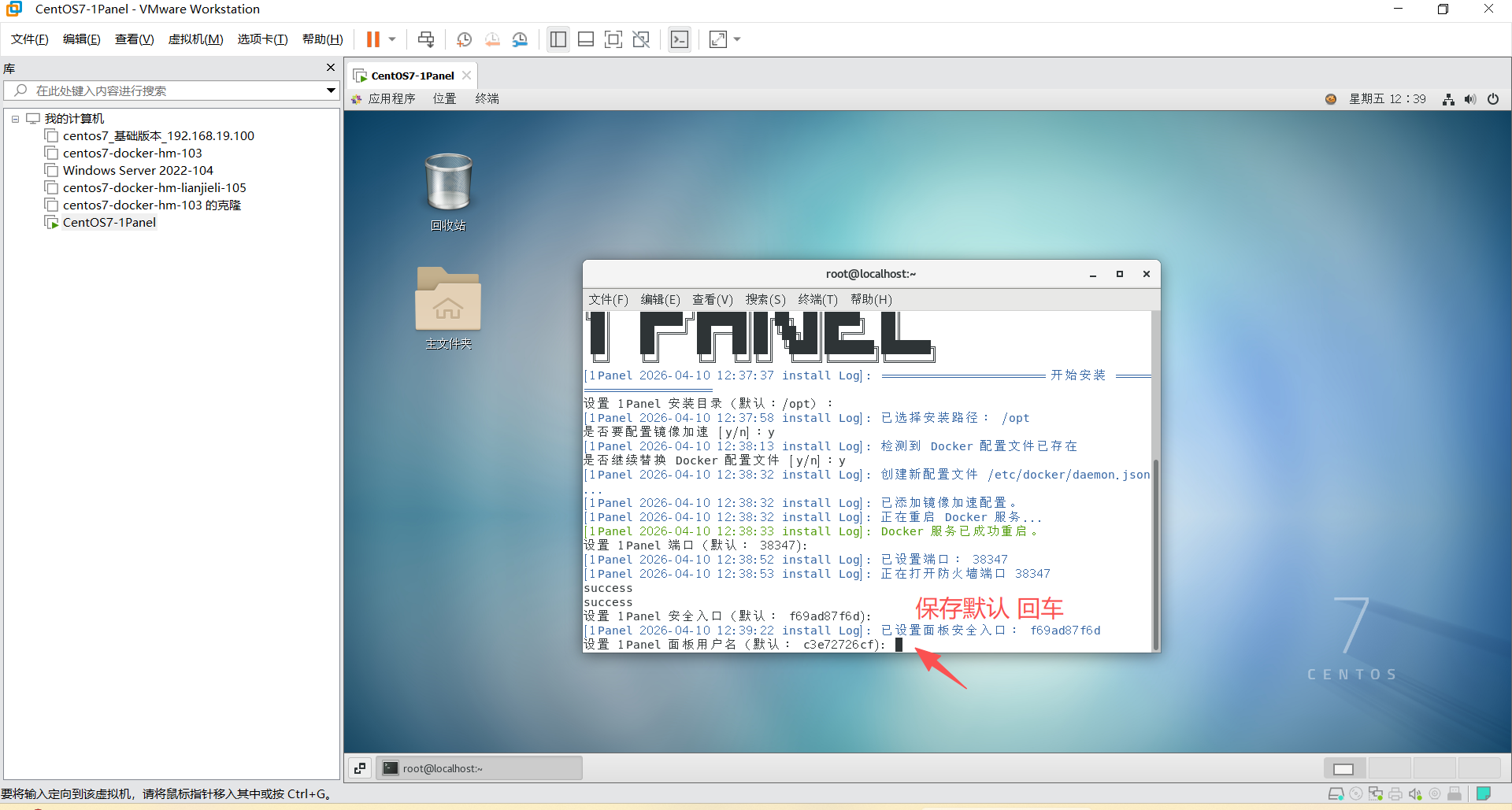
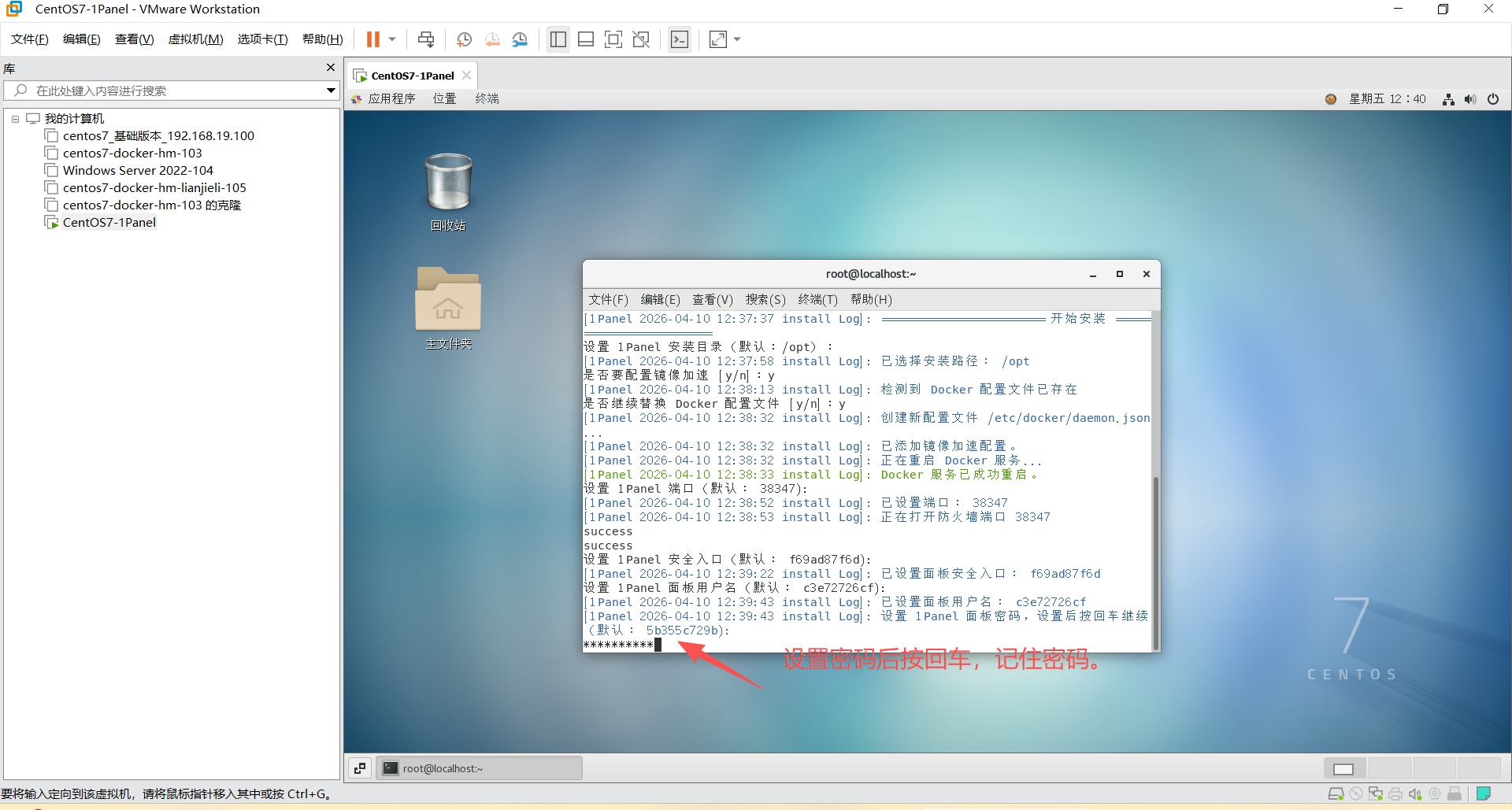
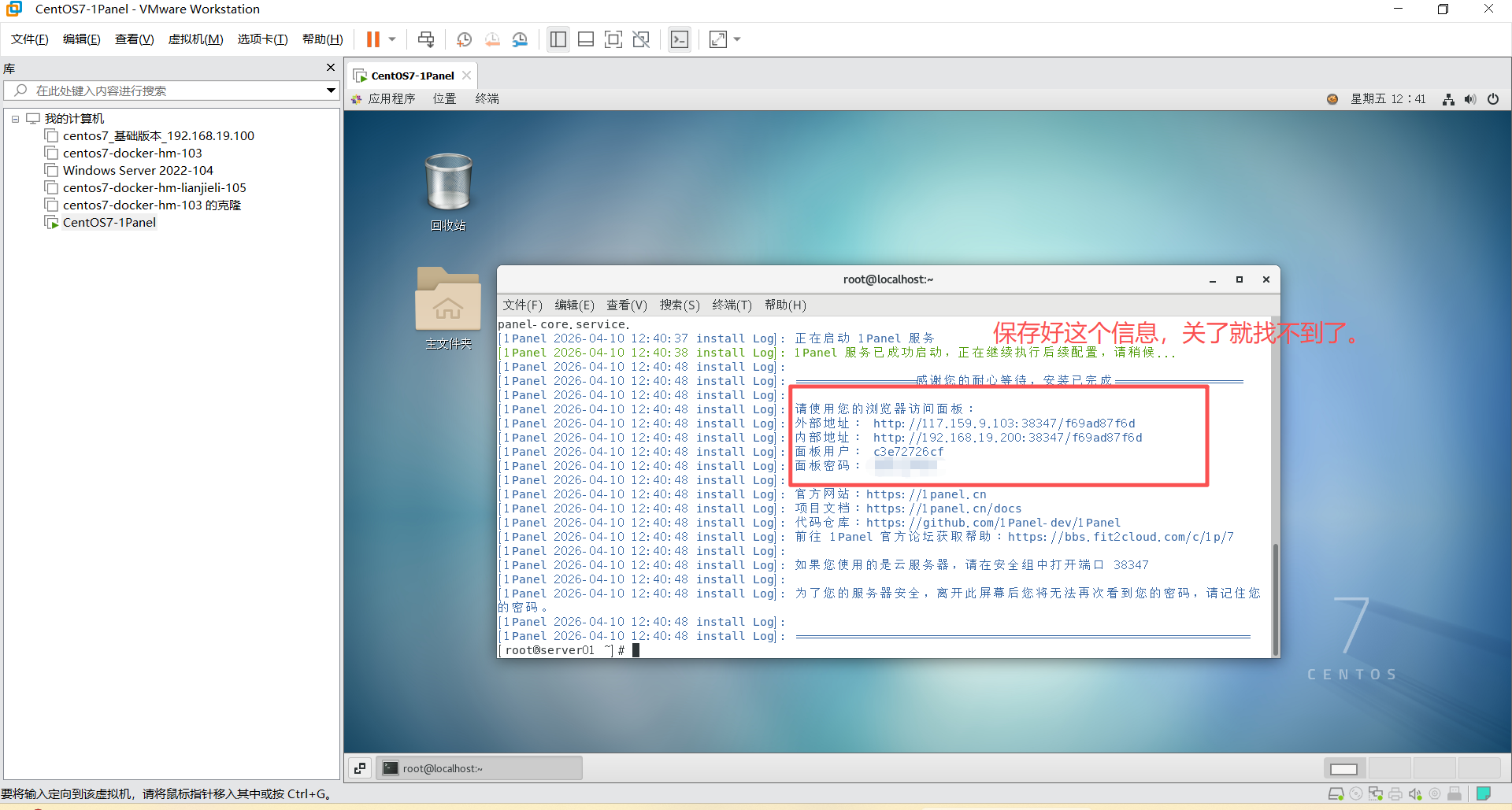
外部地址: http://117.159.9.103:38347/f69ad87f6d
内部地址: http://192.168.19.200:38347/f69ad87f6d
面板用户: c3e72726cf
面板密码: **********
shell
1pctl user-info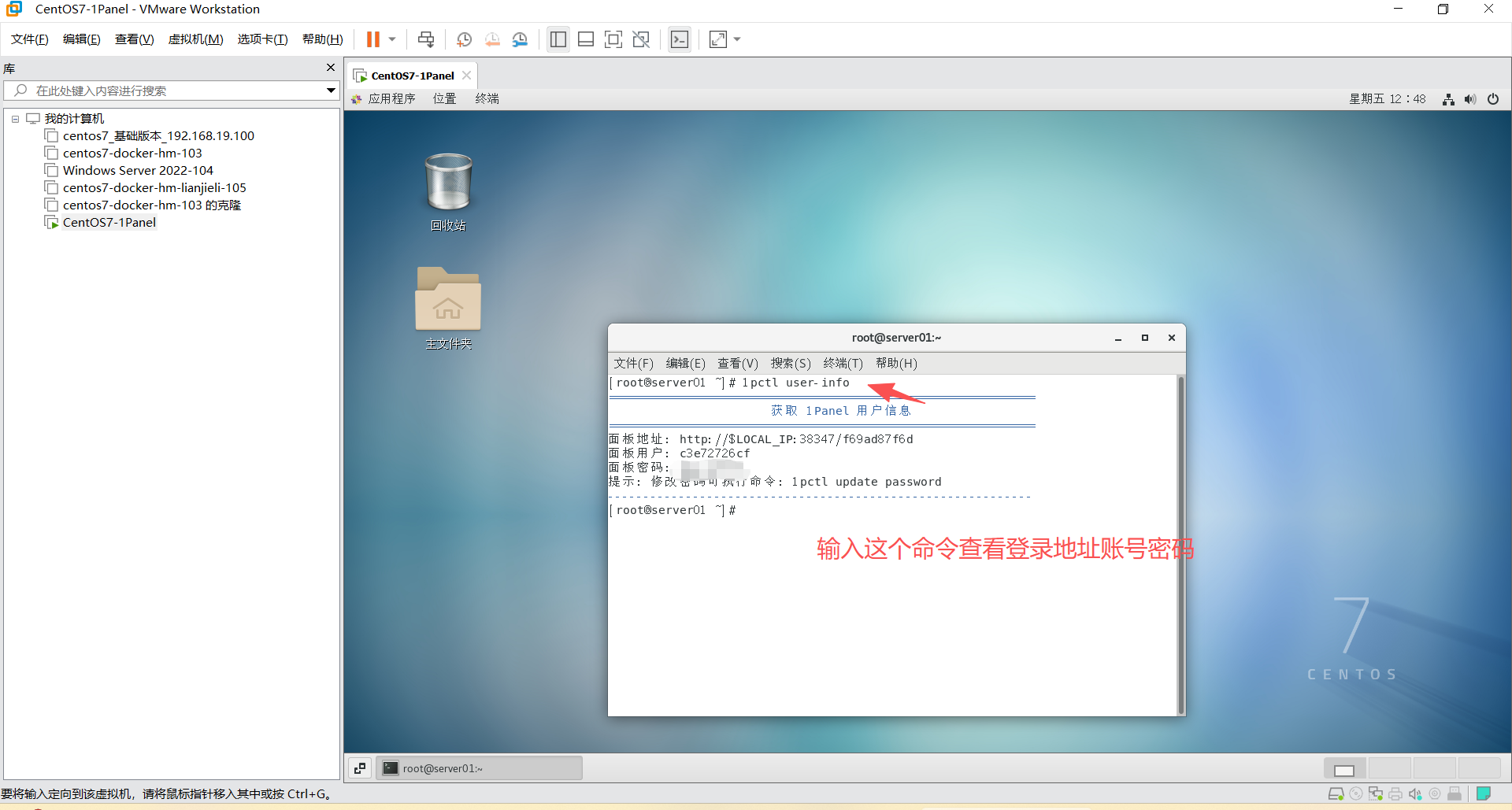

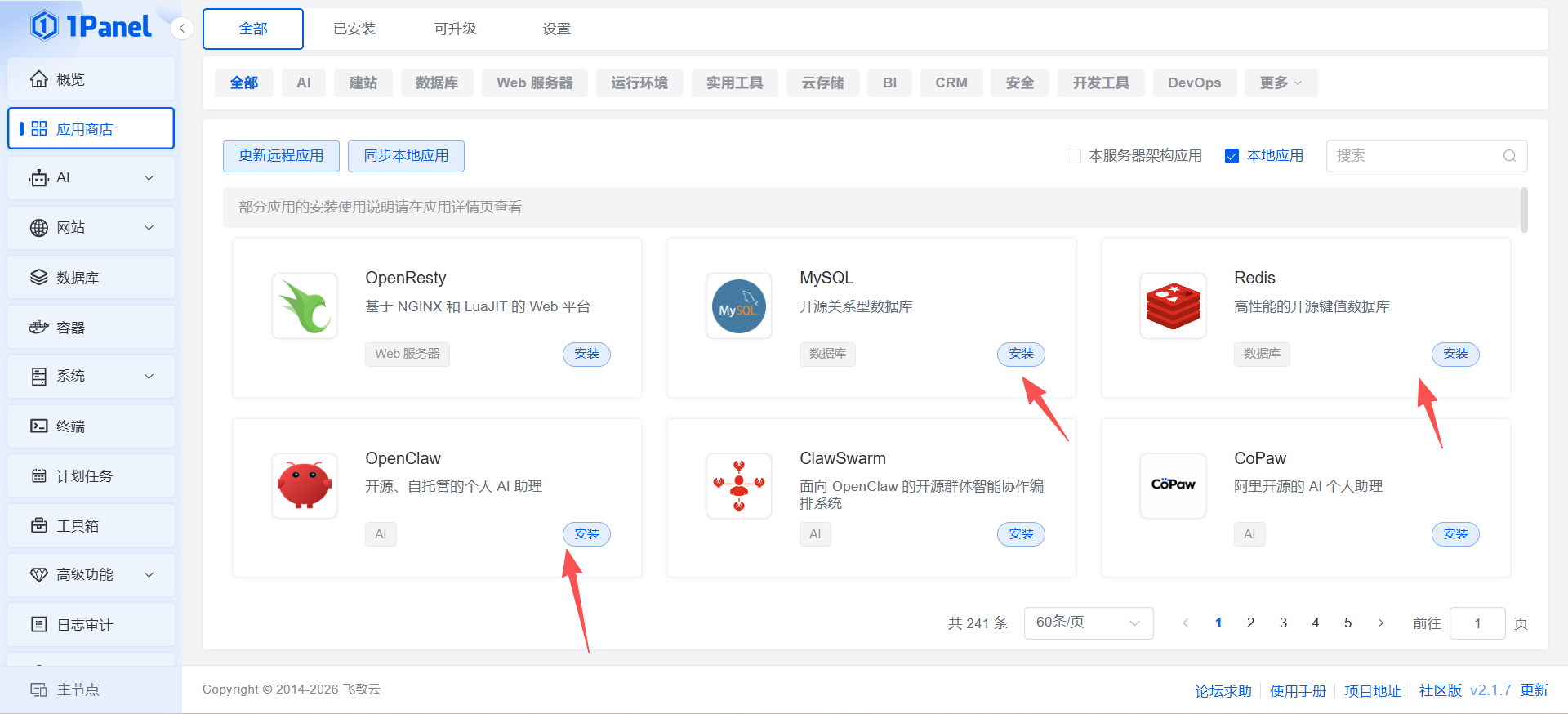
8、一键安装 MySQL Redis OpenClaw