6.Nginx访问限制
6.1 ngx_http_limit_req_module启动请求频率限制
限制单位时间内请求的数量 (QPS,每秒请求数),用于防刷、防爆破、防DDoS。
使用漏桶算法,请求以固定速率被处理,突发流量会被延迟或拒绝。
6.1.1 定义限制区域(http块)
bash
http {
    # 基于客户端IP限制,每秒最多3个请求
    limit_req_zone $binary_remote_addr zone=mylimit:10m rate=3r/s;

    # 基于自定义变量(如用户ID)
    limit_req_zone $http_x_forwarded_for zone=clientlimit:10m rate=3r/m;
}

# $binary_remote_addr	客户端IP(压缩格式,节省内存)
# zone=mylimit:10m		共享内存区域名称和大小(10MB ≈ 16万个IP)
# rate=3r/s				每秒3个请求;r/m = 每分钟
6.1.2 应用限制(server->location块)
bash
location /api/ {
    limit_req zone=mylimit;
    limit_req_status 429;  # 自定义返回状态码
    #limit_req zone=req_zone burst=5;
    #limit_req zone=req_zone burst=5 nodelay;
}
6.1.3 模拟测试
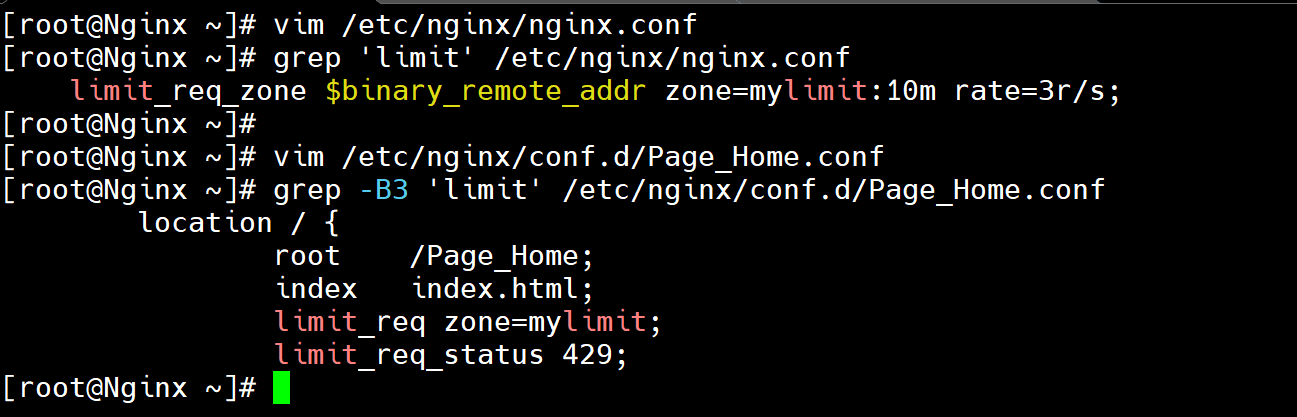
6.1.3.1 配置ngx_http_limit_req_module模块
bash
[root@Nginx ~]# vim /etc/nginx/nginx.conf
[root@Nginx ~]# grep 'limit' /etc/nginx/nginx.conf
    limit_req_zone $binary_remote_addr zone=mylimit:10m rate=3r/s;

[root@Nginx ~]# vim /etc/nginx/conf.d/Page_Home.conf
[root@Nginx ~]# grep -B3 'limit' /etc/nginx/conf.d/Page_Home.conf
        location / {
                root    /Page_Home;
                index   index.html;
                limit_req zone=mylimit;
                limit_req_status 429;

[root@Nginx ~]# systemctl restart nginx
6.1.3.2 快速点击测试
正常1s1次的点击网站,如下图
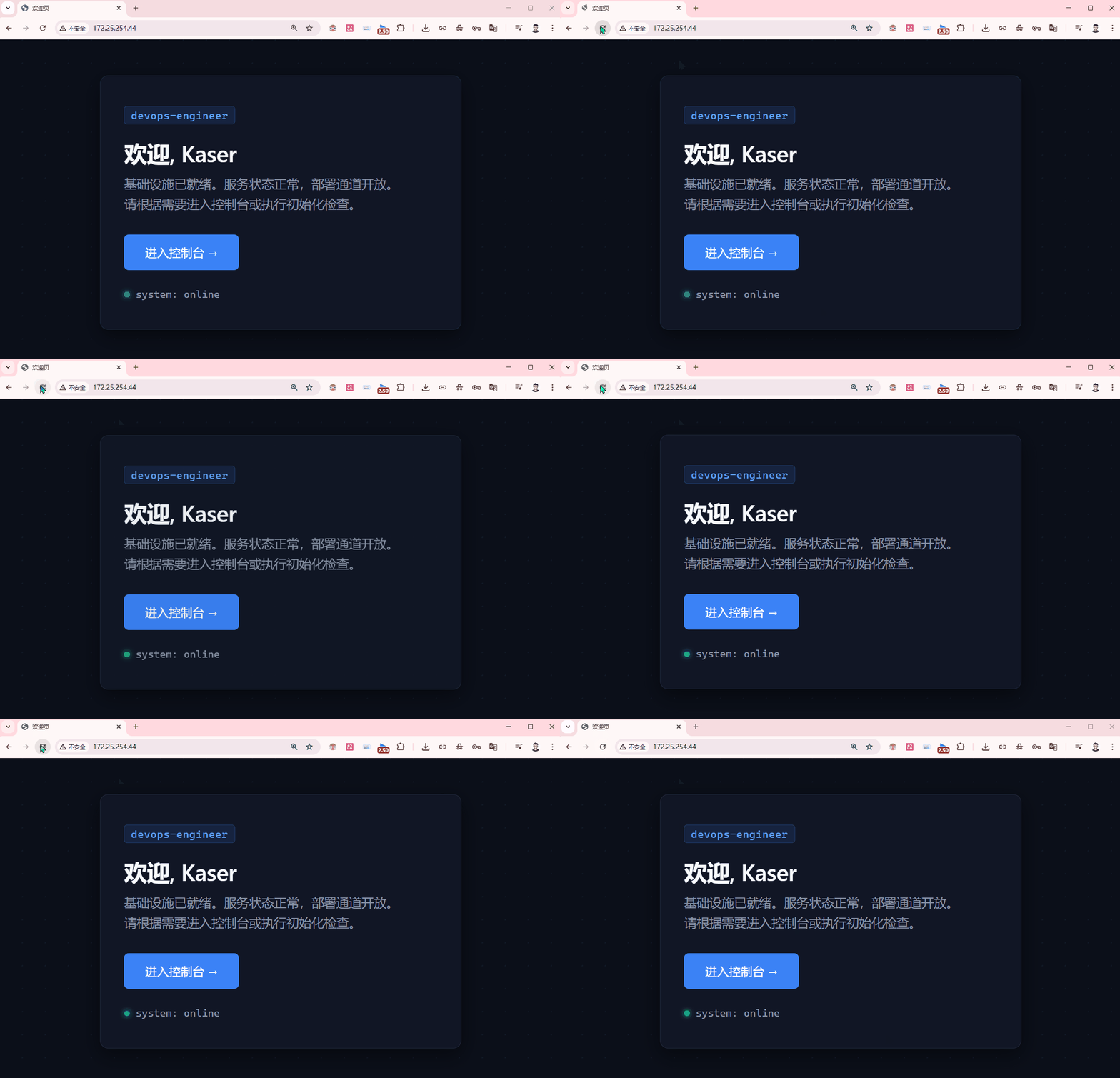
非正常的1s多次的点击,就会触发限制,如下图
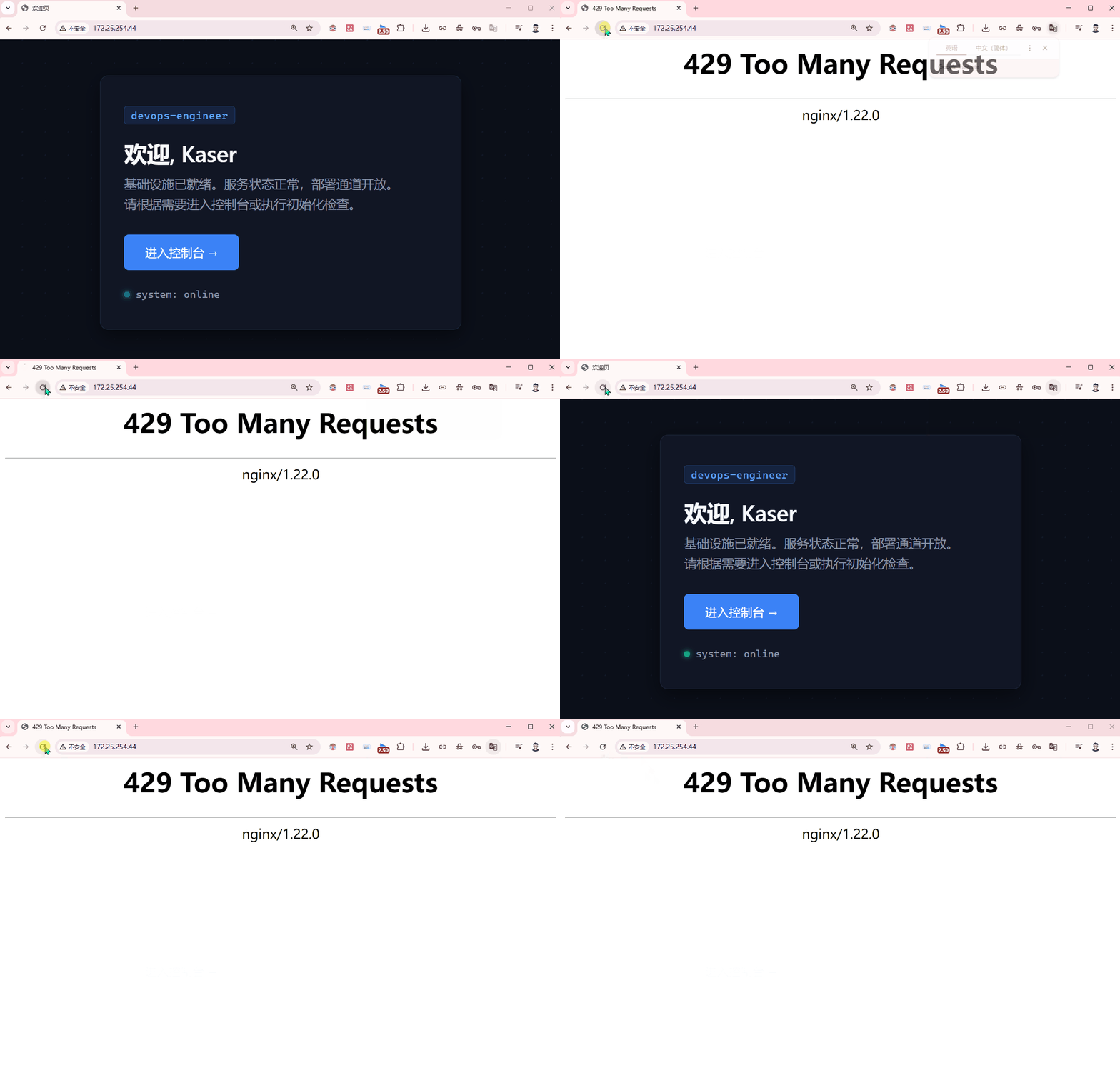
6.1.3.3 压测命令测试
此时配置了限制模块,发现不可进行,被拒绝
bash
[root@Nginx ~]# yum install -y httpd-tools
[root@Nginx ~]# ab -n 1000 -c 100 http://172.25.254.44/
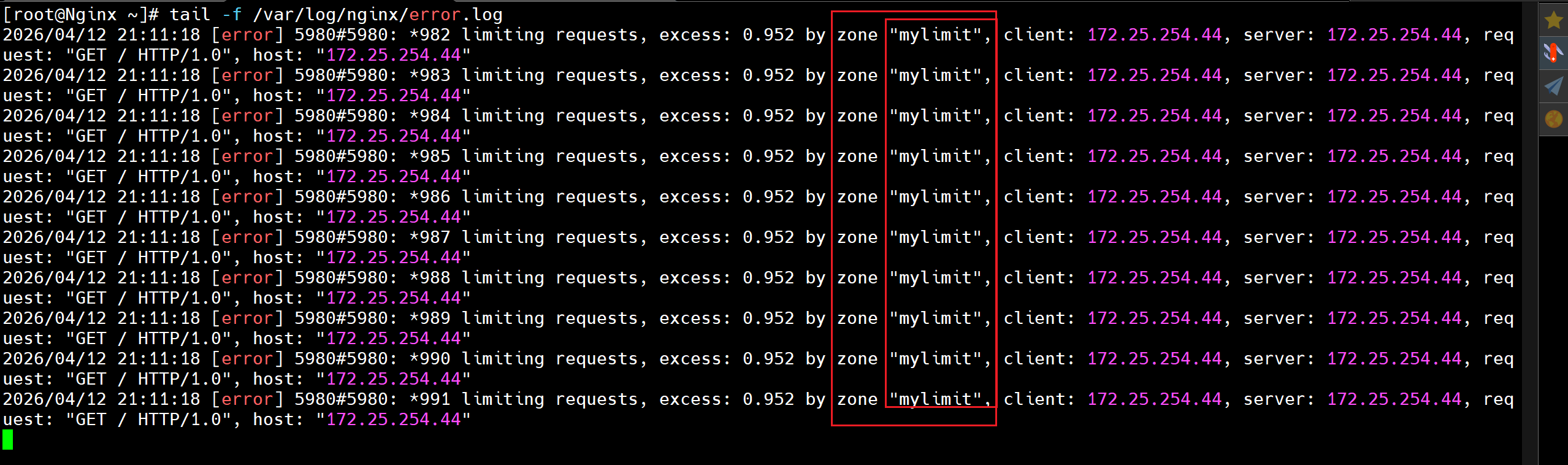
[root@Nginx ~]# tail -f /var/log/nginx/error.log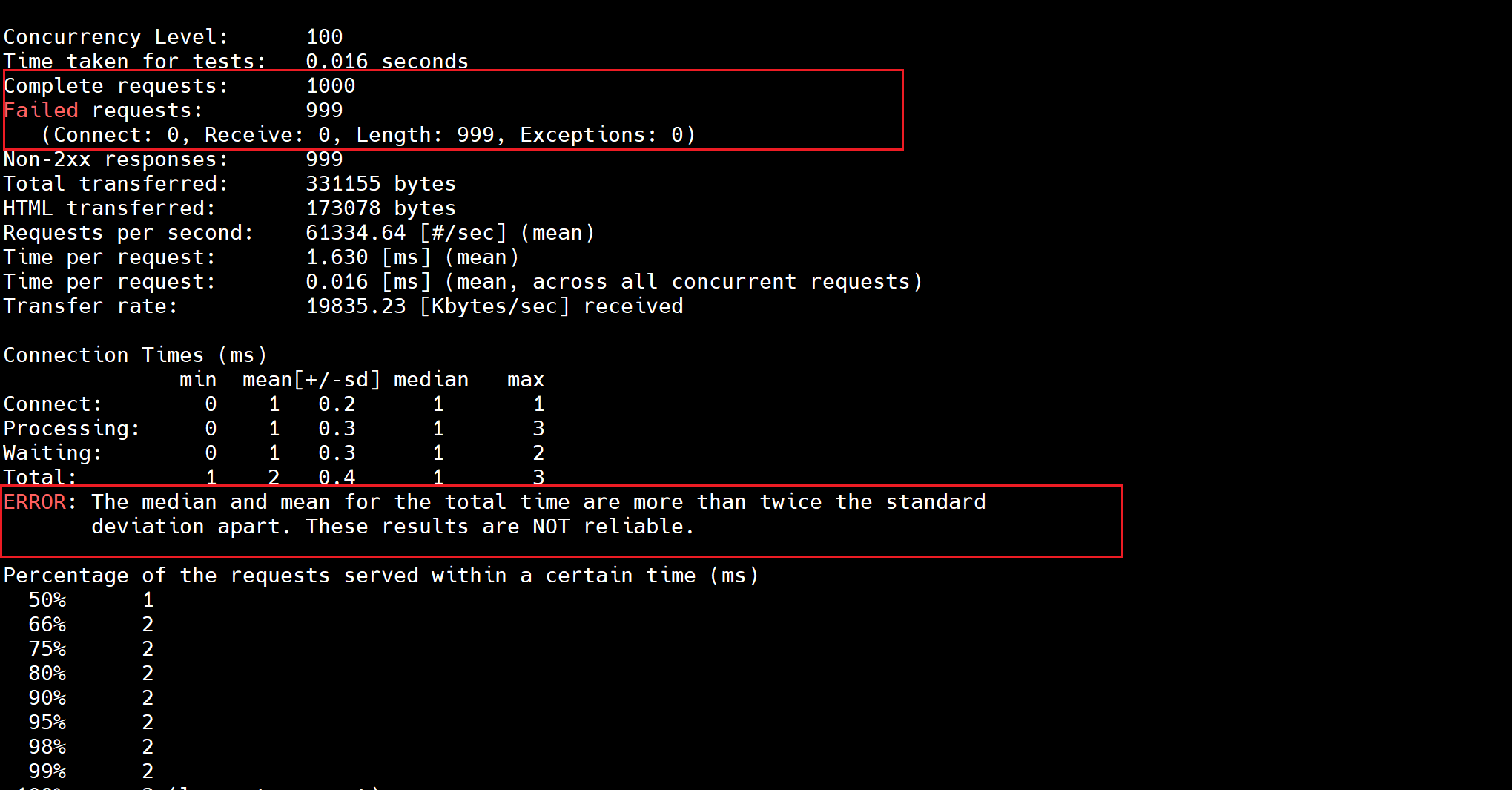
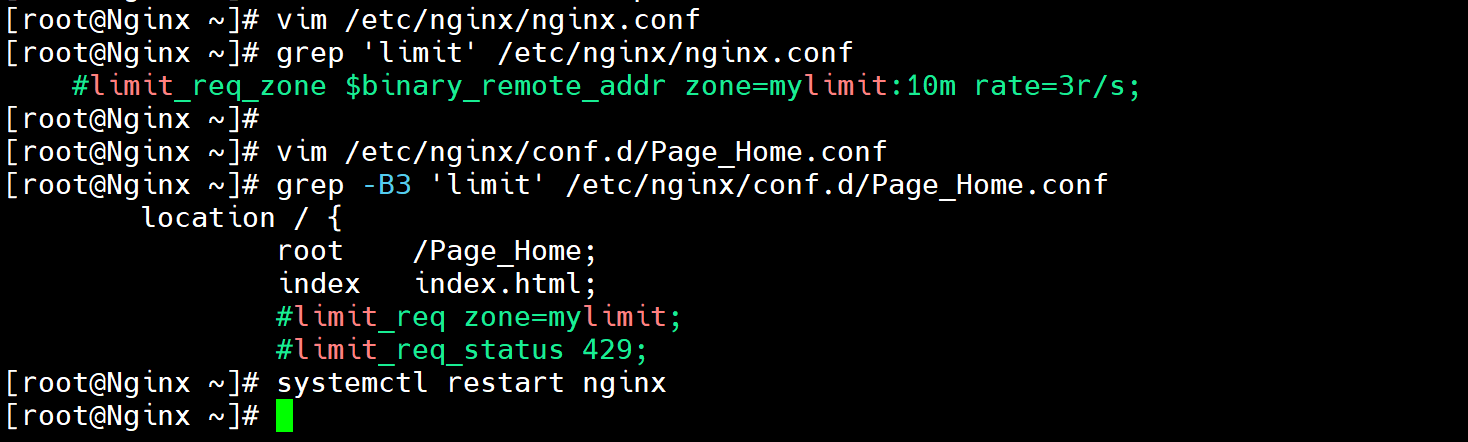
注释掉模块,再次测试
bash
[root@Nginx ~]# vim /etc/nginx/nginx.conf
[root@Nginx ~]# grep 'limit' /etc/nginx/nginx.conf
    #limit_req_zone $binary_remote_addr zone=mylimit:10m rate=3r/s;
[root@Nginx ~]#
[root@Nginx ~]# vim /etc/nginx/conf.d/Page_Home.conf
[root@Nginx ~]# grep -B3 'limit' /etc/nginx/conf.d/Page_Home.conf
        location / {
                root    /Page_Home;
                index   index.html;
                #limit_req zone=mylimit;
                #limit_req_status 429;
[root@Nginx ~]# systemctl restart nginx
bash
# 成功!
[root@Nginx ~]# ab -n 1000 -c 100 http://172.25.254.44/
Completed 100 requests
Completed 200 requests
Completed 300 requests
Completed 400 requests
Completed 500 requests
Completed 600 requests
Completed 700 requests
Completed 800 requests
Completed 900 requests
Completed 1000 requests
Finished 1000 requests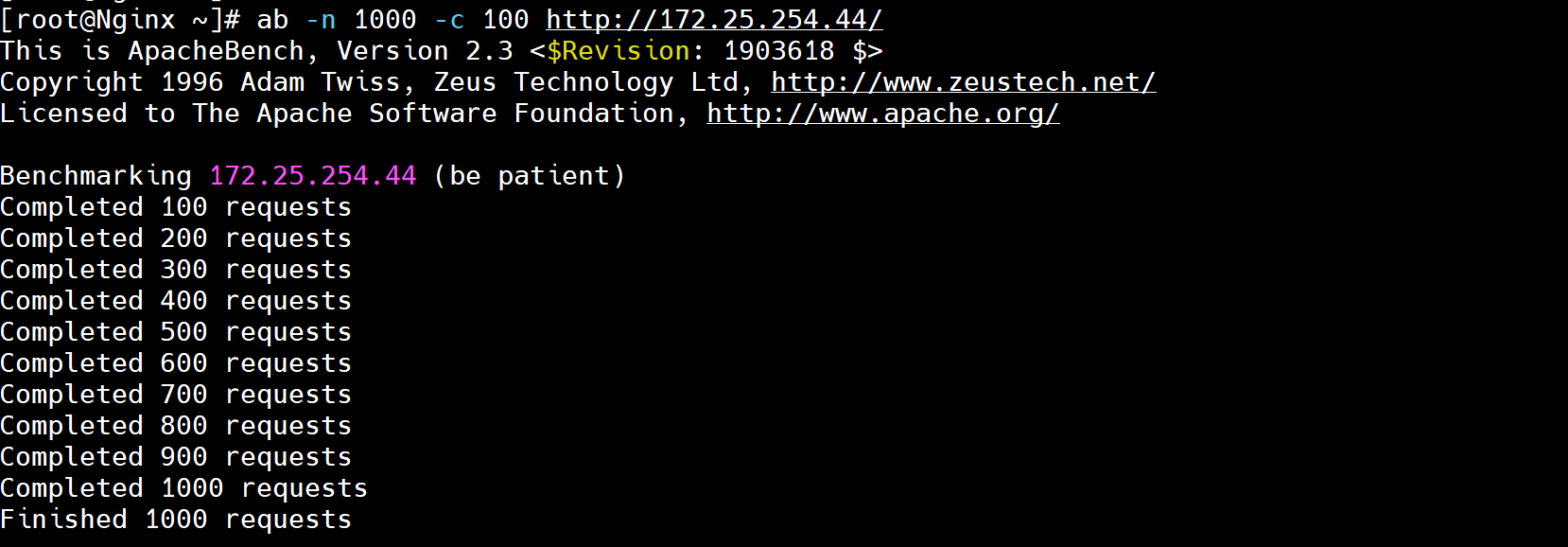
6.2 ngx_http_limit_conn_module启动连接频率
限制同一时刻的并发连接数,防慢连接攻击、防资源耗尽。
计数当前活跃连接数,超过阈值的新连接被拒绝。
6.2.1 定义限制区域(http块)
bash
http {
    # 基于客户端IP限制
    limit_conn_zone $binary_remote_addr zone=myconn:10m;

    # 基于虚拟主机限制
    limit_conn_zone $server_name zone=serverconn:10m;
}
6.2.2 应用限制(server-location块)
bash
location /download/ {
    limit_conn myconn 3;       # 每个IP最多3个并发连接
    #limit_conn serverconn 30;  # 整个服务器最多30个并发连接(需要在http区域内定义)
    limit_conn_status 503;     # 超限时返回状态码
}
6.2.3 模拟测试
6.2.3.1 配置ngx_http_limit_conn_module模块
bash
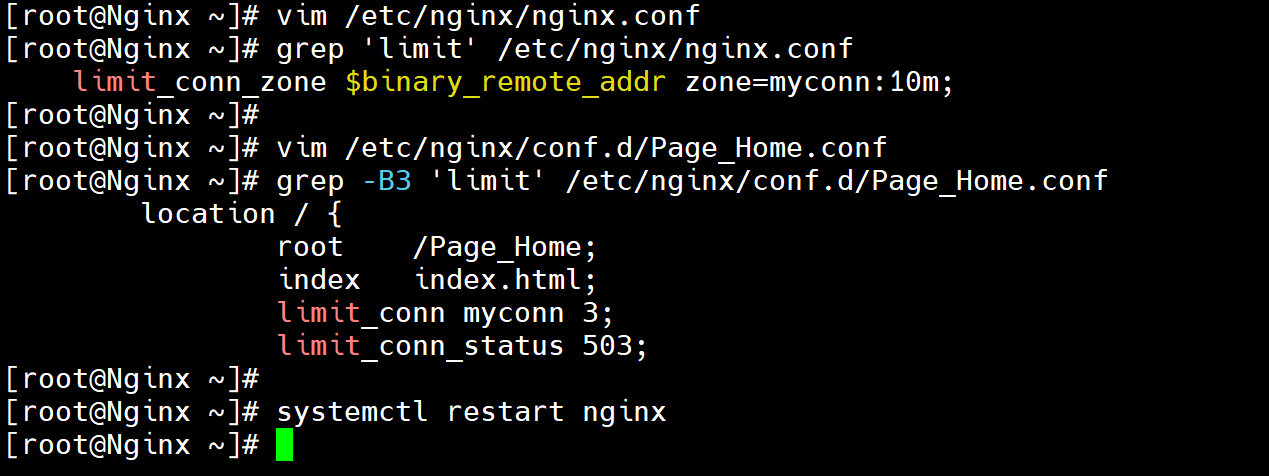
[root@Nginx ~]# vim /etc/nginx/nginx.conf
[root@Nginx ~]# grep 'limit' /etc/nginx/nginx.conf
    limit_conn_zone $binary_remote_addr zone=myconn:10m;

[root@Nginx ~]# vim /etc/nginx/conf.d/Page_Home.conf
[root@Nginx ~]# grep -B3 'limit' /etc/nginx/conf.d/Page_Home.conf
        location / {
                root    /Page_Home;
                index   index.html;
                limit_conn myconn 3;
                limit_conn_status 503;

[root@Nginx ~]# systemctl restart nginx
6.2.3.2 测试
bash
# 同时发起 10 个长连接请求
for i in {1..10}; do
    (curl -s http://172.25.254.44:8080/ > /dev/null &)
done

# 查看 Nginx 日志
tail -20 /var/log/nginx/b.access.log7.Nginx访问控制
7.1 基于主机(IP)的访问控制(俗称"封IP")
7.1.1 ngx_http_access_module模块
bash
allow	# 允许某些主机
deny	# 拒绝某些主机

allow address | CIDR | unix: | all;
http	server	location	limit_except
7.1.2 模拟开启-限制主机的访问
172.25.254.44 Nginx-1
172.25.254.45 Nginx-2
172.25.254.46 Nginx-3
7.1.2.1 未开启限制访问
bash
[root@Nginx-1 ~]# curl 172.25.254.44
Mine_Host_IP_172.25.254.44_Nginx-1
[root@Nginx-2 ~]# curl 172.25.254.44
Mine_Host_IP_172.25.254.44_Nginx-1
[root@Nginx-3 ~]# curl 172.25.254.44
Mine_Host_IP_172.25.254.44_Nginx-1

[root@Nginx-1 ~]# tail -f /var/log/nginx/access.log
172.25.254.44 - - [13/Apr/2026:11:55:15 +0800] "GET / HTTP/1.1" 200 35 "-" "curl/7.76.1" "-"
172.25.254.45 - - [13/Apr/2026:11:55:22 +0800] "GET / HTTP/1.1" 200 35 "-" "curl/7.76.1" "-"
172.25.254.46 - - [13/Apr/2026:11:55:23 +0800] "GET / HTTP/1.1" 200 35 "-" "curl/7.76.1" "-"
7.1.2.2 开启限制访问
1.allow在前,deny在后
bash
[root@Nginx-1 ~]# vim /etc/nginx/conf.d/Page_Home.conf
[root@Nginx-1 ~]# grep -E 'allow|deny' -B4 /etc/nginx/conf.d/Page_Home.conf
server {
        listen  80;
        server_name  172.25.254.44;

        allow 172.25.254.44;	# 允许45和46,拒绝所有
        allow 172.25.254.45;
        deny all;
[root@Nginx-1 ~]# systemctl restart nginx

[root@Nginx-3 ~]# hostname -I
172.25.254.46
[root@Nginx-3 ~]# curl 172.25.254.44
<html>
<head><title>403 Forbidden</title></head>
<body>
<center><h1>403 Forbidden</h1></center>
<hr><center>nginx/1.22.0</center>
</body>
</html>

[root@Nginx-1 ~]# tail -f /var/log/nginx/error.log
2026/04/13 11:57:32 [error] 3538#3538: *3 access forbidden by rule, client: 172.25.254.46, server: 172.25.254.44, request: "GET / HTTP/1.1", host: "172.25.254.44"2.deny在前,allow在后
bash
[root@Nginx-1 ~]# vim /etc/nginx/conf.d/Page_Home.conf
[root@Nginx-1 ~]# grep -E 'allow|deny' -B4 /etc/nginx/conf.d/Page_Home.conf
server {
        listen  80;
        server_name  172.25.254.44;

        deny 172.25.254.45;		# 拒绝45和46,允许所有
        deny 172.25.254.46;
        allow all;

[root@Nginx-1 ~]# systemctl restart nginx


[root@Nginx-2 ~]# hostname -I
172.25.254.45

[root@Nginx-2 ~]# curl 172.25.254.44
<html>
<head><title>403 Forbidden</title></head>
<body>
<center><h1>403 Forbidden</h1></center>
<hr><center>nginx/1.22.0</center>
</body>
</html>

[root@Nginx-3 ~]# hostname -I
172.25.254.46
[root@Nginx-3 ~]# curl 172.25.254.44
<html>
<head><title>403 Forbidden</title></head>
<body>
<center><h1>403 Forbidden</h1></center>
<hr><center>nginx/1.22.0</center>
</body>
</html>

[root@Nginx-1 ~]# tail -f /var/log/nginx/error.log
2026/04/13 12:03:19 [error] 3611#3611: *1 access forbidden by rule, client: 172.25.254.45, server: 172.25.254.44, request: "GET / HTTP/1.1", host: "172.25.254.44"
2026/04/13 12:03:22 [error] 3612#3612: *2 access forbidden by rule, client: 172.25.254.46, server: 172.25.254.44, request: "GET / HTTP/1.1", host: "172.25.254.44"
7.2 基于域名(username&password)的访问控制
7.2.1 ngx_http_auth_basic_module模块
bash
auth_basic string|off;
auth_basic_user_file xxxxx;开启基础Http验证 :auth_basic string|off;
基础认证仅使用 Base64 编码(不是加密 ),密码几乎等同于明文传输。强烈建议配合 HTTPS 使用,否则密码很容易被嗅探截获。
指定用于验证用户名和密码的密码文件路径。 :auth_basic_user_file file;
bash# htpasswd用法 # 新建文件并添加新用户xxx(-cm) # htpasswd -cm /etc/nginx/conf.d/.passwd xxx # 后续添加添加新用户ooo(-m,不需要加-c) # htpasswd -m /etc/nginx/conf.d/.passwd ooo # 后续删除用户ppp(-D) # htpasswd -D /etc/nginx/conf.d/.passwd ppp
bash
[root@Nginx-1 ~]# yum install -y httpd-tools

[root@Nginx-1 ~]# htpasswd -cm /etc/nginx/conf.d/.passwd admin
New password: admin
Re-type new password: admin

[root@Nginx-1 ~]# htpasswd -m /etc/nginx/conf.d/.passwd admin-1
New password: admin
Re-type new password: admin

[root@Nginx-1 ~]# cat /etc/nginx/conf.d/.passwd
admin:$apr1$3raSAH/Y$rKtGK7yL3en3eALZriiR60
admin-1:$apr1$W2W3u4OQ$KRKo5gNzA2Arw20GezPfz.
bash
[root@Nginx-1 ~]# vim /etc/nginx/conf.d/Page_Home.conf
[root@Nginx-1 ~]# grep 'auth' /etc/nginx/conf.d/Page_Home.conf
        auth_basic "Auth_Test";
        auth_basic_user_file /etc/nginx/conf.d/.passwd;
[root@Nginx-1 ~]# grep 'auth' -B3 /etc/nginx/conf.d/Page_Home.conf
server {
        listen  80;
        server_name  172.25.254.44;
        auth_basic "Auth_Test";
        auth_basic_user_file /etc/nginx/conf.d/.passwd;

[root@Nginx-1 ~]# systemctl restart nginx

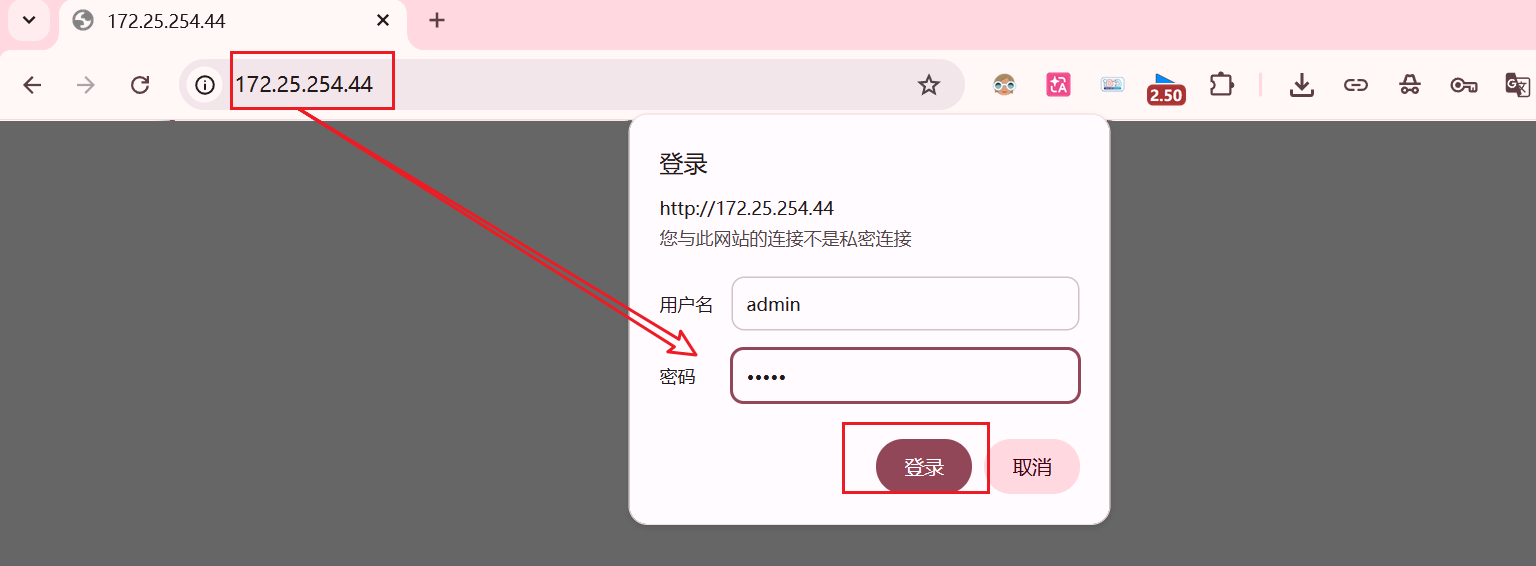
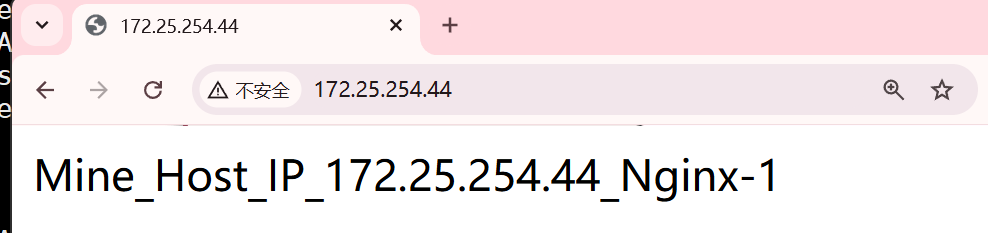
# 浏览器访问:http://172.25.254.44