0. 为什么要手搓 OpenClaw
OpenClaw 很强,但完整工程体量也很大。对于大多数开发者来说,直接阅读全量代码会有三个痛点:
- 模块多:Gateway、Agent、Tools、Sessions、Channels 互相耦合
- 路径长:一条消息从输入到回复,跨越多个子系统
- 调试难:没有自己的"最小版本",很难定位问题
所以这个系列采用一个更实用的学习路径:
先做最小闭环,再逐步补齐能力。
代码地址:代码下载地址
1. 目标
用 Python 从 0 到 1 复现 OpenClaw 的核心能力:
- Agent Loop(工具调用 + 多轮推理)
- Session 与并发隔离
- 记忆系统(短期 + 长期)
- Skills 系统(分层加载)
- Web/Telegram 等渠道接入
第一篇的阶段目标是:
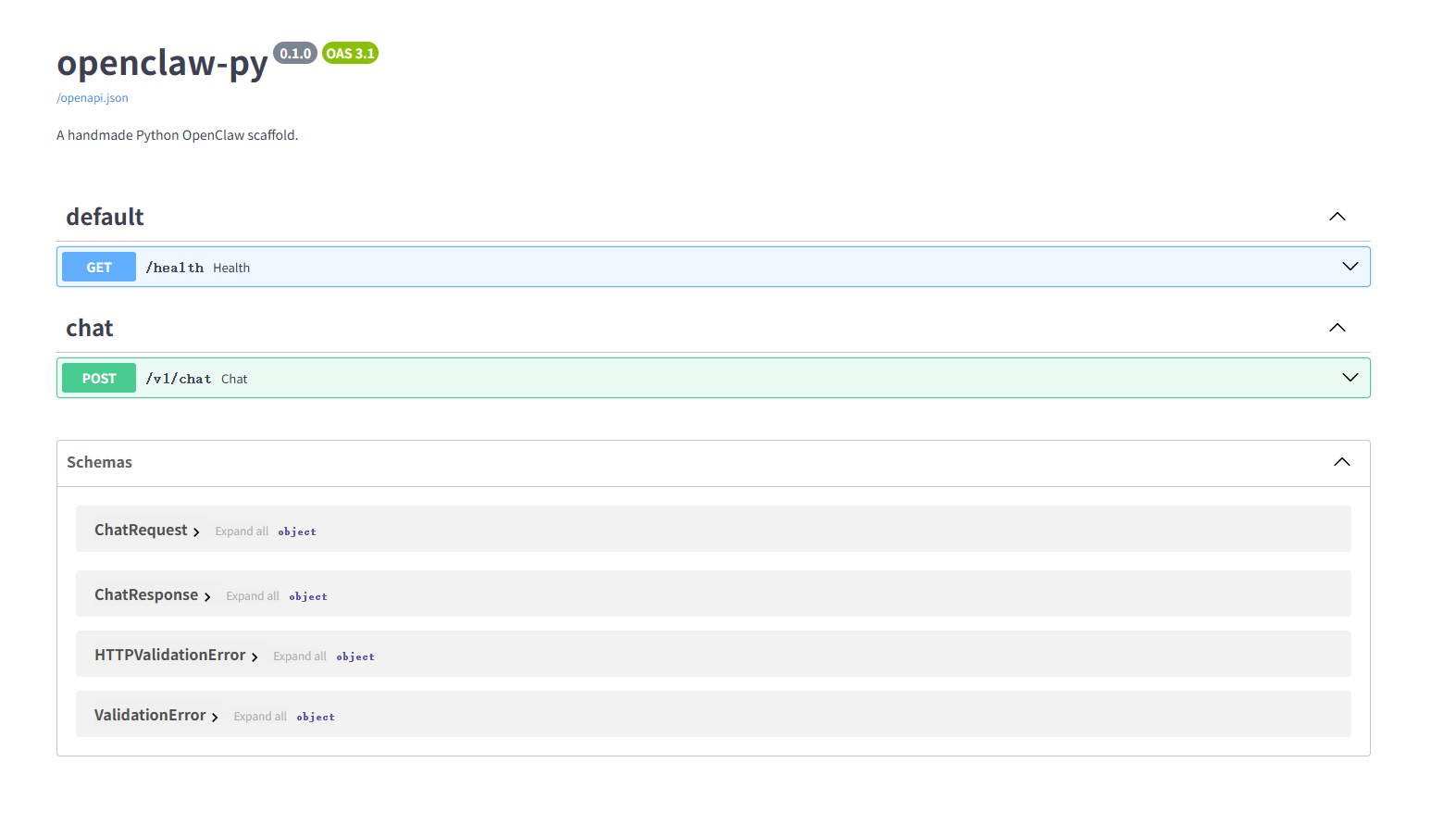
- 跑起 FastAPI 服务
- 打通一个最小
/v1/chat对话接口 - 具备会话隔离与并发控制(每会话锁 + 全局信号量)
2. 目标架构
用户输入: CLI/Web/Telegram/Discord
Gateway Server
SessionManager
Session Lock + Global Semaphore
Agent Loop
Prompt Builder
LLM Provider Adapter
Tool Runtime
exec/web/search/read/write...
Memory Manager
短期会话历史
长期记忆: MEMORY.md + 日志
Knowledge RAG
BM25 + Embedding + RRF + Rerank
Skill Registry
L1 元数据
L2 指令加载
L3 资源加载
Cron Scheduler
3. 本篇目标
把 Skills 做成真正可用的工程能力,而不是"把所有 SKILL.md 一次性塞进 prompt"。
本篇交付:
- L1:仅加载技能元数据(name/description/location)
- L2:按需加载单个技能指令(
load_skill) - L3:按需读取技能资源文件(
read_skill_resource) - Web 页面可直接测试 Skills API
4. 本次代码改造清单
openclaw_py/app/skills/registry.py(新增)openclaw_py/app/skills/__init__.py(新增)openclaw_py/app/core/tools.pyopenclaw_py/app/core/agent.pyopenclaw_py/app/api/routes_chat.pyopenclaw_py/app/api/routes_webchat.pyopenclaw_py/app/config.pyopenclaw_py/skills/productivity/local_summary/*(示例技能)
5. L1:技能元数据发现(仅 frontmatter)
文件:openclaw_py/app/skills/registry.py
python
class SkillRegistry:
    def discover(self) -> list[SkillMeta]:
        ...
        for skill_md in self.root_dir.glob("**/SKILL.md"):
            ...
            frontmatter, _ = _parse_frontmatter(raw)
            name = frontmatter.get("name", skill_dir.name).strip()
L1 只做两件事:
- 扫描
SKILL.md - 提取最小元数据(name / description / category / path)
这样启动阶段不会被全量技能正文拖慢。
6. L1.5:压缩技能目录注入系统提示
同文件:
python
def build_catalog(self, max_chars: int | None = None) -> str:
    ...
    lines = ["<available_skills>"]
    ...
    lines.append("</available_skills>")
Agent 初始化时只注入这个 catalog:
python
skill_catalog = self.skills.build_catalog(max_chars=settings.skills_catalog_max_chars)
if skill_catalog and skill_catalog != "(no skills installed)":
    self.history.append({"role": "system", "content": f"[available_skills]\n{skill_catalog}"})
7. L2:按需加载技能正文
文件:openclaw_py/app/skills/registry.py
python
def load_skill(self, name: str, max_chars: int | None = None) -> str | None:
    ...
    _, body = _parse_frontmatter(raw)
    body = body.replace("{skill_path}", str(target.skill_dir))
并通过工具暴露给模型:
文件:openclaw_py/app/core/tools.py
python
name="load_skill",
description="Load one skill instruction markdown by name.",
8. L3:按需读取技能资源文件
文件:openclaw_py/app/skills/registry.py
python
file_path = (target.skill_dir / resource_name).resolve()
try:
    file_path.relative_to(target.skill_dir)
except ValueError:
return None这段是关键安全保护:避免路径穿越(../)读到技能目录外文件。
对应工具:
read_skill_resource(name, resource)
9. 新增 Skills API(给 Web 页面直测)
文件:openclaw_py/app/api/routes_chat.py
新增接口:
POST /v1/skills/listPOST /v1/skills/loadPOST /v1/skills/resource
你可以不依赖模型决策,直接验证 L1/L2/L3 是否工作。
10. 示例技能
新增目录:
openclaw_py/skills/productivity/local_summary/SKILL.mdopenclaw_py/skills/productivity/local_summary/checklist.md
用于验证:
- catalog 是否发现技能
- load_skill 是否加载正文
- read_skill_resource 是否读取资源
11. 配置项(可调)
文件:openclaw_py/app/config.py
新增:
SKILLS_ROOT_DIRSKILLS_CATALOG_MAX_CHARSSKILLS_INSTRUCTION_MAX_CHARSSKILLS_RESOURCE_MAX_CHARS
12. 测试
skill.md示例
md
---
name: local_summary
description: Summarize local notes and produce concise action items.
---

# Local Summary Skill

## Use When

- User asks to summarize long notes or meeting logs.
- User asks to extract TODOs or decisions from local text.

## Instructions

1. Use `read_file` to load the target note file.
2. Produce:
   - one paragraph summary
   - bullet list of key decisions
   - bullet list of next actions
3. If user asks for template output, read `{skill_path}/checklist.md`.

## Resources

- `checklist.md` - summary output template
chat下发的提示词为
json
{
  "model": "deepseek-chat",
  "messages": [
    {
      "role": "system",
      "content": "You can call tools when needed. If tools are available, prefer tool calls for file and environment tasks. After receiving tool results, provide a concise final answer for the user."
    },
    {
      "role": "system",
      "content": "Skills are loaded progressively. Use list_skills to inspect capabilities, load_skill only when needed, and read_skill_resource for extra files in a loaded skill."
    },
    {
      "role": "system",
      "content": "[available_skills]\n<available_skills>\n  <skill>\n    <name>local_summary</name>\n    <description>Summarize local notes and produce concise action items.</description>\n    <location>productivity/local_summary/SKILL.md</location>\n  </skill>\n</available_skills>"
    },
    {
      "role": "system",
      "content": "### Long-Term Memory Snapshot\n- **favorite_lang**: python\n- **meeting_time**: 每周一 10:00\n- **user_name**: test\n- **user_note**: 我的名字叫 test\n- **user_preference**: 喜欢中文回答\n\n### Recent Daily Log\n# Daily Memory - 2026-04-13\n\n### 06:07:55 - favorite_lang\n\npython\n\n### 06:07:55 - meeting_time\n\n每周一 10:00\n\n### 06:08:08 - favorite_lang\n\npython\n\n### 06:08:08 - meeting_time\n\n每周一 10:00\n\n### 08:19:21 - user_preference\n\n喜欢中文回答\n\n### 10:21:15 - user_preference\n\n喜欢中文回答\n\n### 15:50:53 - favorite_lang\n\npython\n\n### 15:50:53 - meeting_time\n\n每周一 10:00"
    },
    {
      "role": "user",
      "content": "test"
    },
    {
      "role": "assistant",
      "content": "你好 test!我看到你的名字已经记录在我的长期记忆中了。有什么我可以帮助你的吗?"
    },
    {
      "role": "user",
      "content": "test"
    }
  ],
  "tools": [
    {
      "type": "function",
      "function": {
        "name": "echo",
        "description": "Echo user text for protocol verification.",
        "parameters": {
          "type": "object",
          "properties": {
            "text": {
              "title": "Text",
              "type": "string"
            }
          },
          "required": [
            "text"
          ]
        }
      }
    },
    {
      "type": "function",
      "function": {
        "name": "read_file",
        "description": "Read a UTF-8 text file inside sandbox root.",
        "parameters": {
          "type": "object",
          "properties": {
            "path": {
              "title": "Path",
              "type": "string"
            }
          },
          "required": [
            "path"
          ]
        }
      }
    },
    {
      "type": "function",
      "function": {
        "name": "write_file",
        "description": "Write UTF-8 text file inside sandbox root.",
        "parameters": {
          "type": "object",
          "properties": {
            "path": {
              "title": "Path",
              "type": "string"
            },
            "content": {
              "title": "Content",
              "type": "string"
            },
            "overwrite": {
              "default": true,
              "title": "Overwrite",
              "type": "boolean"
            }
          },
          "required": [
            "path",
            "content"
          ]
        }
      }
    },
    {
      "type": "function",
      "function": {
        "name": "list_files",
        "description": "List files under a sandbox directory.",
        "parameters": {
          "type": "object",
          "properties": {
            "path": {
              "default": ".",
              "title": "Path",
              "type": "string"
            }
          },
          "required": []
        }
      }
    },
    {
      "type": "function",
      "function": {
        "name": "remember",
        "description": "Save important long-term memory into markdown store.",
        "parameters": {
          "type": "object",
          "properties": {
            "key": {
              "title": "Key",
              "type": "string"
            },
            "value": {
              "title": "Value",
              "type": "string"
            }
          },
          "required": [
            "key",
            "value"
          ]
        }
      }
    },
    {
      "type": "function",
      "function": {
        "name": "recall",
        "description": "Recall relevant long-term memory by keyword query.",
        "parameters": {
          "type": "object",
          "properties": {
            "query": {
              "title": "Query",
              "type": "string"
            },
            "top_k": {
              "default": 8,
              "title": "Top K",
              "type": "integer"
            }
          },
          "required": [
            "query"
          ]
        }
      }
    },
    {
      "type": "function",
      "function": {
        "name": "forget",
        "description": "Delete one long-term memory entry by key.",
        "parameters": {
          "type": "object",
          "properties": {
            "key": {
              "title": "Key",
              "type": "string"
            }
          },
          "required": [
            "key"
          ]
        }
      }
    },
    {
      "type": "function",
      "function": {
        "name": "list_skills",
        "description": "List available skills from skill registry.",
        "parameters": {
          "type": "object",
          "properties": {
            "category": {
              "anyOf": [
                {
                  "type": "string"
                },
                {
                  "type": "null"
                }
              ],
              "default": null,
              "title": "Category"
            }
          },
          "required": []
        }
      }
    },
    {
      "type": "function",
      "function": {
        "name": "load_skill",
        "description": "Load one skill instruction markdown by name.",
        "parameters": {
          "type": "object",
          "properties": {
            "name": {
              "title": "Name",
              "type": "string"
            }
          },
          "required": [
            "name"
          ]
        }
      }
    },
    {
      "type": "function",
      "function": {
        "name": "read_skill_resource",
        "description": "Read one resource file bundled in a skill directory.",
        "parameters": {
          "type": "object",
          "properties": {
            "name": {
              "title": "Name",
              "type": "string"
            },
            "resource": {
              "title": "Resource",
              "type": "string"
            }
          },
          "required": [
            "name",
            "resource"
          ]
        }
      }
    }
  ],
  "tool_choice": "auto",
  "temperature": 0.7,
  "max_tokens": 2048
}
对话问题:
请总结 demo/meeting.txt,按以下结构输出:1段摘要 + 关键决策列表 + 下一步行动列表系统回答:
基于会议记录内容和技能要求,我来为您总结 demo/meeting.txt: ## 摘要 本次项目周会于2026年4月13日召开,参会人员包括产品、后端、前端和测试团队。会议主要目标是确认Skills演示方案并产出可用于博客截图的测试素材。当前系统已实现Skills的L1/L2/L3渐进加载能力,本周已完成相关接口的接通和Web Chat页面的功能增强。会议强调了演示方案必须可在本地复现且步骤简短,以确保读者能够顺利复现。 ## 关键决策列表 1. **主演示技能选择**:确定使用local_summary作为主演示技能,因其稳定且无外部依赖 2. **演示顺序固定**:演示顺序确定为list -> load -> resource -> chat的固定流程 3. **失败案例展示**:决定在博客中补充一个"失败案例"截图,例如错误resource名的场景 ## 下一步行动列表 - [ ] 补充4张截图:list/load/resource/chat各一张 - [ ] 在博客中增加"请求体与返回体"小节 - [ ] 增加一段说明:为什么渐进加载比全量注入更省token - [ ] 补充一条回归测试:local_summary资源文件存在性校验13. 下一篇衔接
第 10 篇进入 Web 控制台:
把聊天、记忆、检索、技能状态做成更完整的可视化面板。
14. 支持一下
如果这篇对你有帮助,欢迎点赞、收藏、关注。
有余力的话欢迎打赏支持,我会抽时间多多写博客。