20260418给万象奥科的开发板HD-RK3576-PI适配瑞芯微原厂的Buildroot时通过WinScp传送文件【SSH模式】
2026/4/18 19:09
缘起:通过 WinScp 连接 万象奥科的开发板HD-RK3576-PI
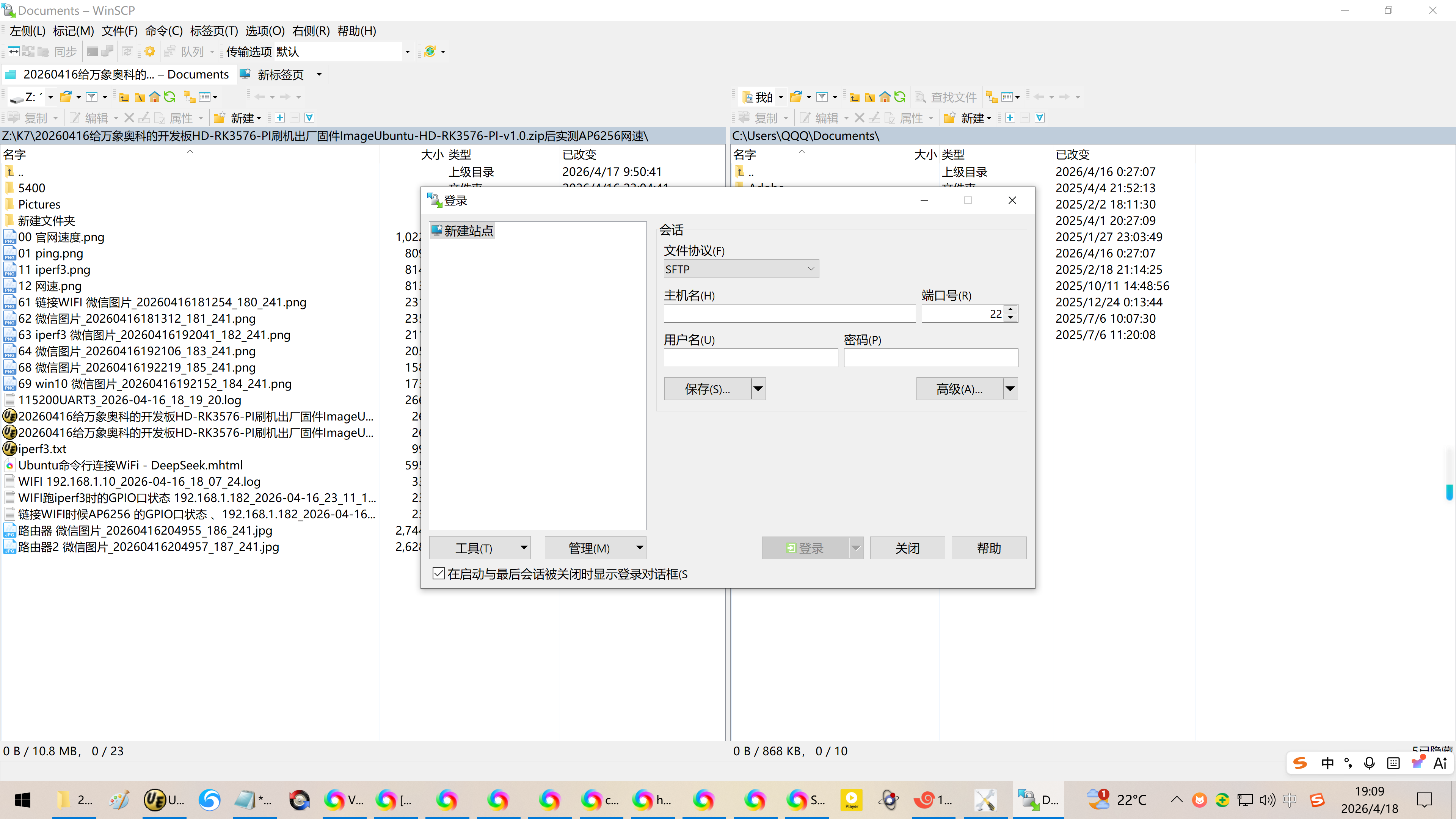
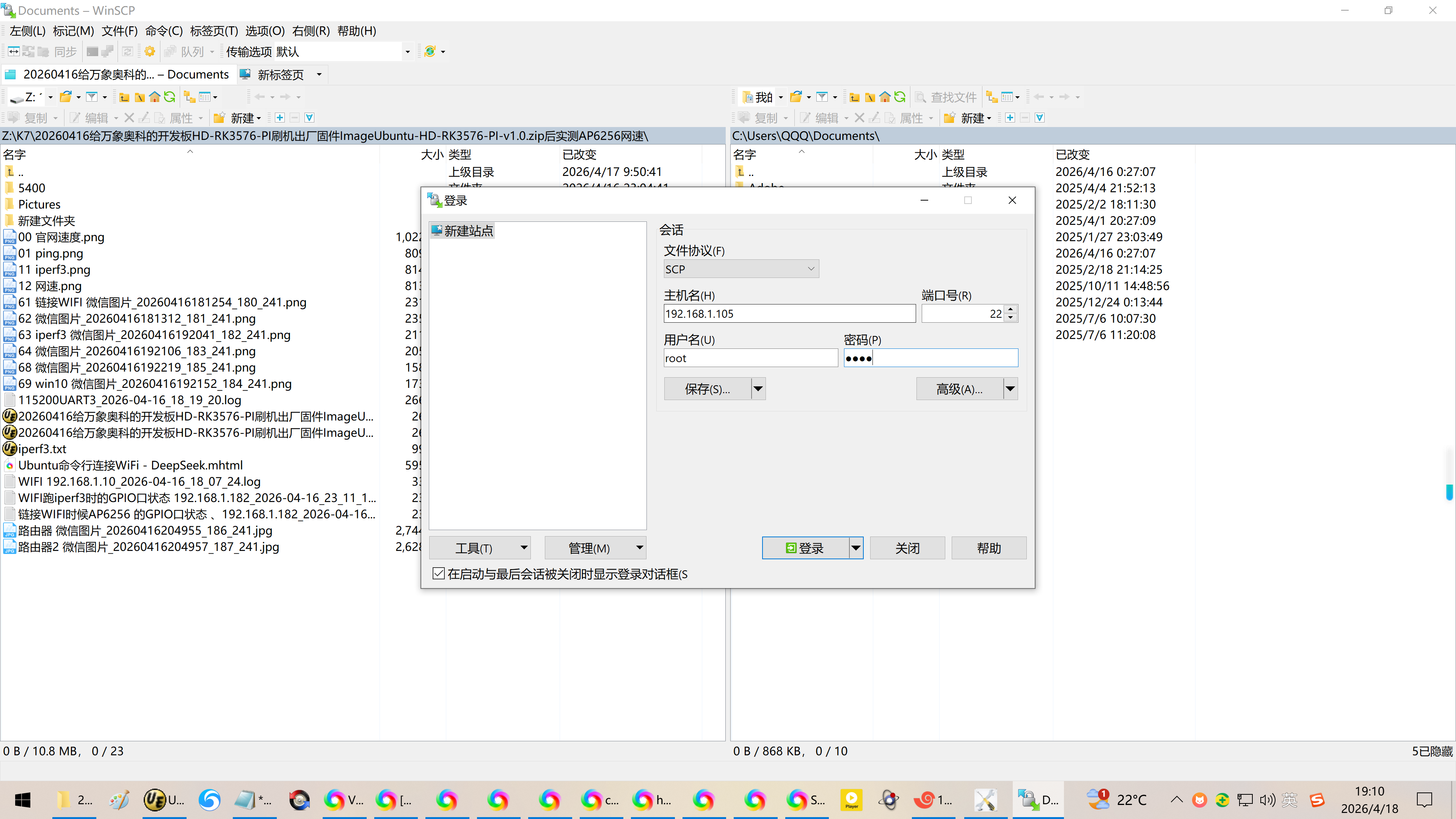
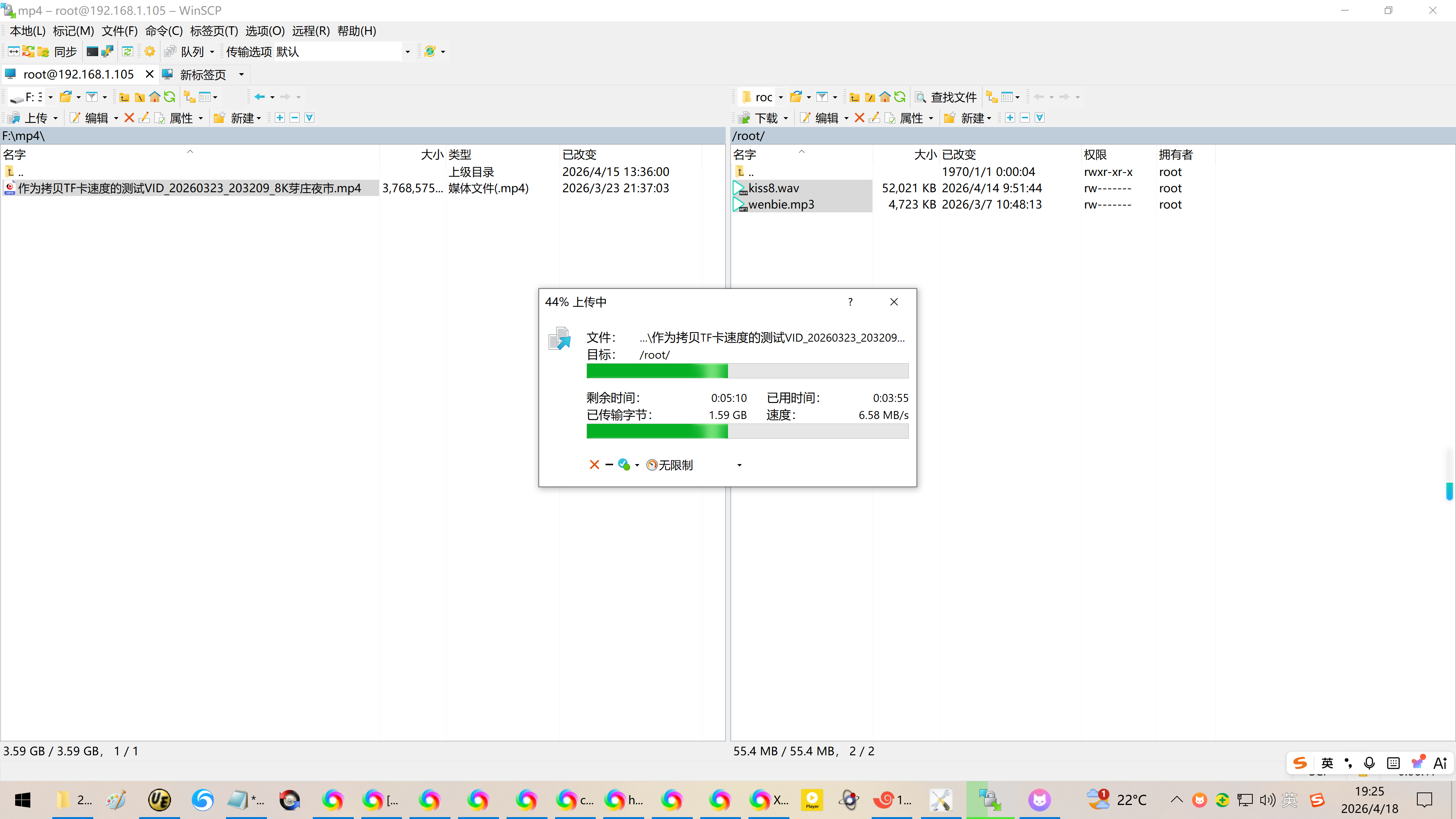
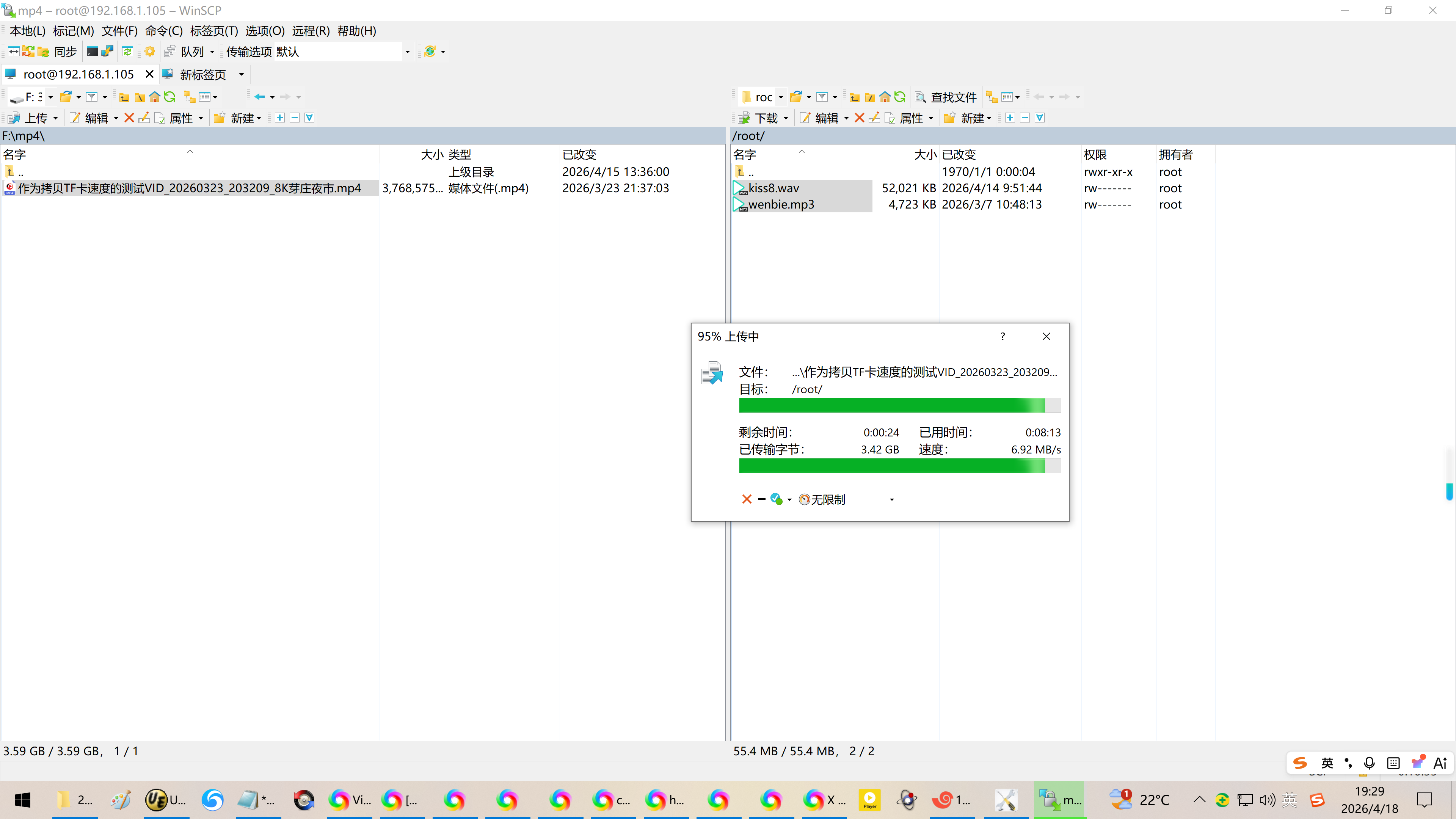
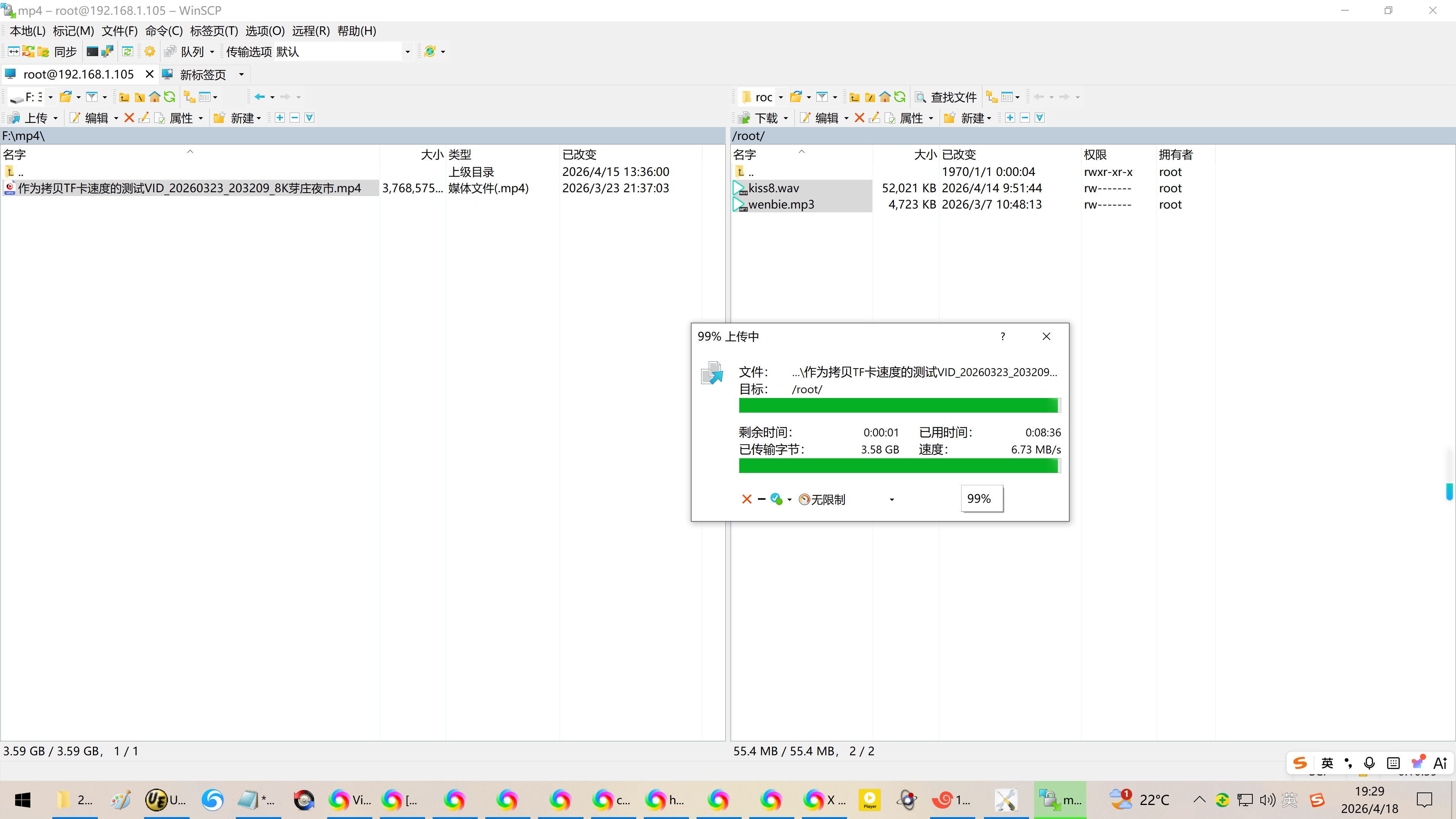
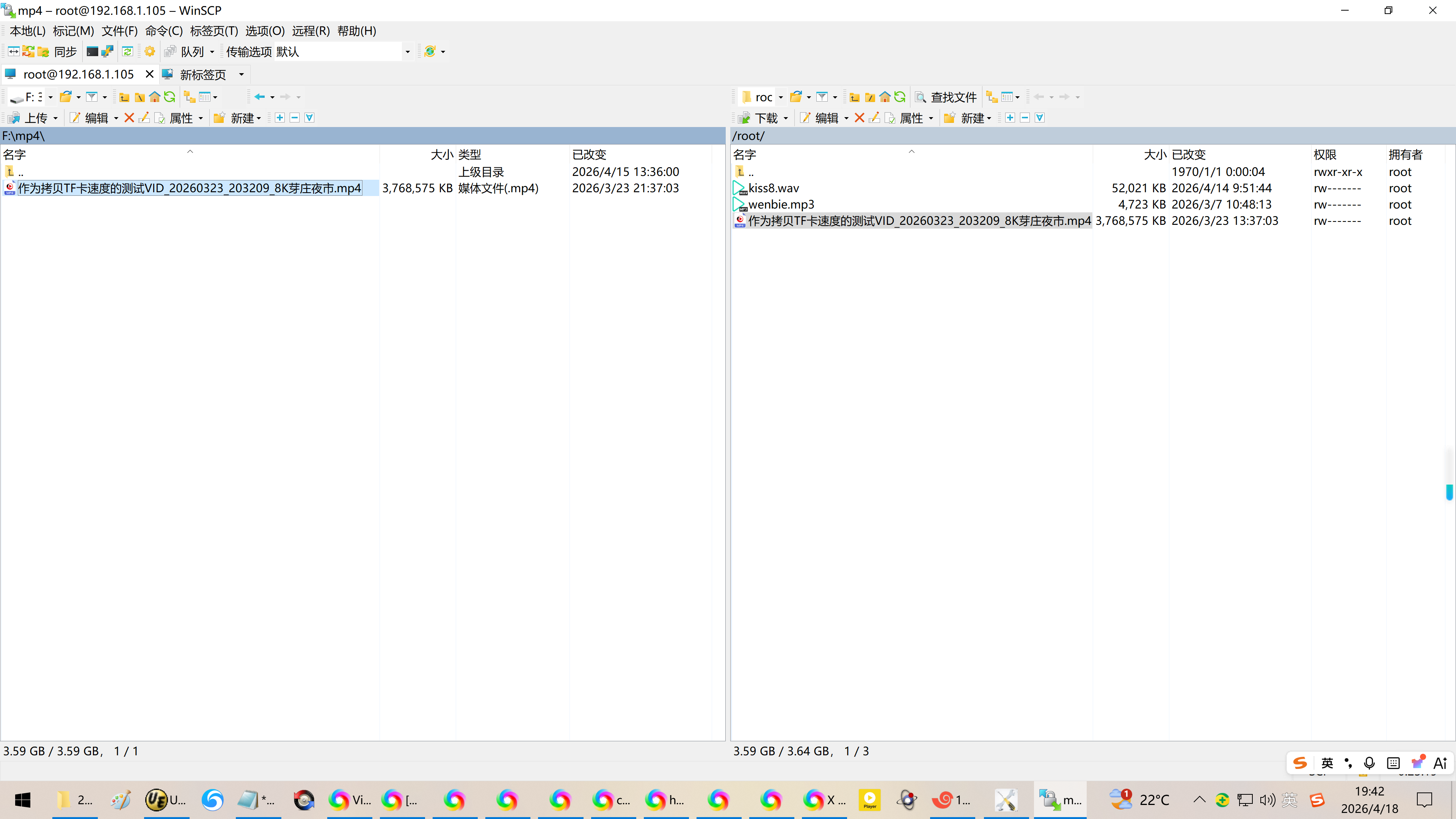
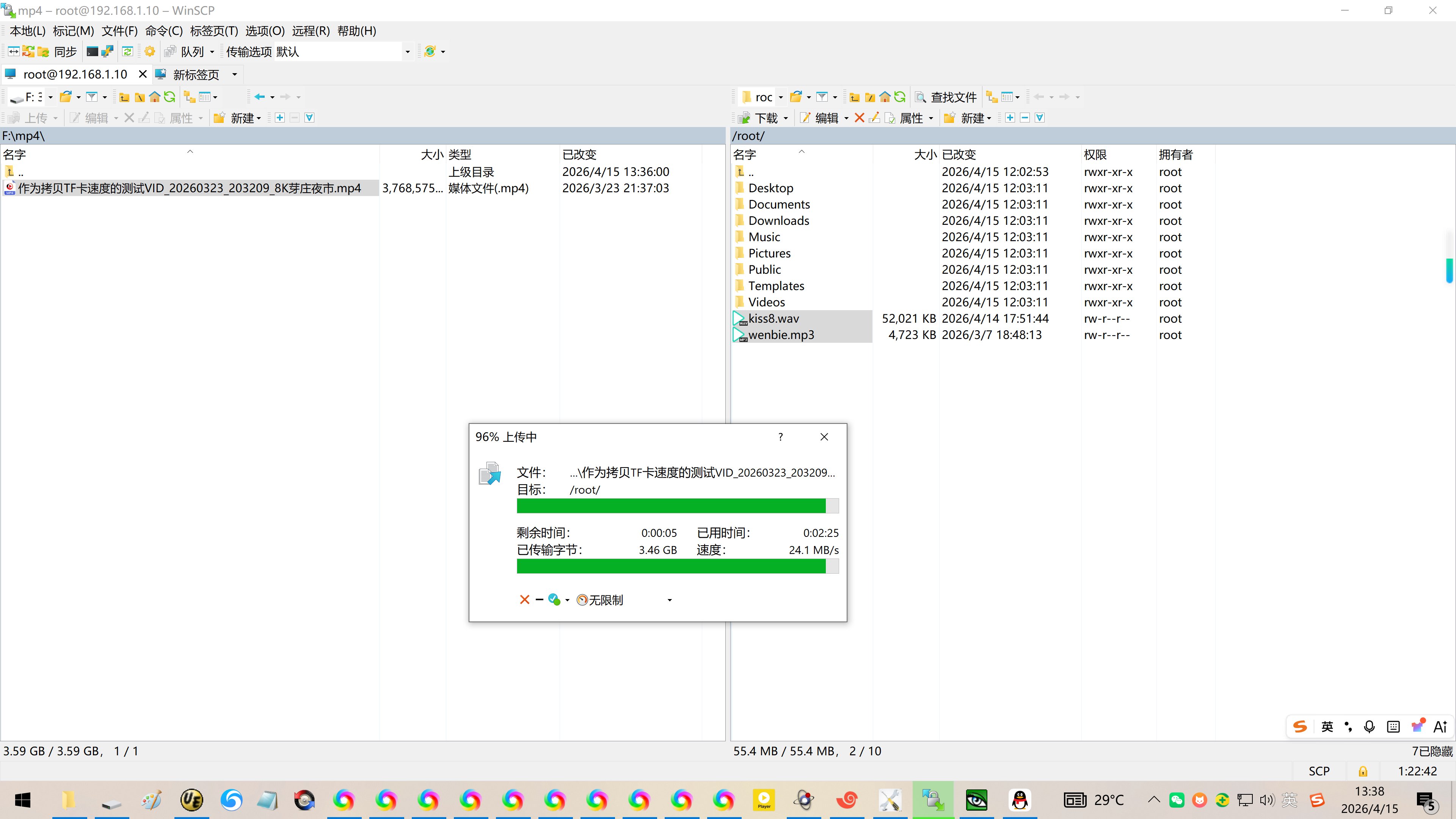
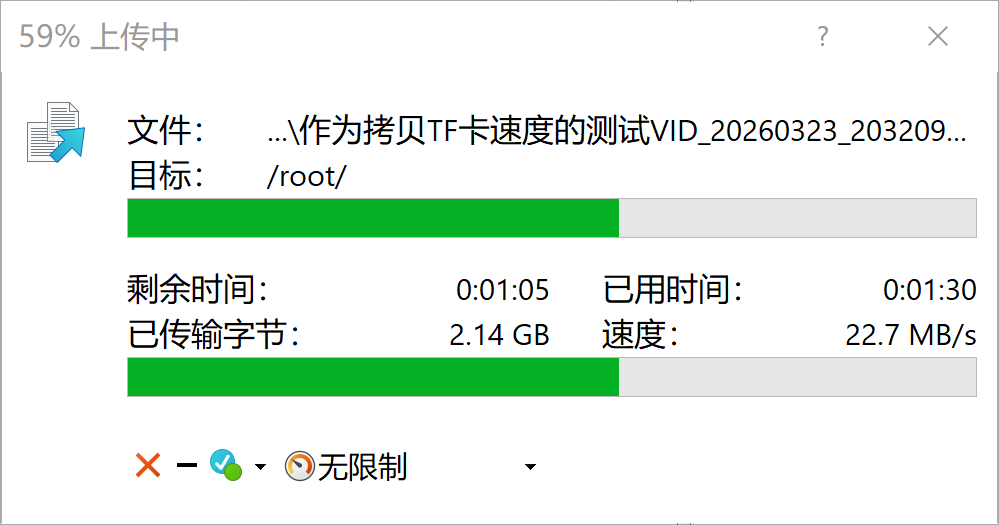
1、从WIN10上 通过WinScp传送文件【SSH模式】,大概需要8分37秒钟。
参考速度:6.73MB/S
远低于 25.12MB/s【Ubuntu系统】,有点感觉网卡是100Mbps模式
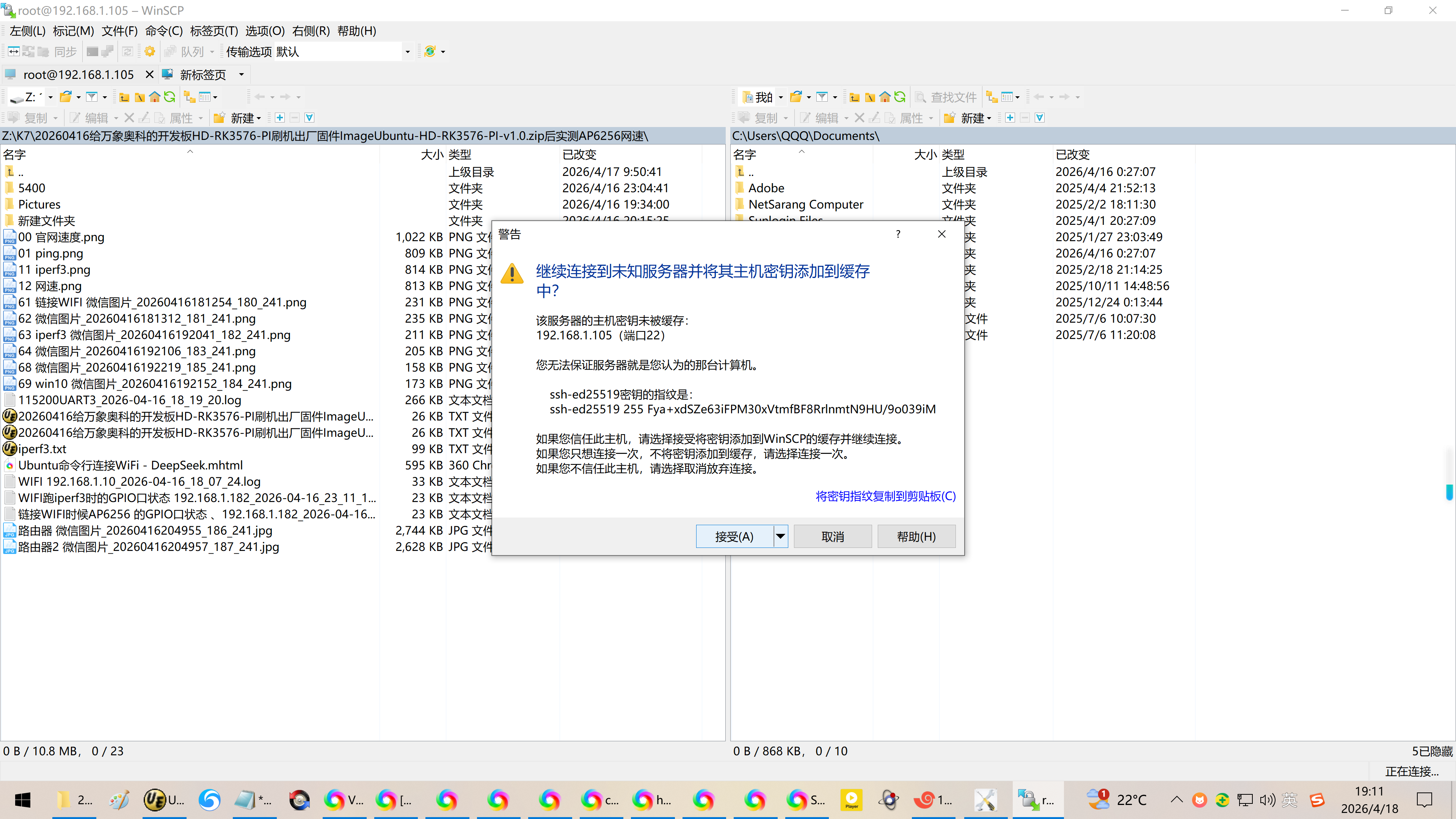
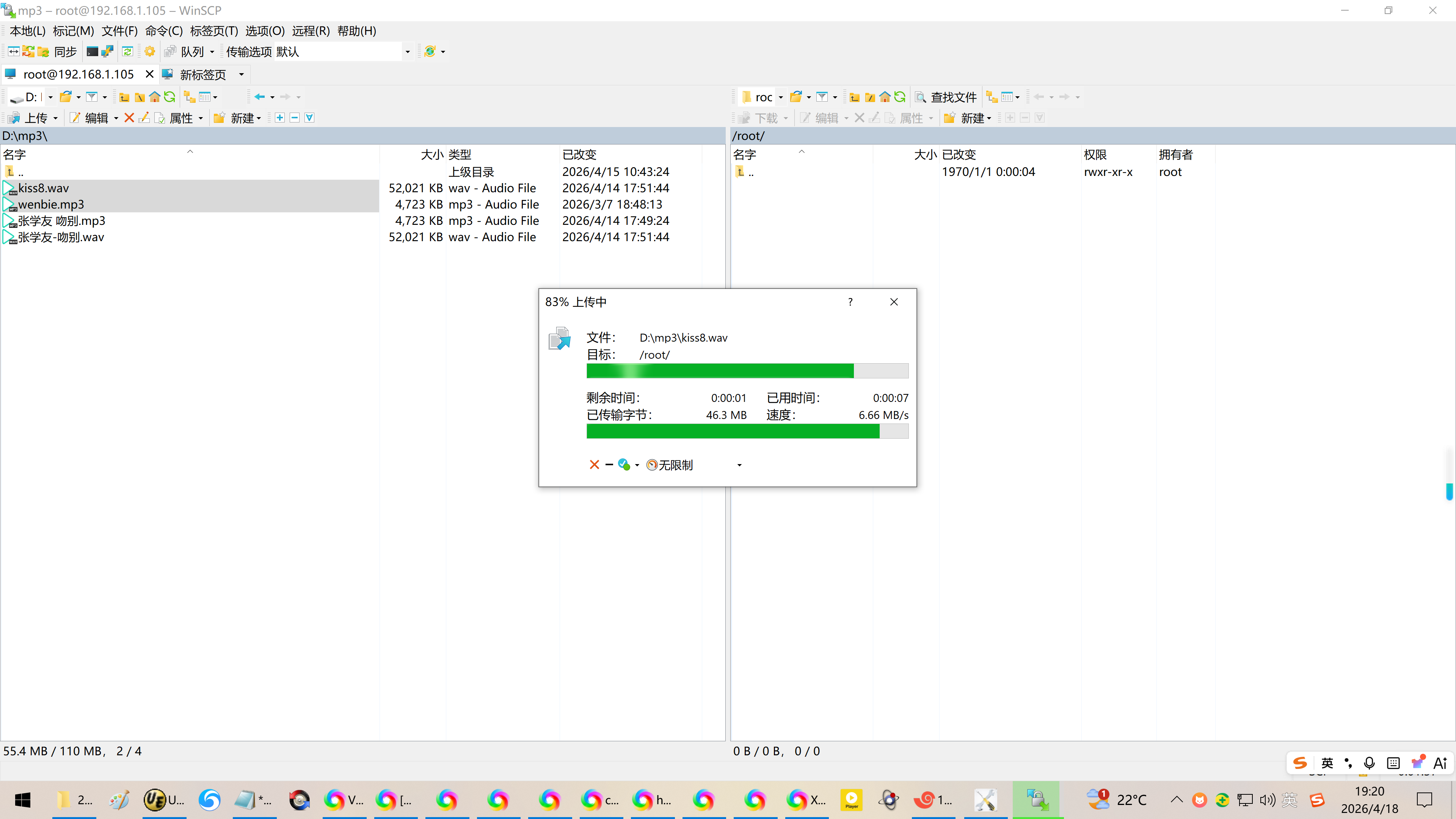
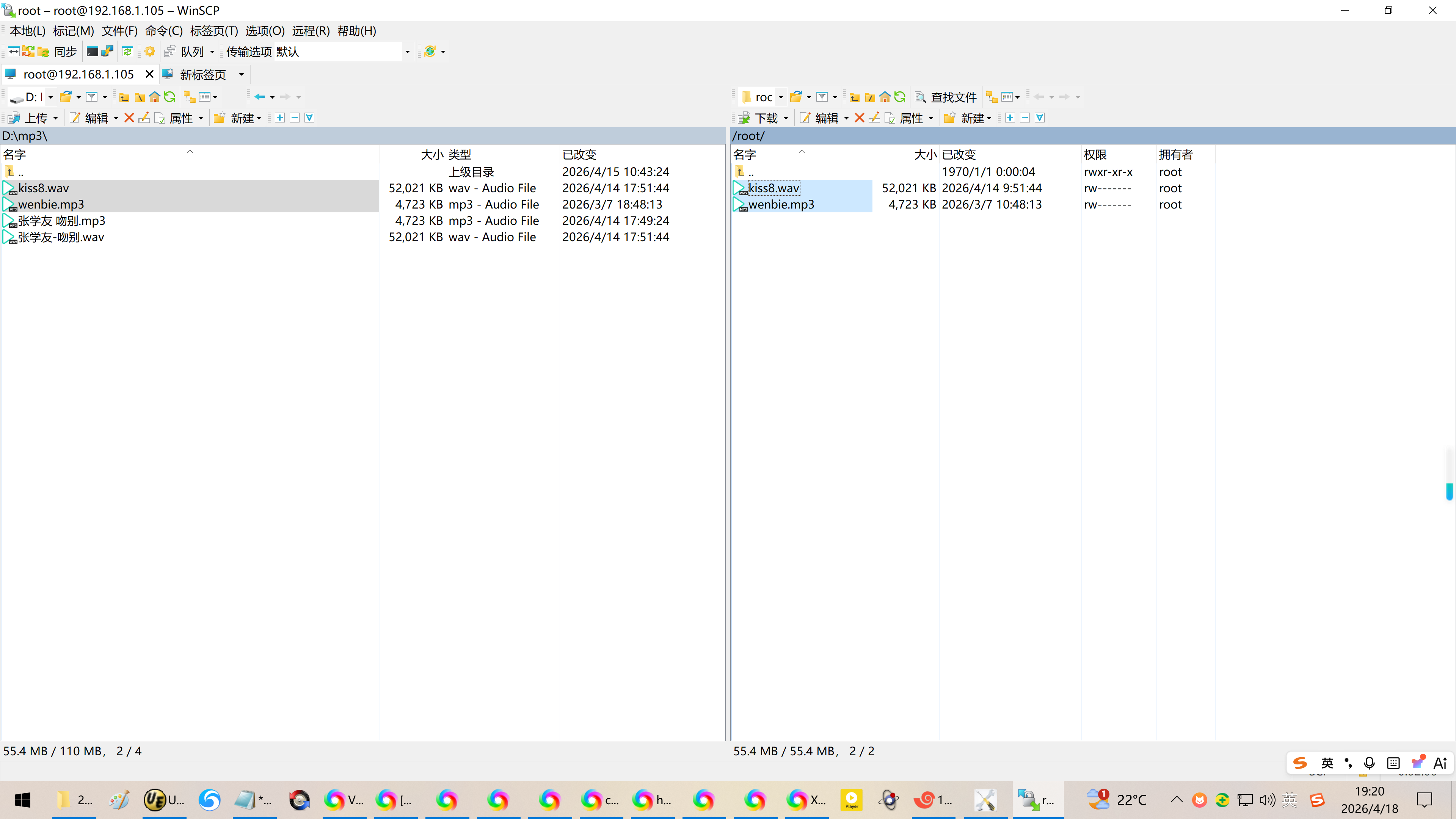
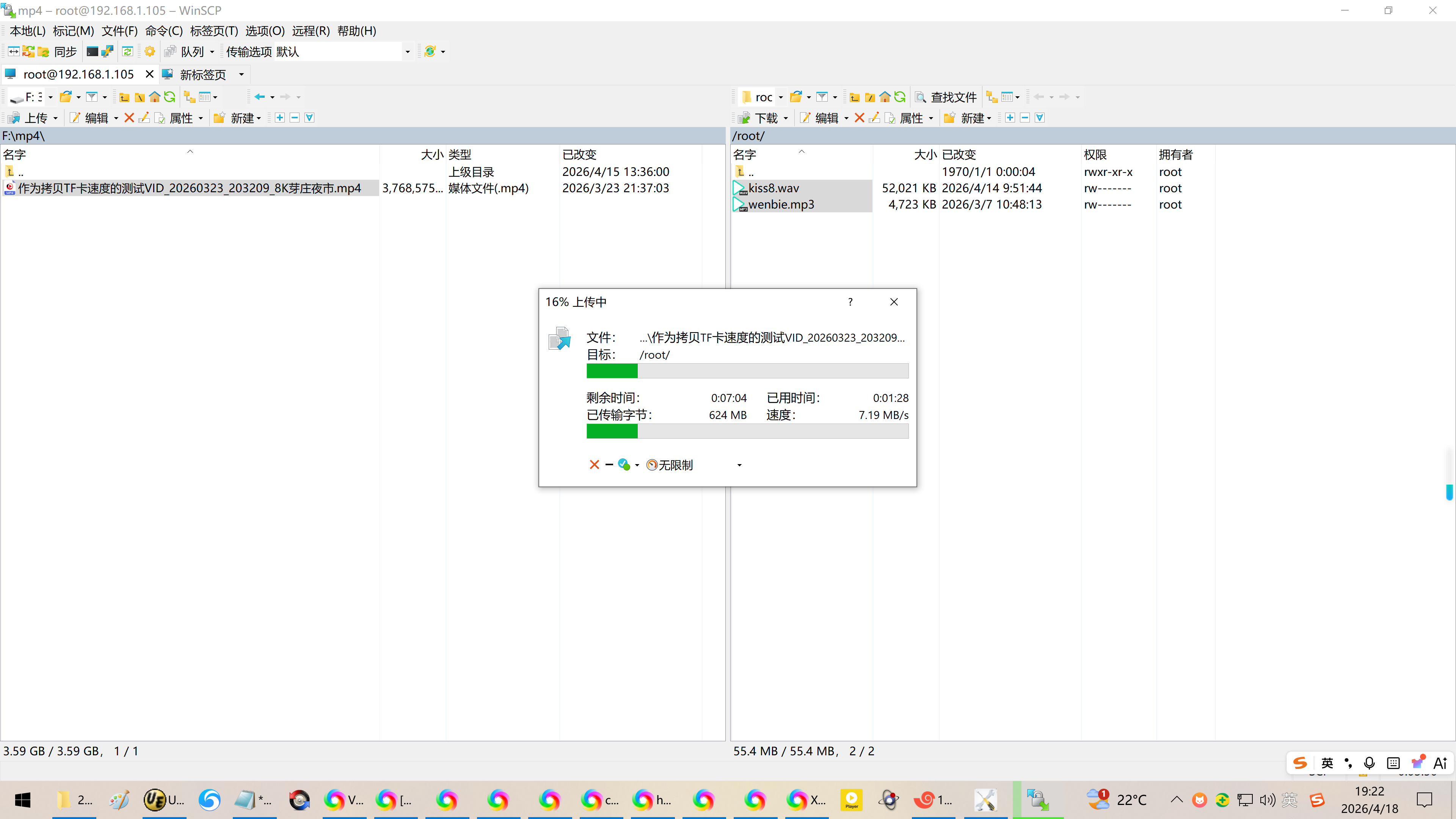
【Ubuntu系统下】
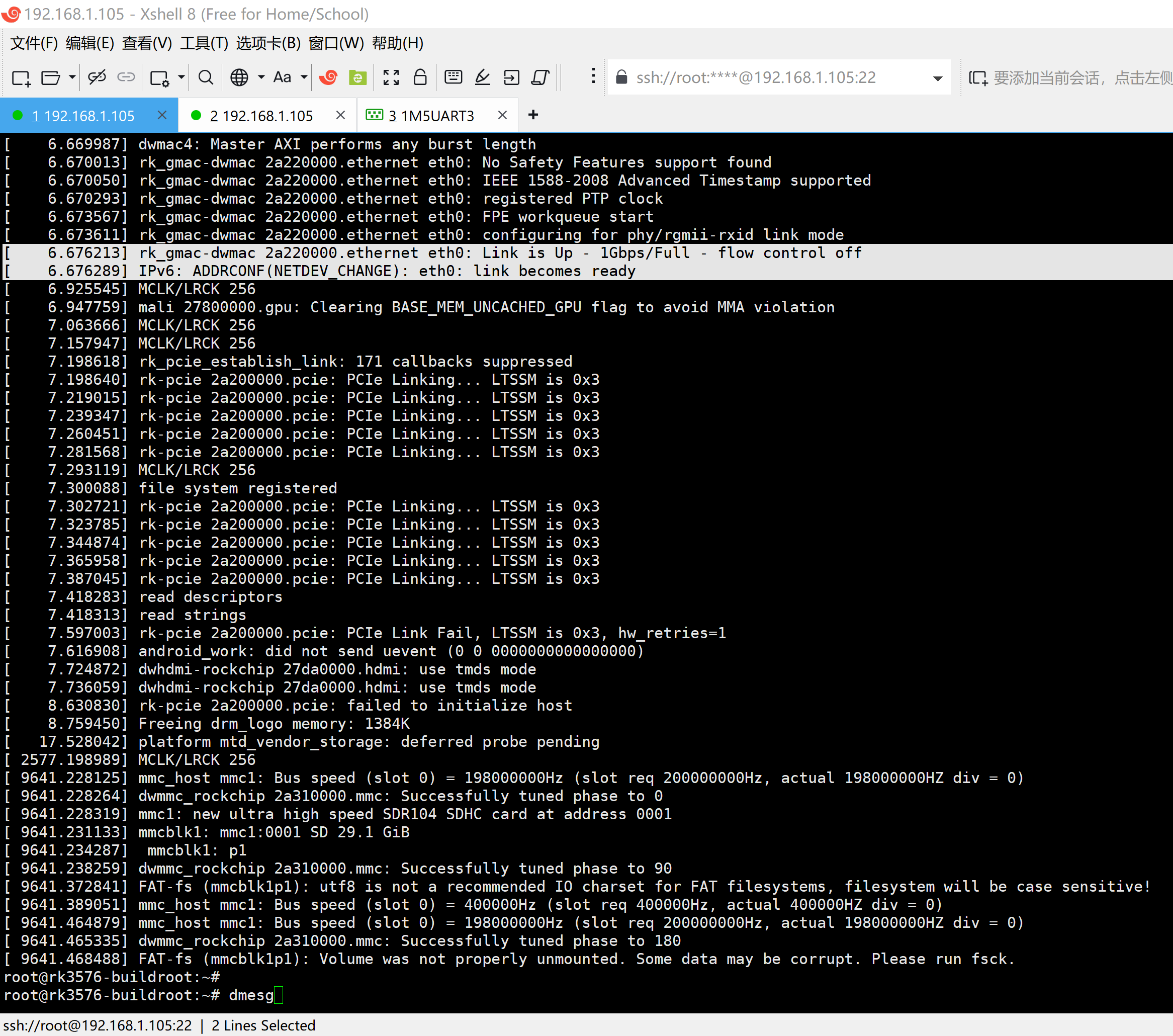
2、根据dmesg显示的内核信息,确认以太网卡是千兆网卡模式:
6.387612 rkcif-mipi-lvds: rkcif_update_sensor_info: stream1 get remote terminal sensor failed!
6.387634 rkcif_scale_ch1: update sensor info failed -19
6.667951 rk_gmac-dwmac 2a220000.ethernet eth0: Register MEM_TYPE_PAGE_POOL RxQ-0
6.669911 rk_gmac-dwmac 2a220000.ethernet eth0: PHY stmmac-0:00 driver Generic PHY (irq=POLL)
6.669987 dwmac4: Master AXI performs any burst length
6.670013 rk_gmac-dwmac 2a220000.ethernet eth0: No Safety Features support found
6.670050 rk_gmac-dwmac 2a220000.ethernet eth0: IEEE 1588-2008 Advanced Timestamp supported
6.670293 rk_gmac-dwmac 2a220000.ethernet eth0: registered PTP clock
6.673567 rk_gmac-dwmac 2a220000.ethernet eth0: FPE workqueue start
6.673611 rk_gmac-dwmac 2a220000.ethernet eth0: configuring for phy/rgmii-rxid link mode
6.676213 rk_gmac-dwmac 2a220000.ethernet eth0: Link is Up - 1Gbps/Full - flow control off
6.676289 IPv6: ADDRCONF(NETDEV_CHANGE): eth0: link becomes ready
6.925545 MCLK/LRCK 256
6.947759 mali 27800000.gpu: Clearing BASE_MEM_UNCACHED_GPU flag to avoid MMA violation
7.063666 MCLK/LRCK 256
7.157947 MCLK/LRCK 256
7.198618 rk_pcie_establish_link: 171 callbacks suppressed
7.198640 rk-pcie 2a200000.pcie: PCIe Linking... LTSSM is 0x3
7.219015 rk-pcie 2a200000.pcie: PCIe Linking... LTSSM is 0x3
7.239347 rk-pcie 2a200000.pcie: PCIe Linking... LTSSM is 0x3
7.260451 rk-pcie 2a200000.pcie: PCIe Linking... LTSSM is 0x3
7.281568 rk-pcie 2a200000.pcie: PCIe Linking... LTSSM is 0x3
7.293119 MCLK/LRCK 256
7.300088 file system registered
7.302721 rk-pcie 2a200000.pcie: PCIe Linking... LTSSM is 0x3
7.323785 rk-pcie 2a200000.pcie: PCIe Linking... LTSSM is 0x3
7.344874 rk-pcie 2a200000.pcie: PCIe Linking... LTSSM is 0x3
7.365958 rk-pcie 2a200000.pcie: PCIe Linking... LTSSM is 0x3
7.387045 rk-pcie 2a200000.pcie: PCIe Linking... LTSSM is 0x3
7.418283 read descriptors
7.418313 read strings
7.597003 rk-pcie 2a200000.pcie: PCIe Link Fail, LTSSM is 0x3, hw_retries=1
7.616908 android_work: did not send uevent (0 0 0000000000000000)
7.724872 dwhdmi-rockchip 27da0000.hdmi: use tmds mode
7.736059 dwhdmi-rockchip 27da0000.hdmi: use tmds mode
8.630830 rk-pcie 2a200000.pcie: failed to initialize host
8.759450 Freeing drm_logo memory: 1384K
17.528042 platform mtd_vendor_storage: deferred probe pending
2577.198989 MCLK/LRCK 256
9641.228125 mmc_host mmc1: Bus speed (slot 0) = 198000000Hz (slot req 200000000Hz, actual 198000000HZ div = 0)
9641.228264 dwmmc_rockchip 2a310000.mmc: Successfully tuned phase to 0
9641.228319 mmc1: new ultra high speed SDR104 SDHC card at address 0001
9641.231133 mmcblk1: mmc1:0001 SD 29.1 GiB
9641.234287 mmcblk1: p1
9641.238259 dwmmc_rockchip 2a310000.mmc: Successfully tuned phase to 90
9641.372841 FAT-fs (mmcblk1p1): utf8 is not a recommended IO charset for FAT filesystems, filesystem will be case sensitive!
9641.389051 mmc_host mmc1: Bus speed (slot 0) = 400000Hz (slot req 400000Hz, actual 400000HZ div = 0)
9641.464879 mmc_host mmc1: Bus speed (slot 0) = 198000000Hz (slot req 200000000Hz, actual 198000000HZ div = 0)
9641.465335 dwmmc_rockchip 2a310000.mmc: Successfully tuned phase to 180
9641.468488 FAT-fs (mmcblk1p1): Volume was not properly unmounted. Some data may be corrupt. Please run fsck.
root@rk3576-buildroot:~#
root@rk3576-buildroot:~# dmesg
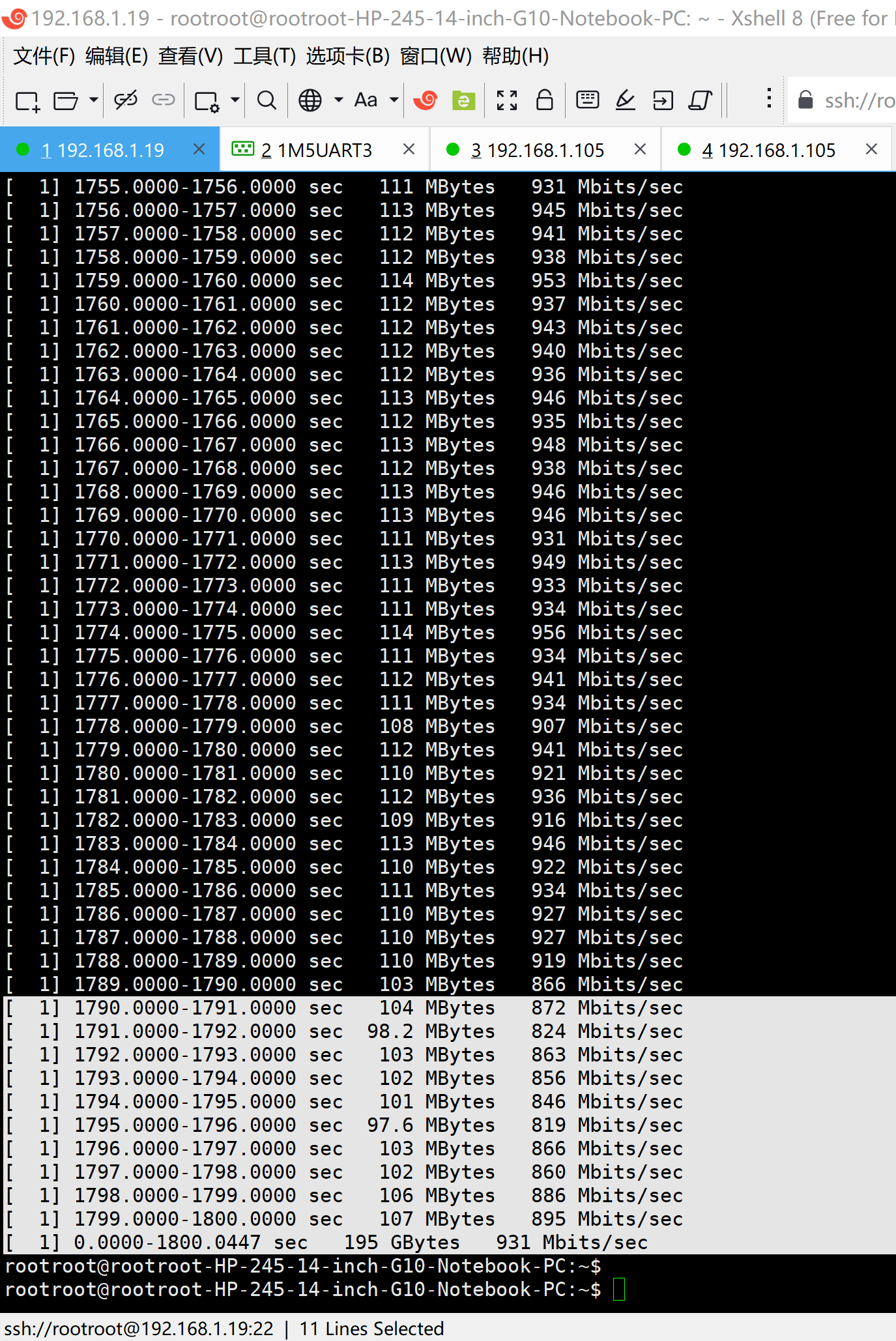
3、通过iperf2实测网卡确实工作在千兆网卡模式:实测网速931Mbits/sec
rootroot@rootroot-HP-245-14-inch-G10-Notebook-PC:~$ iperf -c 192.168.1.105 -i 1 -t 1800
Client connecting to 192.168.1.105, TCP port 5001
TCP window size: 85.0 KByte (default)
1 local 192.168.1.19 port 58674 connected with 192.168.1.105 port 5001
ID Interval Transfer Bandwidth
1 0.0000-1.0000 sec 106 MBytes 890 Mbits/sec
1 1.0000-2.0000 sec 107 MBytes 898 Mbits/sec
1 2.0000-3.0000 sec 102 MBytes 852 Mbits/sec
1 3.0000-4.0000 sec 106 MBytes 890 Mbits/sec
1 4.0000-5.0000 sec 112 MBytes 935 Mbits/sec
1 5.0000-6.0000 sec 112 MBytes 941 Mbits/sec
1 1795.0000-1796.0000 sec 97.6 MBytes 819 Mbits/sec
1 1796.0000-1797.0000 sec 103 MBytes 866 Mbits/sec
1 1797.0000-1798.0000 sec 102 MBytes 860 Mbits/sec
1 1798.0000-1799.0000 sec 106 MBytes 886 Mbits/sec
1 1799.0000-1800.0000 sec 107 MBytes 895 Mbits/sec
1 0.0000-1800.0447 sec 195 GBytes 931 Mbits/sec
rootroot@rootroot-HP-245-14-inch-G10-Notebook-PC:~$
4、可能的原因:RK3576的Buildroot【linux-6.1】系统时确认ssh服务【内置dropbear】。
dropbear只是轻量级的ssh【只保证通,但是不保证好用!】
在拷贝大文件的时候效率明显低于OpenSSH(功能完整)
参考资料:
https://blog.csdn.net/wb4916/article/details/156227682?spm=1011.2415.3001.5331
20251224给飞凌OK3588-C开发板适配Rockchip原厂的Buildroot【linux-6.1】系统时确认ssh服务【内置dropbear】
4、DeepSeek:
https://chat.deepseek.com/a/chat/s/e069b200-bd37-4be9-aeae-723aa7ac94dd
RK3588 Buildroot SSH配置指南
RK3588的buildroot,默认自带SSH服务器吗?用户名?密码?
- 如果需要SSH支持,推荐配置:
方法一:使用Dropbear(轻量级)
bash
选择 Dropbear
Target packages → Networking applications → dropbear
可能需要启用以下选项:
- Install dropbear website keys
- Enable scp
方法二:使用OpenSSH(功能完整)
bash
Target packages → Networking applications → openssh
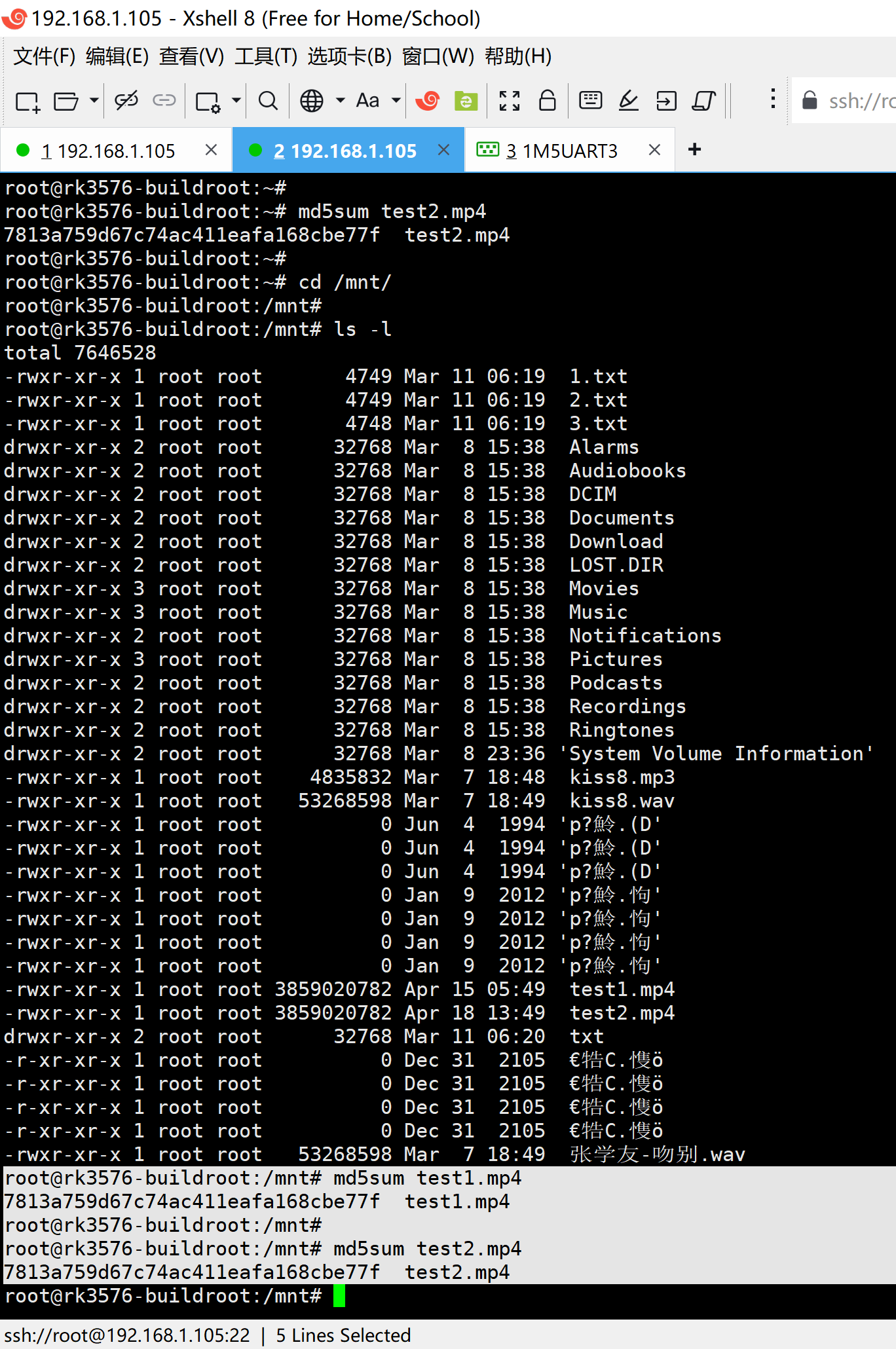
5、从eMMC将大视频拷贝到TF卡上的速度:
root@rk3576-buildroot:~#
root@rk3576-buildroot:~# time(cp test2.mp4 /mnt && sync)
real 1m32.007s
user 0m0.082s
sys 0m15.423s
root@rk3576-buildroot:~#
root@rk3576-buildroot:~#
3859020MB/92s = 41.95MB/s
3859020/92 = 41.945652173913
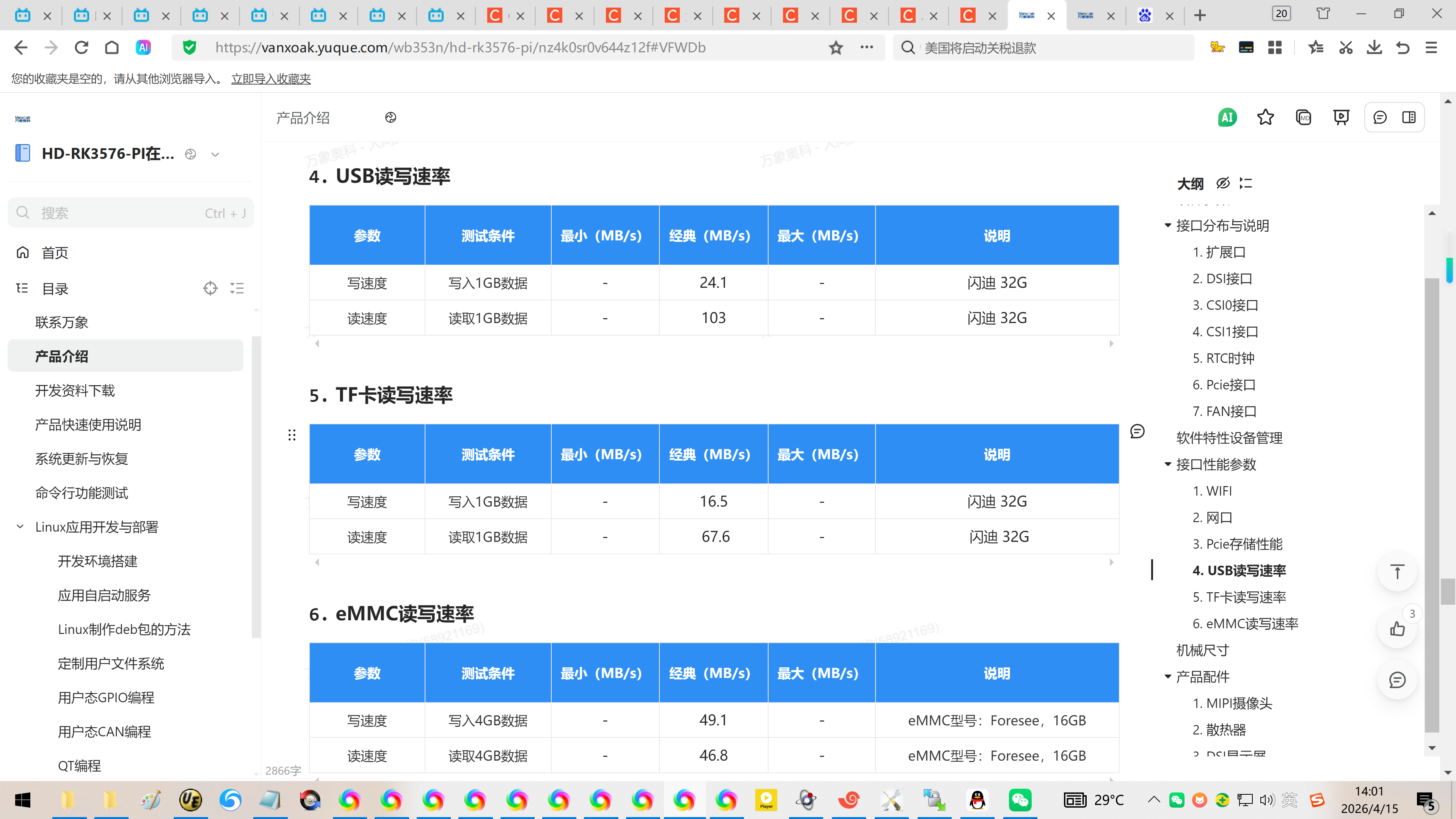
接近46.49MB/s【Ubuntu系统】
确认md5sum值:
root@rk3576-buildroot:~#
root@rk3576-buildroot:~# md5sum test2.mp4
7813a759d67c74ac411eafa168cbe77f test2.mp4
root@rk3576-buildroot:~#
root@rk3576-buildroot:~# cd /mnt/
root@rk3576-buildroot:/mnt#
root@rk3576-buildroot:/mnt# ls -l
total 7646528
-rwxr-xr-x 1 root root 4749 Mar 11 06:19 1.txt
-rwxr-xr-x 1 root root 4749 Mar 11 06:19 2.txt
-rwxr-xr-x 1 root root 4748 Mar 11 06:19 3.txt
drwxr-xr-x 2 root root 32768 Mar 8 15:38 Alarms
drwxr-xr-x 2 root root 32768 Mar 8 15:38 Audiobooks
drwxr-xr-x 2 root root 32768 Mar 8 15:38 DCIM
drwxr-xr-x 2 root root 32768 Mar 8 15:38 Documents
drwxr-xr-x 2 root root 32768 Mar 8 15:38 Download
drwxr-xr-x 2 root root 32768 Mar 8 15:38 LOST.DIR
drwxr-xr-x 3 root root 32768 Mar 8 15:38 Movies
drwxr-xr-x 3 root root 32768 Mar 8 15:38 Music
drwxr-xr-x 2 root root 32768 Mar 8 15:38 Notifications
drwxr-xr-x 3 root root 32768 Mar 8 15:38 Pictures
drwxr-xr-x 2 root root 32768 Mar 8 15:38 Podcasts
drwxr-xr-x 2 root root 32768 Mar 8 15:38 Recordings
drwxr-xr-x 2 root root 32768 Mar 8 15:38 Ringtones
drwxr-xr-x 2 root root 32768 Mar 8 23:36 'System Volume Information'
-rwxr-xr-x 1 root root 4835832 Mar 7 18:48 kiss8.mp3
-rwxr-xr-x 1 root root 53268598 Mar 7 18:49 kiss8.wav
-rwxr-xr-x 1 root root 0 Jun 4 1994 'p??.(D'
-rwxr-xr-x 1 root root 0 Jun 4 1994 'p??.(D'
-rwxr-xr-x 1 root root 0 Jun 4 1994 'p??.(D'
-rwxr-xr-x 1 root root 0 Jan 9 2012 'p??.?'
-rwxr-xr-x 1 root root 0 Jan 9 2012 'p??.?'
-rwxr-xr-x 1 root root 0 Jan 9 2012 'p??.?'
-rwxr-xr-x 1 root root 0 Jan 9 2012 'p??.?'
-rwxr-xr-x 1 root root 3859020782 Apr 15 05:49 test1.mp4
-rwxr-xr-x 1 root root 3859020782 Apr 18 13:49 test2.mp4
drwxr-xr-x 2 root root 32768 Mar 11 06:20 txt
-r-xr-xr-x 1 root root 0 Dec 31 2105 ?牿C.??
-r-xr-xr-x 1 root root 0 Dec 31 2105 ?牿C.??
-r-xr-xr-x 1 root root 0 Dec 31 2105 ?牿C.??
-r-xr-xr-x 1 root root 0 Dec 31 2105 ?牿C.??
-rwxr-xr-x 1 root root 53268598 Mar 7 18:49 张学友-吻别.wav
root@rk3576-buildroot:/mnt# md5sum test1.mp4
7813a759d67c74ac411eafa168cbe77f test1.mp4
root@rk3576-buildroot:/mnt#
root@rk3576-buildroot:/mnt# md5sum test2.mp4
7813a759d67c74ac411eafa168cbe77f test2.mp4
root@rk3576-buildroot:/mnt#