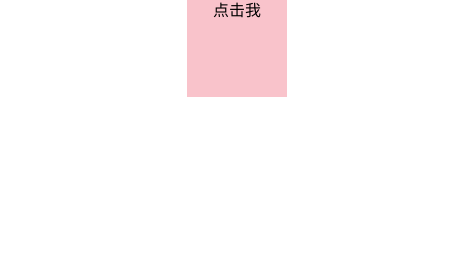
点击前
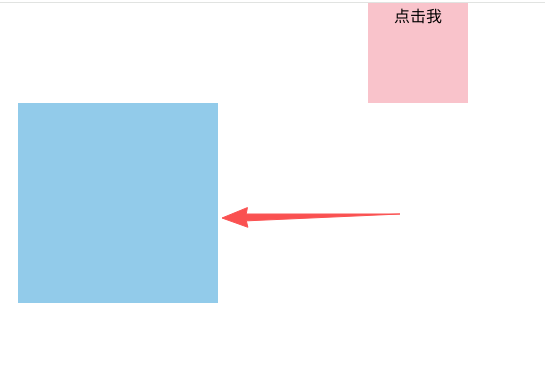
点击一次 先显示出来,并移动到左侧
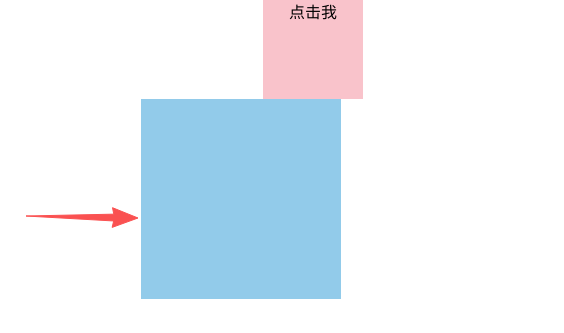
再次点击,再移动回来,并消失
整体代码如下:
js
<template>
  <div id="myElement" class="box" @click="click_me">
    点击我
  </div>
  <div class="sub" :class="{'move-left': moveLeft, 'move-right': moveRight, 'hidden': isHidden}">
  </div>
</template>

<script setup>
import { ref } from "vue";

const moveLeft = ref(false);
const moveRight = ref(false);
const isHidden = ref(true); // 初始状态为隐藏

const click_me = () => {
  if (isHidden.value && !moveLeft.value && !moveRight.value) {
    // 第一次点击:显示并向左移动
    isHidden.value = false;
    setTimeout(() => {
      moveLeft.value = true;
    }, 50);
  } else if (moveLeft.value && !moveRight.value) {
    // 第二次点击:向右移动回来
    moveLeft.value = false;
    moveRight.value = true;

    // 等待移动完成后消失
    setTimeout(() => {
      isHidden.value = true;
      moveRight.value = false;
    }, 500);
  }
};
</script>

<style scoped>
.box {
  position: fixed;
  top: 0;
  left: 50%;
  transform: translateX(-50%);
  width: 100px;
  height: 100px;
  overflow: hidden;
  text-align: center;
  background-color: pink;
  cursor: pointer;
}

.sub {
  position: fixed;
  top: 100px;
  left: calc(50% - 100px); /* 初始居中位置 */
  width: 200px;
  height: 200px;
  background-color: skyblue;
  transition: left 0.5s ease, opacity 0.3s ease, visibility 0.3s ease;
}

.move-left {
  left: calc(50% - 400px); /* 向左移动300px:从 50%-100px 到 50%-400px */
}

.move-right {
  left: calc(50% - 100px); /* 向右移动回初始居中位置 */
}

.hidden {
  opacity: 0;
  visibility: hidden;
}
</style>