离线环境,官方docker镜像,k8s环境使用
1、导出模型时从github克隆llama.cpp处理
手动下载源码https://github.com/ggml-org/llama.cpp传到unsloth内
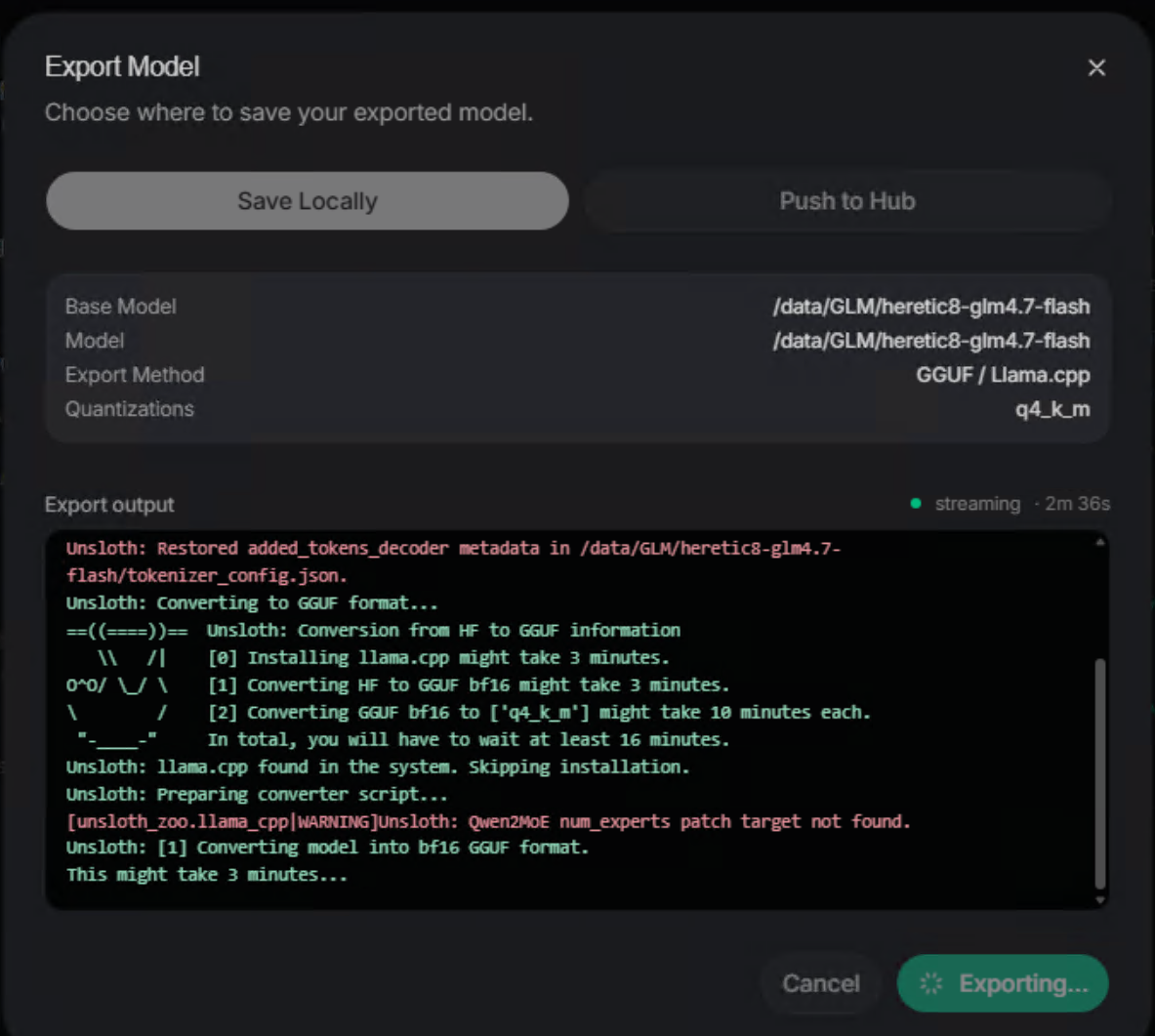
根据报错日志的路径,创建目录
dart
mkdir /home/unsloth/.unsloth/llama.cpp -p把llama.cpp源码放进去
dart
/opt/venv/bin/python3 -m pip install gguf protobuf sentencepiece mistral_common #自己指定源处理下,或者加变量重试,就不会从github自动拉了,pip源记得配,或者人工干预,ps -ef 看下他在装什么包
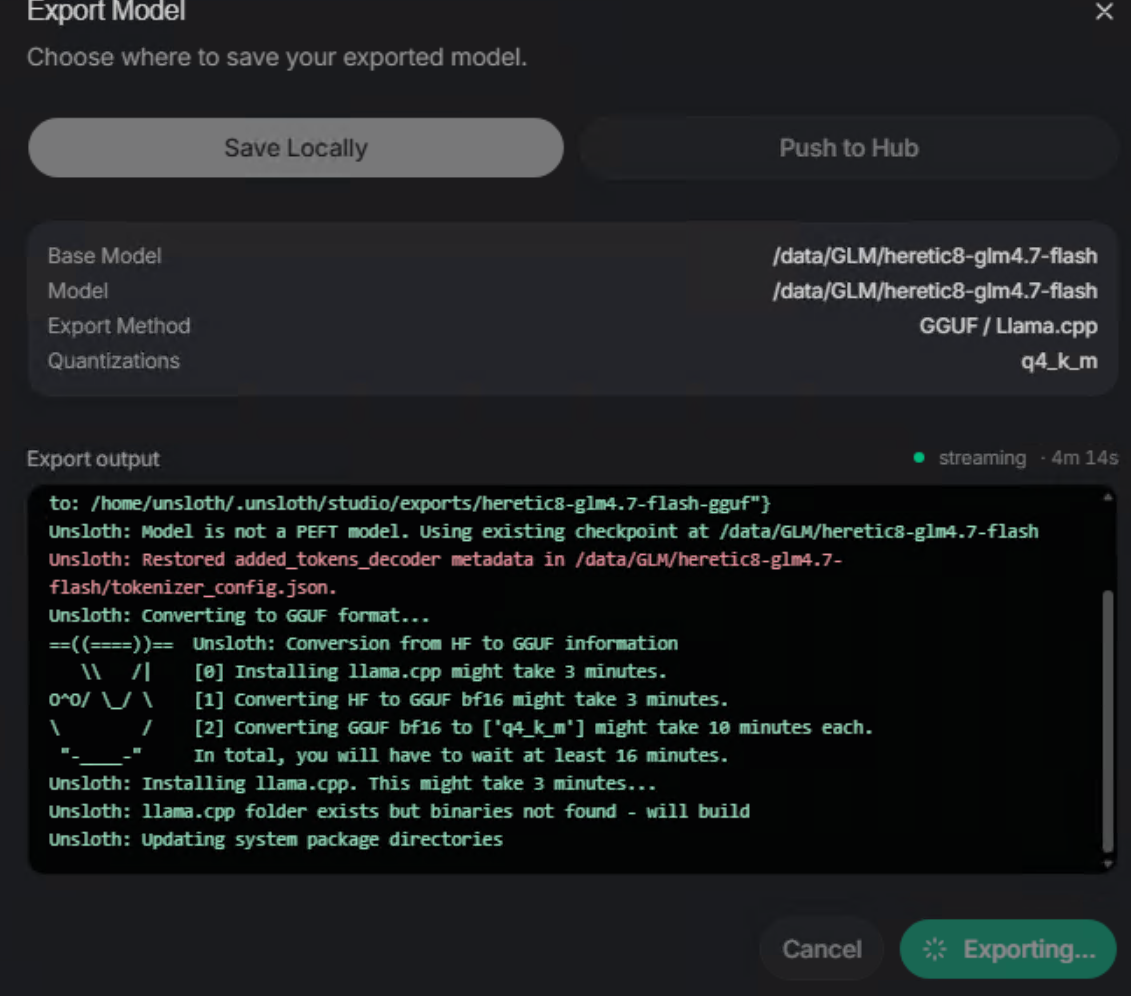
可以看到已经完成了llama.cpp的源码构建安装
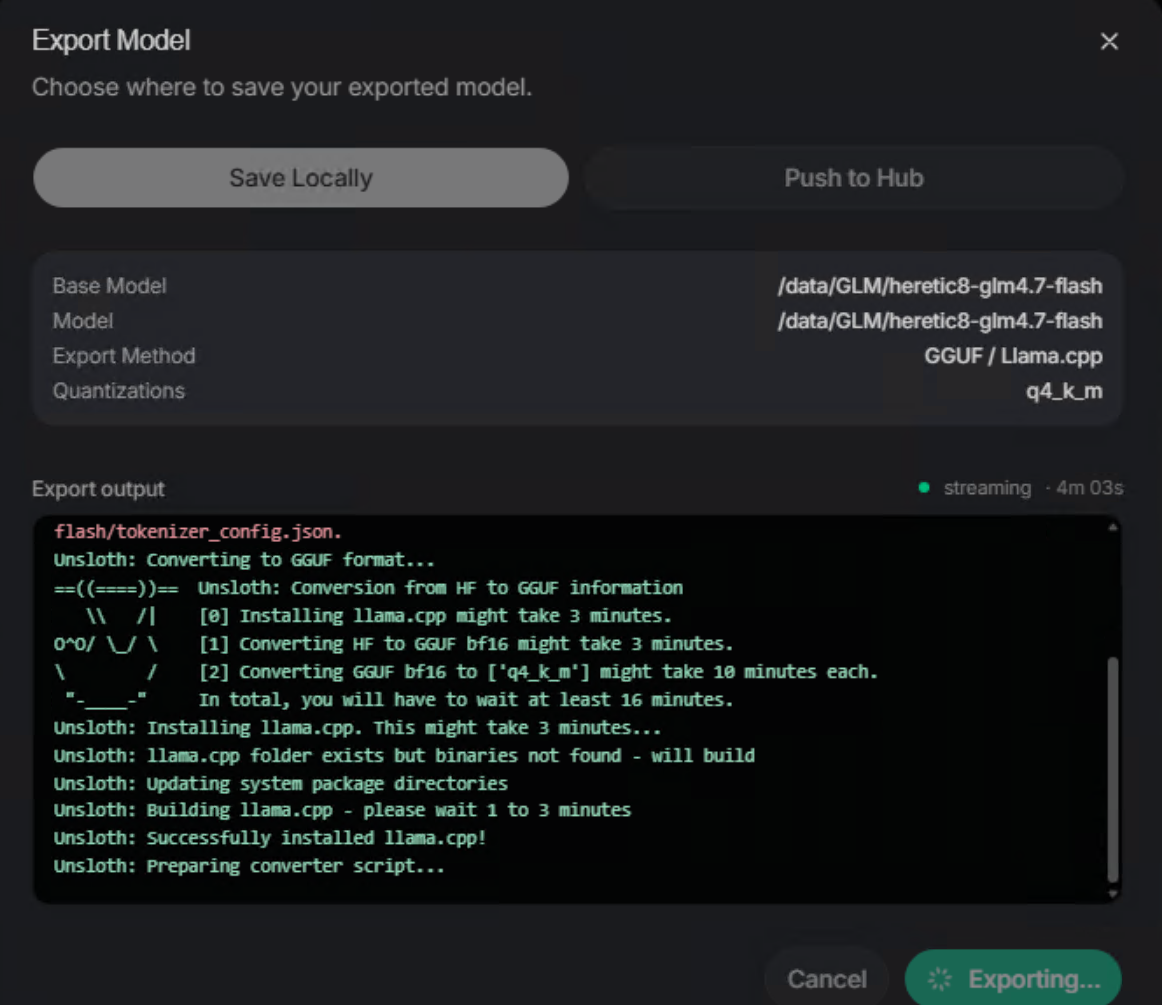
手动转换,不依赖Unsloth
dart
# 转换并输出 f16 GGUF
cd llama.cpp
python convert_hf_to_gguf.py ./my_unsloth_model \
    --outtype f16 \
--outfile my_model_f16.gguf后面还有代码写死从github下载https://github.com/ggerganov/llama.cpp/raw/refs/heads/master/convert_hf_to_gguf.py
改变量没测,直接改代码
dart
unsloth@unsloth-studio-7fd9b89dcd-mjd8x:/workspace/llama.cpp$ python -m http.server 8081
Serving HTTP on 0.0.0.0 port 8081 (http://0.0.0.0:8081/) ...
127.0.0.1 - - [26/Apr/2026 13:40:37] "GET /convert_hf_to_gguf.py HTTP/1.1" 200 -
127.0.0.1 - - [26/Apr/2026 13:42:35] "GET /convert_hf_to_gguf.py HTTP/1.1" 200 -
dart
vim /opt/venv/lib/python3.12/site-packages/unsloth_zoo/llama_cpp.py #报错代码55行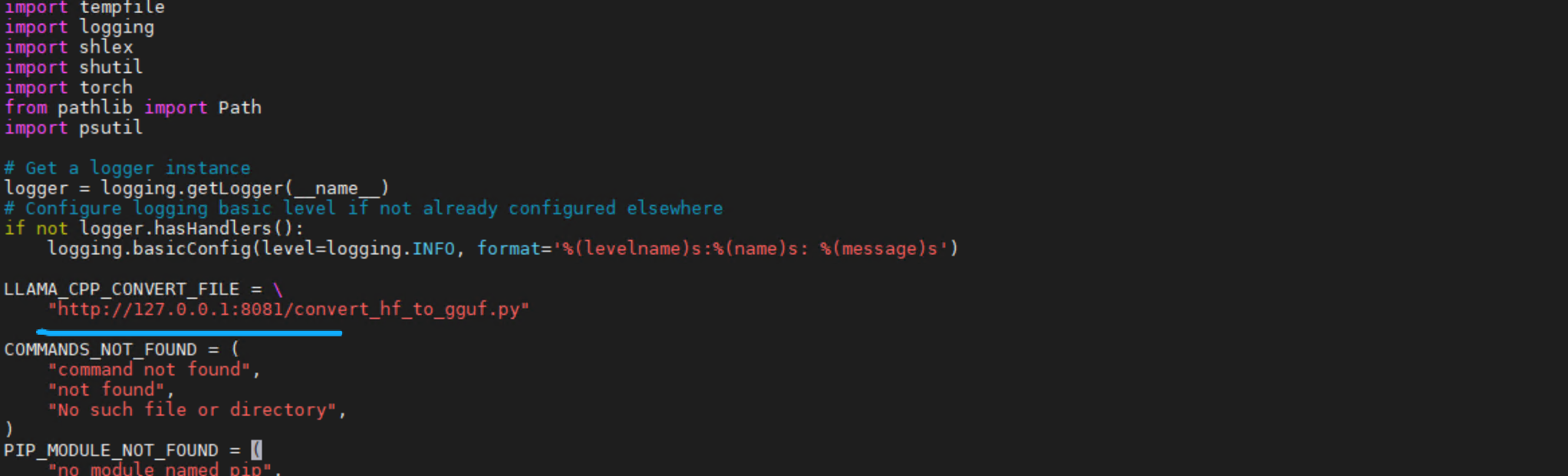
成功转GGUF并量化
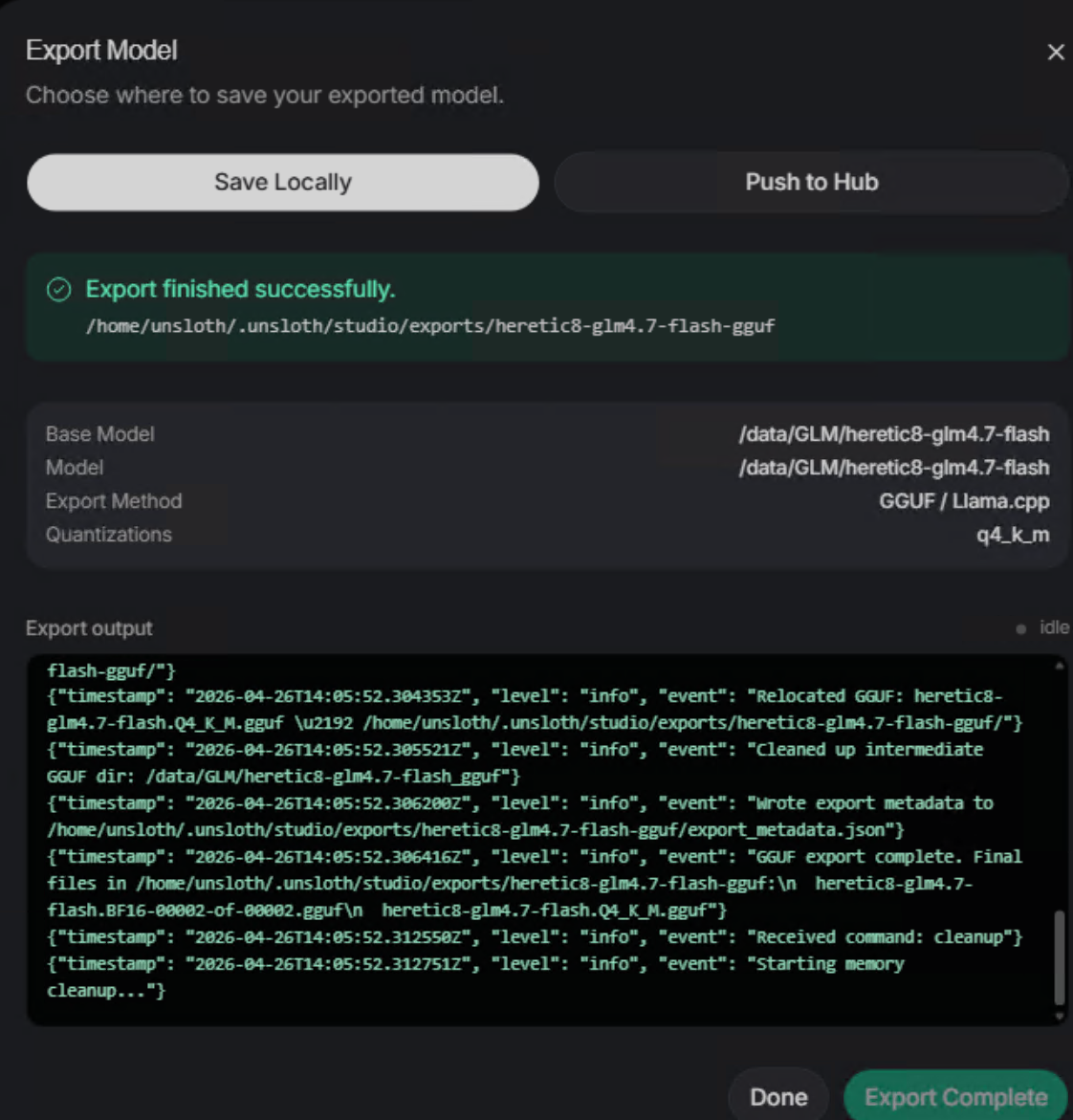
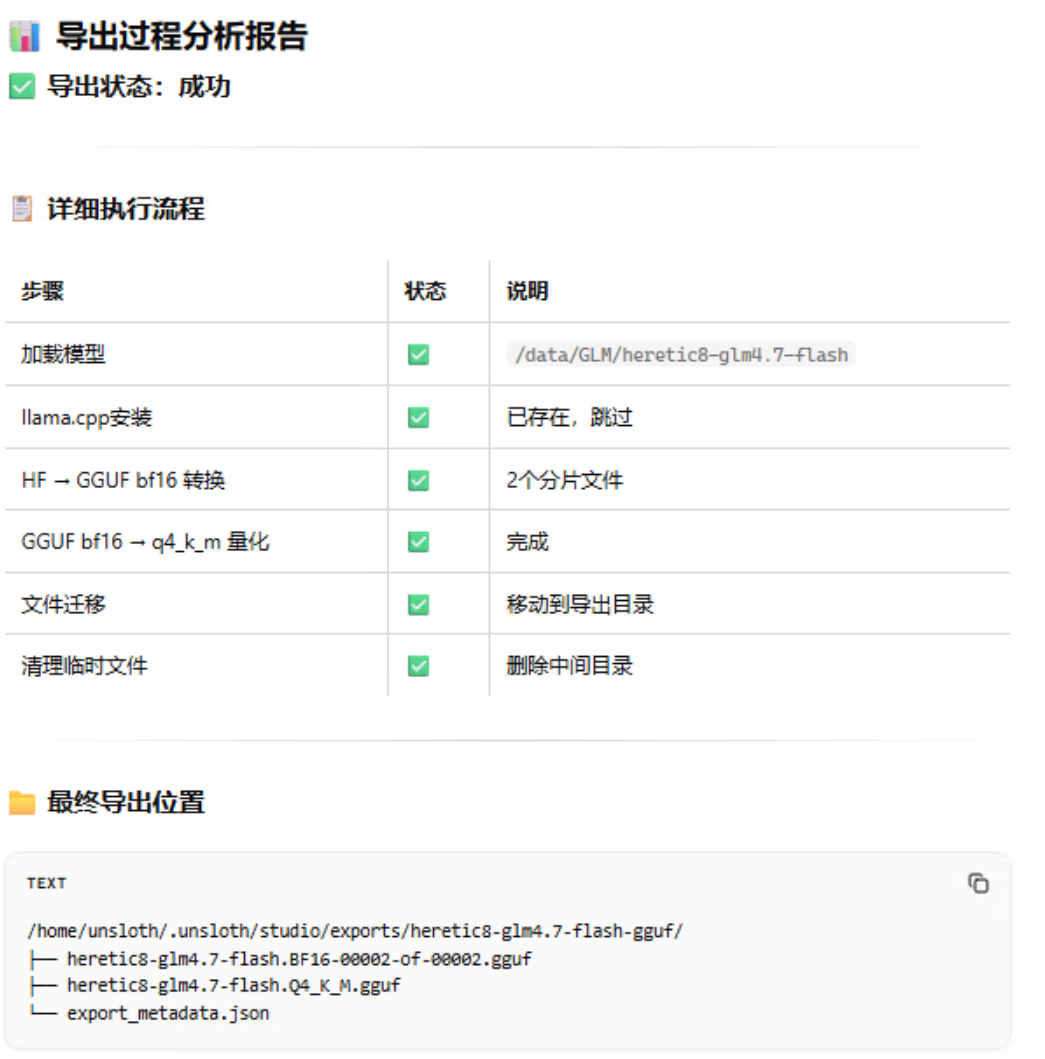
2、数据集生成报错
index-CY5egRSv.js:73 POST http://10.103.184.147:8000/api/data-recipe/validate 500 (Internal Server Error)
持久化的workspace目录要给unsloth用户权限
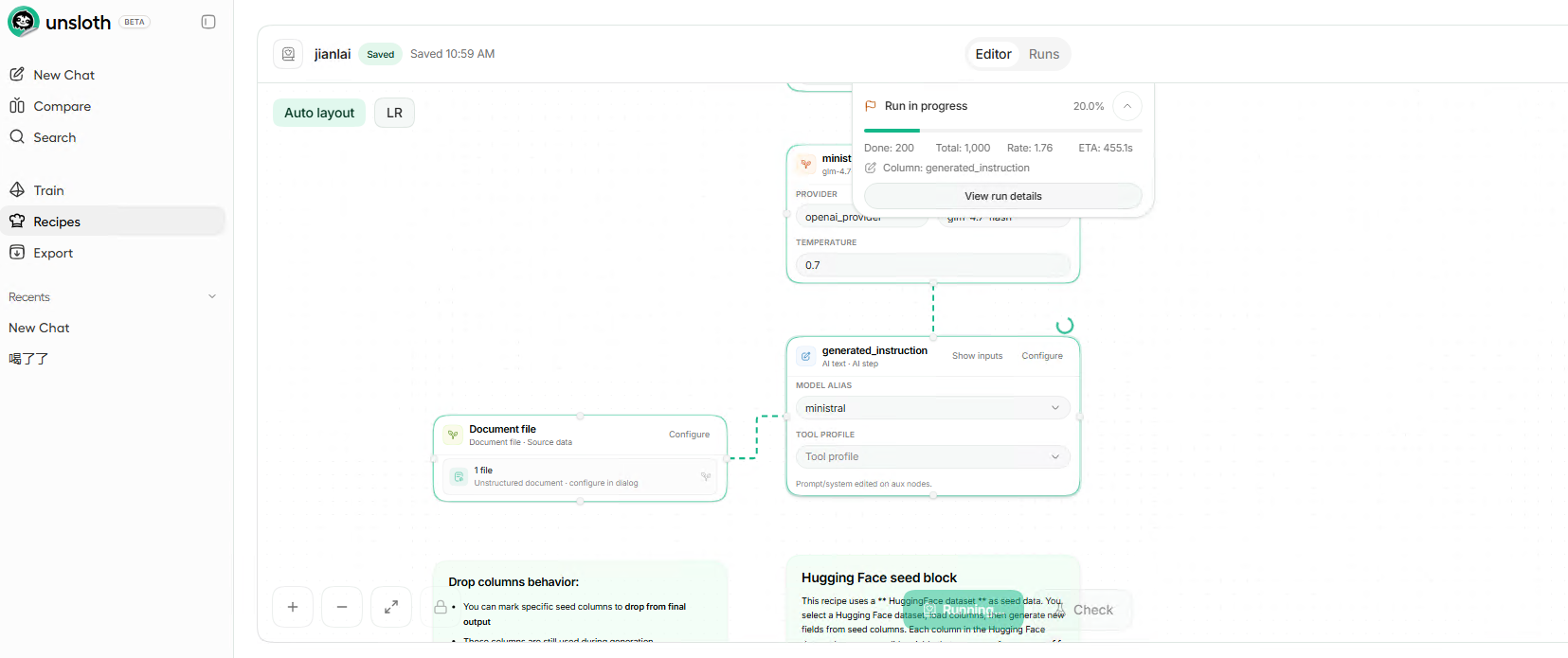
要选Full Run
根据 Unsloth Studio 的官方设计:
Preview Run(预览运行):仅用于快速调试,不会生成持久化的本地数据集文件,因此不会出现在Train页面的数据集列表里。
Full Run(完整运行):才会生成可被训练页面识别的、持久化的数据集文件,之后会自动出现在Local标签的列表中。
你的第三张截图里,所有运行记录都标着Preview,说明你只跑了预览,没有执行完整的数据集生成流程,所以 Train 页面自然找不到数据集。