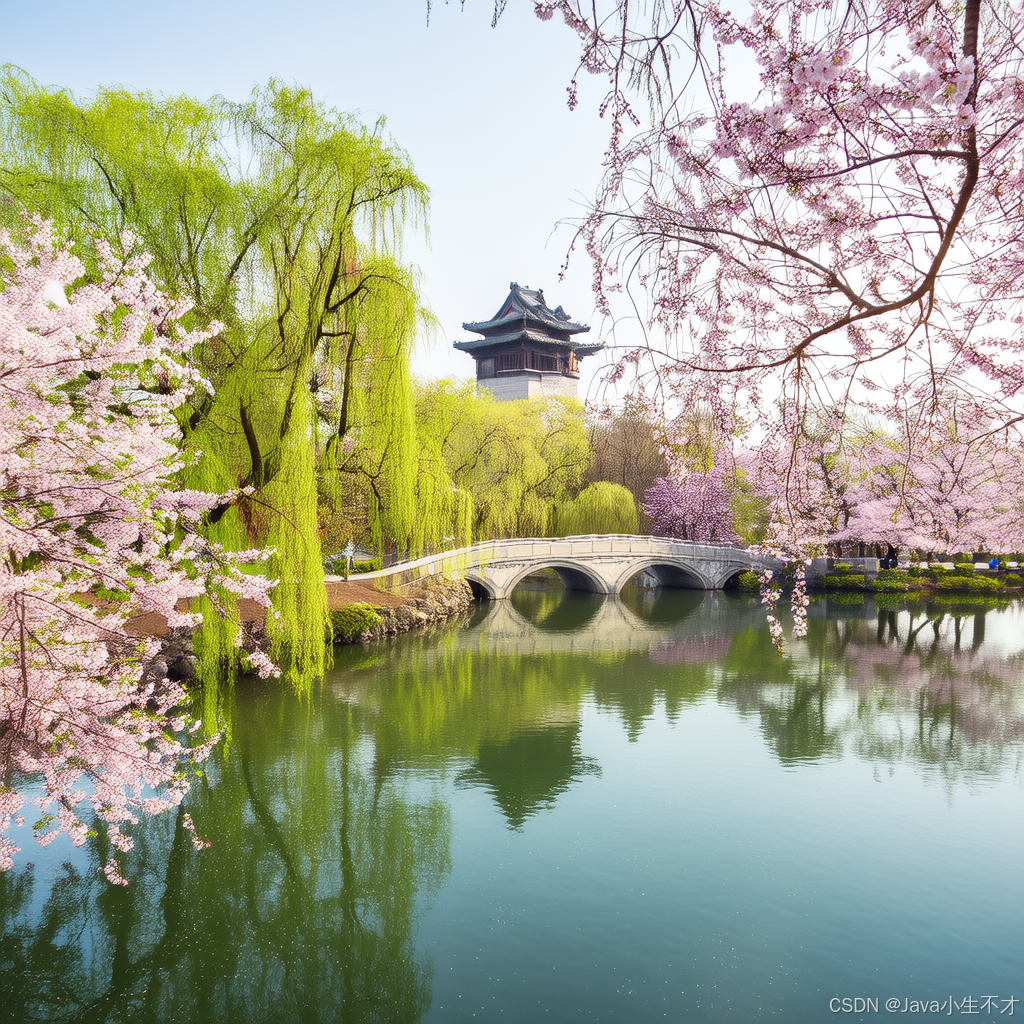
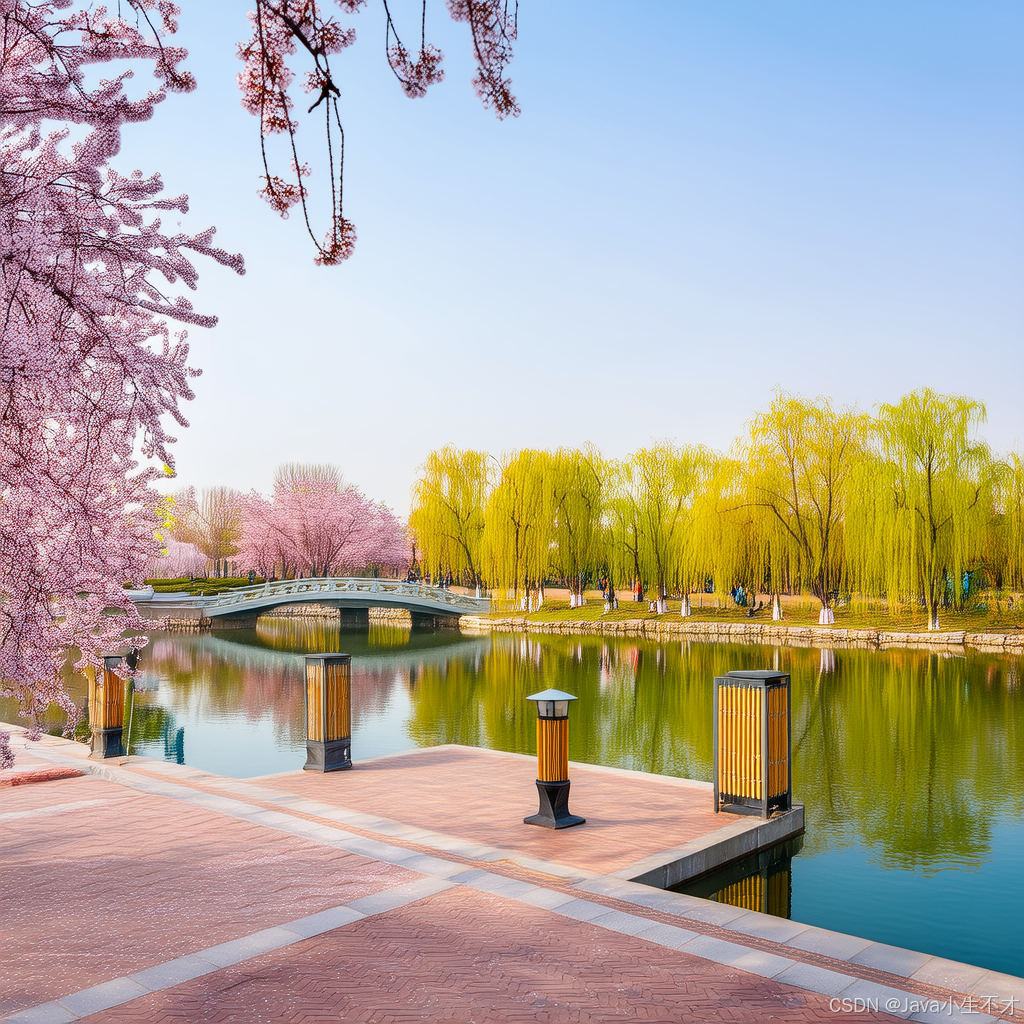
1.阿里百炼文生图
官网链接添加链接描述
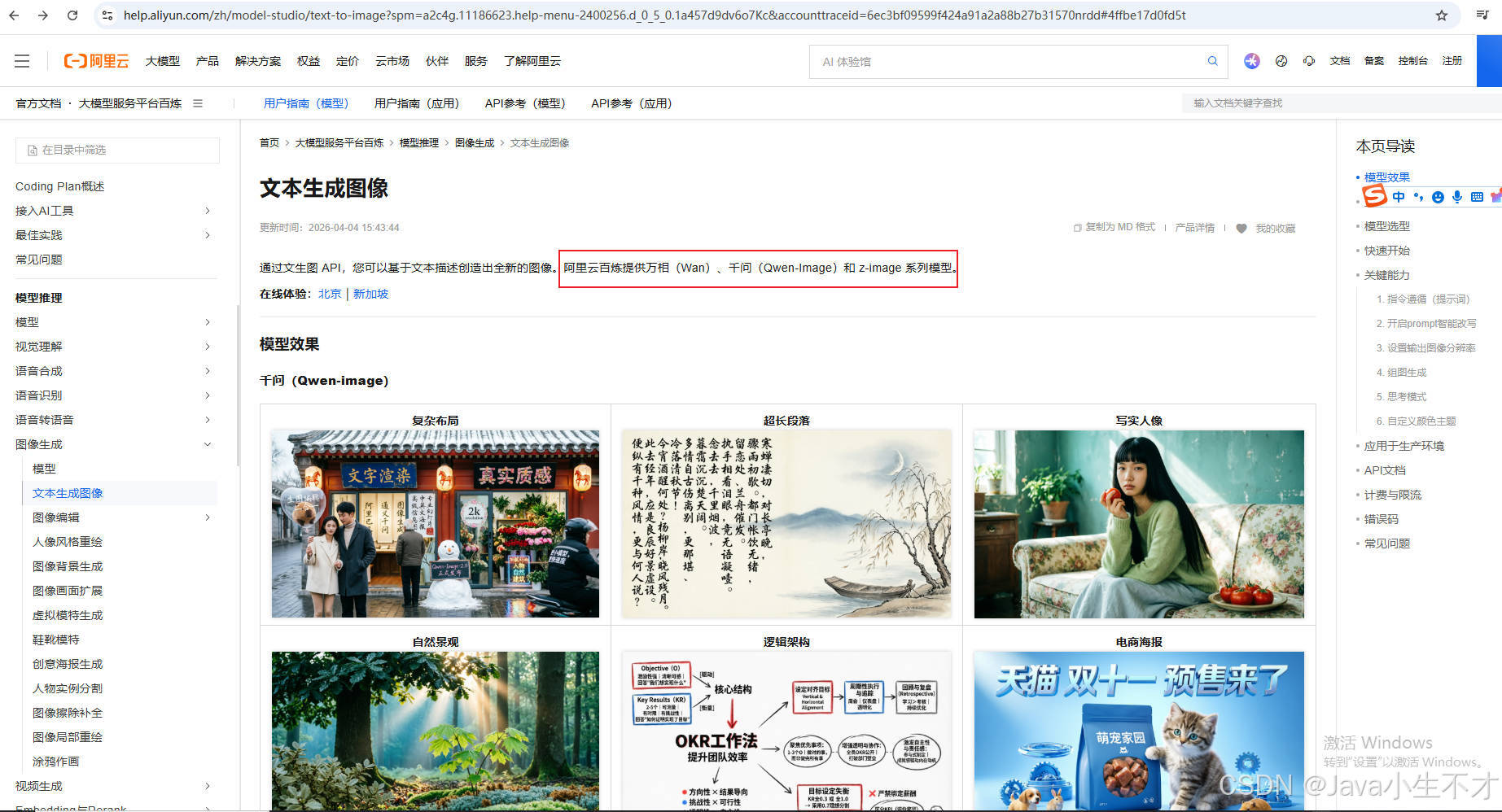
2. 万相-文生图V2版
官网链接添加链接描述
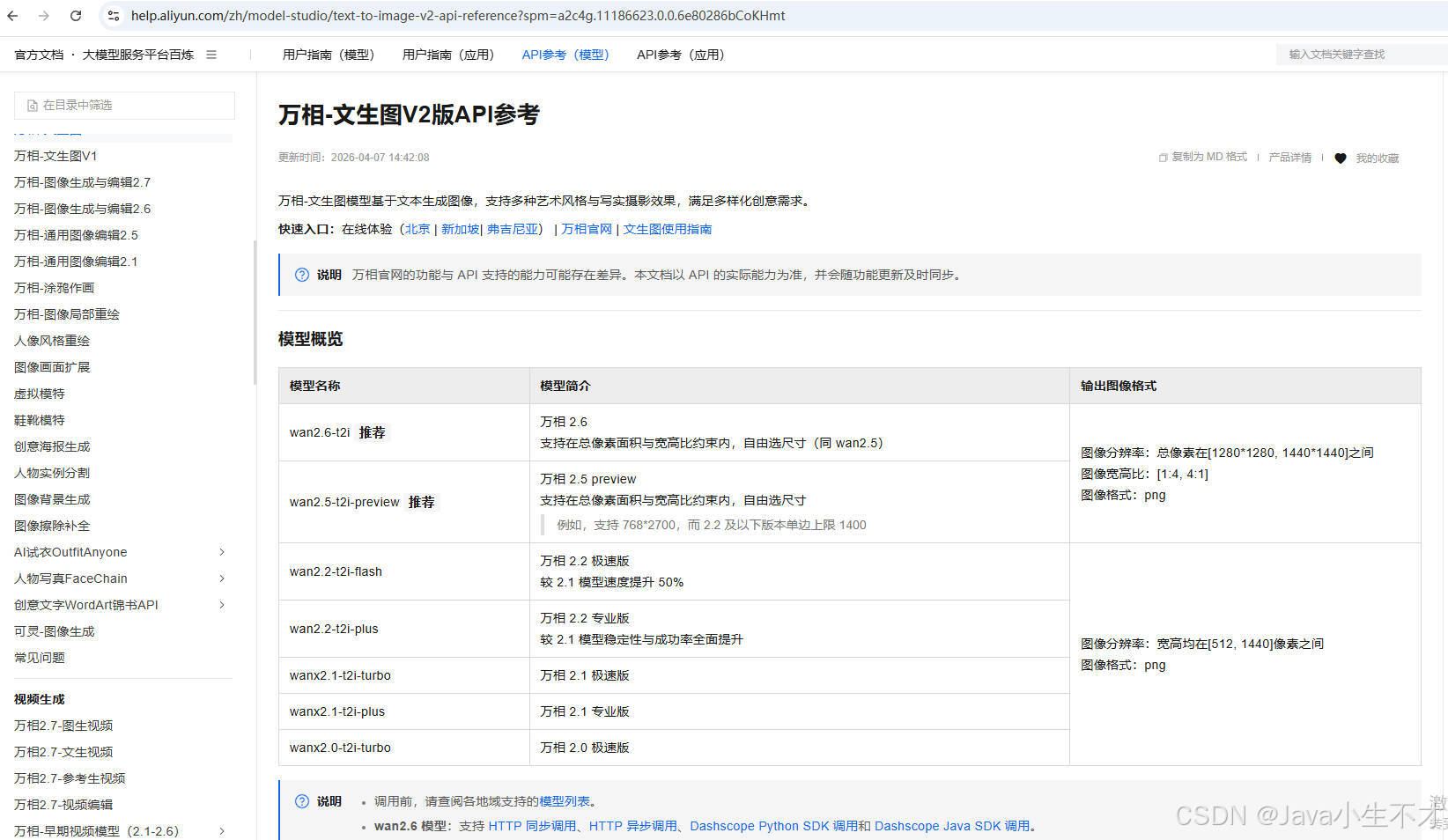
3. SAA-09Text2image
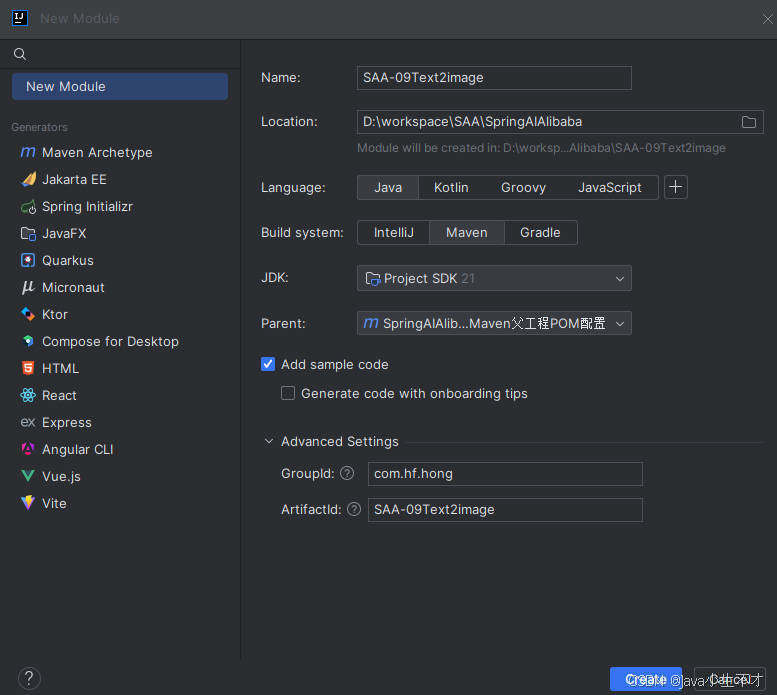
3.1.pom文件
xml
<?xml version="1.0" encoding="UTF-8"?>
<project xmlns="http://maven.apache.org/POM/4.0.0"
         xmlns:xsi="http://www.w3.org/2001/XMLSchema-instance"
         xsi:schemaLocation="http://maven.apache.org/POM/4.0.0 http://maven.apache.org/xsd/maven-4.0.0.xsd">
    <modelVersion>4.0.0</modelVersion>
    <parent>
        <groupId>com.hf.hong</groupId>
        <artifactId>SpringAIAlibaba-v1</artifactId>
        <version>1.0-SNAPSHOT</version>
    </parent>

    <artifactId>SAA-09Text2image</artifactId>

    <properties>
        <maven.compiler.source>21</maven.compiler.source>
        <maven.compiler.target>21</maven.compiler.target>
        <project.build.sourceEncoding>UTF-8</project.build.sourceEncoding>
    </properties>


    <dependencies>
        <dependency>
            <groupId>org.springframework.boot</groupId>
            <artifactId>spring-boot-starter-web</artifactId>
        </dependency>
        <!--spring-ai-alibaba dashscope-->
        <dependency>
            <groupId>com.alibaba.cloud.ai</groupId>
            <artifactId>spring-ai-alibaba-starter-dashscope</artifactId>
        </dependency>
        <!--lombok-->
        <dependency>
            <groupId>org.projectlombok</groupId>
            <artifactId>lombok</artifactId>
            <version>1.18.38</version>
        </dependency>
        <!--hutool-->
        <dependency>
            <groupId>cn.hutool</groupId>
            <artifactId>hutool-all</artifactId>
            <version>5.8.22</version>
        </dependency>
        <dependency>
            <groupId>org.springframework.boot</groupId>
            <artifactId>spring-boot-starter-test</artifactId>
            <scope>test</scope>
        </dependency>
    </dependencies>

    <build>
        <plugins>
            <plugin>
                <groupId>org.springframework.boot</groupId>
                <artifactId>spring-boot-maven-plugin</artifactId>
            </plugin>
            <plugin>
                <groupId>org.apache.maven.plugins</groupId>
                <artifactId>maven-compiler-plugin</artifactId>
                <version>3.11.0</version>
                <configuration>
                    <compilerArgs>
                        <arg>-parameters</arg>
                    </compilerArgs>
                    <source>21</source>
                    <target>21</target>
                </configuration>
            </plugin>
        </plugins>
    </build>

    <repositories>
        <repository>
            <id>spring-milestones</id>
            <name>Spring Milestones</name>
            <url>https://repo.spring.io/milestone</url>
            <snapshots>
                <enabled>false</enabled>
            </snapshots>
        </repository>
    </repositories>

</project>
3.2.application.properties
bash
server.port=8009

#大模型对话中文乱码UTF8编码处理
server.servlet.encoding.enabled=true
server.servlet.encoding.force=true
server.servlet.encoding.charset=UTF-8

spring.application.name=SAA-09Text2image

# ====SpringAIAlibaba Config=============
spring.ai.dashscope.api-key=${aliQwen-api}
4. TextToImageController
java
package com.hf.hong.controller;

import com.alibaba.cloud.ai.dashscope.image.DashScopeImageOptions;
import jakarta.annotation.Resource;
import org.springframework.ai.image.ImageModel;
import org.springframework.ai.image.ImagePrompt;
import org.springframework.web.bind.annotation.GetMapping;
import org.springframework.web.bind.annotation.RequestParam;
import org.springframework.web.bind.annotation.RestController;

/**
 *
 * @author admin
 * @date 2026/4/21 21:24
 * @description: 文生图
 */

@RestController
public class TextToImageController {
    public static final String IMAGE_MODEL = "wanx2.1-t2i-turbo";

    @Resource
    private ImageModel imageModel;

    @GetMapping(value = "/t2i/image")
    public String image(@RequestParam(name = "prompt",defaultValue = "合肥骆岗公园春日风景") String prompt) {
        return imageModel.call(
                        new ImagePrompt(prompt, DashScopeImageOptions.builder().withModel(IMAGE_MODEL).build())
                )
                .getResult()
                .getOutput()
                .getUrl();
    }
}
5.测试
bash
http://localhost:8009/t2i/image