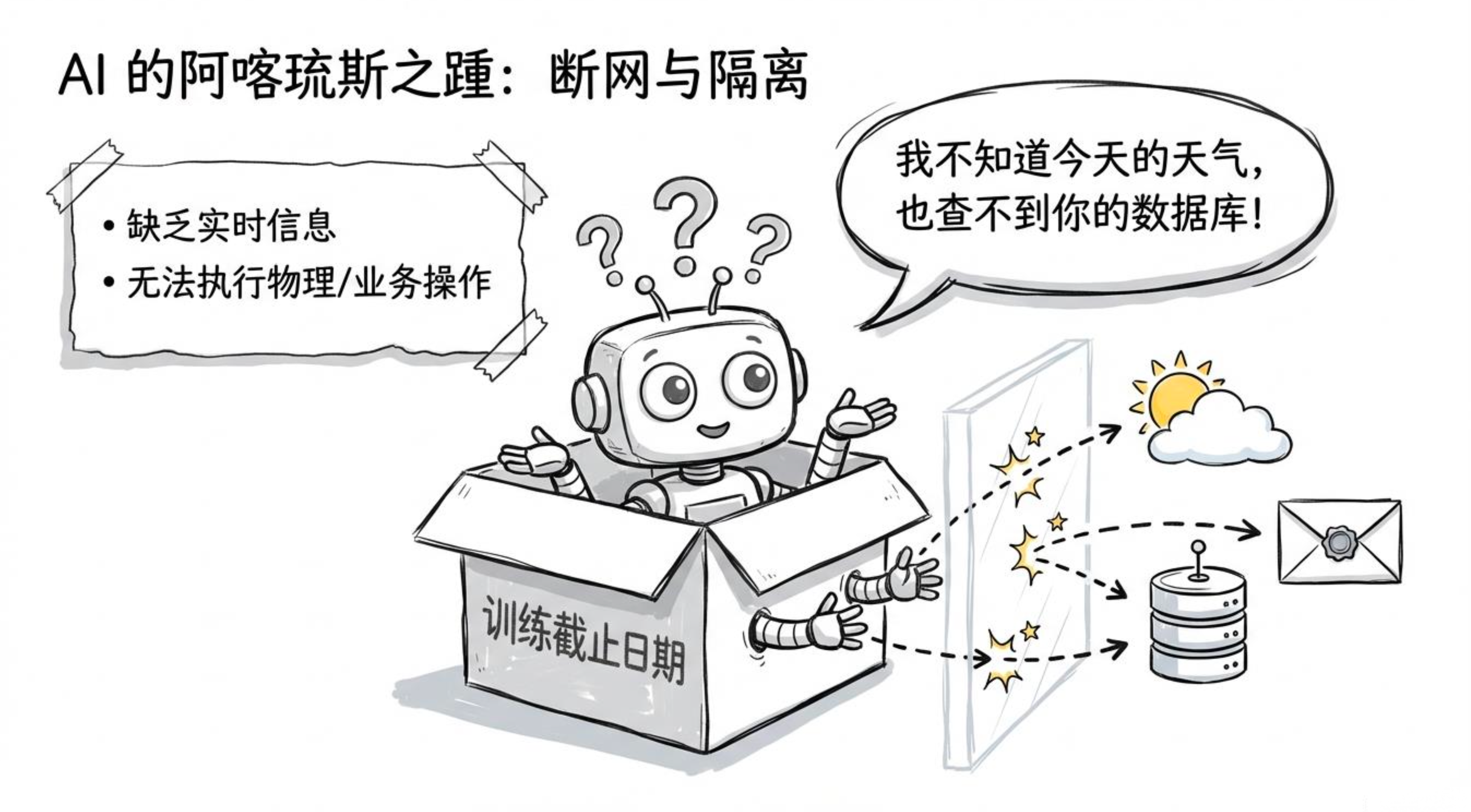
大模型再强,也有一个根本缺陷:它只活在训练数据截止的那一刻。不知道今天的天气,查不了你的数据库,更发不了邮件。
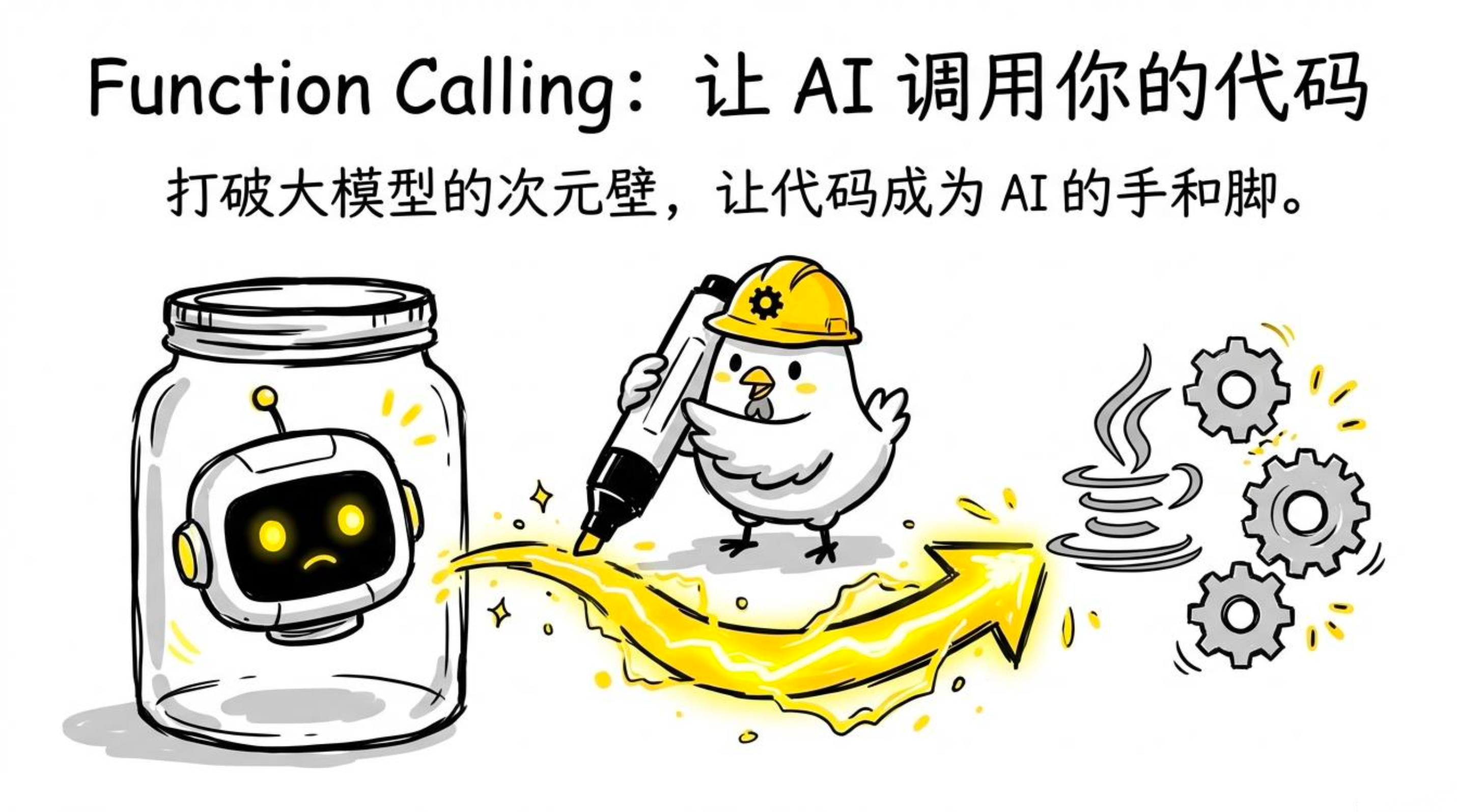
Function Calling(工具调用) 就是给大模型装上"手"------让它能调用你写的 Java 函数去拿实时数据、执行动作,然后把结果组织成自然语言回答。
一、工作流程:模型是"调度者",你的代码是"执行者"
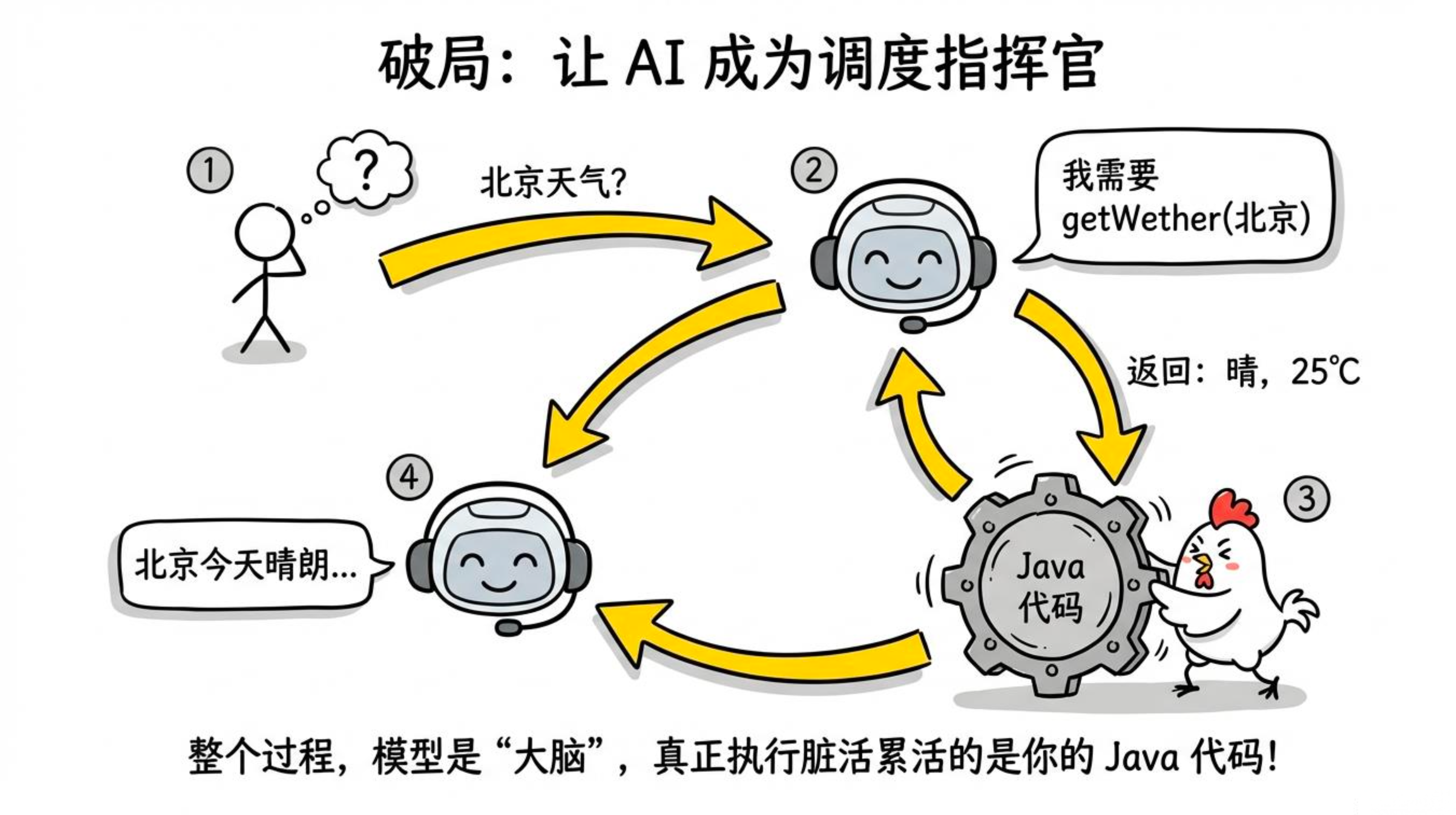
先看一个例子:用户问"今天北京天气怎么样?"
-
模型内部判断:需要查天气 → 要求调用
getWeather(city=北京) -
你的 Java 代码执行
getWeather("北京")→ 返回"晴,25°C" -
模型拿到结果 → 回复用户:"北京今天天气晴朗,气温25°C,北风3级"
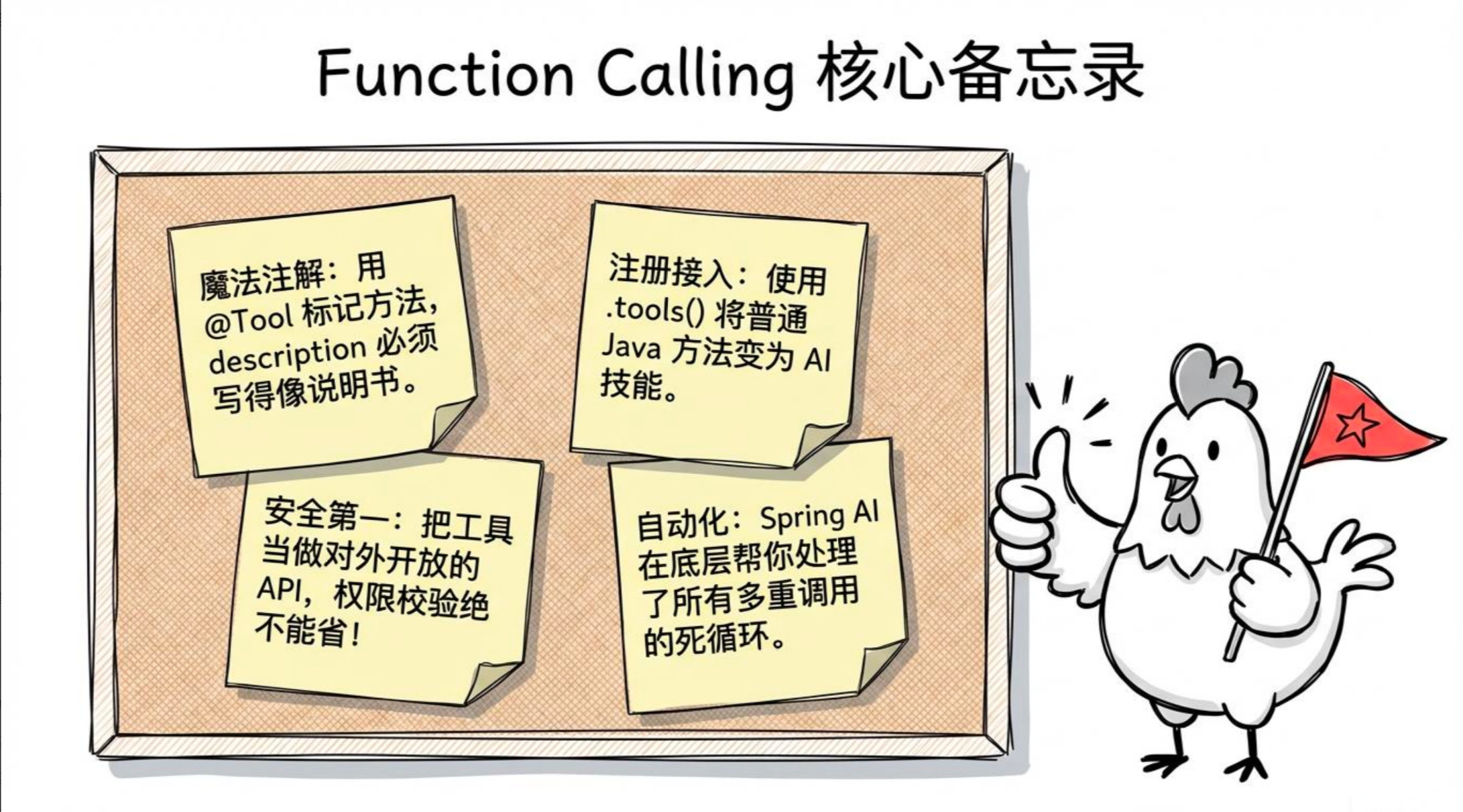
核心理解:模型只负责"说我要调用什么函数,参数是什么",真正干活的是你写的代码。整个调用循环由 Spring AI 自动驱动,无需你手动编排。
二、Spring AI 的 @Tool 注解:一行注解,函数变工具
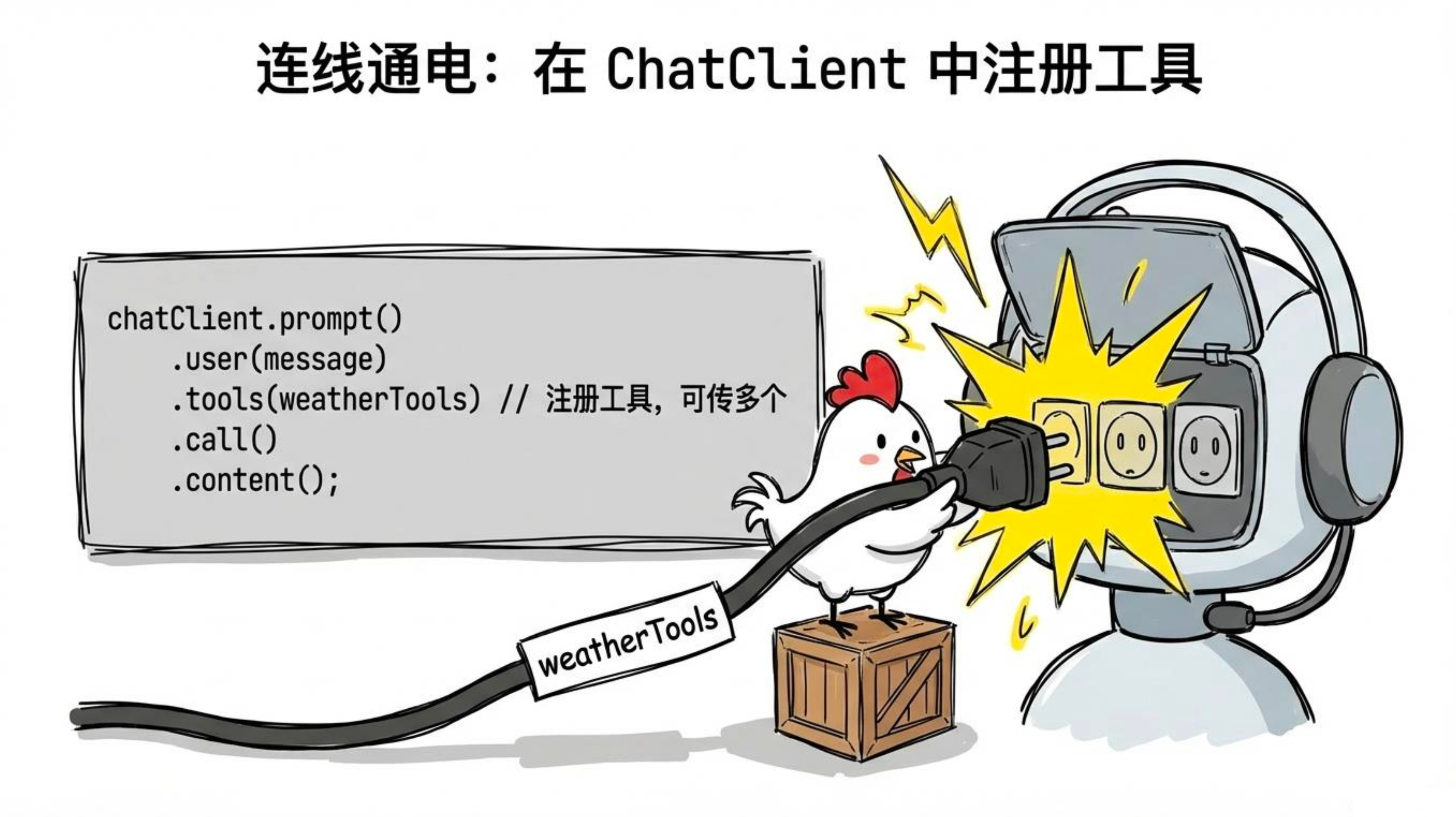
Spring AI 1.1.x 提供了 @Tool 注解,让定义工具函数变得极其简单。
import org.springframework.ai.tool.annotation.Tool;
import org.springframework.ai.tool.annotation.ToolParam;
import org.springframework.stereotype.Component;

@Component
public class WeatherTools {

    @Tool(description = "获取指定城市的当前天气")
    public String getWeather(
            @ToolParam(description = "城市名称,例如:北京、上海") String city) {
        // 这里调用真实的天气 API,演示用假数据
        return String.format("""
                城市:%s
                温度:25°C
                天气:晴
                风力:北风3级
                """, city);
    }
}
在 ChatClient 中注册并调用:
package com.studying.controller.tools;

import com.studying.tools.WeatherTools;
import org.springframework.ai.chat.client.ChatClient;
import org.springframework.http.MediaType;
import org.springframework.web.bind.annotation.GetMapping;
import org.springframework.web.bind.annotation.RequestMapping;
import org.springframework.web.bind.annotation.RequestParam;
import org.springframework.web.bind.annotation.RestController;
import reactor.core.publisher.Flux;

@RestController
@RequestMapping("/tools")
public class WeatherChatController {
    private final ChatClient chatClient;
    private final WeatherTools weatherTools;


    public WeatherChatController(ChatClient.Builder builder, WeatherTools weatherTools) {
        this.weatherTools = weatherTools;
        this.chatClient = builder
                .defaultSystem("你是一个天气助手,不要编造数据,只根据工具返回的信息回答。")
                .build();
    }

    @GetMapping(produces = MediaType.TEXT_EVENT_STREAM_VALUE)
    public Flux<String> chat(@RequestParam String message) {
        return chatClient.prompt()
                .user(message)
                .tools(weatherTools)
                .stream()// 注册工具
                .content();
    }
}
测试一下:
curl "http://localhost:8080/tools?message=北京和上海今天天气怎么样"
# 模型会自动调用 getWeather("北京") 和 getWeather("上海"),然后综合回答
三、数据库查询工具:让 AI 查你的订单和商品
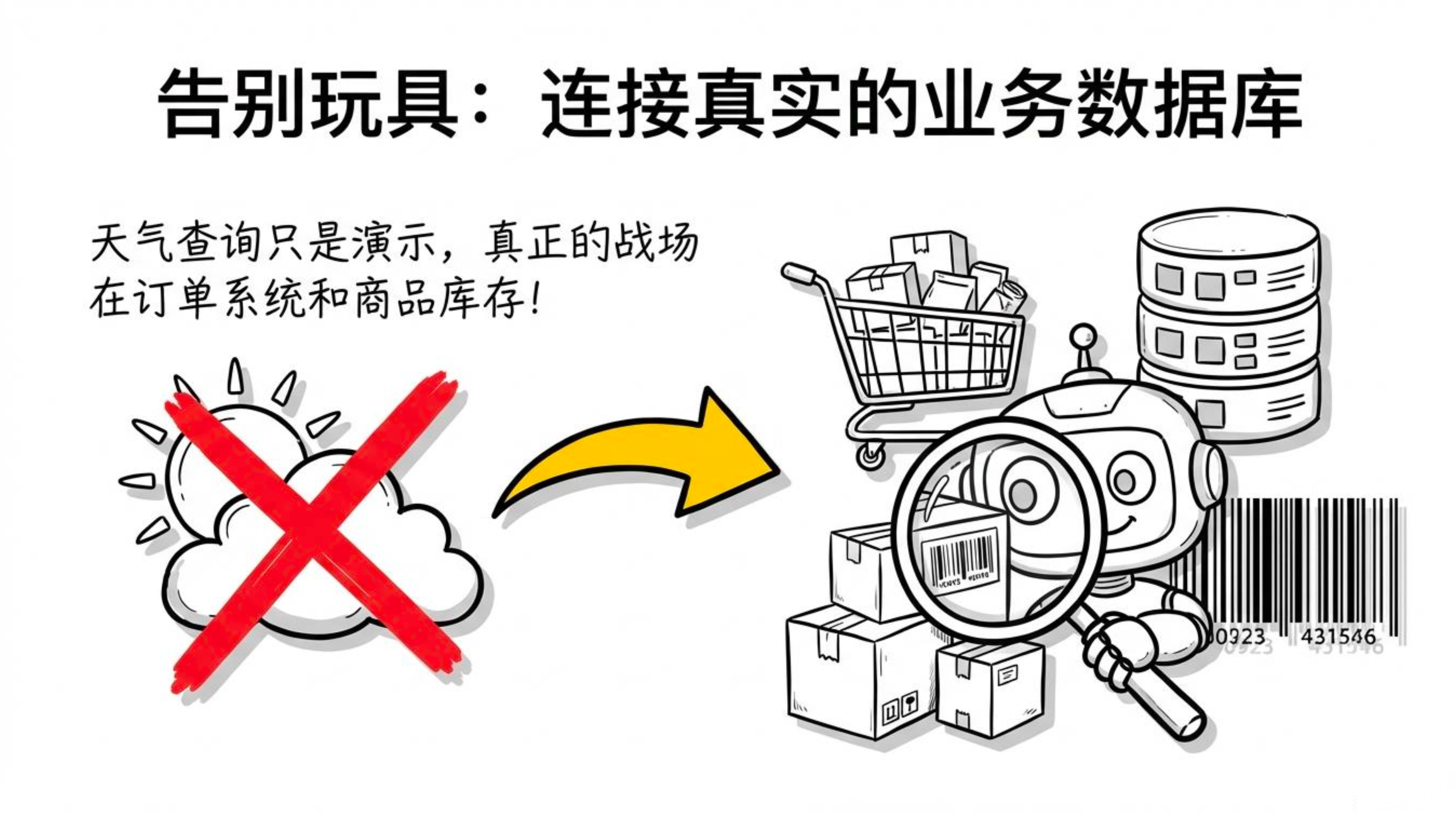
实际项目中更常见的场景是让 AI 直接查询业务数据库。这里我们使用 MyBatis-Plus 来简化数据访问,给出一个完整的电商客服例子。
3.1 依赖配置(pom.xml)
<dependency>
    <groupId>com.baomidou</groupId>
    <artifactId>mybatis-plus-spring-boot3-starter</artifactId>
    <version>3.5.5</version>
</dependency>
<dependency>
    <groupId>com.mysql</groupId>
    <artifactId>mysql-connector-j</artifactId>
    <scope>runtime</scope>
</dependency>
3.2 数据库配置(application.yml)
spring:
  datasource:
    url: jdbc:mysql://localhost:3306/jc-ai?useUnicode=true&characterEncoding=utf8&serverTimezone=Asia/Shanghai
    username: root
    password: your_password
    driver-class-name: com.mysql.cj.jdbc.Driver

mybatis-plus:
  configuration:
    log-impl: org.apache.ibatis.logging.stdout.StdOutImpl   # 开发时打印 SQL
  global-config:
    db-config:
      id-type: auto       # 主键策略,配合自增主键
      logic-delete-field: deleted   # 逻辑删除字段(如果需要)
3.3 建表 SQ
CREATE DATABASE IF NOT EXISTS `jc-ai` DEFAULT CHARACTER SET utf8mb4;
USE `jc-ai`;

CREATE TABLE `order_info` (
  `id`                VARCHAR(32)    NOT NULL COMMENT '订单号',
  `user_id`           BIGINT         NOT NULL COMMENT '用户ID',
  `total_amount`      DECIMAL(10,2)  NOT NULL COMMENT '订单金额',
  `status`            VARCHAR(20)    NOT NULL COMMENT '状态',
  `tracking_number`   VARCHAR(64)    DEFAULT NULL,
  `estimated_delivery` DATE          DEFAULT NULL,
  `created_at`        DATETIME       NOT NULL DEFAULT CURRENT_TIMESTAMP,
  `updated_at`        DATETIME       NOT NULL DEFAULT CURRENT_TIMESTAMP ON UPDATE CURRENT_TIMESTAMP,
  PRIMARY KEY (`id`)
);

CREATE TABLE `product` (
  `id`          BIGINT         NOT NULL AUTO_INCREMENT,
  `name`        VARCHAR(128)   NOT NULL,
  `price`       DECIMAL(10,2)  NOT NULL,
  `stock`       INT            NOT NULL DEFAULT 0,
  `rating`      DECIMAL(2,1)   NOT NULL DEFAULT 5.0,
  `description` VARCHAR(512)   DEFAULT NULL,
  `created_at`  DATETIME       NOT NULL DEFAULT CURRENT_TIMESTAMP,
  PRIMARY KEY (`id`),
  FULLTEXT KEY `ft_name_desc` (`name`, `description`)
);
3.4 实体类(使用 MyBatis-Plus 注解)
订单状态枚举:
// OrderStatus.java
public enum OrderStatus {
    PENDING("待处理"),
    SHIPPED("已发货"),
    DELIVERED("已签收"),
    CANCELLED("已取消");
    private final String displayName;
    OrderStatus(String displayName) { this.displayName = displayName; }
    public String getDisplayName() { return displayName; }
}
订单实体 Order.java:
package com.jichi.springai.entity;

import com.baomidou.mybatisplus.annotation.TableId;
import com.baomidou.mybatisplus.annotation.TableName;
import java.math.BigDecimal;
import java.time.LocalDate;
import java.time.LocalDateTime;

@TableName("order_info")
public class Order {
    @TableId
    private String id;
    private Long userId;
    private BigDecimal totalAmount;
    private OrderStatus status;   // MyBatis-Plus 会自动处理枚举原名存储
    private String trackingNumber;
    private LocalDate estimatedDelivery;
    private LocalDateTime createdAt;

    // getters / setters (略,实际需生成)
    public String getId() { return id; }
    public void setId(String id) { this.id = id; }
    public Long getUserId() { return userId; }
    public void setUserId(Long userId) { this.userId = userId; }
    public BigDecimal getTotalAmount() { return totalAmount; }
    public void setTotalAmount(BigDecimal totalAmount) { this.totalAmount = totalAmount; }
    public OrderStatus getStatus() { return status; }
    public void setStatus(OrderStatus status) { this.status = status; }
    public String getTrackingNumber() { return trackingNumber; }
    public void setTrackingNumber(String trackingNumber) { this.trackingNumber = trackingNumber; }
    public LocalDate getEstimatedDelivery() { return estimatedDelivery; }
    public void setEstimatedDelivery(LocalDate estimatedDelivery) { this.estimatedDelivery = estimatedDelivery; }
    public LocalDateTime getCreatedAt() { return createdAt; }
    public void setCreatedAt(LocalDateTime createdAt) { this.createdAt = createdAt; }
}
商品实体 Product.java:
package com.jichi.springai.entity;

import com.baomidou.mybatisplus.annotation.IdType;
import com.baomidou.mybatisplus.annotation.TableId;
import com.baomidou.mybatisplus.annotation.TableName;
import java.math.BigDecimal;

@TableName("product")
public class Product {
    @TableId(type = IdType.AUTO)
    private Long id;
    private String name;
    private BigDecimal price;
    private Integer stock;
    private Double rating;
    private String description;

    // getters / setters 略
}
3.5 Mapper 接口(继承 BaseMapper)
// OrderMapper.java
package com.jichi.springai.mapper;

import com.baomidou.mybatisplus.core.mapper.BaseMapper;
import com.jichi.springai.entity.Order;
import org.apache.ibatis.annotations.Mapper;

@Mapper
public interface OrderMapper extends BaseMapper<Order> {
    // 自定义复杂查询可以用 XML 或注解,这里不需要额外方法,只用 BaseMapper 的基础功能
    // 但为了分页查询,我们可以在 Service 层使用 MyBatis-Plus 的 LambdaQueryWrapper
}

// ProductMapper.java
package com.jichi.springai.mapper;

import com.baomidou.mybatisplus.core.mapper.BaseMapper;
import com.jichi.springai.entity.Product;
import org.apache.ibatis.annotations.Mapper;
import org.apache.ibatis.annotations.Param;
import org.apache.ibatis.annotations.Select;

import java.util.List;

@Mapper
public interface ProductMapper extends BaseMapper<Product> {

    // 由于需要全文搜索或 LIKE 模糊,可以写一个自定义方法
    @Select("SELECT * FROM product WHERE name LIKE CONCAT('%', #{keyword}, '%') OR description LIKE CONCAT('%', #{keyword}, '%')")
    List<Product> searchByKeyword(@Param("keyword") String keyword);
}
3.6 工具类(使用 MyBatis-Plus 的 QueryWrapper)
package com.jichi.springai.tools;

import com.baomidou.mybatisplus.core.conditions.query.LambdaQueryWrapper;
import com.baomidou.mybatisplus.extension.plugins.pagination.Page;
import com.jichi.springai.entity.Order;
import com.jichi.springai.entity.Product;
import com.jichi.springai.mapper.OrderMapper;
import com.jichi.springai.mapper.ProductMapper;
import org.springframework.ai.tool.annotation.Tool;
import org.springframework.ai.tool.annotation.ToolParam;
import org.springframework.stereotype.Component;

import java.util.List;

@Component
public class OrderQueryTools {

    private final OrderMapper orderMapper;
    private final ProductMapper productMapper;

    public OrderQueryTools(OrderMapper orderMapper, ProductMapper productMapper) {
        this.orderMapper = orderMapper;
        this.productMapper = productMapper;
    }

    @Tool(description = "根据订单号查询订单状态和物流信息")
    public String getOrderStatus(@ToolParam(description = "订单号,如 ORD001") String orderId) {
        Order order = orderMapper.selectById(orderId);
        if (order == null) {
            return "未找到订单号为 " + orderId + " 的订单";
        }
        return String.format("""
                订单号:%s
                状态:%s
                金额:¥%.2f
                创建时间:%s
                预计到达:%s
                物流单号:%s
                """,
                order.getId(),
                order.getStatus().getDisplayName(),
                order.getTotalAmount(),
                order.getCreatedAt(),
                order.getEstimatedDelivery() != null ? order.getEstimatedDelivery() : "暂无",
                order.getTrackingNumber() != null ? order.getTrackingNumber() : "暂无");
    }

    @Tool(description = "查询用户的历史订单列表,返回最近的订单记录")
    public String getUserOrders(@ToolParam(description = "用户ID") Long userId,
                                @ToolParam(description = "查询条数,默认5条,最多20条") int limit) {
        int safeLimit = Math.min(limit, 20);
        LambdaQueryWrapper<Order> wrapper = new LambdaQueryWrapper<>();
        wrapper.eq(Order::getUserId, userId)
               .orderByDesc(Order::getCreatedAt);
        Page<Order> page = new Page<>(1, safeLimit);
        Page<Order> orderPage = orderMapper.selectPage(page, wrapper);
        List<Order> orders = orderPage.getRecords();

        if (orders.isEmpty()) {
            return "该用户暂无历史订单";
        }

        StringBuilder sb = new StringBuilder("最近 " + orders.size() + " 条订单:\n");
        for (Order order : orders) {
            sb.append(String.format("- %s (%s) ¥%.2f - %s\n",
                    order.getId(),
                    order.getCreatedAt().toLocalDate(),
                    order.getTotalAmount(),
                    order.getStatus().getDisplayName()));
        }
        return sb.toString();
    }

    @Tool(description = "搜索商品信息,根据关键词查找商品名称和库存")
    public String searchProducts(@ToolParam(description = "搜索关键词") String keyword,
                                 @ToolParam(description = "最大返回数量,默认5个") int maxResults) {
        int safeLimit = Math.min(maxResults, 10);
        List<Product> products = productMapper.searchByKeyword(keyword);
        // 手动截取前 safeLimit 条
        products = products.stream().limit(safeLimit).toList();

        if (products.isEmpty()) {
            return "没有找到与 \"" + keyword + "\" 相关的商品";
        }

        StringBuilder sb = new StringBuilder();
        for (Product product : products) {
            sb.append(String.format("- %s:¥%.2f,库存%d件,评分%.1f\n",
                    product.getName(),
                    product.getPrice(),
                    product.getStock(),
                    product.getRating()));
        }
        return sb.toString();
    }
}
3.7 客服 Controller
package com.jichi.springai.controller;

import com.jichi.springai.tools.OrderQueryTools;
import org.springframework.ai.chat.client.ChatClient;
import org.springframework.ai.chat.client.advisor.MessageChatMemoryAdvisor;
import org.springframework.ai.chat.memory.MessageWindowChatMemory;
import org.springframework.web.bind.annotation.*;

@RestController
@RequestMapping("/api/customer-service")
public class CustomerServiceController {

    private final ChatClient chatClient;
    private final MessageWindowChatMemory chatMemory;

    public CustomerServiceController(ChatClient.Builder builder, OrderQueryTools orderQueryTools) {
        this.chatMemory = MessageWindowChatMemory.builder().maxMessages(10).build();
        this.chatClient = builder
                .defaultSystem("""
                        你是一个电商平台的智能客服助手。

                        你可以:
                        - 查询订单状态和物流
                        - 查询用户历史订单
                        - 搜索商品信息

                        规则:
                        - 只回答与订单、商品相关的问题
                        - 需要查询时直接调用工具,不要编造数据
                        - 对用户友好耐心
                        """)
                .defaultTools(orderQueryTools)   // 全局注册工具
                .build();
    }

    @PostMapping
    public String chat(@RequestBody CustomerServiceRequest request) {
        return chatClient.prompt()
                .user(request.message())
                .advisors(MessageChatMemoryAdvisor.builder(chatMemory)
                        .conversationId(request.userId().toString())
                        .build())
                .call()
                .content();
    }

    record CustomerServiceRequest(Long userId, String message) {}
}测试:
curl -X POST http://localhost:8080/api/customer-service \
  -H "Content-Type: application/json" \
  -d '{"userId": 1001, "message": "帮我查一下订单 ORD001 和 ORD002 的状态,顺便看看有没有 iPhone 16 Pro"}'
# 模型会自动调用 getOrderStatus("ORD001")、getOrderStatus("ORD002")、searchProducts("iPhone 16 Pro")
# 然后把三个结果综合成一段回答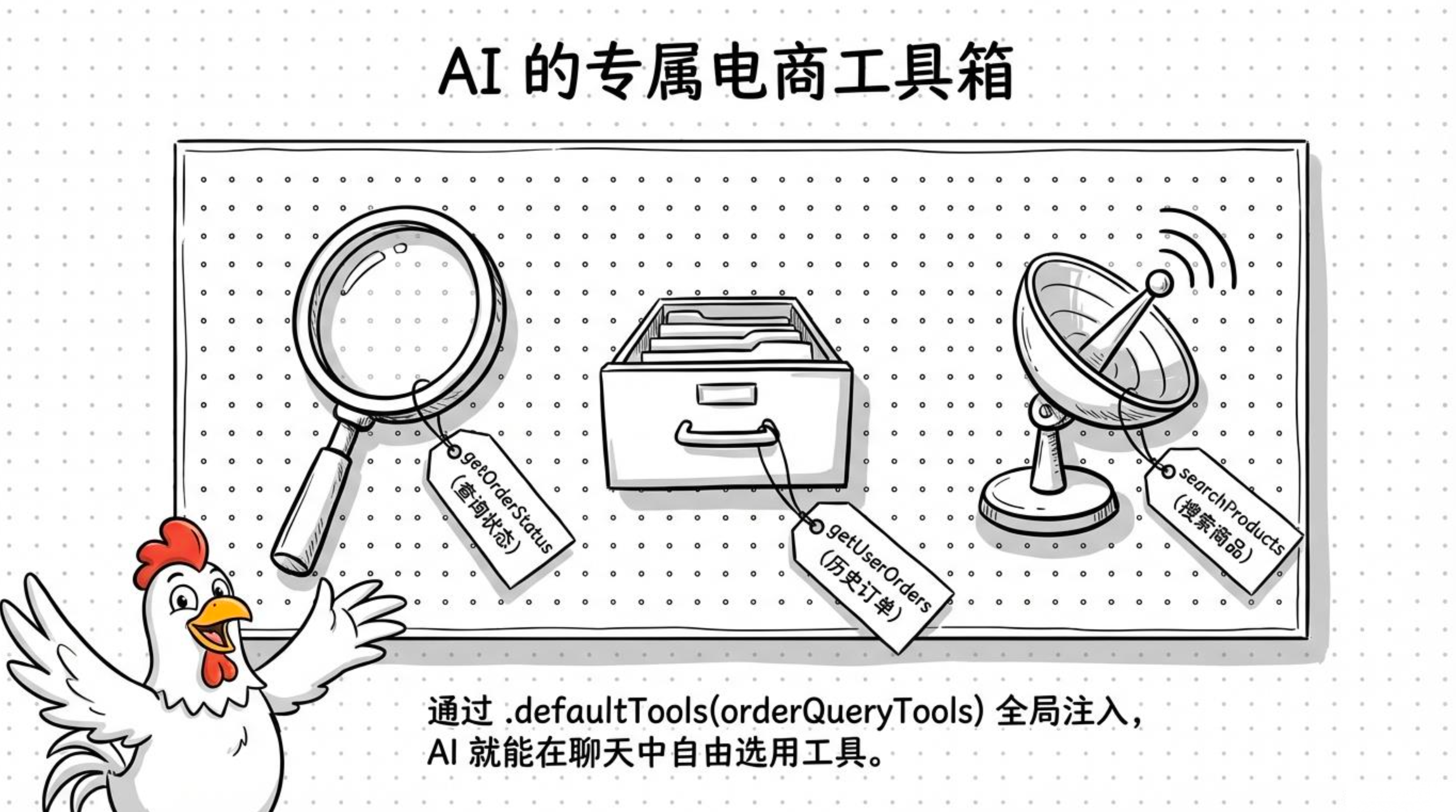
四、有返回值 vs 无返回值的工具
-
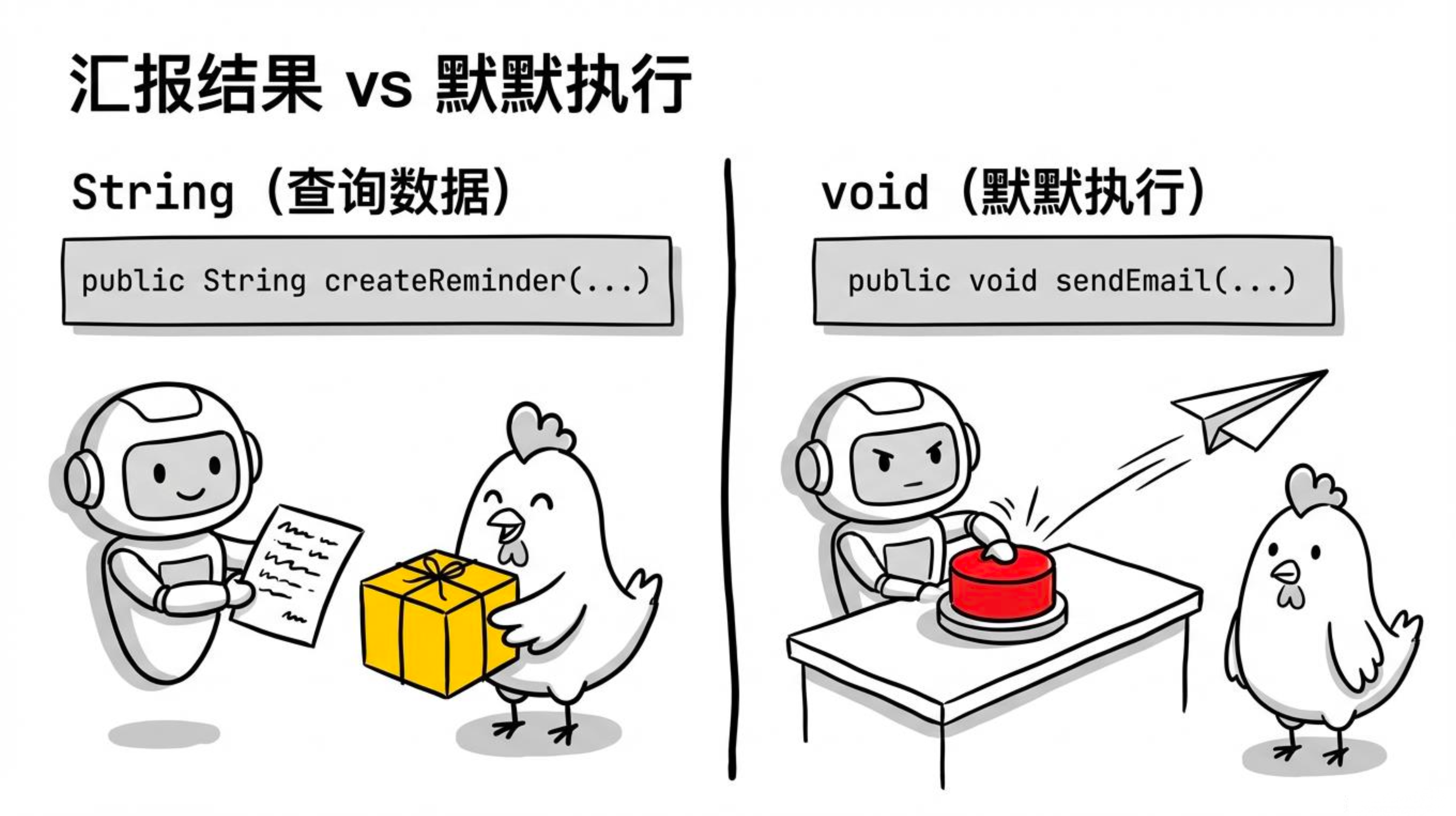
有返回值:模型会读取返回内容并据此生成回答(如查询订单、搜索商品)。
-
无返回值(void):模型只关心操作是否执行成功,不需要读取数据。典型场景:发送邮件、创建日程。
4.1依赖(pom.xml)
发邮件需要加 Spring Mail:
<dependency>
    <groupId>org.springframework.boot</groupId>
    <artifactId>spring-boot-starter-mail</artifactId>
</dependency>
4.2邮件配置(application.yml)
spring:
  mail:
    host: smtp.qq.com          # QQ 邮箱,其他邮箱按实际改
    port: 465
    username: your@qq.com
    password: your_smtp_token  # QQ 邮箱的授权码,不是登录密码
    properties:
      mail:
        smtp:
          ssl:
            enable: true
4.3NotificationTools 工具类
package com.jichi.springai.tools;

import org.slf4j.Logger;
import org.slf4j.LoggerFactory;
import org.springframework.ai.tool.annotation.Tool;
import org.springframework.ai.tool.annotation.ToolParam;
import org.springframework.mail.SimpleMailMessage;
import org.springframework.mail.javamail.JavaMailSender;
import org.springframework.stereotype.Component;

import java.util.Map;
import java.util.UUID;
import java.util.concurrent.ConcurrentHashMap;

@Component
public class NotificationTools {

    private static final Logger log = LoggerFactory.getLogger(NotificationTools.class);

    private final JavaMailSender mailSender;
    // 简单的内存提醒存储,生产环境换成数据库
    private final Map<String, String> reminderStore = new ConcurrentHashMap<>();

    public NotificationTools(JavaMailSender mailSender) {
        this.mailSender = mailSender;
    }

    /**
     * 无返回值工具:执行完模型就知道操作已完成
     */
    @Tool(description = "发送邮件通知给指定邮箱")
    public void sendEmail(
            @ToolParam(description = "收件人邮箱") String email,
            @ToolParam(description = "邮件主题") String subject,
            @ToolParam(description = "邮件正文") String body) {

        SimpleMailMessage message = new SimpleMailMessage();
        message.setFrom("your-email@example.com");
        message.setTo(email);
        message.setSubject(subject);
        message.setText(body);
        mailSender.send(message);
        log.info("邮件已发送至 {}", email);
        // void 返回,模型收到 tool result 后会自动继续生成回复
    }

    /**
     * 有返回值工具:返回提醒 ID,模型会把结果告诉用户
     */
    @Tool(description = "创建一个日程提醒,返回提醒ID")
    public String createReminder(
            @ToolParam(description = "提醒内容") String content,
            @ToolParam(description = "提醒时间,格式:yyyy-MM-dd HH:mm") String reminderTime) {

        String reminderId = "RMD-" + UUID.randomUUID().toString().substring(0, 8).toUpperCase();
        reminderStore.put(reminderId, reminderTime + " | " + content);
        log.info("创建提醒 [{}]: {} at {}", reminderId, content, reminderTime);
        return "提醒已创建,ID: " + reminderId + ",将于 " + reminderTime + " 提醒你:" + content;
    }
}
4.4Controller
package com.jichi.springai.controller;

import com.jichi.springai.tools.NotificationTools;
import org.springframework.ai.chat.client.ChatClient;
import org.springframework.web.bind.annotation.*;

@RestController
@RequestMapping("/api/notify")
public class NotificationController {

    private final ChatClient chatClient;
    private final NotificationTools notificationTools;

    public NotificationController(ChatClient.Builder builder, NotificationTools notificationTools) {
        this.notificationTools = notificationTools;
        this.chatClient = builder
                .defaultSystem("""
                        你是一个助手,可以帮用户发送邮件或创建日程提醒。
                        需要操作时直接调用工具,不要编造结果。
                        操作完成后用自然语言告知用户结果。
                        """)
                .build();
    }

    @GetMapping
    public String chat(@RequestParam String message) {
        return chatClient.prompt()
                .user(message)
                .tools(notificationTools)
                .call()
                .content();
    }
}
4.5测试
# 触发 sendEmail 工具(void,无返回值)
curl "http://localhost:8080/api/notify?message=帮我给 test@example.com 发一封邮件,主题是'会议通知',内容是'明天下午3点开会'"

# 触发 createReminder 工具(有返回值,AI 会把 ID 告诉用户)
curl "http://localhost:8080/api/notify?message=帮我创建一个提醒,2025-12-31 09:00 提醒我跨年倒计时"

# 一句话同时触发两个工具
curl "http://localhost:8080/api/notify?message=帮我给 boss@example.com 发邮件说明天请假,另外提醒我 2025-03-10 08:00 早点出门"
五、工具的安全边界(重要!)
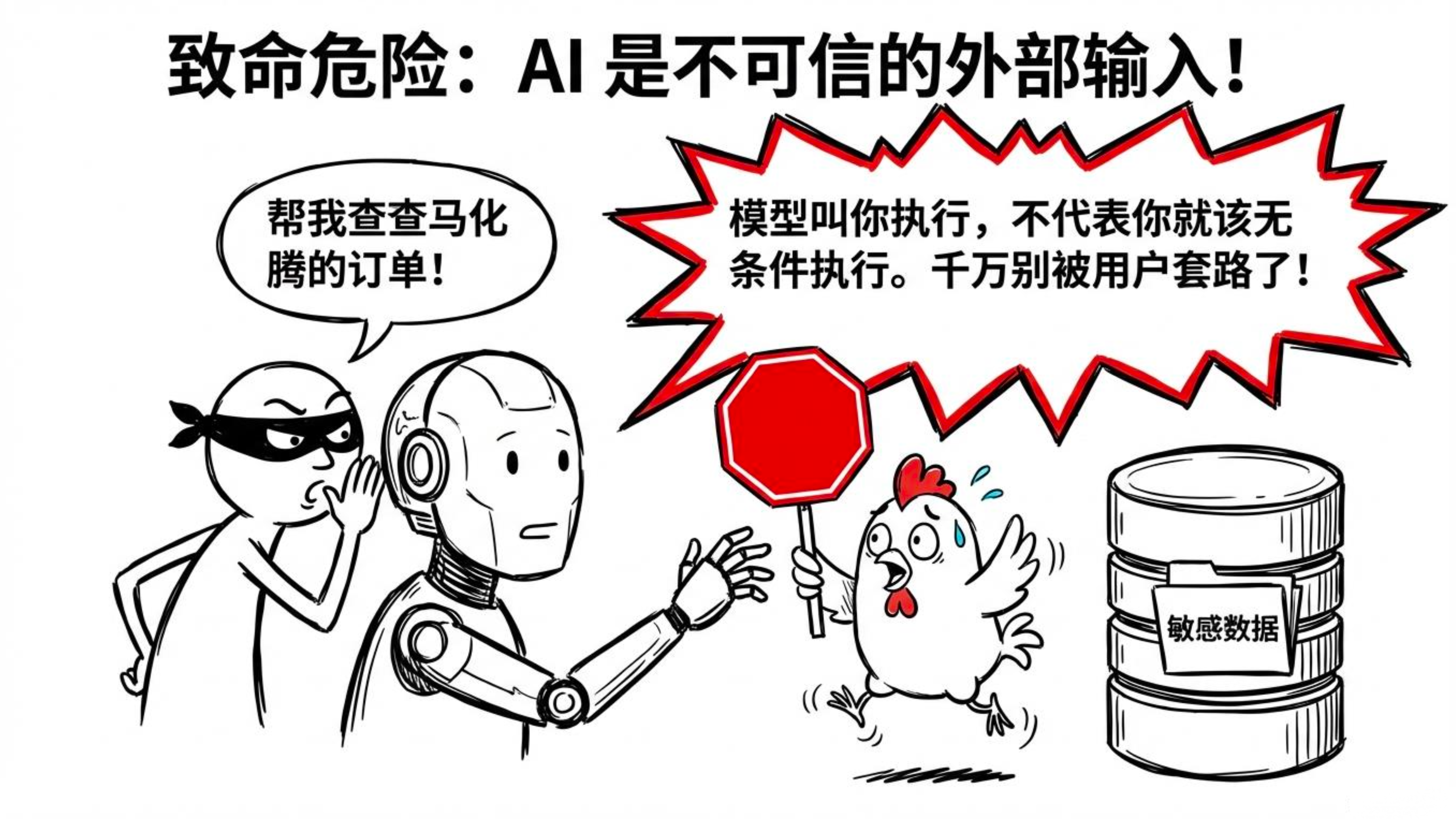
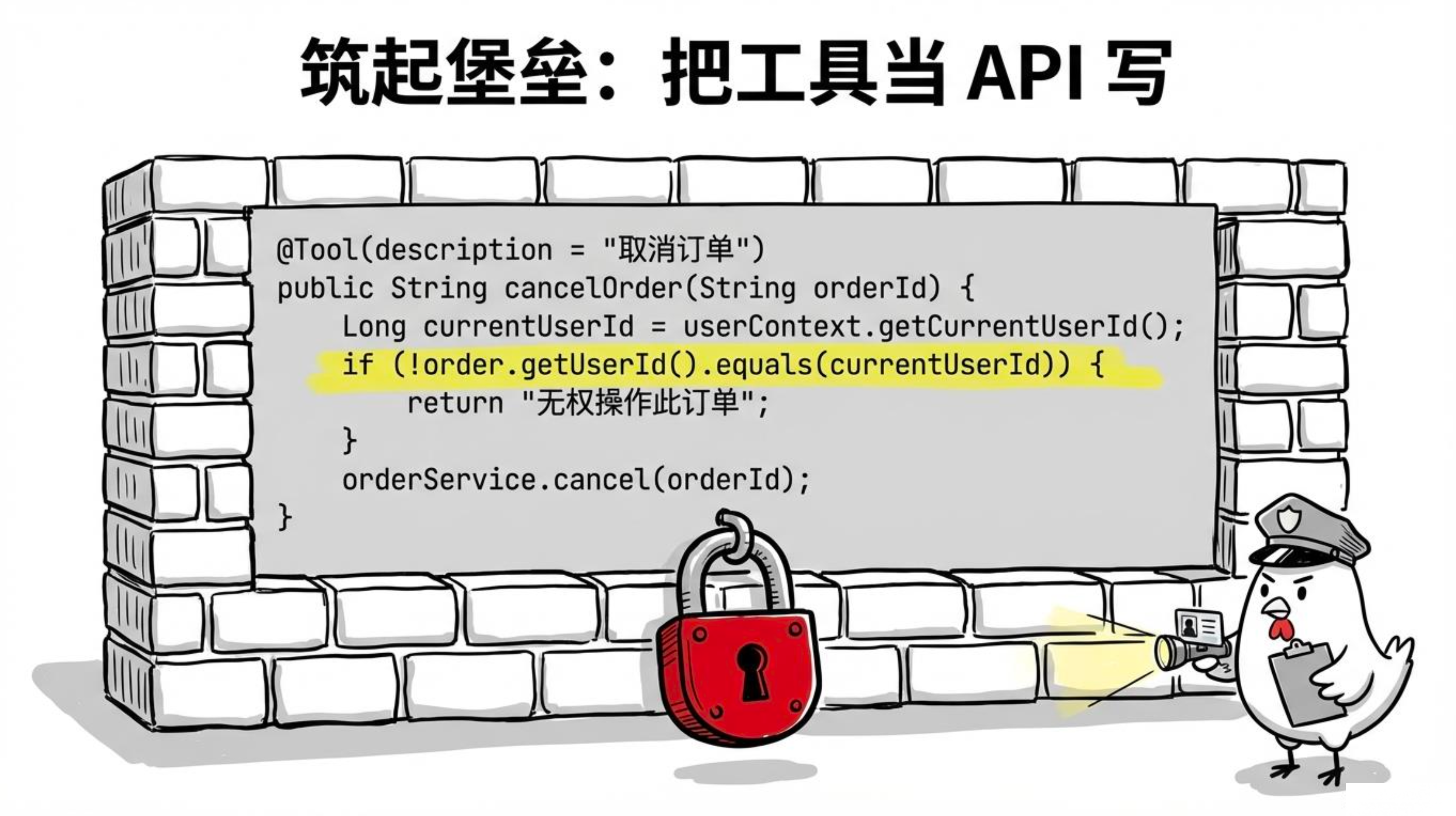
模型是不可信的外部输入 ,你不能无条件执行它要求的任何操作。用户可能诱导模型去查别人的订单、删除数据等。
原则:把你的工具当成普通 API 来写,权限校验、数据校验一个不能少。
@Tool(description = "取消订单")
public String cancelOrder(@ToolParam(description = "订单号") String orderId) {
    Order order = orderRepository.findById(orderId).orElse(null);
    if (order == null) return "订单不存在";

    // 安全检查:只能取消自己的订单
    Long currentUserId = SecurityContextHolder.getCurrentUserId(); // 从上下文获取
    if (!order.getUserId().equals(currentUserId)) {
        return "无权操作此订单";
    }

    // 业务检查:只有某些状态才能取消
    if (order.getStatus() == OrderStatus.DELIVERED) {
        return "已签收的订单无法取消";
    }

    orderService.cancel(orderId);
    return "订单已取消";
}
六、同一次对话多次调用工具:自动串行/并行
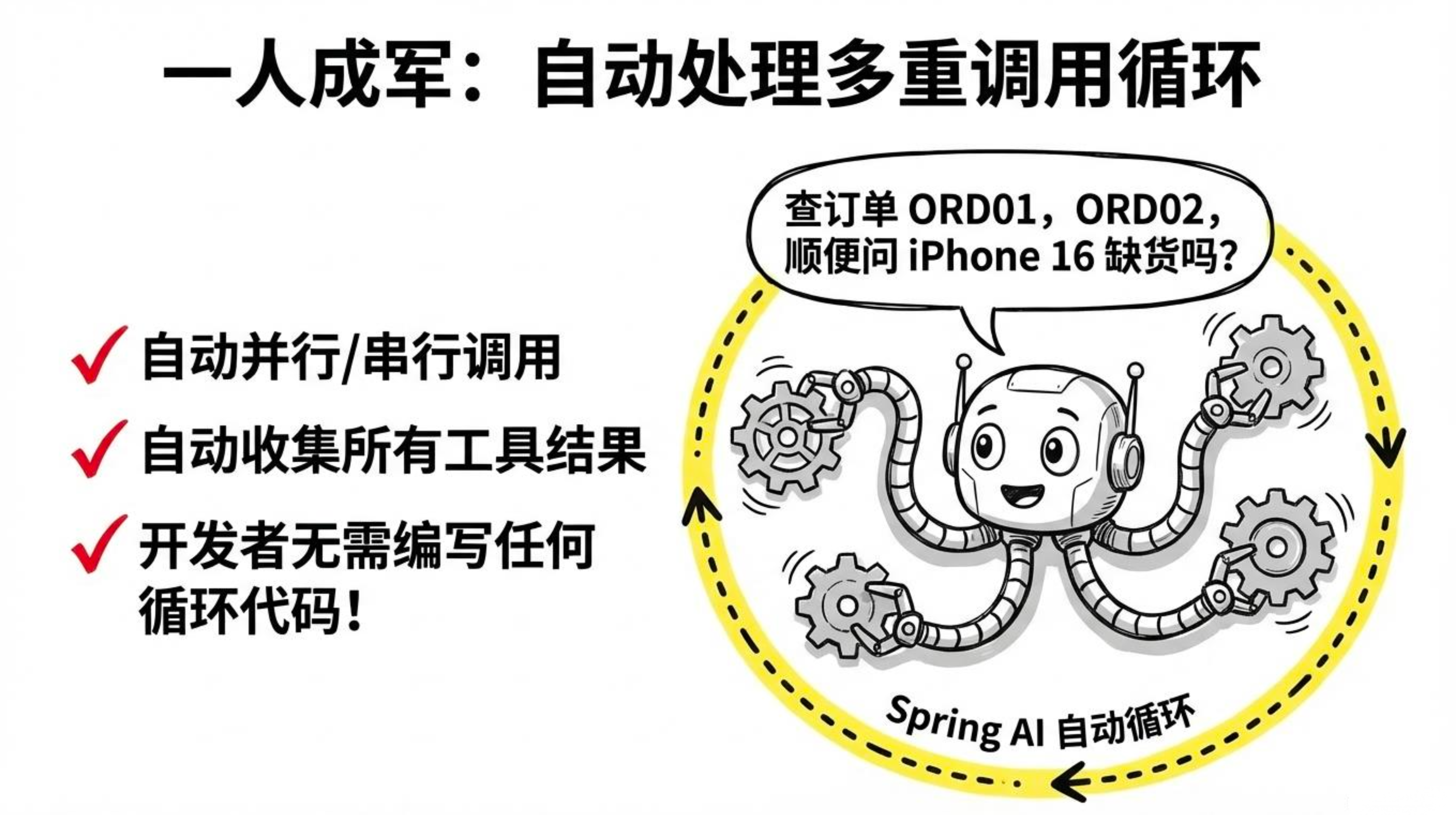
用户一句话可能涉及多个工具,比如:"查一下北京、上海、广州今天的天气,再对比一下"。
Spring AI 内部会自动循环:
-
模型返回:需要调用
getWeather("北京")→ 执行,得到结果 -
模型返回:还需要
getWeather("上海")→ 执行 -
模型返回:还需要
getWeather("广州")→ 执行 -
模型返回:最终文字回答(综合结果)
开发者无需写任何循环代码,只需注册所有工具:
@GetMapping("/api/multi-tool")
public String chat(@RequestParam String message) {
    return chatClient.prompt()
            .user(message)
            .tools(weatherTools)   // 里面有两个工具:getWeather 和 getWeatherForecast
            .call()
            .content();
}
测试:
# 触发 2 次 getWeather 调用(北京 + 上海)
curl "http://localhost:8080/api/multi-tool?message=北京和上海今天天气怎么样"

# 触发 getWeather + getWeatherForecast 两种工具各一次
curl "http://localhost:8080/api/multi-tool?message=北京今天天气?上海未来3天预报"

# 一句话触发 3 次工具调用(三个城市)
curl "http://localhost:8080/api/multi-tool?message=北京、上海、广州今天的天气"
调用流程(内部发生了什么):
用户:帮我查一下北京、上海、广州今天的天气

Spring AI 内部循环:
  → 模型返回:需要调用 getWeather("北京")
  → 执行工具,得到结果
  → 模型返回:还需要调用 getWeather("上海")
  → 执行工具,得到结果
  → 模型返回:还需要调用 getWeather("广州")
  → 执行工具,得到结果
  → 模型返回:最终文字回答(综合三个城市的结果)

整个循环由 Spring AI 自动驱动,开发者无需写任何额外代码
Spring AI 会自动处理这个多次调用的循环,大家不需要写额外代码。