QuestPDF 是一个专为 .NET 平台打造的现代化 PDF 生成库,它采用声明式、代码驱动的设计理念,让你直接用 C# 代码描述文档结构,无需依赖 HTML 转换或外部渲染引擎。
本文更详细介绍如何通过QuestPDF 实现PDF设置和布局,还有各种文本的定义
一、页面设置与布局
1.1 页面尺寸与方向
通过PageSizes可以设置默认的尺寸大小,里面内置这些尺寸,也可以自定义尺寸
C#
       public static PageSize A0 { get; } = new(2384, 3370);
       public static PageSize A1 { get; } = new(1684, 2384);
       public static PageSize A2 { get; } = new(1191, 1684);
       public static PageSize A3 { get; } = new(842, 1191);
       public static PageSize A4 { get; } = new(595, 842);
       public static PageSize A5 { get; } = new(420, 595);
       public static PageSize A6 { get; } = new(298, 420);
       public static PageSize A7 { get; } = new(210, 298);
       public static PageSize A8 { get; } = new(147, 210);
       public static PageSize A9 { get; } = new(105, 147);
       public static PageSize A10 { get; } = new(74, 105);

       public static PageSize B0 { get; } = new(2835, 4008);
       public static PageSize B1 { get; } = new(2004, 2835);
       public static PageSize B2 { get; } = new(1417, 2004);
       public static PageSize B3 { get; } = new(1001, 1417);
       public static PageSize B4 { get; } = new(709, 1001);
       public static PageSize B5 { get; } = new(499, 709);
       public static PageSize B6 { get; } = new(354, 499);
       public static PageSize B7 { get; } = new(249, 354);
       public static PageSize B8 { get; } = new(176, 249);
       public static PageSize B9 { get; } = new(125, 176);
       public static PageSize B10 { get; } = new(88, 125);

       public static PageSize C0 { get; } = new(2599, 3677);
       public static PageSize C1 { get; } = new(1837, 2599);
       public static PageSize C2 { get; } = new(1298, 1837);
       public static PageSize C3 { get; } = new(918, 1298);
       public static PageSize C4 { get; } = new(649, 918);
       public static PageSize C5 { get; } = new(459, 649);
       public static PageSize C6 { get; } = new(323, 459);
       public static PageSize C7 { get; } = new(230, 323);
       public static PageSize C8 { get; } = new(162, 230);
       public static PageSize C9 { get; } = new(113, 162);
       public static PageSize C10 { get; } = new(79, 113);

       public static PageSize Env10 { get; } = new(297, 684);
       public static PageSize EnvC4 { get; } = new(649, 918);
       public static PageSize EnvDL { get; } = new(312, 624);

       public static PageSize Postcard { get; } = new(284, 419);
       public static PageSize Executive { get; } = new(522, 756);
       public static PageSize Letter { get; } = new(612, 792);
       public static PageSize Legal { get; } = new(612, 1008);
       public static PageSize Ledger { get; } = new(792, 1224);
       public static PageSize Tabloid { get; } = new(1224, 792);

       public static PageSize ARCH_A { get; } = new(648, 864);
       public static PageSize ARCH_B { get; } = new(864, 1296);
       public static PageSize ARCH_C { get; } = new(1296, 1728);
       public static PageSize ARCH_D { get; } = new(1728, 2592);
       public static PageSize ARCH_E { get; } = new(2592, 3456);
       public static PageSize ARCH_E1 { get; } = new(2160, 3024);
       public static PageSize ARCH_E2 { get; } = new(1872, 2736);
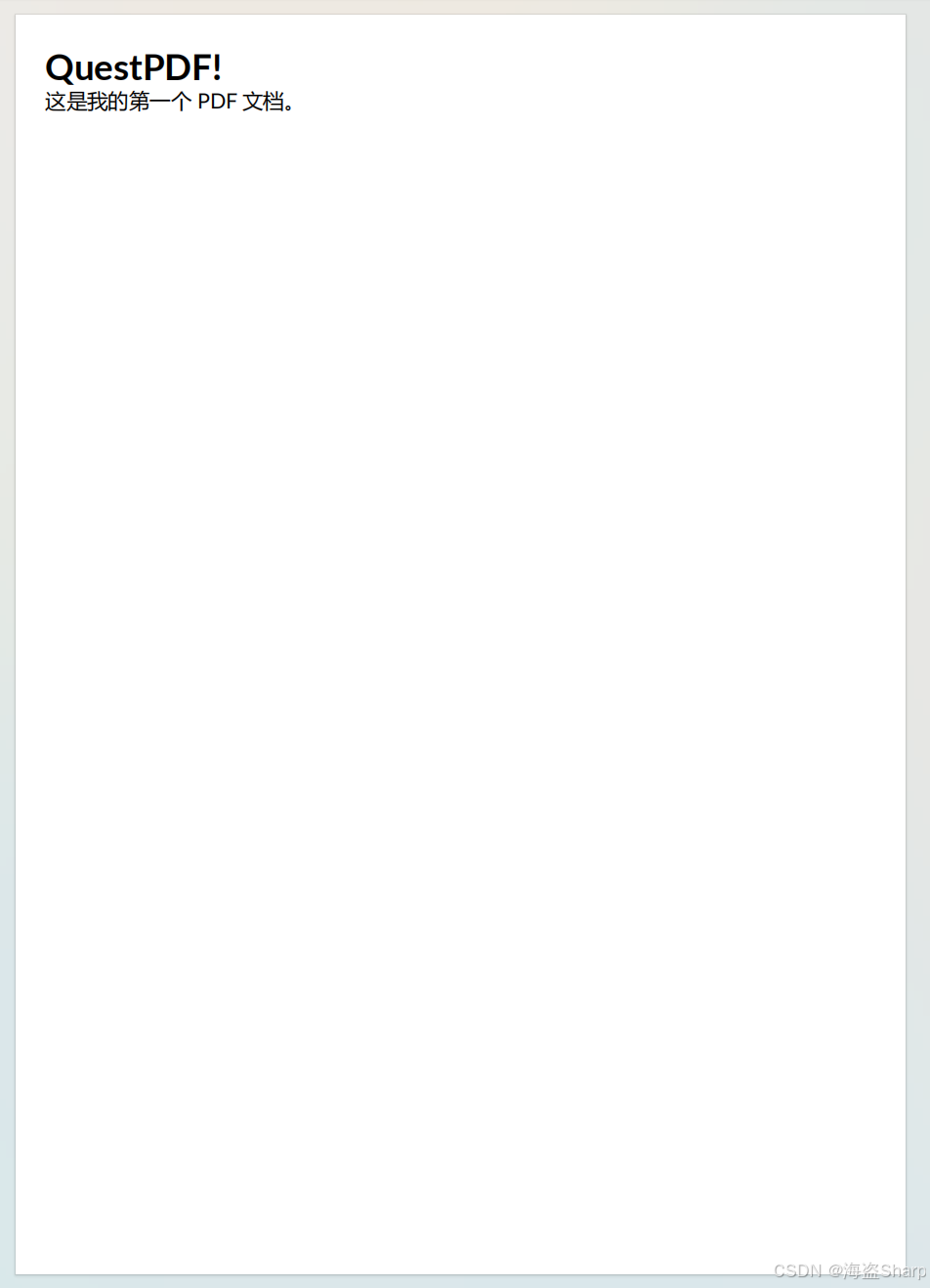
public static PageSize ARCH_E3 { get; } = new(1944, 2808);通过Portrait()设置纸张为纵向,使宽度小于高度
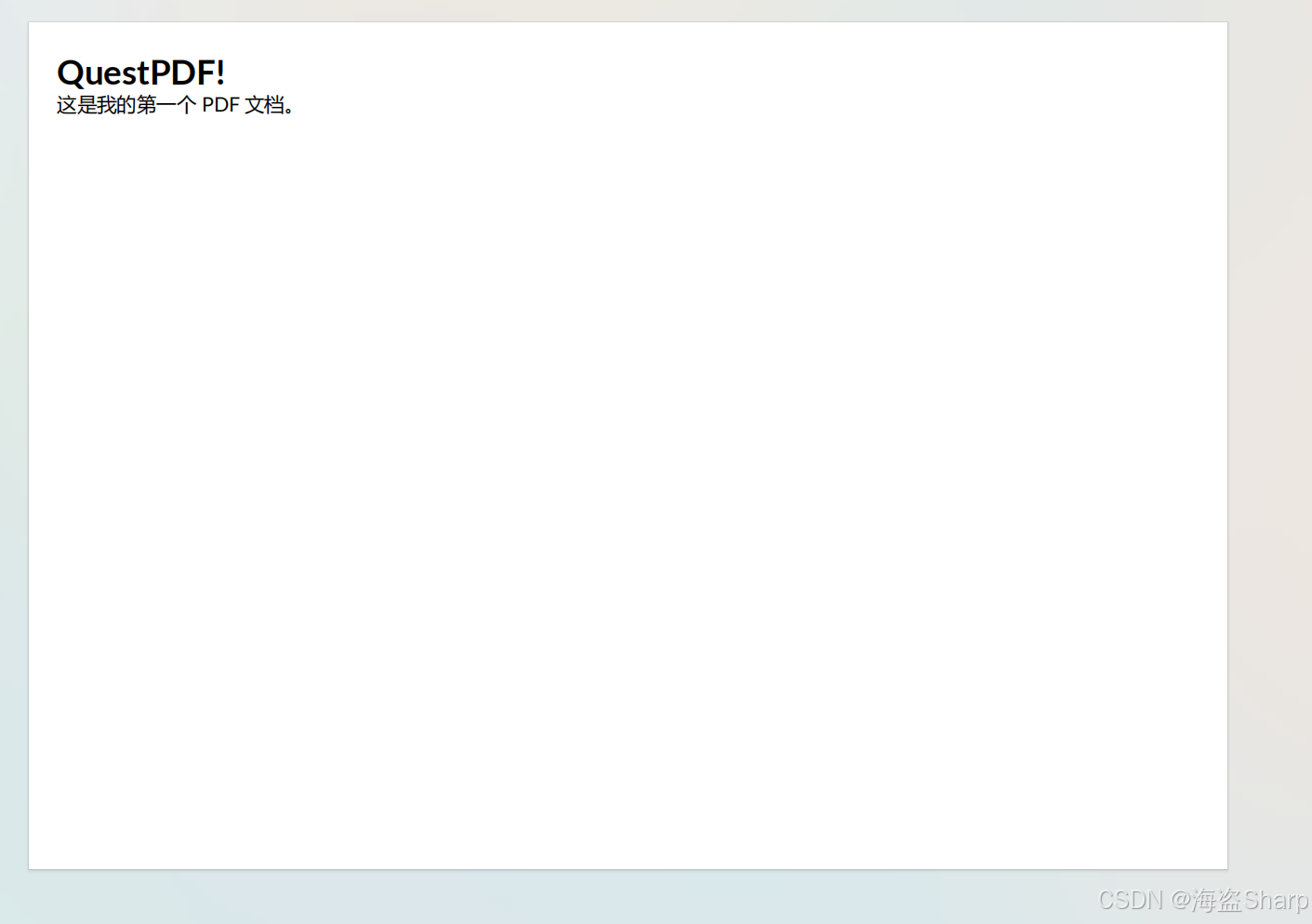
通过Landscape()设置纸张为横向,使宽度大于高度
C#
page.Size(PageSizes.A4);                    // A4
page.Size(PageSizes.A4.Portrait());         // A4 纵向
page.Size(PageSizes.A4.Landscape());        // A4 横向
page.Size(21.0f, 29.7f, Unit.Centimetre);   // 自定义尺寸
纵向
横向
1.2 页边距
通过Margin设置页边距,默认是像素单位(pt);可以通过Unit进行设置不同单位,例如Centimetre厘米(cm),Millimetre毫米(mm),Inch英尺等等
C#
page.Margin(2, Unit.Centimetre);           // 四边均为 2cm
page.Margin(20);                           // 四边均为 20pt(默认单位)
page.Margin(40, 20, 40, 20);              // 上、右、下、左分别设置
20pt

2cm

1.3 页眉、内容、页脚
QuestPDF 将页面划分为三个区域:
- 页眉 (Header):用于放置页面的顶部信息(如文档标题、Logo等)。
- 内容 (Content):页面的主体部分,用于承载主要的文本、图片、表格等数据。
- 页脚 (Footer):用于放置页面的底部信息(如页码、版权信息等
C#
// 1. 页眉区域
page.Header()
    .Text("文档标题")
    .FontSize(20)
    .Bold();
 // 2. 内容区域
page.Content()
    .Column(col =>
    {
        col.Item().Text("这是主体内容区域...");
    });
 // 3. 页脚区域
page.Footer()
    .AlignCenter()
    .Text(text =>
    {
        text.Span("第 ");
        text.CurrentPageNumber();
        text.Span(" 页,共 ");
        text.TotalPages();
        text.Span(" 页");
    });
1.4 布局容器:Column 与 Row
Column(纵向排列) :将子元素垂直排列,可通过 Spacing 设置间距。
C#
page.Content().Column(column =>
{
    column.Spacing(10);  // 子元素间距 10pt

    column.Item().Text("第一行");
    column.Item().Text("第二行");
    column.Item().Text("第三行");
});
Row(横向排列) :将子元素水平排列,可通过 ConstantColumn/RelativeColumn 控制列宽。
C#
page.Content().Row(row =>
{
    row.ConstantItem(100).Text("固定宽度 100pt");
    row.RelativeItem().Text("占据剩余宽度");
    row.ConstantItem(80).Text("固定宽度 80pt");
});