1.下载大模型到本地
将模型下载到本地,方便调用。jinxia千问1.5-0.5B-Chat · 模型库
下载好的文件移动到D盘的文件夹里,D:\AI_Model\Qwen1.5-0.5B-Chat。
2.整理一下环境,防止C盘爆掉
因为大模型的相关环境文件比较大,最好把conda的环境文件都放到d盘。
把 C:\Users\用户\.cache\huggingface整个文件夹剪切到 D 盘,比如D:\AI_Cache\huggingface。
打开管理员 CMD,执行下面的命令创建软链接:
mklink /J "C:\Users\HUANG\.cache\huggingface" "D:\AI_Cache\huggingface"这样以后所有模型缓存都会写到 D 盘,C 盘只是一个 "假入口"。同时,代码里也要加上环境变量:
import os
os.environ["HF_HOME"] = "D:\\AI_Cache\\huggingface"
3.运行
创建run_model.py
import os
os.environ["HF_HOME"] = "D:\\AI_Cache\\huggingface"

import torch
from transformers import AutoModelForCausalLM, AutoTokenizer

# 改成你解压后的本地文件夹路径
model_id = "D:/AI_Model/Qwen1.5-0.5B-Chat"

device = "cuda" if torch.cuda.is_available() else "cpu"
print(f"Using device: {device}")

tokenizer = AutoTokenizer.from_pretrained(model_id)
model = AutoModelForCausalLM.from_pretrained(
    model_id,
    low_cpu_mem_usage=True,
    torch_dtype=torch.float32
).to(device)

print("模型和分词器加载完成!")

messages = [
    {"role": "system", "content": "You are a helpful assistant."},
    {"role": "user", "content": "你好,请介绍你自己。"}
]

text = tokenizer.apply_chat_template(
    messages,
    tokenize=False,
    add_generation_prompt=True
)

model_inputs = tokenizer([text], return_tensors="pt").to(device)
print("\n编码后的输入文本:")
print(model_inputs)

generated_ids = model.generate(
    model_inputs.input_ids,
    max_new_tokens=512
)

generated_ids = [
    output_ids[len(input_ids):] for input_ids, output_ids in zip(model_inputs.input_ids, generated_ids)
]

response = tokenizer.batch_decode(generated_ids, skip_special_tokens=True)[0]
print("\n模型的回答:")
print(response)
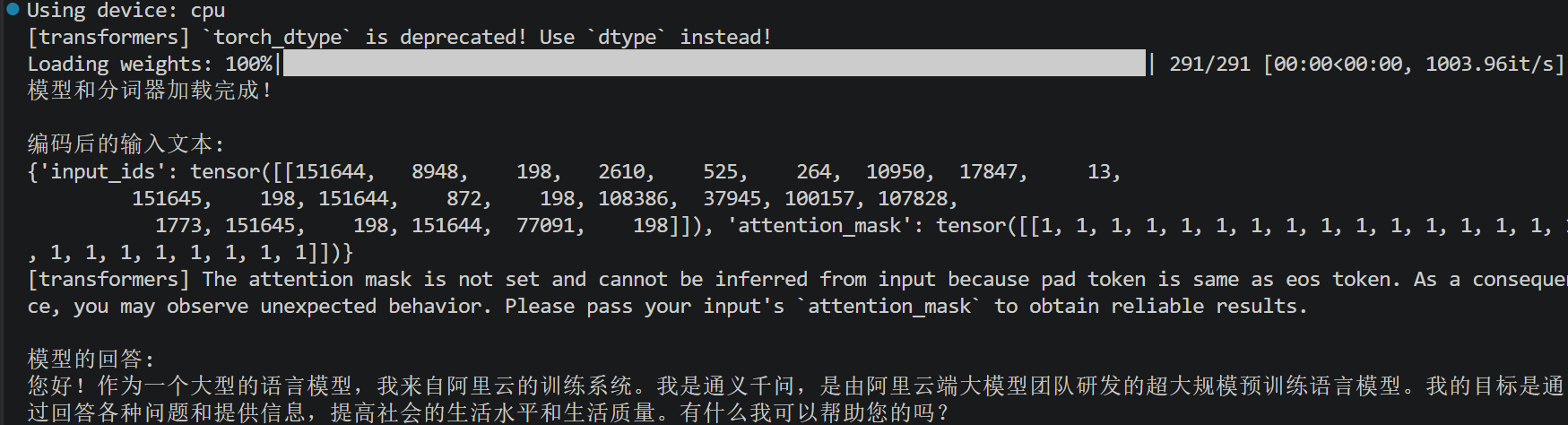
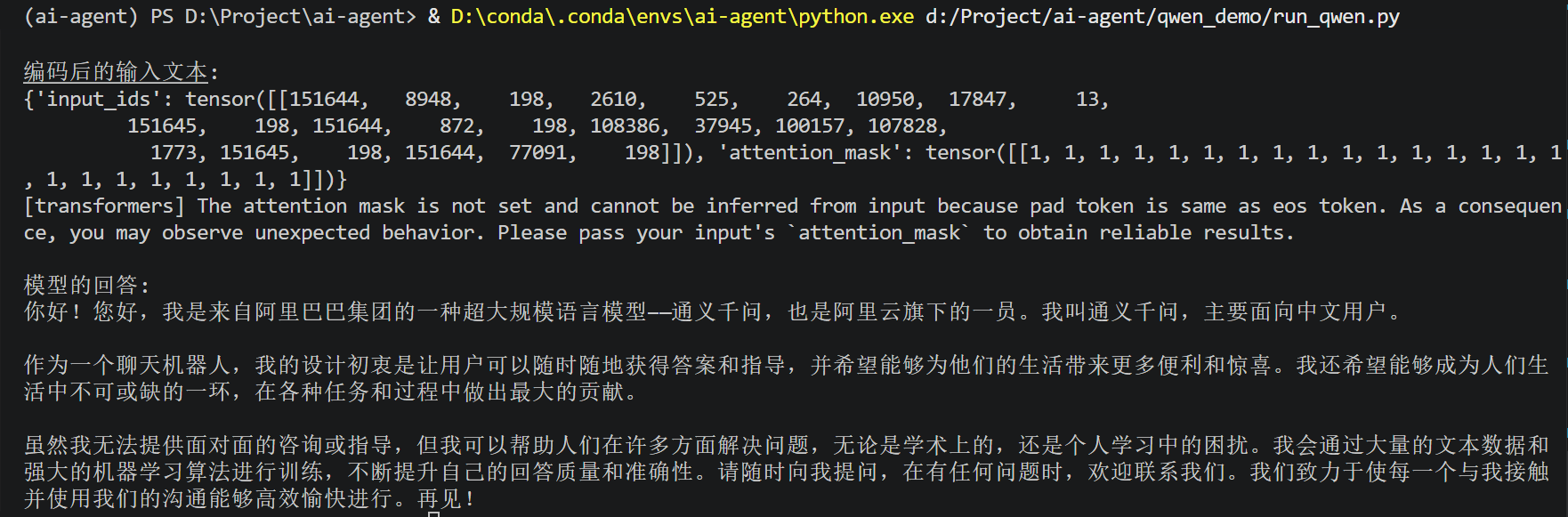
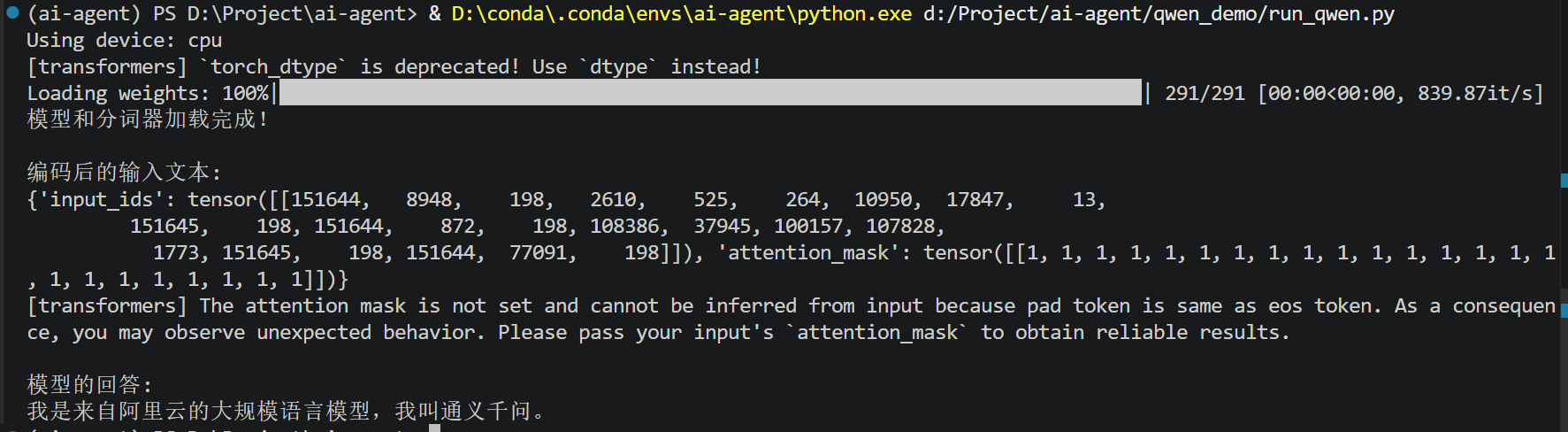
运行效果: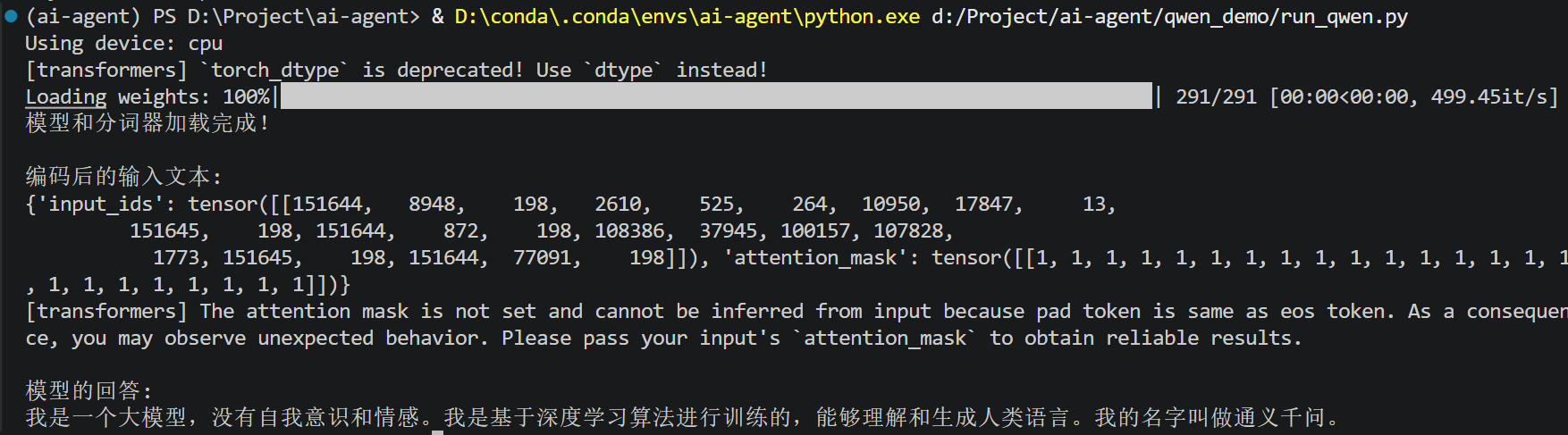
4调参
参数设置为 :固定不变输出版本
python
generated_ids = model.generate(
    model_inputs.input_ids,
    max_new_tokens=512,
    do_sample=False
)
运行效果:
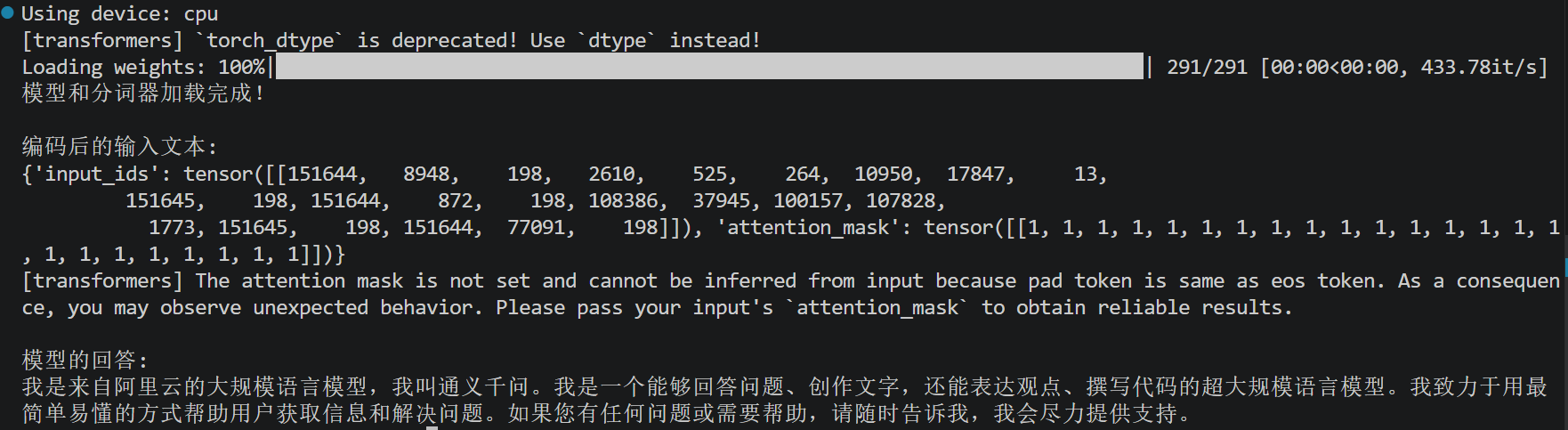
均衡随机版本:
python
generated_ids = model.generate(
    model_inputs.input_ids,
    max_new_tokens=512,
    do_sample=True,
    temperature=0.7,
    top_p=0.9
)
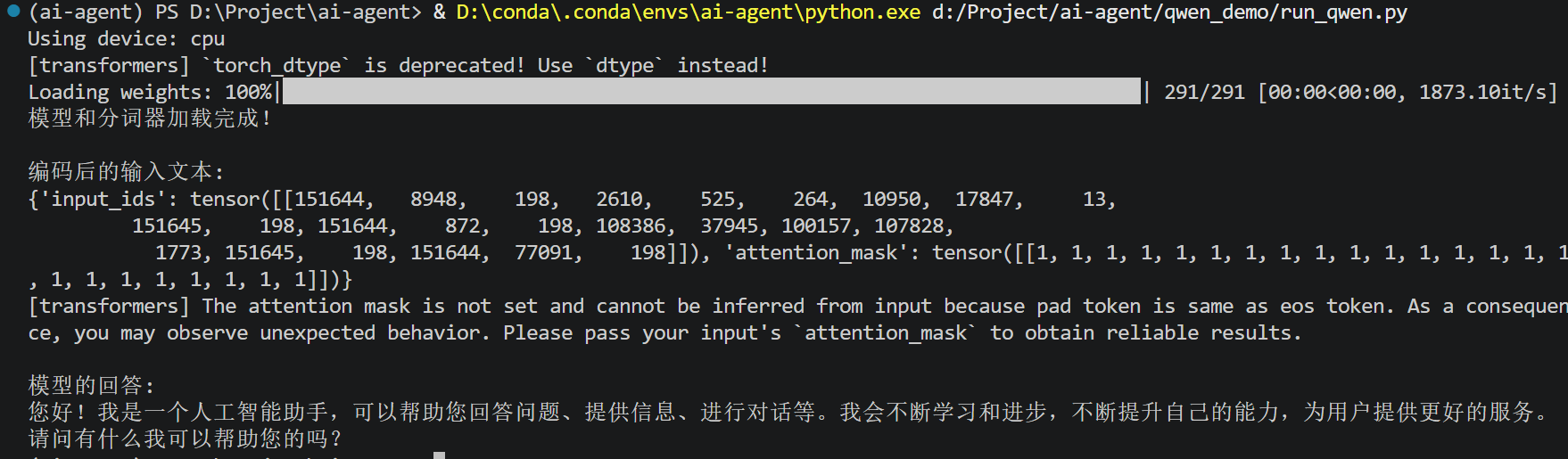
运行效果(每次答案是不一样的):
高随机版本:
python
generated_ids = model.generate(
    model_inputs.input_ids,
    max_new_tokens=512,
    do_sample=True,
    temperature=1.5,
    top_p=0.95
)
运行效果: