一、API 全套流程总览(必须背下来)
- 导入库
import requests - 配置密钥
从config导入 API Key、接口地址 - 构建请求头
放Authorization鉴权信息 - 构建消息列表
历史消息 + 当前问题拼接 - 发送请求
requests.post() - 解析返回结果
从 JSON 里取出 AI 回答 - 异常处理 + 重试
保证程序稳定 - 更新对话历史
实现多轮对话
python
# -*- coding: utf-8 -*-
"""
@Created on : 2026/6/2 9:49
@creator : er_nao
@File :day78_api_full_review.py
@Description :复盘API全套流程
"""
# 1. 导入依赖库
import requests
import time
from config import TONGYI_API_KEY, TONGYI_API_URL


# ===================== 流程1:历史消息拼接 =====================
def concat_history(history, new_question):
    msg_list = history.copy()
    msg_list.append({"role": "user", "content": new_question})
    return msg_list


# ===================== 流程2:发送API请求(含重试) =====================
def ai_response(messages, temperature=0.7, max_retry=3):
    # 请求头
    headers = {
        "Authorization": f"Bearer {TONGYI_API_KEY}",
        "Content-Type": "application/json"
    }

    # 请求体
    data = {
        "model": "qwen-plus",
        "input": {"messages": messages},
        "temperature": temperature
    }

    # 重试机制
    for retry in range(max_retry):
        try:
            response = requests.post(
                TONGYI_API_URL,
                headers=headers,
                json=data
            )
            result = response.json()
            return result["output"]["text"]

        except Exception as e:
            print(f"第{retry + 1}次失败,重试中...")
            time.sleep(1)

    return "API调用失败"


# ===================== 流程3:更新对话历史 =====================
def update_history(history, user_text, ai_text):
    history.append({"role": "user", "content": user_text})
    history.append({"role": "assistant", "content": ai_text})
    return history


# ===================== 流程4:完整对话流程 =====================
def full_api_chat():
    history = []
    print("===== API全套流程复盘(输入 退出 结束)=====")

    while True:
        user_input = input("你:")
        if user_input == "退出":
            print("AI:再见!")
            break

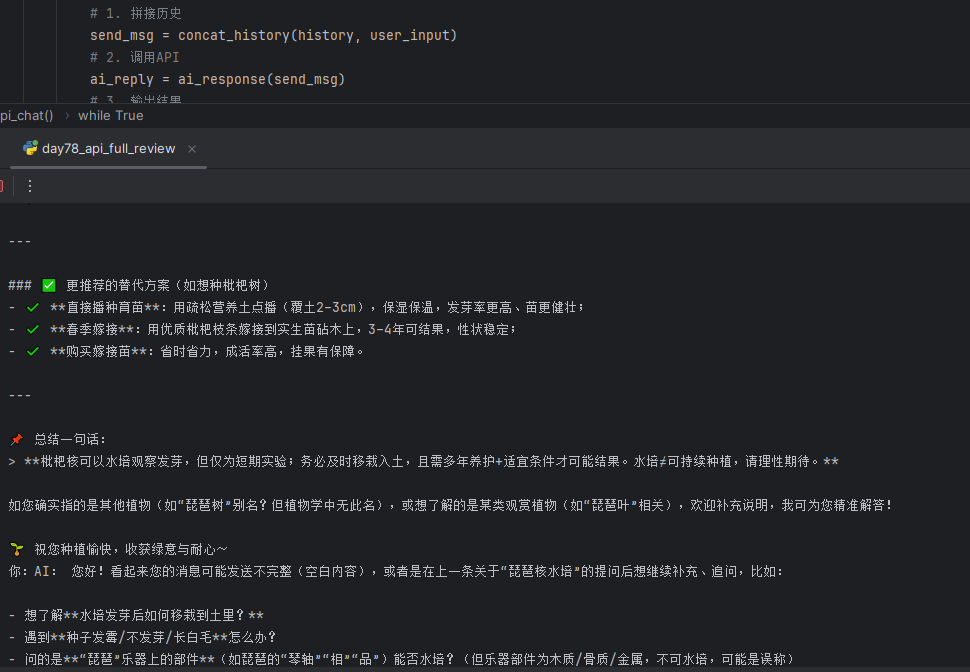
        # 1. 拼接历史
        send_msg = concat_history(history, user_input)
        # 2. 调用API
        ai_reply = ai_response(send_msg)
        # 3. 输出结果
        print("AI:", ai_reply)
        # 4. 更新历史
        history = update_history(history, user_input, ai_reply)


# 运行全套API流程
if __name__ == "__main__":
    full_api_chat()