文章目录
今天我们的环境是Ubuntu 22.04,更改apache的日志存储周期。
了解apache日志规则
apache的日志规则是在如下目录:
bash
sudo vi /etc/logrotate.d/apache2 默认的规则
bash
/var/log/apache2/*.log {
        daily
        missingok
        rotate 14
        compress
        delaycompress
        notifempty
        create 640 root adm
        sharedscripts
        prerotate
                if [ -d /etc/logrotate.d/httpd-prerotate ]; then
                        run-parts /etc/logrotate.d/httpd-prerotate
                fi
        endscript
        postrotate
                if pgrep -f ^/usr/sbin/apache2 > /dev/null; then
                        invoke-rc.d apache2 reload 2>&1 | logger -t apache2.logrotate
                fi
        endscript
}
它的主要逻辑是:
- daily:每天轮转一次日志。
- rotate 14:保留最近 14 天的旧日志。
- compress & delaycompress:对旧日志进行压缩,但延迟一次压缩(即昨天的日志不压缩,前天的才压缩),方便查看最近的日志。
- postrotate:在日志轮转后,如果 Apache2 进程正在运行,就优雅地重新加载(reload)它,以便 Apache 开始写入新的日志文件。
Apache日志规则调整
现在业务需求调整,需要将原来每天压缩日志,改为14天。改为:每周压缩一次,保留三个月,也就是12周。
需要修改的参数是:
- daily ➡️ 改为 weekly:将日志轮转频率从每天一次调整为每周一次。
- rotate 14 ➡️ 改为 rotate 12:因为每个月大约 4 周,3 个月就是 12 周。这样刚好可以保留最近 12 个星期的历史日志。
修改后的完整配置参考如下:
bash
/var/log/apache2/*.log {
        weekly          # 修改为每周
        missingok
        rotate 12       # 修改为保留12份(即约3个月的时间)
        compress
        delaycompress
        notifempty
        create 640 root adm
        sharedscripts
        prerotate
                if [ -d /etc/logrotate.d/httpd-prerotate ]; then
                        run-parts /etc/logrotate.d/httpd-prerotate
                fi
        endscript
        postrotate
                if pgrep -f ^/usr/sbin/apache2 > /dev/null; then
                        invoke-rc.d apache2 reload 2>&1 | logger -t apache2.logrotate
                fi
        endscript
}
日志规则调整重要提醒
因为我们用的是Ubuntu的os,不建议直接修改/etc/logrotate.d/apache2,可以新建一个自定义配置文件来覆盖它:
bash
sudo vi /etc/logrotate.d/apache2-customLogrotate 会读取该目录下的所有文件,新文件的规则会生效。这样也可以避免apache 更新时,覆盖原来的默认文件,影响规则的生效。
规则调整生效时间
修改配置后,不会立即生效,需要等待下一次 logrotate 的自动执行周期。
因为我们将轮转频率改为了 weekly,所以你需要等到下一次每周的固定轮转日才会真正产生新的日志文件。
如果你是在周一凌晨刚轮转过之后修改的配置,那么最长可能需要等待 7天 才能看到第一次新规则的生效;
如果刚好在下次轮转前修改,可能几个小时内就会生效。
那么有没有什么方法可以让规则立即生效?可以手动强制运行一次 logrotate,让其立即生效。
bash
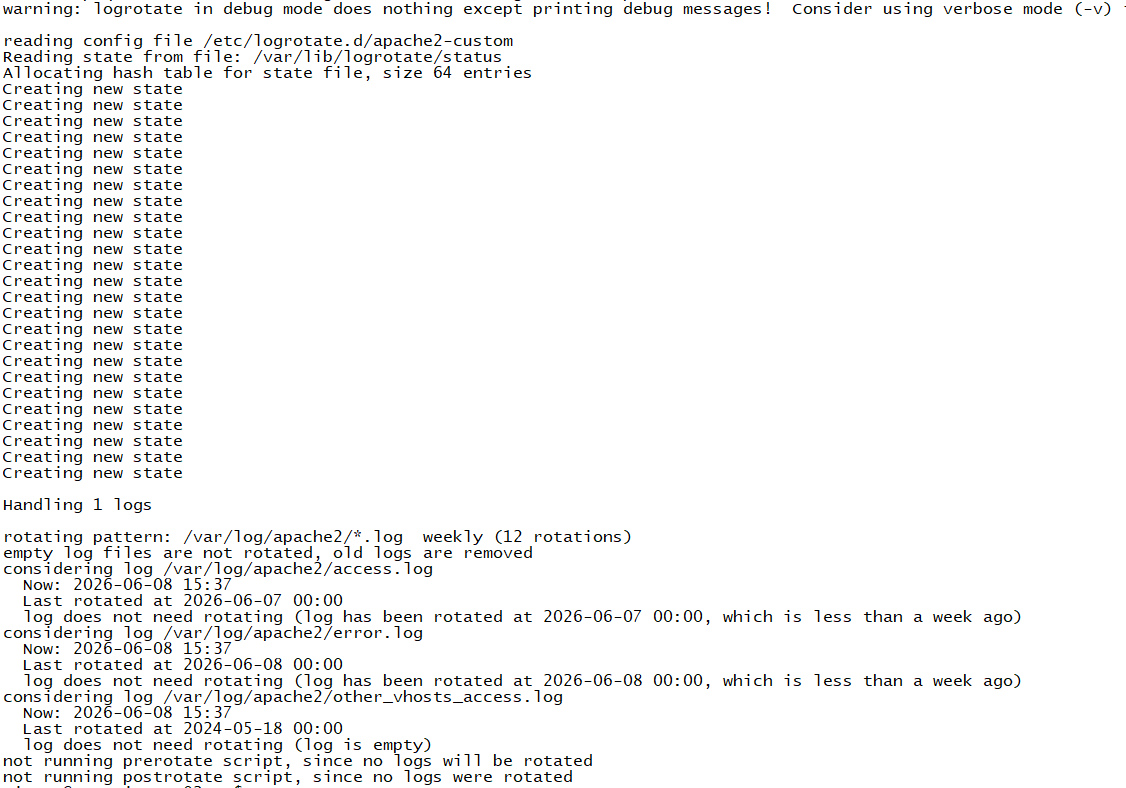
sudo logrotate -d /etc/logrotate.d/apache2-custom执行后,会输出类似如下:
bash
warning: logrotate in debug mode does nothing except printing debug messages!  Consider using verbose mode (-v) instead if this is not what you want.

reading config file /etc/logrotate.d/apache2-custom
Reading state from file: /var/lib/logrotate/status
Allocating hash table for state file, size 64 entries
Creating new state
Creating new state
Creating new state
Creating new state
Creating new state
Creating new state
Creating new state
Creating new state
Creating new state
Creating new state
Creating new state
Creating new state
Creating new state
Creating new state
Creating new state
Creating new state
Creating new state
Creating new state
Creating new state
Creating new state
Creating new state
Creating new state
Creating new state
Creating new state
Creating new state

Handling 1 logs

rotating pattern: /var/log/apache2/*.log  weekly (12 rotations)
empty log files are not rotated, old logs are removed
considering log /var/log/apache2/access.log
  Now: 2026-06-08 15:37
  Last rotated at 2026-06-07 00:00
  log does not need rotating (log has been rotated at 2026-06-07 00:00, which is less than a week ago)
considering log /var/log/apache2/error.log
  Now: 2026-06-08 15:37
  Last rotated at 2026-06-08 00:00
  log does not need rotating (log has been rotated at 2026-06-08 00:00, which is less than a week ago)
considering log /var/log/apache2/other_vhosts_access.log
  Now: 2026-06-08 15:37
  Last rotated at 2024-05-18 00:00
  log does not need rotating (log is empty)
not running prerotate script, since no logs will be rotated
not running postrotate script, since no logs were rotated