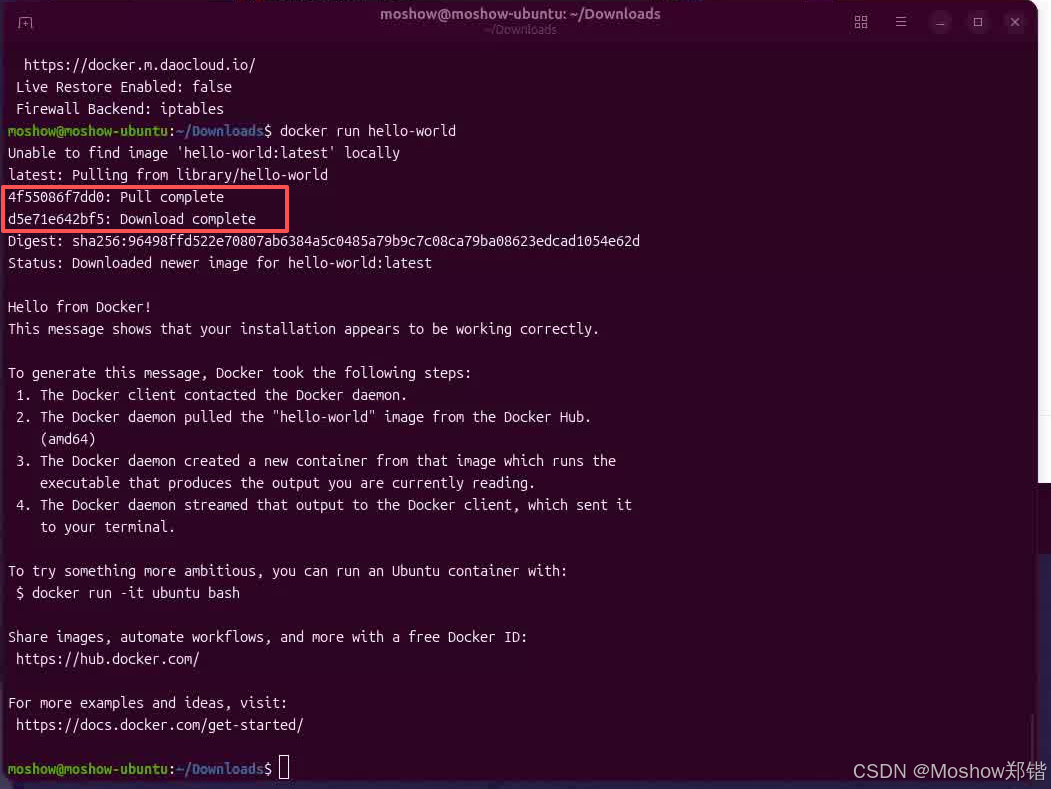
moshow@moshow-ubuntu:~/Downloads$ docker run hello-world
Unable to find image 'hello-world:latest' locally
docker: Error response from daemon: failed to resolve reference "docker.io/library/hello-world:latest": failed to do request: Head "https://registry-1.docker.io/v2/library/hello-world/manifests/latest": read tcp [2409:8a55:1095:20d1:219b:967a:aa98:a2b4]:32974->[2600:1f18:2148:bc01:d1d6:a87:e7fa:b2d7]:443: read: connection reset by peer

Run 'docker run --help' for more information
网络连接被远端服务器重置了(read: connection reset by peer),这在国内访问 Docker Hub 拉取镜像时很常见。核心的解决方法就是配置国内镜像加速器。
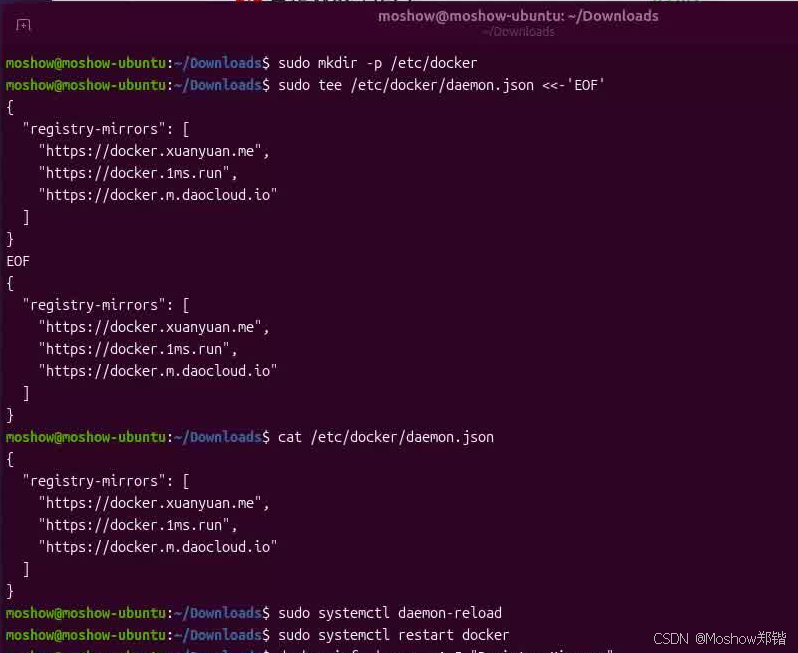
🚀 解决方法:配置国内镜像加速器
bash复制代码
# -----------------------------------------------------
# - 🚀 Powered by Moshow郑锴
# - 🌟 Might the holy code be with you!
# -----------------------------------------------------
# 🔍 公众号 👉 软件开发大百科
# 💻 CSDN 👉 https://zhengkai.blog.csdn.net
# 📂 Github 👉 https://github.com/moshowgame