VMvare 安装 Linux CentOS 7
视频教程
【Java项目教程《尚庭公寓》java项目从开发到部署,适合新手其含金量高的Java项目实战】 跳转链接
1、Vmvare 创建虚拟机
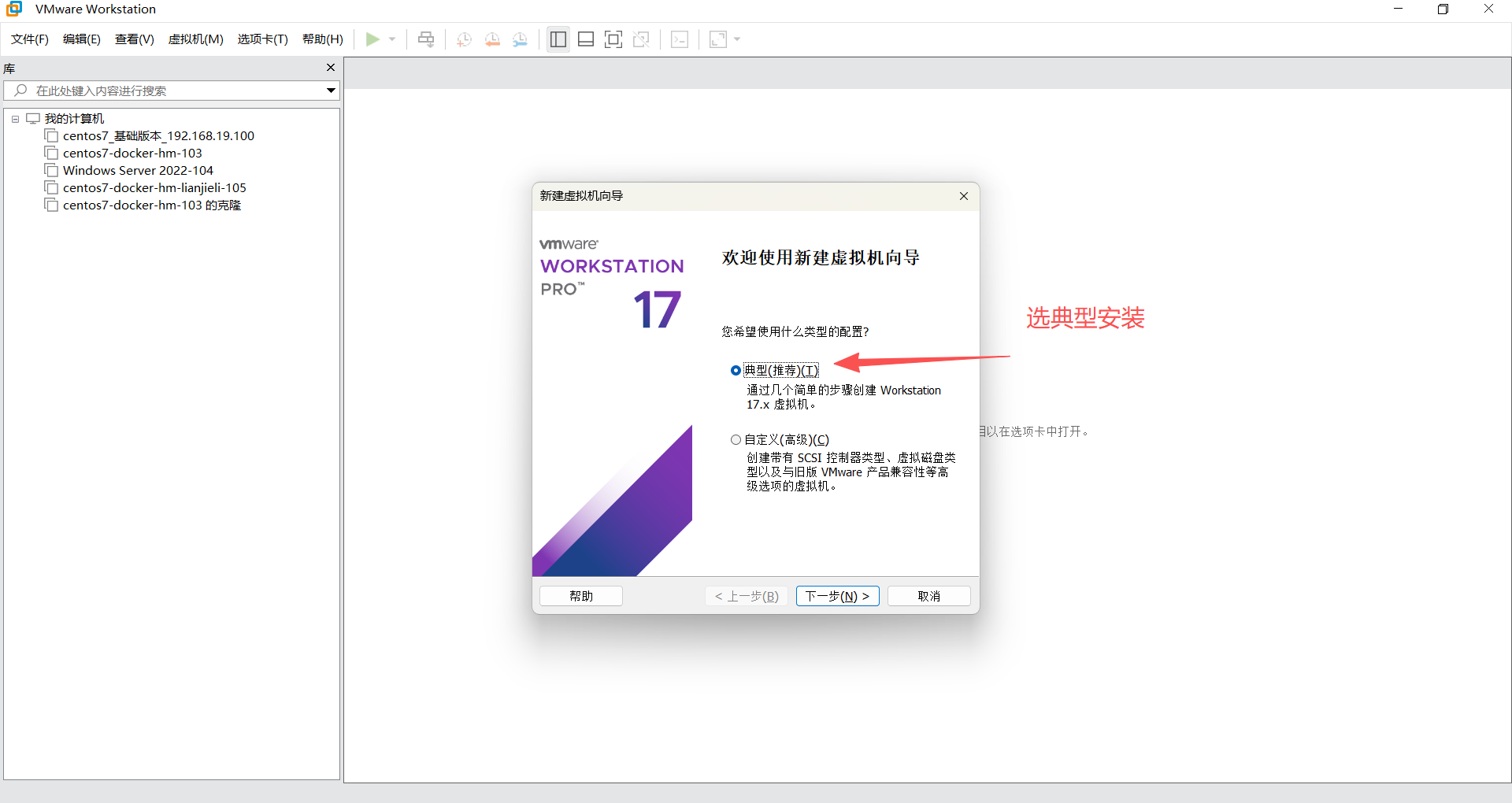
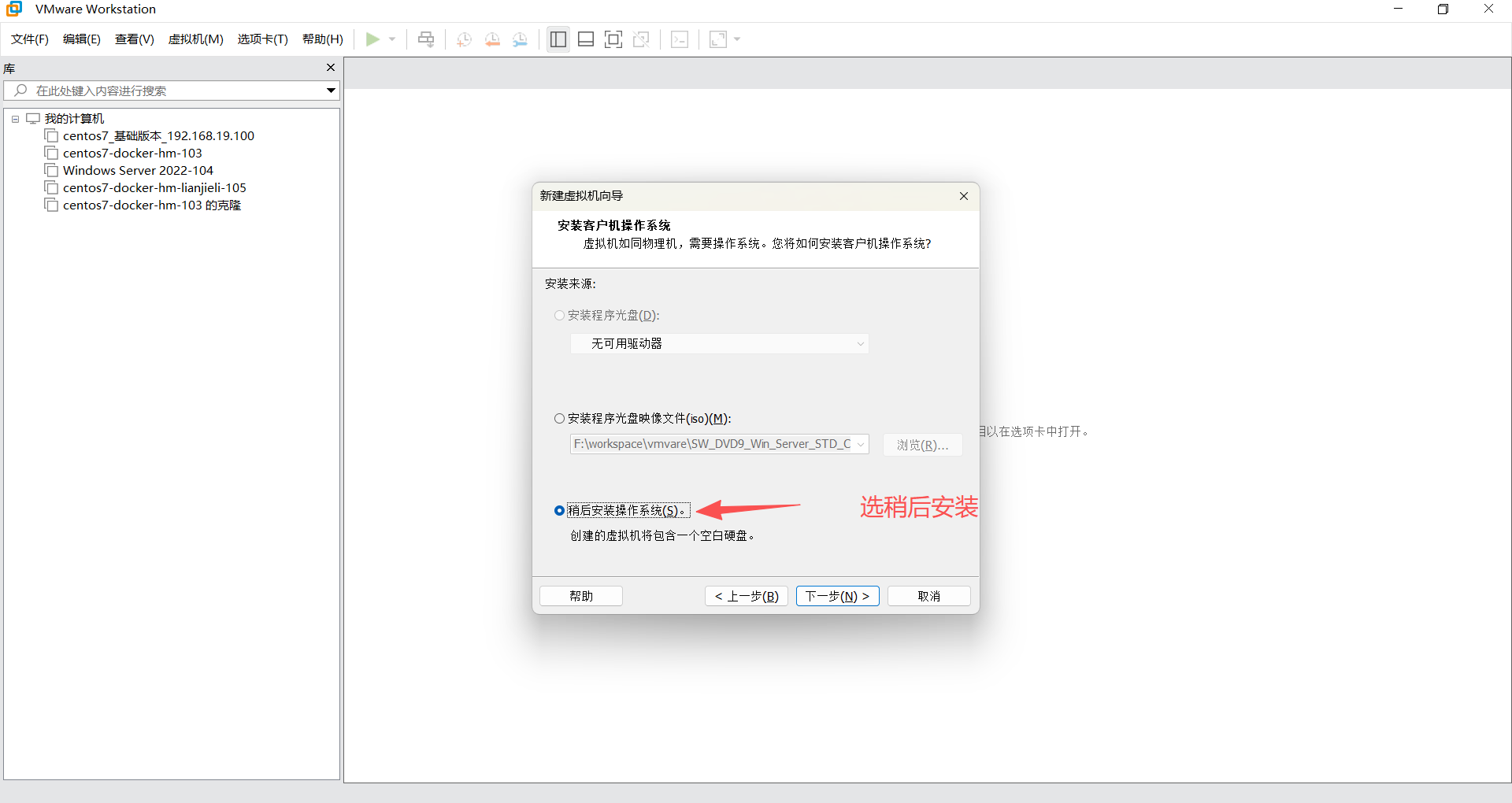
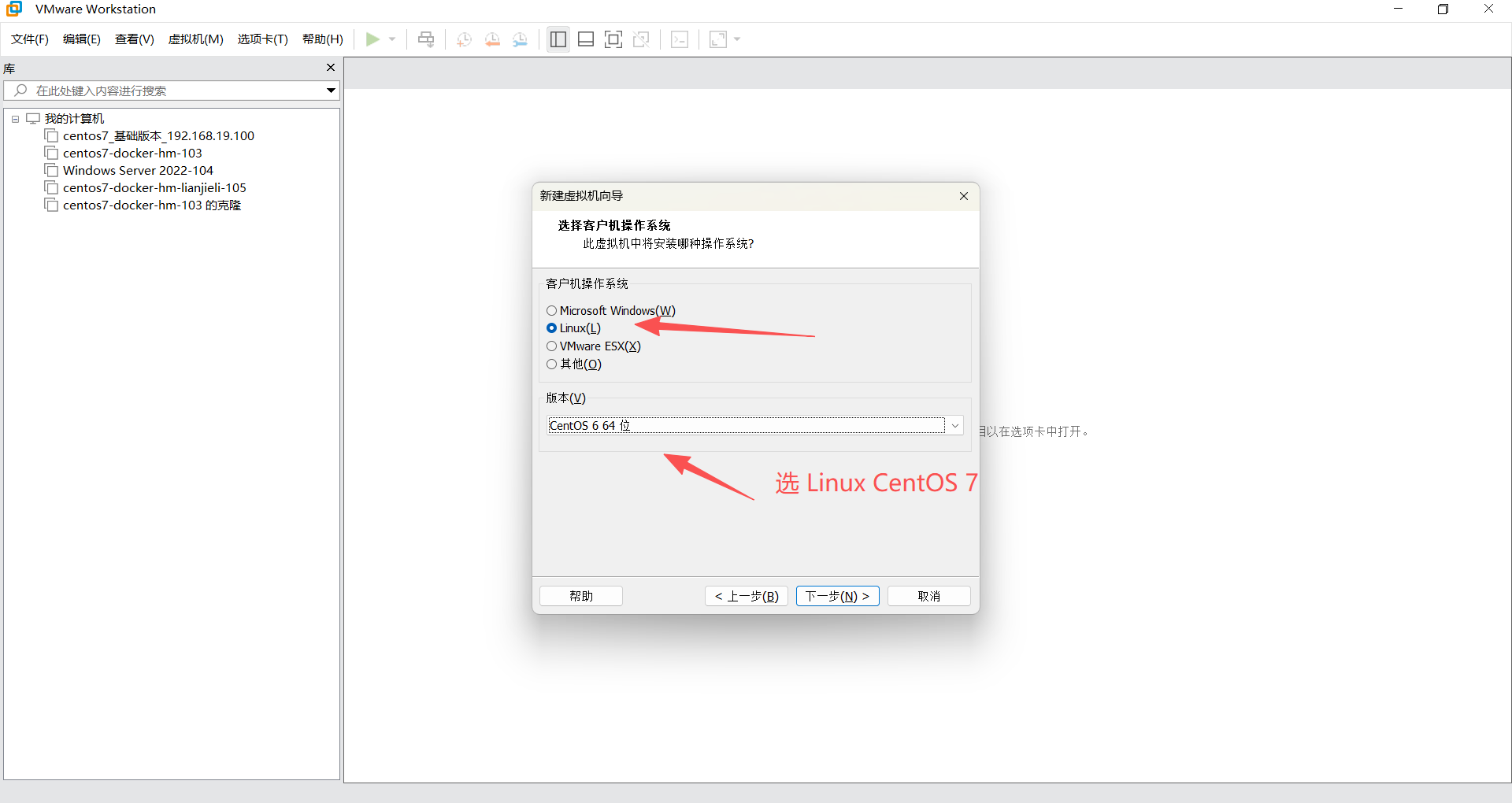
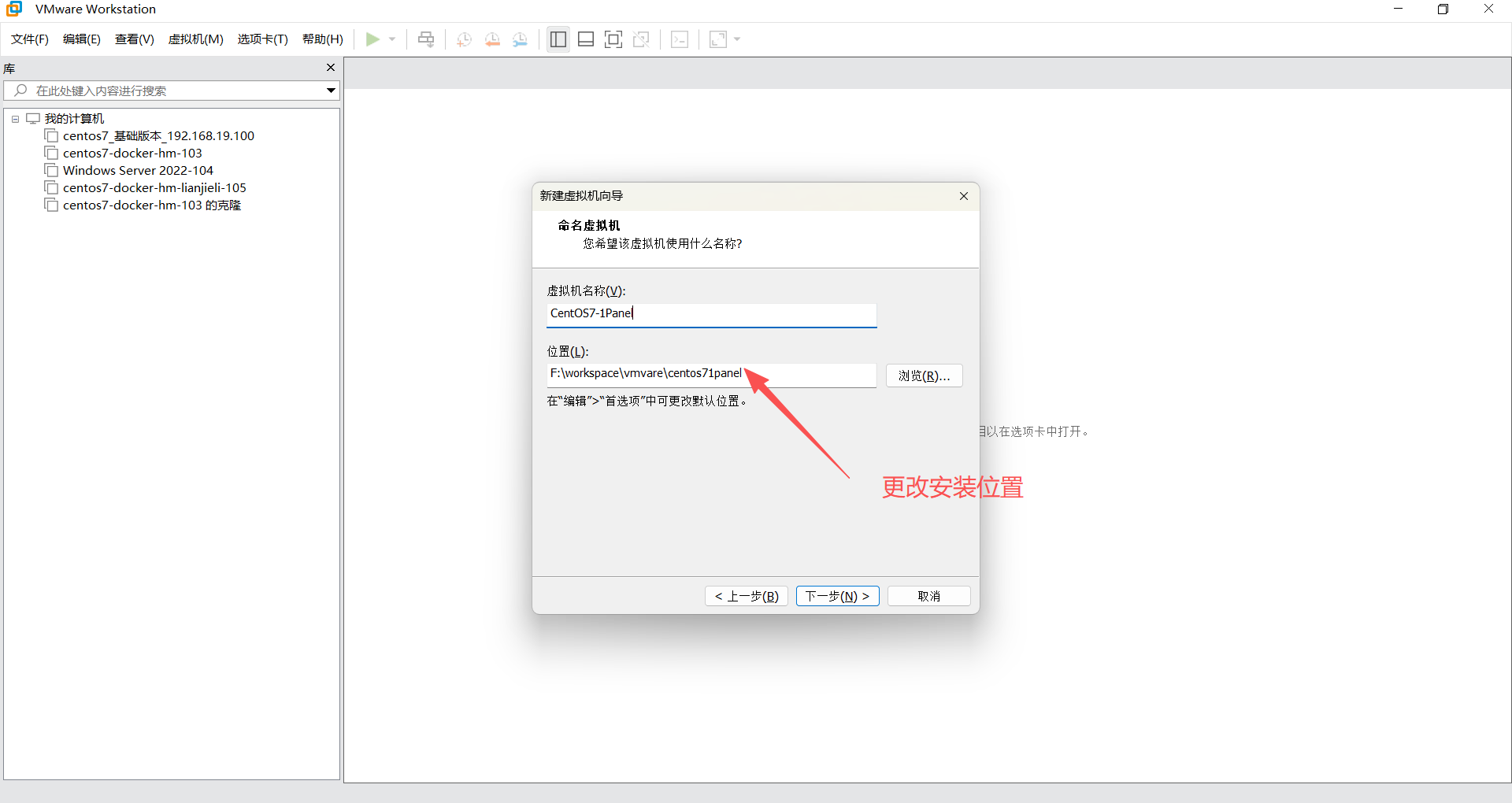
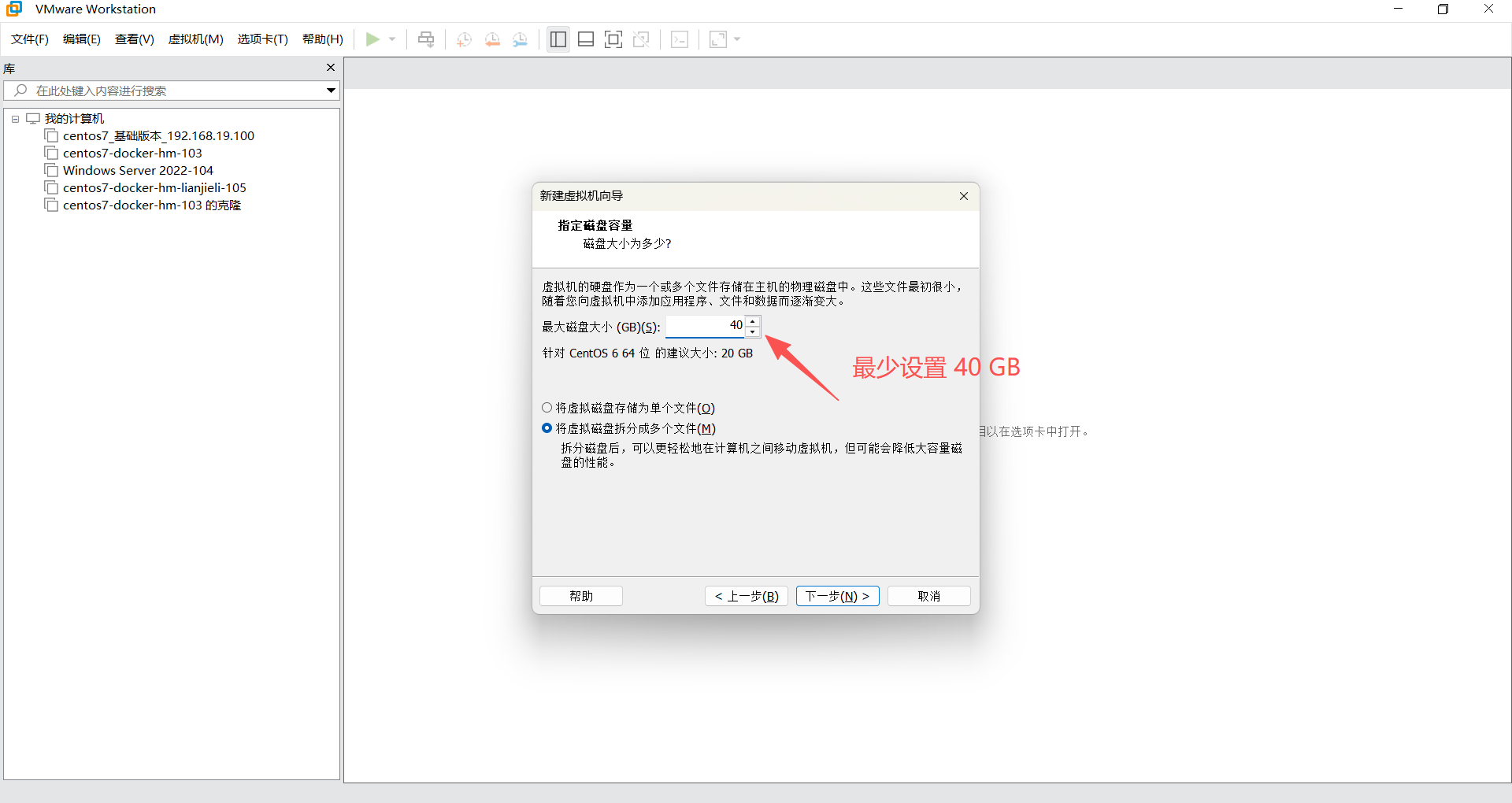
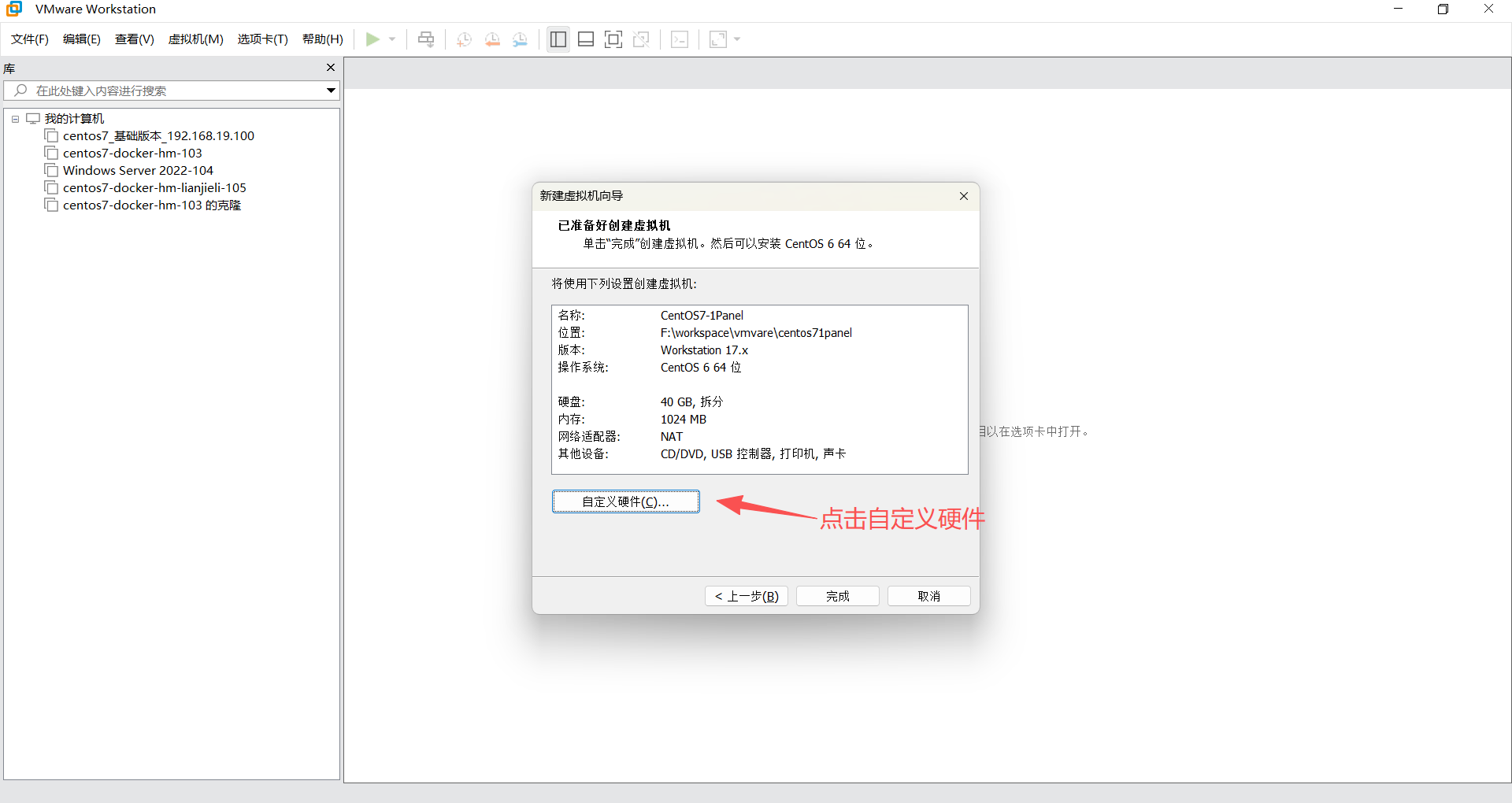
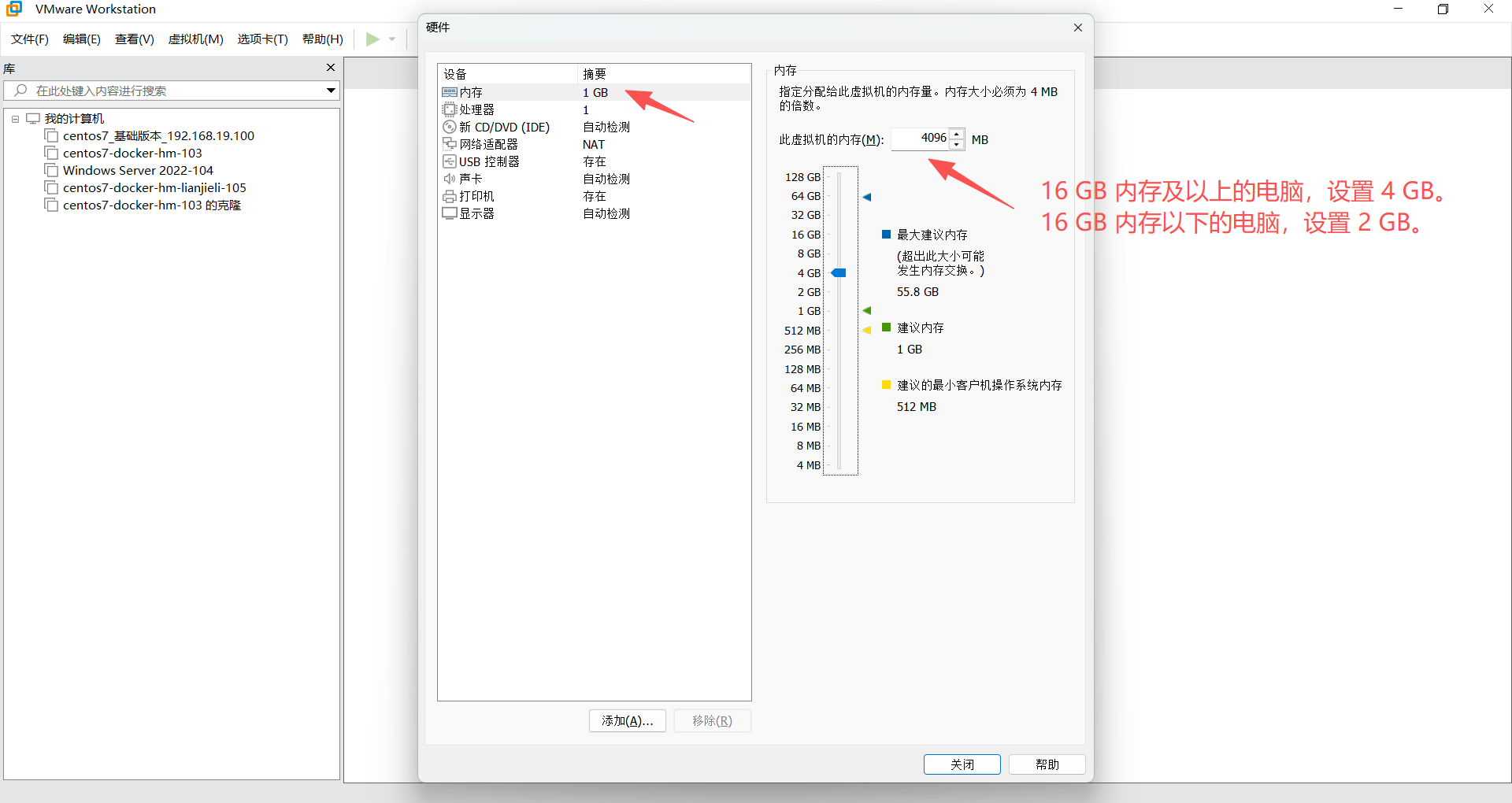
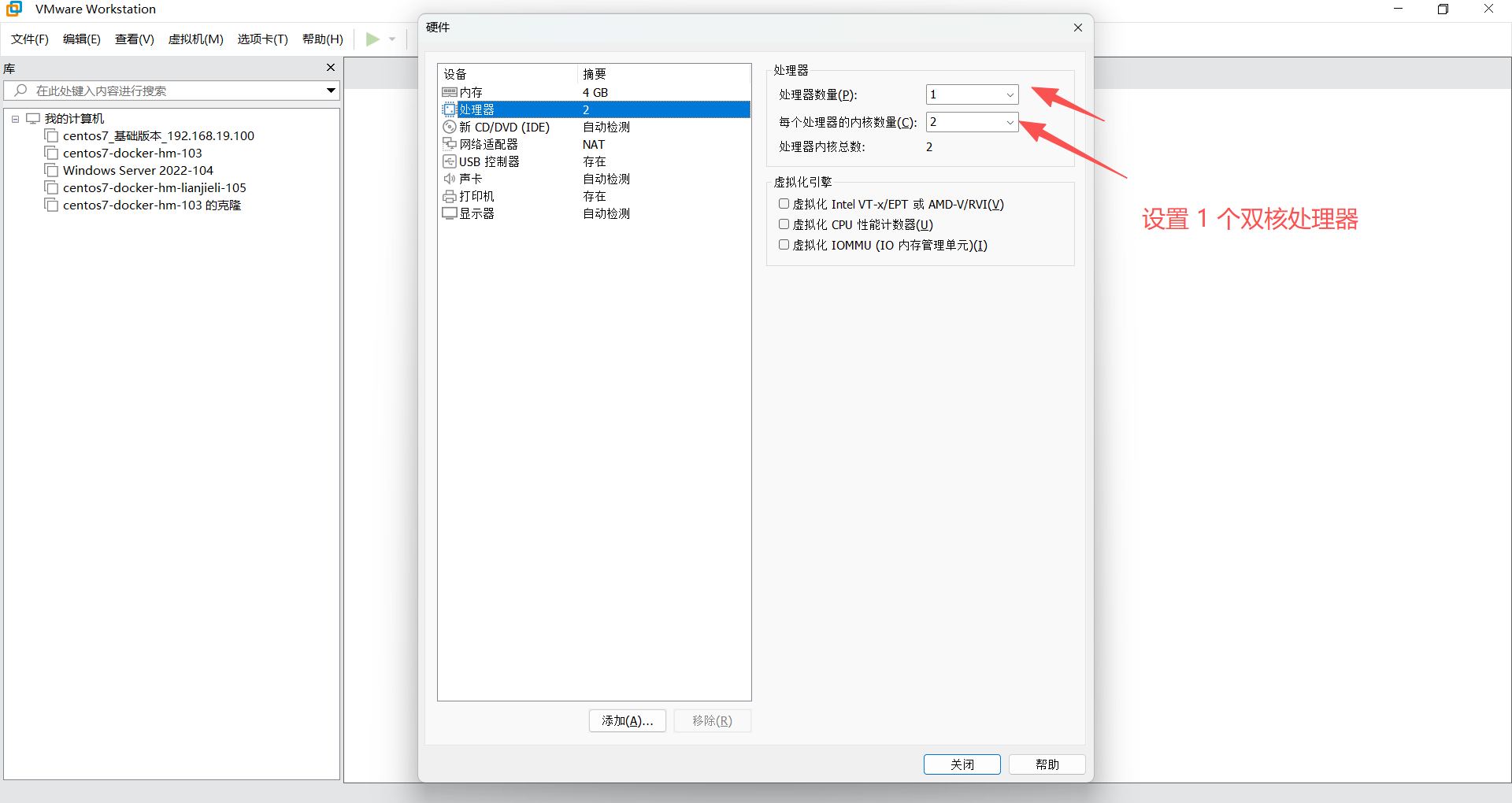
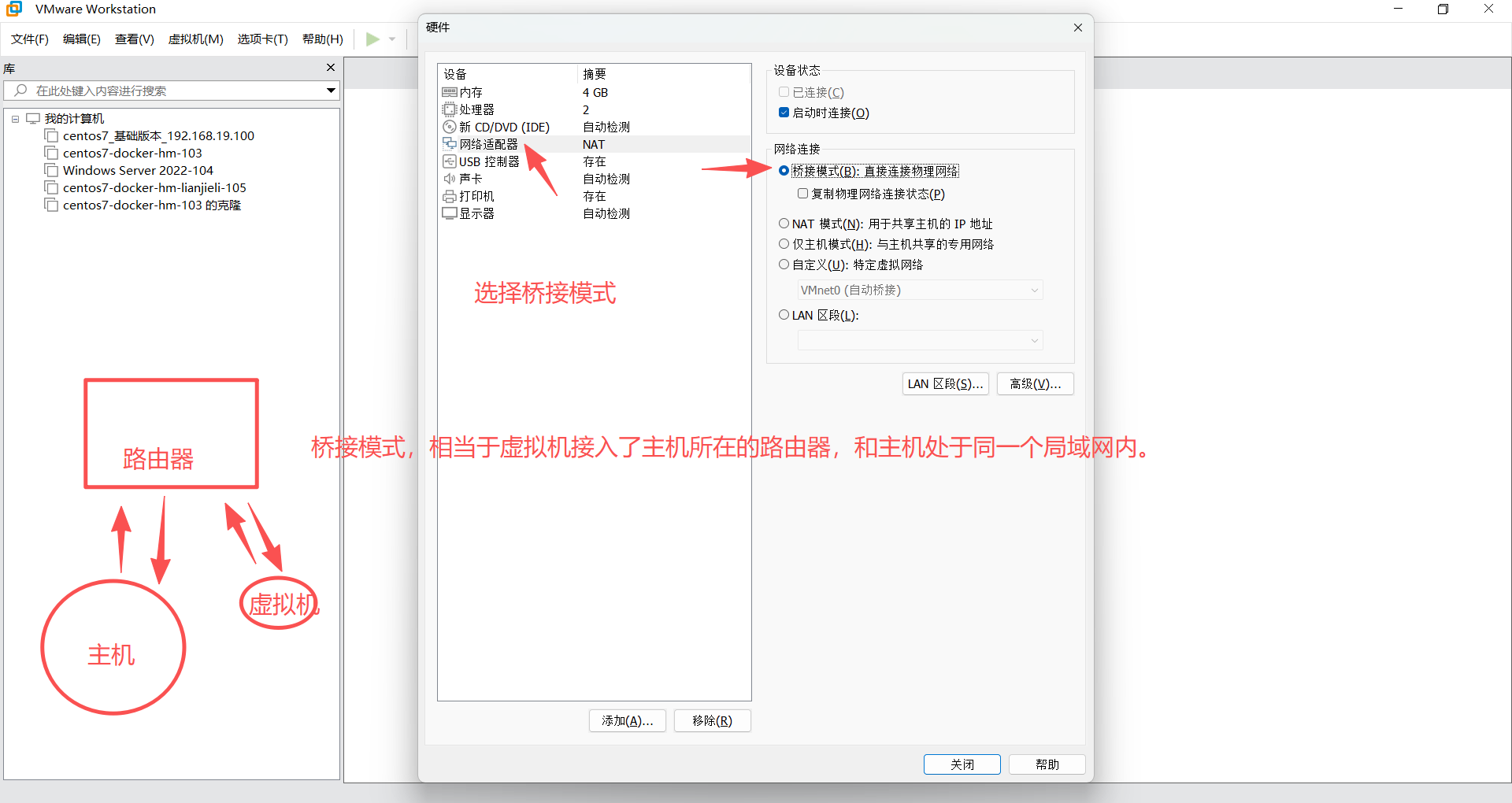
2、安装 CentOS 7
https://developer.aliyun.com/mirror/?spm=a2c6h.25603864.0.0.39273b95mrpC7v
https://mirrors.aliyun.com/centos/7.9.2009/isos/x86_64/?spm=a2c6h.25603864.0.0.4a1c18f8why5cb

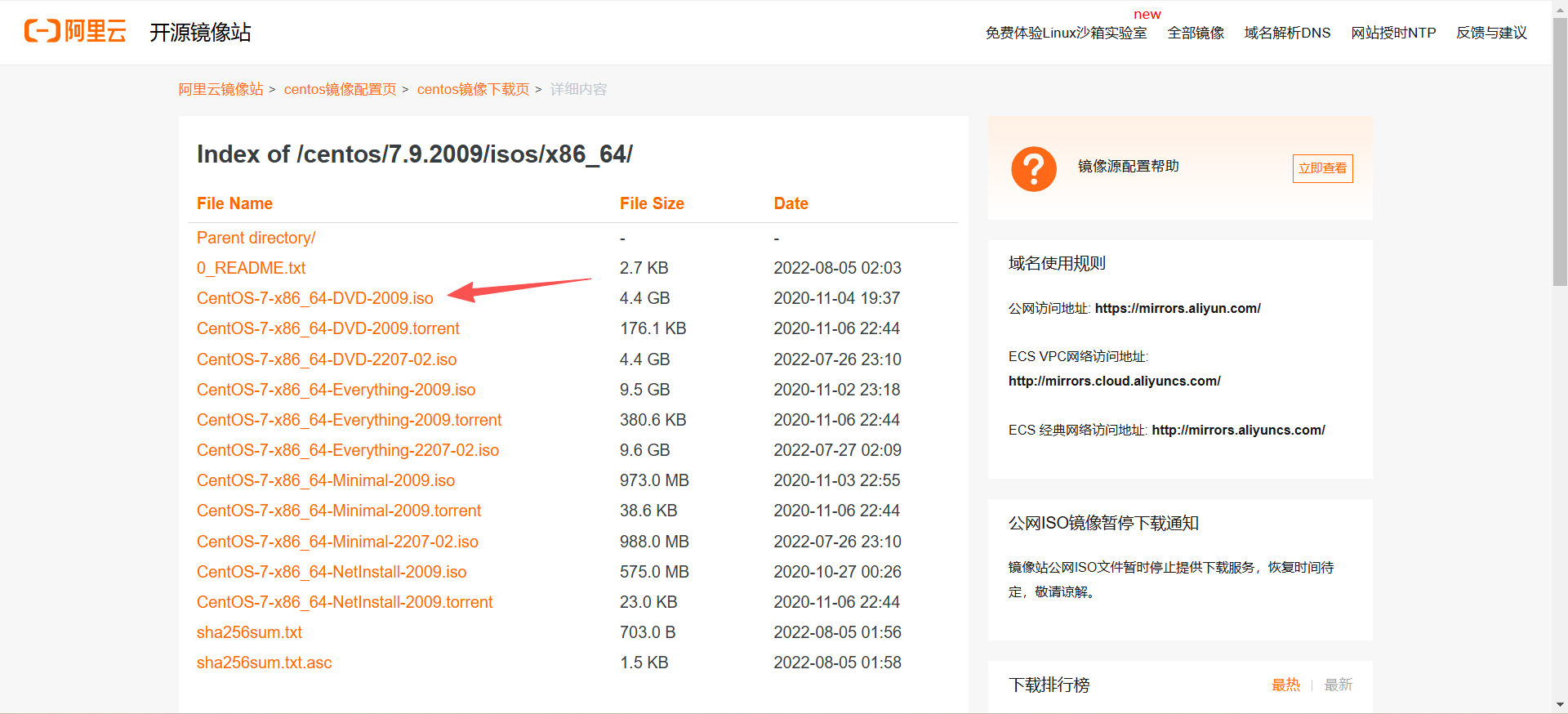
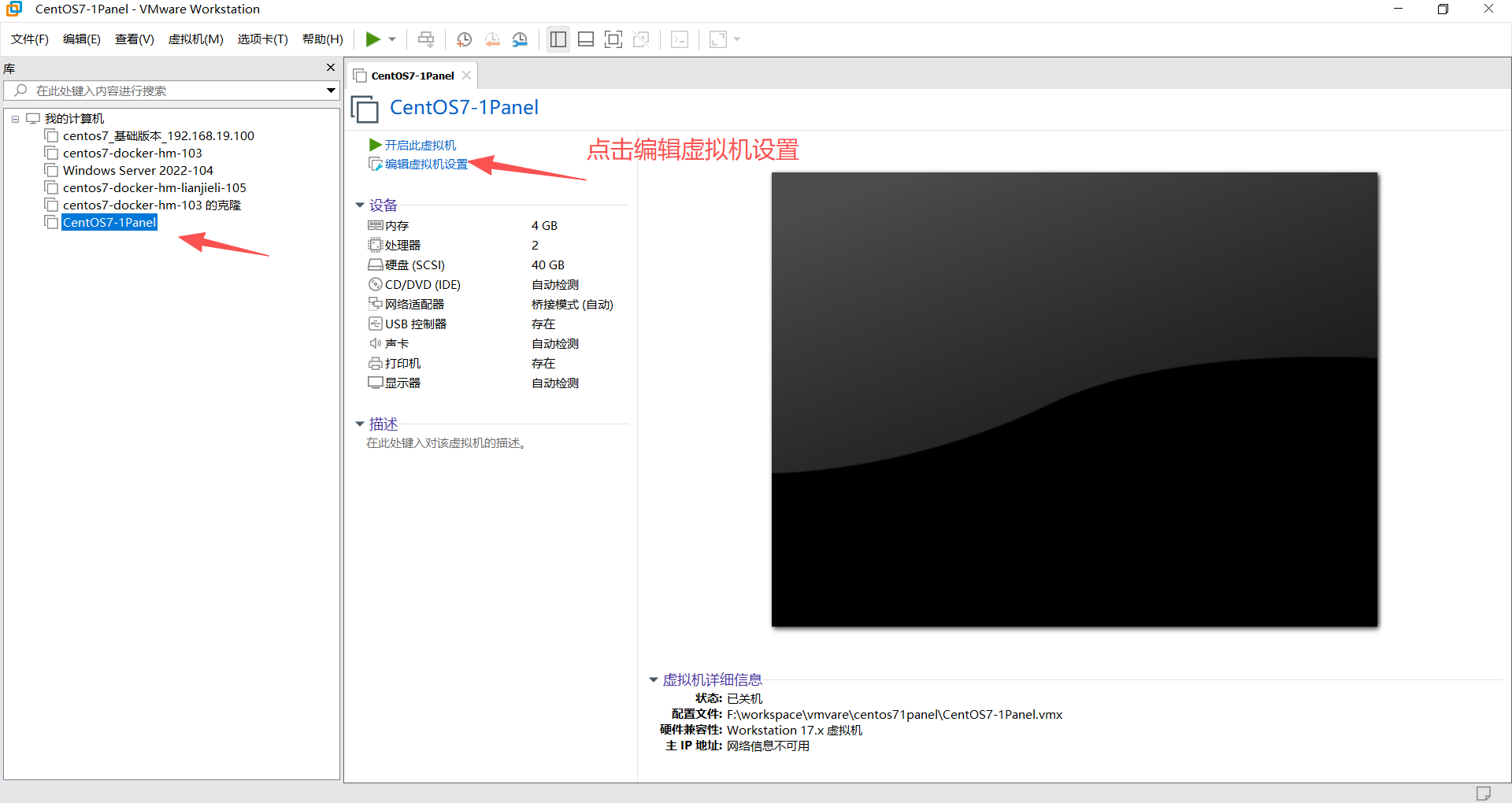
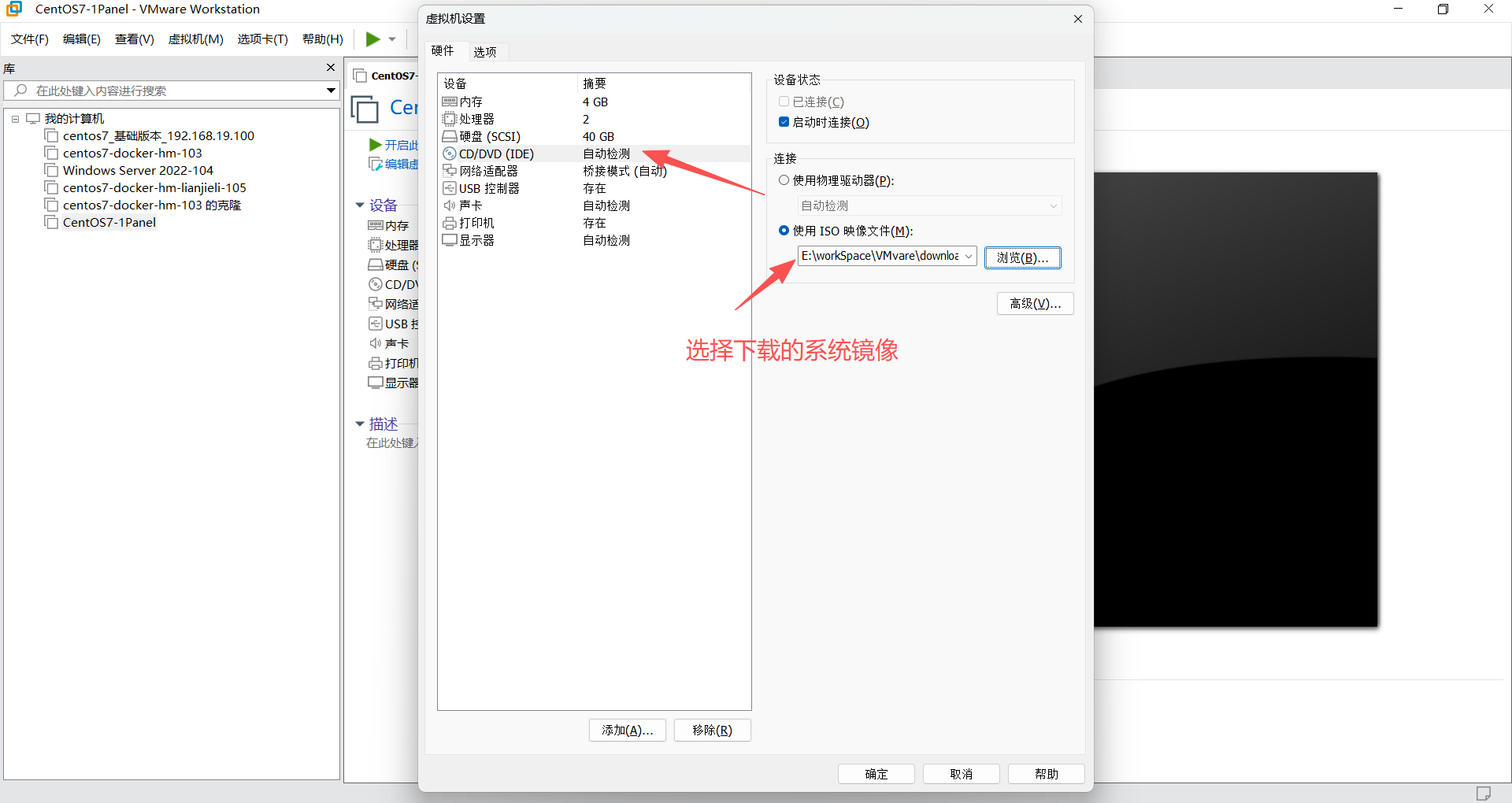
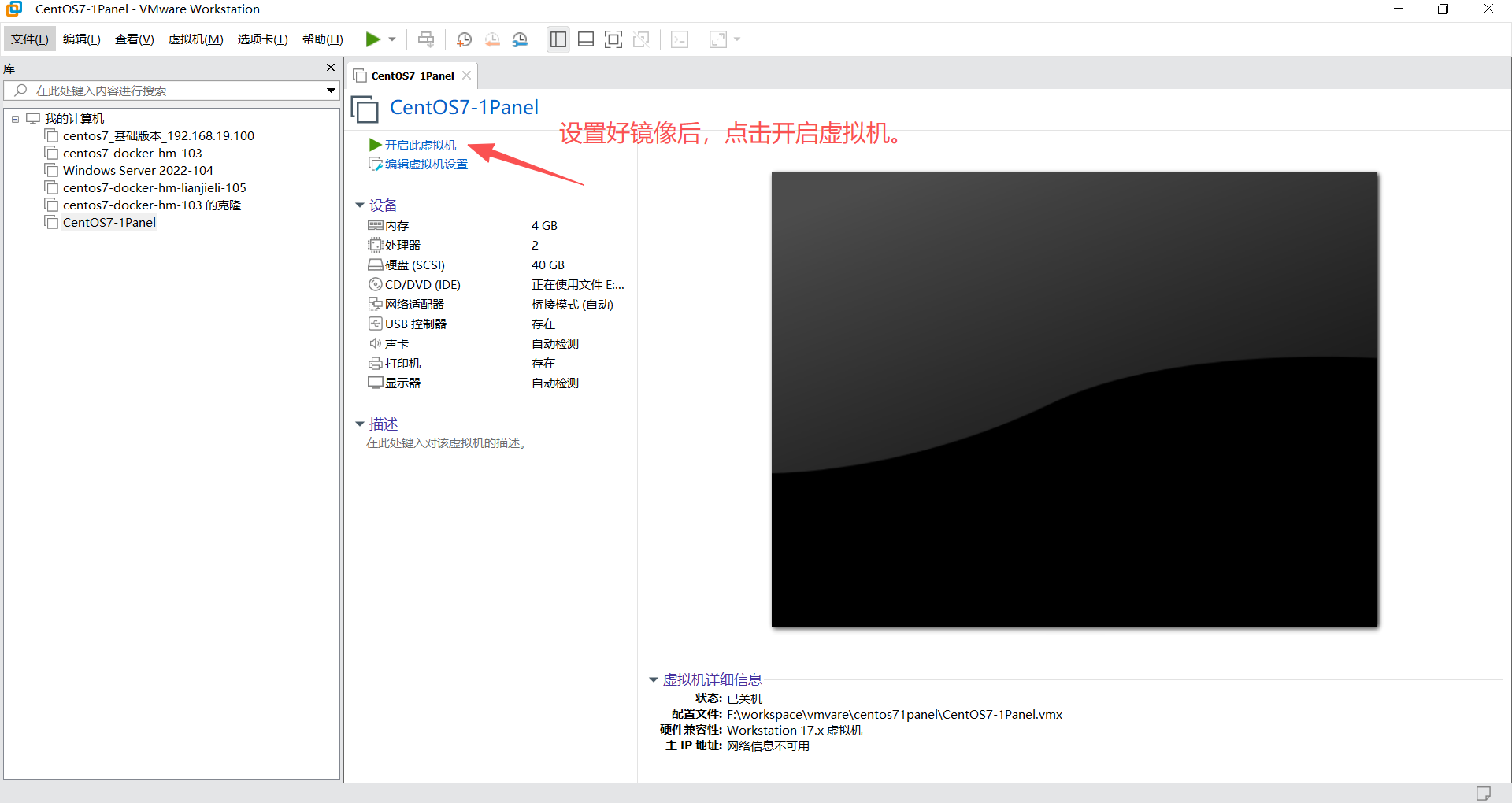
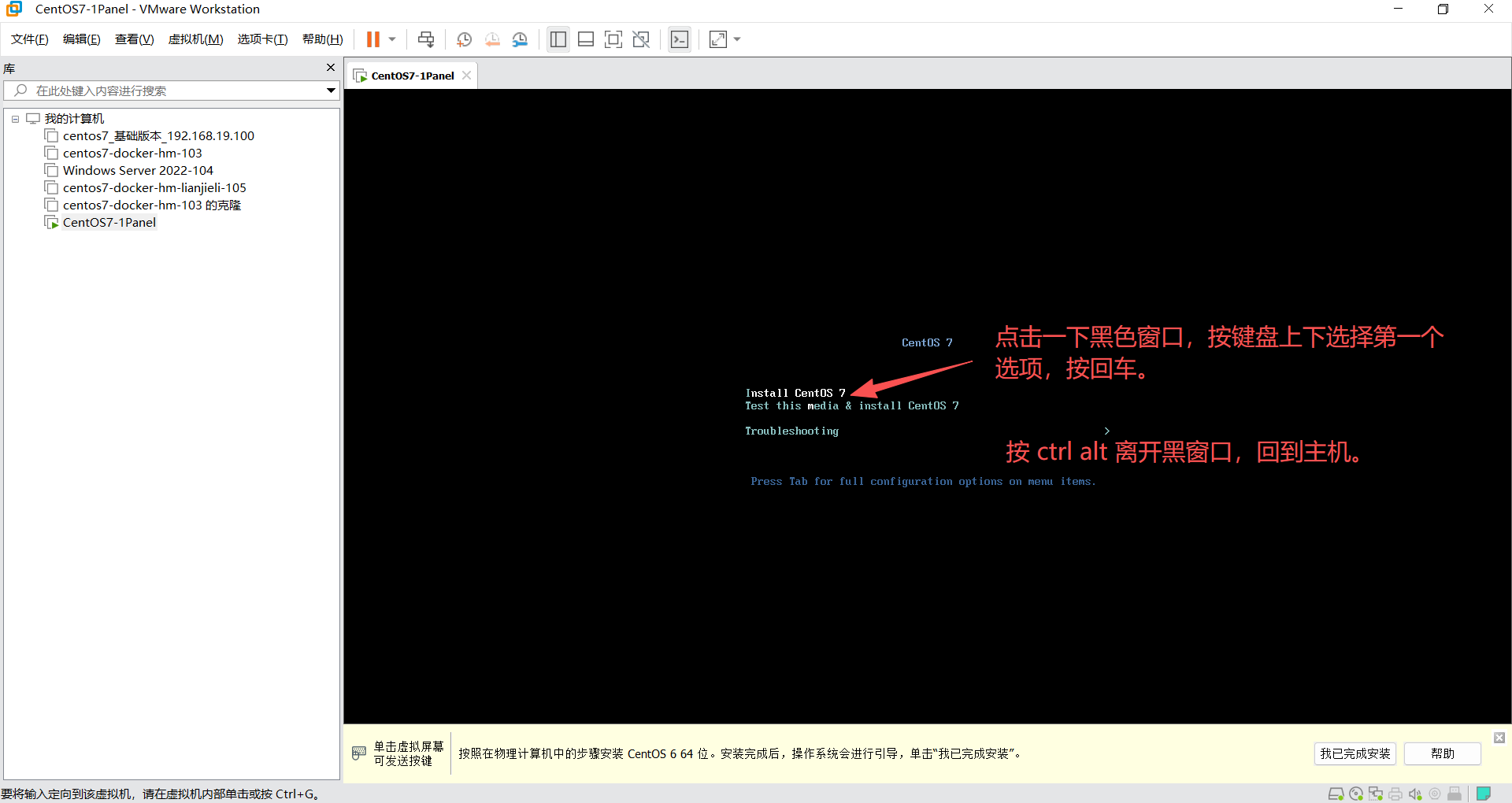
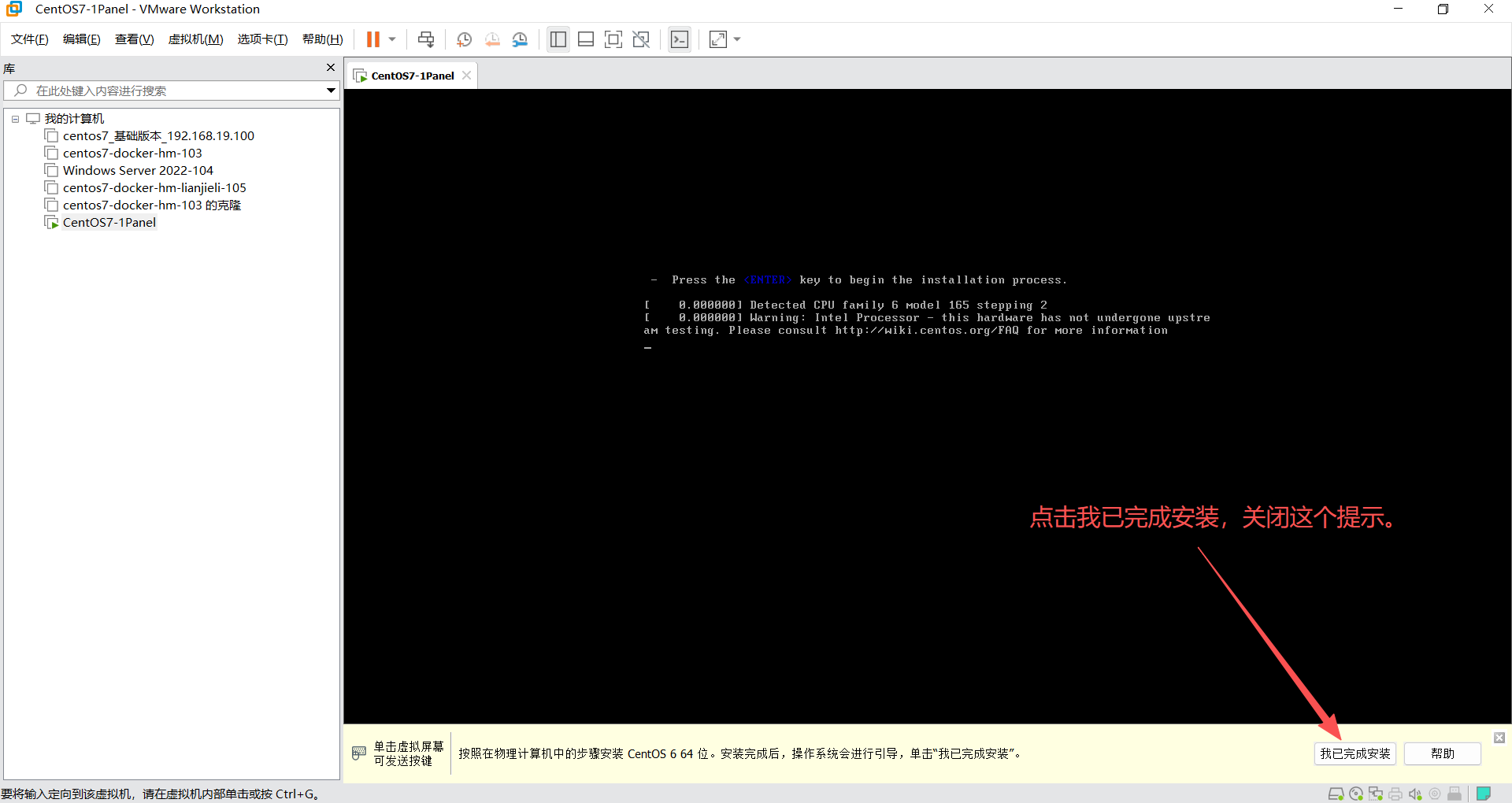
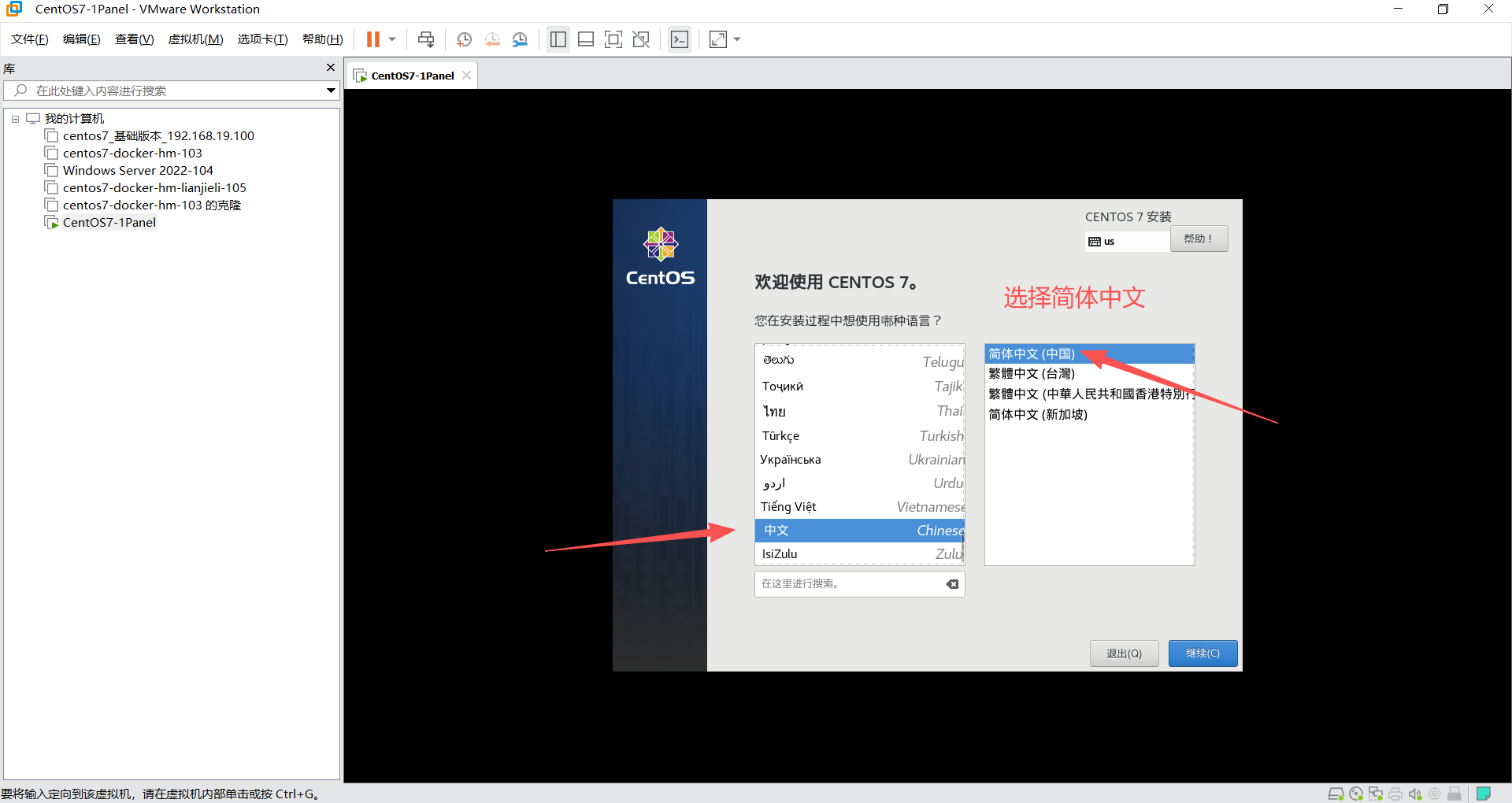
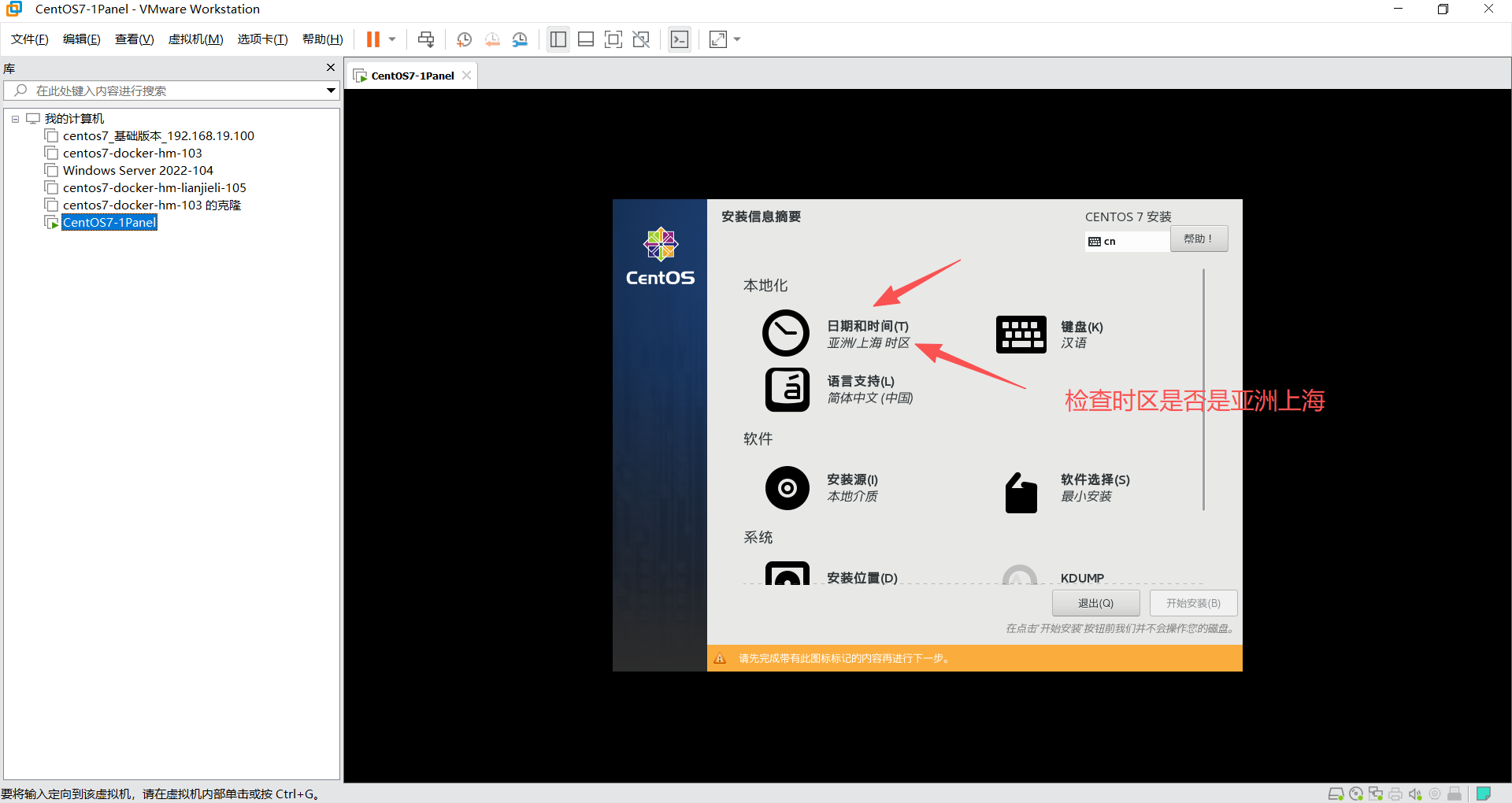
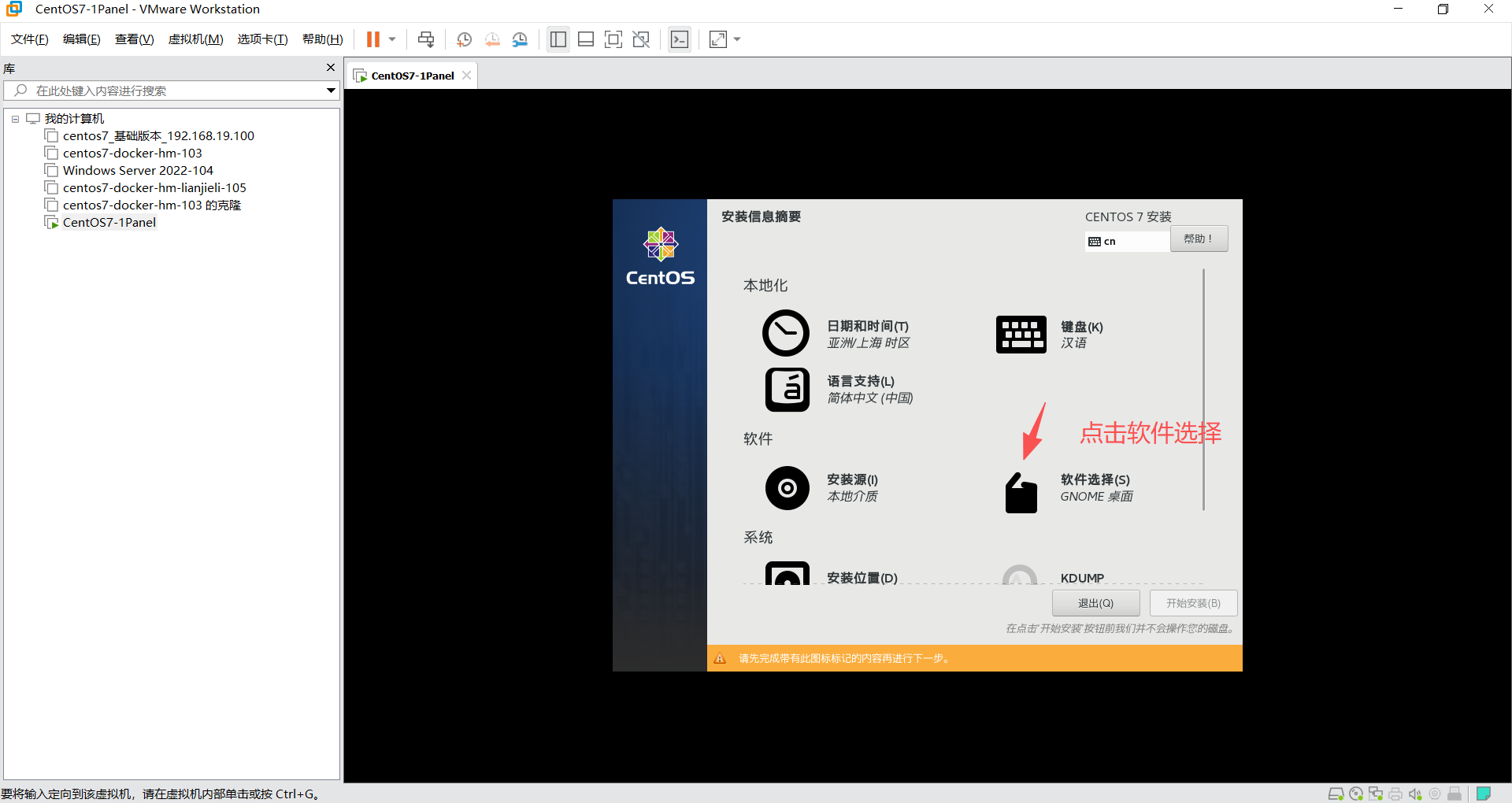
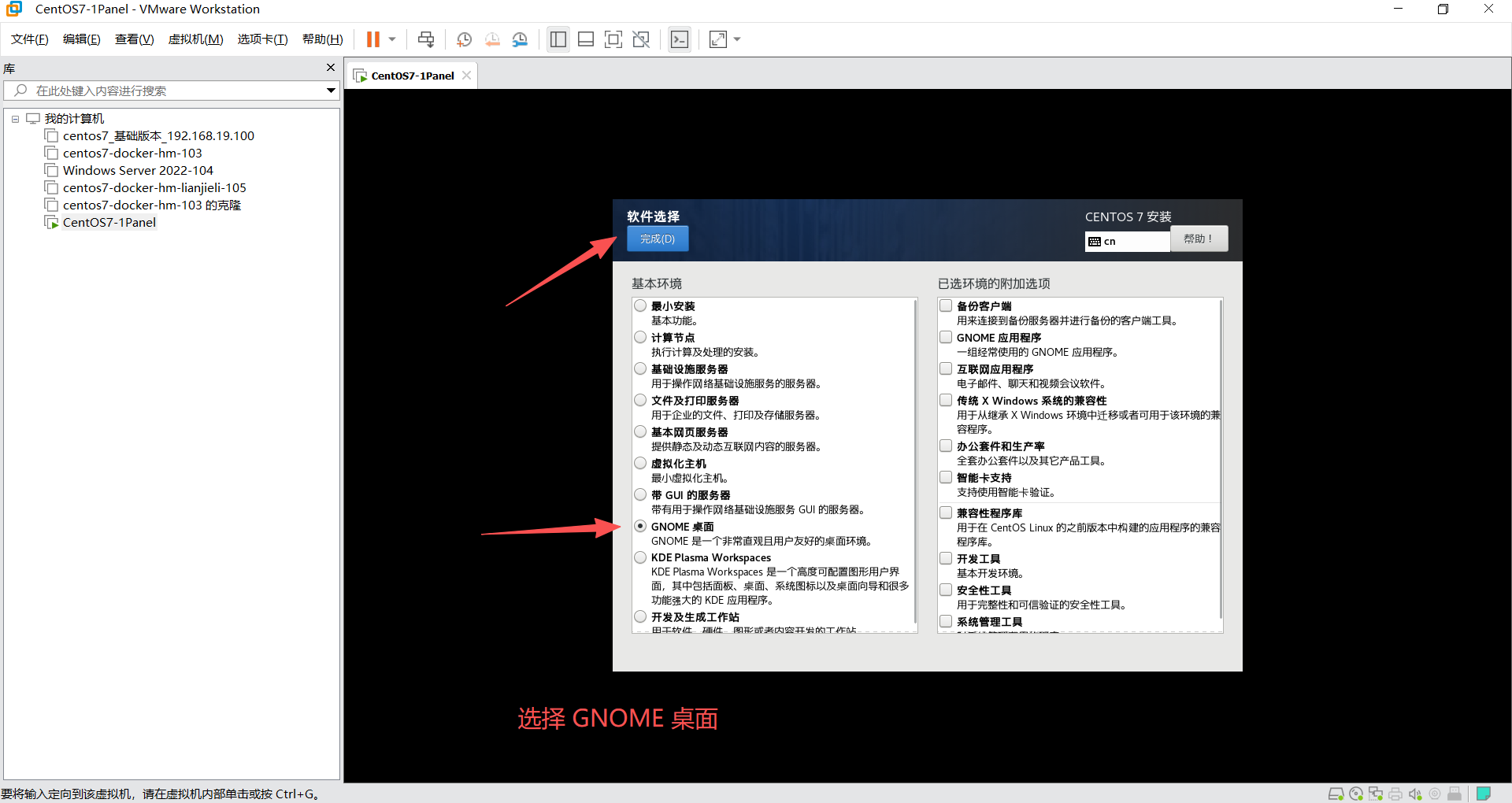
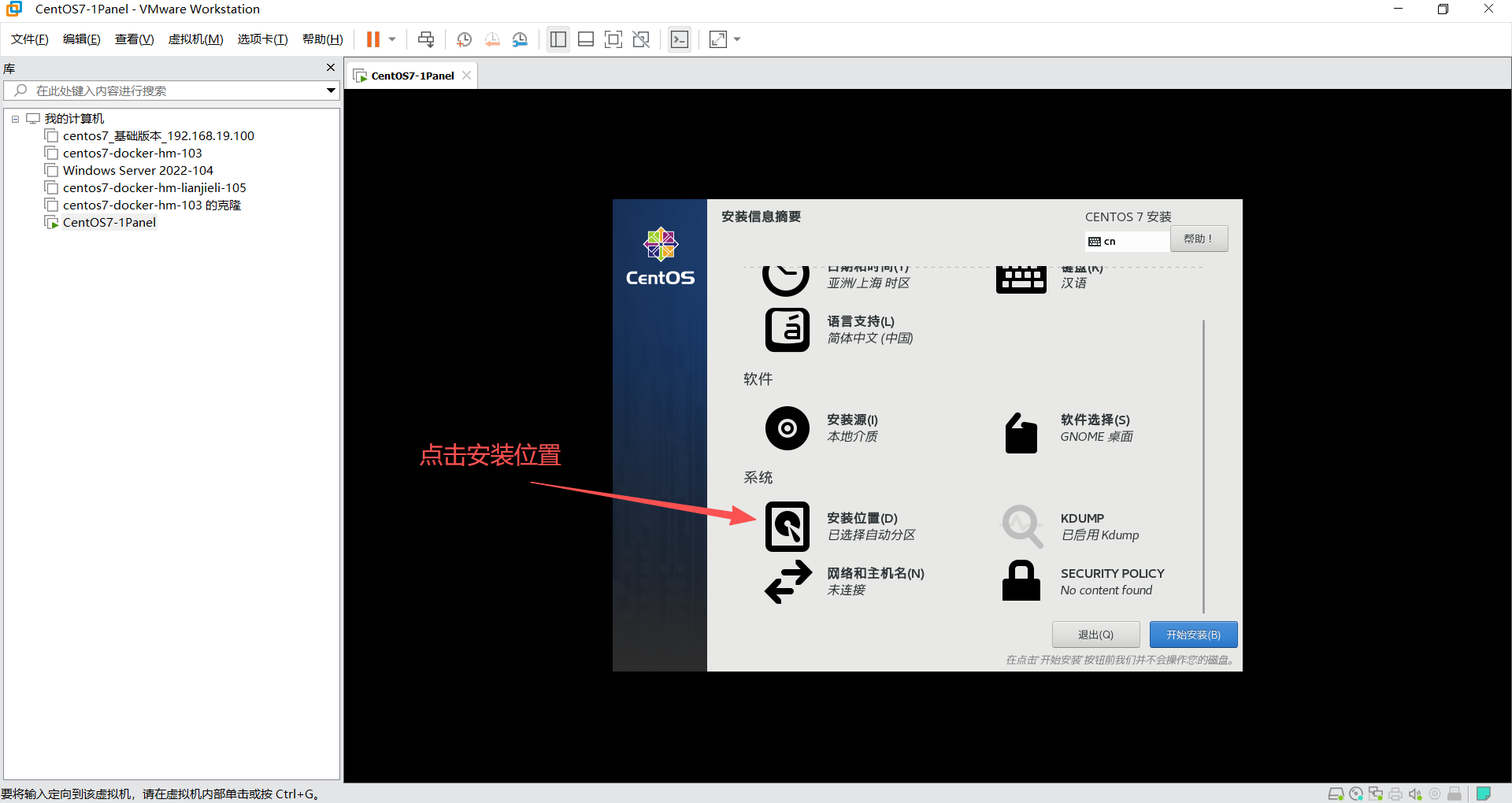
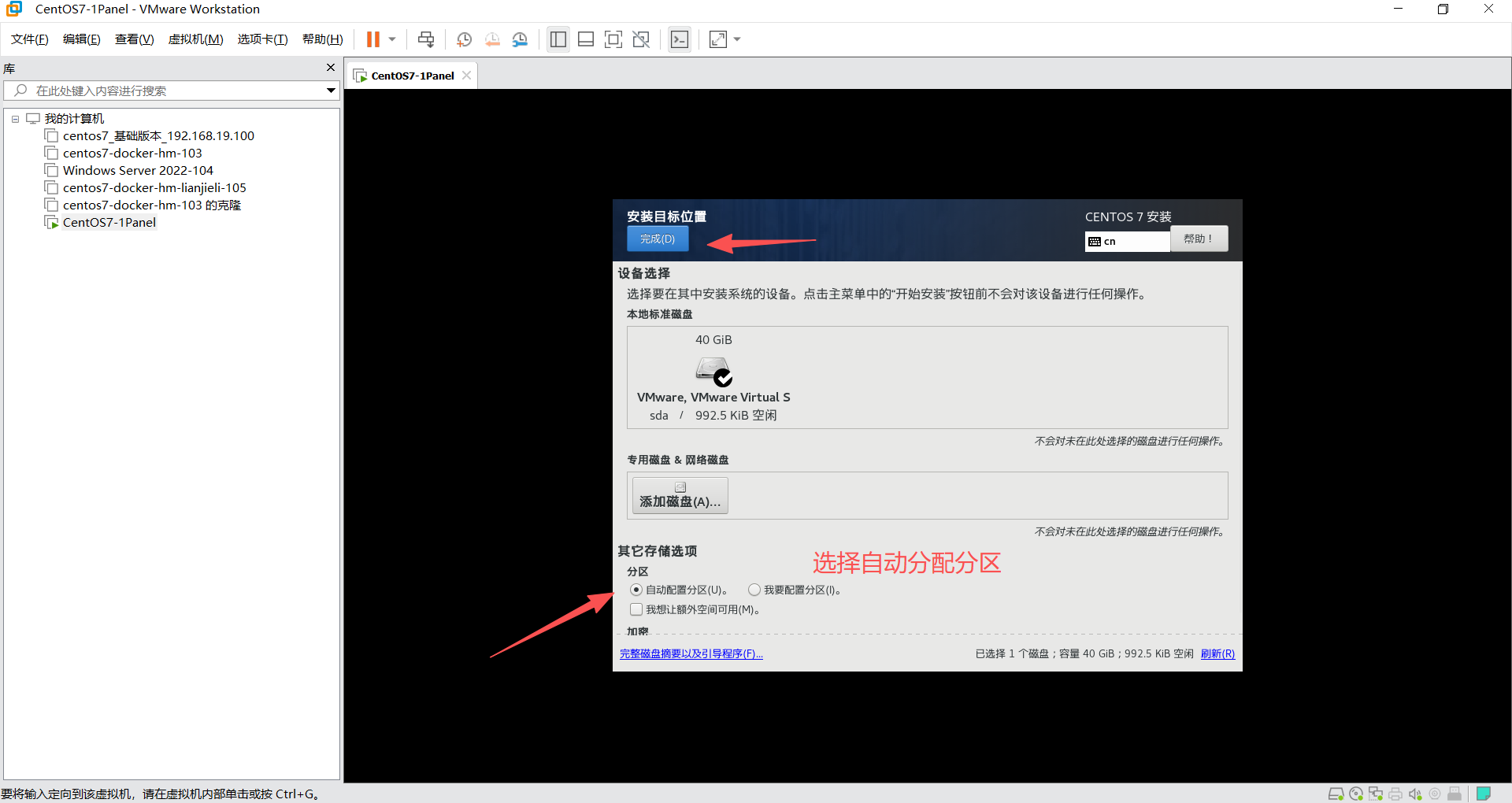
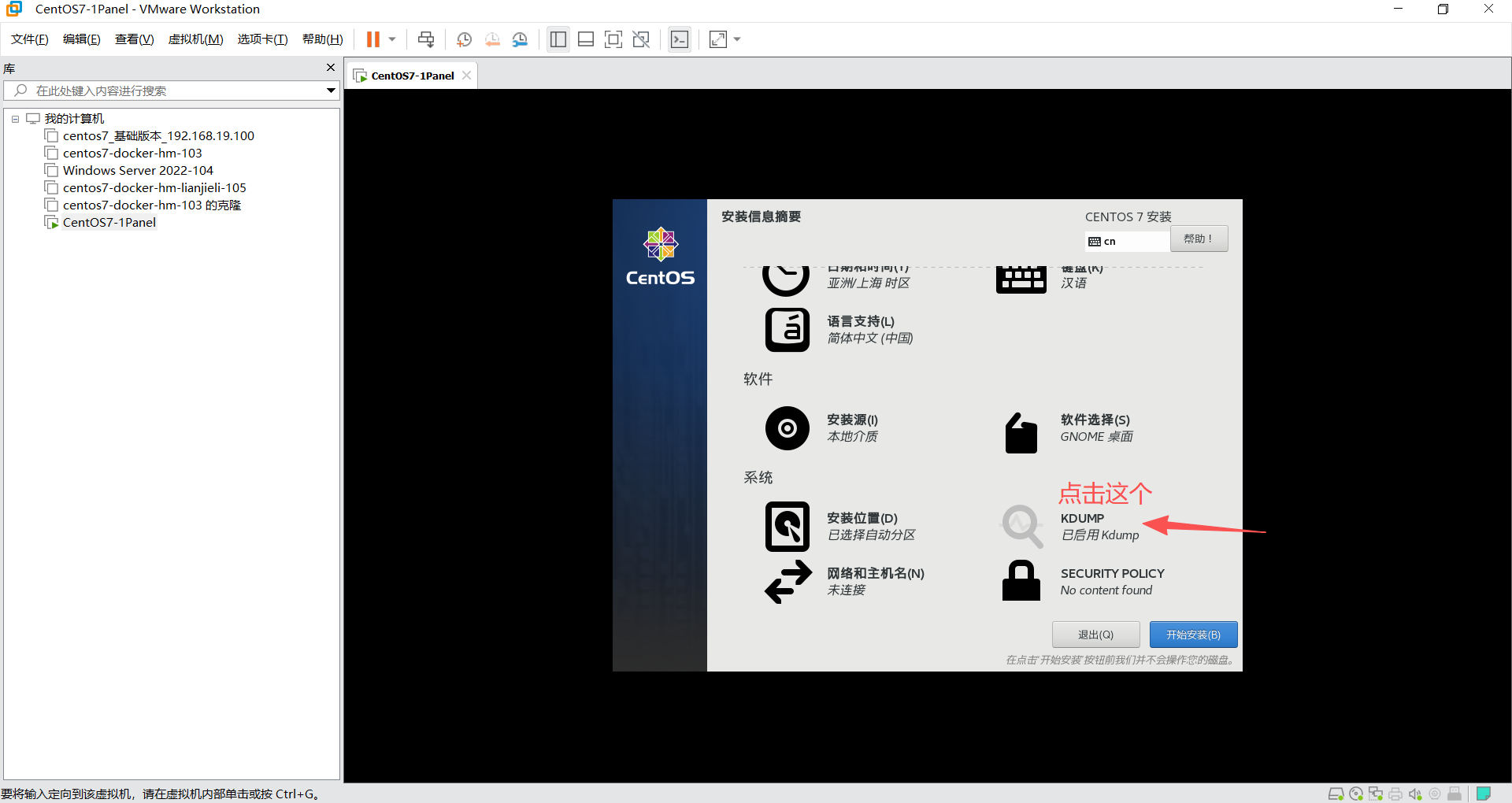
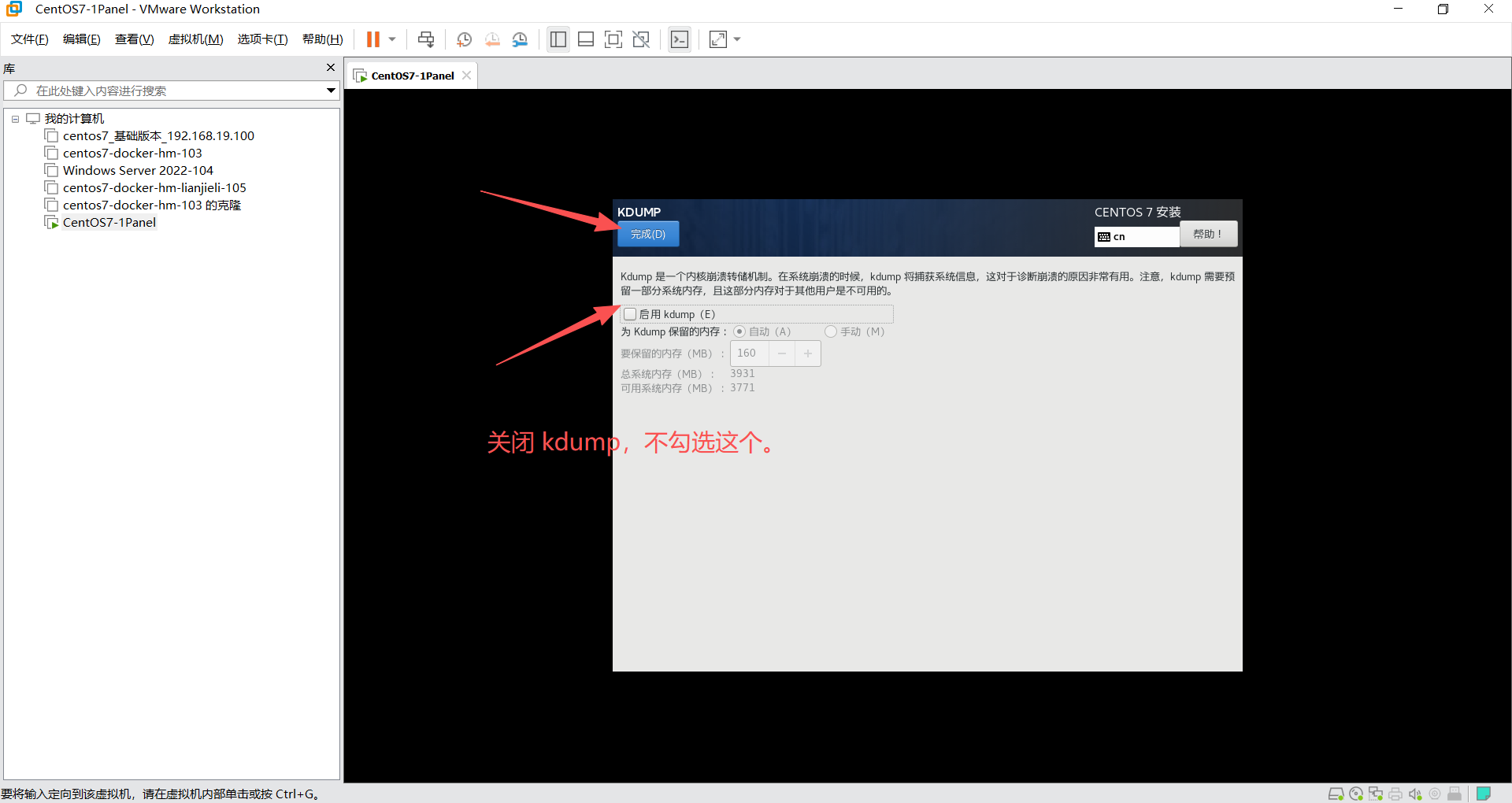
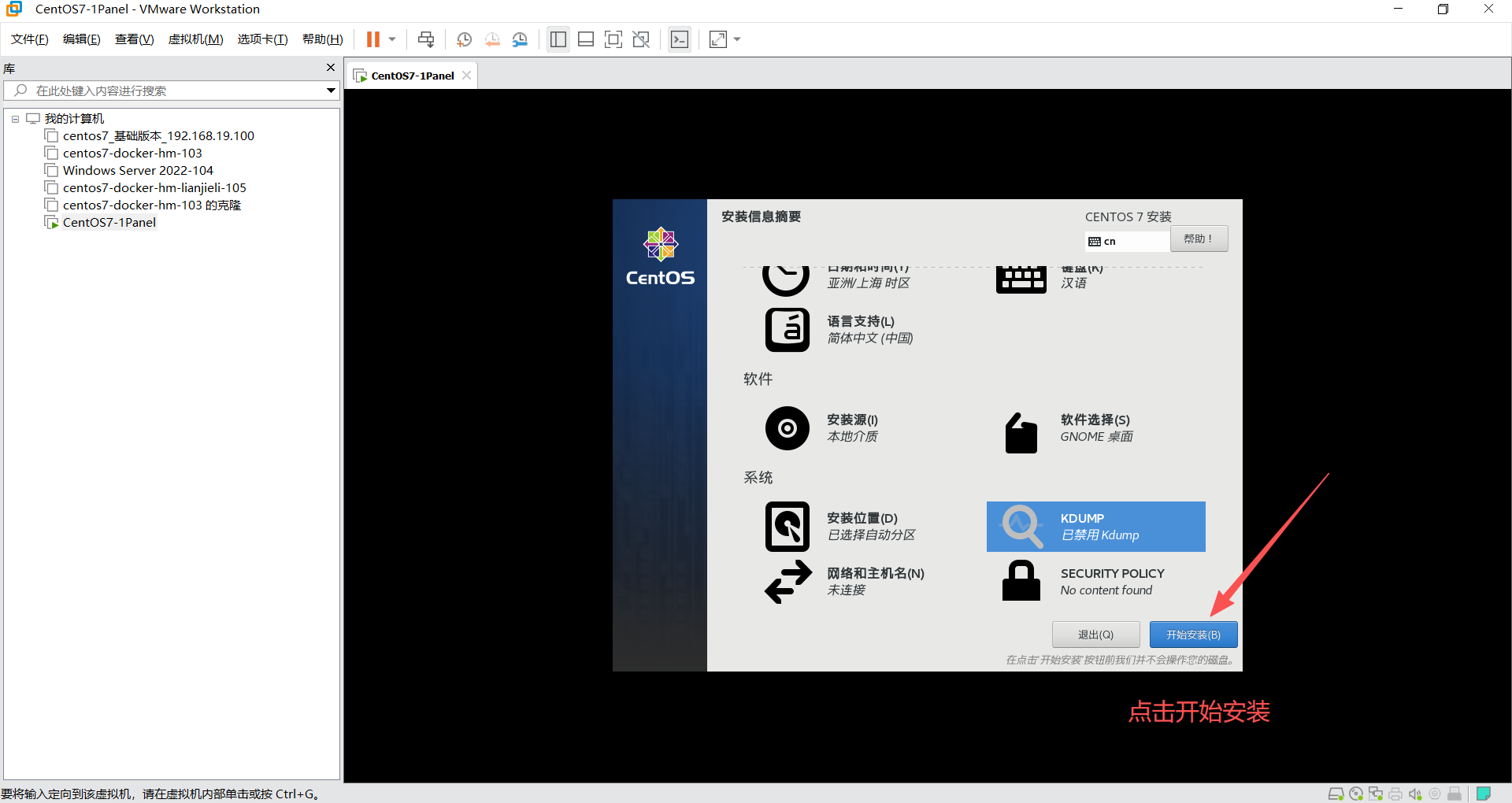
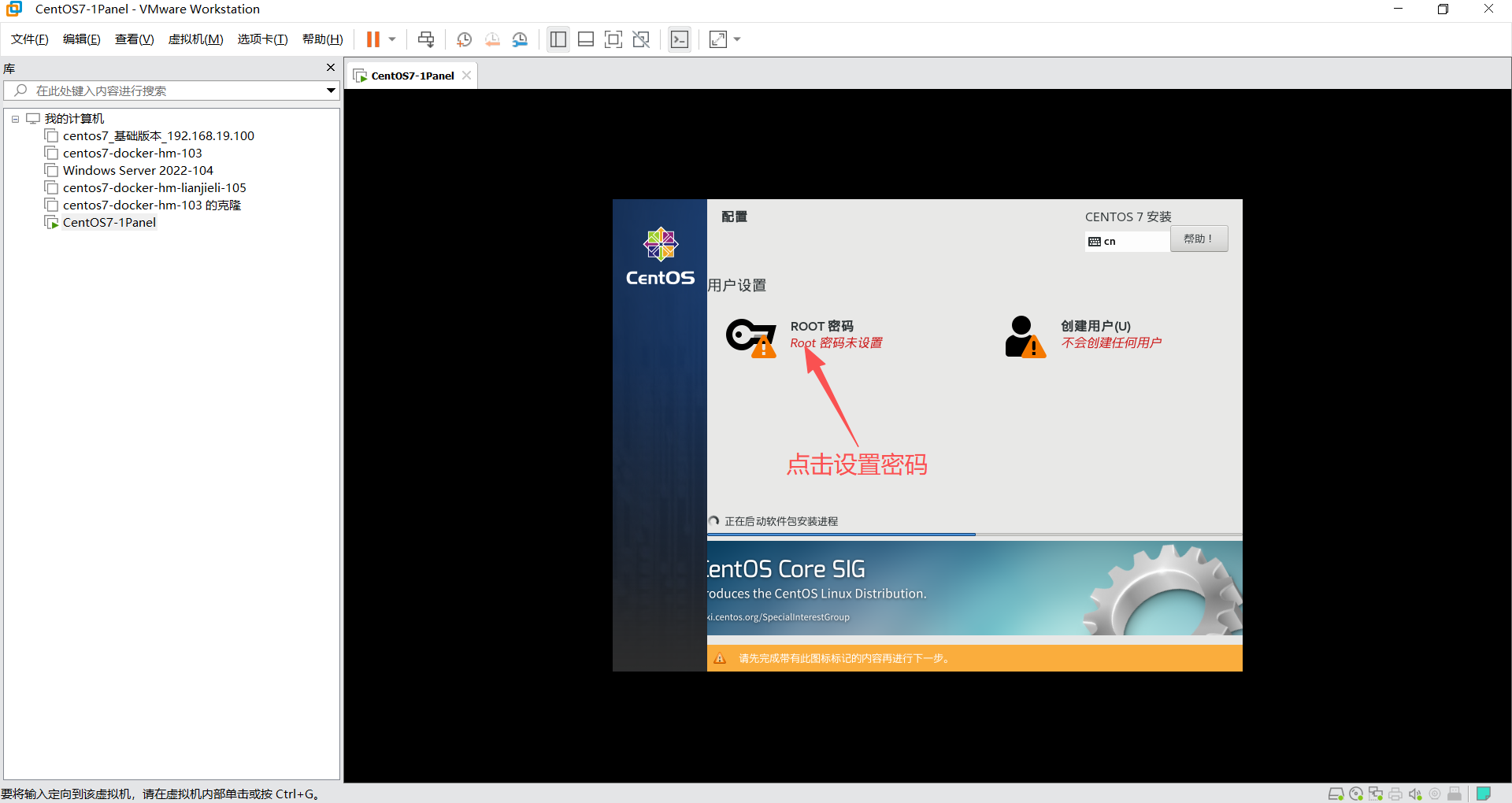
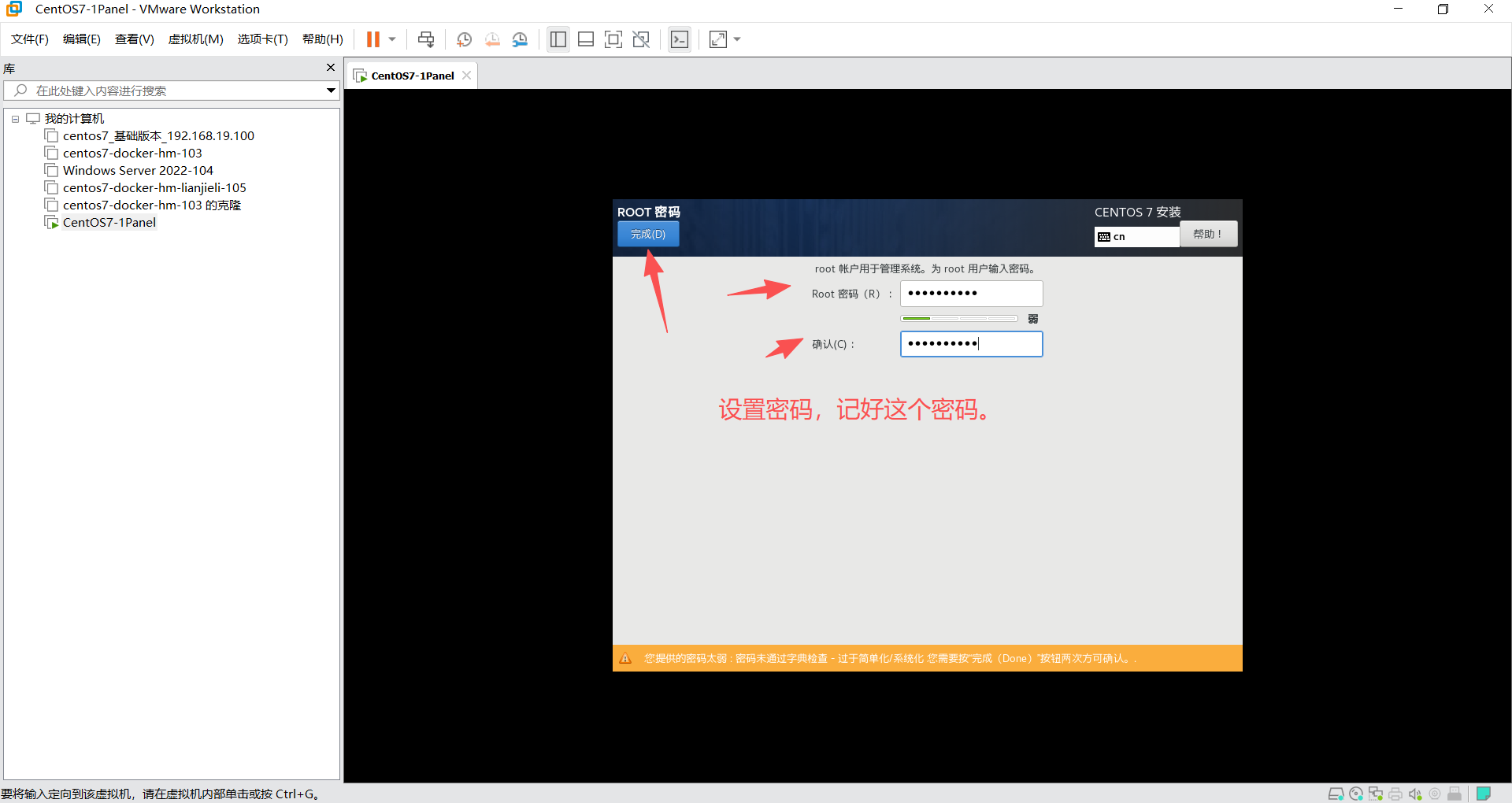
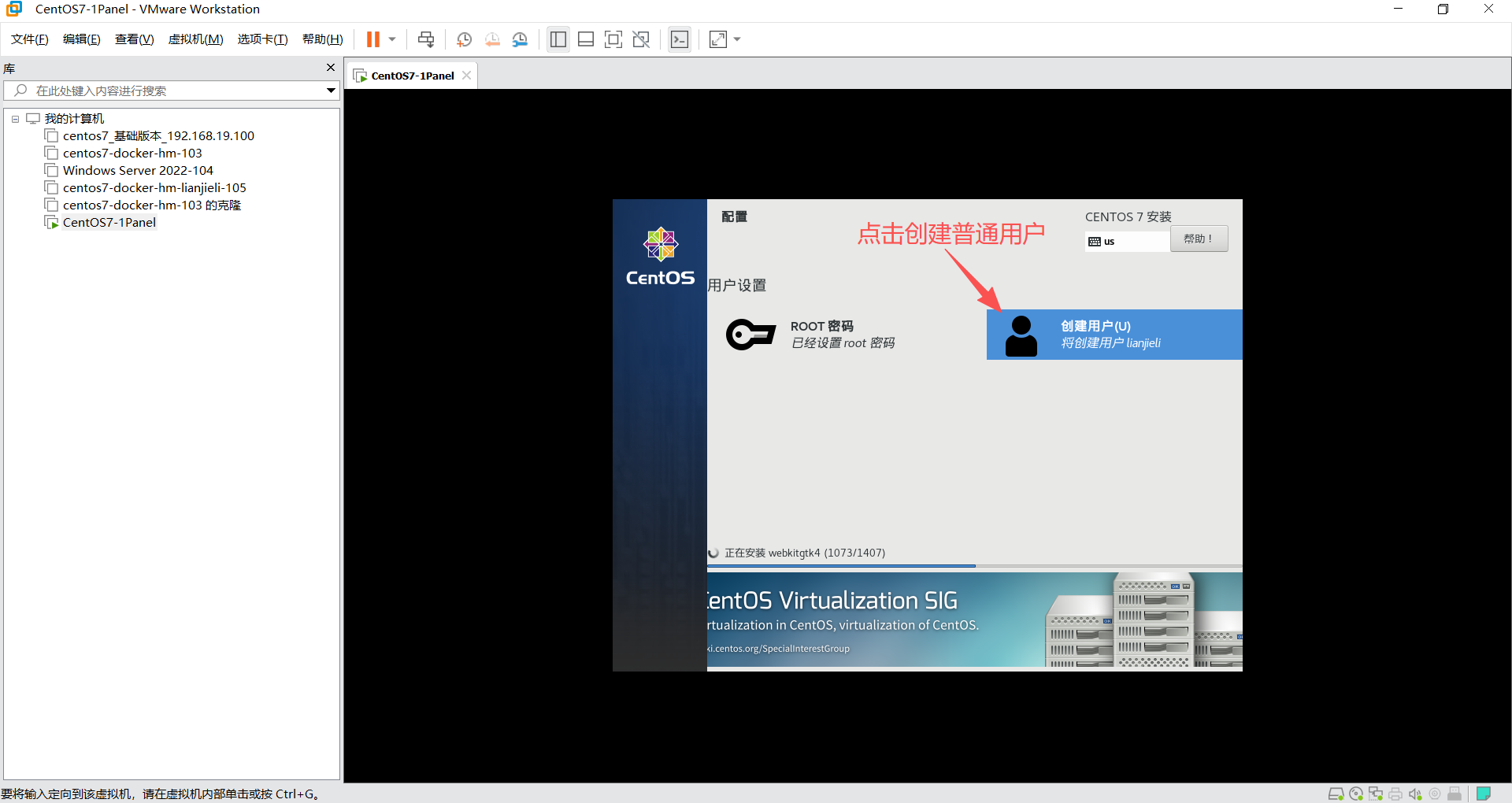
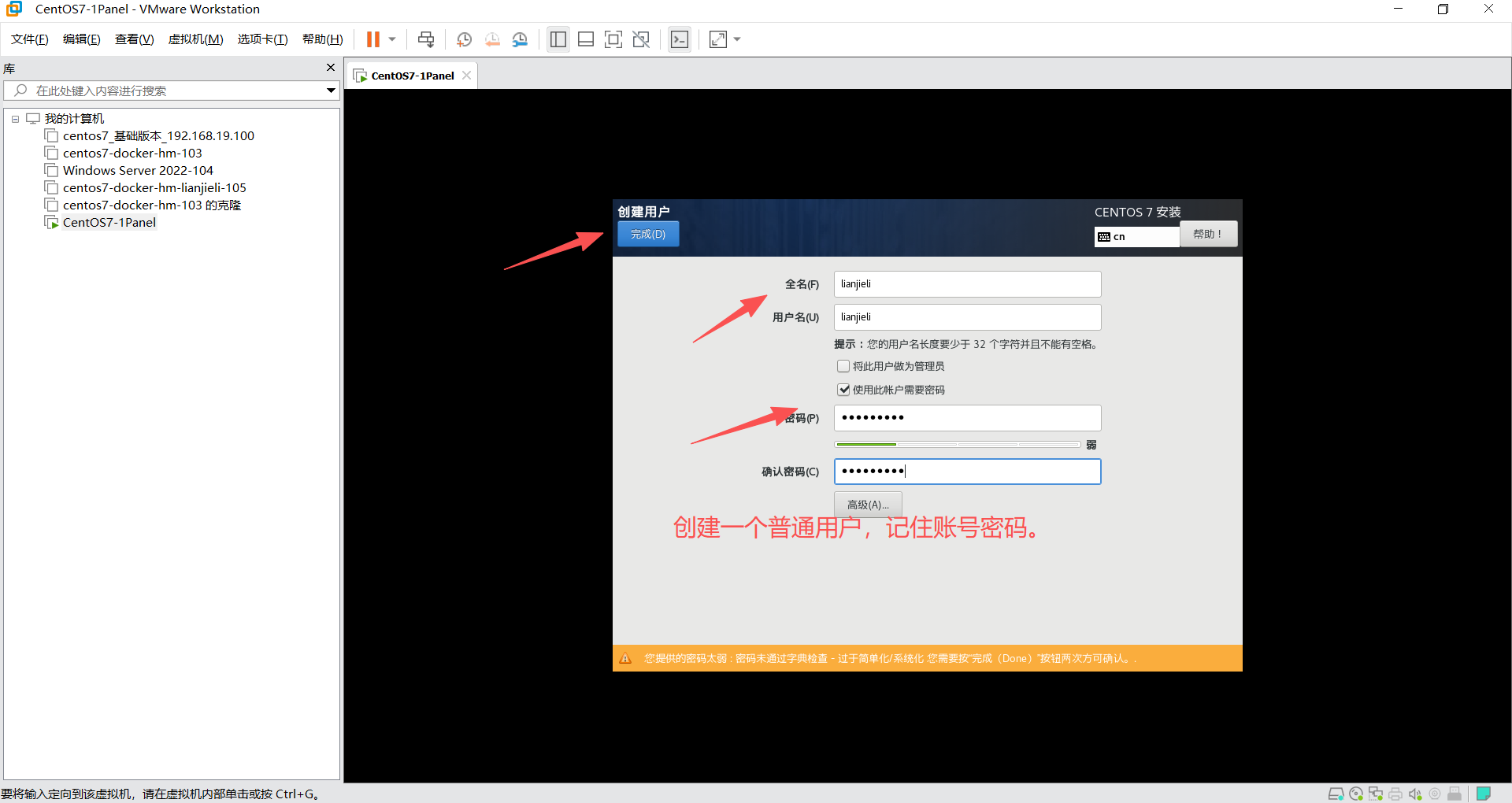
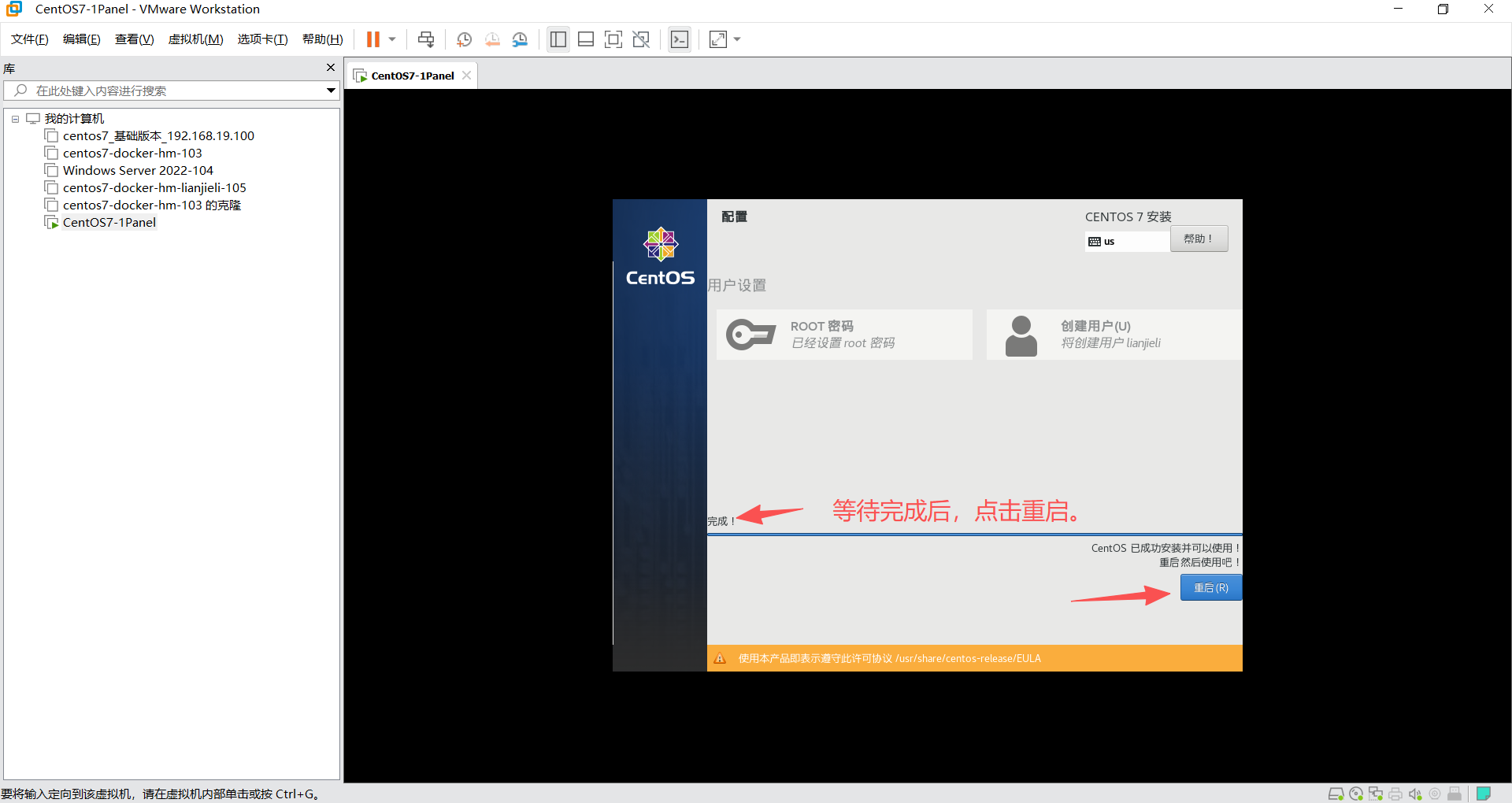
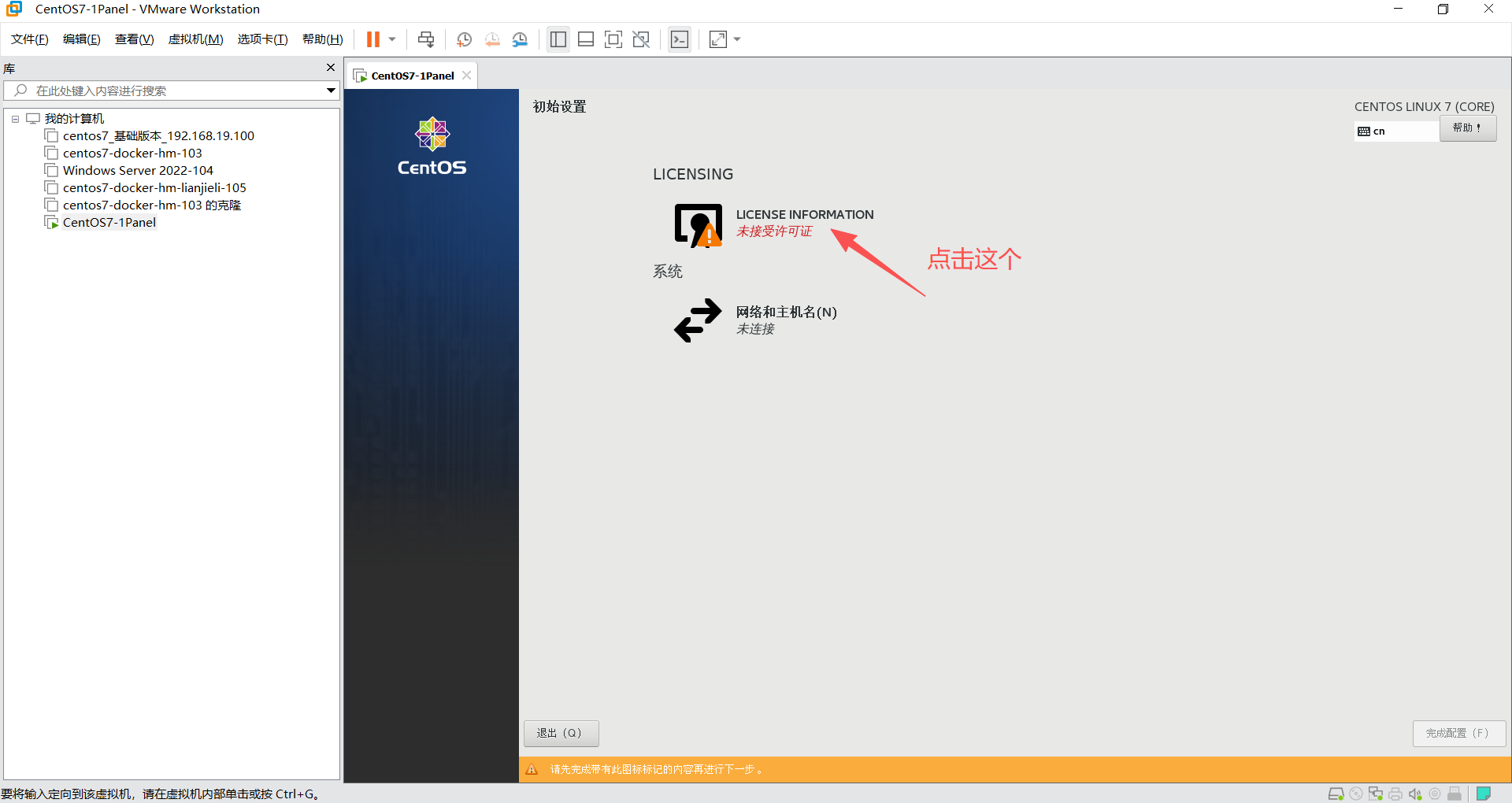
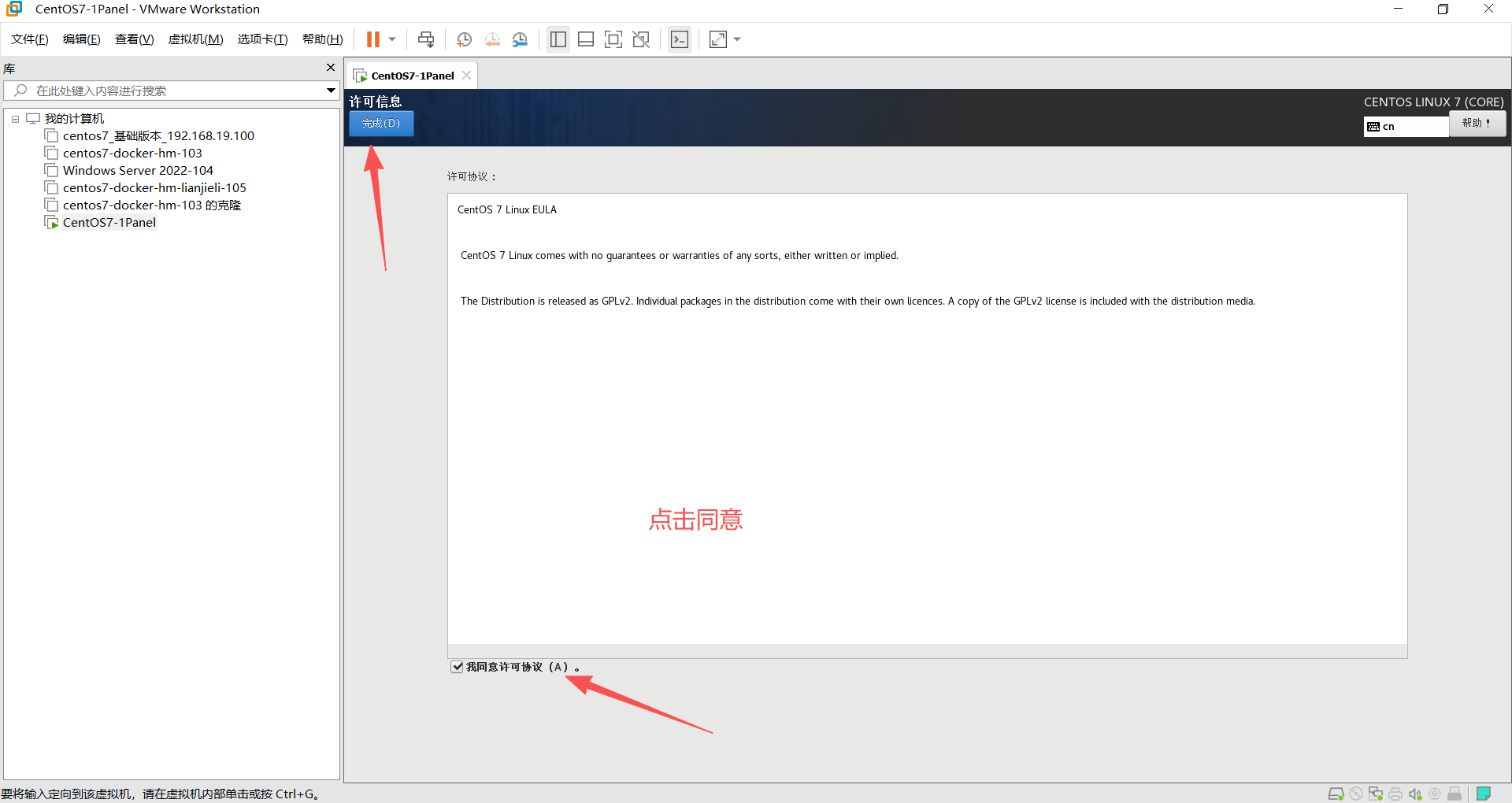
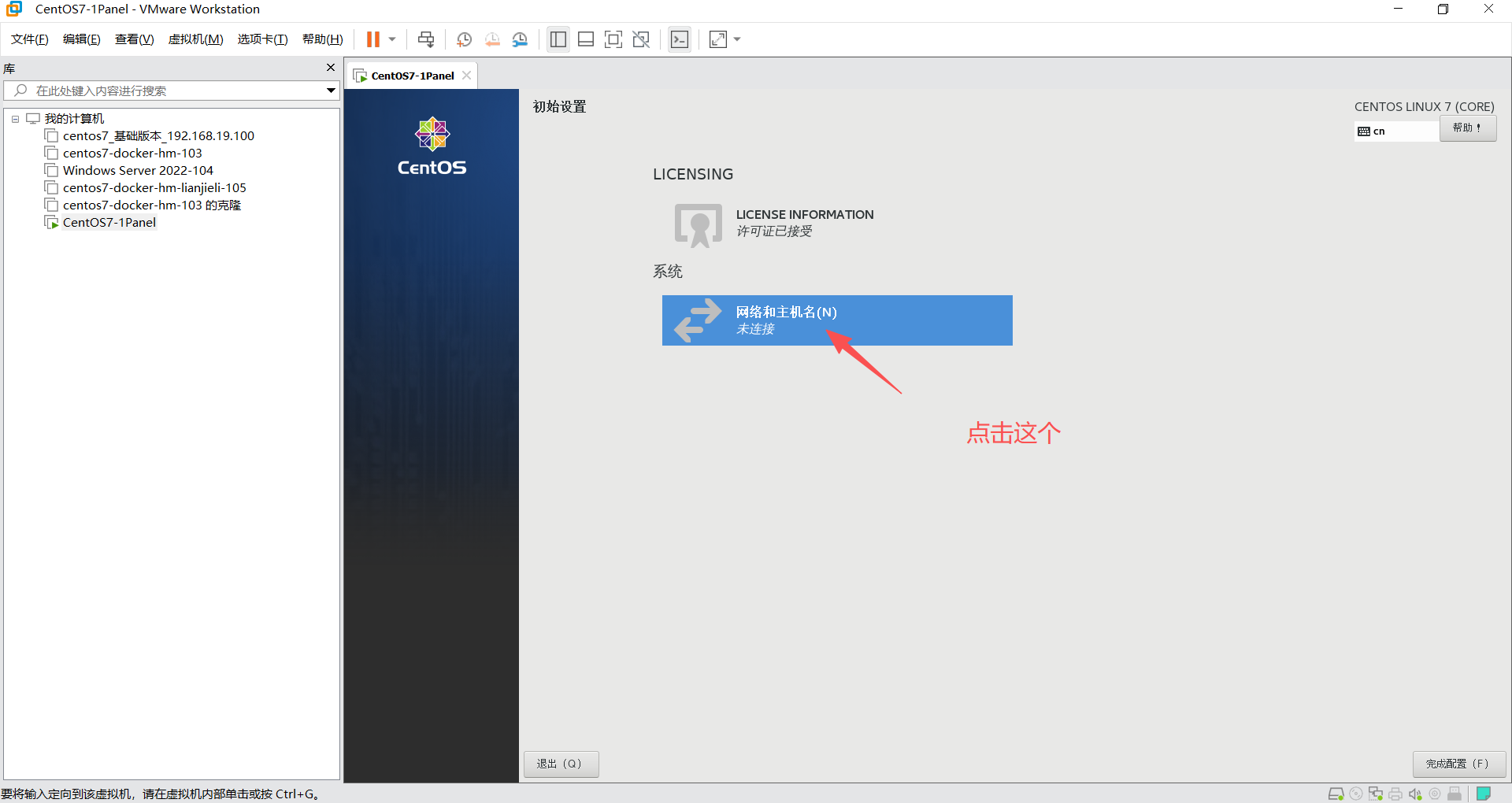
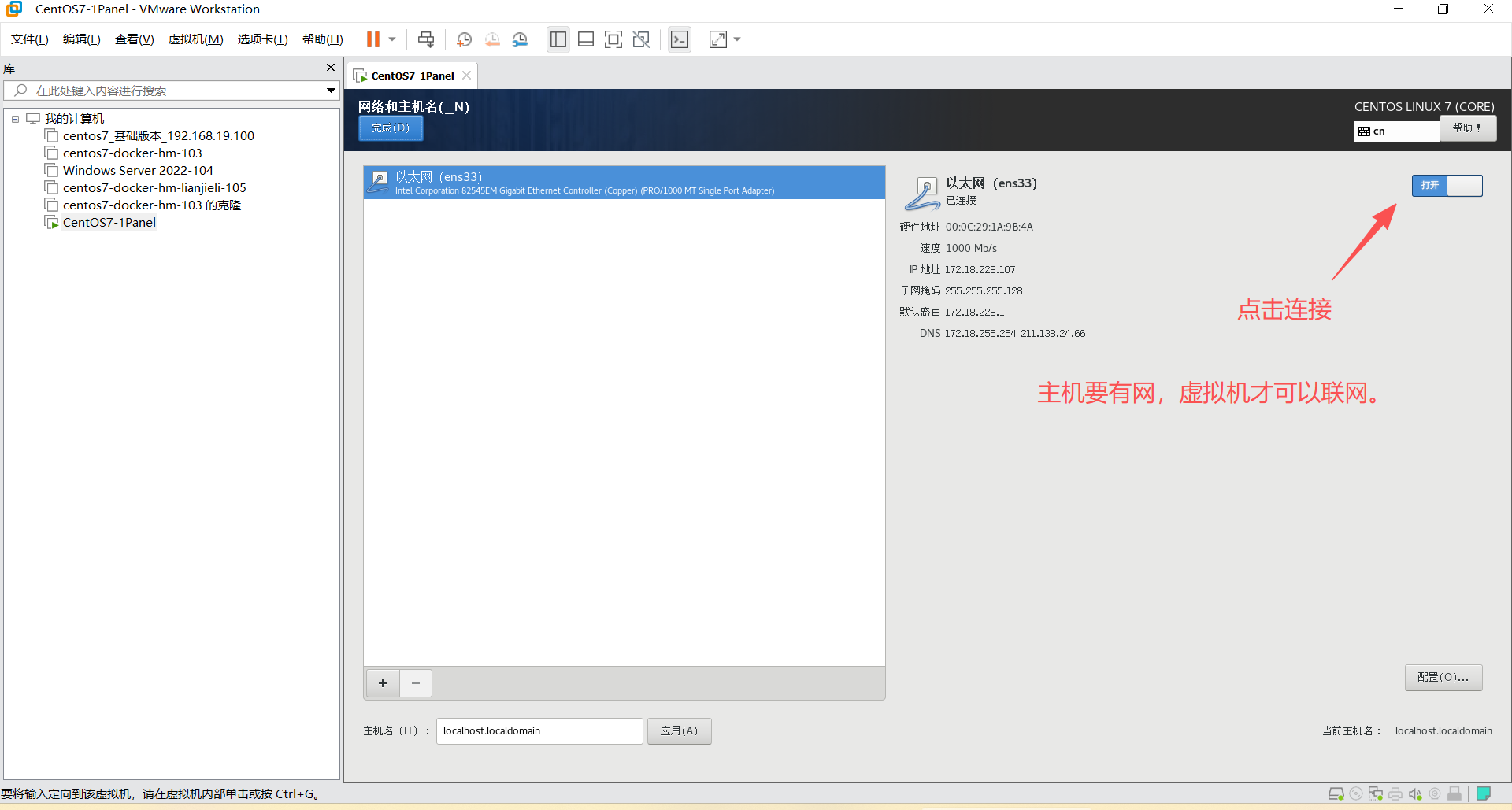
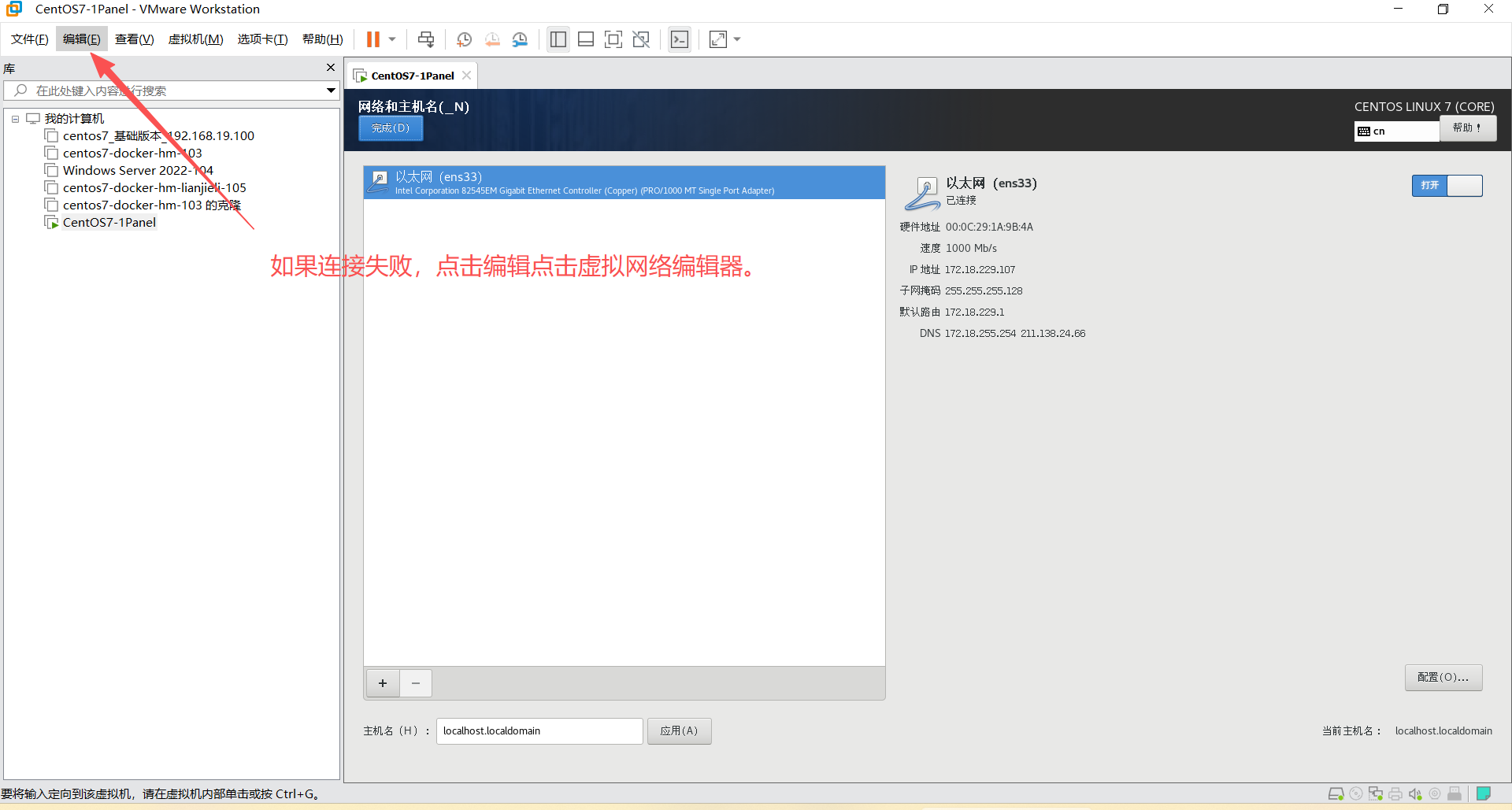
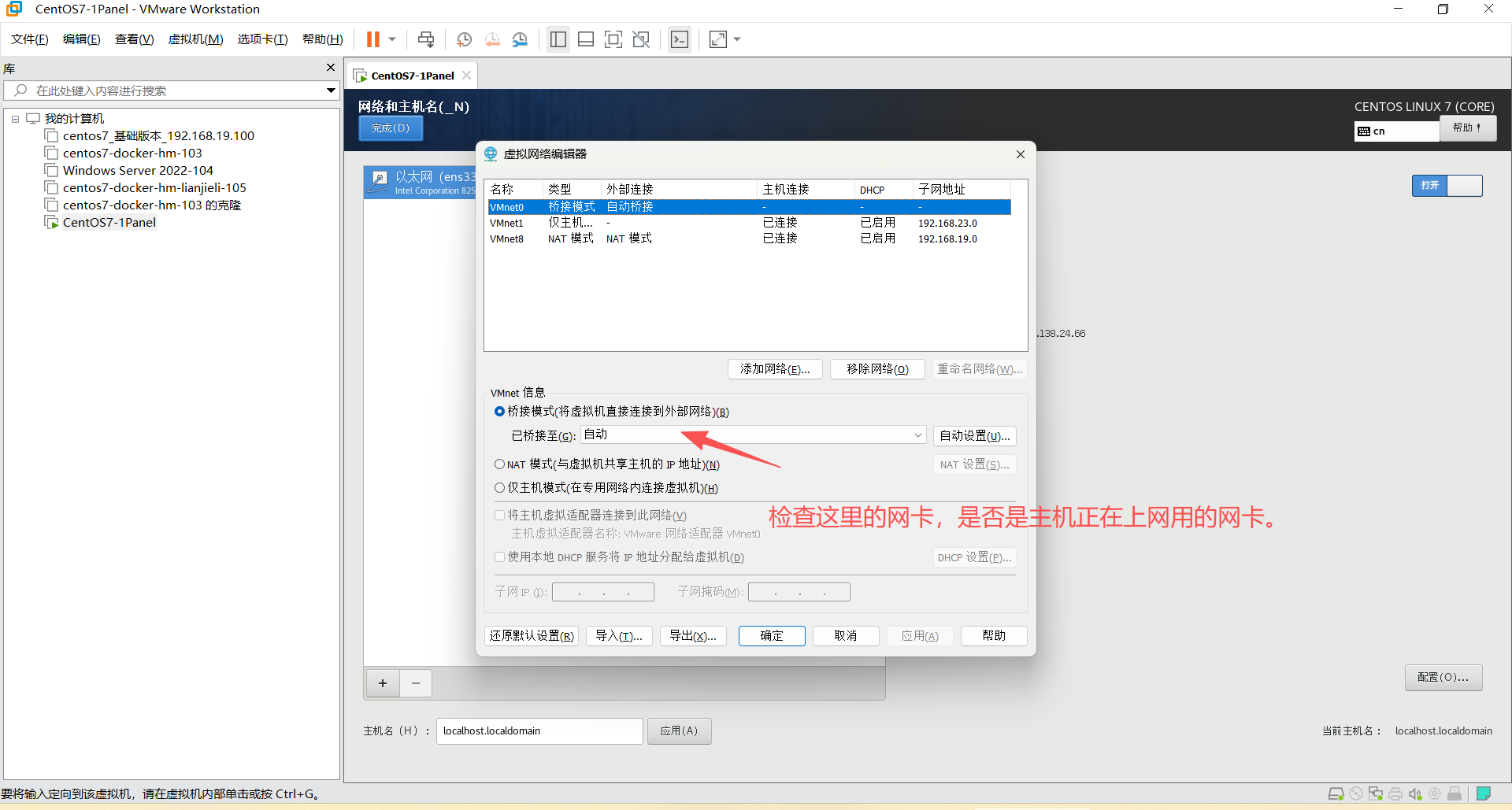
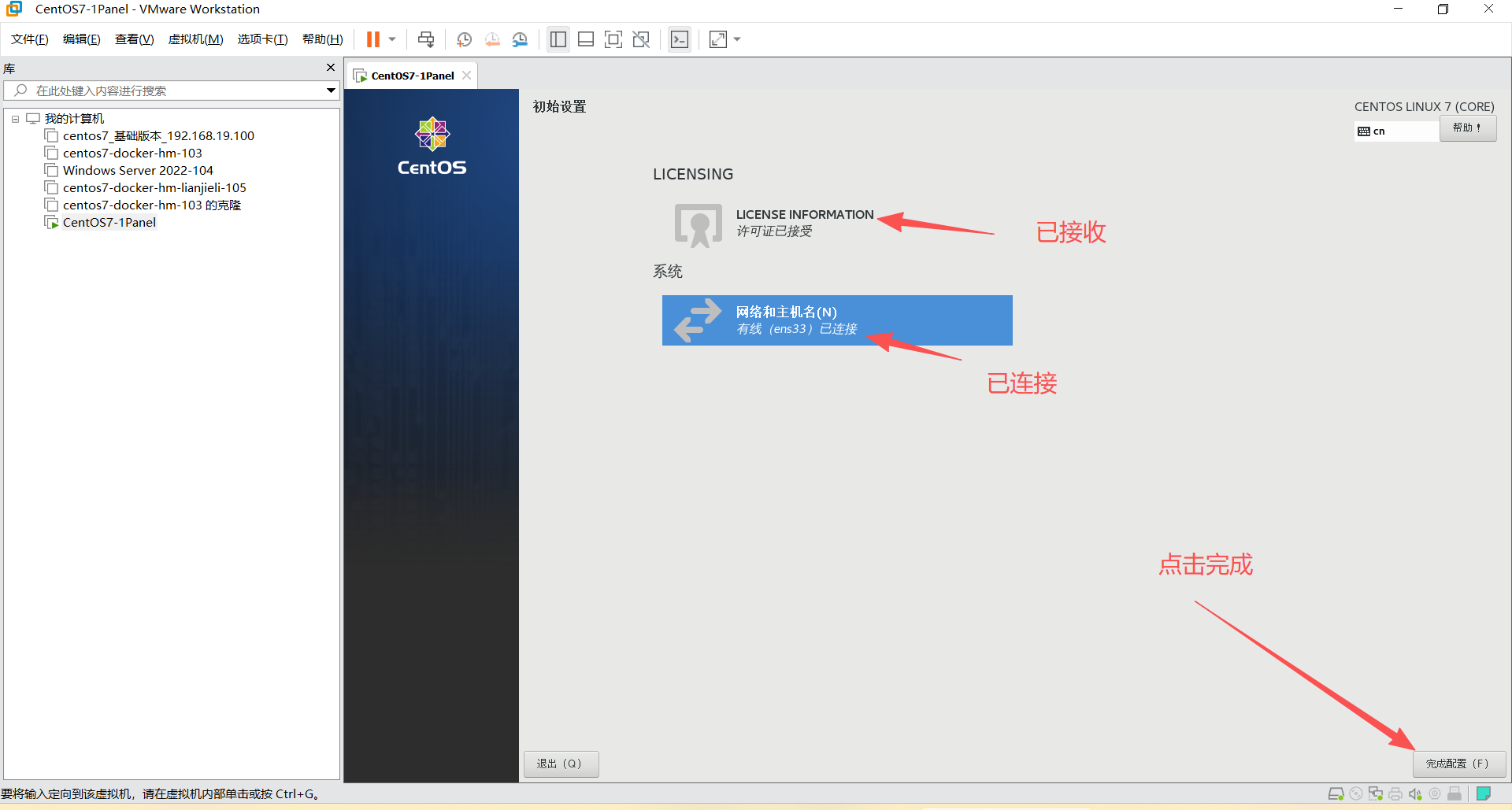
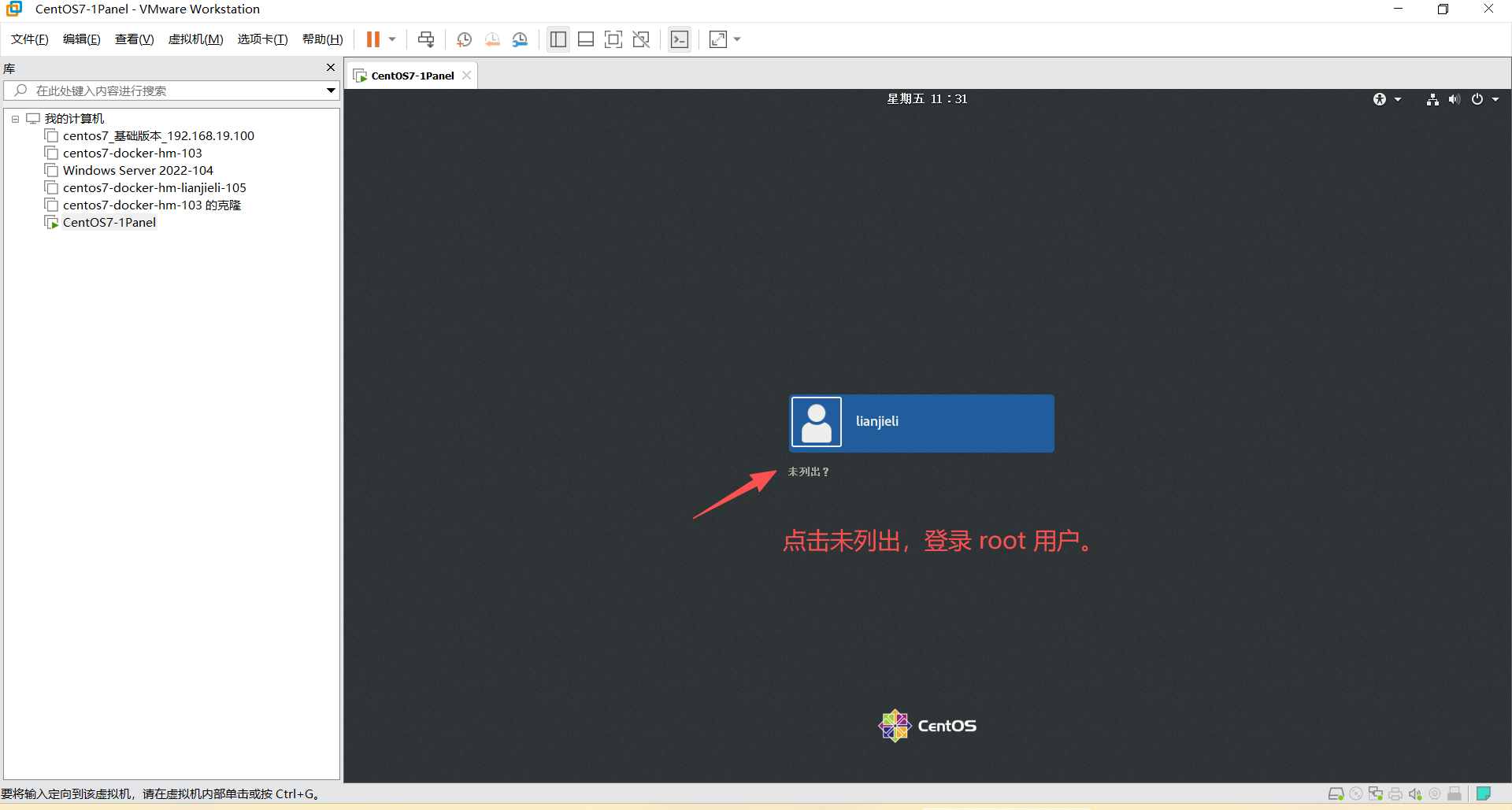
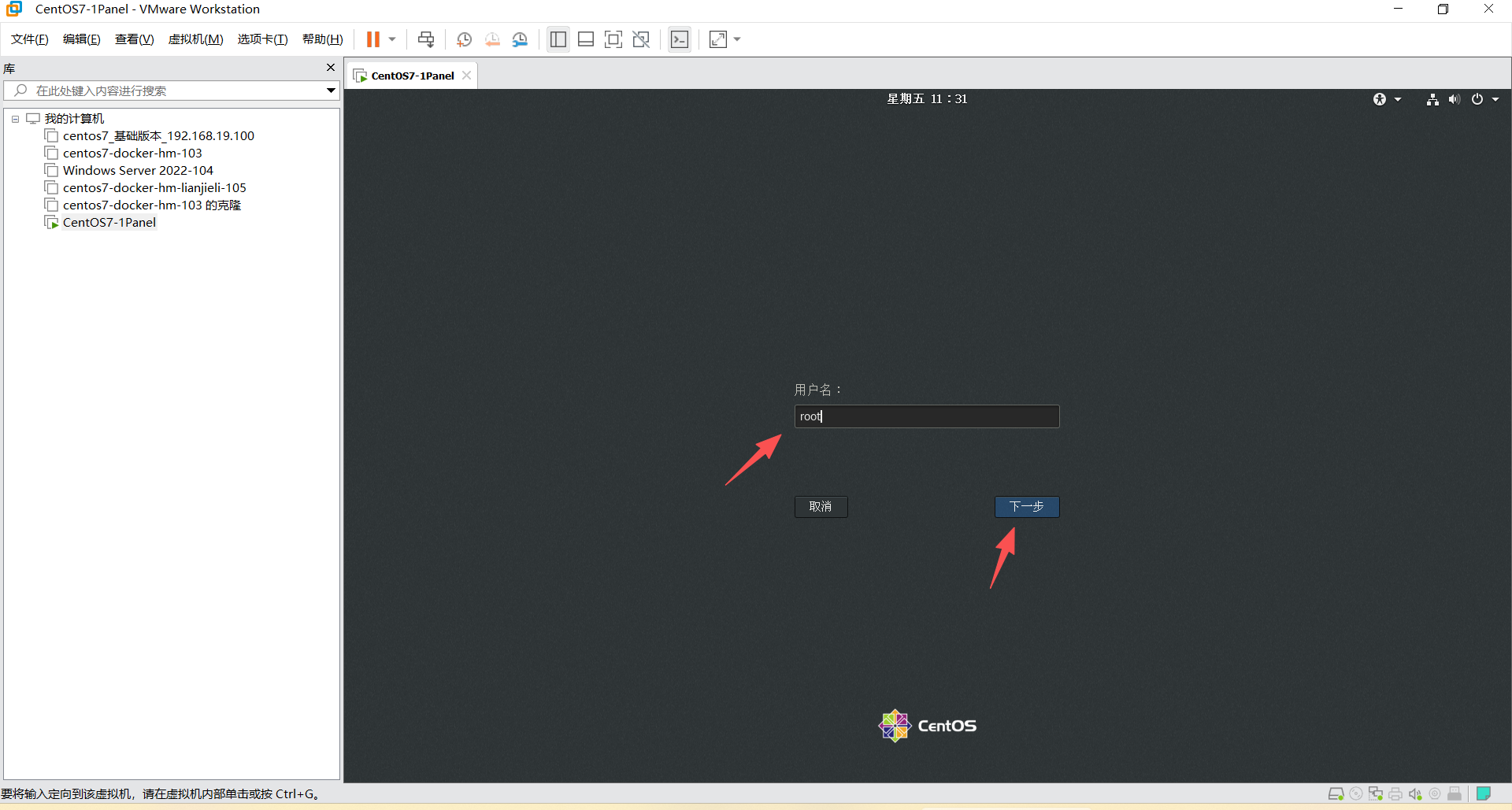
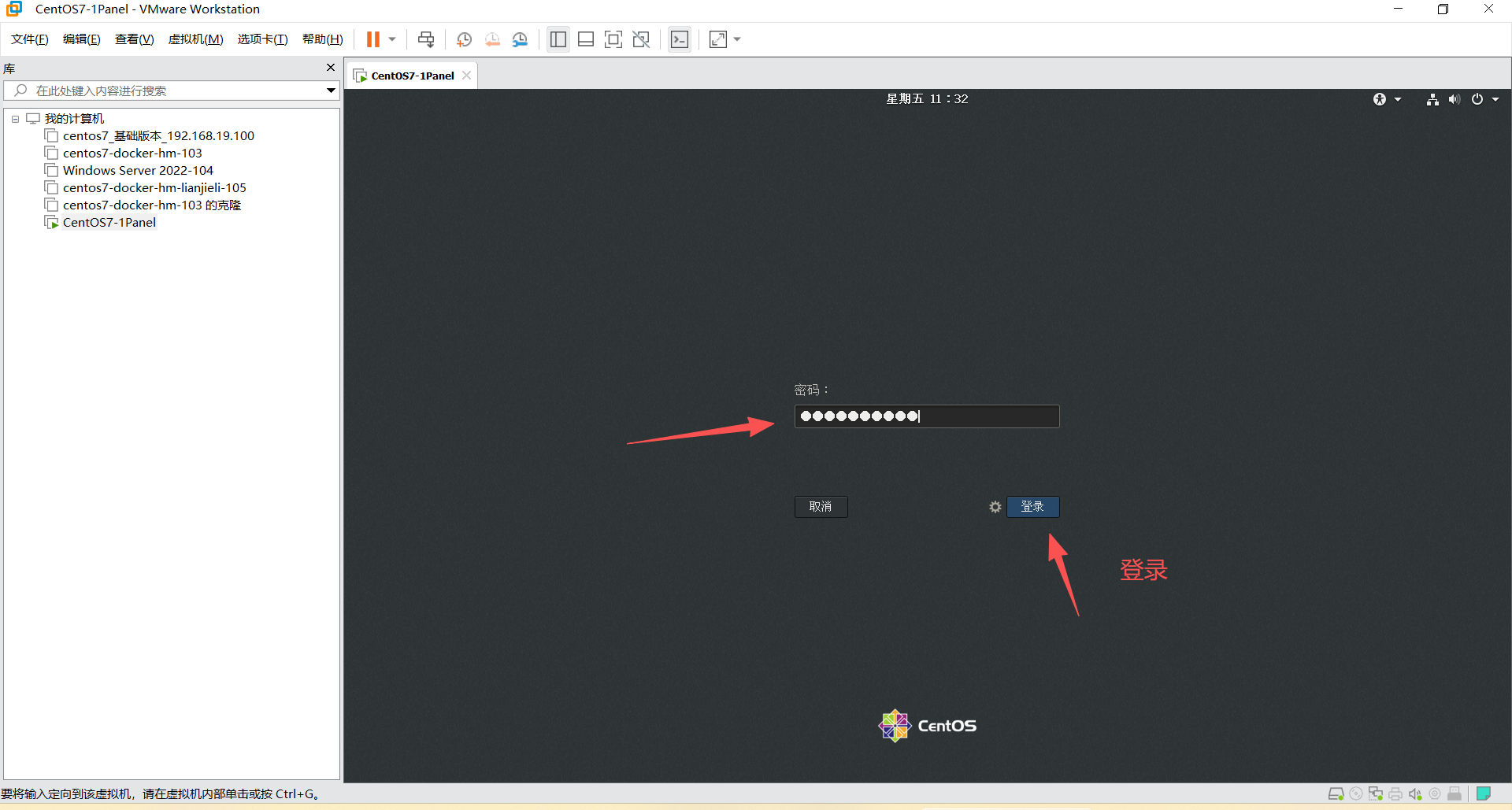
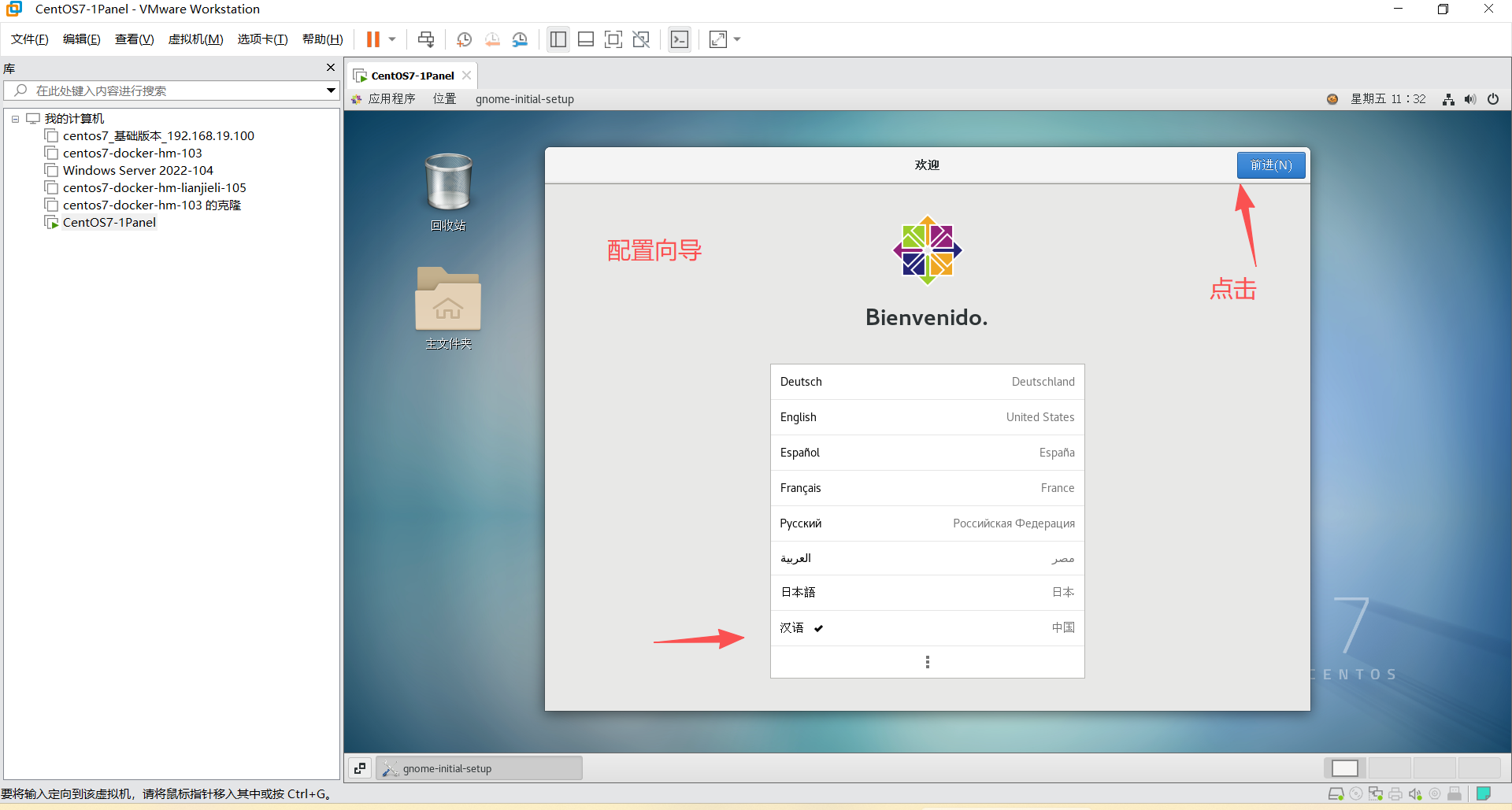
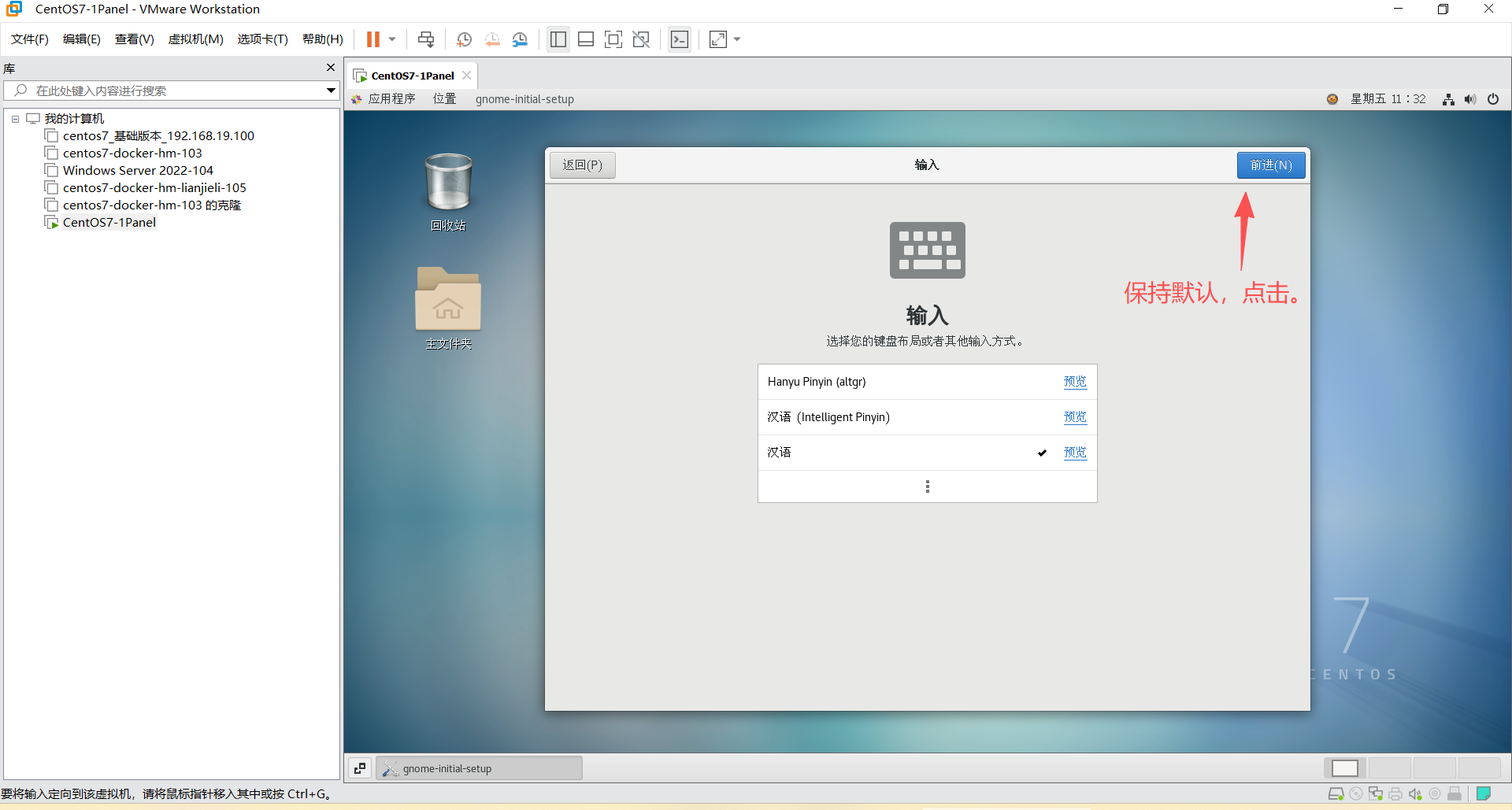
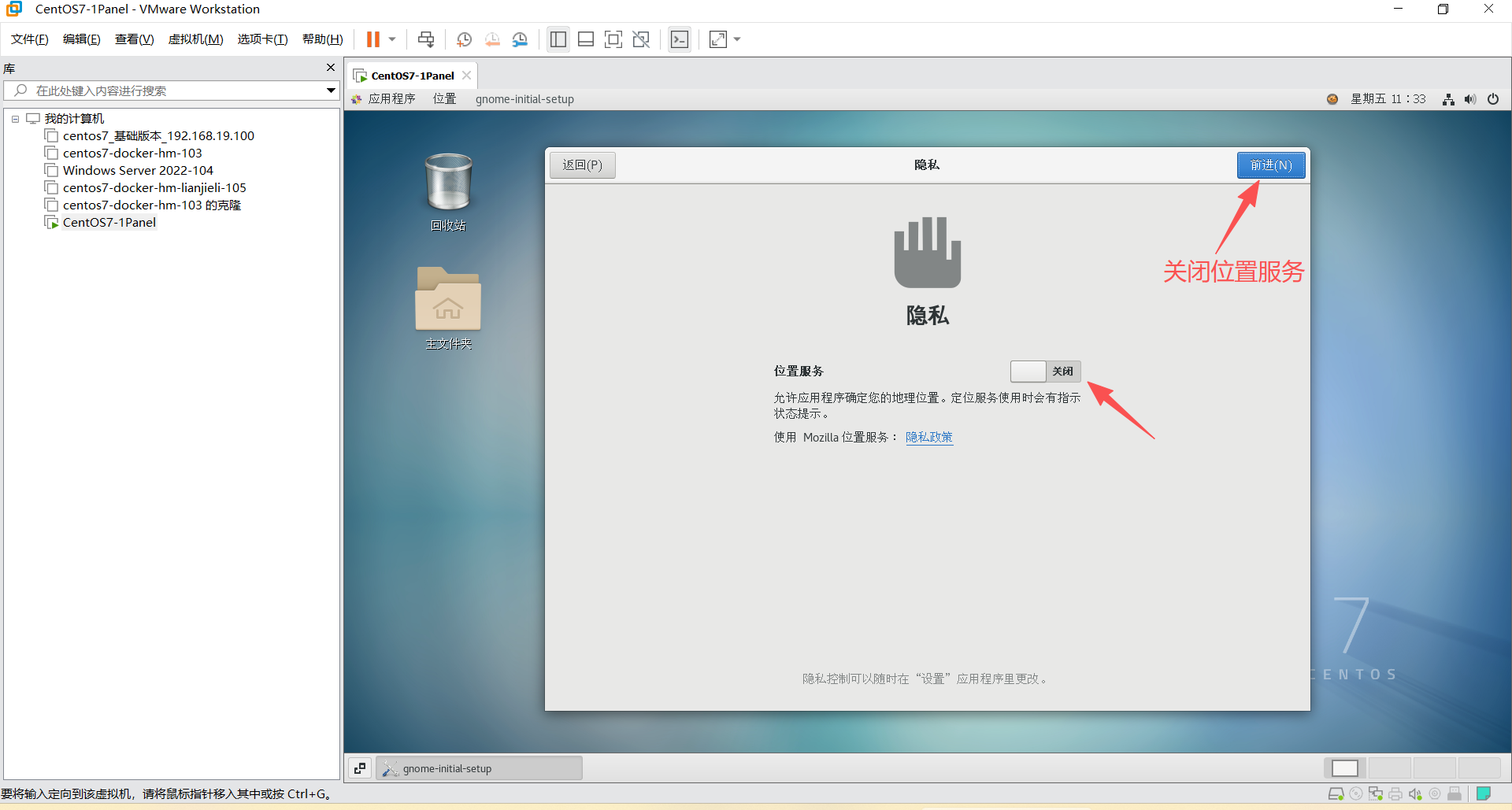
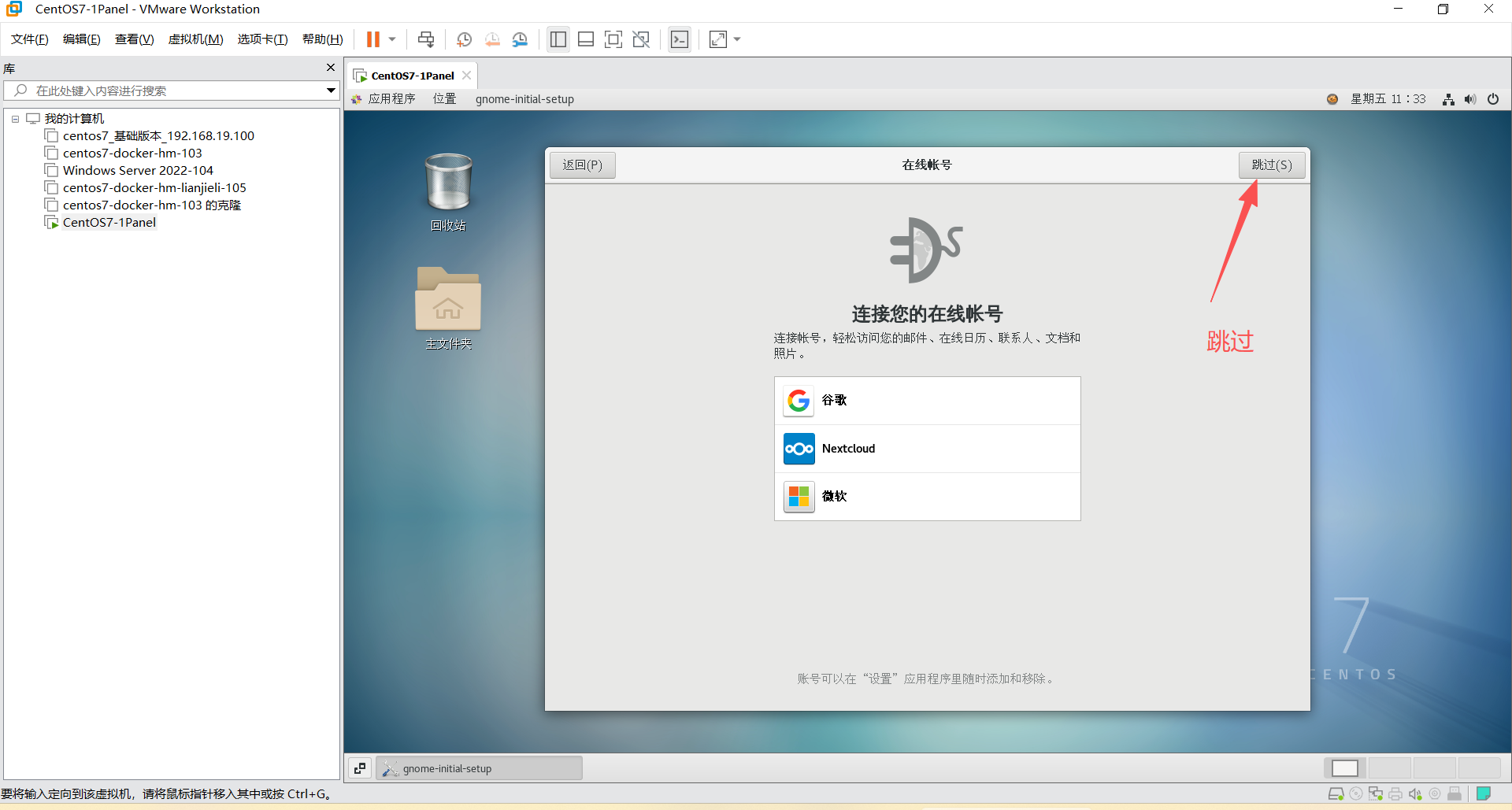
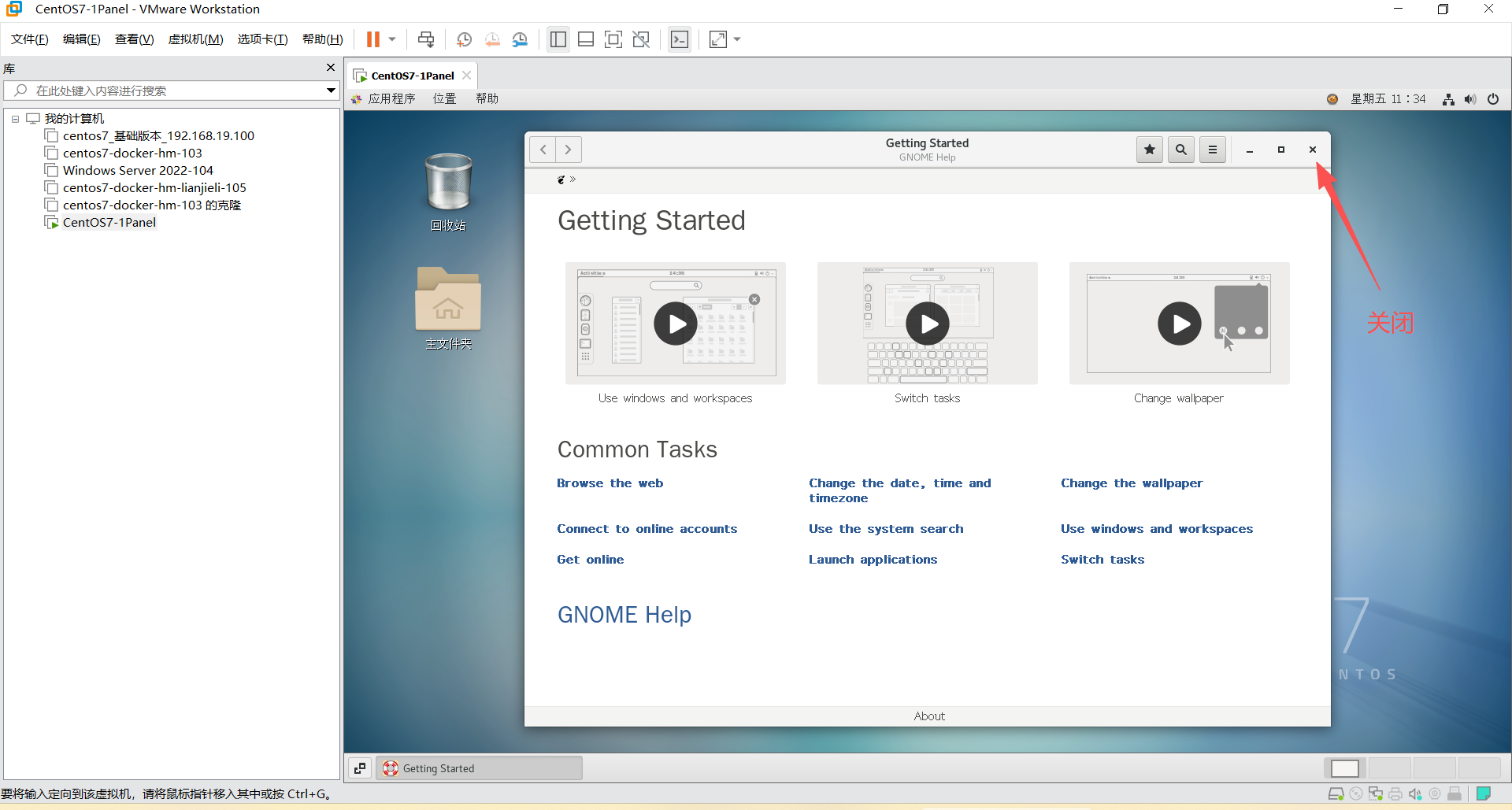
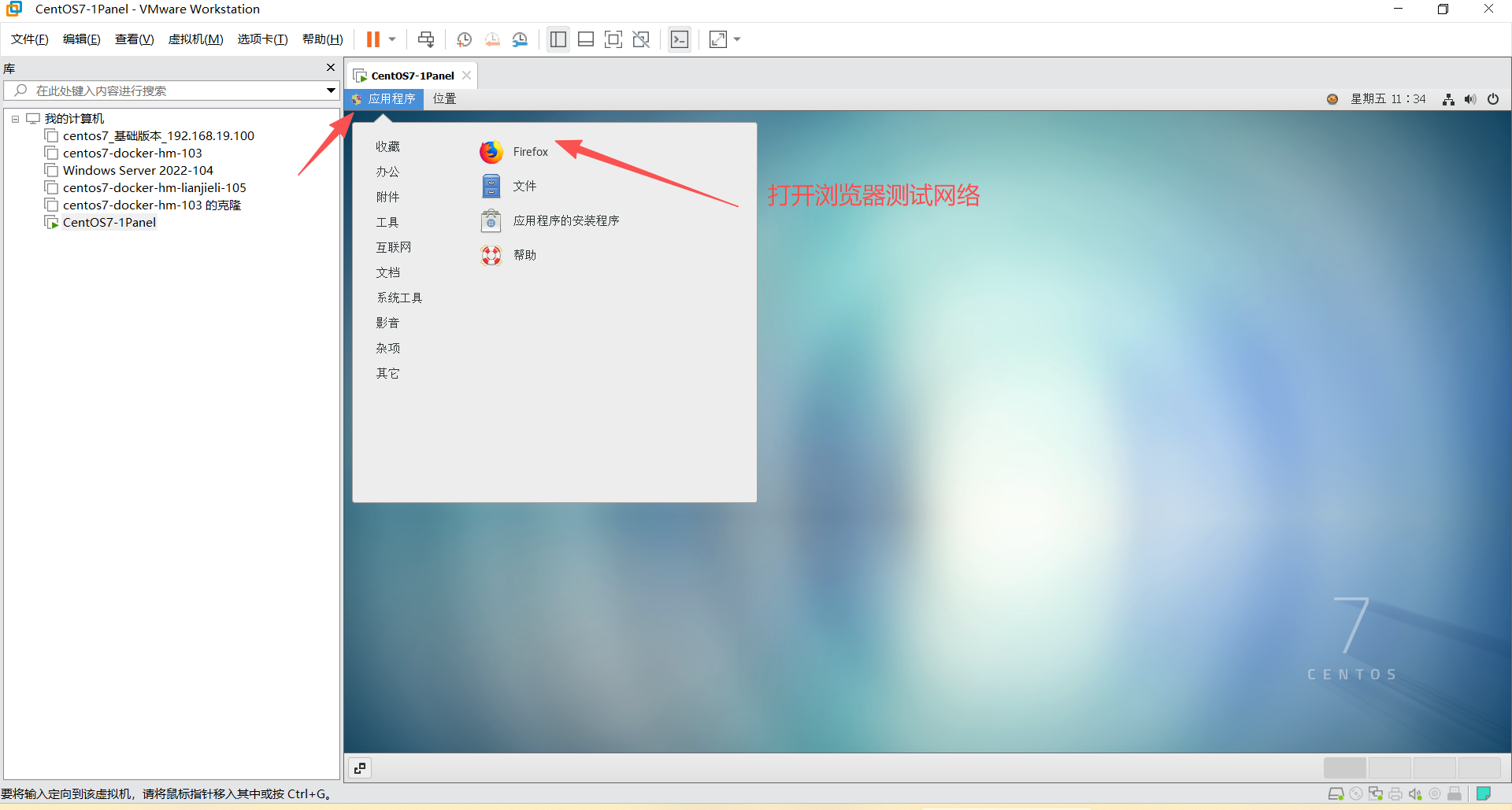
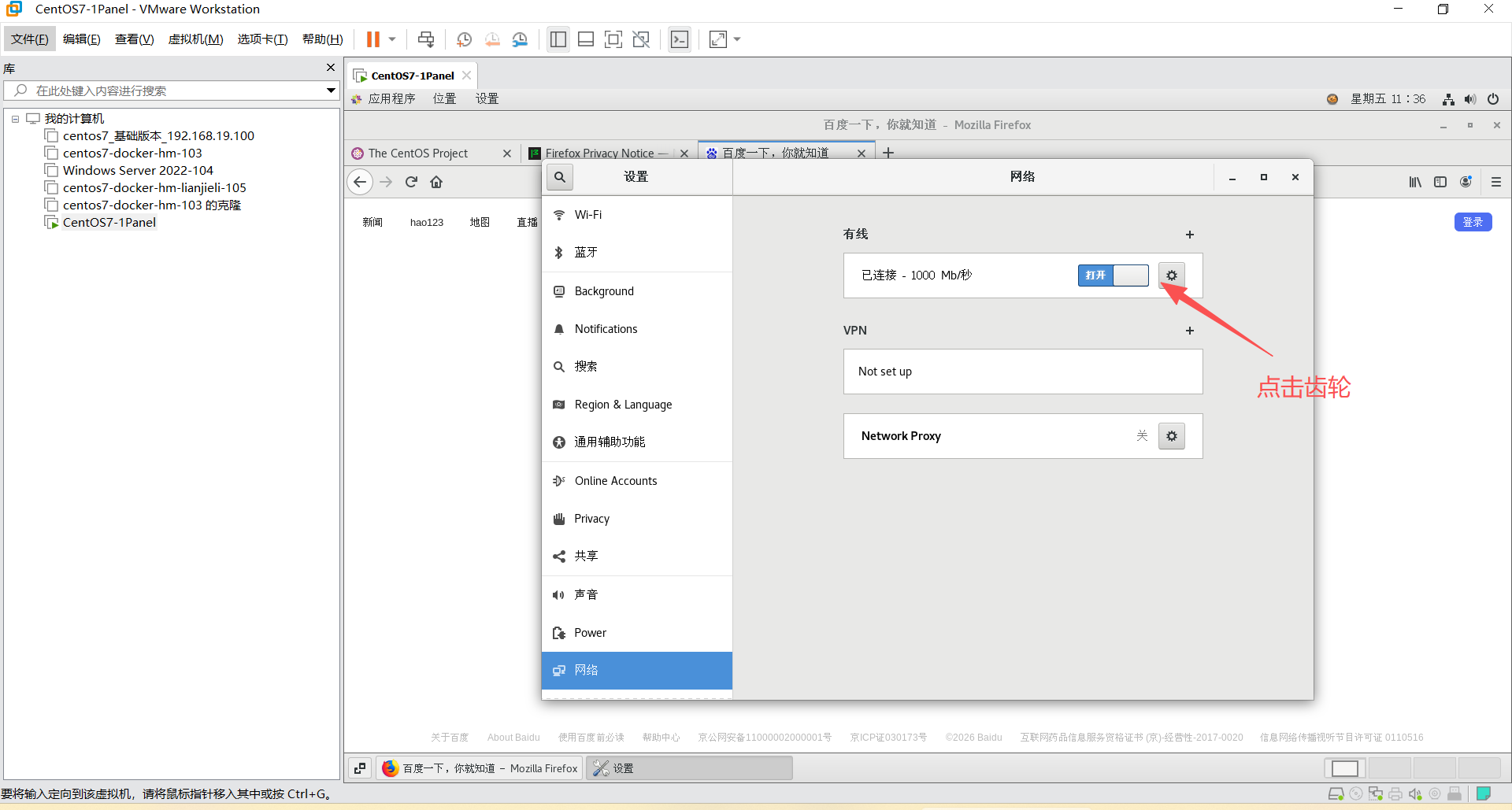
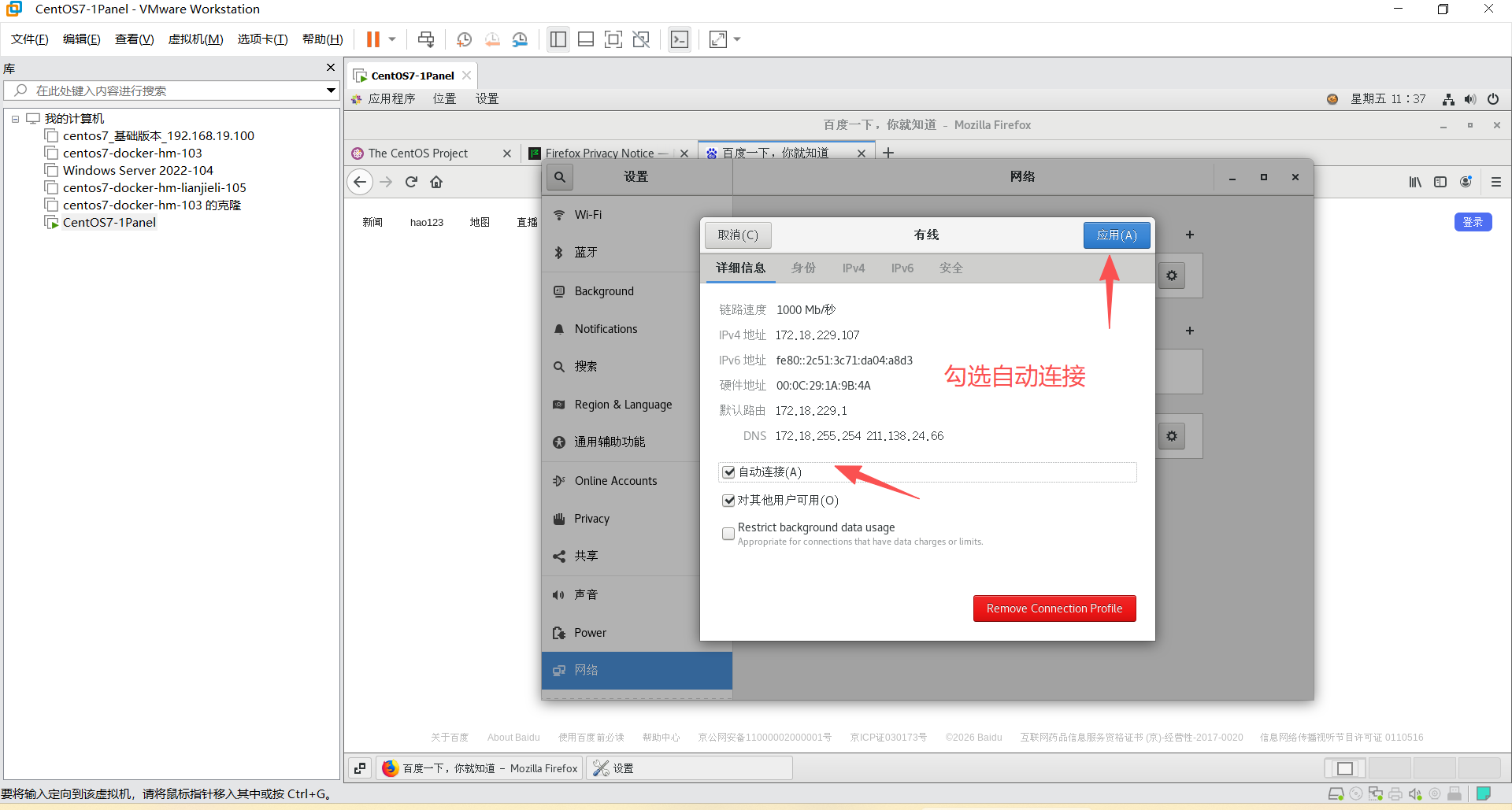
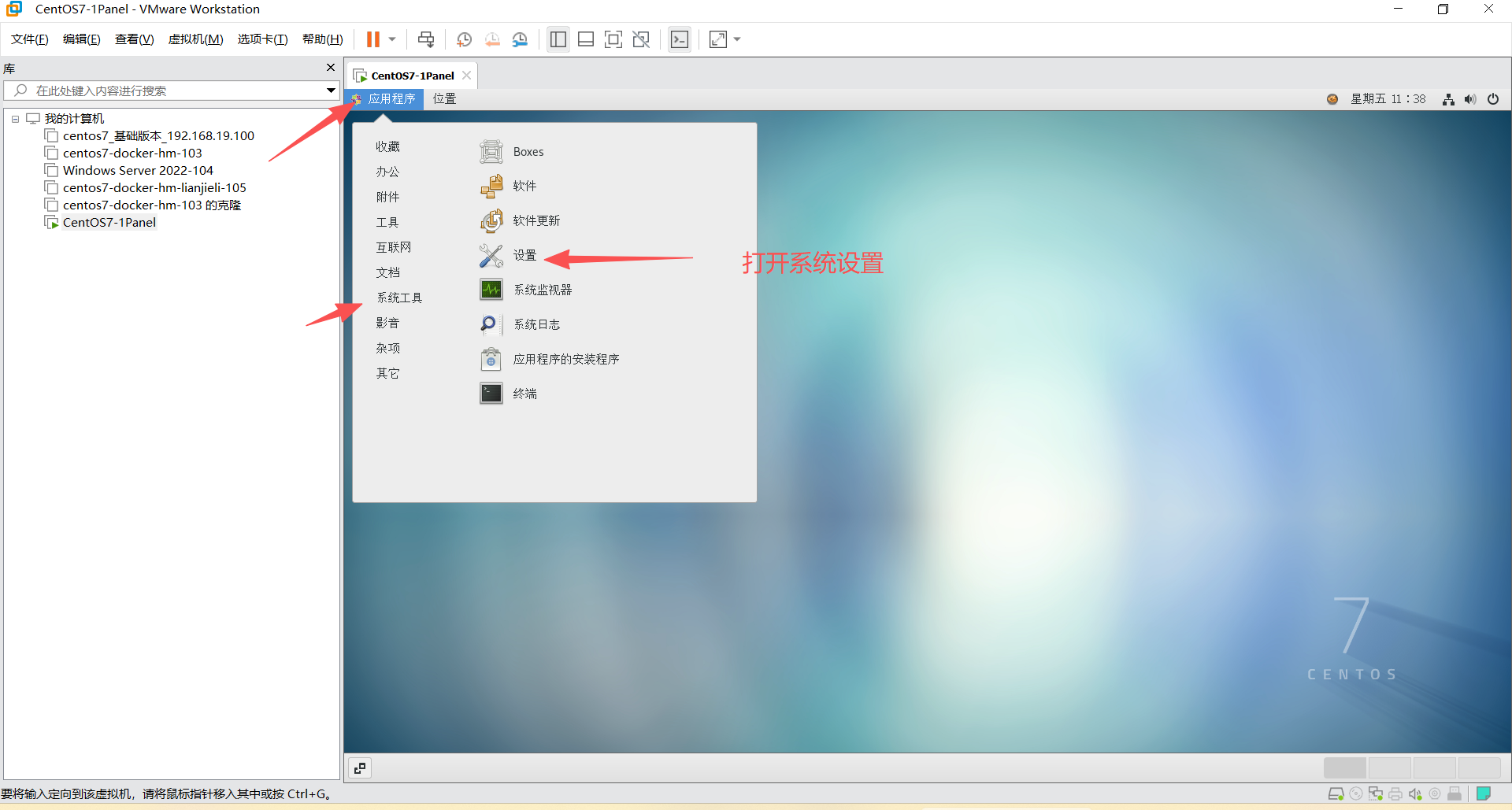
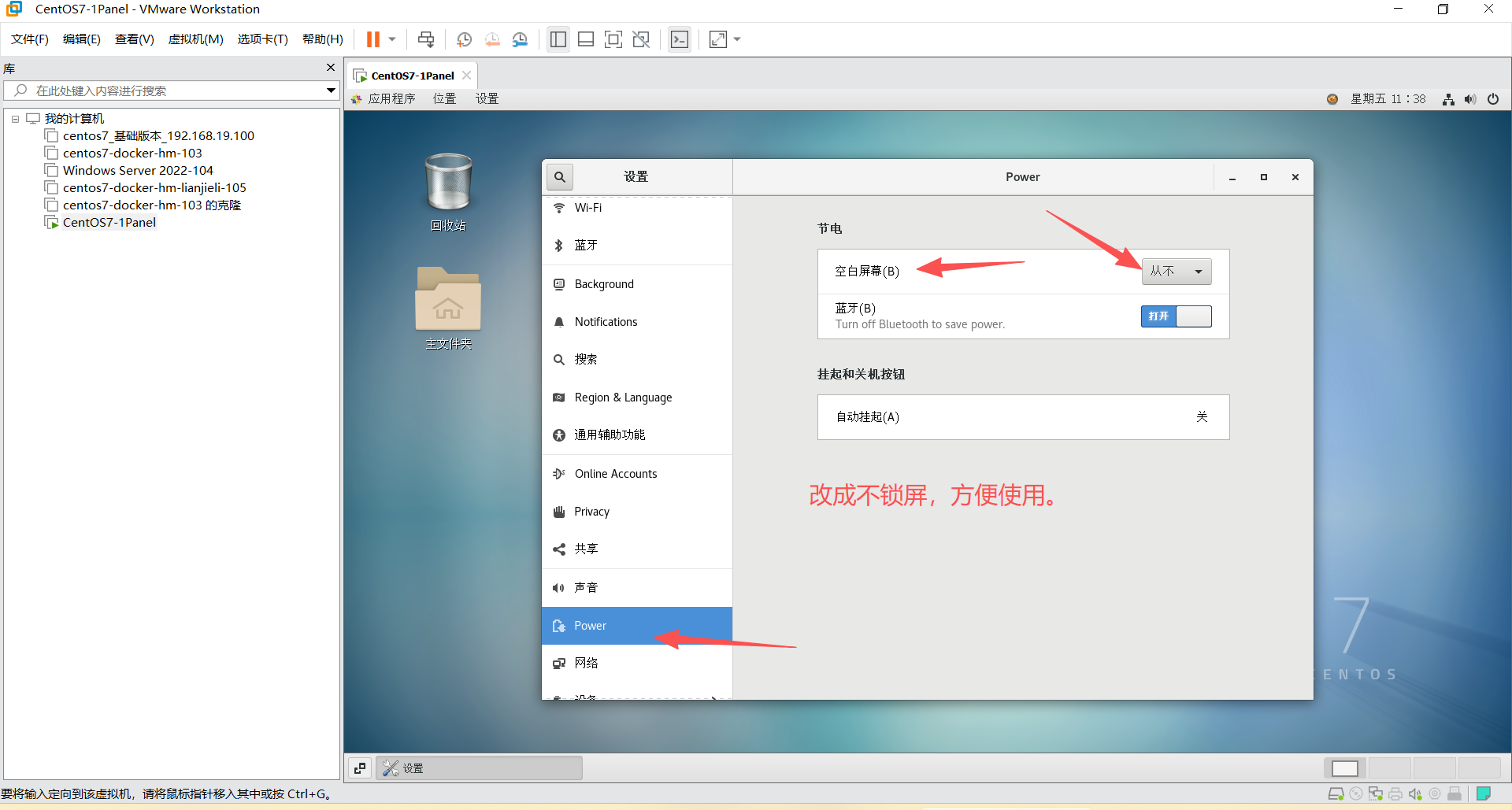
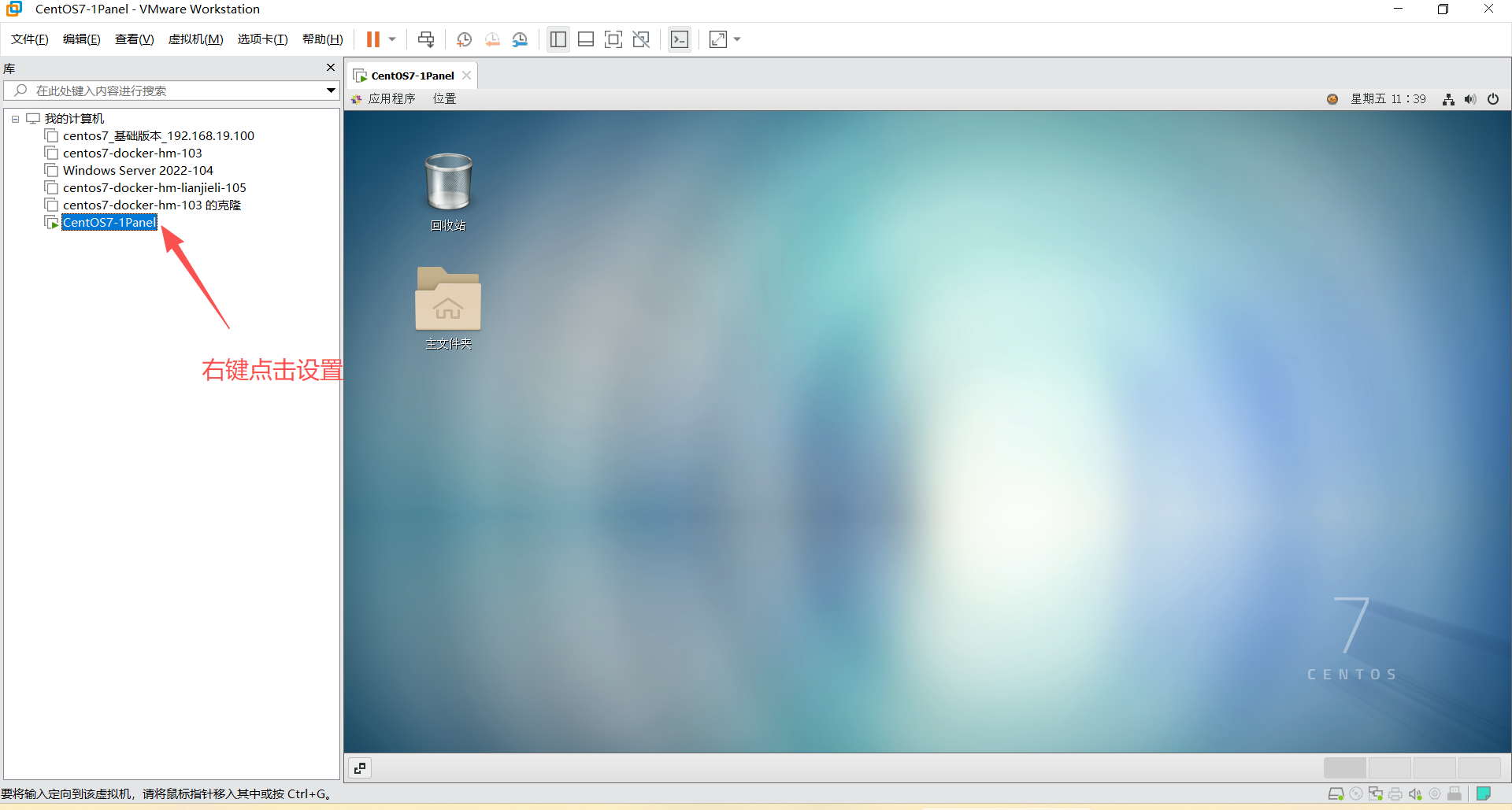
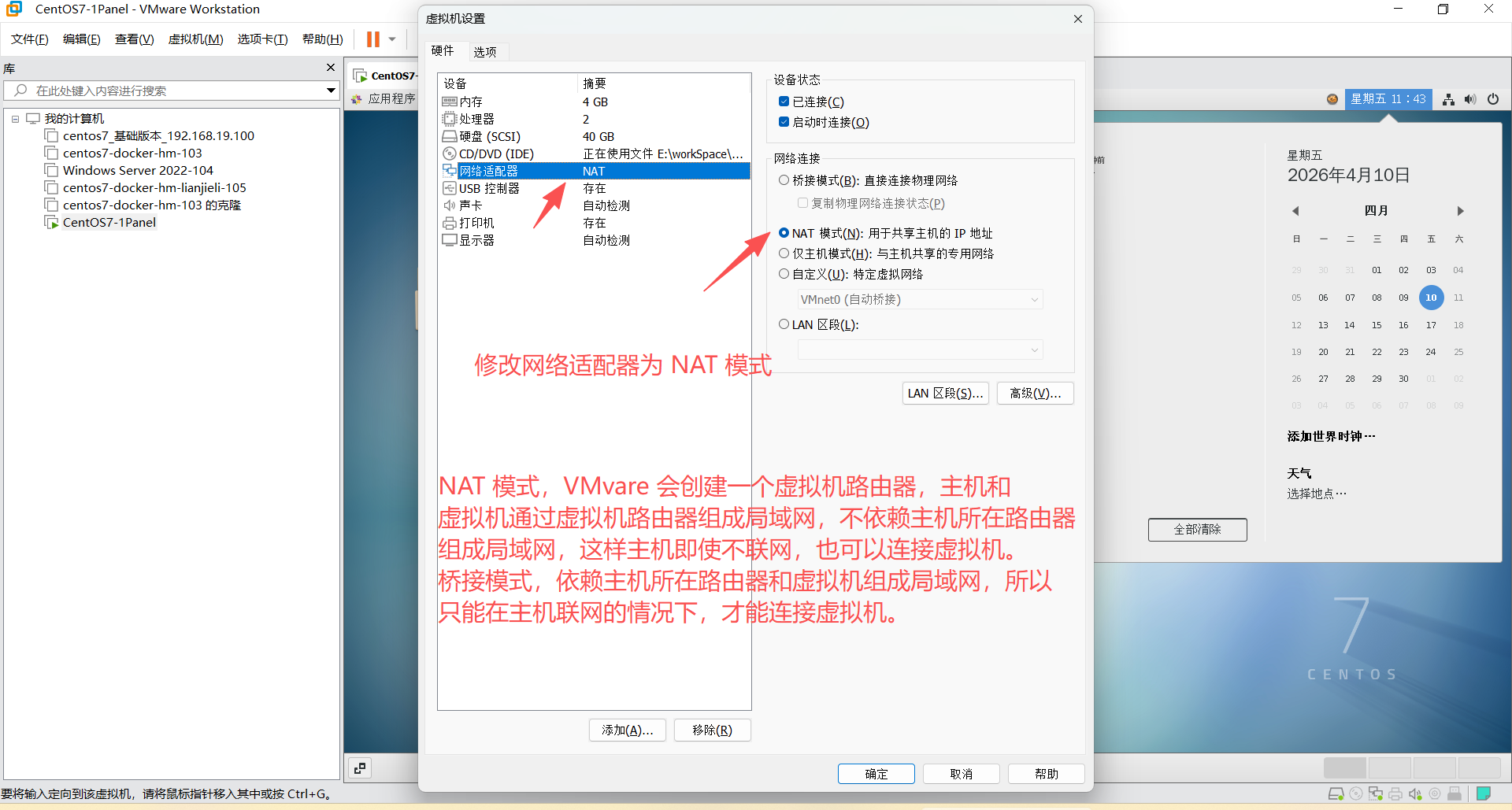
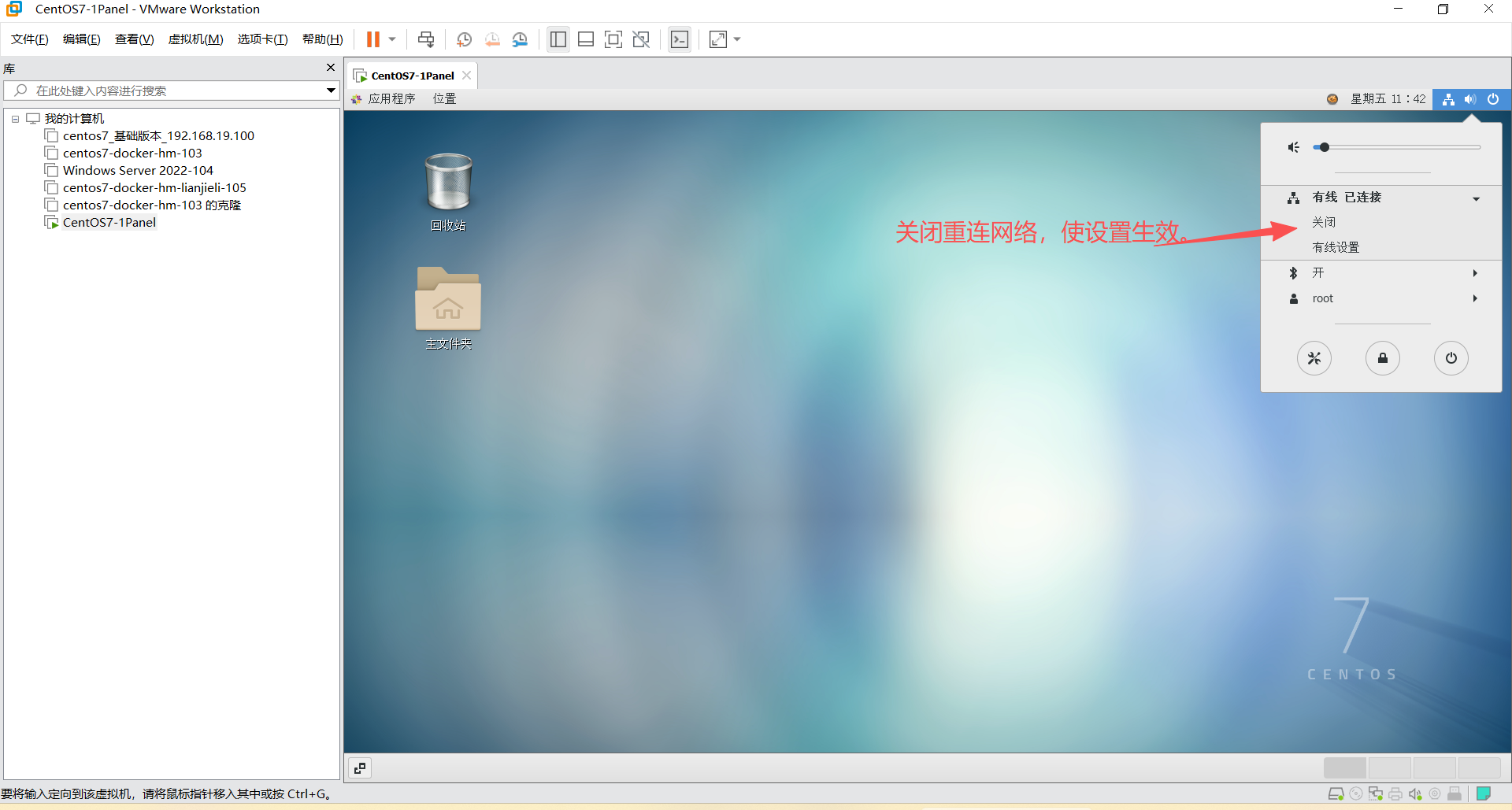
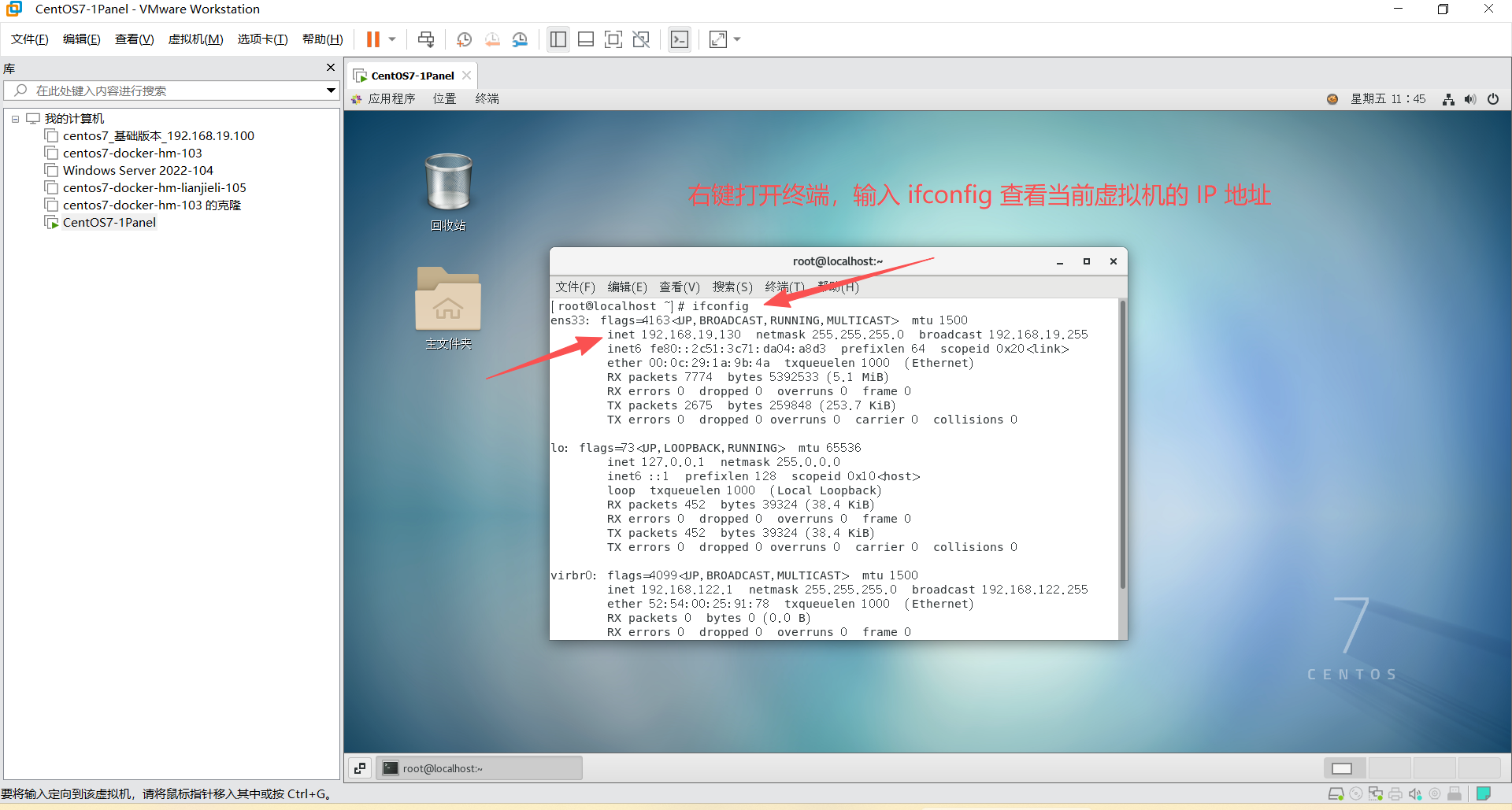
3、设置静态 IP 地址
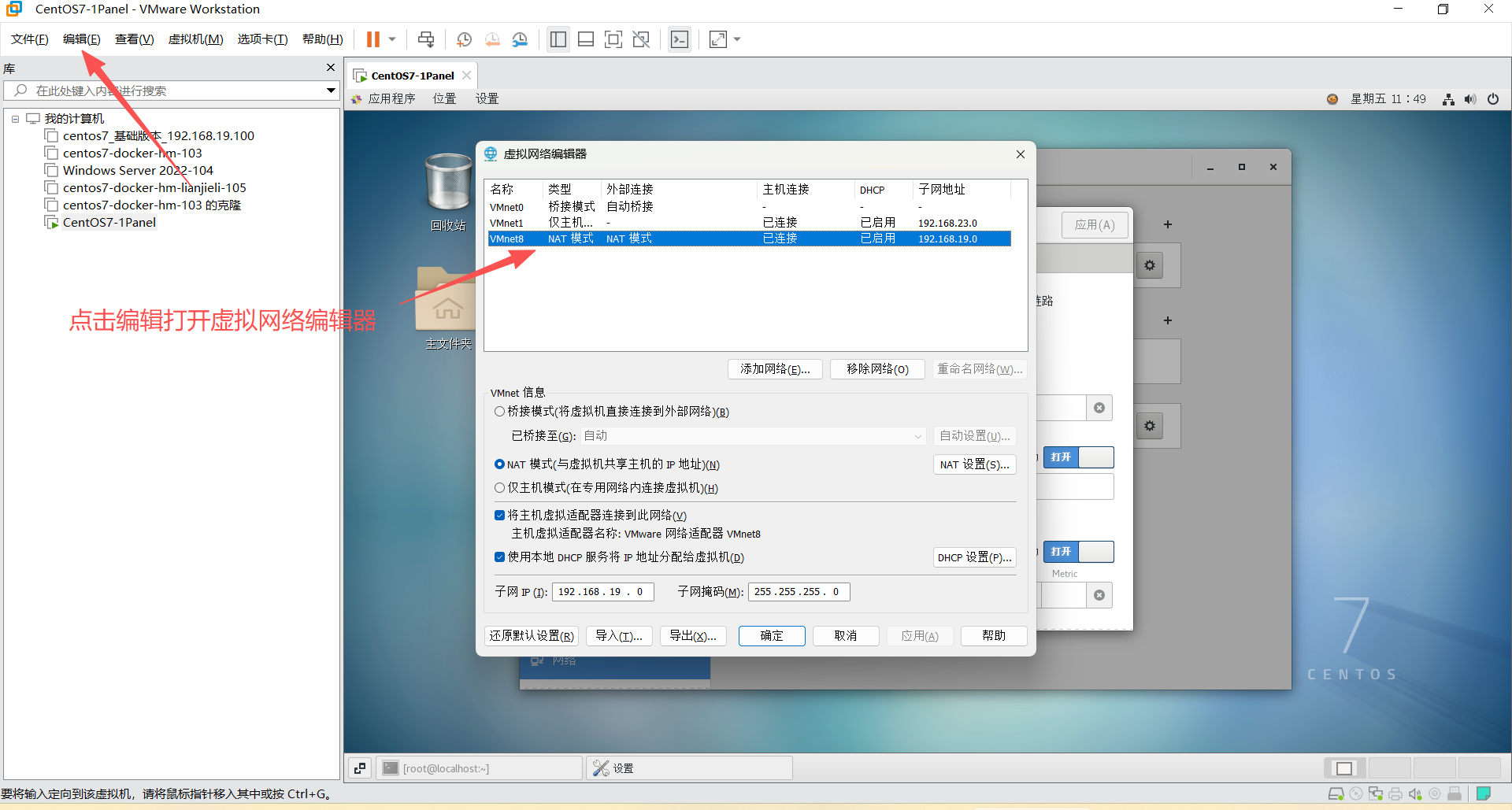
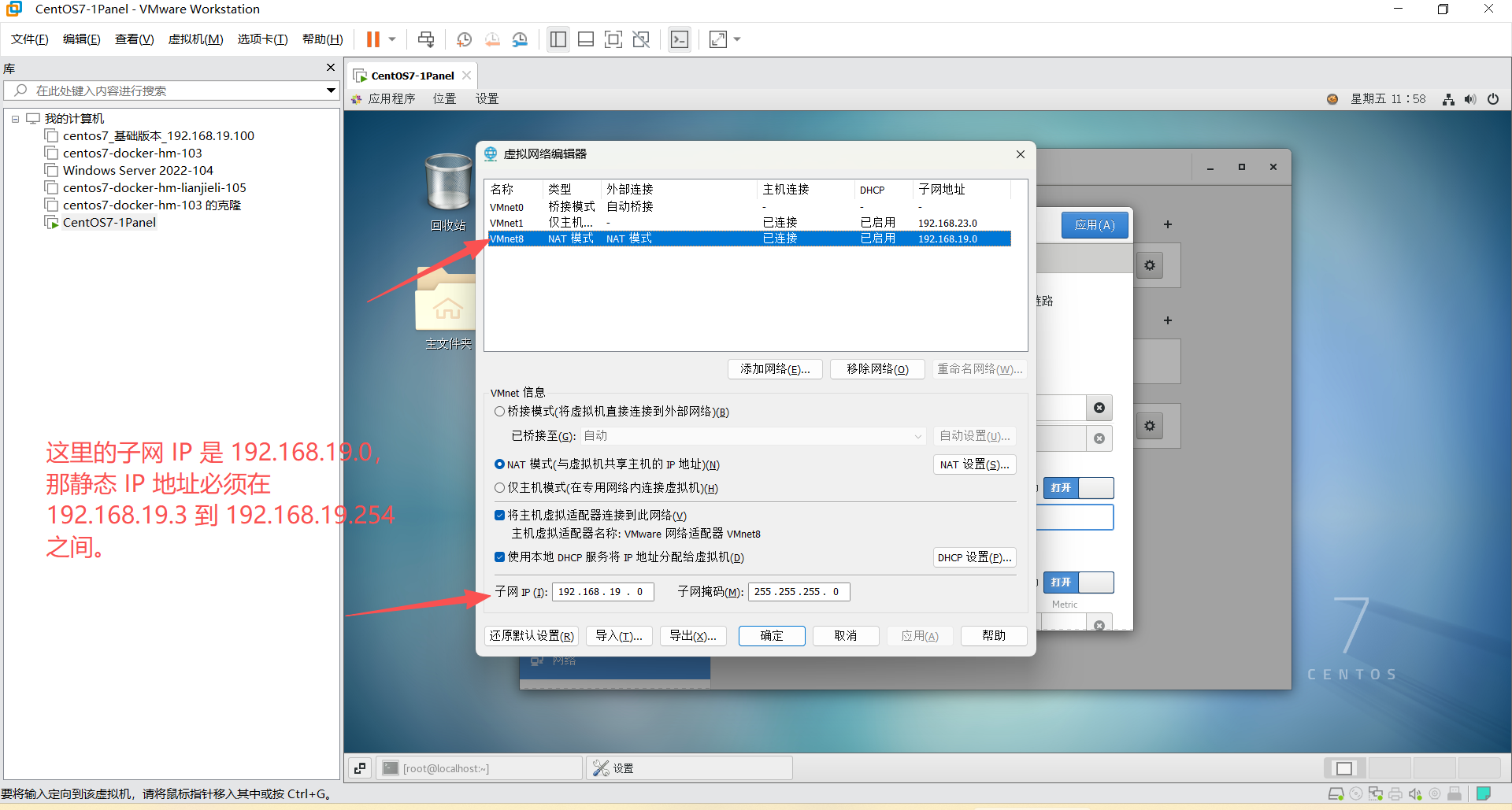
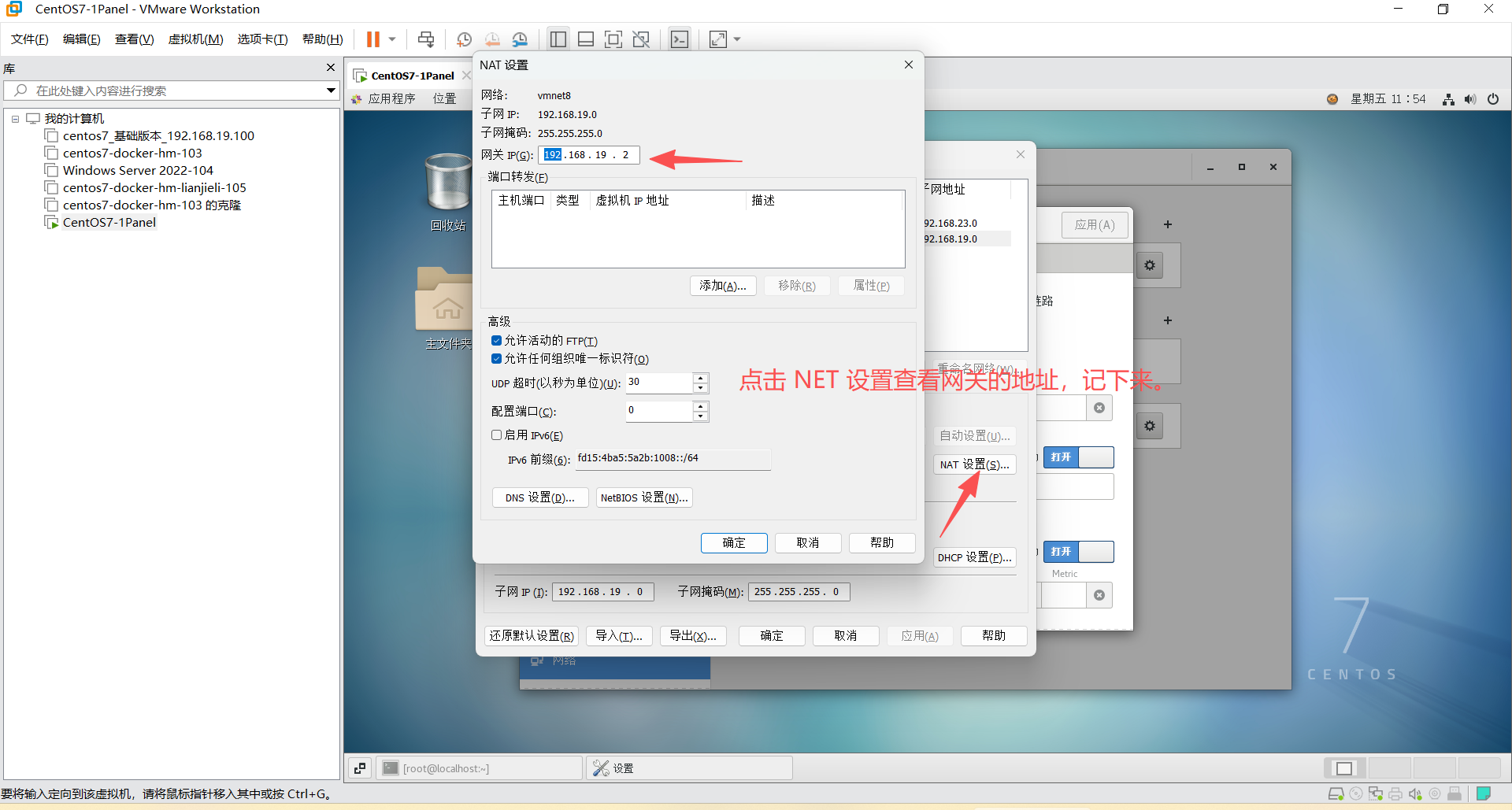
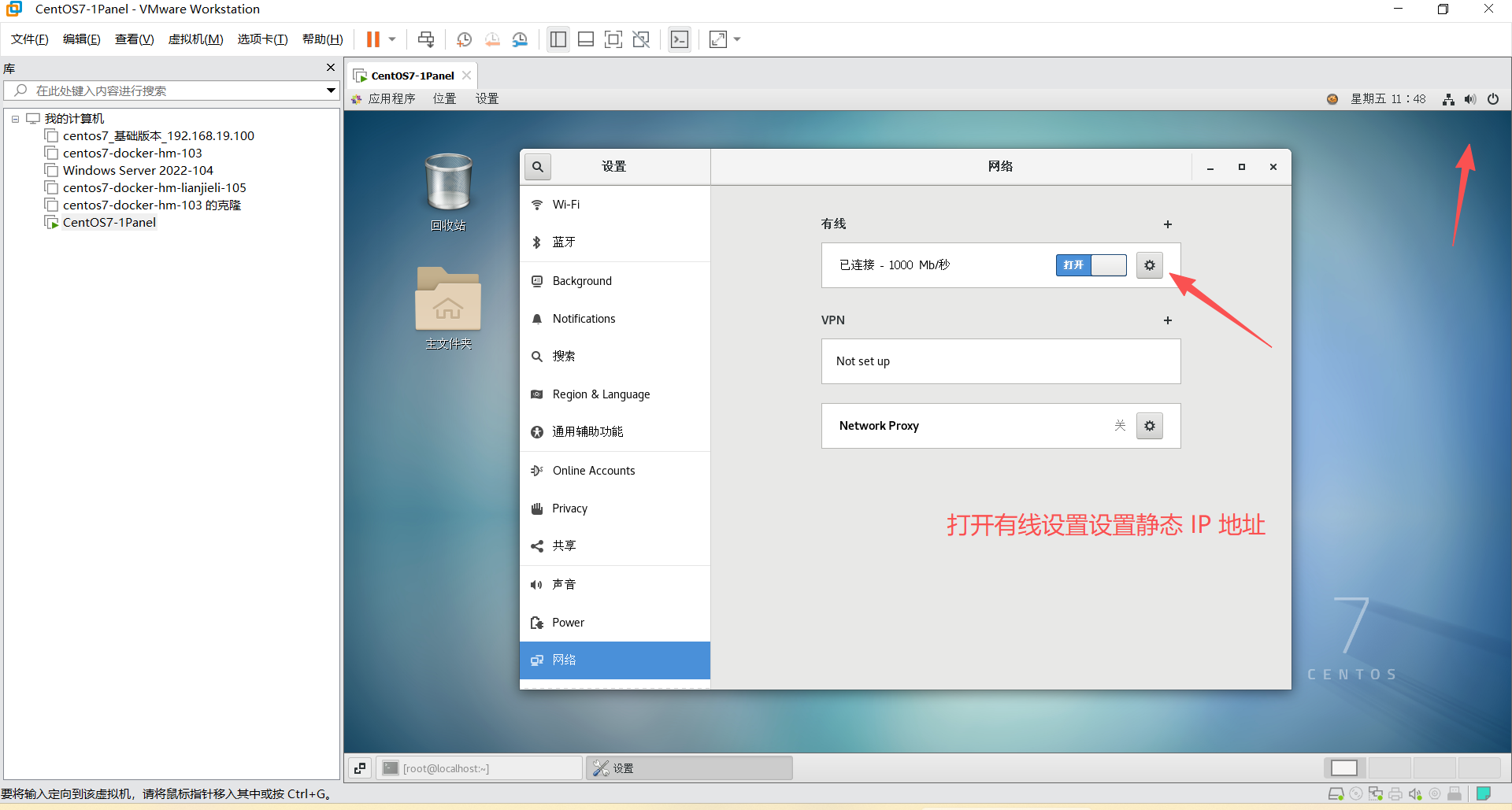
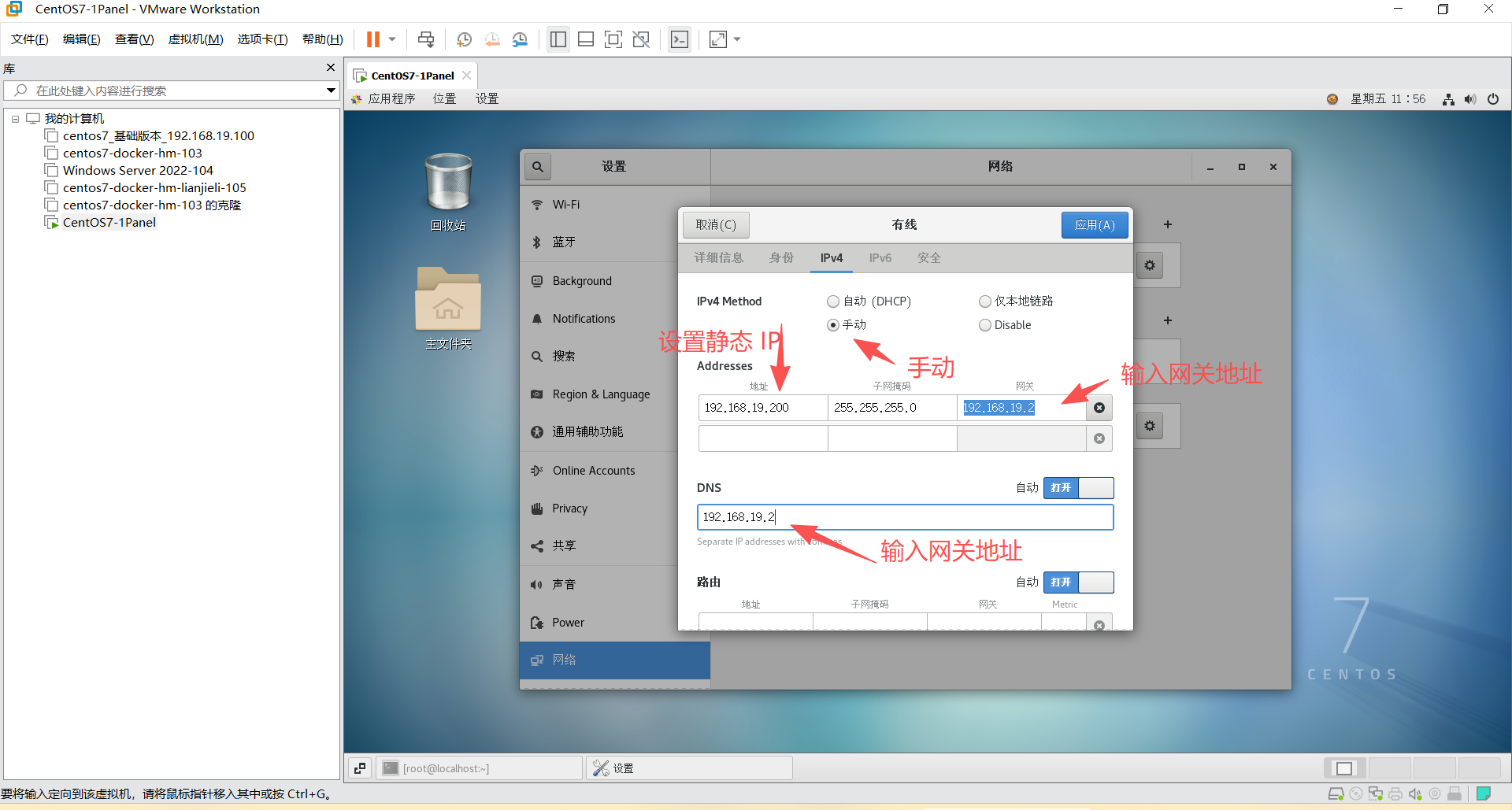
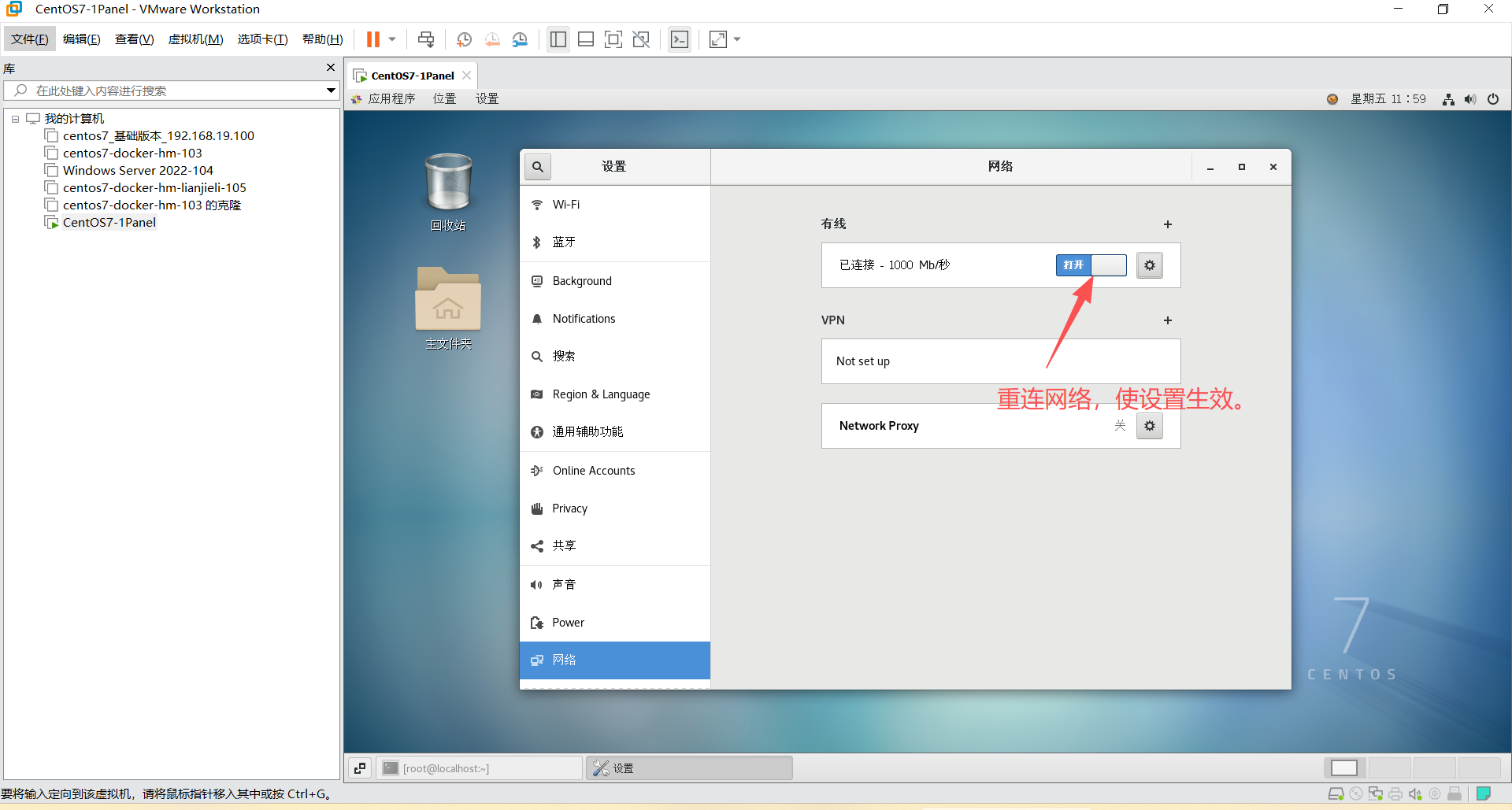
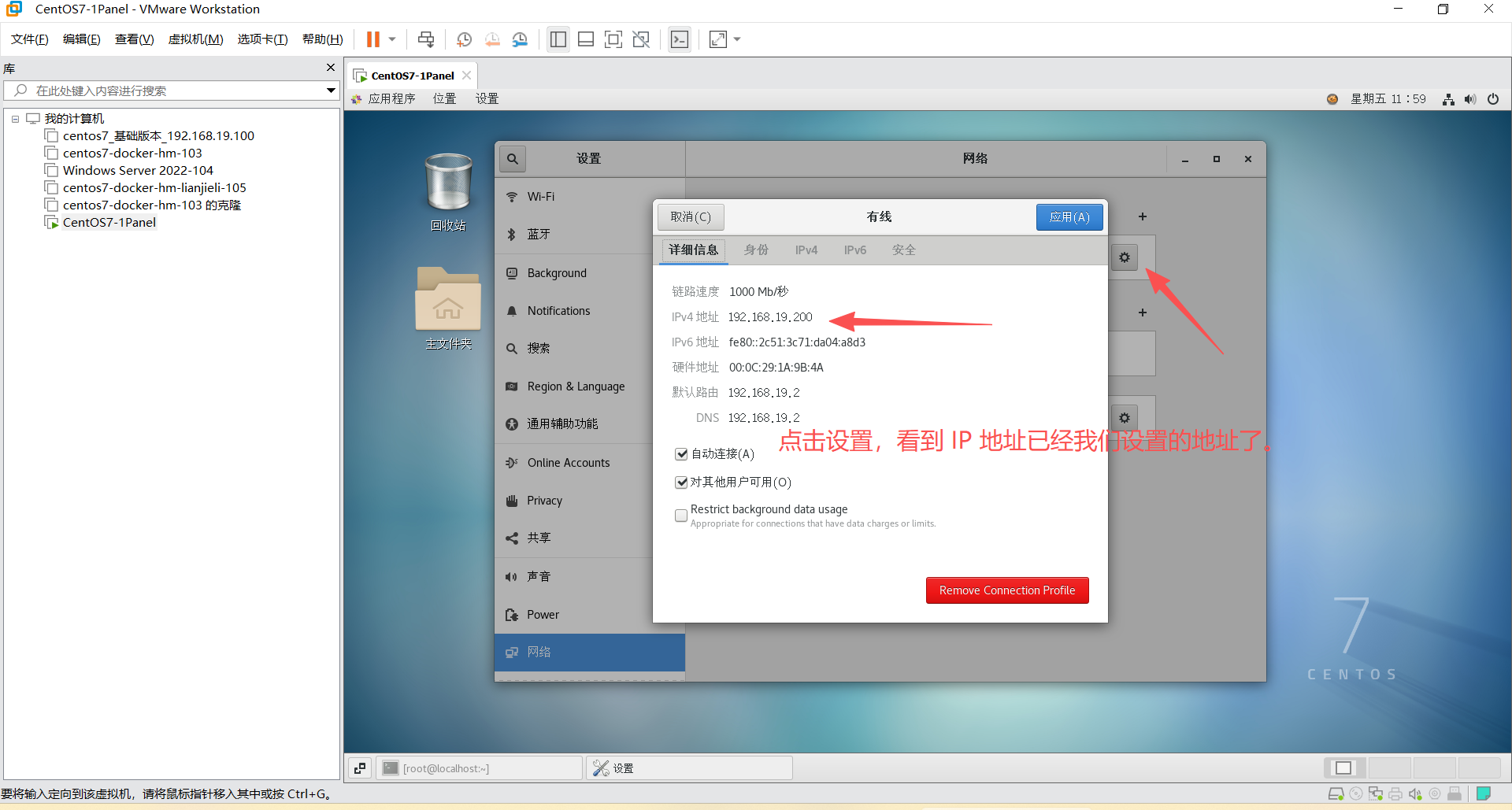
shell
hostnamectl set-hostname server01 --static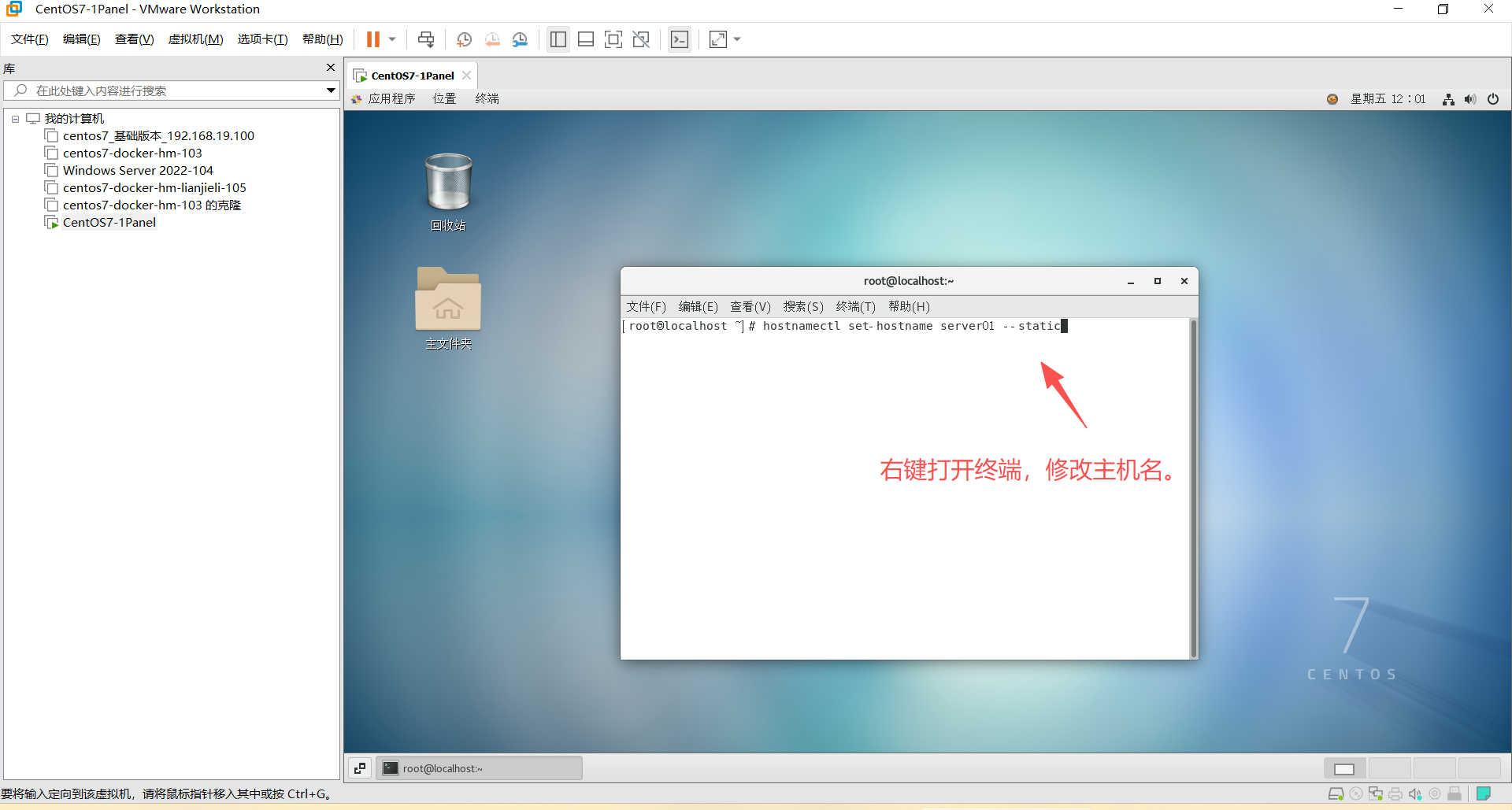
4、关闭防火墙和 SELinux
shell
systemctl stop firewalld #关闭防火墙
systemctl disable firewalld #禁止开机启动
shell
vim /etc/selinux/config #编辑这个文件
# 修改 SELINUX=disabled
reboot # 重启服务