前言
所有的深度学习都是对张量的计算。学习地址
使用
相关函数
- manual_seed():设置随机数种子后,能使得产生同一批随机数
- tensor():可以根据列表生成张量
- randn():生成指定大小的随机数张量
- cat():连接张量
- view():保持元素总数不变,改变形状
- requires_grad_():张量的梯度计算开关
- detach():和原张量相同内存,但是不含有计算图和梯度历史
涉及张量的属性
- grad_fn:查看计算图
- requires_grad:查看梯度计算开关的状态
创建张量
python
import torch
# manual_seed:当设置相同的种子(比如这里的 1),每次运行代码时产生的随机数序列都会完全一样。
torch.manual_seed(1)

# 用浮点数列表创建一维张量
V_data = [1., 2., 3.]
V = torch.tensor(V_data)
print(f"V: {V}")

# 创建二维张量
M_data = [[1., 2., 3.],[4., 5., 6.]]
M = torch.tensor(M_data)
print(f"M: {M}")

# 创建三维张量
T_data = [
    [[1., 2.], [3., 4.]],
    [[5., 6.], [7., 8.]]
]
T = torch.tensor(T_data)
print(f"T: {T}")

print(V[0])
# 获取一个Python数字
print(V[0].item())
print(M[0])
print(T[0])

# 创建指定维度的随机数,这里表示张量里面有三个二维,二维里面有四个一维,每个一维中5个值
x = torch.randn((3,4,5))
print(x)
操作张量
python
# 运算
x = torch.tensor([1., 2., 3.])
y = torch.tensor([2., 3., 4.])
z = x + y
print(f"x+y = {z}")

# 张量连接
x_1 = torch.randn(2, 5)
y_1 = torch.randn(3, 5)
z_1 = torch.cat([x_1, y_1], 0)
print(z_1)

x_2 = torch.randn(2, 3)
y_2 = torch.randn(2, 5)
z_2 = torch.cat([x_2, y_2], 1)
print(z_2)

# 张量变形
x_3 = torch.randn(2, 3, 4)
print(f"x_3:{x_3}")
print(x_3.view(2,12))
# 维度为-1会自动推导数量
print(x_3.view(2,-1))
计算图和微分
计算图,本质上就是记录了张量的计算过程,体现在pytorch中,就是标志位requires_grad=True,相当于一个开关,打开后就会记录计算过程。PyTorch 会启动它的 Autograd(自动求导)引擎,从这一刻起,任何包含这个 Tensor 的数学运算,都会被 PyTorch 记录在案,并在后台自动织出一张"计算图"。
对于设置了标志位的张量来说,运算生成的新Tensor 就会自动获得一个属性叫 grad_fn(Gradient Function,梯度函数),它记录了这个新 Tensor 是通过什么数学操作生出来的
python
# 追踪张量的计算过程
x = torch.tensor([1., 2., 3.], requires_grad = True)
y = torch.tensor([4., 5., 6.], requires_grad = True)
z = x + y
print(z)
print(z.grad_fn)

s = z.sum()
print(s.grad_fn)
梯度
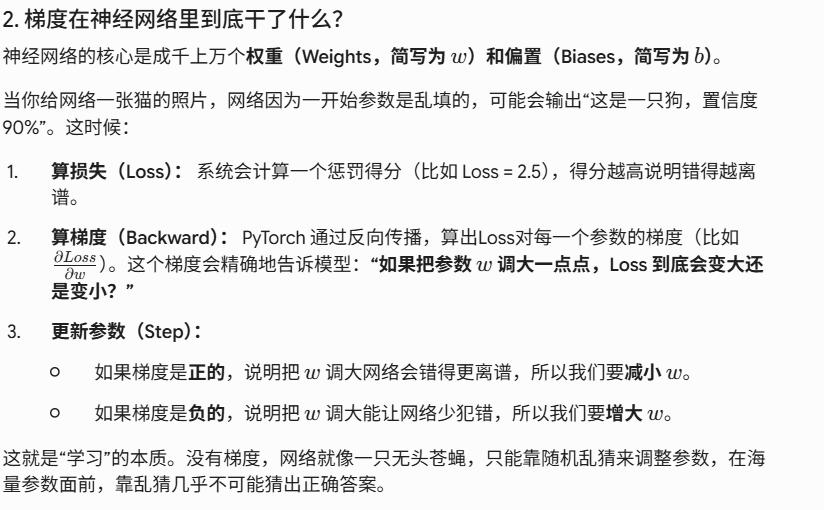
所谓梯度,其实就是算某一点上的变化率和方向,通过它可以知道函数值增长最快的方向,那么在神经网络中,想要让损失函数降到最低,只需要沿着梯度的反方向走即可,就能让错误率降低。
对于一个函数,pytorch用.backward()来计算梯度,用.grad()来查看,对于张量运算过程的追踪,可以用.detach()来切断
python
	x = torch.randn(2, 2)
    y = torch.randn(2, 2)
    # 默认状态下开关状态是False
    print(x.requires_grad, y.requires_grad)

    # 赋值为True
    x = x.requires_grad_()
    y = y.requires_grad_()
    z = x + y
    print(z.grad_fn)
    # 只要输入有一个变量需要梯度,输出就需要梯度
    print(z.requires_grad)

    # 新张量和原来的张量共享同一块内存,但new_z只有数据,不再有计算图和梯度历史
    new_z = z.detach()
    print(new_z.grad_fn)