这个程序演示Tesseract OCR按单词识别字符。
不仅显示识别结果,还找出每个单词的bounding box(边界框/包围盒)。
输入图片:
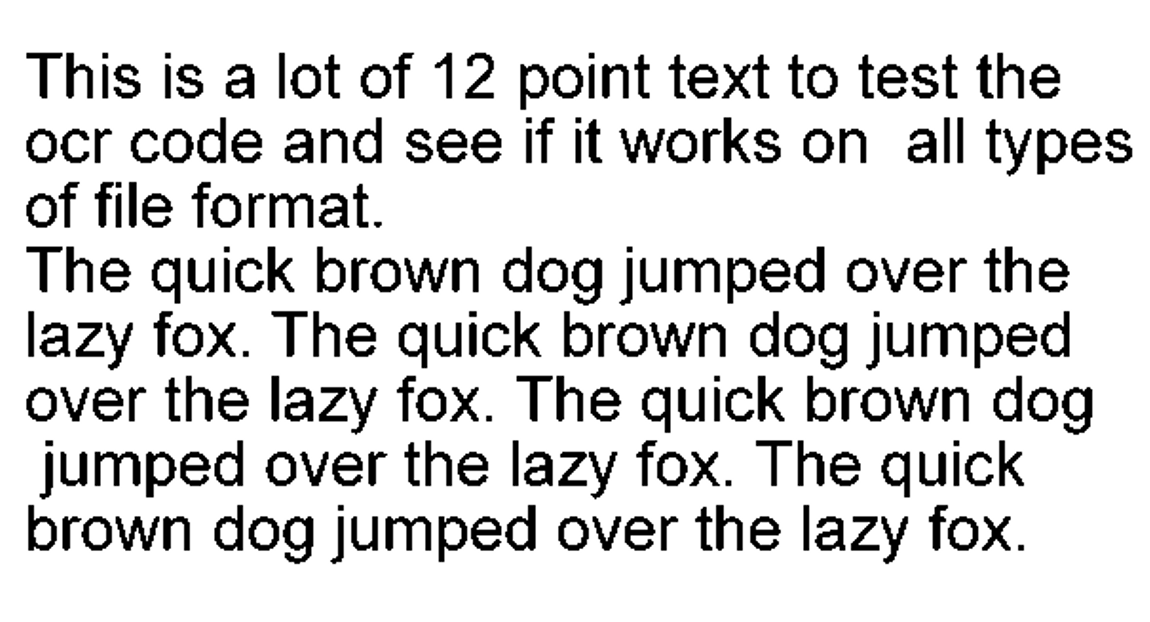 程序运行后会在CMD里打印识别结果:
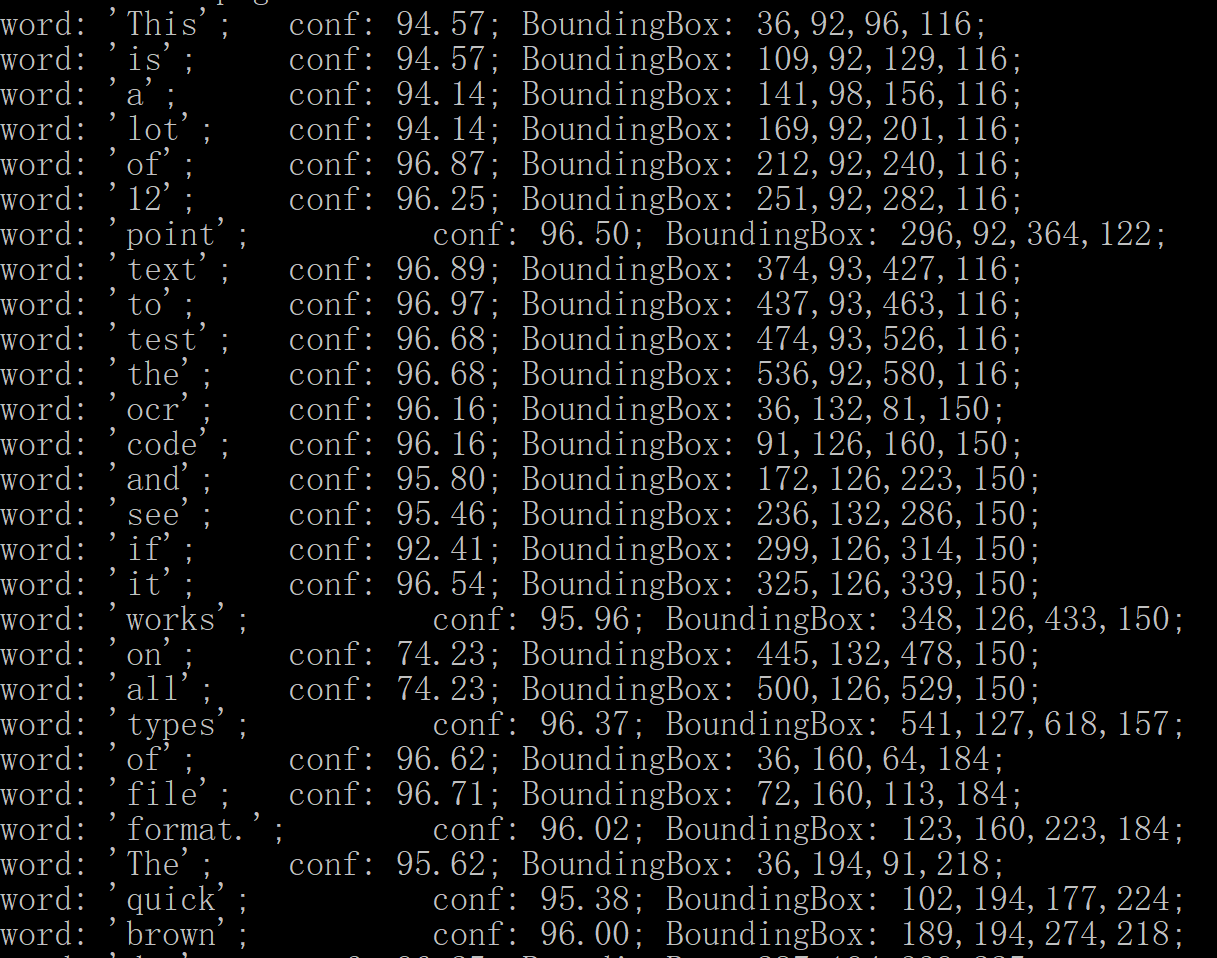
结果太长,我只截了一部分。
第一行的意思是:单词"this的置信度是94.57,对应的矩形边界框的左上角坐标是(36,92),右下角坐标是(96,116).
把前两个单词对应的矩形框绘制到输入图片里,大概就是这样:

代码:
cpp
#include <tesseract/baseapi.h>
#include <leptonica/allheaders.h>

int main()
{
  char *outText;
  tesseract::TessBaseAPI *api = new tesseract::TessBaseAPI();
  // Initialize tesseract-ocr with English, without specifying tessdata path
  if (api->Init(NULL, "eng")) {
      fprintf(stderr, "Could not initialize tesseract.\n");
      exit(1);
  }
  Pix *image = pixRead("phototest.tif");
  api->SetImage(image);
  api->Recognize(0);
  tesseract::ResultIterator* ri = api->GetIterator();
  tesseract::PageIteratorLevel level = tesseract::RIL_WORD;
  if (ri != 0) {
    do {
      const char* word = ri->GetUTF8Text(level);
      float conf = ri->Confidence(level);
      int x1, y1, x2, y2;
      ri->BoundingBox(level, &x1, &y1, &x2, &y2);
      printf("word: '%s';  \tconf: %.2f; BoundingBox: %d,%d,%d,%d;\n",
               word, conf, x1, y1, x2, y2);
      delete[] word;
    } while (ri->Next(level));
  }
  // Destroy used object and release memory
  api->End();
  delete api;
  delete [] outText;
  pixDestroy(&image);
  return 0;
}