前言
在 UI 设计中,光晕效果 可以为元素添加视觉点缀,增强层次感和品牌调性。HarmonyOS 提供了 RadialGradient 径向渐变 API,用于创建从中心向四周扩散的渐变效果。
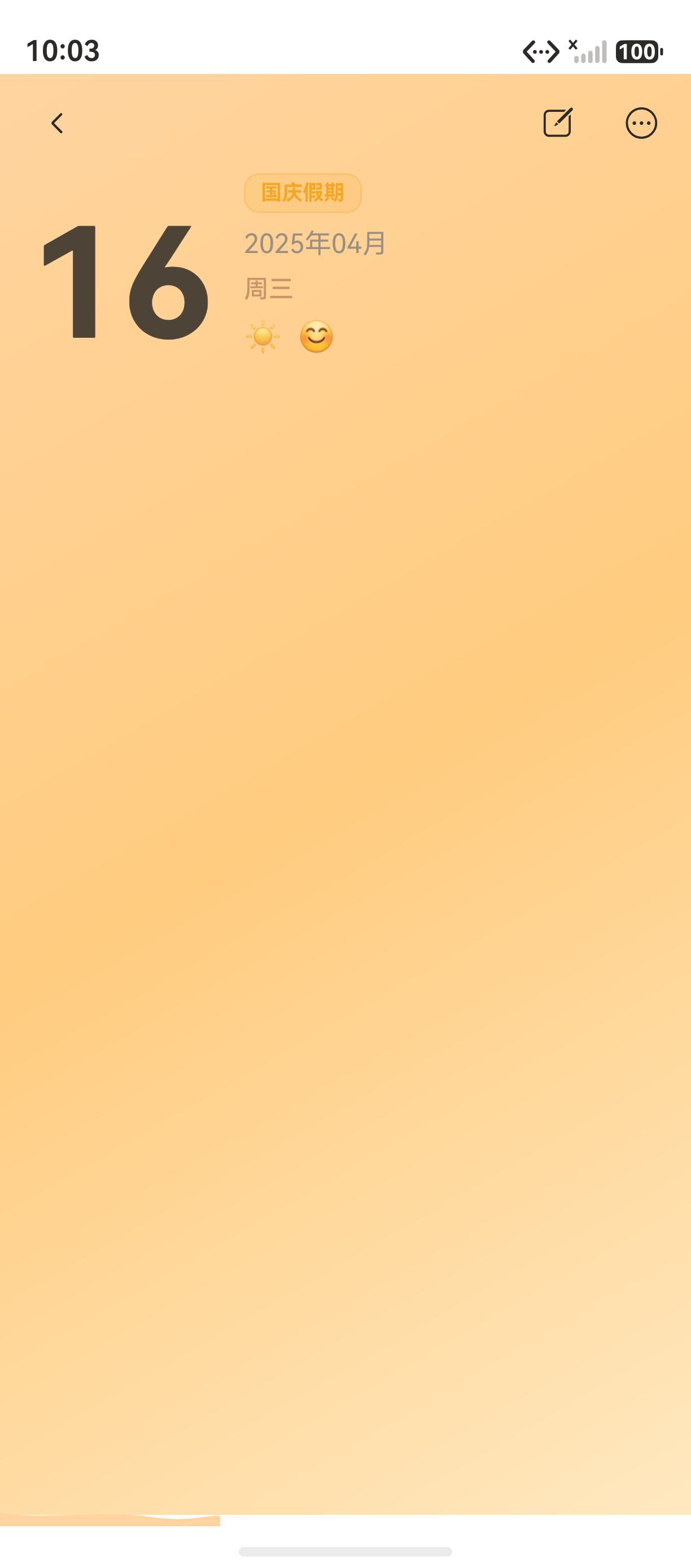
"海风日记"的首页通过 RadialGradient 为日期数字添加了径向光晕,让数字看起来更加醒目和富有层次感。本文将从源码出发,深入讲解 RadialGradient 的完整用法。
一、RadialGradient 概述
1.1 基本语法
typescript
Column()
  .radialGradient({
    center: ['50%', '50%'],           // 中心点位置
    radius: '50%',                     // 渐变半径
    colors: [
      ['rgba(245,166,35,0.22)', 0.0],  // 中心色:橙色,透明度 22%
      ['rgba(245,166,35,0.0)', 1.0]    // 边缘色:透明
    ]
  })
1.2 参数说明
| 参数 | 类型 | 说明 | 示例 |
|---|---|---|---|
center |
[string, string] |
渐变中心点 | ['50%', '50%'] |
radius |
string | 渐变半径 | '50%' |
colors |
[string, number][] |
色阶数组 | [['#FFF', 0], ['#000', 1]] |
二、首页日期光晕实现
2.1 源码
typescript
// 大日期数字(带径向光晕)
Stack({ alignContent: Alignment.Center }) {
  // 光晕层
  Column()
    .width(64)
    .height(64)
    .borderRadius(32)
    .radialGradient({
      center: ['50%', '50%'],
      radius: '50%',
      colors: [
        ['rgba(245,166,35,0.22)', 0.0],  // 中心橙色光晕
        ['rgba(245,166,35,0.0)', 1.0]    // 边缘透明
      ]
    })

  // 数字层
  Text(new Date().getDate().toString())
    .fontSize(52)
    .fontColor('#2D2926')
    .fontWeight(FontWeight.Bolder)
    .lineHeight(52)
}
2.2 视觉效果
┌──────────────────┐
│   ┌──────────┐  │
│   │ 橙色光晕  │  │  ← 中心亮,边缘淡
│   │   17     │  │  ← 数字叠加在光晕上
│   └──────────┘  │
└──────────────────┘
三、RadialGradient 与 LinearGradient 的对比
3.1 对比表格
| 对比维度 | RadialGradient | LinearGradient |
|---|---|---|
| 渐变方向 | 从中心向外扩散 | 线性方向 |
| 参数 | center + radius | angle |
| 视觉 | 圆形光晕 | 平面过渡 |
| 适用场景 | 发光效果、光晕 | 背景、按钮 |
3.2 选择指南
- 需要光晕/发光效果 → 使用
RadialGradient - 需要背景过渡 → 使用
LinearGradient
四、RadialGradient 的实际应用
4.1 按钮光晕
typescript
Button()
  .radialGradient({
    center: ['50%', '50%'],
    radius: '50%',
    colors: [['rgba(255,255,255,0.15)', 0], ['rgba(255,255,255,0)', 1]]
  })
4.2 头像光晕
typescript
Circle()
  .width(72).height(72)
  .fill('#FFE4B0')
  .shadow({ radius: 12, color: 'rgba(245,166,35,0.25)' })
五、性能优化
5.1 透明度控制
typescript
// 中心透明度 22%,边缘 0%
colors: [
  ['rgba(245,166,35,0.22)', 0.0],  // 中心
  ['rgba(245,166,35,0.0)', 1.0]    // 边缘
]
六、常见问题与排查
6.1 渐变不显示
问题:设置了 radialGradient 但渐变效果不显示。
原因:容器没有设置宽高,或渐变被其他元素覆盖。
解决方案:确保容器设置了明确的宽高。
总结
本文通过"海风日记"首页日期数字的径向光晕,深入讲解了 RadialGradient 的用法:
- 基本语法:center、radius、colors 参数配置
- 首页日期光晕:Stack 叠加光晕和数字
- 与 LinearGradient 的对比:选择指南
- 实际应用:按钮光晕、头像光晕
下一篇文章将进入 第四系列:写日记与编辑,敬请期待。
如果这篇文章对你有帮助,欢迎点赞👍、收藏⭐、关注🔔,你的支持是我持续创作的动力!
相关资源: