下载ffmpeg地址
通过网盘分享的文件:ffmpeg-master-latest-win64-gpl.zip
链接: https://pan.baidu.com/s/1Hryli_SAV2vcOfLLRA8vFg 提取码: 3cnr
配置环境变量
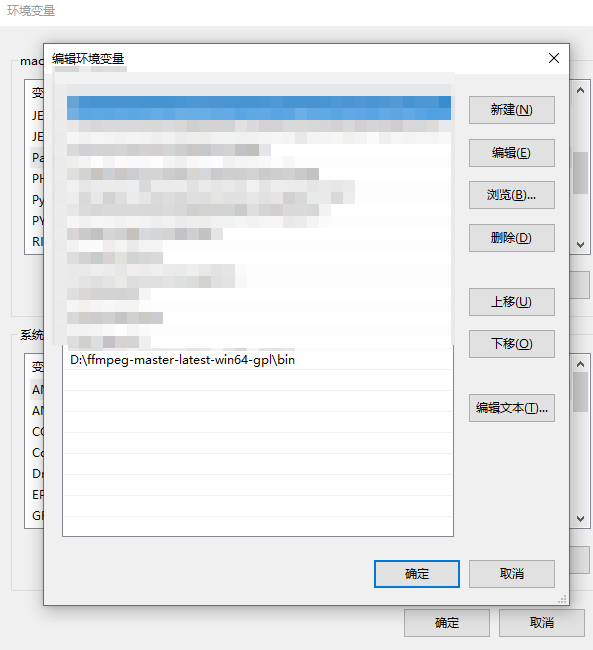
配置好环境变量后CMD:ffmpeg -version
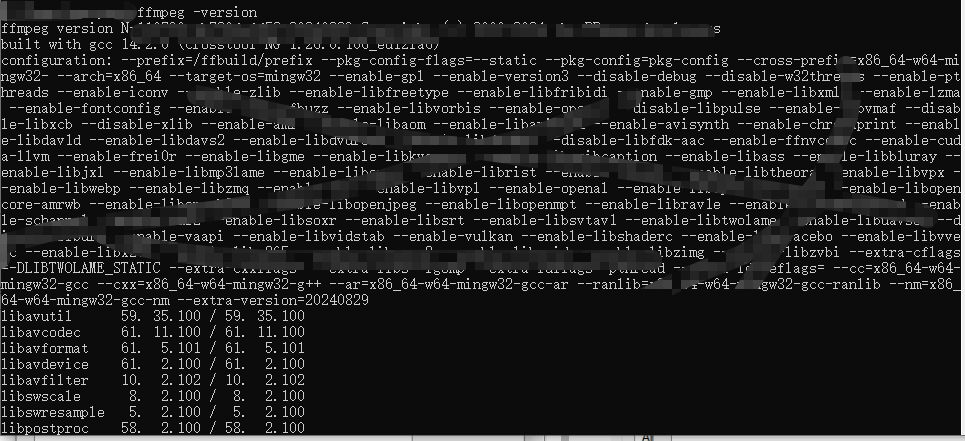
进入需要切片的目录
ffmpeg -y -i myvideo.mp4 -vcodec copy -acodec copy -vbsf h264_mp4toannexb sk.ts
如果报错
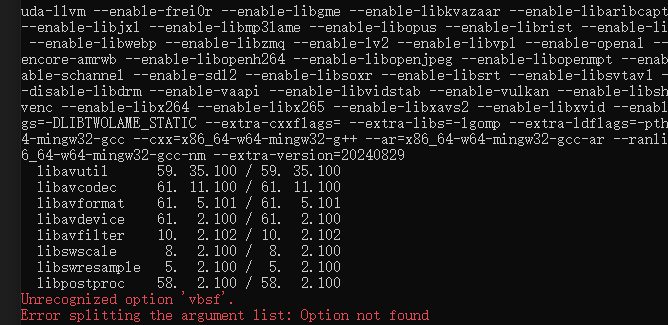
纠正错误后的命令
ffmpeg -y -i myvideo.mp4 -vcodec copy -acodec copy sk.ts
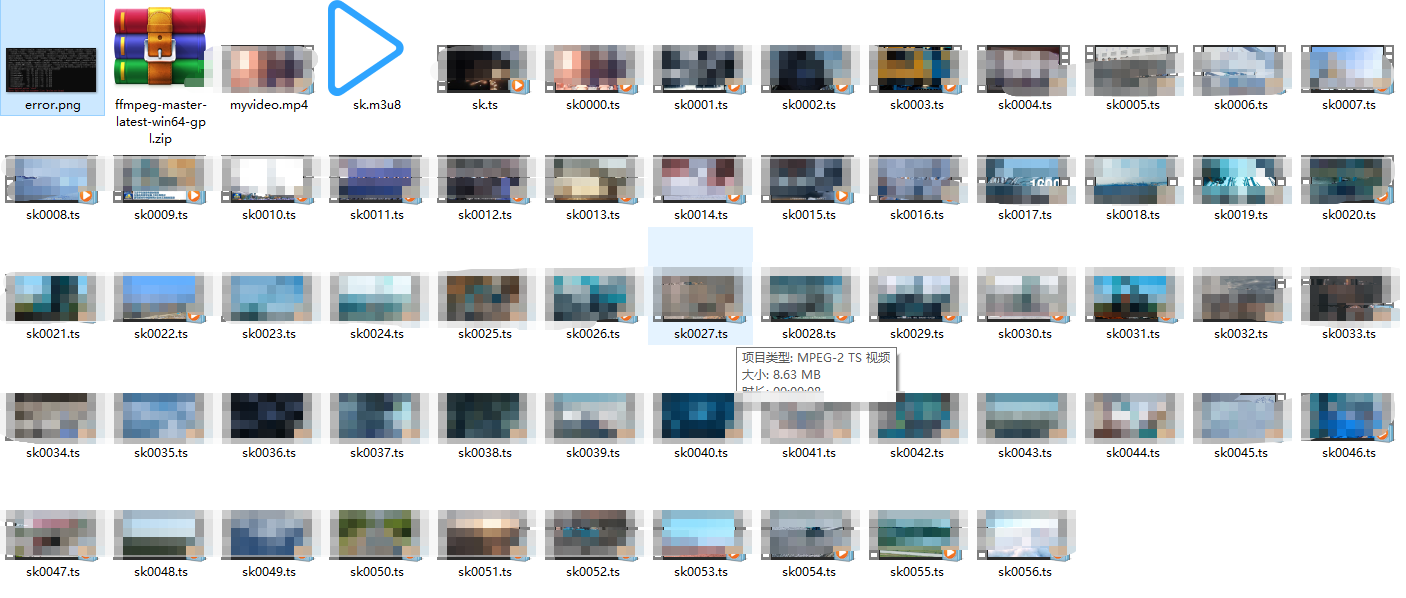
会生成 sk.ts文件 然后通过这个文件切片成.m3u8
命令
ffmpeg -i sk.ts -c copy -map 0 -f segment -segment_list sk.m3u8 -segment_time 8 sk%04d.ts
-segment_time 8:8 秒一个片段
kotlin
  /**
     * 在后台线程将 assets/sk/ 下的 m3u8 和 ts 文件拷贝到缓存目录,
     * 拷贝完成后切换播放 m3u8
     */
    private fun prepareM3u8Assets() {
        lifecycleScope.launch(Dispatchers.IO) {
            try {
                val m3u8Path = copyAssetsM3u8ToCache("sk", "sk.m3u8")
                if (m3u8Path != null) {
                    // 拷贝完成后切换到 m3u8 播放
                    withContext(Dispatchers.Main) {
                        playM3u8(m3u8Path)
                    }
                }
            } catch (e: Exception) {
                e.printStackTrace()
            }
        }
    }
kotlin
    /**
     * 将 assets 目录下的 m3u8 及所有 ts 分片拷贝到缓存目录
     * 返回 m3u8 文件的绝对路径
     */
    private fun copyAssetsM3u8ToCache(assetDir: String, m3u8FileName: String): String? {
        val cacheDir = File(requireContext().cacheDir, assetDir)
        val m3u8File = File(cacheDir, m3u8FileName)

        // 如果 m3u8 已存在,直接返回(说明已拷贝过)
        if (m3u8File.exists()) return m3u8File.absolutePath

        cacheDir.mkdirs()

        val assetManager = requireContext().assets
        // 列出 assets/sk/ 下所有文件
        val fileList = assetManager.list(assetDir) ?: return null

        for (fileName in fileList) {
            val targetFile = File(cacheDir, fileName)
            if (targetFile.exists()) continue

            try {
                val input = assetManager.open("$assetDir/$fileName")
                val output = FileOutputStream(targetFile)
                input.copyTo(output)
                input.close()
                output.close()
            } catch (e: Exception) {
                e.printStackTrace()
            }
        }

        return m3u8File.absolutePath
    }