前言
前述文章自动化运维-ansible常用模块详解已经详细介绍过ansible 常用模块的Ad-hoc命令实现方式,适合执行 临时性、简单的任务;而使用较多的方式是通过ansible playbook实现多任务执行,无需重复多次输入命令。
本篇文章将通过剧本的方式详细介绍ansible常用模块shell、script、file、fetch、copy、template、yum、yum_repository、service、cron、user、group、unarchive的实现。
一、shell模块
编写剧本用ansible shell模块安装并启动mariadb
yaml
---
- hosts: webserver
  tasks:
    - name: install mariadb
      shell: yum install -y mariadb
    - name: install mariadb-server
      shell: yum install -y mariadb-server
    - name: start mariadb service
      shell: systemctl start mariadb
从上述playbook可以看出,剧本中包含3个任务,分别是install mariadb、install mariadb-server、start mariadb service,shell模块执行的命令和直接服务器上执行的shell命令一样。
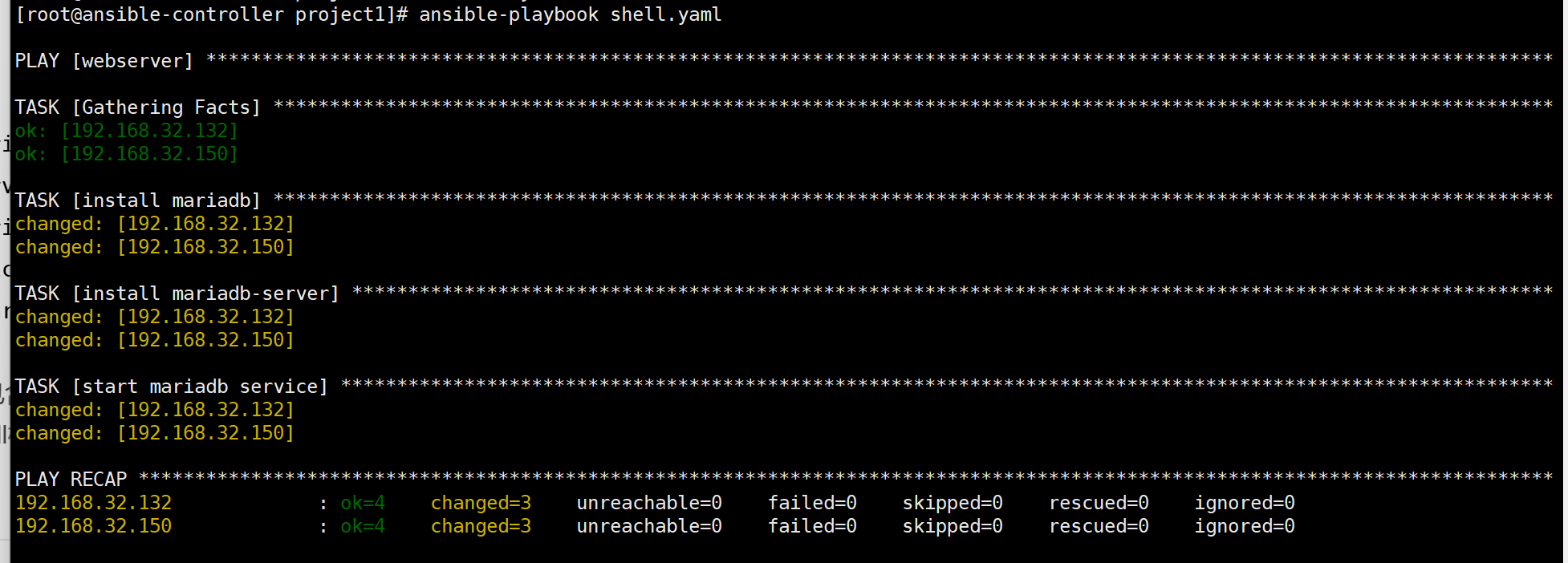
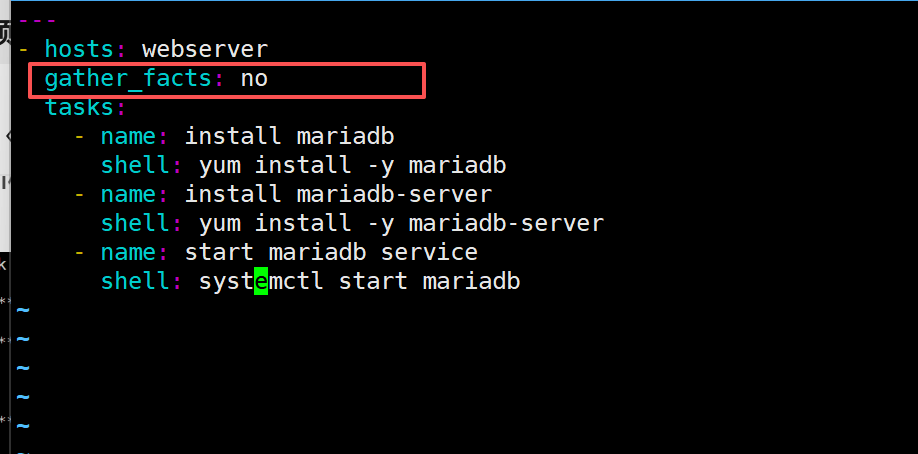
在以上执行结果中有一个"Gathering Facts"任务,这个任务会收集目标节点的信息,收集的信息具体信息可以通过命令ansible webserver -m setup查看。可以通过ansible变量获取这些信息,后续将会介绍,如果剧本中没有指明是否收集信息,这默认会自动收集节点信息。如果剧本中用不到与节点相关的信息,这可以通过指明gather_facts: no关掉信息收集,这样可以提高剧本的执行速度。
二、script模块
编写ansible playbook使用script模块获取被管理节点的磁盘使用情况。
yaml
---
- hosts: webserver
  gather_facts: no
  tasks:
    - name: 获取磁盘使用信息
      script: /data/project1/disk_check.sh
      register: diskinfo
    - name: 显示磁盘使用信息
      debug:
        msg: "{{diskinfo}}"
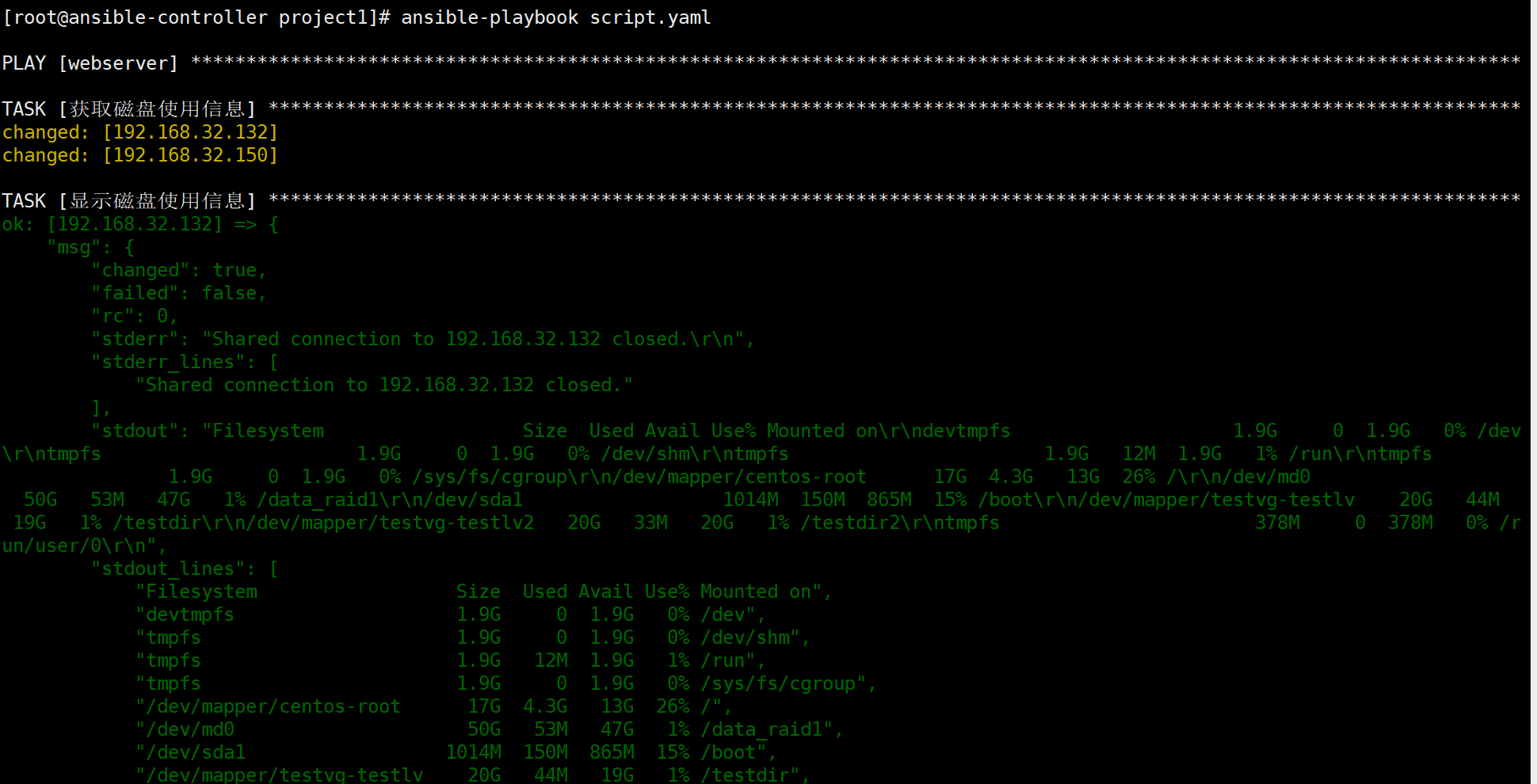
这个剧本通过执行控制节点上的脚本/data/project1/disk_check.sh获取被管理节点的磁盘使用信息,由于脚本执行返回的结果在剧本执行结果中不能显示,需要将返回结果通过register注册为一个变量,然后通过debug模块读取磁盘的信息。
三、file模块
编写ansible playbook使用file模块创建文件、目录、链接文件。
yaml
---
- hosts: webserver
  gather_facts: no
  tasks:
    - name: create a file
      file:
        path: /data1/file.txt
        state: touch
        mode: 644
    - name: create a directory
      file:
        path: /data2/
        state: directory
        mode: 755
    - name: create a link
      file:
        src: /data1/file.txt
        dest: /data1/linkfile.txt
        state: link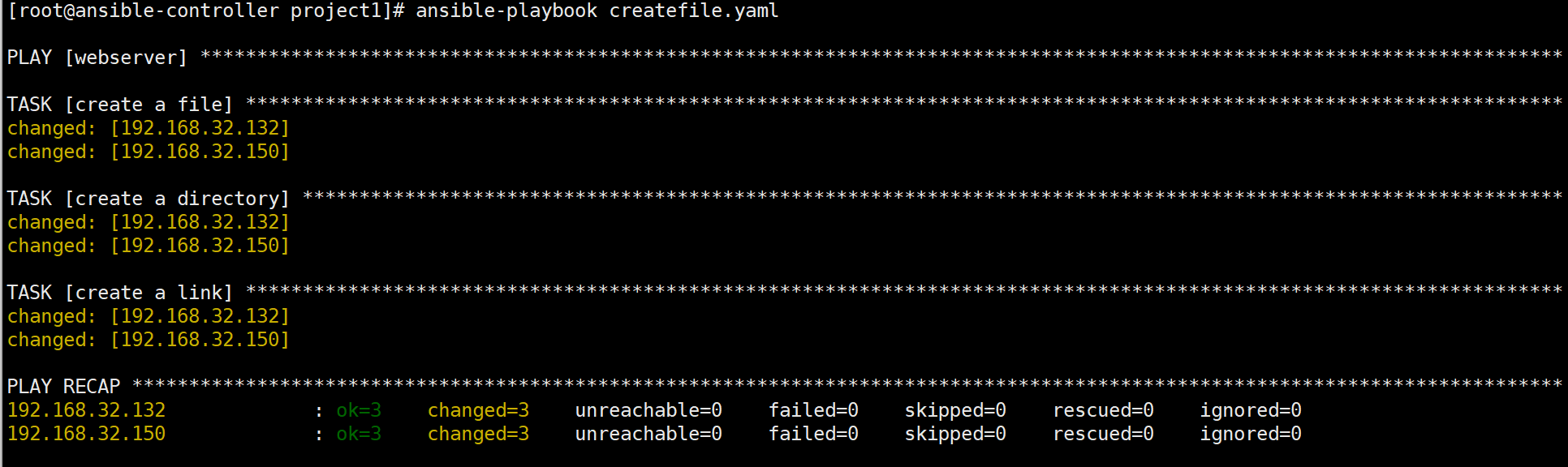
删除链接文件、文件、目录:
yaml
---
- hosts: webserver
  gather_facts: no
  tasks:
    - name: delete directory
      file:
        path: /data2
        state: absent
    - name: delete file
      file:
        path: /data1/file.txt
        state: absent
    - name: delete link file
      file:
        path: /data1/linkfile.txt
        state: absent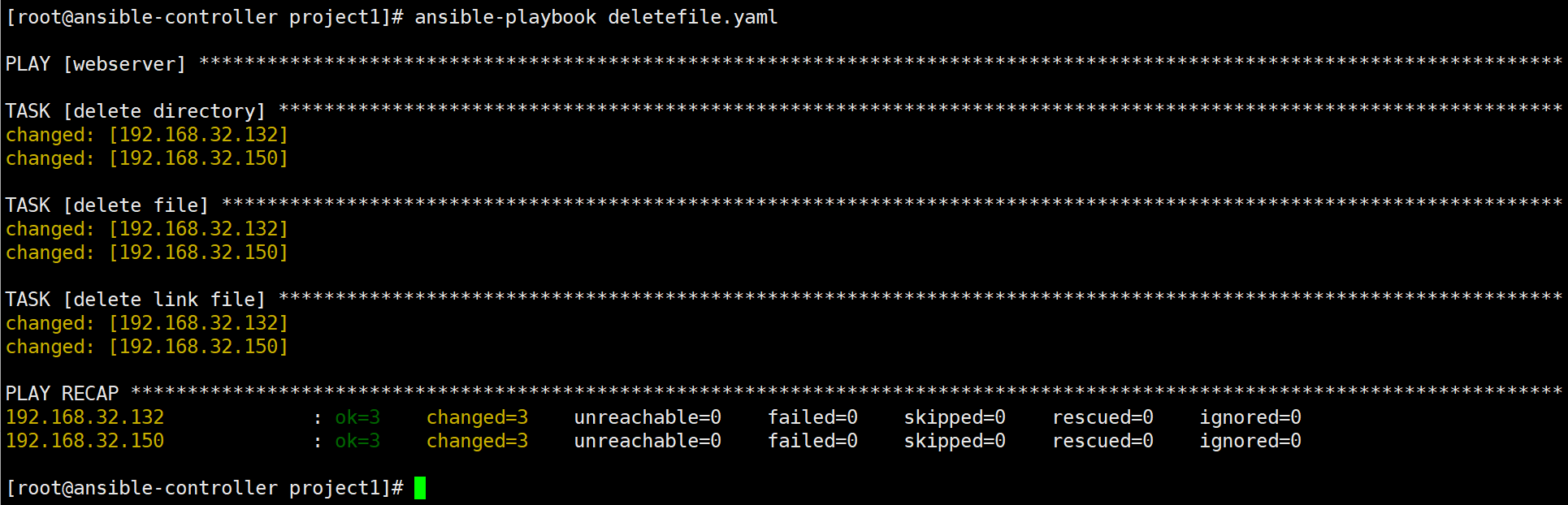
四、copy模块
编写ansible playbook使用copy模块将控制节点的文件拷贝到被管理节点。
yaml
---
- hosts: webserver
  gather_facts: no
  tasks:
    - name: copy file to remote target
      copy:
        src: /etc/hosts
        dest: /tmp/
        backup: yes
        mode: 0644
五、template模块
编写ansible playbook使用template模块将控制节点的模板文件拷贝到被管理节点。
yaml
---
- hosts: webserver
  tasks:
    - template:
        src: template.j2
        dest: /tmp/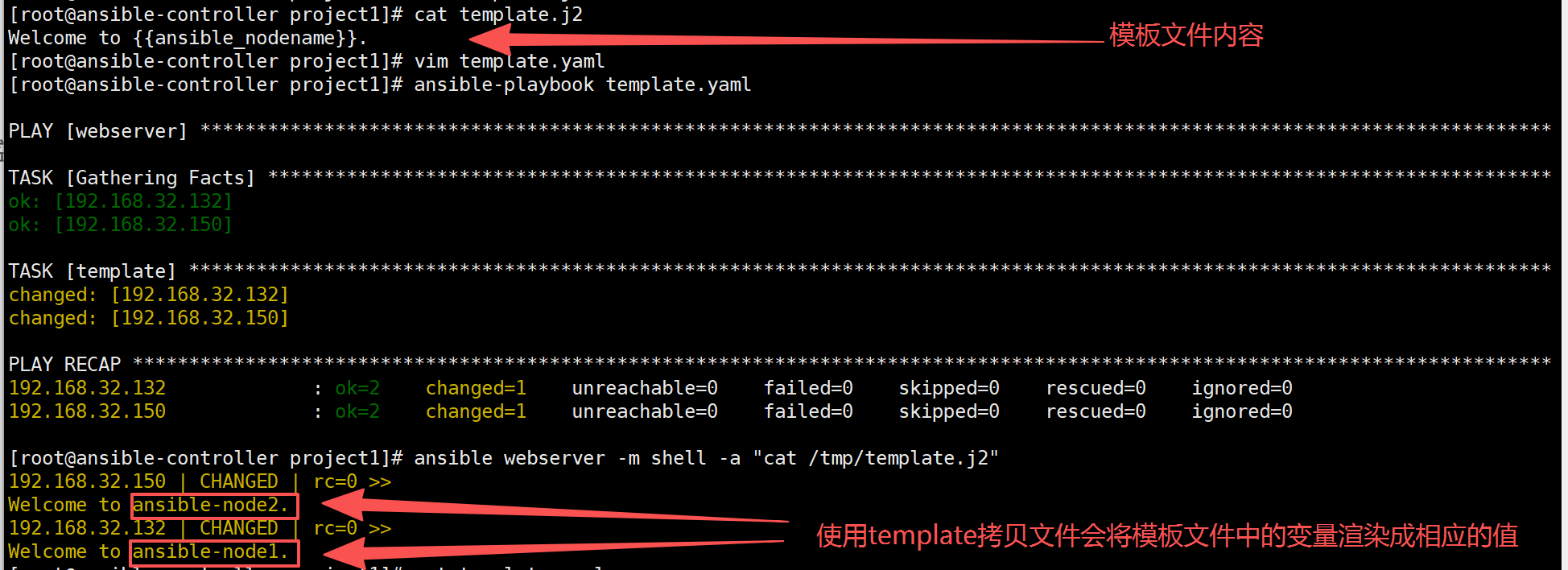
以上模板文件中的变量可以通过ansible webserver -m setup获取。
六、yum模块
编写ansible playbook使用yum模块安装tftp和php。
yaml
---
- hosts: webserver
  gather_facts: no
  tasks:
    - name: yum install tftp and php
      yum:
        name: tftp,php
        state: present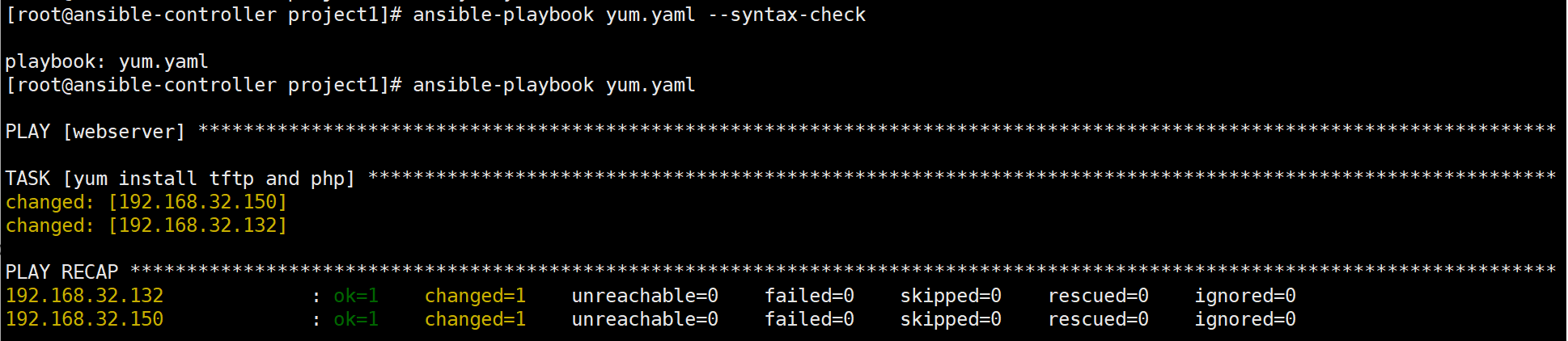
七、yum_repository模块
编写ansible playbook使用yum_repository模块创建一个yum仓库。
yaml
---
- hosts: webserver
  tasks:
    - name: create a yum repo
      yum_repository:
        name: centos_repo
        description: 'create a centos yum repo'
        baseurl: 'http://mirrors.aliyun.com/centos/$releasever/os/$basearch/'
        enabled: yes
        gpgcheck: no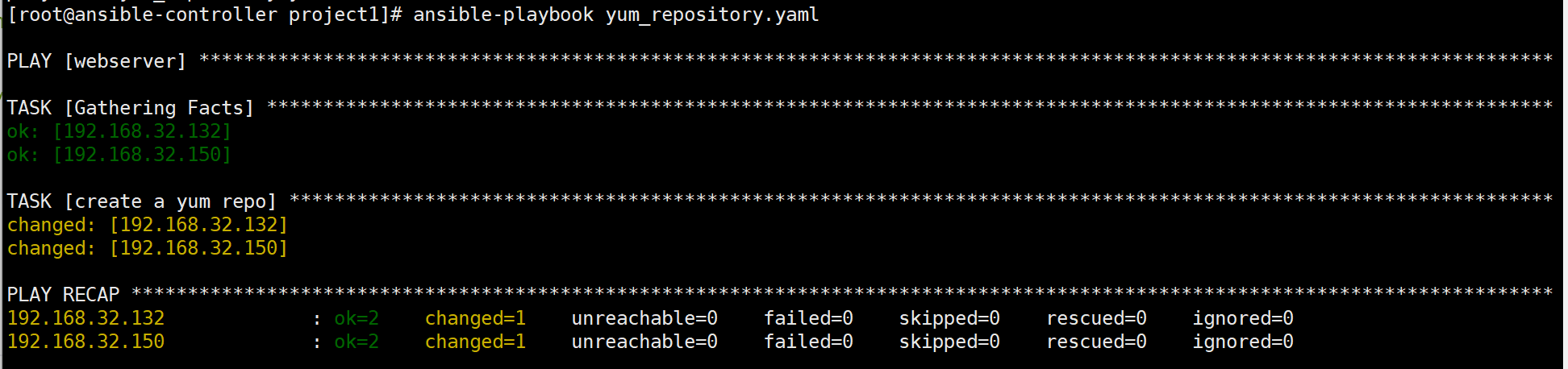
八、service模块
编写ansible playbook使用service模块对nginx服务进行管理。
yaml
---
- hosts: webserver
  tasks:
    - name: start nginx     #启动nginx
      service:
        name: nginx
        state: started
    - name: restart nginx   #重启nginx
      service:
        name: nginx
        state: restarted
    - name: stop nginx      #停止nginx
      service:
        name: nginx
        state: stopped
    - name: reload nginx    #重载nginx
      service:
        name: nginx
        state: reloaded
    - name: enable nginx    #配置nginx服务重启自启动
      service:
        name: nginx
        enabled: yes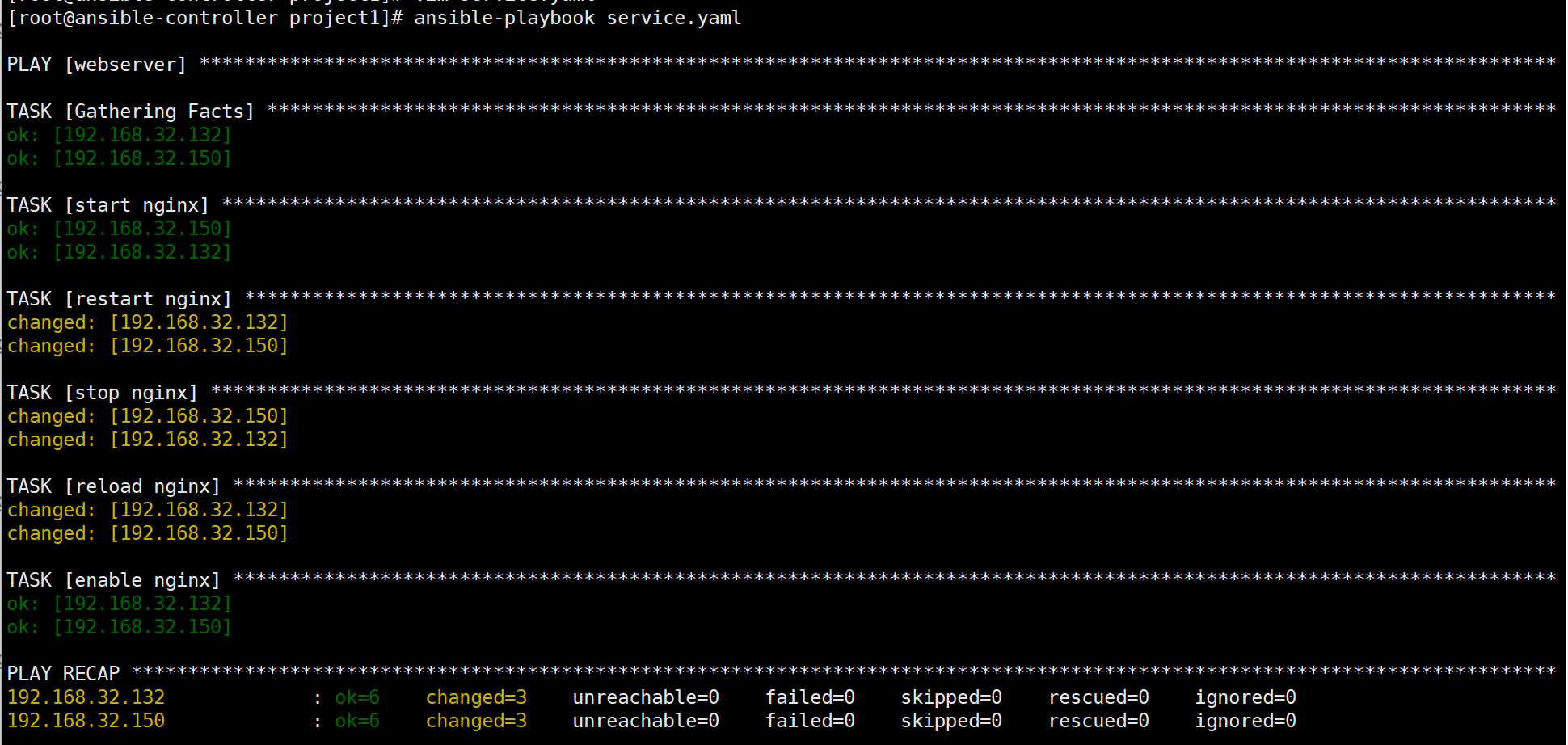
九、cron模块
编写ansible playbook使用cron模块添加计划任务。
yaml
---
- hosts: webserver
  tasks:
    - name: add cron to host
      cron:
        name: clean file
        job: 'find /tmp -type f -mtime +7 -delete'
        minute: 0
        hour: 2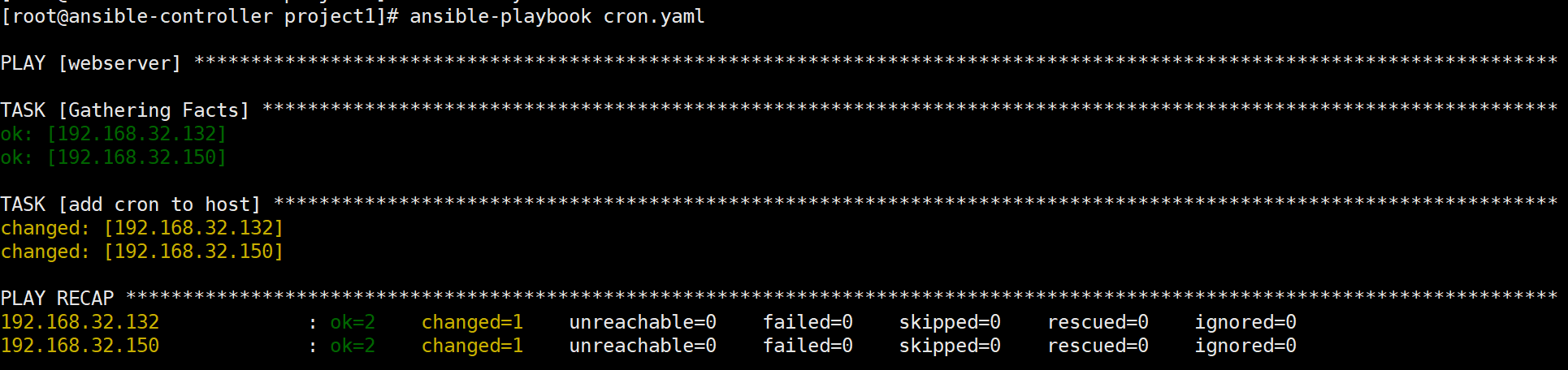
任务计划已经被添加到被管理节点。

十、user模块
编写ansible playbook使用user模块在被管理节点上添加用户。
yaml
---
- hosts: webserver
  tasks:
    - name: add user
      user:
        name: user10       #添加用户user10
        shell: /bin/bash
        create_home: yes   #创建家目录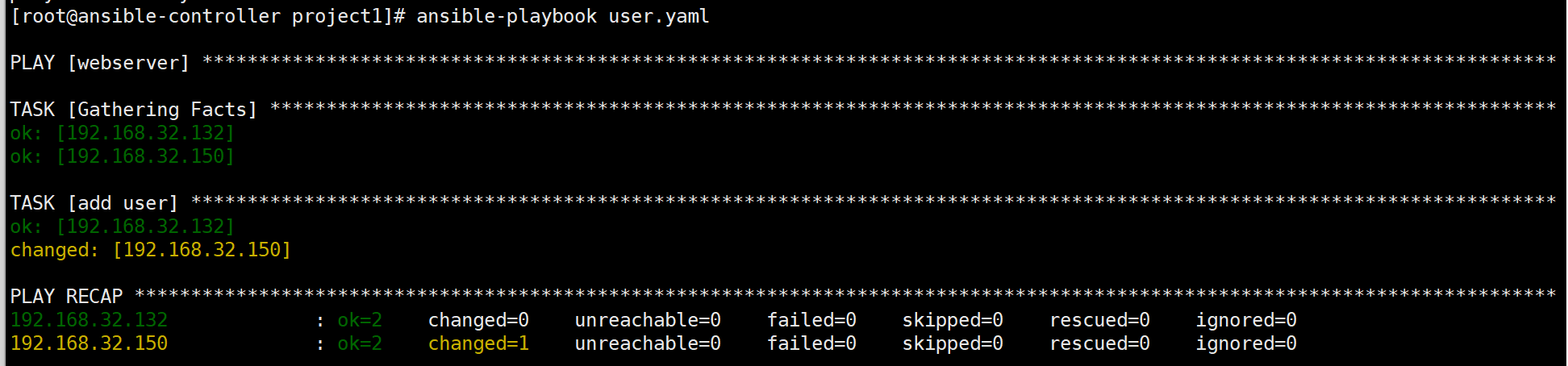
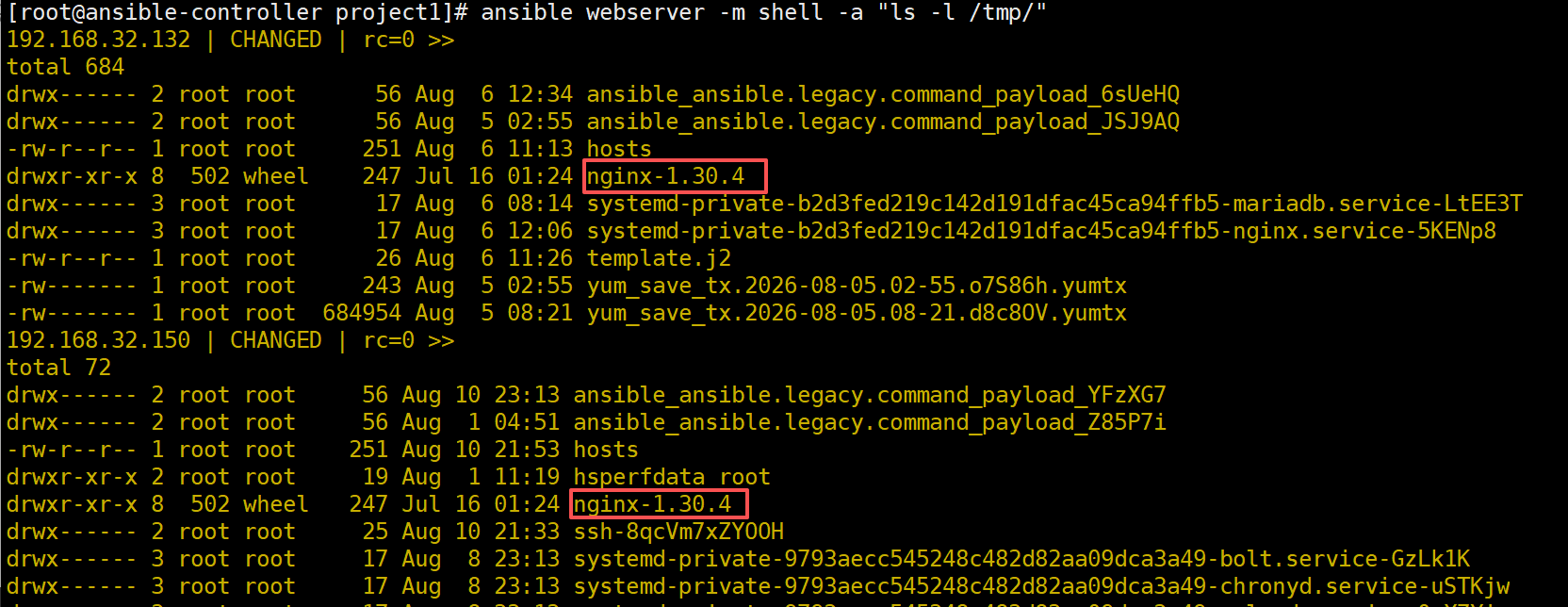
十一、unarchive模块
编写ansible playbook使用unarchive模块将控制节点上的压缩包拷贝到被管理节点并解压。
yaml
---
- hosts: webserver
  tasks:
    - name: unarchive package
      unarchive:
        src: nginx-1.30.4.tar.gz
        dest: /tmp/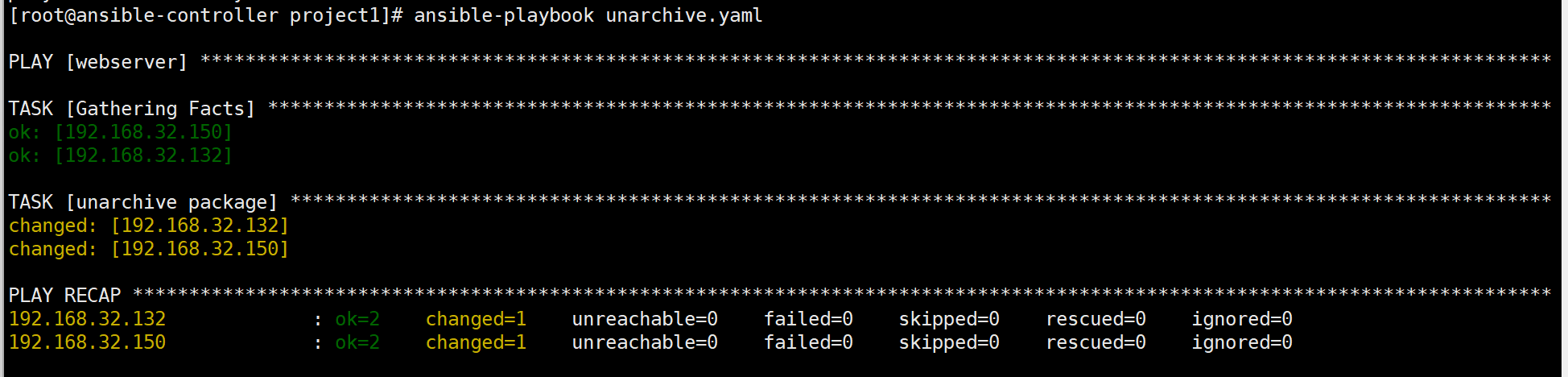
以上介绍了11个模块的playbook,相信对playbook已经有一个较深入的理解,后续将继续介绍在playbook中使用变量、条件、循环等,使剧本具有更多特性,能够更加灵活的管理服务器。
如果您对本节介绍内容有疑问,欢迎留言交流!