参考链接
https://docs.docker.com/engine/install/ubuntu/
环境
版本:Ubuntu 24.04.4 LTS
服务器:腾讯云轻量服务器 4核4G
操作系统要求
因为安装的 docker 版本对于 Ubuntu 的版本有要求,仅支持以下版本
- Ubuntu Resolute 26.04 (LTS)
- Ubuntu Noble 24.04 (LTS)
- Ubuntu Jammy 22.04 (LTS)
Ubuntu 版本查询方式:
shell
cat /etc/os-release安装
1)删除旧的 docker 软件包
shell
sudo apt remove $(dpkg --get-selections docker.io docker-compose docker-compose-v2 docker-doc docker-buildx podman-docker containerd runc | cut -f1)2)指定 apt 包管理的 docker 官方软件源
shell
# Add Docker's official GPG key:
sudo apt update
sudo apt install ca-certificates curl
sudo install -m 0755 -d /etc/apt/keyrings
# 下载并保存 Docker 的 GPG 公钥
sudo curl -fsSL https://download.docker.com/linux/ubuntu/gpg -o /etc/apt/keyrings/docker.asc
sudo chmod a+r /etc/apt/keyrings/docker.asc

# 添加 Docker 软件源配置文件
sudo tee /etc/apt/sources.list.d/docker.sources <<EOF
Types: deb
URIs: https://download.docker.com/linux/ubuntu
Suites: $(. /etc/os-release && echo "${UBUNTU_CODENAME:-$VERSION_CODENAME}")
Components: stable
Architectures: $(dpkg --print-architecture)
Signed-By: /etc/apt/keyrings/docker.asc
EOF

sudo apt update
3)下载 docker 最新版本
shell
sudo apt install docker-ce docker-ce-cli containerd.io docker-buildx-plugin docker-compose-plugin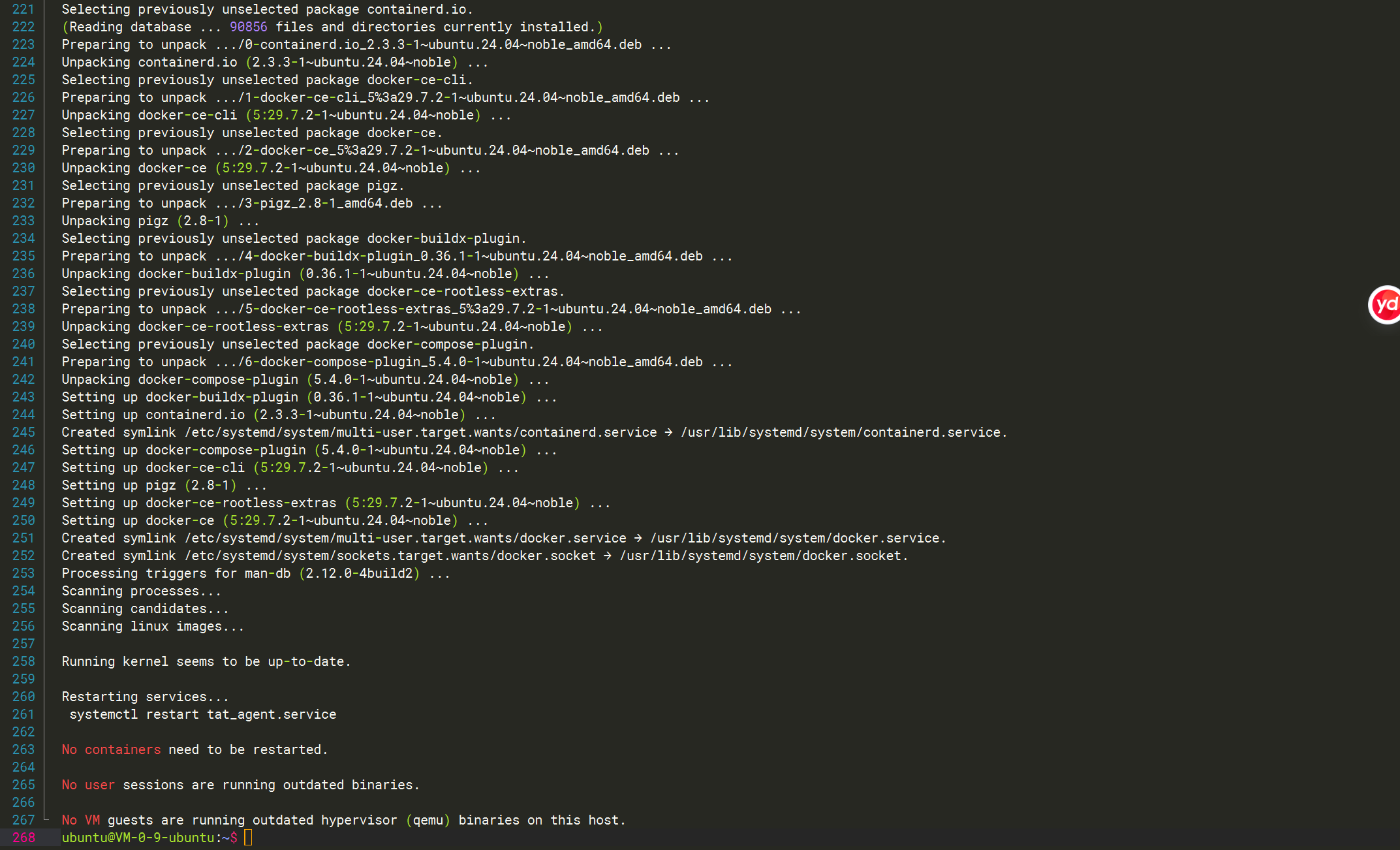
4)验证 docker 是否安装成功
shell
sudo systemctl status docker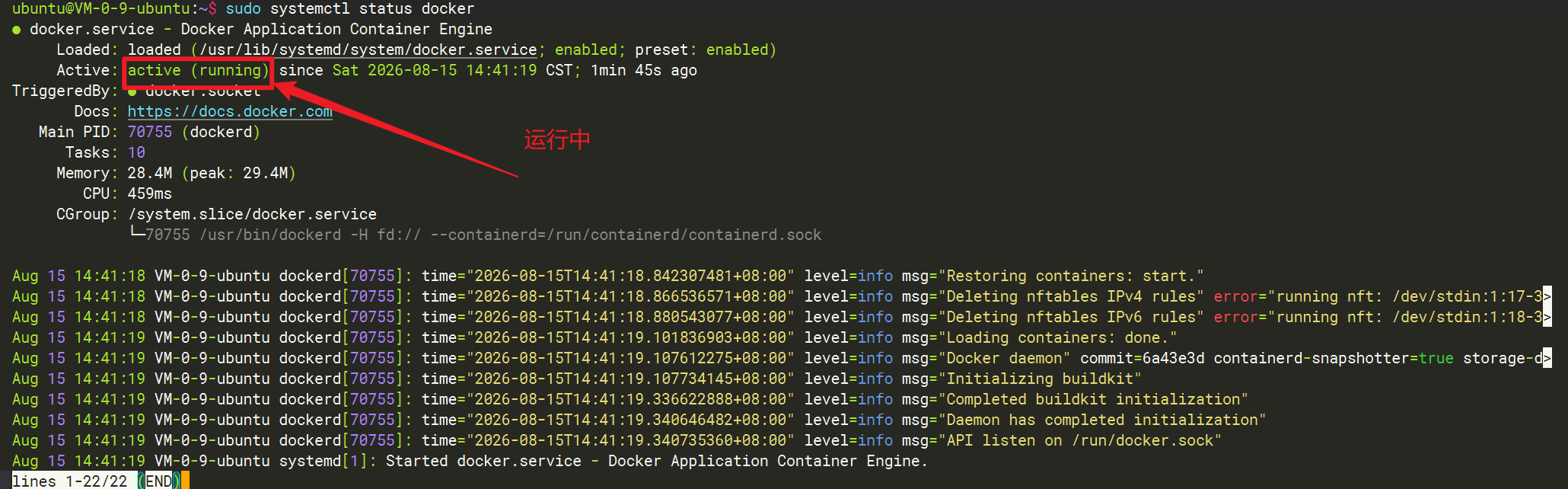
更换镜像源
docker 默认下载使用的镜像源是国外的,国内访问速度慢,因此需要更换成国内的镜像源,提高镜像下载速度
1)编辑配置文件
shell
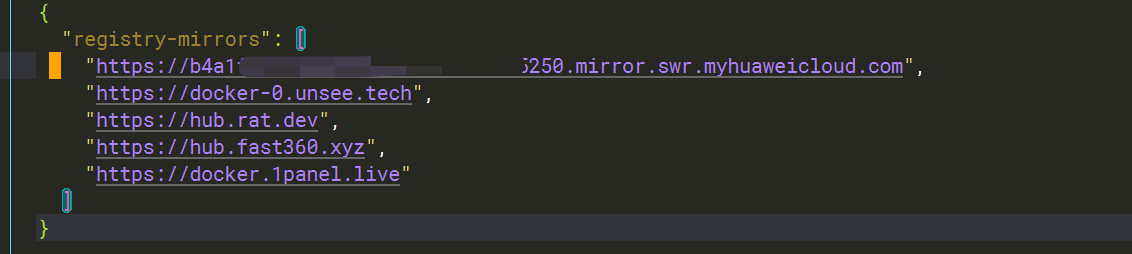
sudo mkdir -p /etc/docker2)添加镜像源
shell
sudo vim /etc/docker/daemon.json
shell
{
  "registry-mirrors": [
    "https://docker-0.unsee.tech",
    "https://hub.rat.dev",
    "https://hub.fast360.xyz",
    "https://docker.1panel.live"
  ]
}第一条镜像源为华为云的,需要手动去到华为云申请(免费,链接:https://console.huaweicloud.com/swr/)
3)重启 docker 服务
shell
sudo systemctl daemon-reload
sudo systemctl restart docker
docker 启停命令
启动:
shell
sudo systemctl start docker停止:
shell
sudo systemctl stop docker重启:
shell
sudo systemctl restart docker查看 docker 状态:
shell
sudo systemctl status docker