十四、HBase 数据库设计之 RowKey
第2关:车联网 RowKey 设计
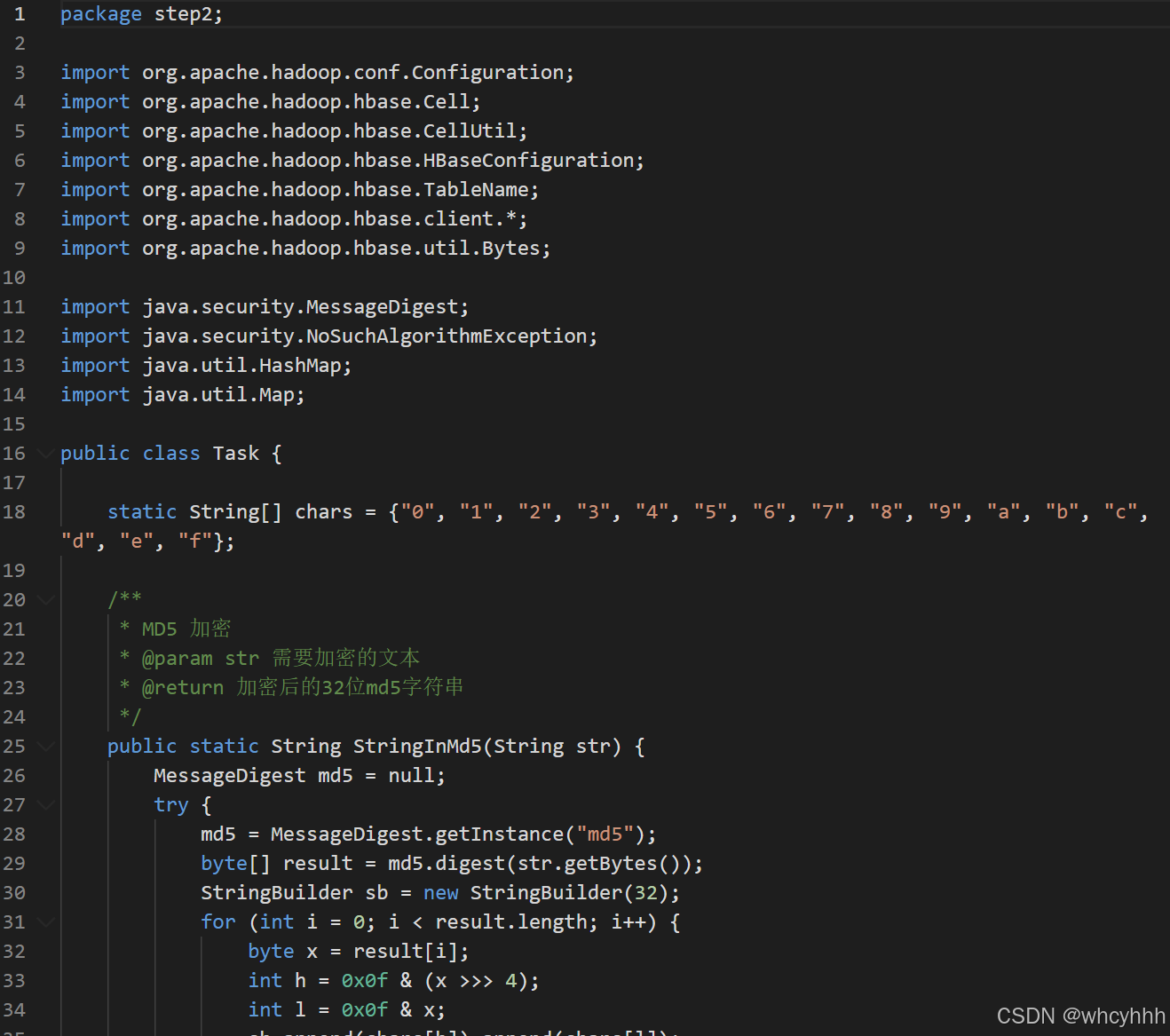
package step2;
import org.apache.hadoop.conf.Configuration;
import org.apache.hadoop.hbase.Cell;
import org.apache.hadoop.hbase.CellUtil;
import org.apache.hadoop.hbase.HBaseConfiguration;
import org.apache.hadoop.hbase.TableName;
import org.apache.hadoop.hbase.client.*;
import org.apache.hadoop.hbase.util.Bytes;
import java.security.MessageDigest;
import java.security.NoSuchAlgorithmException;
import java.util.HashMap;
import java.util.Map;
public class Task {
static String\[\] chars = {"0", "1", "2", "3", "4", "5", "6", "7", "8", "9", "a", "b", "c", "d", "e", "f"};
/**
* MD5 加密
* @param str 需要加密的文本
* @return 加密后的32位md5字符串
*/
public static String StringInMd5(String str) {
MessageDigest md5 = null;
try {
md5 = MessageDigest.getInstance("md5");
byte\[\] result = md5.digest(str.getBytes());
StringBuilder sb = new StringBuilder(32);
for (int i = 0; i < result.length; i++) {
byte x = resulti;
int h = 0x0f & (x >>> 4);
int l = 0x0f & x;
sb.append(charsh).append(charsl);
}
return sb.toString();
} catch (NoSuchAlgorithmException e) {
throw new RuntimeException(e);
}
}
/**
* 生成 row
*
* @param carId 汽车ID
* @param timestamp 时间戳
* @return rowkey 格式:5位md5前缀-carId-timestamp
*/
public String createRowKey(String carId, String timestamp) {
/********** begin **********/
// 1. MD5车辆ID,固定32位不会为空
String md5Full = StringInMd5(carId);
// 截取前5位哈希前缀
String prefix = md5Full.substring(0, 5);
// 严格拼接三段+分隔符,保证一定有值,杜绝空串
String rowKey = prefix + "-" + carId + "-" + timestamp;
return rowKey;
/********** end **********/
}
/**
* 查询某辆车在某个时间范围的交易记录
*
* @param carId 车辆ID
* @param startTimestamp 开始时间戳
* @param endTimestamp 截止时间戳
* @return map 存储 (rowkey,value)
*/
public Map<String, String> findLogByTimestampRange(String carId, String startTimestamp, String endTimestamp) throws Exception {
Map<String, String> map = new HashMap<>();
/********** begin **********/
Configuration conf = HBaseConfiguration.create();
conf.set("hbase.zookeeper.quorum", "localhost");
// 计算当前车辆固定哈希前缀
String fullMd5 = StringInMd5(carId);
String prefix = fullMd5.substring(0, 5);
String base = prefix + "-" + carId + "-";
// 构造Scan左右边界(左闭右开)
String startRow = base + startTimestamp;
long endTsNum = Long.parseLong(endTimestamp);
String stopRow = base + (endTsNum + 1);
Scan scan = new Scan(Bytes.toBytes(startRow), Bytes.toBytes(stopRow));
// 只读取需要的列,减少IO防超时
scan.addColumn(Bytes.toBytes("info"), Bytes.toBytes("val"));
try (Connection conn = ConnectionFactory.createConnection(conf);
Table table = conn.getTable(TableName.valueOf("car_data"));
ResultScanner scanner = table.getScanner(scan)) {
for (Result res : scanner) {
String rk = Bytes.toString(res.getRow());
Cell cell = res.getColumnLatestCell(Bytes.toBytes("info"), Bytes.toBytes("val"));
String val = Bytes.toString(CellUtil.cloneValue(cell));
map.put(rk, val);
}
}
/********** end **********/
return map;
}
}
有任何问题都可以随时关注私信!