CentOS7 自带 yum 源只有 redis3.2,所以必须装 remi 源才能直接 yum 装 redis6。
1. 安装 epel + remi 软件源(root 执行)
# 安装epel依赖源
yum install -y epel-release
# 安装remi源rpm包
yum install -y http://rpms.remirepo.net/enterprise/remi-release-7.rpm
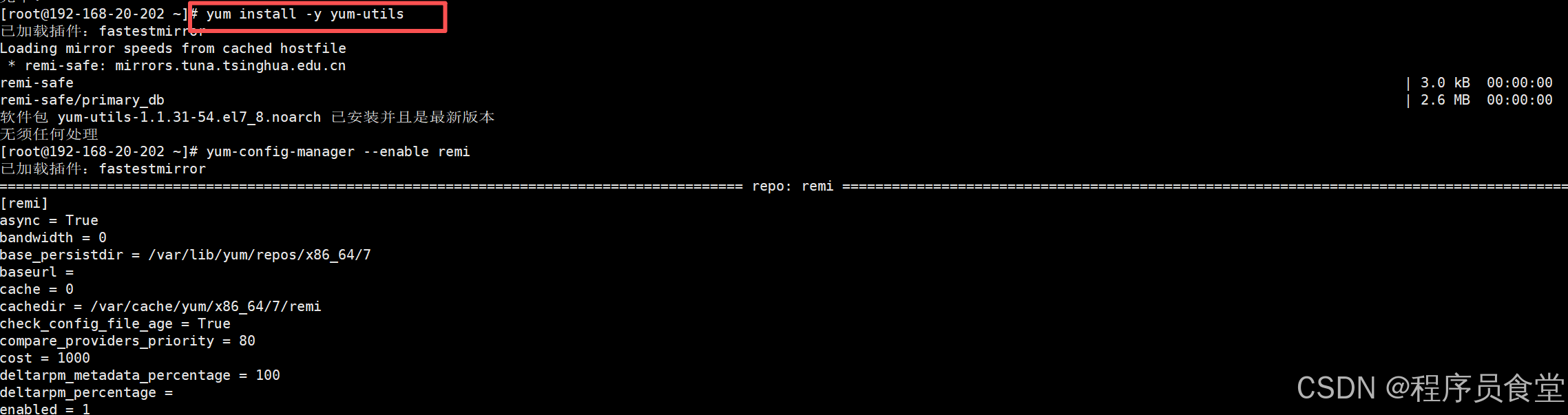
# 安装yum工具
yum install -y yum-utils
# 启用remi仓库
yum-config-manager --enable remi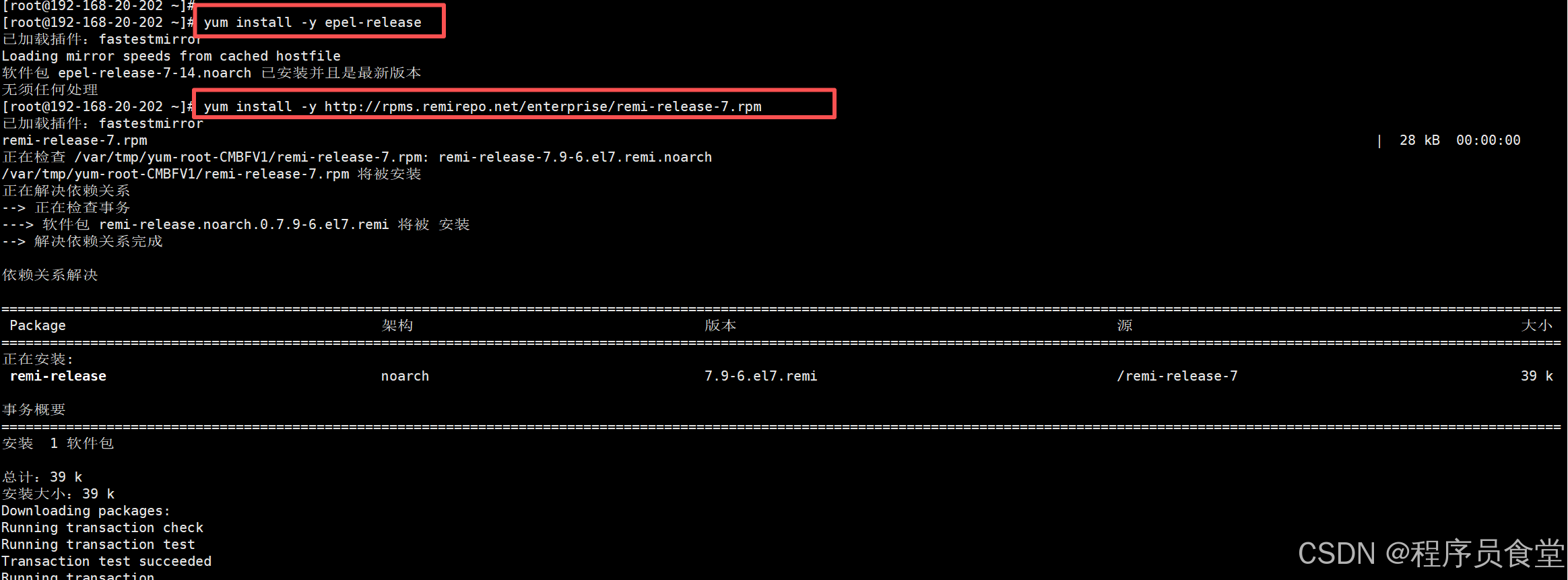
 2. 查看可用 redis 版本(可选)
bash
yum --showduplicates list redis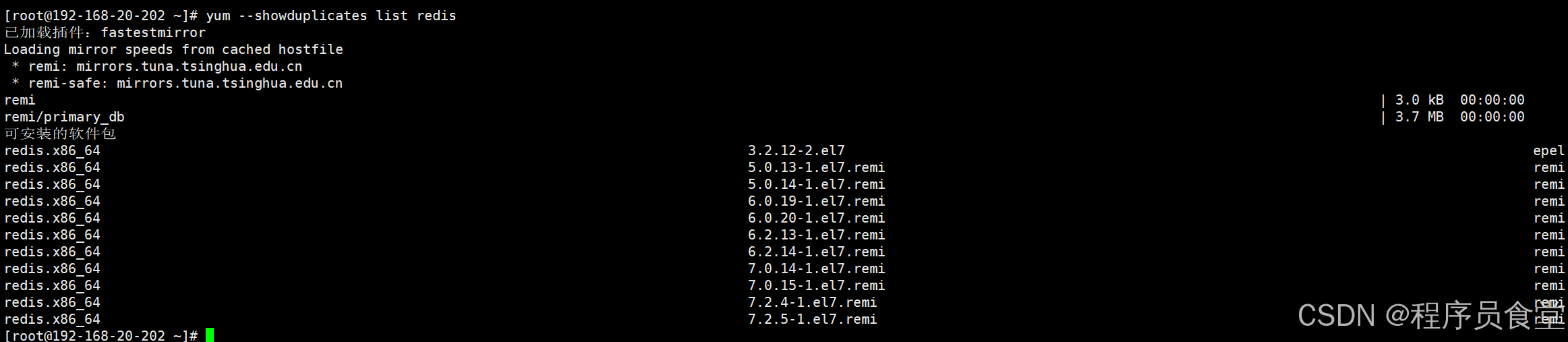 会看到
会看到 redis-6.2.14 这类 6.x 版本。
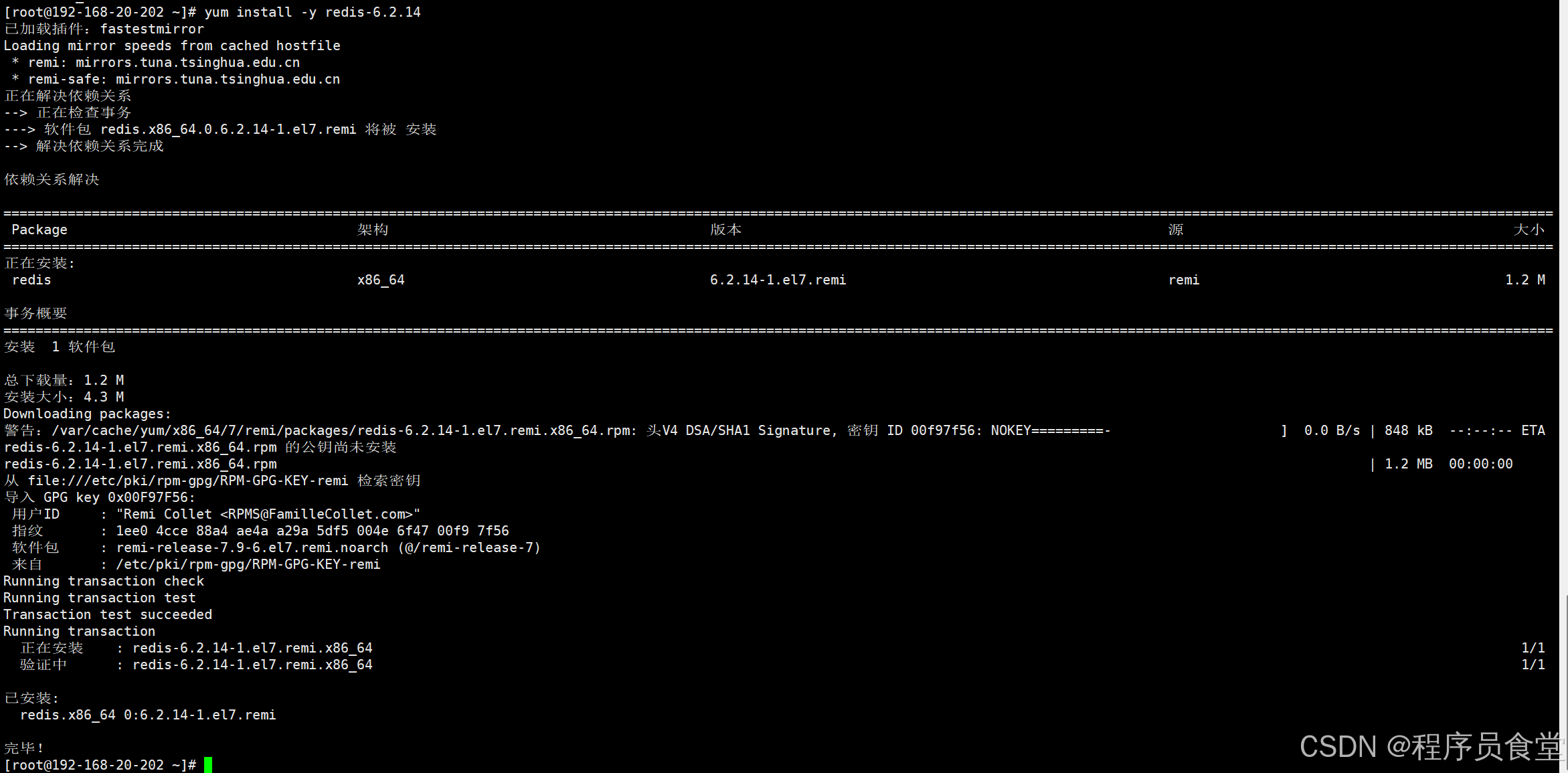
3. 直接安装 redis6.2.14
bash
yum install -y redis-6.2.14安装完成后:
- 配置文件:
/etc/redis.conf- 数据目录:
/var/lib/redis- 日志:
/var/log/redis/redis.log- 服务名:
redis
 4. 修改配置
 /etc/redis.conf
bash
# 1. 远程访问:注释bind 127.0.0.1,或者改成 bind 0.0.0.0
#bind 127.0.0.1

# 2. 设置密码(去掉#,自定义密码)
requirepass Redis@2026

# 3. 外网访问时:关闭保护模式(生产建议配合防火墙+强密码)
protected-mode no

# daemonize yes 默认yum包已经配置好后台运行
备份配置文件(好习惯)
cp /etc/redis.conf /etc/redis.conf.bak5. 启动 + 开机自启
bash
systemctl start redis
systemctl enable redis
systemctl status redis
6. 防火墙放行 6379 端口(外部访问才需要)
firewall-cmd --add-port=6379/tcp --permanent
firewall-cmd --reload
7. 验证
bash
redis-server --version
redis-cli
AUTH Redis@2026
PING
# 返回PONG代表成功
常用操作命令
bash
# 重启redis
systemctl restart redis
# 停止
systemctl stop redis
# 查看日志
tail -f /var/log/redis/redis.log
卸载命令(如果装错版本)
systemctl stop redis
yum remove -y redis
rm -rf /var/lib/redis /var/log/redis
注意事项
- remi 源是国外源,如果下载慢,可以替换 remi 国内镜像
- 生产环境不要直接
bind 0.0.0.0,最好指定业务服务器 IP,密码复杂度提高 - 如果后续升级 redis,直接 yum update redis 即可