阿里云开通三网106短信
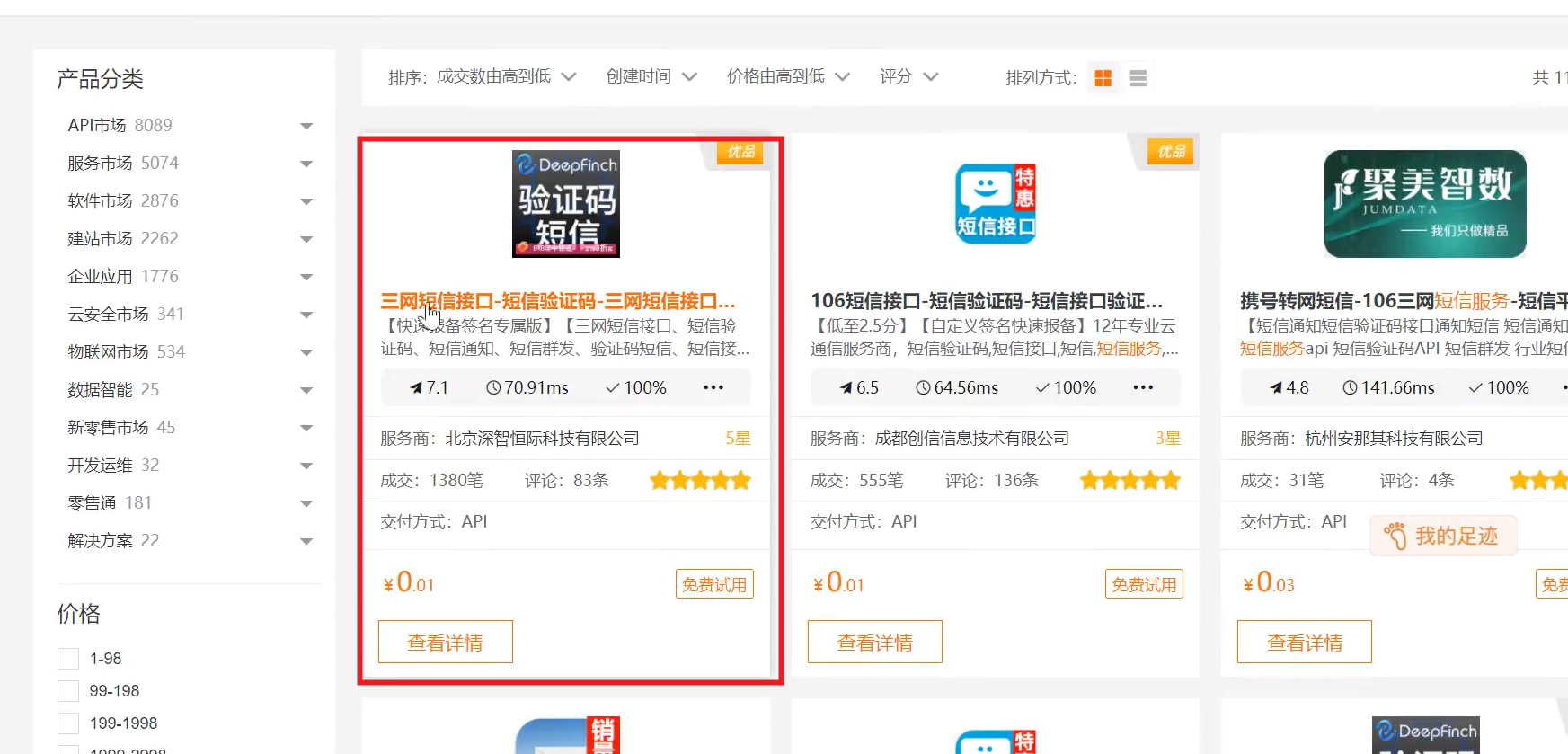
①、在阿里云市场搜索"短信",开通三网短信,并可以查看其中的请求示例(java PHP^)
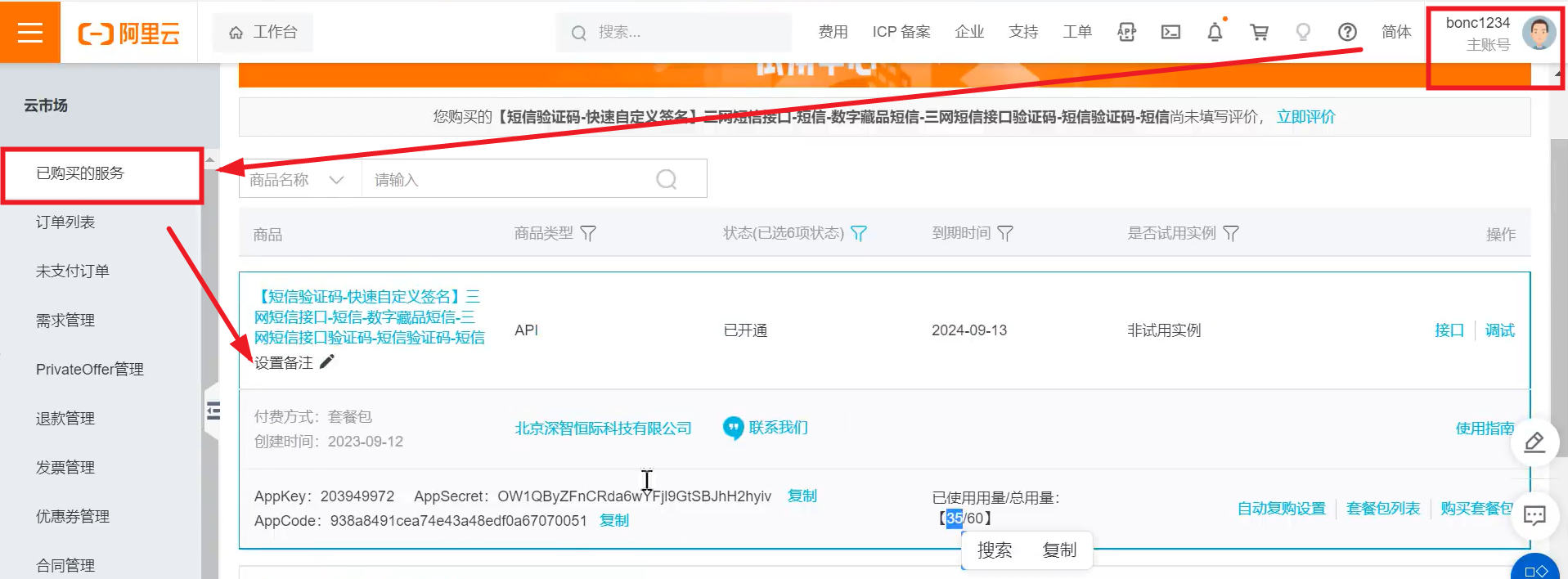
并在个人中心的管理控制台中查到,获取其中的AppKey AppCode
②、接口开发
service-user模块中依赖spring-boot-stater-data-redis(配置文件中连接redis的信息)
cmmon-utils模块中依赖httpclient,httpcore,commons.lang,jetty-util
java
@RestController
@RequestMapping("api/user/sms")
public class SmsController{

	@Autowired
	private SmsService smsService;

	@GetMapping(value="/sendCode/{phone}")
	public Result sendValidateCode(@PathVariable String phone){
		smsService.sendValidateCode(phone);
		return Reuslt.build(null,ResultCodeEnum.SUCCESS);
	}
}
java
@Service
public class SmsServiceImpl implements SmsService{

	@Autowired
	private RedisTemplate<String,String> redisTemplate;

	@Override
	public void sendCode(String phone){

		//生成验证码(通过common.lang工具生成4位验证码)
		String code = RandomStringUtils.randomNumeric(4);

		//将验证码放到redis,并设置过期时间
		redisTemplate.opsForValue().set(phone,code,5,TimeUnit.MINUTES);

		//向手机号发送短信验证码
		sendMessage(phone,code);
	}

	private void sendMessage(String phone,String code){

		String host = "https://dfsns.market.alicloudapi.com";
		String path = "/data/send_sms";
		String method = "POST";
		String appcode = "开通阿里云短信服务时的code";
		Map<String,String> headers = new HashMap<>();

		headers.put("Authorization","APPCODE" + appcode);
		headers.put("Content-Type","application/x-www-form-urlencoded";charset-UTF-8);

		Map<String,String> querys = new HashMap<>();
		Map<String,String> bodys = new HashMap<>();
		bodys.put("content","code:"+code);
		bodys.put("template_id","CST-ptdie100");
		bodys.put("phone_number",phone);

		try{
			//通过HttpUtils工具类进行短信的发送
			HttpResponse response = HttpUtils.doPost(host,path,method,headers,querys,body);
			System.out.println(response.toString())
		}catch(Exception e){
			e.printStackTrace()
		}
	}
}
HttpUtils工具类及其依赖,从github中aliyun下载
java
public class HttpUtils{

	public static HttpRespose doGet(String host,String path,String method,
									Map<String,String> headers,
									Map<String,String> querys) throws Exception{
		HttpClient httpClient = wrapClient(host);
		HttpGet request = new HttpGet(buildUrl(host,path,querys));
		for(Map.Entry<String,String> e:headers.entrySet){
			request.addHeader(e.getKey(),e.getValue());
		}
		return httpClient.execute(request);
	}

	public static HttpResponse doPost(String host,String path,String method,
										Map<String,String> headers,
										Map<String,String> querys,
										Map<String,String> bodys)throws Exception{
		HttpClient httpClient = wrapClient(host);
		HttpPost request = new HttpPost(buildUrl(host,path,querys));
		for(Map.Entry<String,String> e:headers.entrySet()){
			request.addHeader(e.getKey(),e.getValue());
		}
	}
}
====================================================================
①、依赖
xml
<dependency>
    <groupId>com.github.qcloudsms</groupId>
    <artifactId>qcloudsms</artifactId>
    <version>1.0.6</version>
</dependency>
②、
java
public interface SmsService {
    /**
     * 发送还款短信通知
     * @param mobile 还款人手机号
     * @param date 日期
     * @param amount 应还金额
     */
    void sendRepaymentNotify(String mobile, String date, BigDecimal amount);
}
java
@Service
@Slf4j
public class QCloudSmsServiceImpl implements SmsService{

	@Value("${sms.qcloud.appId}")
	private int appId;

	@Value("${sms.qcloud.appKey}")
	private String appKey;

	@Value("{sms.qcloud.templateId}")
	private int templateId;

	@Value("{sms.qcloud.sign}")
	private String sign;

	@Override
	public void sendRepaymentNotify(String mobile, String date, BigDecimal amount){

		log.info("给手机号{},发送还款提醒:{},金额:{}",mobile,date,amount);

		SmsSingleSender ssender = new SmsSingleSender(appId, appKey);//qcloudsms-1.0.6
		try{
			ssender.sendWithParam("86", mobile,
                    templateId, new String[]{date, amount.toString()}, sign, "", "");
		}catch(Exception ex){
			log.error("发送失败:{}",ex .getMessage());
		}
	}
}
③、业务服务调用
java
@Override
public void sendRepaymentNotify(String date){

	//1.查询到期的还款计划
        List<RepaymentPlan> repaymentPlanList = selectDueRepayment(date);

        //2.遍历还款计划
        repaymentPlanList.forEach(repaymentPlan -> {
            //3.得到还款人的信息
            RestResponse<BorrowerDTO> consumerReponse = consumerApiAgent.getBorrowerMobile(repaymentPlan.getConsumerId());

            //4.得到还款人的手机号
            String mobile = consumerReponse.getResult().getMobile();

            //5.发送还款短信
            smsService.sendRepaymentNotify(mobile,date,repaymentPlan.getAmount());
        });
}